Picsart Flow

This reference explains how Picsart Flow works: Start with a canvas or template, bring in assets and models, shape the workflow, and export the finished work. It focuses on current capabilities, inputs, models, settings, outputs, access, and practical use cases. The main product page remains the place to start creating.

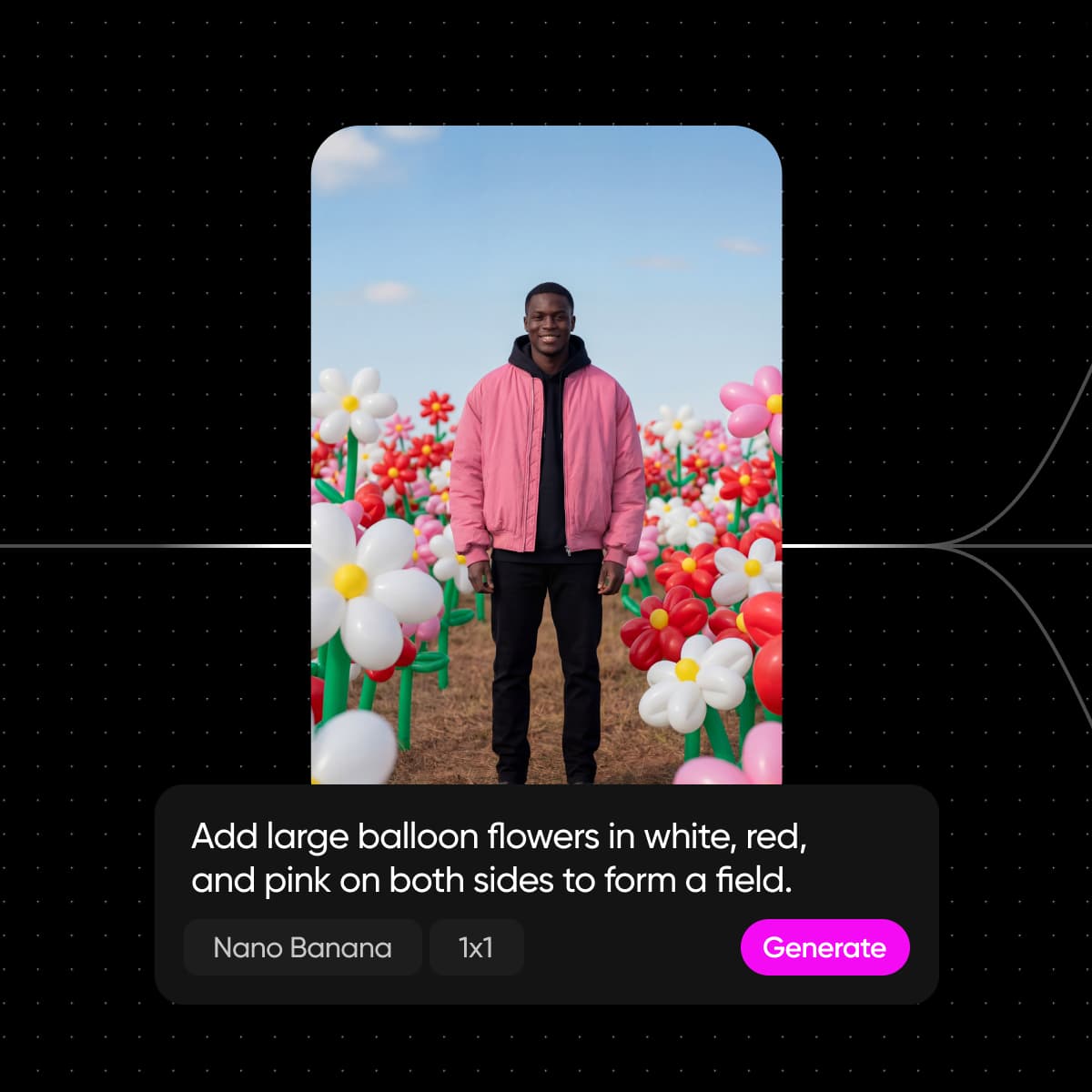
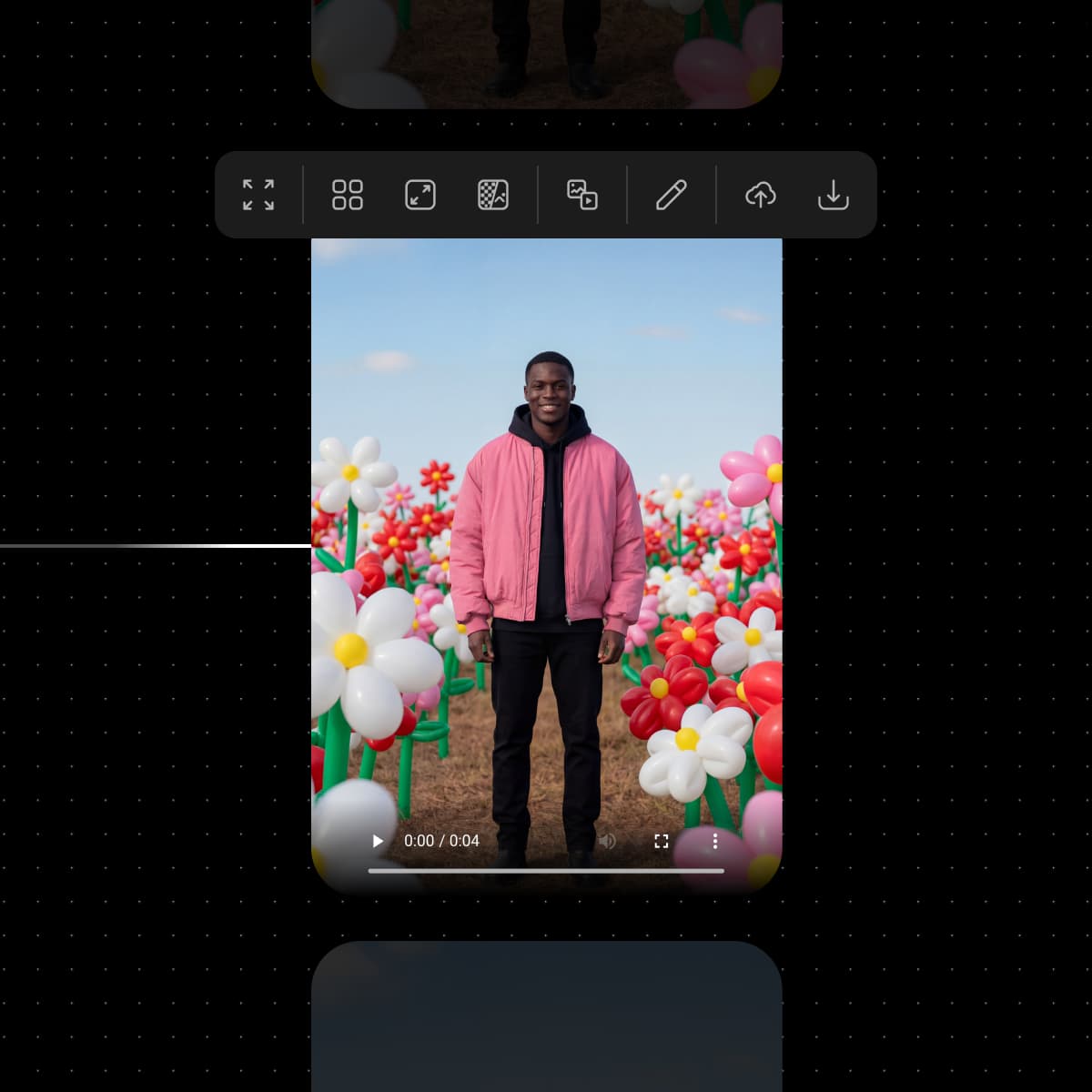
Upload or generate to begin
Picsart Flow
Upload or generate to beginBring an asset or idea into the canvas
Make it your own
Picsart Flow
Make it your ownConfigure connected steps around the brief
Publish and scale
Picsart Flow
Publish and scaleTurn the finished path into a reusable system

Picsart Flow at a glance

Snapshot checked September 7, 2026. Values reflect current product pages and catalogs; availability, access, and limits can vary by plan, region, and model.

  • 1visual canvas for a workflow
  • No-codeworkflow building
  • Image + video + textcreative inputs
  • Real-timeteam collaboration
Choose a workflow starting point

Start from a template or a blank canvas

Flow supports a fast route for repeatable jobs and an open route for teams designing a new process.

Template-firstBest when the job resembles an existing workflow.
Choose a starting template
Inspect the connected steps
Replace inputs or model choices
Save a reusable version
Canvas-firstBest when the process needs a new shape.
Start with a prompt or upload
Connect creative steps
Configure inputs and models
Run and refine the workflow

Models available through Flow

Model availability changes over time. Use the live AI Models catalog as the source of truth for names, providers, access, and current availability.

Browse all models

What Picsart Flow includes

Picsart Flow capabilities, inputs, and controls.

  • Infinite canvas

    Map ideas, connect steps, and inspect a workflow without compressing it into a linear form.

  • Connect AI models

    Combine image, video, and text models in one connected workflow and inspect the path between steps.

  • Start from templates

    Remix a community-built Flow template when a repeatable starting point is more useful than a blank canvas.

  • Build without code

    Create and run visual workflows without writing the implementation yourself.

  • Collaborate in real time

    Brief, ideate, and produce together on a shared canvas.

  • Use AI Copilot

    Describe what you need and let Copilot help configure the workflow and model choices.

What can you make with Picsart Flow?

Representative Picsart Flow use cases and outputs. These examples describe what the workflow is suited to, not a promise of a specific result.

Upload or generate to begin
Picsart Flow
Marketing and campaign variationsConnect the brief, model steps, and output formats for campaign variations.
Make it your own
Picsart Flow
Product and e-commerce visualsMove from a source product image to the visual versions a listing or campaign needs.
Publish and scale
Picsart Flow
Social content workflowsKeep a repeatable social content process connected from input to export.

How to use Picsart Flow

Reference workflow: Start with a canvas or template, bring in assets and models, shape the workflow, and export the finished work.

How to

Start with a prompt, upload, or template

Bring in source content, create with AI, or remix a Flow template.

Start with a prompt, upload, or template

Workflow example: Picsart Flow

An illustrative Picsart Flow workflow from input to result.

Plans, credits, and access

Pro

Most popular

AI tools for everyday creative work.

$15 $10.5/mo
Billed yearly
You save $54 with yearly
  • Access to all photo & video editing features
  • Advanced background & object removal
  • Parallel video generations with the world's most powerful AI video models
  • Unlimited image generations with Flex.2 Klein
  • 1-tap image enhancer
  • Millions of stock photos & Getty video clips
  • Selection of trendy fonts, text styles & stickers
  • Thousands of premium templates
  • Support for 3+ brand kits
  • Bulk edit up to 50 images at once
  • 100 GB of cloud storage
New features:
  • Auto-generate content from your terminal or agent with the Picsart CLI
  • Use Picsart inside Claude Code, Cursor, and ChatGPT via MCP — coming soon
  • AI agents for multi-step workflows and batch generation — coming soon

Ultra

Most powerful

Heavy AI usage for creators & teams.

$45 $24.5/mo
Billed yearly, per seat
You save $246 with yearly
  • Everything in Pro
  • Early access to advanced AI features
  • Leading AI models to design & automate workflows (Nano Banana, Veo 3, Seedance 2.0 & more)
  • Parallel video generations with the world's most powerful AI video models
  • Unlimited image generations with Flex.2 Klein
  • Support for 10+ brand kits
  • Add team seats
  • Create ad variations and localize
  • Track ads performance
  • 2000 credits for API services
  • Bulk edit up to 100 images at once
  • 300 GB of cloud storage per seat
New features:
  • Auto-generate content from your terminal or agent with the Picsart CLI
  • Use Picsart inside Claude Code, Cursor, and ChatGPT via MCP — coming soon
  • AI agents for multi-step workflows and batch generation — coming soon

Enterprise

Custom AI solutions for large organizations.

Custom credit volume
  • Volume discounts on credit rate
  • On-demand top-ups
Custom
Contact for pricing
  • Access to photo & video editor SDKs
  • Mobile web SDK support
  • Prepaid or pay-as-you-go creative APIs
  • Embed professional-grade editing into your product or workflow
  • Fully configurable editing experience
  • White-label to match your brand
  • Support for built-in marketing, e-commerce & printing use cases
  • Bring your own assets: images, templates & fonts
  • Enterprise-grade security, SLAs & support
  • Dedicated account manager

Picsart Flow FAQ

Answers reflect first-party product and help pages checked September 7, 2026. Recheck fast-changing model, rating, plan, and rights details before relying on them.

  • Picsart Flow is a no-code AI workflow builder for ideating, connecting, and reusing creative steps on one visual canvas.