इमेज स्टाइल ट्रान्सफरने संपादनाची प्रक्रिया अधिक वेगवान करा
आधीच रंगसुधारणा केलेल्या फोटोमधील रंगांची मांडणी दुसऱ्या फोटोवर लागू करून फोटो संपादनाची प्रक्रिया वेगवान करा. फक्त तुमचा संदर्भ फोटो अपलोड करा आणि AI स्टाइल ट्रान्सफरला तुमच्या फोटोवर ती रंगशैली लागू करू द्या.

ट्रेंडिंग AI इफेक्ट्स वापरून पाहा


इमेजची शैली कशी ट्रान्सफर करावी
कलाकारासारखी शैली ट्रान्सफर करा
तुमच्या फोटोंना सहजपणे कलात्मक स्पर्श द्यायचा आहे? AI स्टाइल ट्रान्सफर यासाठी उत्तम आहे. ज्या संदर्भ फोटोची किंवा कलाकृतीची शैली तुम्हाला घ्यायची आहे ती अपलोड करा आणि झटपट अप्रतिम कलाकृती तयार करण्यासाठी ती तुमच्या संपादनावर लागू करा.

सोशल मीडियावर रंगसंगतीत सातत्य ठेवा
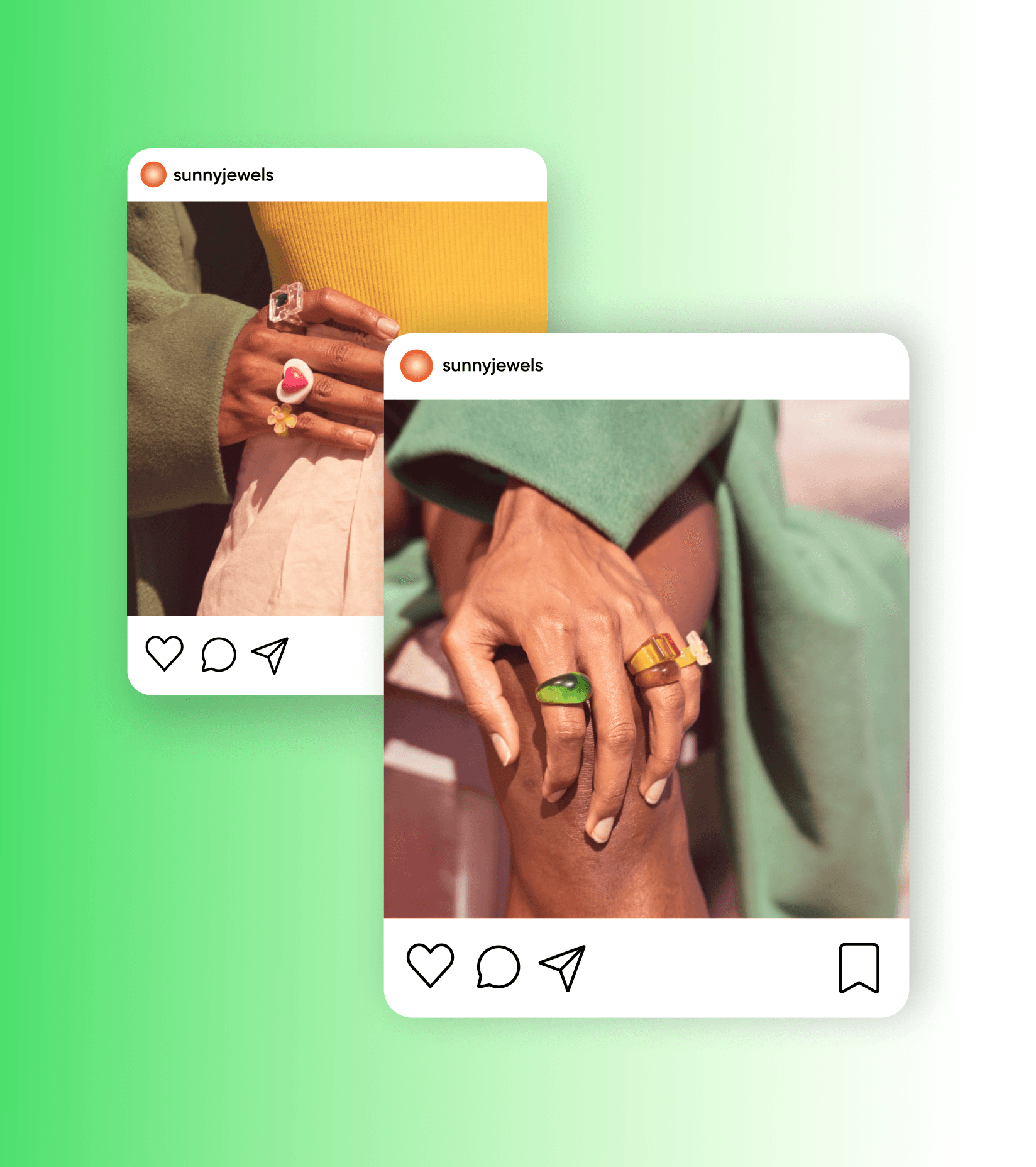
सोशल मीडियावरील पोस्टमध्ये एकसारखी शैली राखणे आता सोपे आहे. फोटो संपादित करण्यासाठी आणि हवा तसा लुक मिळवण्यासाठी वेगवेगळ्या ॲप्सचा वापर करण्याची गरज नाही. तुमच्या अलीकडील पोस्टपैकी एक निवडा आणि तिची शैली सहज आणि पटकन ट्रान्सफर करा.
लग्नाचे फोटो झटपट संपादित करा
500 फोटो हाताने संपादित करायला अनेक दिवस लागतात. पण तसे असण्याची गरज नाही. इमेज स्टाइल ट्रान्सफर वापरून लग्नाच्या फोटोंचे संपादन सोपे करा. एका फोटोची रंगसुधारणा करा आणि संपूर्ण फोटोशूटमध्ये रंगसंगतीत सातत्य ठेवण्यासाठी त्याची शैली इतर फोटोंवर कॉपी करा.


AI संपादन साधनांसह तुमच्या सर्जनशील ध्येयापर्यंत लवकर पोहोचा
AI मधील नवीनतम आणि उत्तम साधनांसह तुमची फोटो संपादन प्रक्रिया अधिक सोपी आणि जलद करा. पूर्वी अशक्य वाटणारी संपादने करा—उदाहरणार्थ, एका बटणाने पार्श्वभूमी काढा किंवा फोटो स्वच्छ करा. किंवा AI ने तयार केलेले व्हिज्युअल्स वापरून एखादी वस्तू जोडा. हे सर्व एका सोयीस्कर संपादन इंटरफेसमध्ये उपलब्ध आहे.

इमेज संपादनाच्या मूलभूत गोष्टी शिका
उपयुक्त पायऱ्यांच्या मदतीने अधिक स्वच्छ संपादने कशी करायची ते शिका.
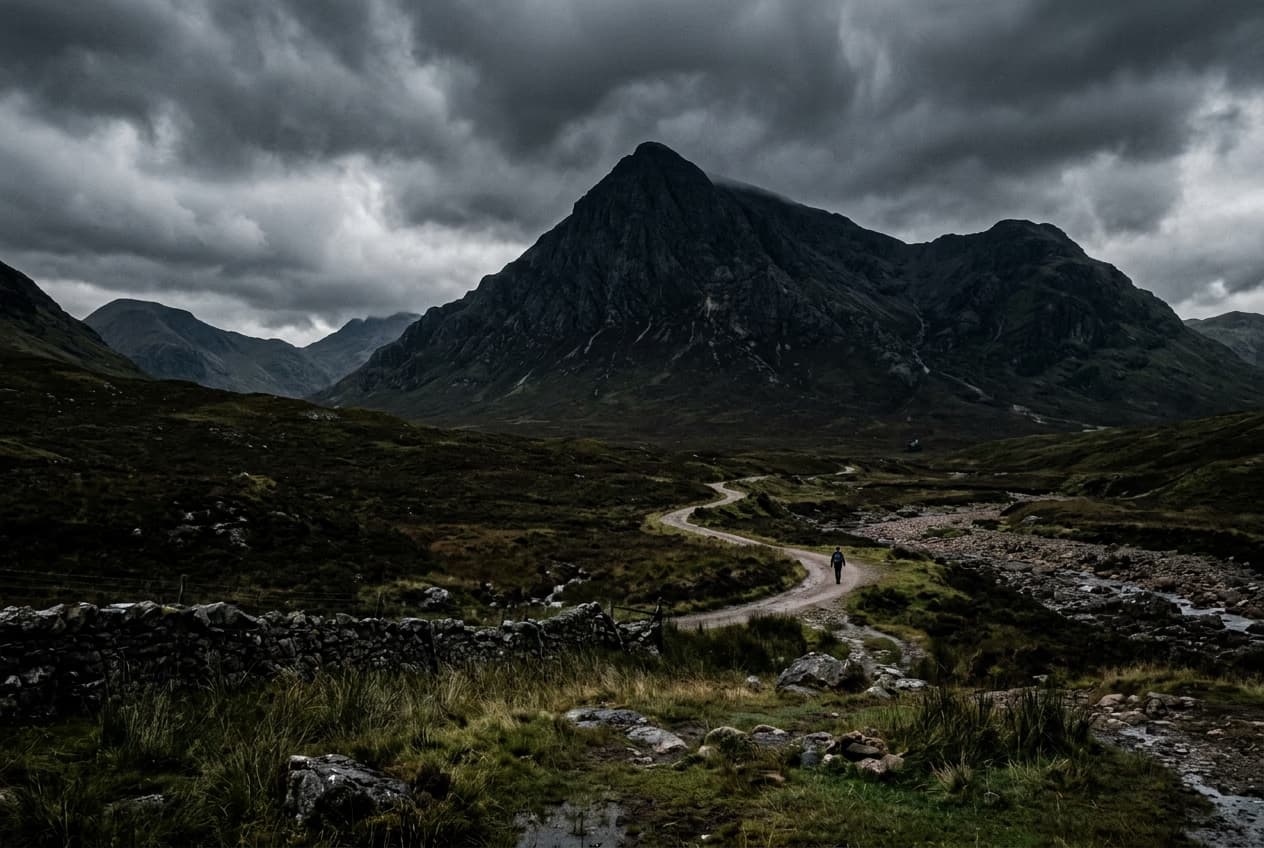

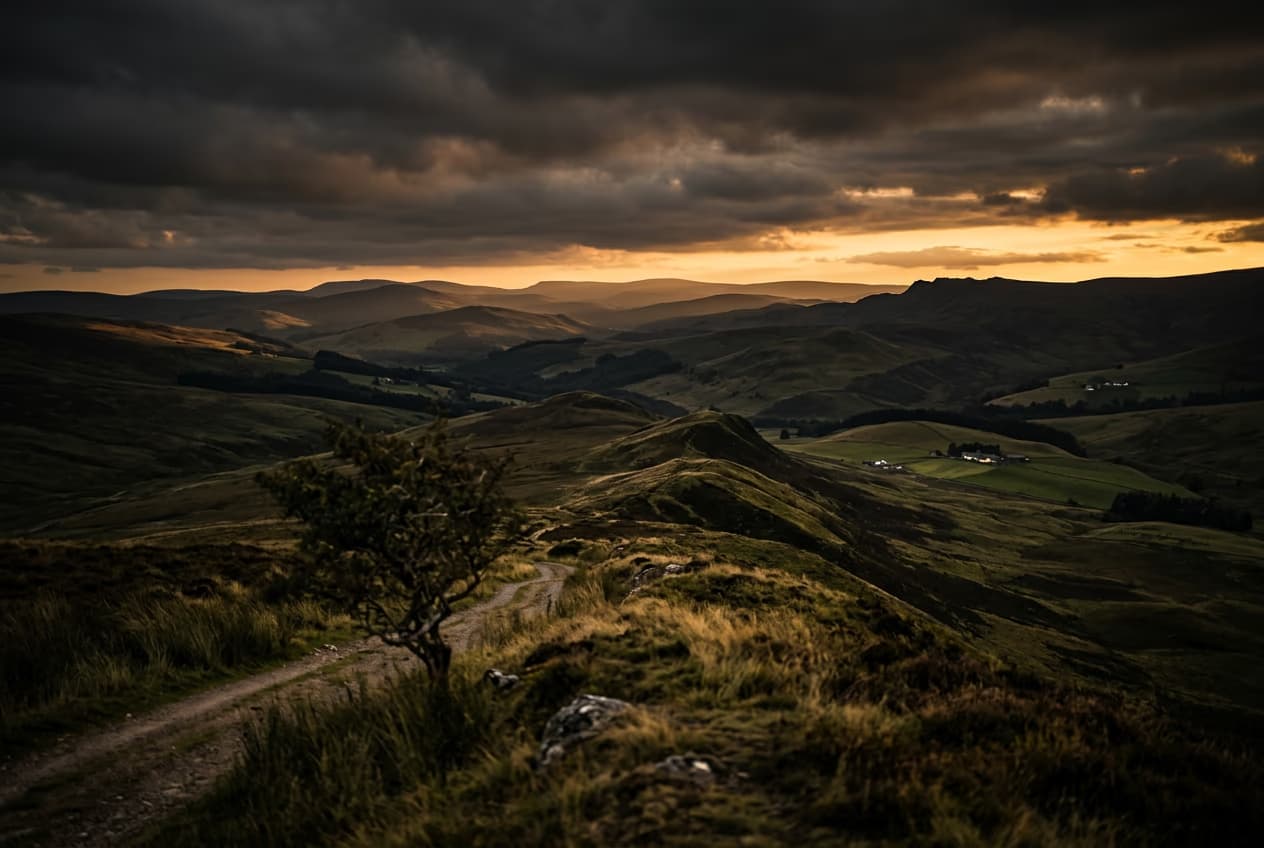


AI इमेज मॉडेल्ससह फोटोच्या शैली बदला
फोटोंवर रंगसुधारणा, कलात्मक दिशा आणि शैलीचे संदर्भ तपासण्यासाठी इमेज मॉडेल्स वापरा.
AI स्टाइल ट्रान्सफरबद्दल वारंवार विचारले जाणारे प्रश्न
AI स्टाइल ट्रान्सफर हे एका चित्रातील रंगसुधारणा दुसऱ्या चित्रावर लागू करण्यासाठी वापरले जाणारे साधन आहे.
सर्जनशील प्रकल्पांसाठी AI शैलींनी इमेजमध्ये नवे रूप आणा
Pro
Most popularAI tools for everyday creative work.
Ultra
Most powerfulHeavy AI usage for creators & teams.
Enterprise
Custom AI solutions for large organizations.
- Volume discounts on credit rate
- On-demand top-ups
Picsart च्या संपूर्ण संपादन साधनसंचासह आणखी काही करा
Picsart ची साधने तुमची सर्जनशील सहाय्यक कशी बनू शकतात आणि कल्पनांना पूर्ण प्रकल्पांमध्ये रूपांतरित करण्यात कशी मदत करतात ते पाहा.


