Free PNG logo maker
Create PNG logos easily with Picsart's online PNG logo maker. Elevate your branding fast with a unique logo that you’ll design yourself from scratch.

Improve PNG logos with AI image models
Use image models to explore logo concepts, clean transparent assets, and brand-ready graphics.

Stylish PNG logos
Craft a stylish PNG logo easily and stand out with unique designs that fit your brand.

Background-less PNG downloads
Make a PNG logo, customize it with Picsart’s built-in tools, and download it in high-quality PNG format.

PNG logos at no cost
Use Picsart's online PNG logo creator to create logos for free
How to create a PNG logo
Open Picsart
Use the button below to go to Picsart and start creating a logo.
Pick a template
Customize your logo
Download
Craft eye-catching PNG logos in a flash
A great logo strikes a chord and makes your brand instantly recognizable among the competition. Use Picsart’s online PNG logo maker to come up with different ideas, from minimalist to stylish PNG logo designs. Put the spotlight on your brand and boost visibility with a logo that leaves a lasting impression!
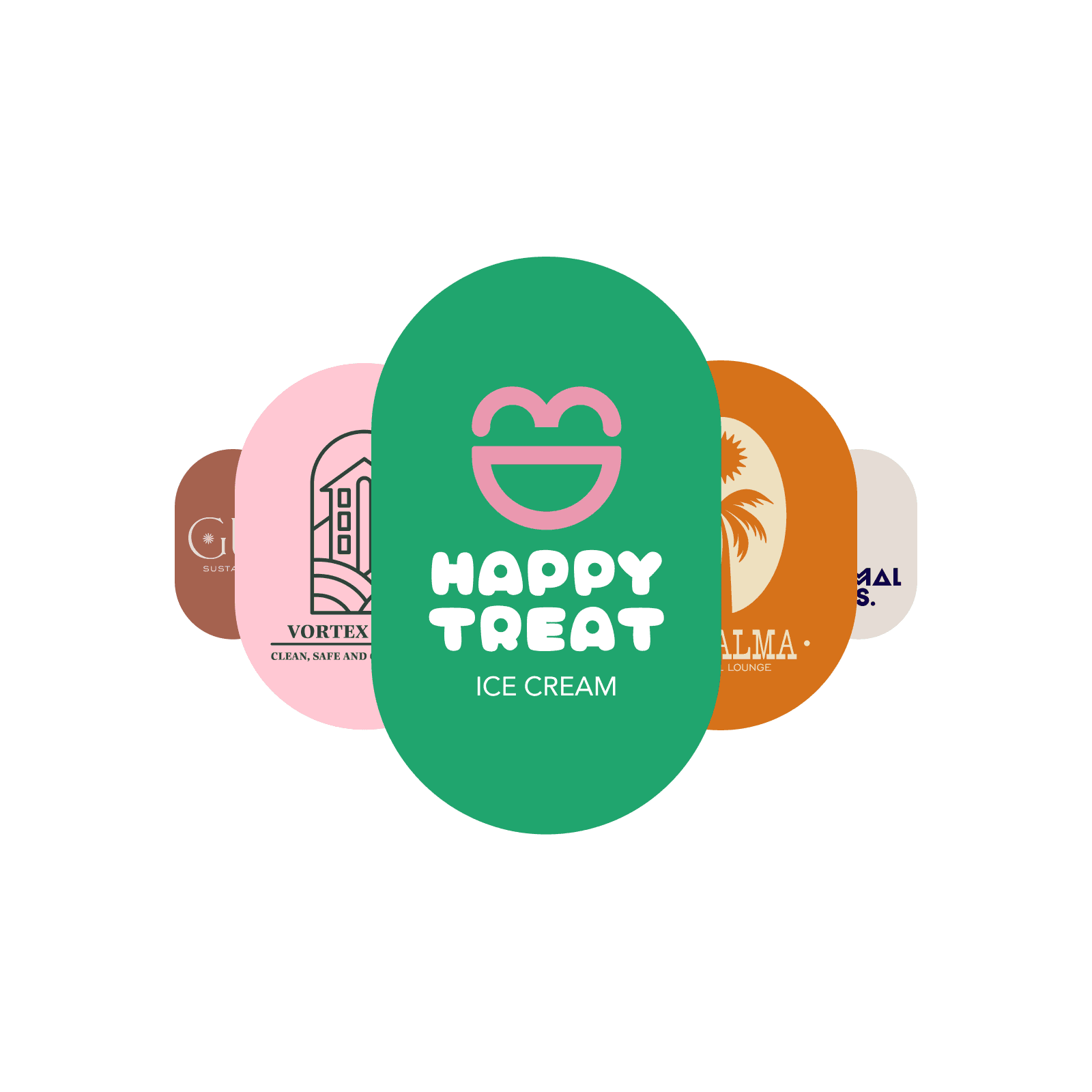
Get inventive with the PNG logo maker
Picsart's PNG logo creator has a full suite of features for crafting professional logos. Pick a logo template from Picsart's editor, remove the background easily, change PNG colors, edit the text, and customize fonts in an instant! After you make a logo, export it into a high-quality file that you can use anywhere, from web to print.
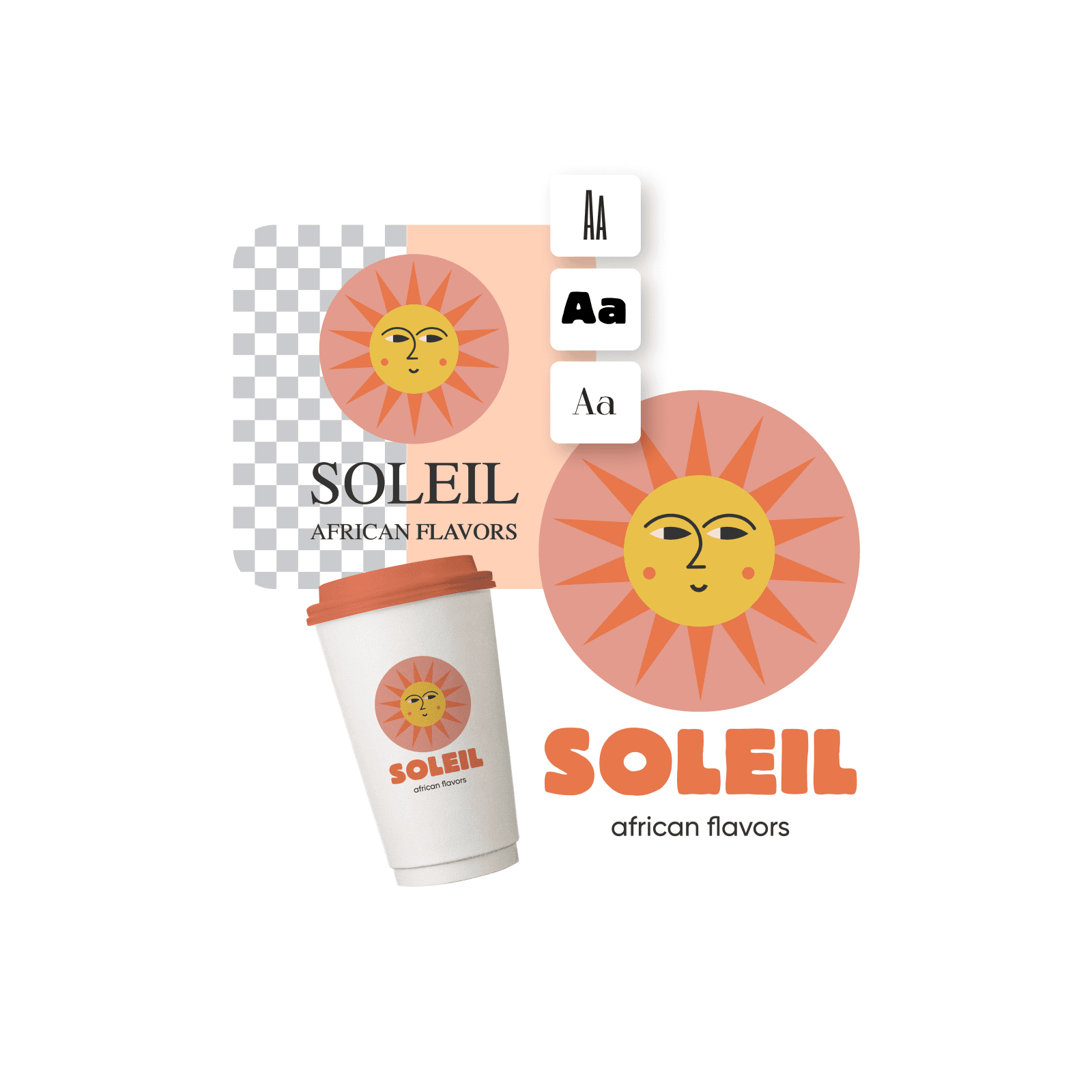
Create and customize PNG logos easily
Craft custom stylish logos using the photo editor and PNG logo templates. Better yet, start from a blank canvas where you can come up with your own concept and make a PNG logo. Experiment with Picsart's extensive design library of images, stickers, backgrounds, shapes, fonts, and other intuitive tools to craft and customize your unique logo in just a few minutes.
Empower your brand with Picsart's PNG logo creator
Picsart's PNG logo editor empowers businesses to create professional logos easily, with no design experience required. If you're starting as an entrepreneur and want a unique logo to showcase your brand, Picsart's PNG logo maker has all the perks you need! Create custom logos in an instant, without going over budget!
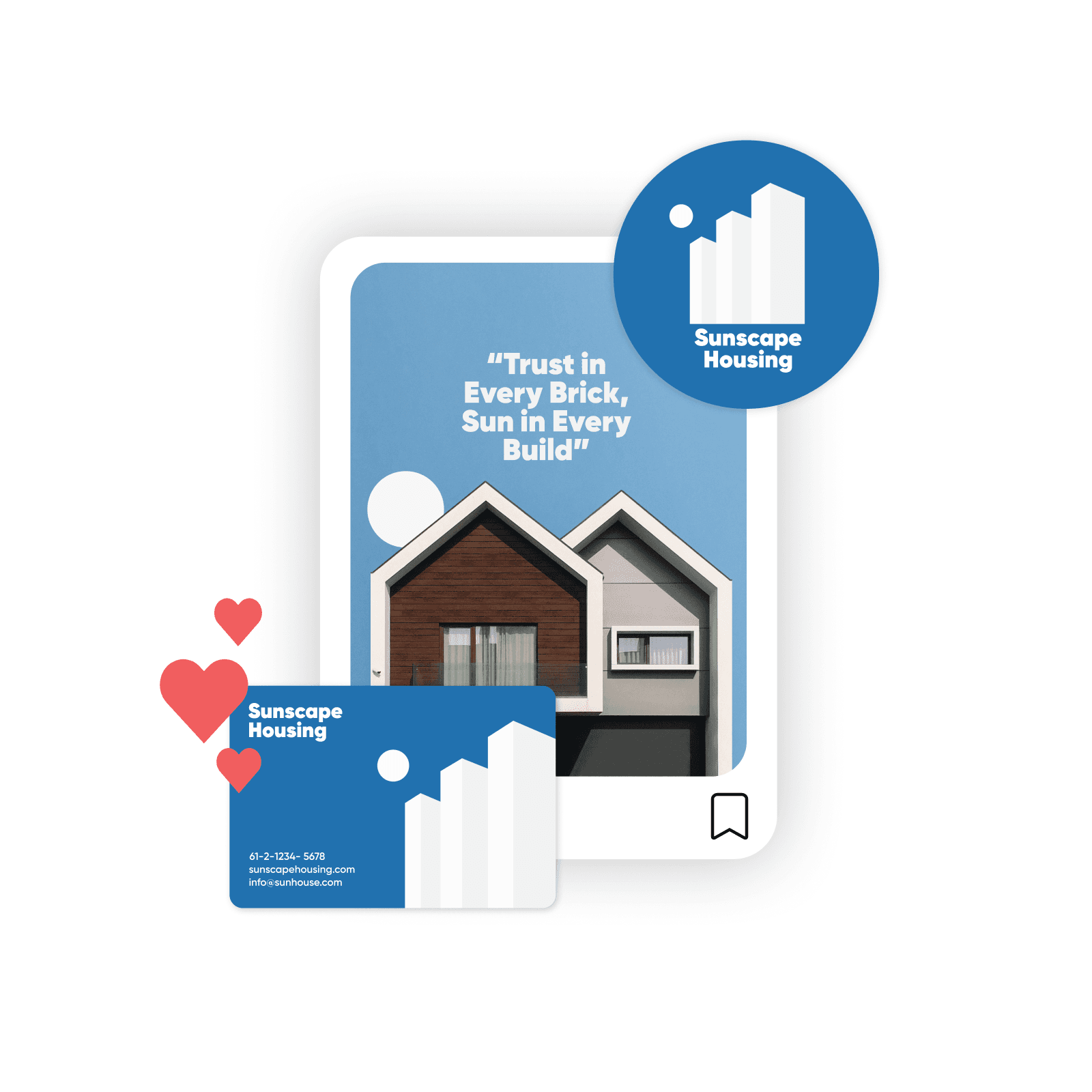
Amp up marketing campaigns with PNG logos
Need multiple logo options for A/B testing and your digital marketing campaigns? Create them easily with Picsart's PNG logo maker. Use the AI logo generator to come up with quick options simply by adding a prompt and choosing a style. Work your way up from there and use the built-in tools to customize and finalize your logo!
Find the perfect logo template in any style
Explore Picsart's massive library of ready-to-use templates and create a PNG logo online for free. Design custom stylish PNG logos for your brand and business easily with the PNG logo maker.










PNG logo maker FAQ
Any logo that's saved in the PNG (Portable Network Graphics) format is considered a PNG logo. These files are known for their high-quality, lossless compression, and supporting transparent backgrounds. You can use them everywhere, from websites to printed material.
You can use a tool like Picsart’s PNG logo creator to make PNG logos fast and download them in high quality. Start with opening Picsart and finding a logo template from the library that you can customize with the built-in tools.
Yes, there’s a wide selection of free templates available in Picsart’s library that you can use to create your own logo.
You can create PNG logo designs in any size you wish, depending on whether you want to print it or use it digitally. Picsart’s logo templates usually come in 3000px x 3000px. You can easily set different sizes by going to Layout and selecting the size that works best for you (pixels, inches or centimeters). Create logos for different purposes easily with Picsart, such as business cards, mugs, t-shirts, LinkedIn profile photos, and more.
After you’re done creating and customizing your logo, use the Export button to download your logo in a high-quality PNG format.
The latest tools from Picsart




Design logo assets for every launch
Pro
Most popularAI tools for everyday creative work.
Ultra
Most powerfulHeavy AI usage for creators & teams.
Enterprise
Custom AI solutions for large organizations.
- Volume discounts on credit rate
- On-demand top-ups