Improve PNG logos with AI image models
Use image models to explore logo concepts, clean transparent assets, and brand-ready graphics.

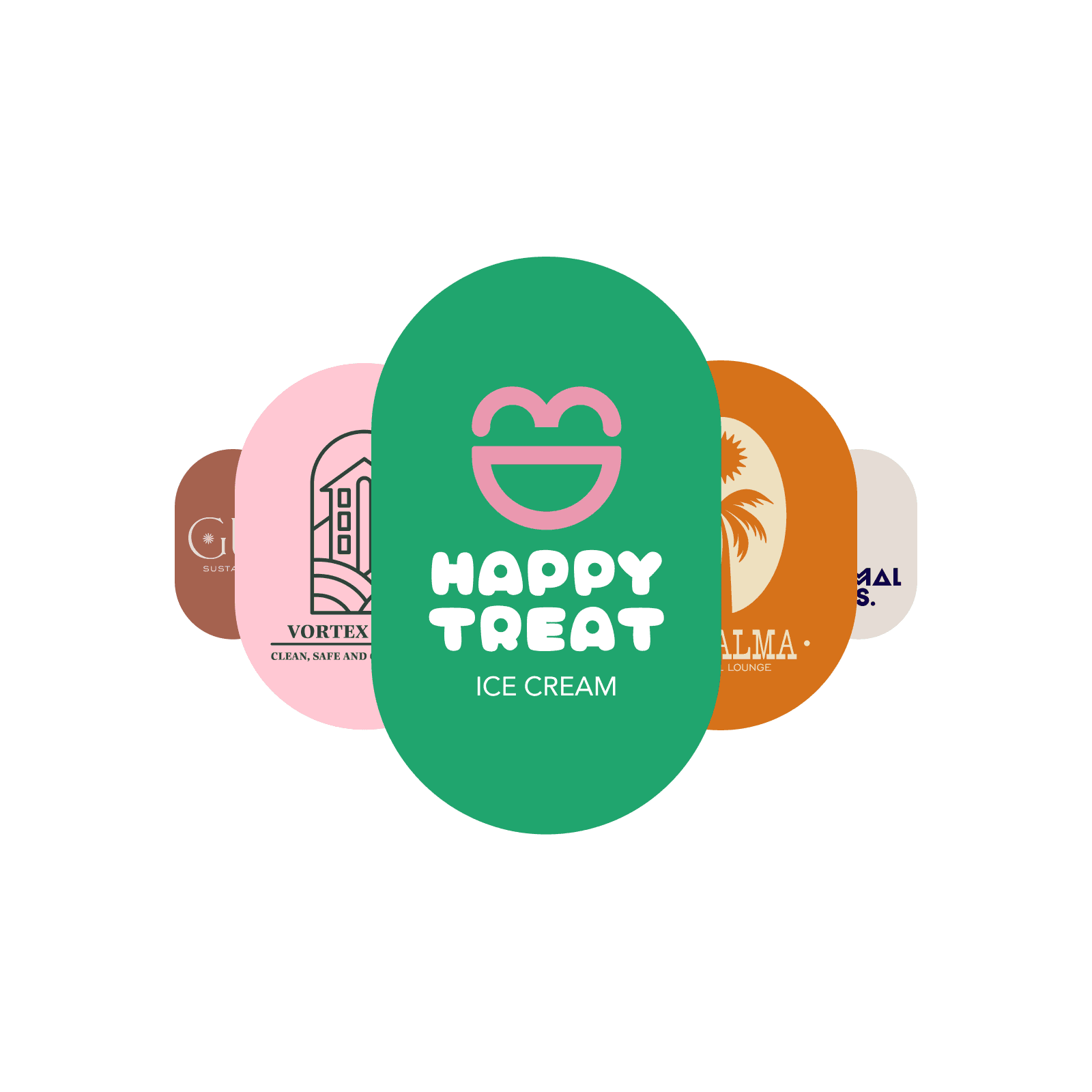
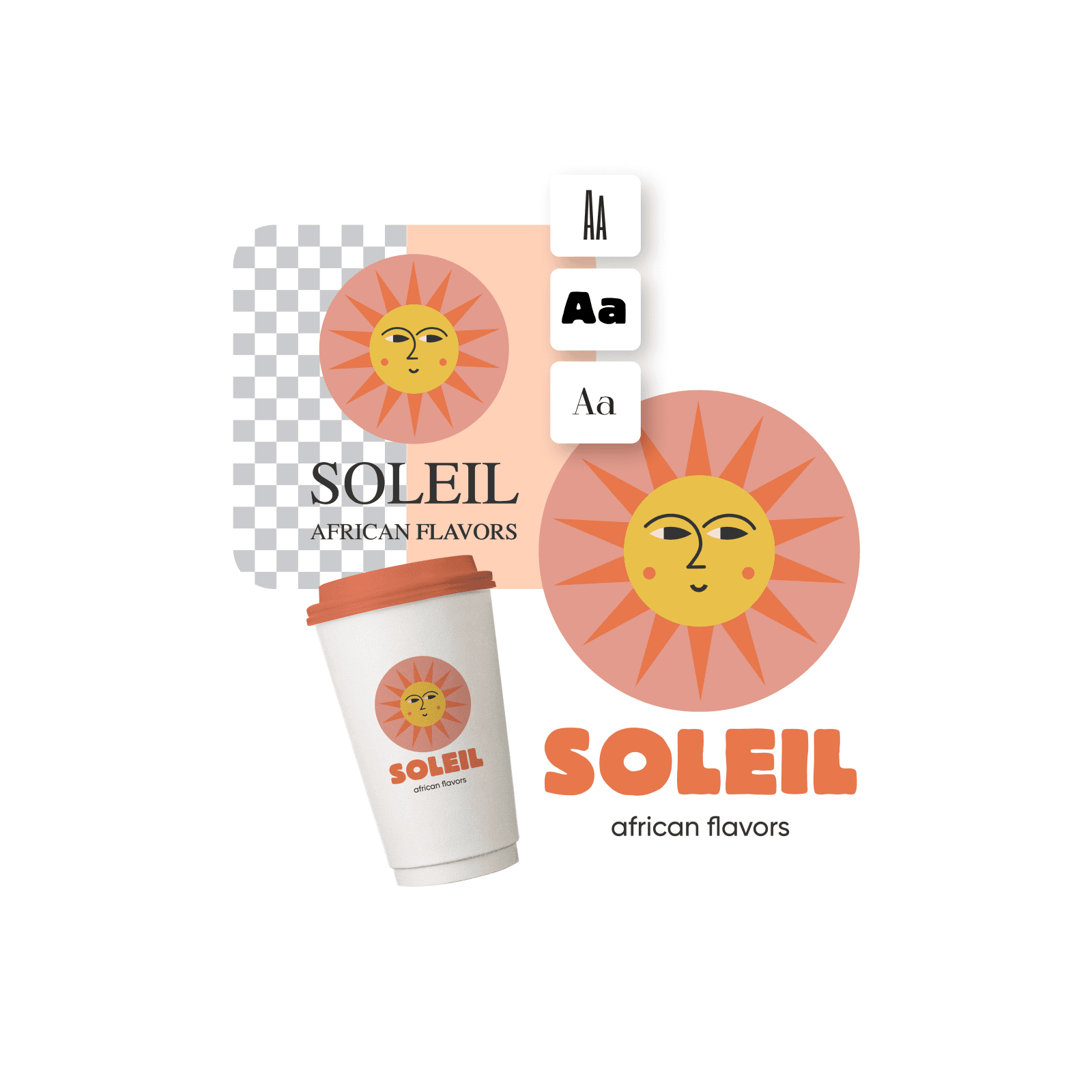
Stylish PNG logos
Craft a stylish PNG logo easily and stand out with unique designs that fit your brand.

Background-less PNG downloads
Make a PNG logo, customize it with Picsart’s built-in tools, and download it in high-quality PNG format.

PNG logos at no cost
Use Picsart's online PNG logo creator to create logos for free
How to create a PNG logo
Open Picsart
Use the button below to go to Picsart and start creating a logo.
Pick a template
Customize your logo
Download
PNG logo maker FAQ
What is a PNG logo?
How to make a PNG logo?
You can use a tool like Picsart’s PNG logo creator to make PNG logos fast and download them in high quality. Start with opening Picsart and finding a logo template from the library that you can customize with the built-in tools.
Is Picsart’s PNG logo maker free to use?
Yes, there’s a wide selection of free templates available in Picsart’s library that you can use to create your own logo.
What is the best size for my PNG logo?
You can create PNG logo designs in any size you wish, depending on whether you want to print it or use it digitally. Picsart’s logo templates usually come in 3000px x 3000px. You can easily set different sizes by going to Layout and selecting the size that works best for you (pixels, inches or centimeters). Create logos for different purposes easily with Picsart, such as business cards, mugs, t-shirts, LinkedIn profile photos, and more.
How can I download my logo as a PNG?
After you’re done creating and customizing your logo, use the Export button to download your logo in a high-quality PNG format.
The latest tools from Picsart
Design logo assets for every launch
Pro
AI tools for everyday creative work.
- Access to all photo & video editing features
- Advanced background & object removal
- Parallel video generations with the world's most powerful AI video models
- Unlimited image generations with Flex.2 Klein
- 1-tap image enhancer
- Millions of stock photos & Getty video clips
- Selection of trendy fonts, text styles & stickers
- Thousands of premium templates
- Support for 3+ brand kits
- Bulk edit up to 50 images at once
- 100 GB of cloud storage
- 15+ creative AI agents that plan, execute, and deliver — across video, brand, localization, and more
- Auto-generate content from your terminal or agent with the Picsart CLI
- Use Picsart inside Claude Code, Cursor, and ChatGPT via MCP
Ultra
Heavy AI usage for creators & teams.
- 140+ leading AI video, image, and audio models (Kling 3.0, Nano Banana, Veo 3, Seedance 2.0 & more)
- Parallel video generations with the world's most powerful AI video models
- Early access to advanced AI features
- Unlimited image generations with Flex.2 Klein
- Option to buy add-on credits that never expire
- Up to 6.5 million Getty stock videos
- Bulk edit up to 100 images at once
- Support for 10+ brand kits
- Create ad variations & localize
- Track ads performance
- Add team seats
- 300 GB of cloud storage per seat
- 15+ creative AI agents that plan, execute, and deliver — across video, brand, localization, and more
- Auto-generate content from your terminal or agent with the Picsart CLI
- Use Picsart inside Claude Code, Cursor, and ChatGPT via MCP