Picsart for Codex: One install, 140+ models, straight in your code.

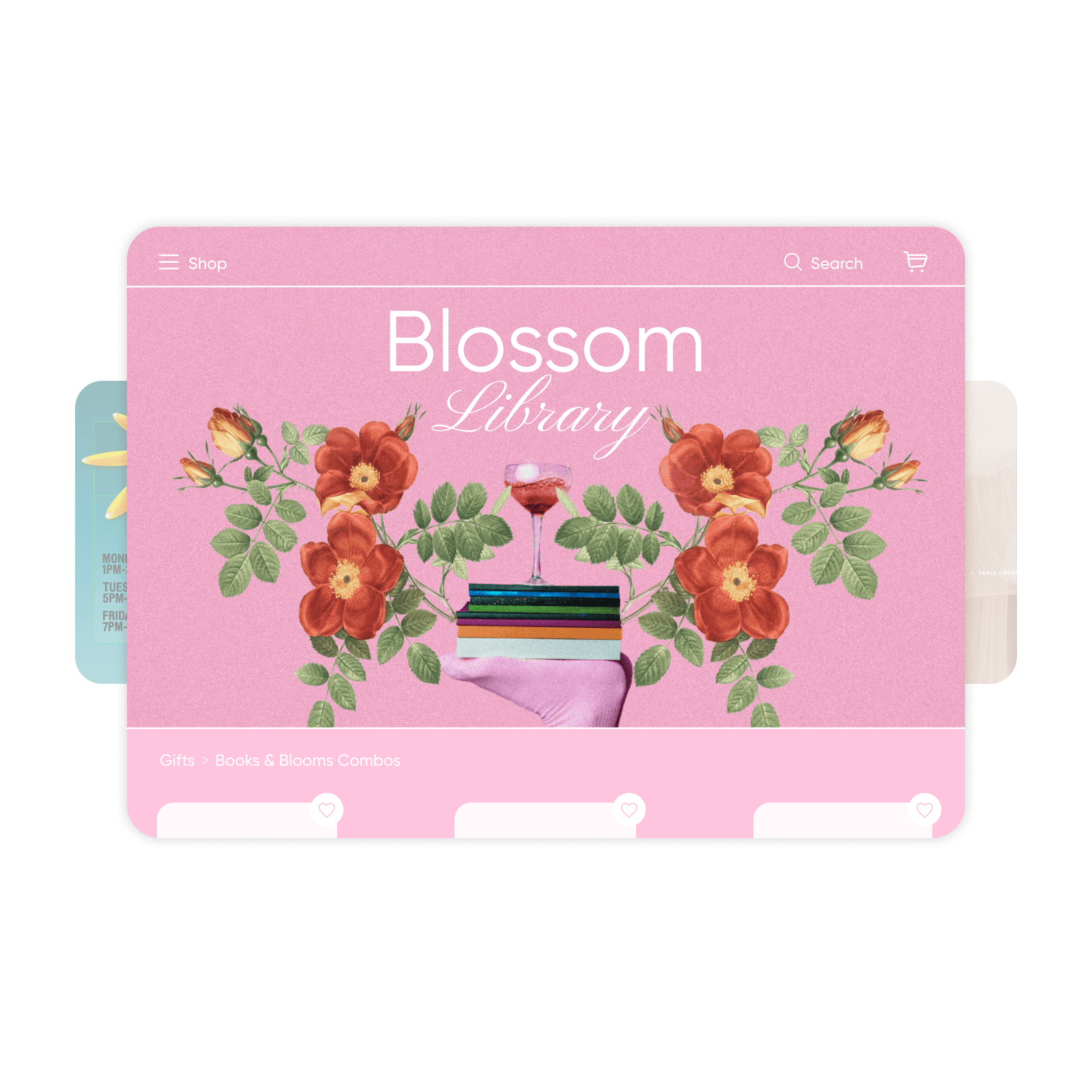
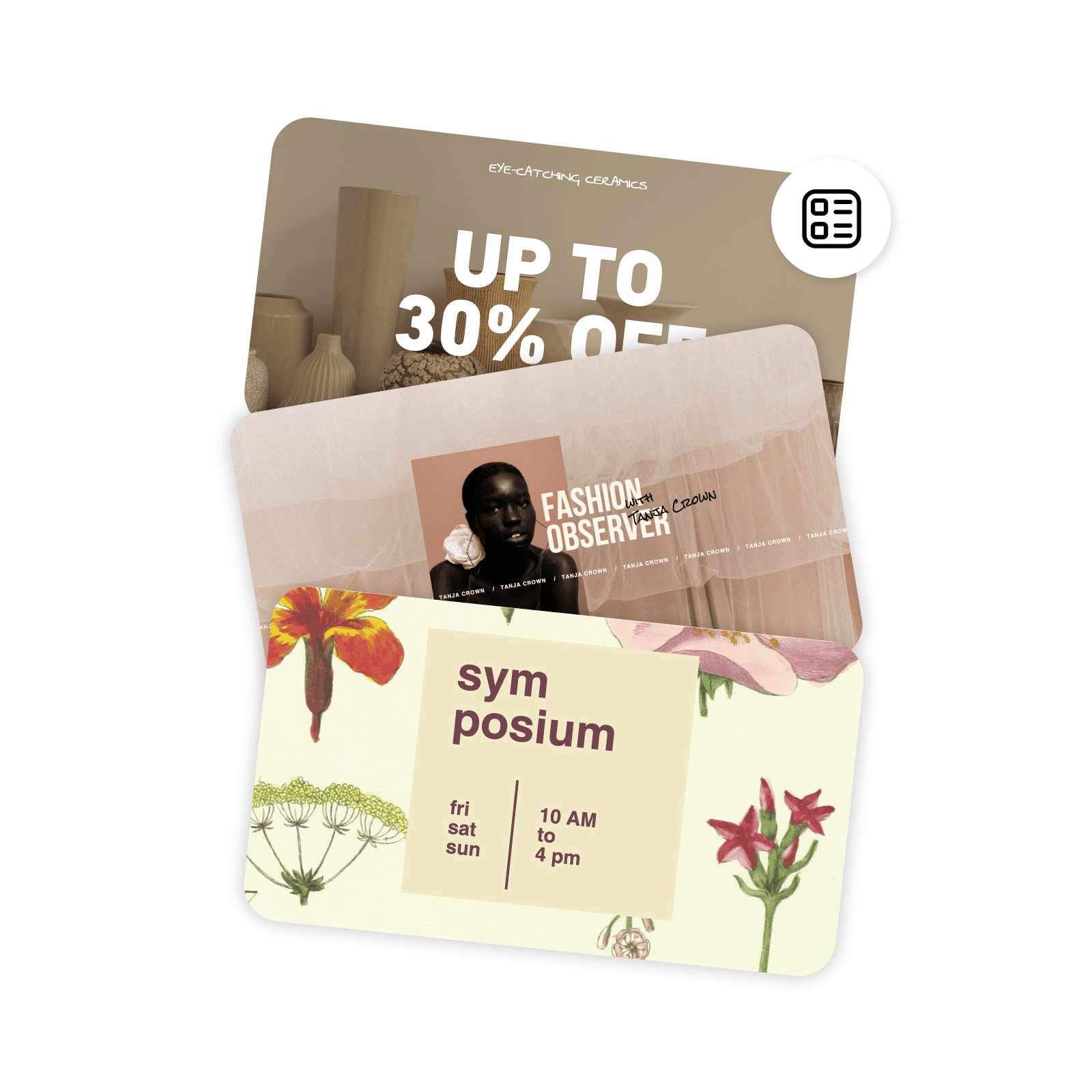
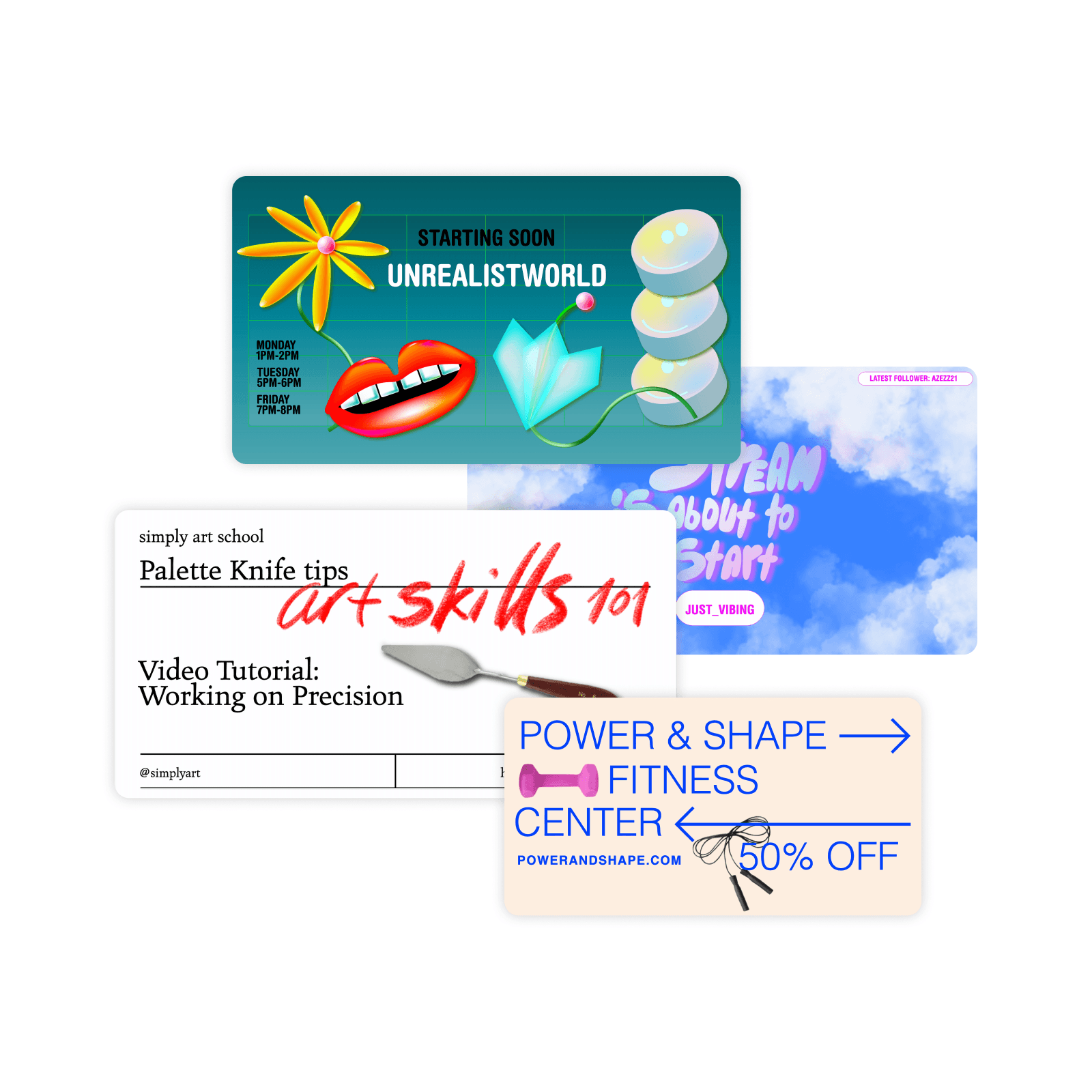
Design website banners with AI image models

Use image models to transform website banners into polished visuals, design ideas, and ready-to-edit assets.

GPT Image 2New
Next-gen GPT image model with arbitrary output dimensions and multi-image input.Reference inputImage generationSee model
Nano Banana 2New
Fast 4K generation with accurate text and search-grounded accuracy.4KFast generationImage generationSee model
Nano Banana ProNew
Top-tier 4K images with precise multilingual text rendering.4KPro qualityImage generationSee model
Flux 2 FlexNew
Adaptable generation across varied visual styles at 2K.Image generationSee model
Seedream 5.0 Lite
Speedy 3K output with negative prompt and dual-image input support.Reference inputFast generationImage generationSee model
Kling 3.0 Image
Cinematic visuals with up to 4K resolution and 10 reference images.Reference input4KCinematicSee model
Kling O1 Image
O1-architecture image generation with multi-reference support.Reference inputCinematicImage generationSee model
Kling V2 New Image
Latest V2 image generation with optional restyle via image reference.Reference inputCinematicImage generationSee model
Hunyuan V3
Infographic-friendly generation with readable text and cfg control.Image generationSee model
Luma UNI-1
Luma UNI-1 — agentic image generation and editing with up to 9 reference images.Reference inputCinematicImage generationSee model
Luma UNI-1 Max
Luma UNI-1 Max — higher-quality UNI-1 variant with the same multi-reference editing controls.Reference inputCinematicImage generationSee model
Seedream 4.5
Detailed 4K renders with clean in-image text and dual-image input.Reference input4KImage generationSee model

How to make a website banner

1

Open the web banner maker

Select the Start creating button to open the editor.

2

Choose a template

3

Customize

4

Add images and text

5

Download


Website banner maker FAQ

What is a web banner?

What makes a good web banner?

A good web banner should have a focal point that grabs attention, colors that are pleasing to the eye, and text that’s easy to read. A focal point can be any visual element that stands out or gets an instant reaction from viewers, such as a photo, a logo, a tagline, or an interesting message. However, a web banner doesn’t have to include both text and images, and it’s important to keep the design uncluttered.


Since most website banners are small and not the primary reason for visiting the site, they are meant to be read quickly and shouldn’t contain overly complex information. Instead, they should include a call to action, such as ‘Click here,’ ‘Learn more,’ or ‘Buy now.’ The call to action directs the user to another page where they can take further action or gain more in-depth information.

What should be the size of a website banner?

Website banner designs vary in size, orientation, and shape, but ideally, they should be small enough to display the entire message on the screen with little or no scrolling. A few common sizes include:


  • 728 x 90 pixels: A wide, narrow rectangle with a horizontal orientation, known as a leaderboard banner
  • 468 x 60 pixels: A short, narrow rectangle with a horizontal orientation
  • 120 x 600 pixels: A rectangle with a vertical orientation, known as a skyscraper banner
  • 250 x 250 pixels: A small square banner good for short, simple messages

What is the best file format for web banners?

The best file format for website banner designs depends on what the file contains and how you intend to use it. JPG files are small and easy for a website to load but they can lose detail if you edit them or change their size. As a result, they’re ideal for banners that won’t be changed often or will be used on sites with a large volume of graphics.


A PNG or SVG file may work best for designs with high-resolution photos, as they can reduce or prevent loss of detail and allow for more editing. While they are larger file sizes, you can easily convert them to JPG and PDF formats to use on websites and mobile sites.

Do I need coding knowledge to create web banners?

Not at all! Anyone can use Picsart’s website banner creator free without any professional design skills. Use the interface’s simple drag-and-drop tools to choose a template and add elements to the design.


Design website banners for brands, profiles, and campaigns

MOST POPULAR

Pro

AI tools for everyday creative work.

012345678901234567890123456789credits/month
~ 100Nano Banana Pro generations
~ 55Kling 3.0 videos
Fixed credits/mo
$15$10.5/mo
Billed yearly
You save $54 with yearly
  • Access to all photo & video editing features
  • Advanced background & object removal
  • Parallel video generations with the world's most powerful AI video models
  • Unlimited image generations with Flex.2 Klein
  • 1-tap image enhancer
  • Millions of stock photos & Getty video clips
  • Selection of trendy fonts, text styles & stickers
  • Thousands of premium templates
  • Support for 3+ brand kits
  • Bulk edit up to 50 images at once
  • 100 GB of cloud storage
New features:
  • 15+ creative AI agents that plan, execute, and deliver — across video, brand, localization, and more
  • Auto-generate content from your terminal or agent with the Picsart CLI
  • Use Picsart inside Claude Code, Cursor, and ChatGPT via MCP
MOST POWERFUL

Ultra

Heavy AI usage for creators & teams.

0123456789,012345678901234567890123456789credits/month
~ 500Nano Banana Pro generations
~ 277Kling 3.0 videos
$75$60/mo
Billed yearly, per seat
You save $180 with yearly
5x more usage than Pro
  • 140+ leading AI video, image, and audio models (Kling 3.0, Nano Banana, Veo 3, Seedance 2.0 & more)
  • Parallel video generations with the world's most powerful AI video models
  • Early access to advanced AI features
  • Unlimited image generations with Flex.2 Klein
  • Option to buy add-on credits that never expire
  • Up to 6.5 million Getty stock videos
  • Bulk edit up to 100 images at once
  • Support for 10+ brand kits
  • Create ad variations & localize
  • Track ads performance
  • Add team seats
  • 300 GB of cloud storage per seat
New features:
  • 15+ creative AI agents that plan, execute, and deliver — across video, brand, localization, and more
  • Auto-generate content from your terminal or agent with the Picsart CLI
  • Use Picsart inside Claude Code, Cursor, and ChatGPT via MCP