Business Card Sizes
Business card size standards help you choose the correct dimensions so your cards print sharply, trim cleanly, and fit standard holders. Learn the most common US and international business card sizes, including exact pixel dimensions and bleed specifications, to ensure professional print results.

| Format | Dimensions | |
|---|---|---|
| US standard (3.5 × 2 in) | 1050 x 600 px | |
| US standard with bleed | 1125 x 675 px | |
| UK / EU standard (85 × 55 mm) | 1004 x 650 px | |
| Square business card | 1050 x 1050 px | |
| Mini business card | 900 x 450 px |
Business card sizes overview
Business cards are small-format print materials that require precise sizing to ensure accurate trimming and alignment. Choosing the correct dimensions helps prevent white borders, clipped text, and scaling issues during production.
While custom card sizes are possible, standard formats simplify printing, mailing, and compatibility with card holders and display stands.
US standard (3.5 × 2 in)
Recommended vs supported sizes
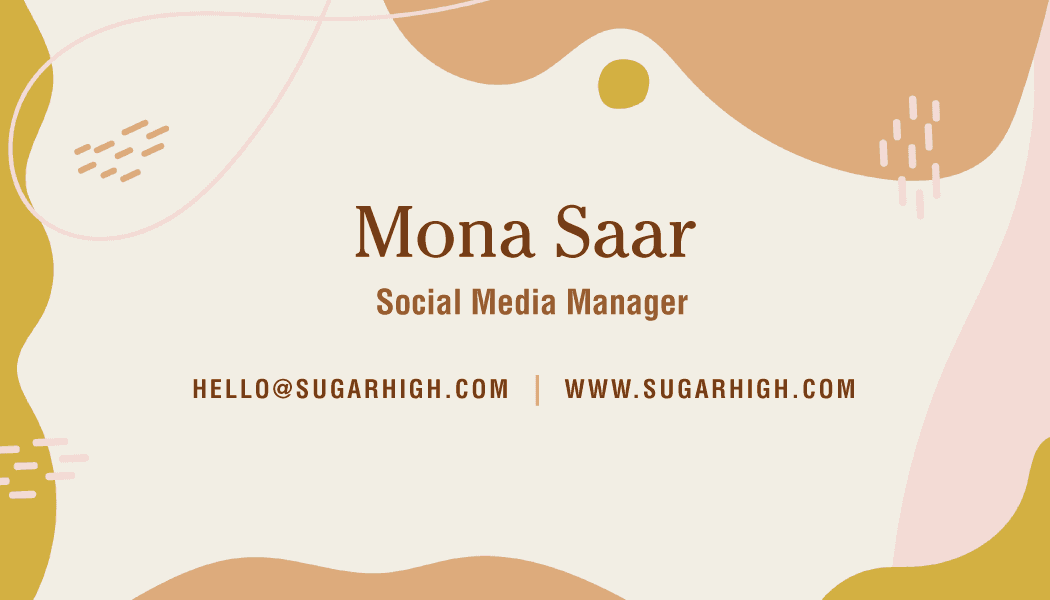
The US standard business card measures 3.5 × 2 inches and is designed at 1050 × 600 pixels at print resolution.
Best practices for visibility
Keep logos and text within safe margins to prevent trimming. Maintain clear hierarchy so contact details remain readable at small size.
Quality and export considerations
Design at the final size and export at high resolution to maintain crisp edges and typography.
US standard with bleed
Recommended vs supported sizes
The bleed version uses 1125 × 675 pixels, allowing extra space around the edges for trimming.
Best practices for visibility
Extend background colors or images into the bleed area to avoid white borders after cutting.
Quality and export considerations
Export files with bleed included for professional printing to ensure clean edges.
UK / EU standard (85 × 55 mm)
Recommended vs supported sizes
International business cards commonly measure 85 × 55 mm and are designed at 1004 × 650 pixels.
Best practices for visibility
This slightly narrower format requires careful spacing to avoid overcrowding text.
Quality and export considerations
Design at the correct regional size to prevent scaling issues during printing.
Square business card
Recommended vs supported sizes
Square business cards use 1050 × 1050 pixels.
Best practices for visibility
Center content carefully and maintain symmetry, as square formats emphasize balance.
Quality and export considerations
Ensure bleed is included when sending files for professional print.
Mini business card
Recommended vs supported sizes
Mini business cards use 900 × 450 pixels and offer a compact alternative.
Best practices for visibility
Keep layouts minimal due to limited space. Use bold typography for readability.
Quality and export considerations
Avoid scaling down detailed designs, as small text may become unreadable.
Pro tips for business card design
- Always design at final print size
- Include bleed and trim areas
- Keep text within safe margins
- Use high-contrast typography
- Export at 300 DPI resolution
How to design and resize business cards using Picsart
Picsart helps you create and resize business cards using exact pixel dimensions for accurate print results.
Start with business card templates or explore business card designs to open pre-sized layouts that match standard formats.
Use the Photo Editor to set custom canvas sizes and refine spacing before exporting.
For precise typography adjustments, the Text Editor allows you to control alignment, hierarchy, and spacing.
If converting between sizes, resize layouts proportionally to maintain balance and avoid distortion.
Always export at final dimensions and highest quality for professional printing.
FAQ
The standard US business card size is 3.5 × 2 inches, designed at 1050 × 600 pixels.
Use the standard size with bleed included (1125 × 675 pixels) for professional print output.
US cards measure 3.5 × 2 inches, while UK/EU cards measure 85 × 55 mm and are slightly narrower.
Bleed ensures background designs extend past the trim line so no white edges appear after cutting.
Cards are trimmed during production, which slightly reduces visible area.
Low resolution results in blurry text and images when printed at small size.
Choose based on regional standards and design preference.
Keep text inside safe margins and away from trim edges.
Resize proportionally and adjust margins after scaling.
Export at final size with bleed and highest quality settings to preserve clarity.











Prepare business card designs for every format
Pro
Most popularAI tools for everyday creative work.
Ultra
Most powerfulHeavy AI usage for creators & teams.
Enterprise
Custom AI solutions for large organizations.
- Volume discounts on credit rate
- On-demand top-ups