LinkedIn Sizes
LinkedIn image size standards help you choose the correct dimensions so your visuals display clearly across the feed, profiles, and company pages without cropping or quality loss. Use the correct sizes for LinkedIn posts, banners, profile images, event graphics, and link previews to ensure consistent display across devices.
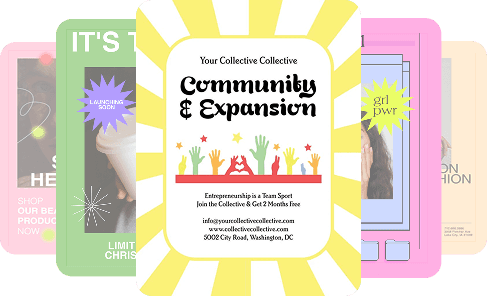
| Format | Dimensions | |
|---|---|---|
| Post image (square) | 1200 x 1200 px | |
| Post image (landscape) | 1200 x 628 px | |
| Post image (vertical) | 1200 x 1500 px | |
| Profile picture | 400 x 400 px | |
| Personal banner | 1584 x 396 px | |
| Company page banner | 1128 x 191 px | |
| Event image | 1200 x 628 px | |
| Link preview image | 1200 x 628 px |
LinkedIn image sizes overview
LinkedIn supports multiple image formats depending on where content appears, including the feed, profile pages, company pages, and events. While several image sizes are accepted, using recommended dimensions helps prevent cropping, preserves clarity after compression, and ensures consistent presentation across desktop and mobile.
Post image (square)
Recommended vs supported sizes
Square LinkedIn post images perform best at 1200 × 1200 pixels, using a 1:1 aspect ratio. This format is widely supported and displays consistently across devices.
Best practices for feed visibility
Square images provide balanced visibility in the feed. Center key visuals and keep text away from the edges to avoid cropping in different feed layouts.
Quality and export considerations
Export at full resolution and avoid re-uploading compressed images. Clean layouts and strong contrast help preserve clarity after LinkedIn compression.
Post image (landscape)
Recommended vs supported sizes
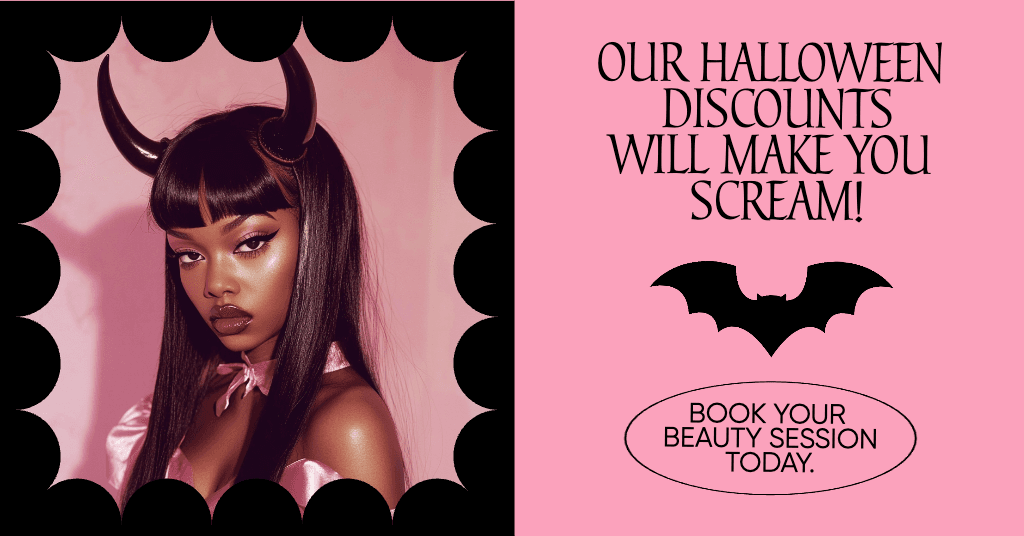
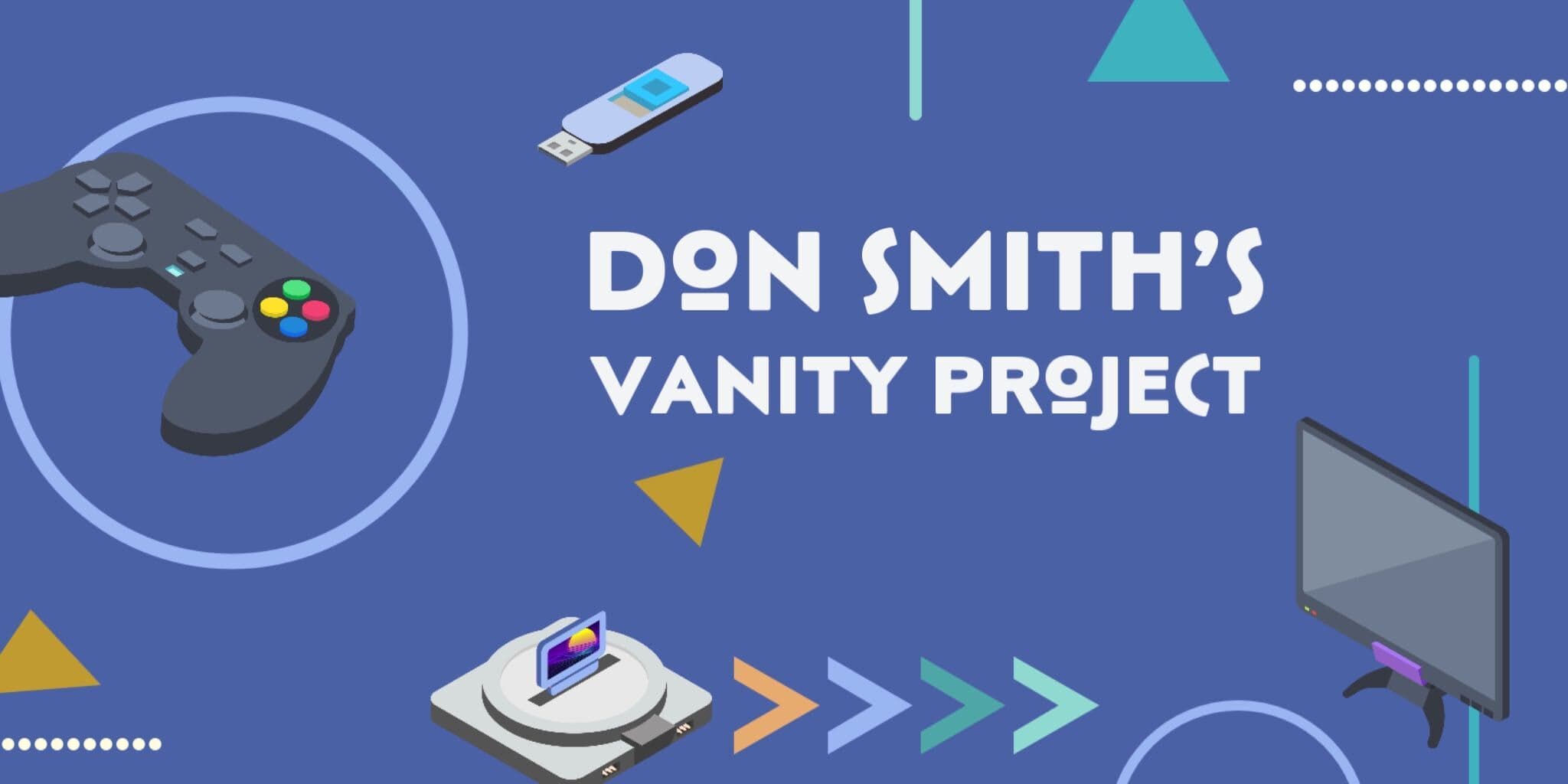
Landscape post images use 1200 × 628 pixels, following a 1.91:1 aspect ratio. This format is commonly used for shared links and featured visuals.
Best practices for feed visibility
Keep important elements centered horizontally, as side cropping can occur on smaller screens. Avoid placing text too close to the edges.
Quality and export considerations
Design at the exact dimensions to prevent automatic resizing. Export at high quality to reduce compression artifacts.
Post image (vertical)
Recommended vs supported sizes
Vertical LinkedIn post images work best at 1200 × 1500 pixels, using a 4:5 aspect ratio. This format takes up more vertical space in the feed.
Best practices for feed visibility
Vertical images draw attention but require careful spacing. Keep focal points centered and avoid placing text near the top or bottom edges.
Quality and export considerations
Use high-resolution images and export at the recommended size to maintain sharpness after upload.
Profile picture
Recommended vs supported sizes
LinkedIn profile pictures should be designed at 400 × 400 pixels using a 1:1 aspect ratio. These images are displayed as circles across the platform.
Best practices for visibility
Center faces or logos so they remain visible after circular cropping. Avoid placing text near the edges.
Quality and export considerations
Simple, high-contrast images remain clear at small sizes.
Personal banner
Recommended vs supported sizes
Personal profile banners use 1584 × 396 pixels, following a wide 4:1 aspect ratio.
Best practices for visibility
Keep text and key visuals centered, as banners scale differently across screen sizes. Avoid placing important elements near the edges.
Quality and export considerations
Design banners at the final size to prevent blur. Using LinkedIn banner templates helps maintain safe zones.
Company page banner
Recommended vs supported sizes
Company page banners are best designed at 1128 × 191 pixels, a very wide and narrow format.
Best practices for visibility
Use minimal text and strong visual branding. Keep logos centered and avoid fine details that may not scale well.
Quality and export considerations
Export at exact dimensions and high quality to avoid soft edges after compressions.
Event image
Recommended vs supported sizes
LinkedIn event images use 1200 × 628 pixels, the same size as landscape post images.
Best practices for visibility
Ensure event titles and dates remain centered and readable at smaller sizes.
Quality and export considerations
Avoid cluttered layouts. Export at high resolution to maintain clarity.
Link preview image
Recommended vs supported sizes
Link preview images appear at 1200 × 628 pixels and follow a 1.91:1 aspect ratio.
Best practices for visibility
Use simple visuals and limited text so previews remain readable in the feed.
Quality and export considerations
Design previews at exact dimensions to prevent automatic cropping or scaling.
Pro tips for LinkedIn images
- Design at recommended pixel dimensions to reduce compression
- Keep important content away from edges
- Use the correct aspect ratio for each placement
- Avoid resizing images multiple times
- Export images at the highest available quality
How to resize images for LinkedIn using Picsart
Picsart helps you resize and prepare LinkedIn images using exact dimensions, reducing cropping and quality loss.
Use the Photo Editor to set custom canvas sizes for LinkedIn posts, banners, and profile images before designing. This ensures layouts match LinkedIn’s supported formats from the start.
If you’re resizing existing assets, the Image Resizer allows you to adjust images to LinkedIn-ready dimensions while maintaining proportions.
For profile and company branding, LinkedIn Banner templates help keep key elements within safe display areas.
Always export at the recommended size and highest quality for best results.
FAQ
Standard LinkedIn image sizes vary by placement, with common formats including 1200 × 1200 px for square posts and 1200 × 628 px for landscape images.
Square posts use 1200 × 1200 px, landscape posts use 1200 × 628 px, and vertical posts use 1200 × 1500 px.
Square images offer a consistent display, while landscape images are commonly used for link sharing and featured content.
Cropping varies based on device and feed layout. Keeping key content centered helps prevent cutoff.
Choose a format based on content type and placement, then design at the recommended dimensions.
Use supported aspect ratios, center key elements, and avoid edge-heavy layouts.
Resize images to exact pixel dimensions before uploading to avoid unnecessary compression.
For the best clarity, you should export at the recommended sizes and the highest available quality.


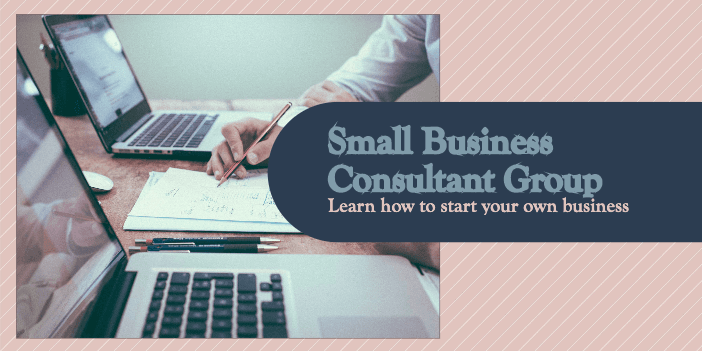

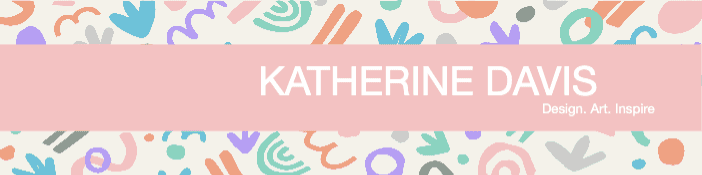

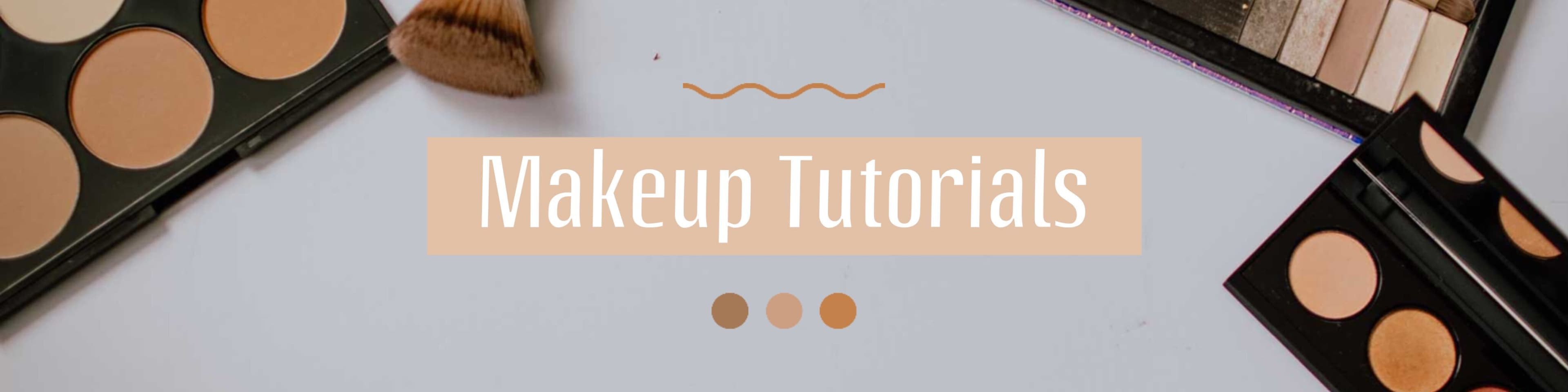


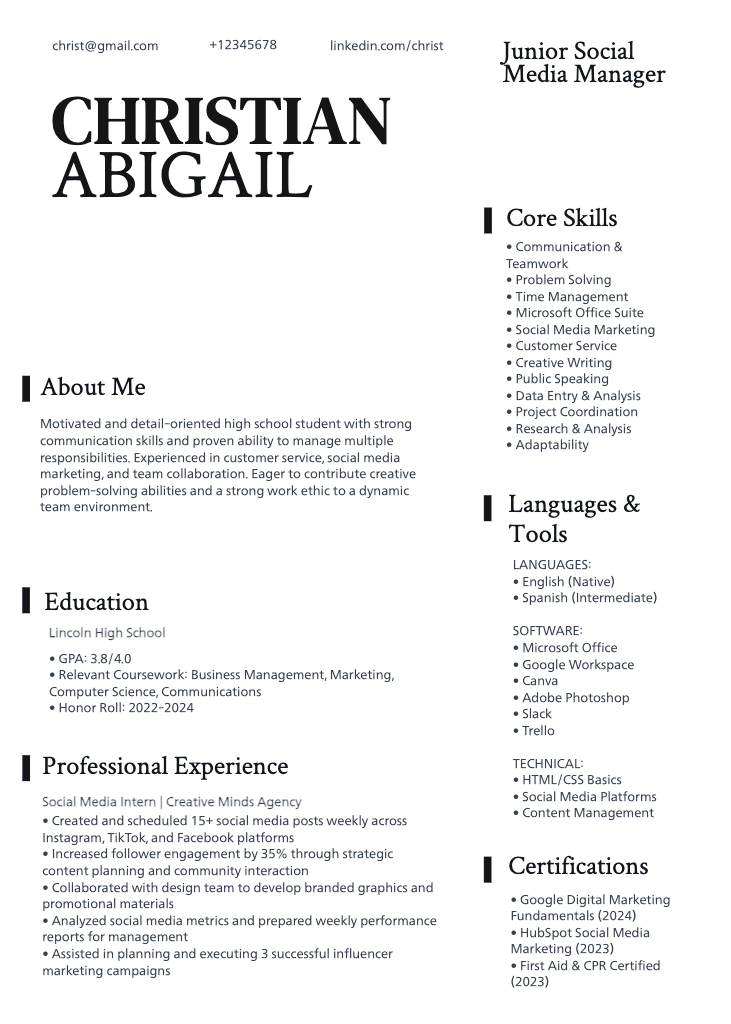


Prepare linkedIn designs for every format
Pro
Most popularAI tools for everyday creative work.
Ultra
Most powerfulHeavy AI usage for creators & teams.
Enterprise
Custom AI solutions for large organizations.
- Volume discounts on credit rate
- On-demand top-ups