Twitch Sizes
Twitch size standards help you choose the correct dimensions so your channel graphics display clearly without cropping or distortion. Learn the recommended sizes for Twitch banners, profile pictures, panels, overlays, offline screens, and thumbnails to ensure your stream visuals look consistent across devices.

| Format | Dimensions | |
|---|---|---|
| Profile picture | 256 x 256 px | |
| Channel banner | 1200 x 480 px | |
| Video player banner | 1920 x 1080 px | |
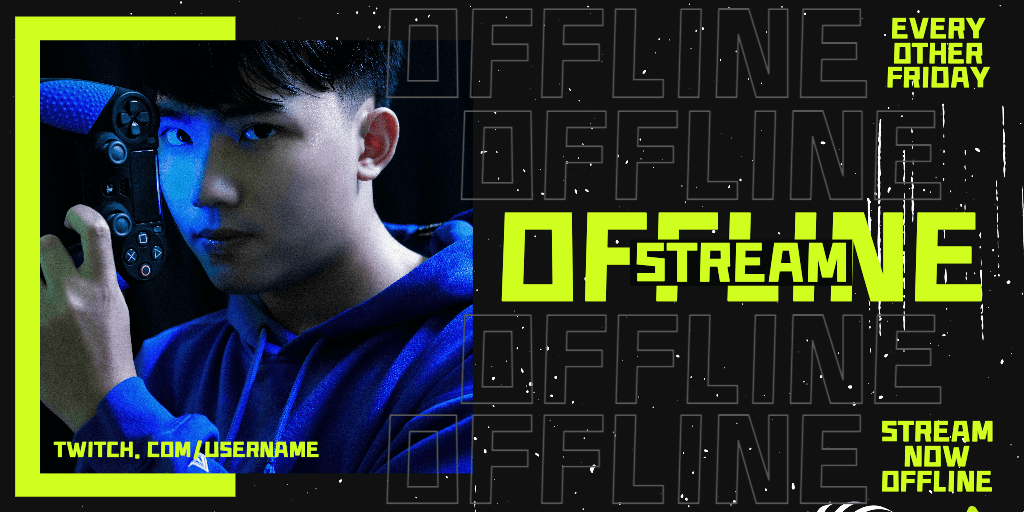
| Offline screen banner | 1920 x 1080 px | |
| Panel image | 320 x 160 px | |
| Stream overlay | 1920 x 1080 px | |
| Stream thumbnail | 1280 x 720 px |
Twitch image sizes overview
Twitch uses different graphic placements across profile pages, live streams, and offline screens. Each area has specific dimensions to ensure overlays align correctly, banners scale properly, and panels remain readable.
Using the correct pixel size helps prevent stretching, compression blur, and unwanted cropping across desktop and mobile viewers.
Profile picture
Recommended vs supported sizes
Twitch profile pictures are displayed at 256 × 256 pixels using a square format.
Best practices for visibility
Keep logos or faces centered, as the image appears circular in many contexts. Avoid placing text near the edges.
Quality and export considerations
Use high-contrast visuals and export at exact dimensions to maintain clarity at small sizes.
Channel banner
Recommended vs supported sizes
Channel banners are designed at 1200 × 480 pixels.
Best practices for visibility
Keep important text and branding centered, as banners may crop differently across screen widths.
Quality and export considerations
Export at recommended dimensions and avoid stretching horizontal images.
For ready-made layouts, explore Twitch banner templates.
Video player banner
Recommended vs supported sizes
Video player banners use 1920 × 1080 pixels, matching standard HD resolution.
Best practices for visibility
Design with safe zones in mind, as parts of the banner may be covered by interface elements.
Quality and export considerations
Maintain full HD resolution to prevent pixelation on large screens.
Offline screen banner
Recommended vs supported sizes
Offline screen banners also use 1920 × 1080 pixels.
Best practices for visibility
Keep messaging clear and centered so viewers immediately understand the stream status.
Quality and export considerations
Export at full resolution to preserve detail on large monitors.
Panel image
Recommended vs supported sizes
Panel images are displayed at 320 × 160 pixels.
Best practices for visibility
Keep text minimal and bold, as panels are small and stacked vertically.
Quality and export considerations
Avoid resizing large images down multiple times, as this can reduce sharpness.
Stream overlay
Recommended vs supported sizes
Stream overlays use 1920 × 1080 pixels, aligning with standard stream resolution.
Best practices for visibility
Position overlays around the edges so gameplay or video content remains visible in the center.
Quality and export considerations
Design overlays at full HD resolution and export without compression artifacts.
Stream thumbnail
Recommended vs supported sizes
Stream thumbnails are designed at 1280 × 720 pixels, using a 16:9 aspect ratio.
Best practices for visibility
Use bold visuals and limited text so thumbnails remain readable at smaller sizes.
Quality and export considerations
Export at exact dimensions to avoid automatic cropping.
Pro tips for Twitch graphics
- Use 1920 × 1080 for all full-screen stream assets
- Keep important elements within safe zones
- Avoid placing text near edges
- Maintain consistent branding across banners and panels
- Export at highest available quality
How to resize Twitch images using Picsart
Picsart helps you create and resize Twitch graphics using exact pixel dimensions.
Use the Photo Editor to set a custom canvas size before designing overlays, banners, or thumbnails.
If resizing existing graphics, the Image Resizer allows you to convert visuals to Twitch-ready dimensions without distortion.
Browse Twitch templates to start with pre-sized layouts for overlays and panels.
Always export at final size and highest quality to maintain clarity during streaming.
FAQ
Recommended sizes include 1920 × 1080 for overlays and offline screens, 1200 × 480 for channel banners, and 256 × 256 for profile pictures.
Panels display at 320 × 160 pixels.
Most Twitch streams run at 1920 × 1080, so overlays must match this resolution to align correctly.
Resizing multiple times or scaling small images up can reduce sharpness.
Choose dimensions based on where the graphic appears—profile, banner, overlay, or panel.
Design at 1920 × 1080 and keep essential elements within safe areas.
Resize images to exact pixel dimensions before uploading.
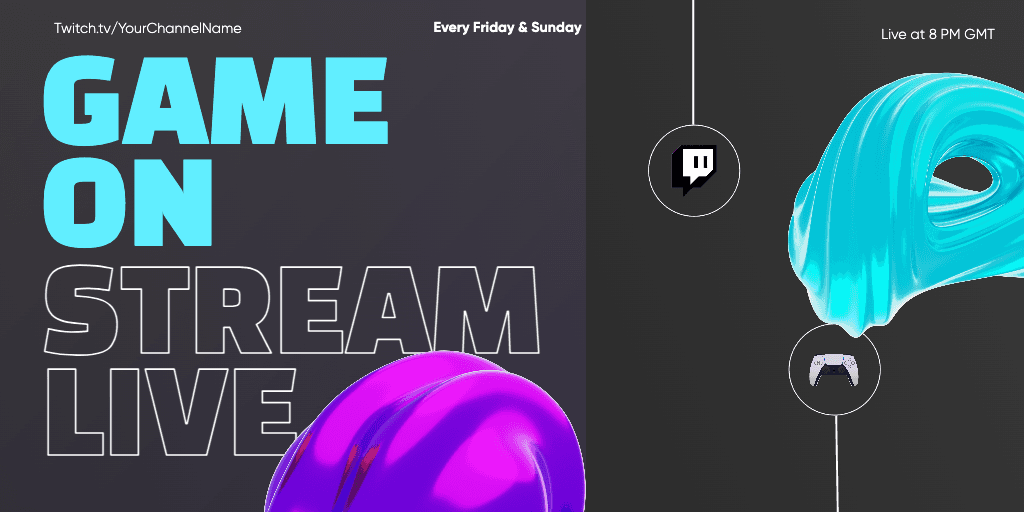







Prepare twitch designs for every format
Pro
Most popularAI tools for everyday creative work.
Ultra
Most powerfulHeavy AI usage for creators & teams.
Enterprise
Custom AI solutions for large organizations.
- Volume discounts on credit rate
- On-demand top-ups