AI virtual staging for real estate photos
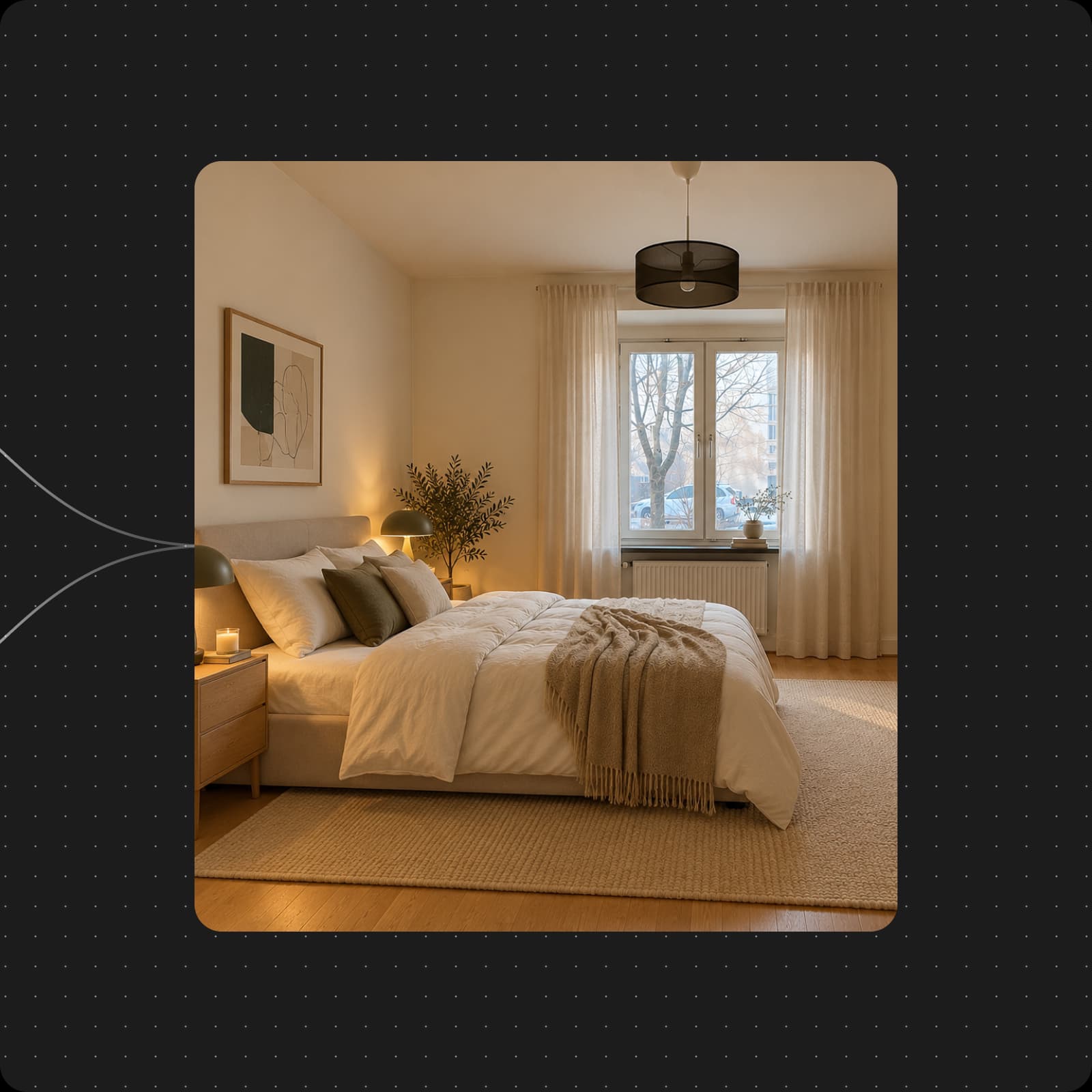
Turn an empty room photo into a furnished concept. Describe the look you want to an AI agent, or start with the ready-made Room Stager template in Picsart Flow.
- Start with a room photo
- Explore furnished looks
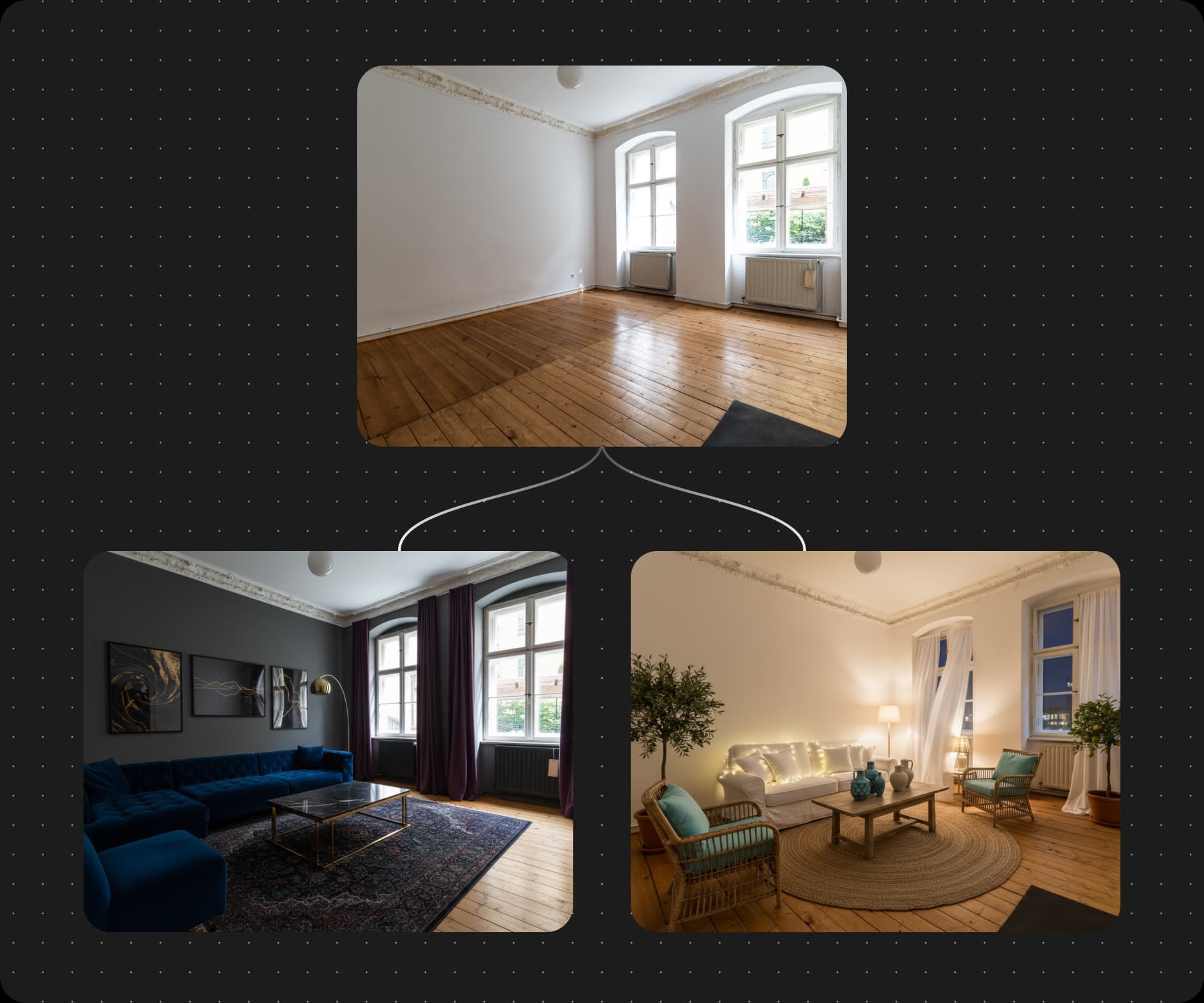
Make more of an empty room
Describe your staging idea to an AI agent
Share a room photo with the AI Listing Agent and describe the property, the buyer, or the style you have in mind. The agent can suggest a staging direction and show the cost before starting, so you can review the plan first.
- Share your room photos
- Choose a staging direction
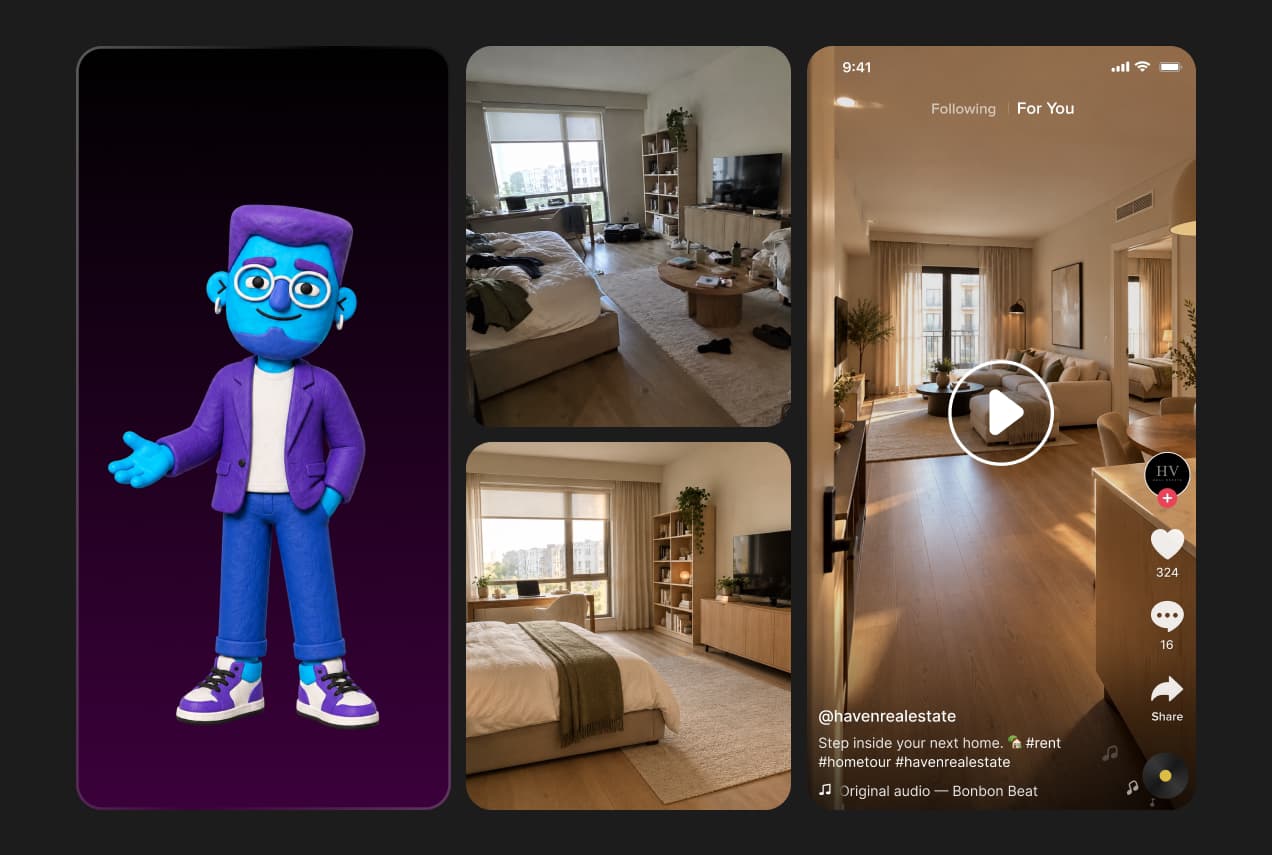
How to virtually stage a room
Use the Room Stager template in Picsart Flow to create and review furnished concepts.
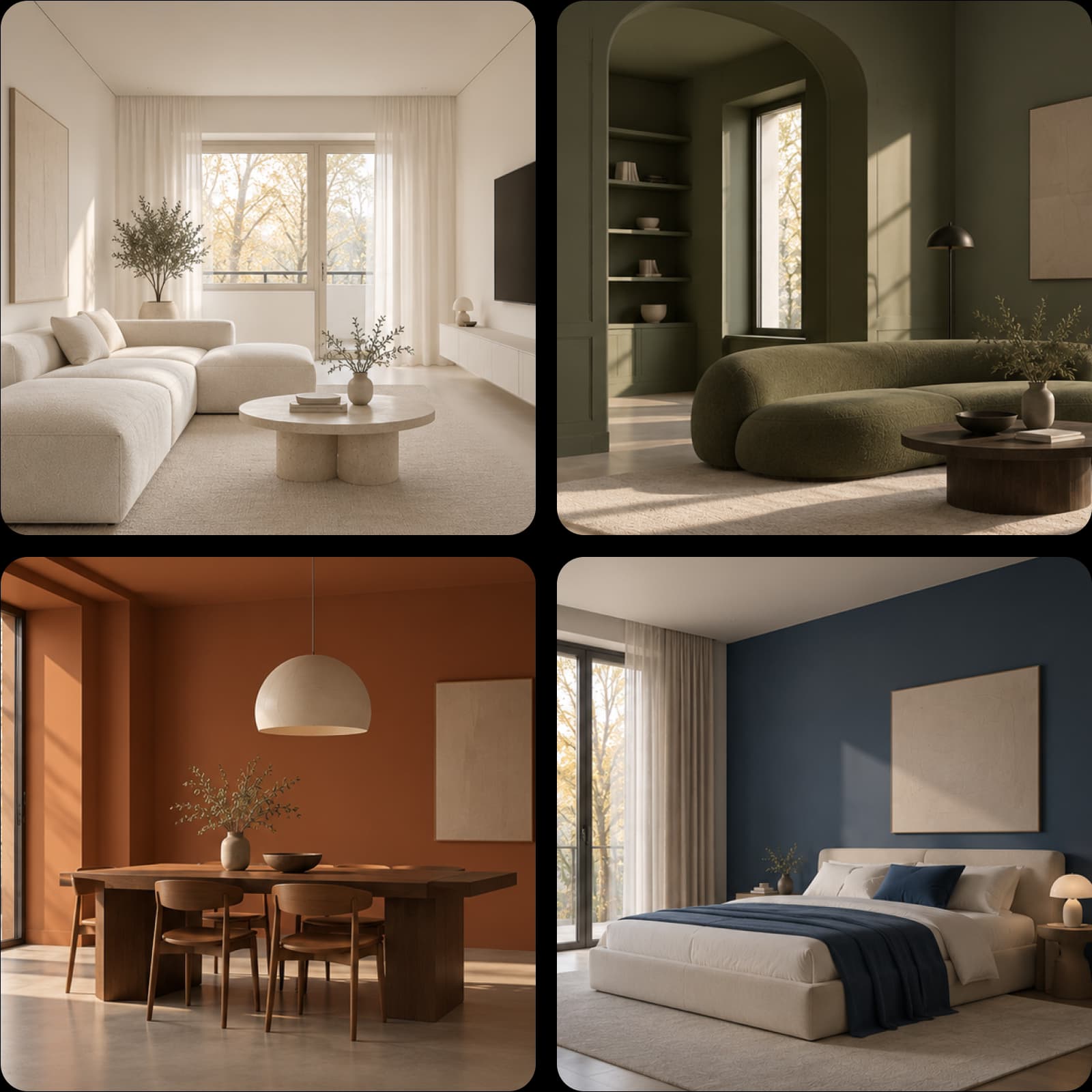
Choose a style for the space
Room Stager offers several furnished looks for the same photo. Explore them in Flow, then adjust the style prompts to find a direction that fits the property.
- Compare staged looks
Virtual furniture staging for different rooms
Use virtual furniture staging to show how a vacant living room, bedroom, or dining area could be used. Start with a clear photo of each space, then explore furniture and decor that suit the room’s proportions and the people you want to reach.
- Start with a room photo
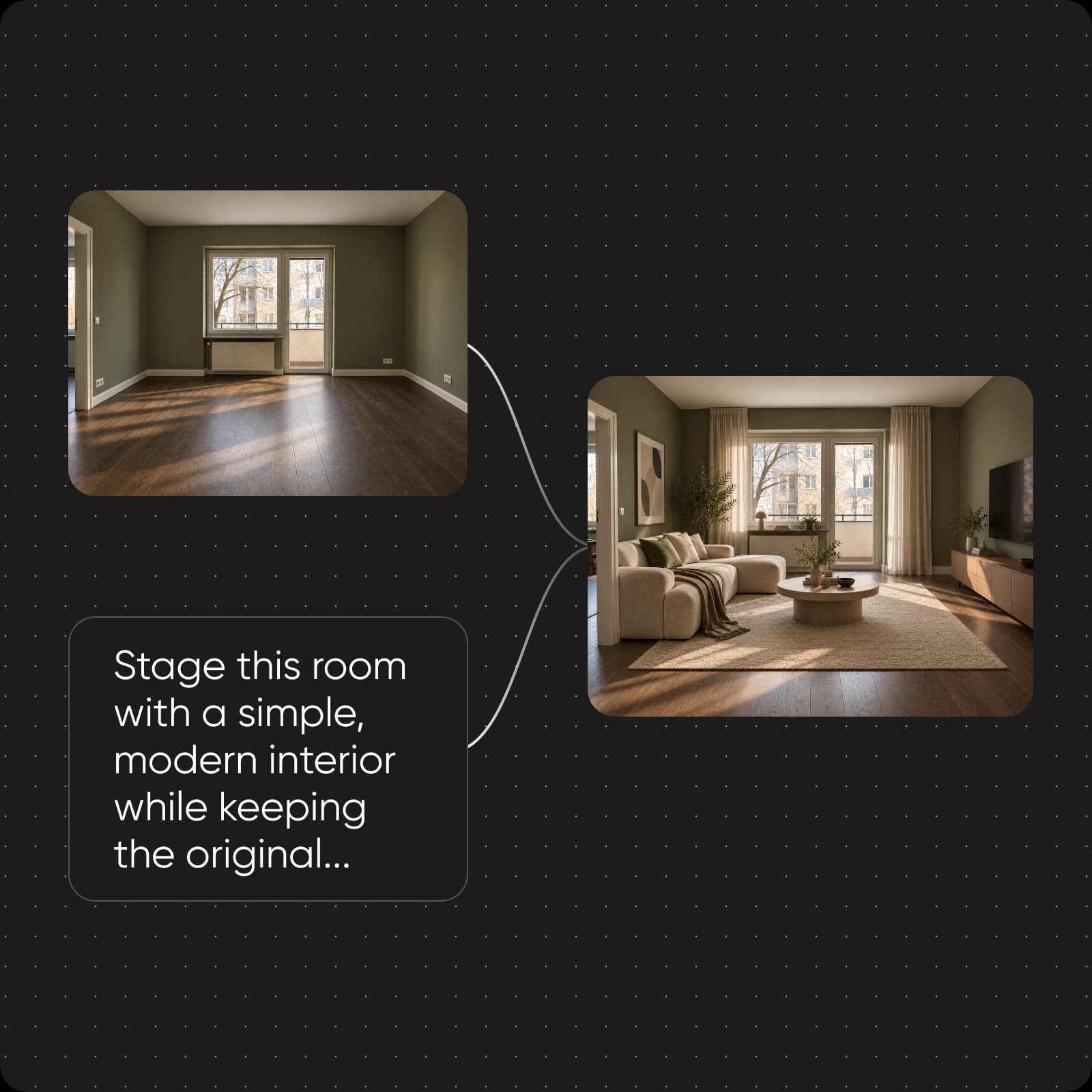
Virtual staging or physical staging?
Virtual home staging adds furniture and decor to a photo. Physical staging places real furniture in the property for photography and in-person visits. Choose the approach that fits your listing, and make clear when an image has been digitally staged.
- Review the original and result
Virtual staging questions
Virtual staging adds digital furniture and decor to a room photo so viewers can picture how the space might be used.