Picsart's solutions for students
Explore Picsart's AI design solutions for building presentations, posters, social media graphics, and creative projects, working through group assignments, and keeping the best pieces for a portfolio. Everyday creative work is free on Picsart, and a plan opens up the AI models and workflow tools when a project asks for more.
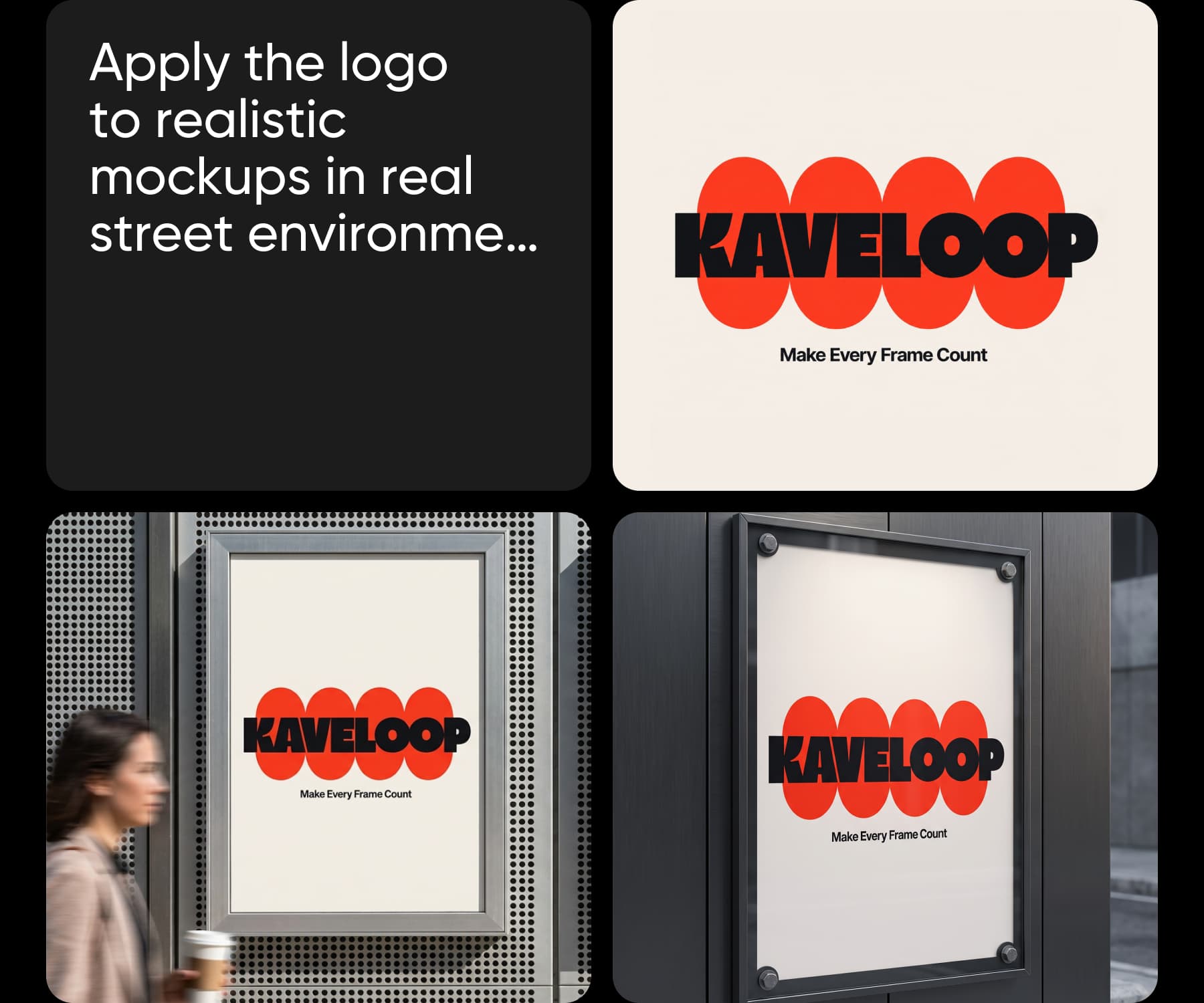
Leading AI models, in one creative workspace
Explore and combine models from the teams shaping image, video, and audio generation without rebuilding your workflow for each one.





Fits how student work happens
Coursework, deadlines, and a budget that has to stretch across a term.
Build coursework in Picsart Flow
Picsart Flow builds the work from a template that arrives already built. You supply the input, and the connected nodes run in order, generating the images and building every output the workflow defines.


How a workflow runs
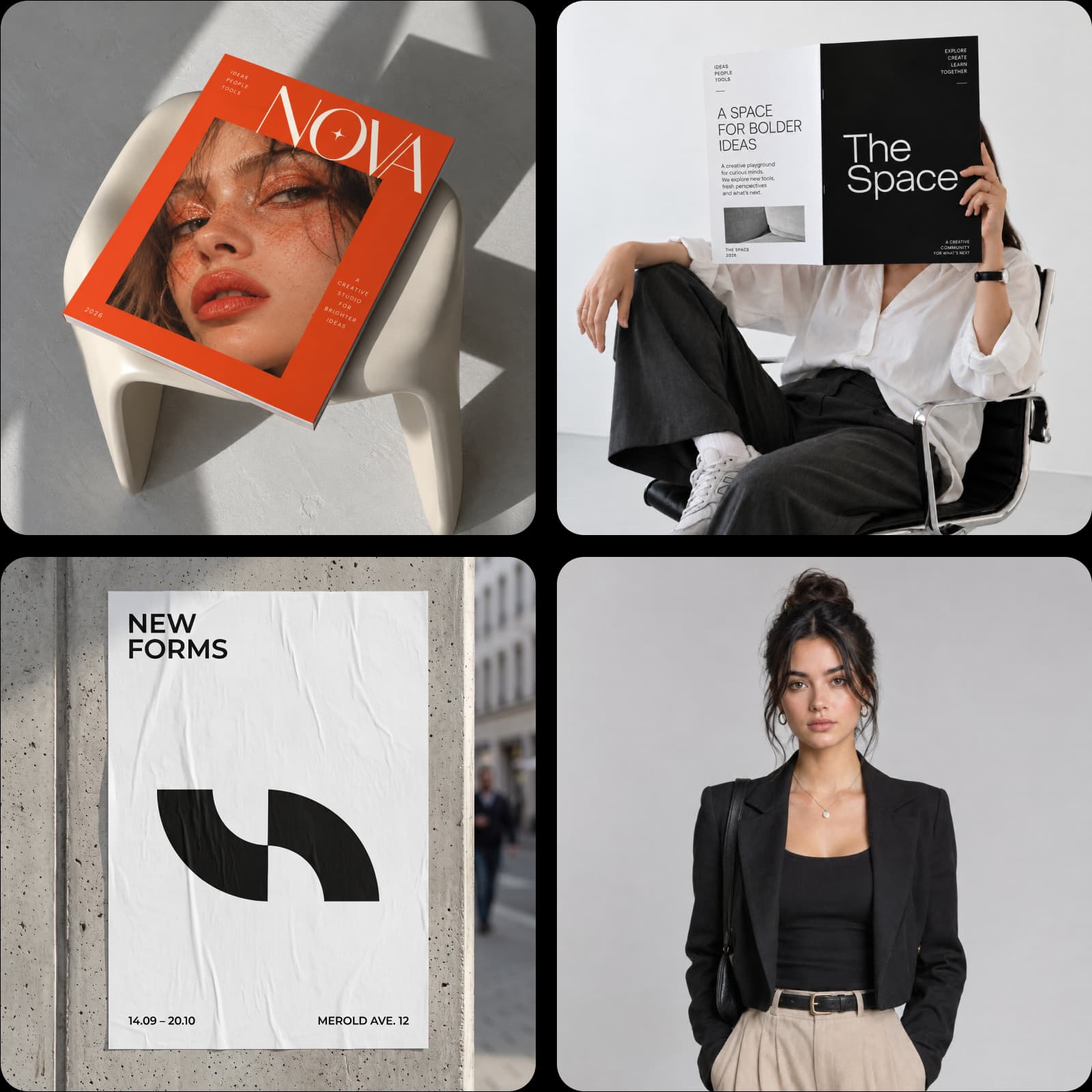
Work together in Picsart Flow multiplayer
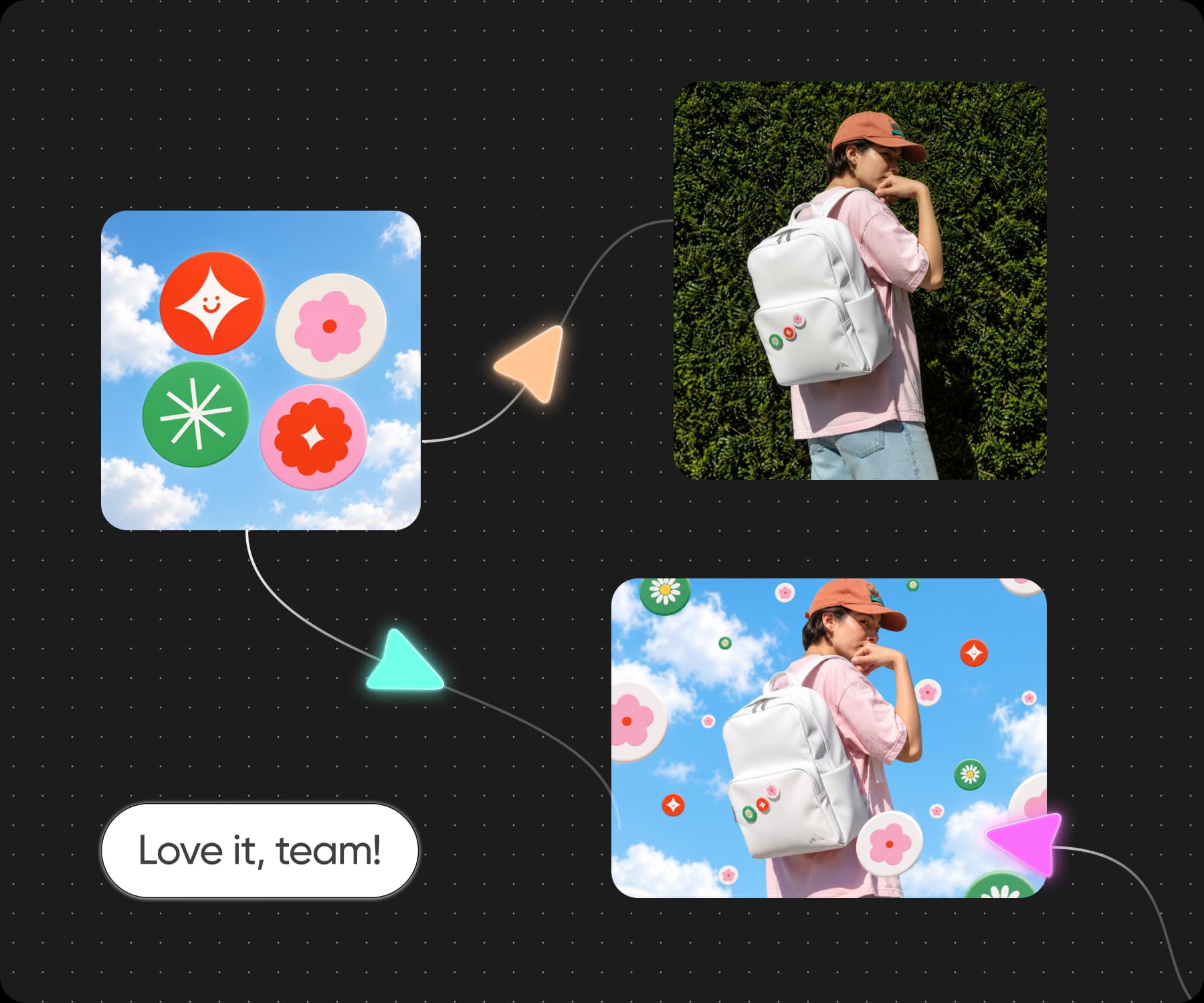
Turn what you read into what you hand in
Drop in the source, a spreadsheet, an article, a book, or a PDF, and let a text node summarise it into sections. Connect image nodes to build the slides, diagrams, or illustrations the assignment needs, in the style you name. Everything stays connected, so you can change the layout, the dimensions, or the model without rebuilding.
Cover every subject from one place
One term can ask for a lab diagram, a film still, a poster, and an illustrated history essay. Picsart Flow builds each one and AI Playground supplies the models, so you are not hunting for a different tool every time a brief changes. One place, whatever the module asks for.
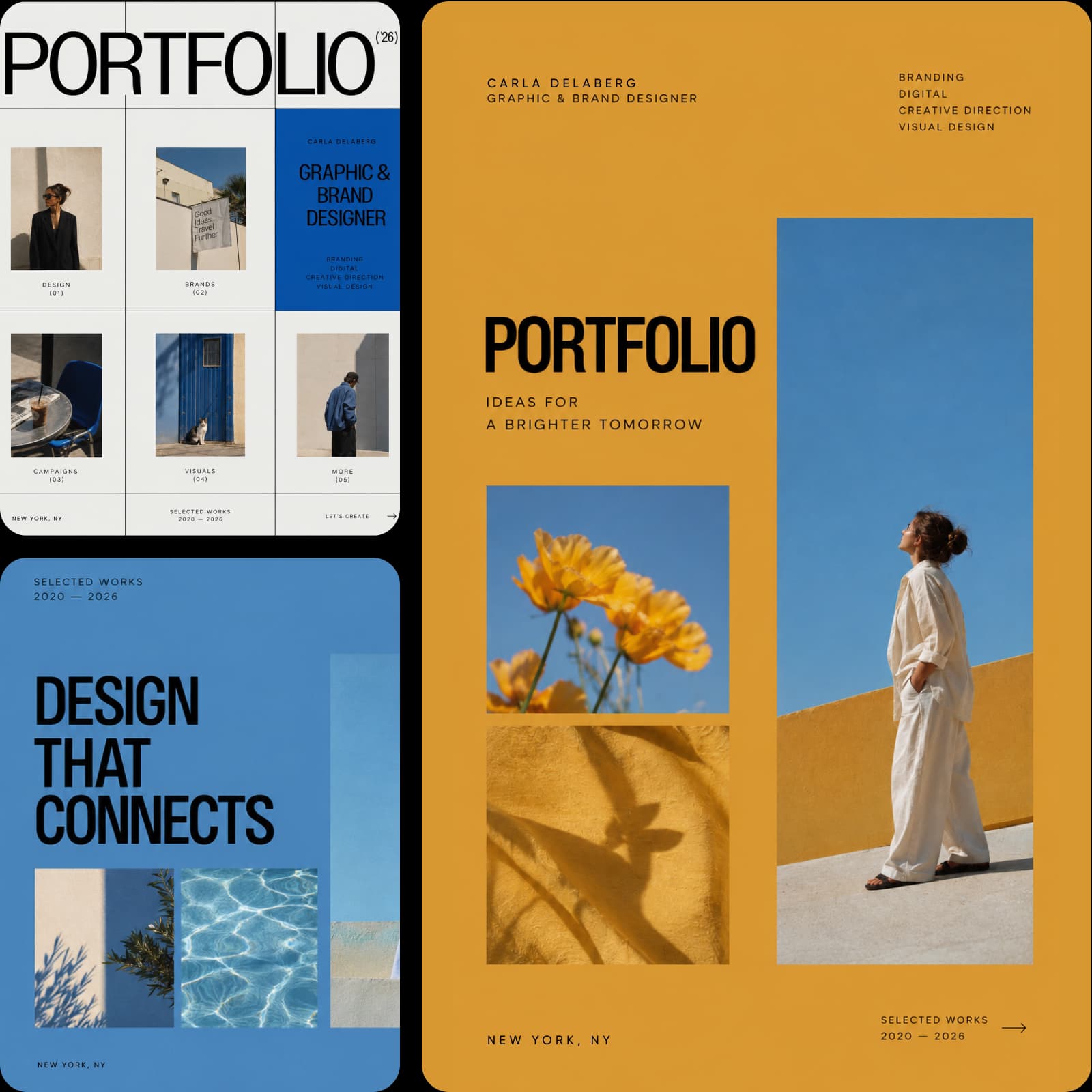
Build a student portfolio while you study
Pay only for what you run
A term is never evenly busy. The editor stays free the whole way through, and the AI spends credits, so a pricing plan carries a heavy semester while add-on credits cover the month one project takes over. Student discounts land from time to time, so check before you commit. Every new account starts with a few trial credits, which is enough to see what the AI does before a deadline decides for you.
Read answers about Picsart for students
Cost, coursework, portfolios, and whether you need design experience.
Yes. The editor is free to use, along with a selection of templates, fonts, and stickers. The AI features run on credits, which come with a plan as a monthly balance.
See Pricing Tiers for Picsart
Pro
Most popularAI tools for everyday creative work.
Ultra
Most powerfulHeavy AI usage for creators & teams.