
Keeps every design on-brand
Upload your brand kit once — logos, colors, fonts — and watch it apply automatically across every asset your team creates. No more hunting for the right hex code.

Scales content without scaling headcount
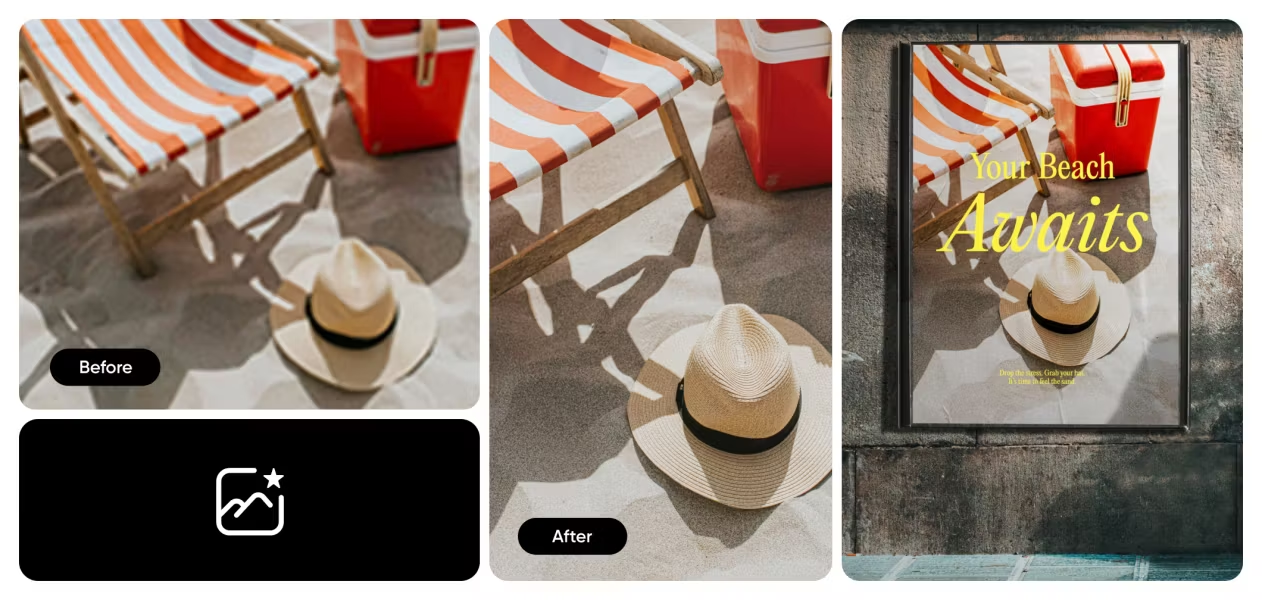
AI-powered batch editing lets your team resize, reformat, and regenerate hundreds of assets in the time it used to take to make one. More output, same team size.

Works where your team works
Shared folders, comment threads, and version history mean no more "final_v3_REAL.png" chaos. Everyone sees the latest, everyone stays aligned.
How teams use Picsart
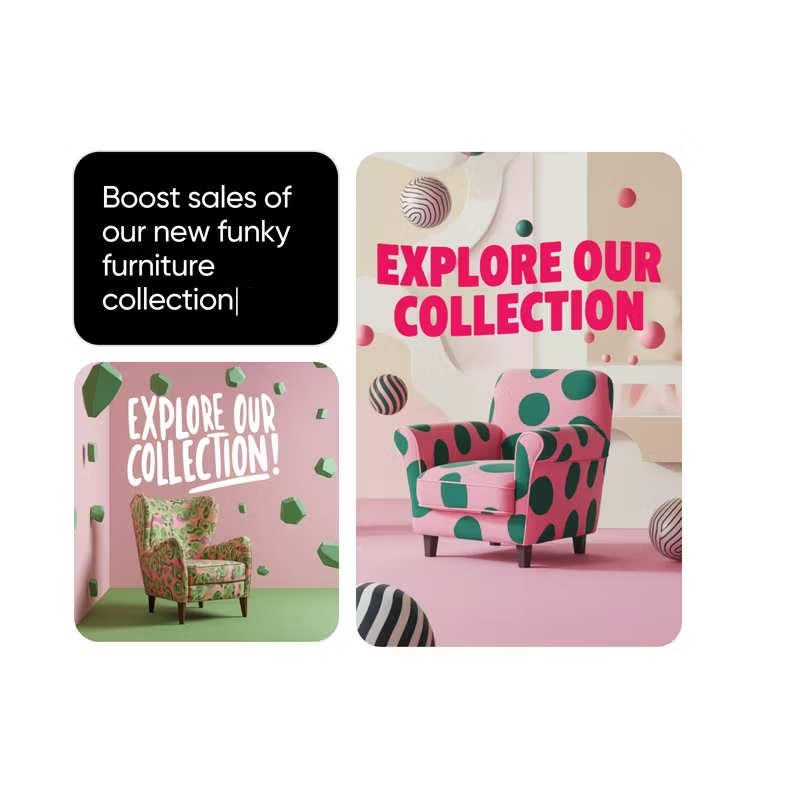
Create scroll-stopping social content at the pace platforms demand. Batch-generate posts for every channel, resize in one click, and maintain visual consistency across campaigns.
Everything your team needs to create
Brand kit
Store logos, colors, and fonts in one place. Apply them automatically to any design.
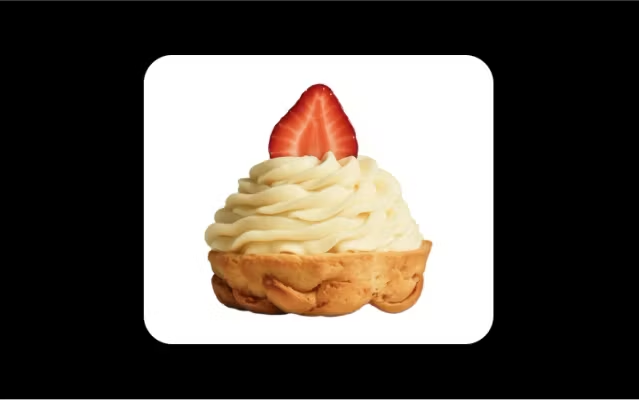
Shared workspace
Organize projects in folders your whole team can access. No more file hunting.
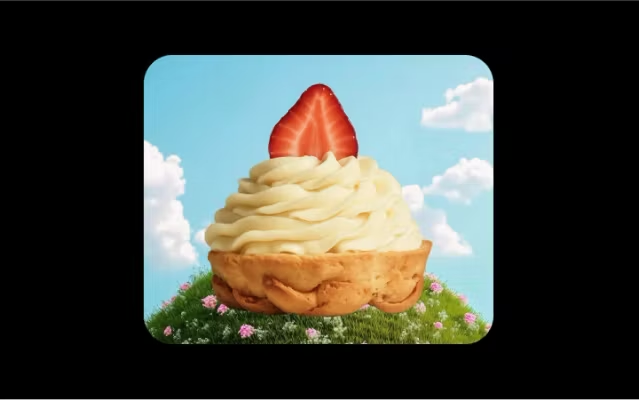
AI image generator
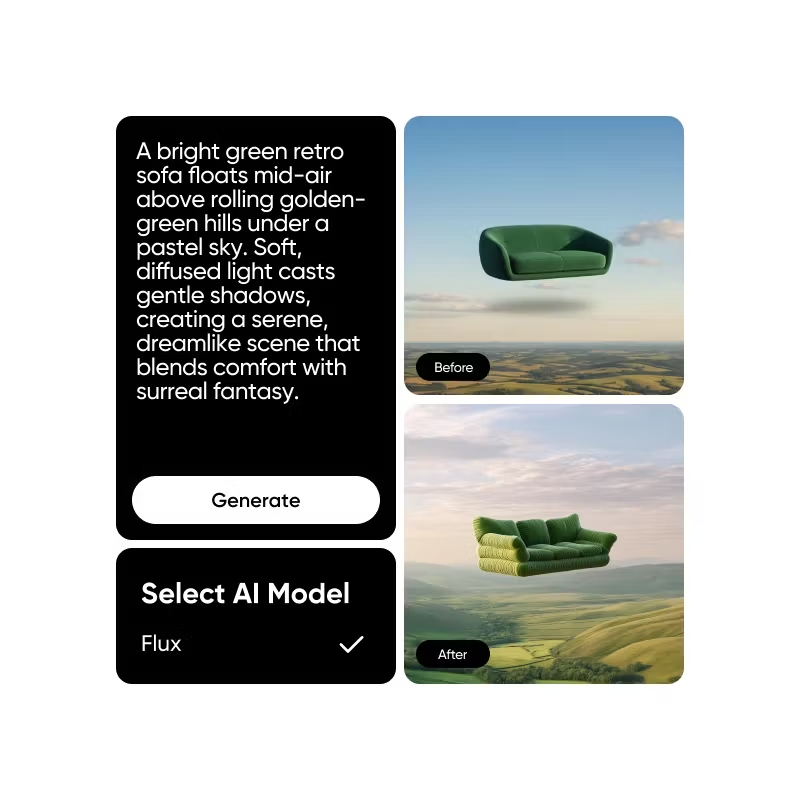
Turn text prompts into custom visuals. Generate exactly what you need in seconds.
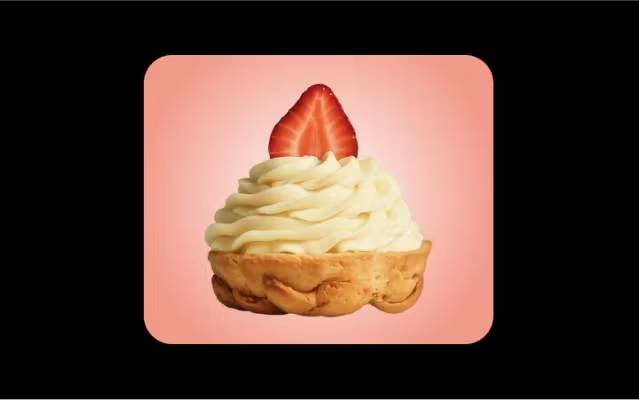
Batch processing
Adapt, reformat, and export hundreds of assets at once. Save hours every week.
Template Library
Access thousands of professionally designed templates. Customize them in clicks.
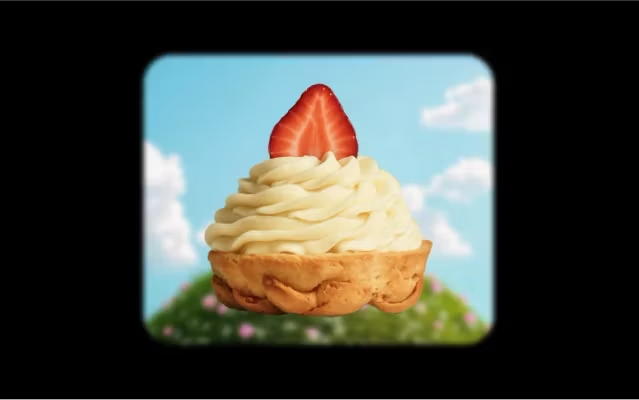
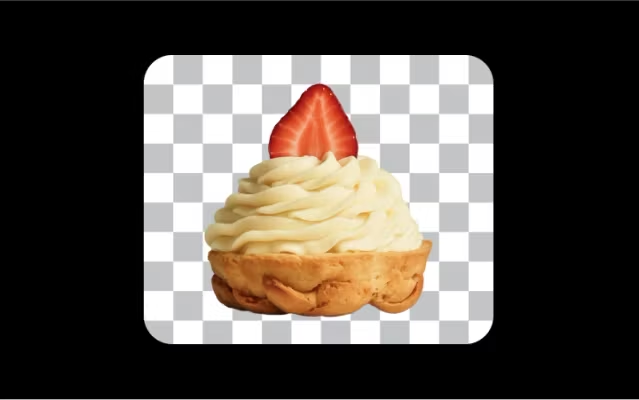
Subject isolation
Separate subjects from any scene instantly with AI. Perfect for product photos and headshots.
Teams that create with Picsart
Picsart for Teams FAQ
How many team members can use Picsart for Teams?
Can non-designers use Picsart effectively?
Absolutely. Picsart is built for everyone, not just designers. AI tools handle complex tasks like background removal and image generation. Templates provide professional starting points. Your brand kit ensures consistency. Most teams find that anyone can create polished assets within their first session.
How does the brand kit work?
Upload your brand assets once — logos, color palette, fonts, and guidelines. Picsart stores them in your brand kit, accessible to every team member. When creating new designs, apply your brand with one click. The kit ensures visual consistency without manual checking.
Is Picsart for Teams secure?
Yes. Picsart for Teams includes enterprise-grade security: encrypted file storage, secure sharing controls, and admin management for user permissions. You control who accesses what. SOC 2 compliance available for enterprise accounts. Your creative assets stay protected.
Can I integrate Picsart with other tools my team uses?
Picsart connects with the tools you already use. Export directly to common file formats. Share via links or download to your asset manager. API access available for enterprise teams who want deeper integration with existing workflows and DAM systems.
What's included in the free trial?
The free trial includes full access to all Picsart for Teams features: shared workspaces, brand kit, AI tools, batch editing, and template library. Try everything with your team before committing. No credit card required to start exploring.
Expand your team's creative toolkit
Equip everyone with AI-powered tools that keep projects moving—from ideation to final delivery.
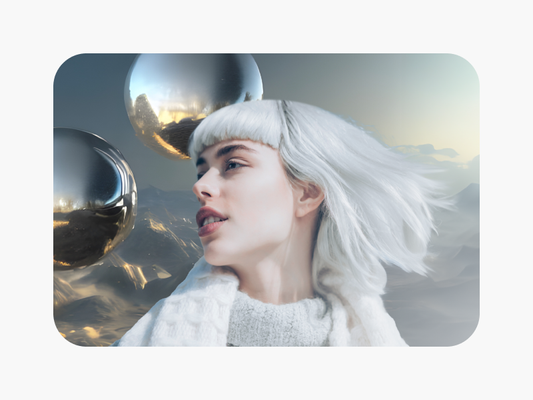
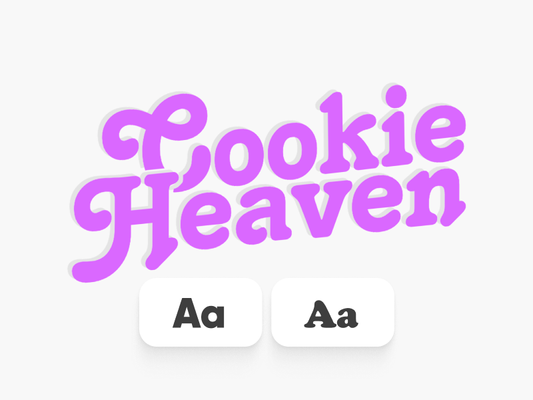

Create visuals, videos, and designs with Picsart
Pro
AI tools for everyday creative work.
- Access to all photo & video editing features
- Advanced background & object removal
- Parallel video generations with the world's most powerful AI video models
- Unlimited image generations with Flex.2 Klein
- 1-tap image enhancer
- Millions of stock photos & Getty video clips
- Selection of trendy fonts, text styles & stickers
- Thousands of premium templates
- Support for 3+ brand kits
- Bulk edit up to 50 images at once
- 100 GB of cloud storage
- Auto-generate content from your terminal or agent with the Picsart CLI
- Use Picsart inside Claude Code, Cursor, and ChatGPT via MCP — coming soon
- AI agents for multi-step workflows and batch generation — coming soon
Ultra
Heavy AI usage for creators & teams.
- Everything in Pro
- Early access to advanced AI features
- Leading AI models to design & automate workflows (Nano Banana, Veo 3, Seedance 2.0 & more)
- Parallel video generations with the world's most powerful AI video models
- Unlimited image generations with Flex.2 Klein
- Support for 10+ brand kits
- Add team seats
- Create ad variations and localize
- Track ads performance
- 2000 credits for API services
- Bulk edit up to 100 images at once
- 300 GB of cloud storage per seat
- Auto-generate content from your terminal or agent with the Picsart CLI
- Use Picsart inside Claude Code, Cursor, and ChatGPT via MCP — coming soon
- AI agents for multi-step workflows and batch generation — coming soon
Enterprise
Custom AI solutions for large organizations.
- Access to photo & video editor SDKs
- Mobile web SDK support
- Prepaid or pay-as-you-go creative APIs
- Embed professional-grade editing into your product or workflow
- Fully configurable editing experience
- White-label to match your brand
- Support for built-in marketing, e-commerce & printing use cases
- Bring your own assets: images, templates & fonts
- Enterprise-grade security, SLAs & support
- Dedicated account manager