How to build a product launch kit with AI in one command
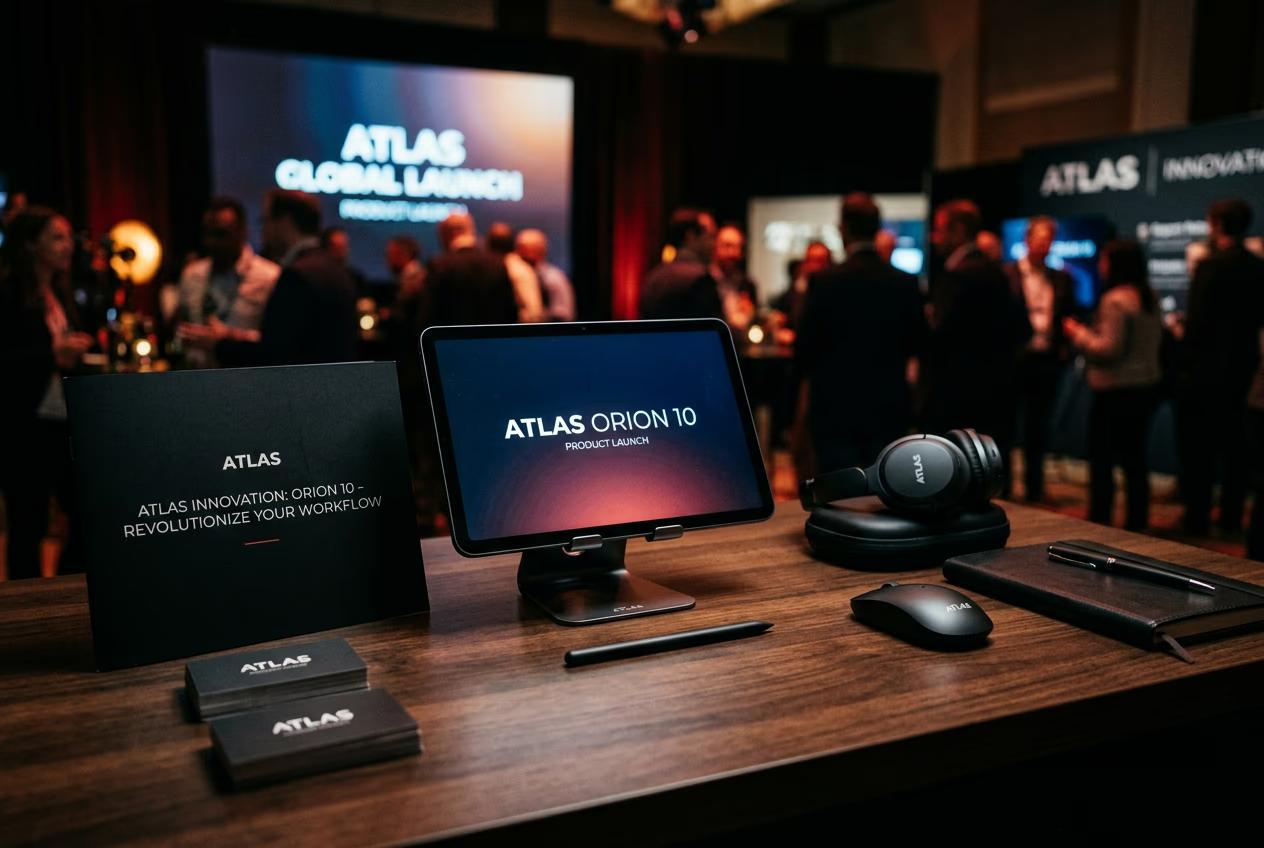
What you'll learn
What is the launch kit skill?
Common use cases
Build your launch kit step by step
STEP 1: Download the skill
- On web: Go to picsart.com/cli/#skills-prosumer-launch-kit → Click "Download"
- On mobile: Not available—use desktop terminal or AI agent (Claude Code, Cursor, Windsurf)
STEP 2: Write your product brief
Describe your product in one paragraph. Include what it is, who it's for, and the vibe you want:
- Product details: What you're launching and its key benefit
- Target audience: Who this is for (age, profession, interests)
- Visual style: Mood, tone, color palette, or reference aesthetic
- Platform needs: Specify if you need vertical video for reels or square thumbnails
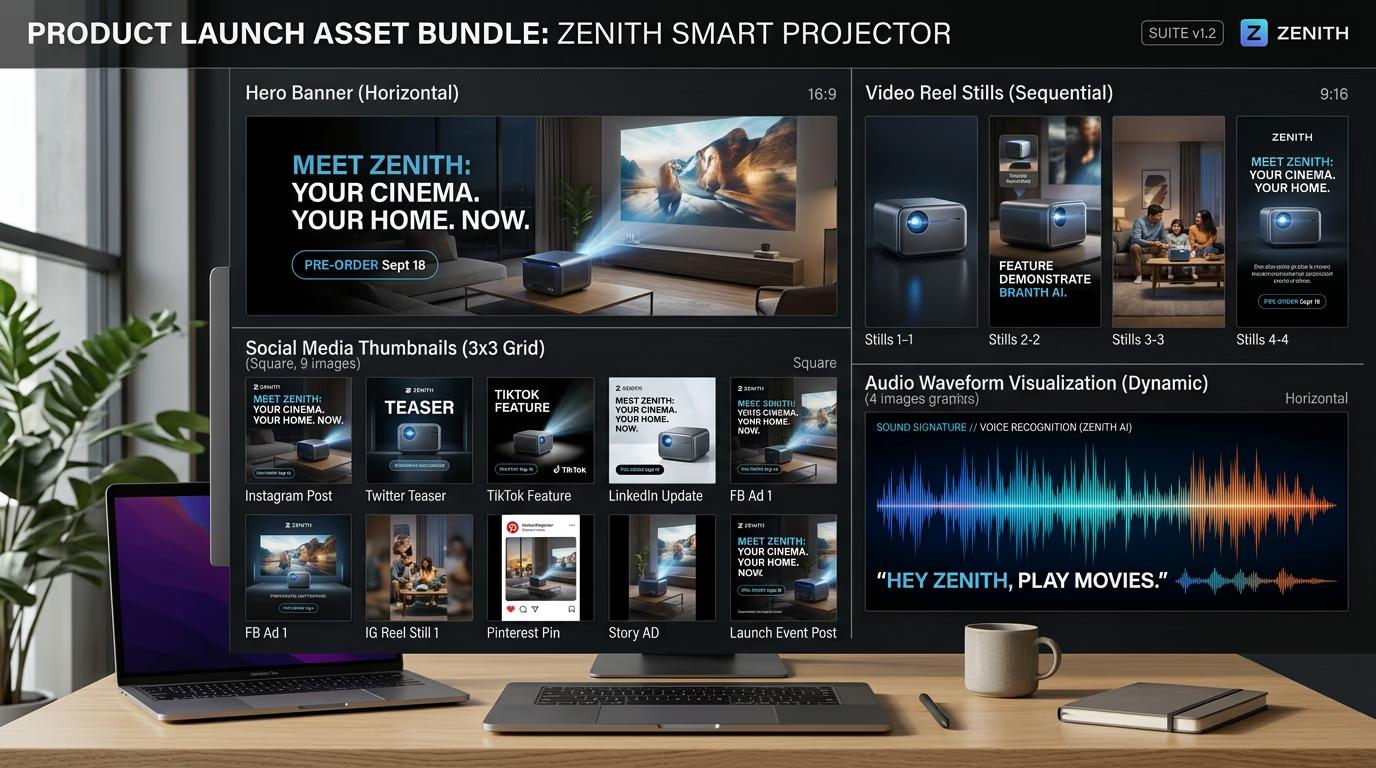
STEP 3: Run the skill
Paste your brief into the skill command and run it. The AI generates your full asset bundle—hero images, thumbnails, reels, and soundtrack—based on your description. This takes 30-90 seconds depending on how many assets you requested.
STEP 4: Review and export
Check that all assets match your brief and work together visually: Not perfect? Adjust your brief and regenerate. You can also tweak individual assets without re-running the whole bundle.
- Verify style consistency across all asset types
- Check dimensions match your target platforms
- Preview video with soundtrack to confirm pacing and tone
Tips for best results
💡 Be specific about visual style
Instead of "modern," say "dark moody product photography with purple accent lighting." The more specific your brief, the closer your first output will be to what you need.
💡 Include aspect ratio needs upfront
If you need 9:16 reels and 1:1 thumbnails, mention it in your brief. The skill will format each asset type correctly from the start instead of cropping later.
💡 Use reference brands or aesthetics
Saying "Apple product launch style" or "Spotify playlist cover vibe" gives the AI a clear target. References work better than abstract adjectives.
💡 Test with a minimal bundle first
Start with just a hero and one thumbnail to verify the style is right. Once you're happy, regenerate with the full asset list to save time and credits.
Frequently asked questions

Ready to ship faster?
Build complete launch kits from a single brief and stop juggling multiple tools.
Download skill