How to generate AI images from the terminal with the Picsart CLI
What you'll learn
What is CLI image generation?
Common use cases
Generate AI images step by step
STEP 1: Open the CLI
- On web: Go to picsart.com/cli → Install if you haven't already
- On mobile: Not applicable — CLI runs in terminal only
STEP 2: Choose your model and aspect ratio
Pick a model and specify dimensions:
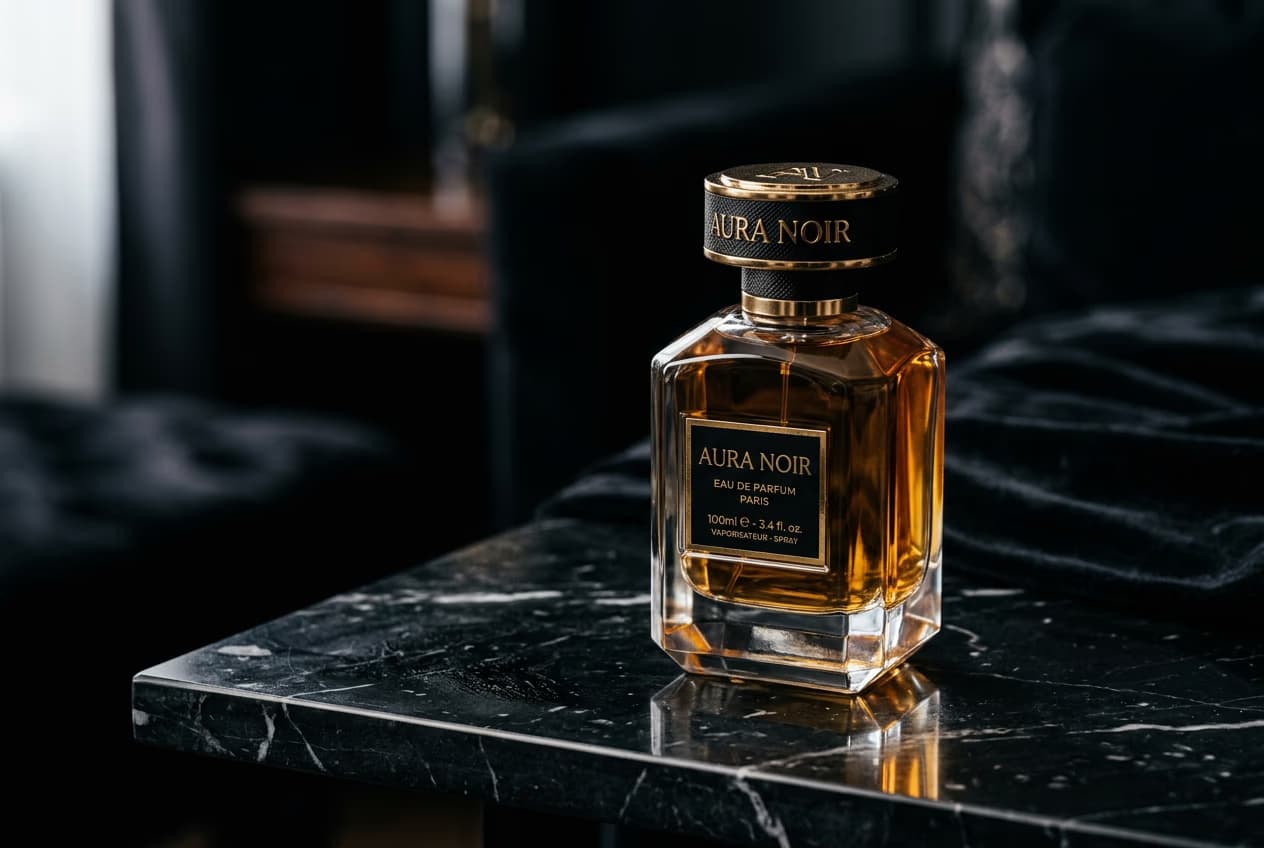
- Flux: Best for photorealistic images and product photography
- Recraft: Best for vector-style graphics, logos, and illustrations
- Nano Banana: Fastest generation, good for quick mockups
- Aspect ratio flags: --ar 16:9, --ar 1:1, --ar 9:16, or custom like --ar 4:3
STEP 3: Run the generation
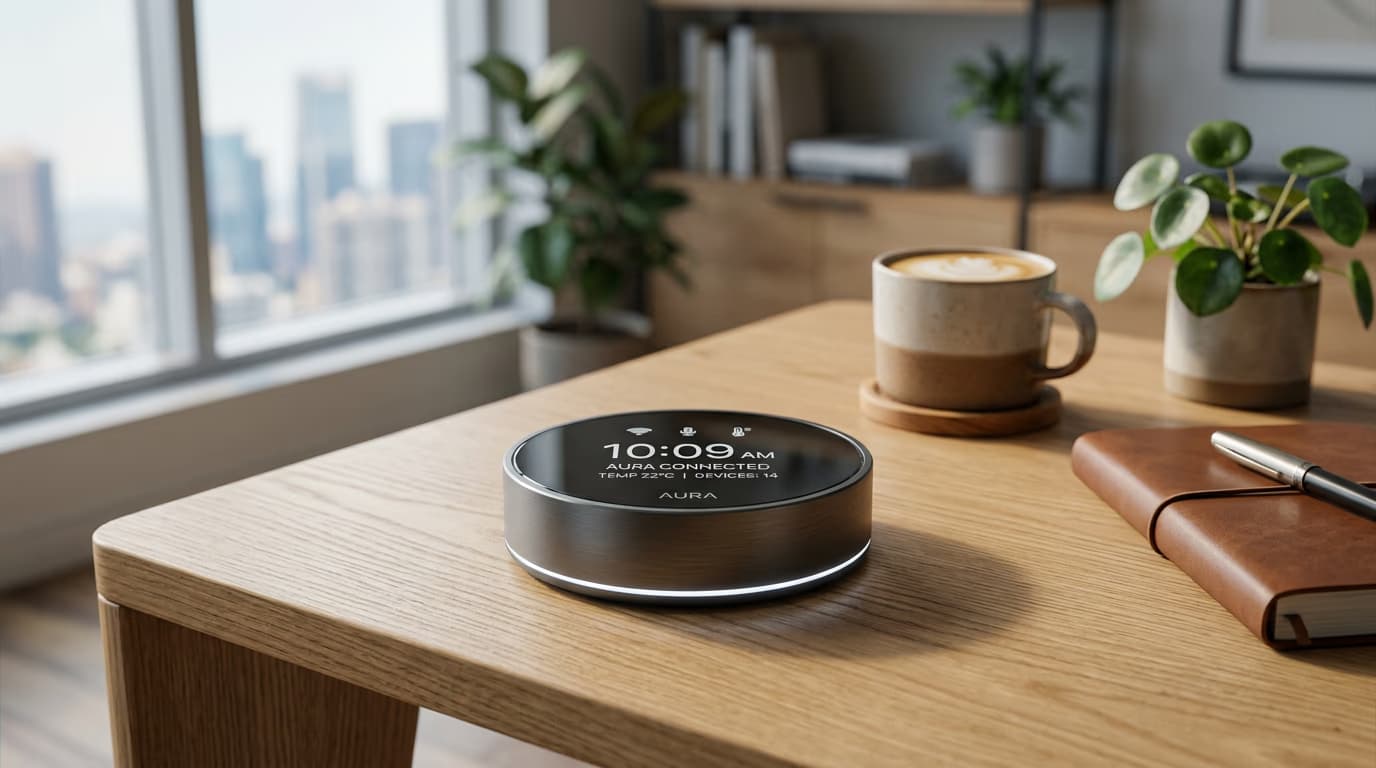
Type gen-ai generate with your prompt, model, and aspect ratio. The CLI creates the image and saves it to your current directory. Add --count to generate multiple variations at once.
STEP 4: Review and export
Check the generated image quality: Not perfect? Generate again with a refined prompt, switch models, or increase --count to get more options.
- Verify the composition matches your prompt description
- Check that aspect ratio is correct for your use case
- Look for visual artifacts or off-brand elements
Tips for best results
💡 Use Flux for realistic product shots
Flux excels at photorealism — skin tones, reflections, shadows, and lighting all look natural. If your prompt describes a real-world scene or product, Flux is the safest choice. Recraft is better for flat, vector-style graphics.
💡 Specify aspect ratio upfront
Don't crop later — generate at the right size from the start. Use --ar 16:9 for blog headers and YouTube thumbnails, --ar 1:1 for Instagram posts, and --ar 9:16 for Stories or TikTok. The model composes the image differently based on the canvas shape.
💡 Generate multiple variations with --count
Add --count 5 or --count 10 to get several takes on the same prompt. You can pick the best one or use all of them for A/B testing. Batch generations run in parallel, so 10 images don't take 10× longer.
Aspect ratio guide
Frequently asked questions

Ready to generate images?
Install the CLI and start creating photorealistic or vector-style images in seconds.
Get started