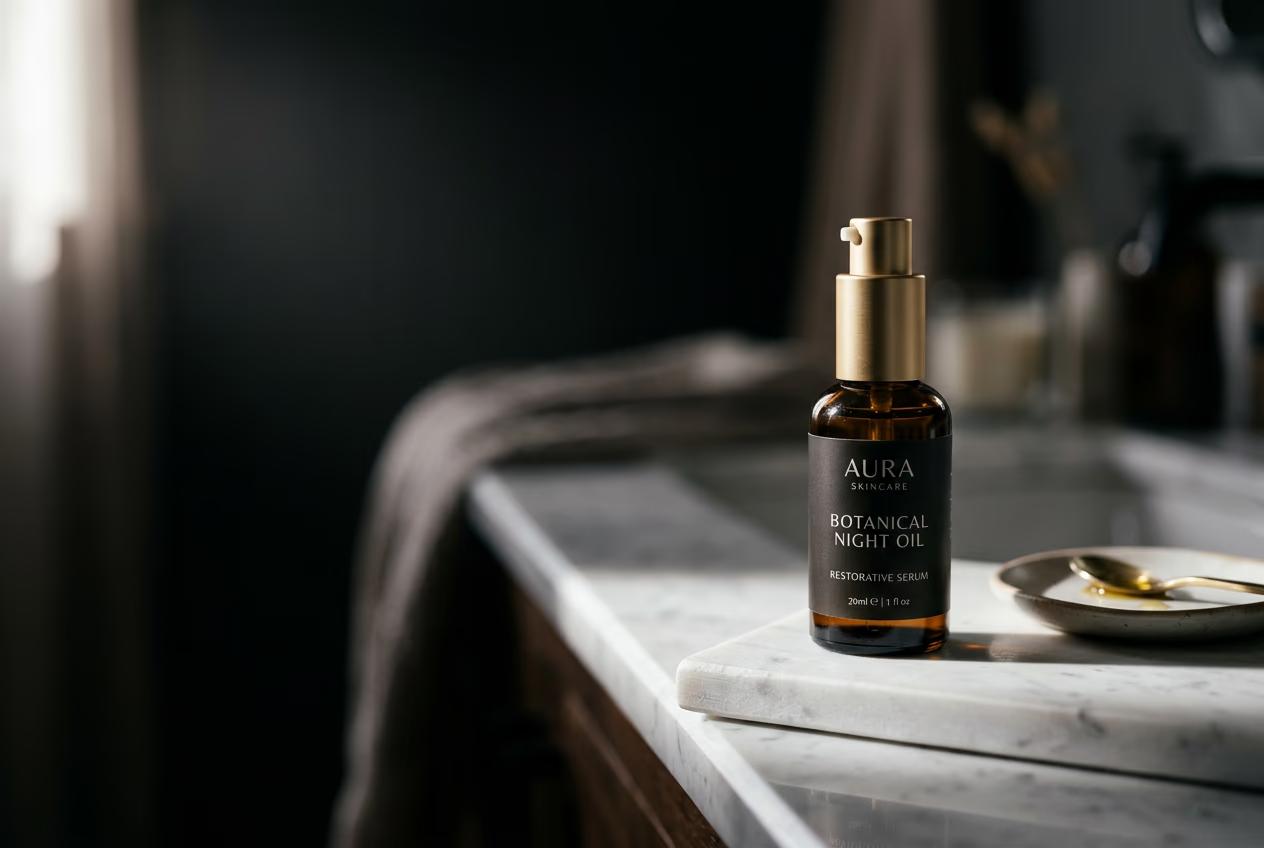
Transform product photos into lifestyle scenes with AI compose
What you'll learn
What is lifestyle compose?
Common use cases
Compose your lifestyle scenes step by step
STEP 1: Access lifestyle compose skill
- On web: Go to picsart.com/cli → Navigate to Skills → Select "Lifestyle compose"
- On mobile: Open Picsart app → Skills tab → Choose "Lifestyle compose" from e-commerce category
STEP 2: Upload product and select scene type
Choose your base product image and target scene context:
- Upload your packshot (clean product photo on neutral background works best)
- Select scene type: On marble counter, In morning light, Held by hand, On wooden table, In bathroom setting, Outdoor natural light
- Adjust lighting preference: Soft morning, Bright daylight, Warm evening, Studio clean
- Set scene complexity: Minimal (product focus), Moderate (some props), Rich (full lifestyle setting)
STEP 3: Generate lifestyle composition
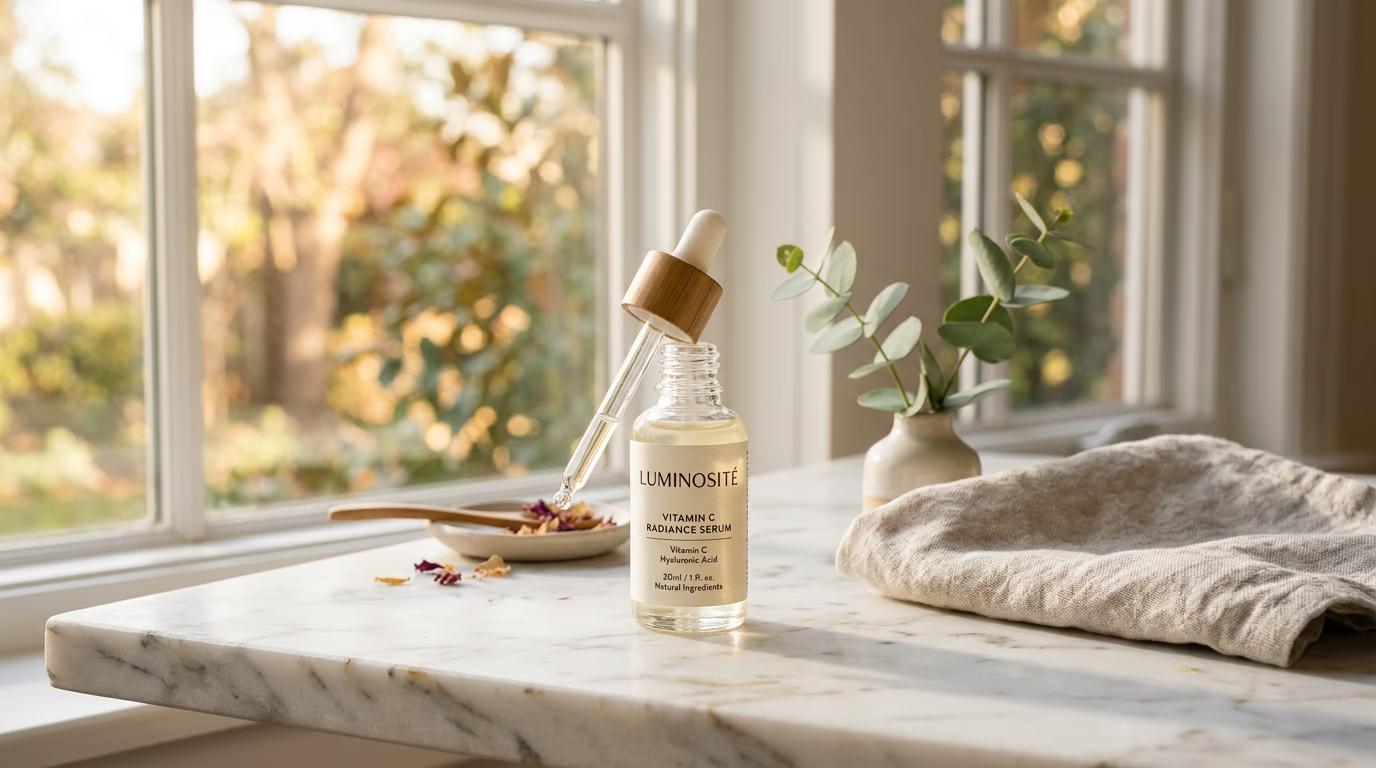
Click "Compose" and the AI builds a complete scene around your product. The skill preserves your product exactly while generating realistic context — surfaces, lighting, props, and atmosphere that match your chosen setting. Takes 10-15 seconds per image.
STEP 4: Review scene quality and export
Check that the composed scene looks natural and on-brand: Not perfect? Generate again with different scene settings, or batch-generate multiple variations to pick your favorite.
- Verify product is accurately preserved (no distortion, color shift, or detail loss)
- Check that lighting on product matches the scene lighting (shadows fall correctly)
- Confirm scene props and context feel authentic and appropriate for your brand
Tips for best results
💡 Start with clean packshots
Best results come from product photos on neutral backgrounds with even lighting. The AI can work with messy backgrounds, but clean input gives you more control over the final scene.
💡 Match scene to product category
Beauty products work beautifully on marble counters in morning light. Food items shine on wooden tables or outdoor picnic settings. Match your scene choice to where customers would naturally use or display your product.
💡 Batch multiple scenes from one photo
Generate 4-6 different scene variations from a single packshot. Use marble counter for premium feel, hand-held for scale reference, natural outdoor light for fresh aesthetic. Test which context performs best before scaling up.
💡 Keep brand consistency across scenes
Stick to 2-3 scene types across your catalog for visual consistency. Mixing too many different contexts can make your brand feel scattered. Pick your signature settings and repeat them.
Frequently asked questions

Ready to upgrade your product photography?
Transform your entire catalog from packshots to lifestyle scenes in minutes, not days.
Start composing scenes