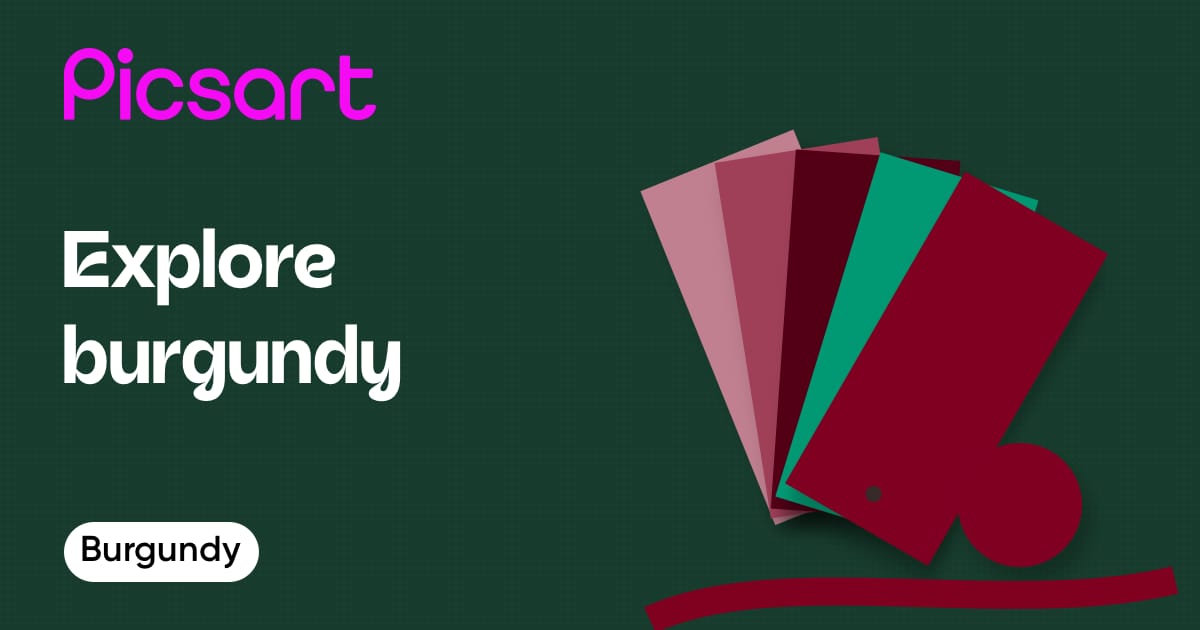
Meaning of the color Burgundy
Burgundy, a deep red color reminiscent of fine wine, symbolizes sophistication and ambition. This rich hue is associated with the burgundy color meaning of strength, wealth, and power. Employing a burgundy color palette can transform spaces into luxurious and impactful environments. Pairing burgundy with muted neutrals such as gray or taupe highlights its depth, while combinations with gold or emerald enhance its opulence. Understanding what colors make burgundy and exploring colors that go with burgundy can help in creating visually compelling and elegant designs.
Psychological characteristics of Burgundy color
Burgundy carries deep psychological implications that influence design and ambiance:
- Sophistication: Often associated with refined tastes and exclusivity, burgundy can elevate a space's perceived value and aesthetic.
- Power: The intensity of burgundy conveys power and confidence, making it a popular choice in leadership or authoritative environments.
- Richness: Its deep, wine-like quality suggests richness and complexity, often invoking feelings of passion and vitality.
- Ambition: Burgundy inspires determination and ambition, reflecting a drive for success and achievement.
Symbolic meanings of color Burgundy
- Depth and complexity
- Luxury and wealth
- Passion and vigor
Technical information about Burgundy/#FFBF00
Burgundy is represented by the burgundy hex code #800020. In the RGB color model, burgundy is made up of 50% red, 0% green, and 12.5% blue, which gives it its characteristic deep red tone. In the CMYK color space, it features 0% cyan, 100% magenta, 75% yellow, and 50% black, illustrating its depth and intensity. The burgundy color code is essential for designers looking to accurately replicate this sophisticated hue in digital and print formats. Knowing the details of the color burgundy and burgundy color code is crucial for achieving precise and impactful results in design projects.
Burgundy color conversion table
The hexadecimal color #800020 has RGB values of R: 128, G: 0, B: 32 and CMYK values of C: 0, M: 100, Y: 75, K: 50.
| Color code | Value | CSS |
|---|---|---|
| HEX | #800020 | #800020 |
| RGB DECIMAL | 128, 0, 32 | rgb(128, 0, 32) |
| RGB PERCENTAGE | 50%, 0%, 13% | 128, 0, 32 |
| CMYK | 0, 100, 75, 50 | - |
| HSL | 345.0, 100.0, 25.0 | hsl(345.0°, 100.0%, 25.0%) |
| HSV (OR HSB) | 345.0, 100.0, 50.0 | - |
| WEB SAFE | #990033 | #990033 |
| CIE-LAB | 25.843, 48.905, 21.294 | - |
| XYZ | 9.163, 4.693, 1.789 | - |
| XYY | 0.586, 0.300, 4.693 | - |
| CIE-LCH | 25.843, 53.339, 23.529 | - |
| CIE-LUV | 25.843, 78.510, 9.746 | - |
| HUNTER-LAB | 21.664, 39.959, 9.855 | - |
| BINAR | 10000000 00000000 00100000 | - |
Design templates with Burgundy color
Save time with ready-to-use designs that are fully customizable.
 Bold Fashion New Arrivals Poster MaroonTry it out
 Romantic Crimson Love Letter Design TemplateTry it out
 Chic Green Fall and Winter Collection PosterTry it out
 Summer Fashion Unveiling Olive Poster DesignTry it out
 Stylish Fall Instagram Story with BurgundyTry it out
 Elegant Burgundy Christmas Greeting Card DesignTry it out
 Elegant Burgundy Save The Date InvitationTry it out
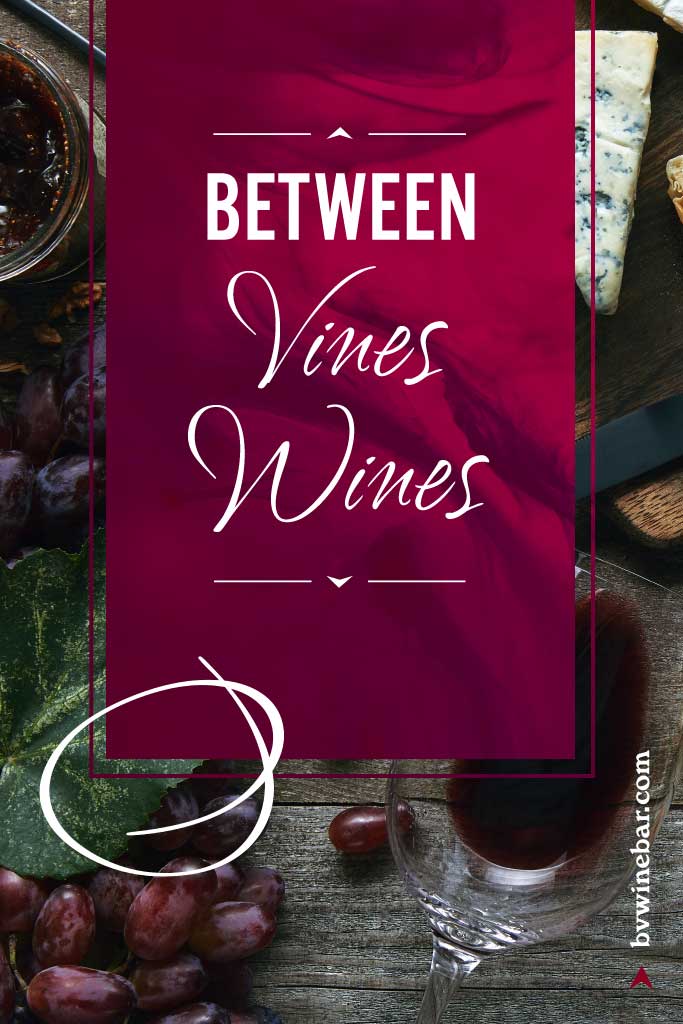 Elegant Burgundy Wine Tasting Poster DesignTry it out
 Lovely Red Valentine's Day Cake PosterTry it out
 Elegant Summer Bags Discount Poster in BurgundyTry it out
 Elegant White Instagram-Square Merry Christmas PostTry it out
 Exclusive Burgundy Gift Card for Fashion FreedomTry it out
 Elegant Burgundy Christmas Greeting Card DesignTry it out
 Classic Christmas Burgundy Instagram Square PostTry it out
 Luxurious Epicurean Delight Ad Poster Maroon IndigoTry it out
Explore other colors
Find other available colors in the palette and learn more about each.
yellow colors
purple colors
red colors
blue colors
white colors
green colors
orange colors
- Pumpkin Orange
- Goldenrod
- Bronze
- Orange
- Tangerine
- Ochre
- Amber
- Apricot
- Bright orange
- Rust
- Diwali content maker
- Thanksgiving content maker
- Burnt orange
- Gold
- Halloween content maker
- 万圣节内容制作工具
- Criador de conteúdo de Halloween
- Halloween-Contentmaker
- Tvorca obsahu na Halloween
- Pembuat konten Halloween
- Creador de contenido de Halloween
- Halloween-innehållsskapare
- 할로윈 콘텐츠 제작 도구
- Creatore di contenuti per Halloween
- Trình tạo nội dung Halloween
- Halloween-contentmaker
- ہالووین مواد بنانے والا
- منشئ محتوى الهالووين
- Créateur de contenu Halloween
- Создатель контента к Хэллоуину
- سازنده محتوای هالووین
- ハロウィンコンテンツメーカー
- Kreator treści na Halloween
- हैलोवीन कंटेंट मेकर
- יוצר תוכן לליל כל הקדושים
- Creator de conținut pentru Halloween
- Tvorba obsahu na Halloween
- Izrađivač sadržaja za Noć vještica
- হ্যালোইন কনটেন্ট মেকার
- हॅलोविन कंटेंट मेकर
- Креатор на содржини за Ноќта на вештерките
- Створювач контенту до Гелловіну
- హాలోవీన్ కంటెంట్ క్రియేటర్
- เครื่องมือสร้างคอนเทนต์ฮาโลวีน
- ஹாலோவீன் உள்ளடக்க உருவாக்கி
- Halloween-tartalomkészítő
- Δημιουργός περιεχομένου για το Χάλογουιν
- Cadılar Bayramı içerik oluşturucu
pink colors
black colors


Design with burgundy for every creator project
Pro
Most popularAI tools for everyday creative work.
Ultra
Most powerfulHeavy AI usage for creators & teams.