Build back-to-school content for every audience
6 back-to-school assets for distinct audiences
Create AI directions for a campus welcome, student offer, classroom update, supply promo, weekly schedule, and orientation poster.
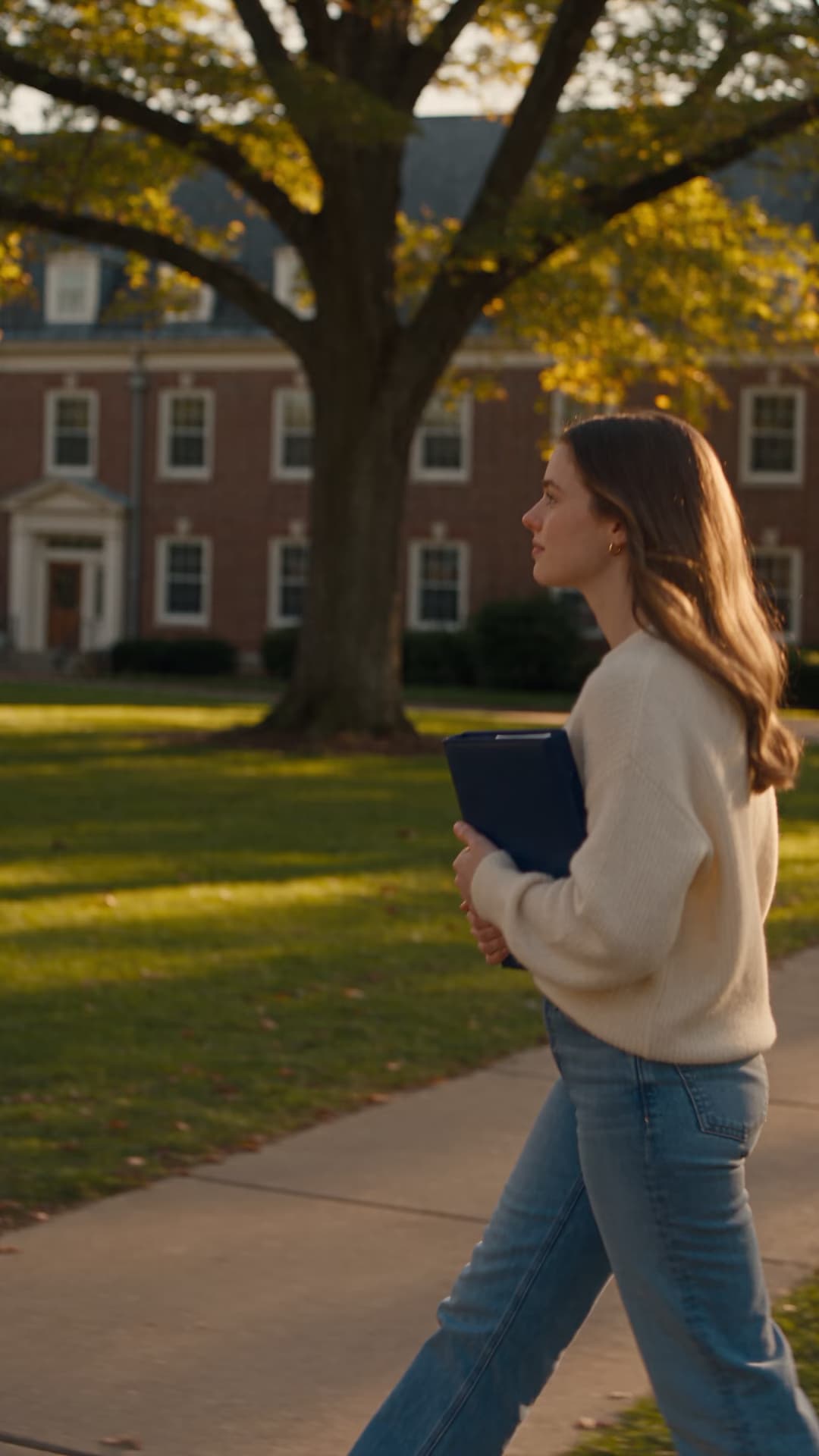

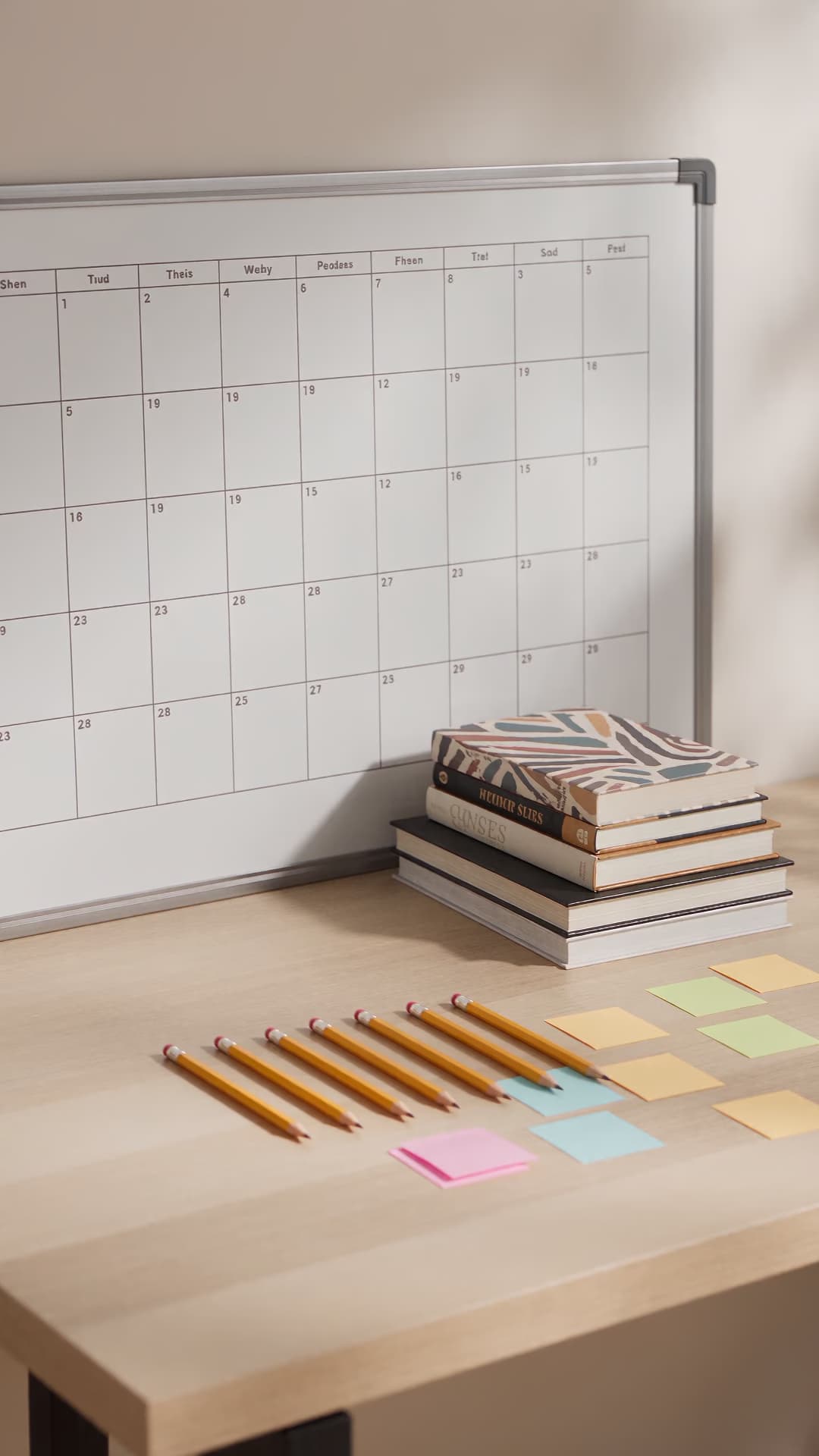

Use AI for each audience, not one generic message
Students, parents, teachers, schools, and shoppers need different messages, facts, and next steps.
Choose how you want to make it
Generate the first visual in AI Playground, create audience variants in Flow, and finish motion in Video Editor.
Build one back-to-school idea into a full content set
Prompt one audience and one action
Tell the AI whether the scene is for students, parents, teachers, schools, or shoppers. Then describe the setting, supplies, palette, light, format, and action. A focused brief creates a more useful first output.
Add real school details before you share
Use AI for the visual direction, background, and motion. Add the actual date, location, eligibility, supply list, contact, price, and deadline yourself. Check every detail at phone size before sharing.

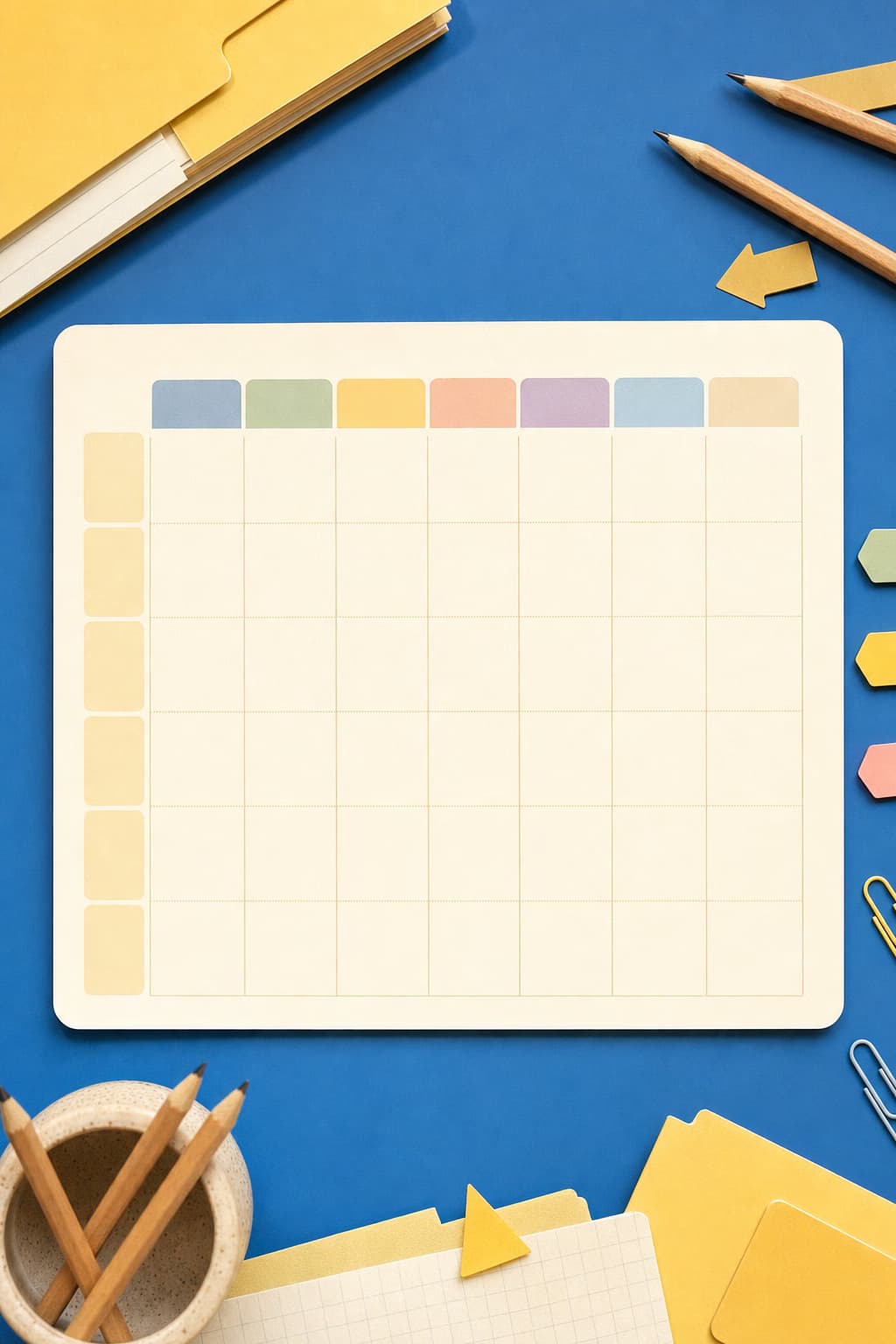
Back-to-school creation questions
Get practical answers about school-season AI prompts, video generation, audience variants, schedules, and factual details.
Generate campus welcome videos, student offers, classroom updates, supply promotions, schedules, orientation posters, and reminder posts. Create a separate message when the audience or next step changes.
More school formats and upcoming events
Start from a school-ready format or continue into the next seasonal campaign.