Create Halloween videos, images, and invitations
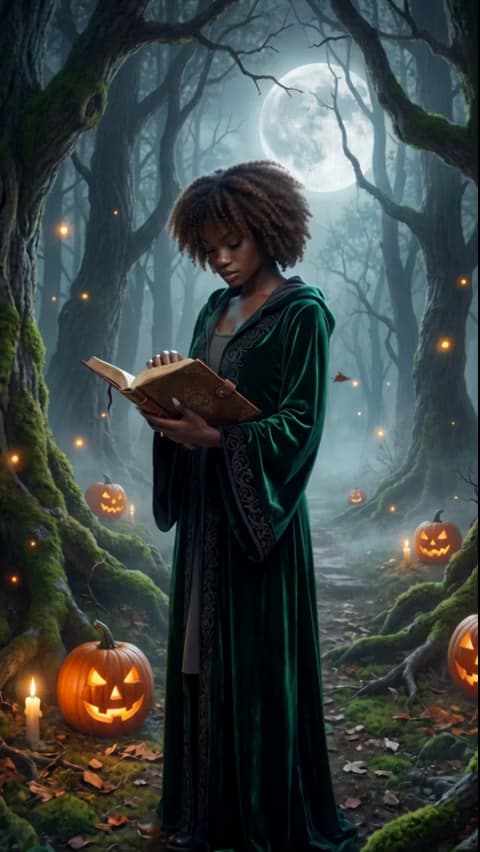
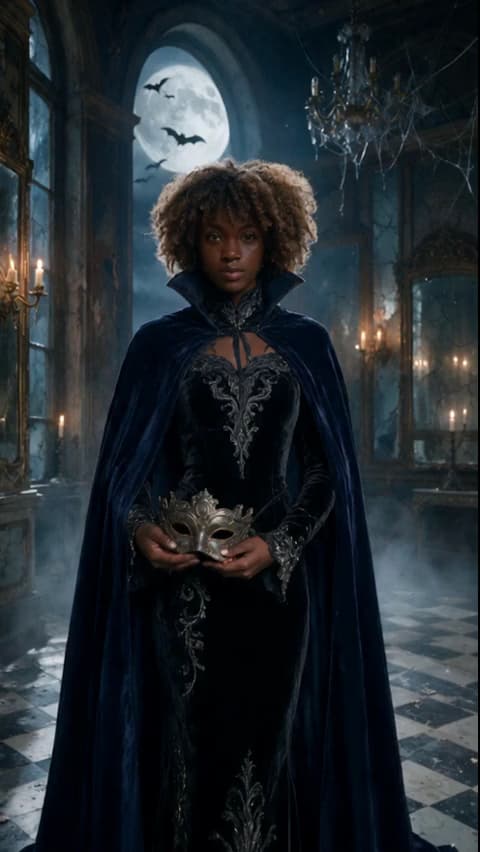
Find your Halloween costume look
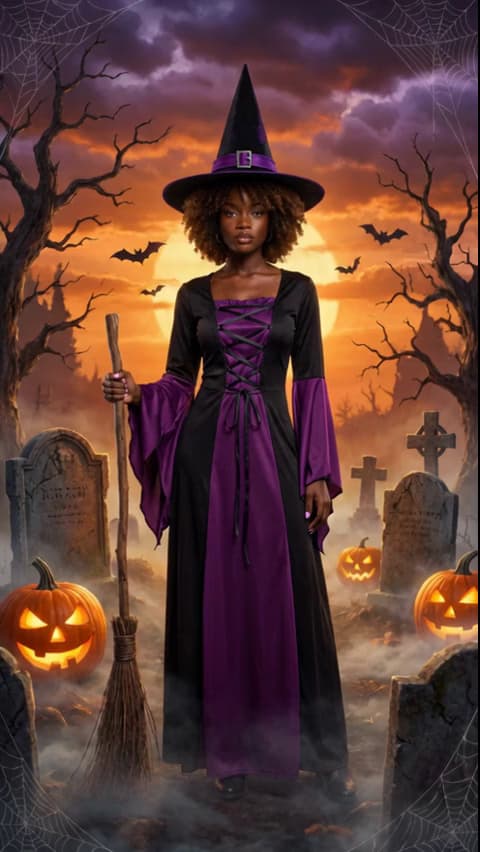
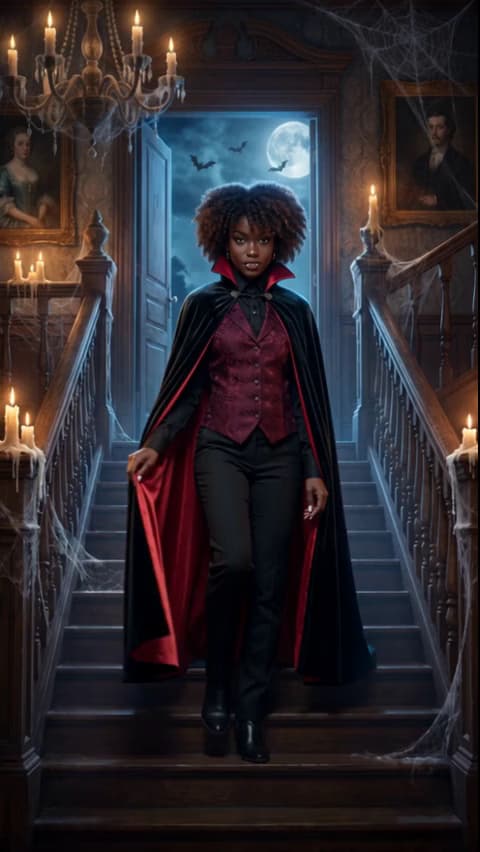
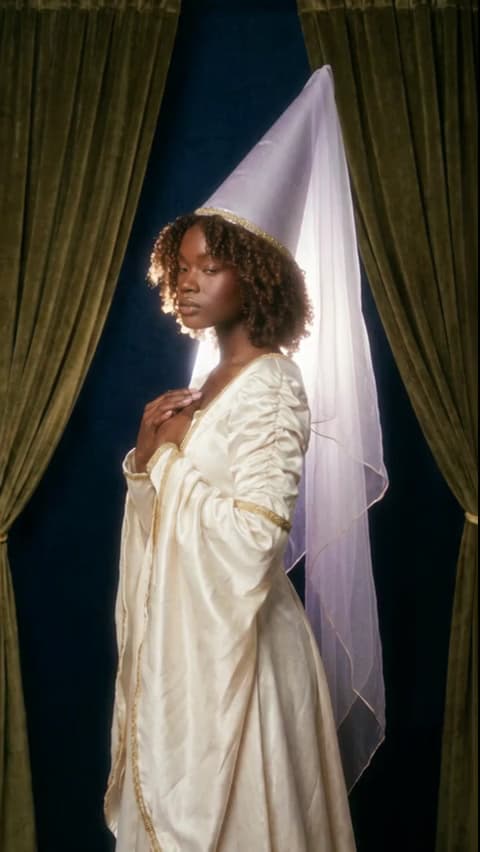
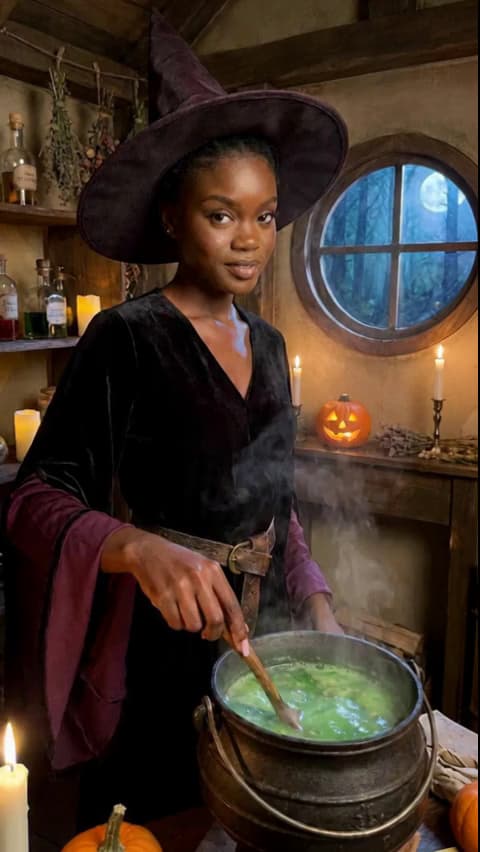
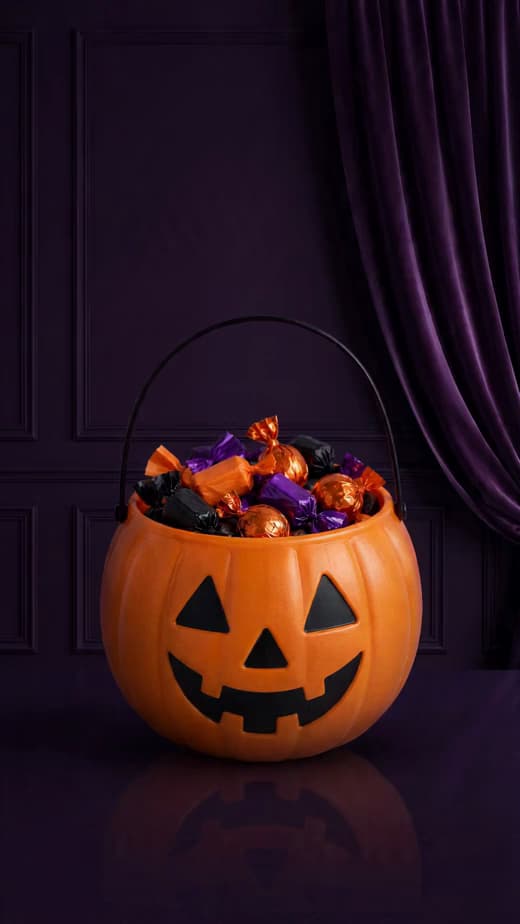
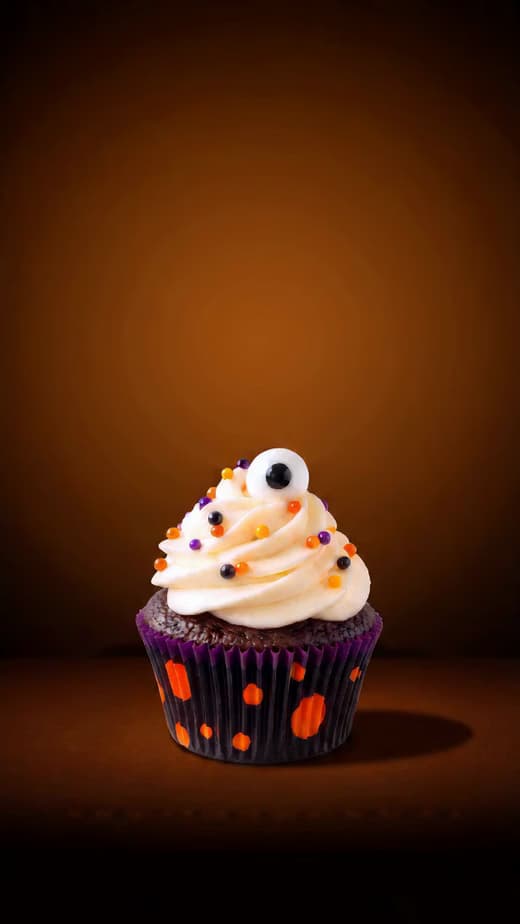
Plan your Halloween party
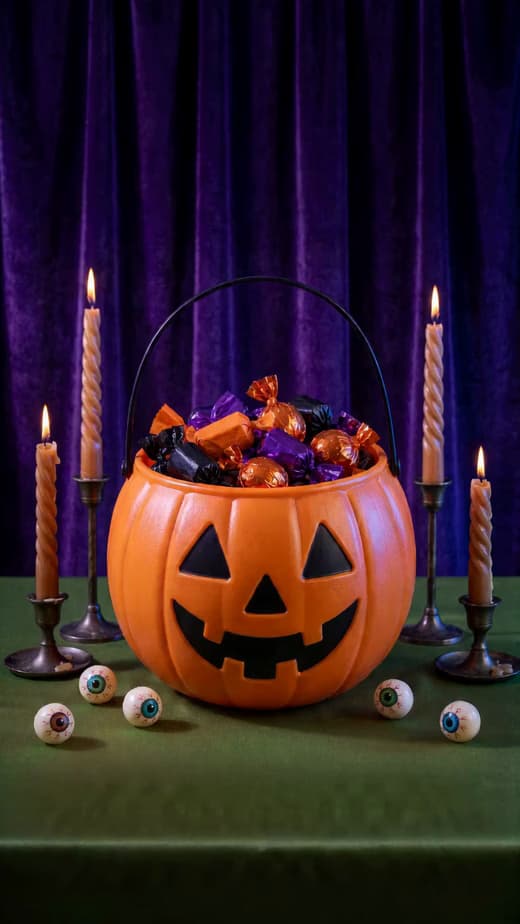
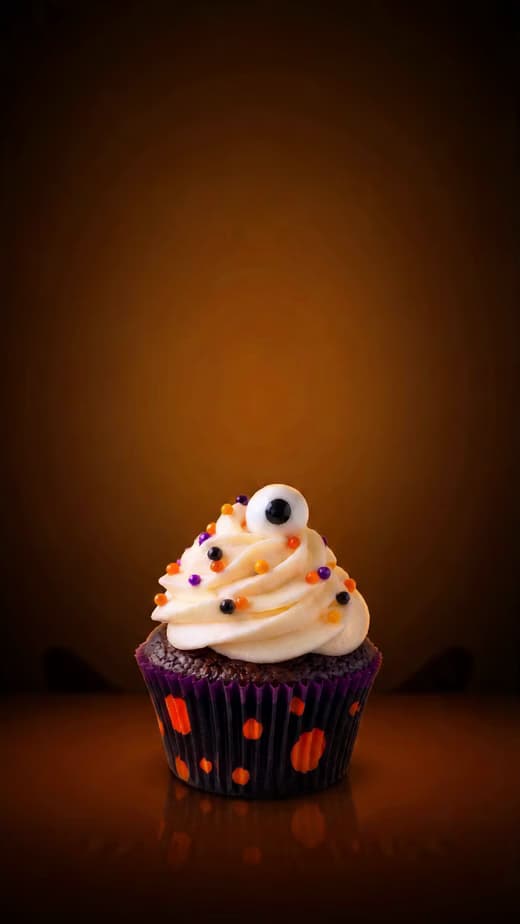
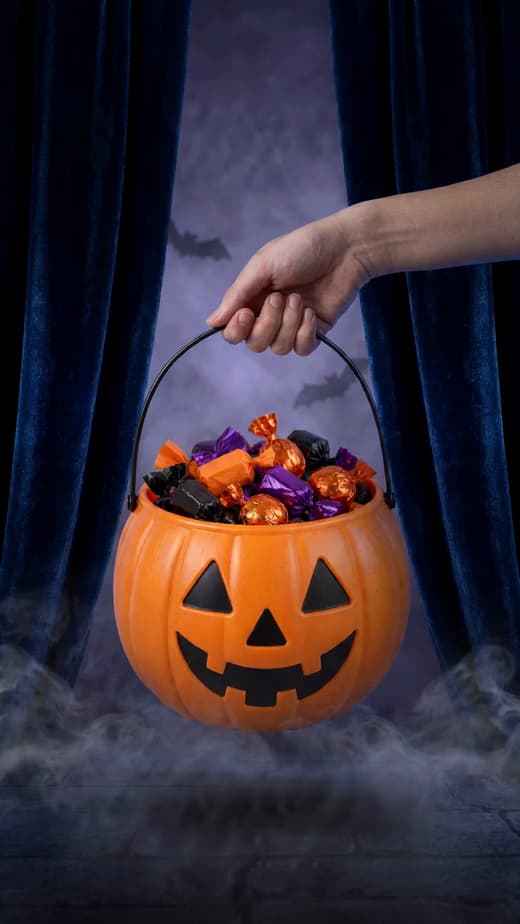
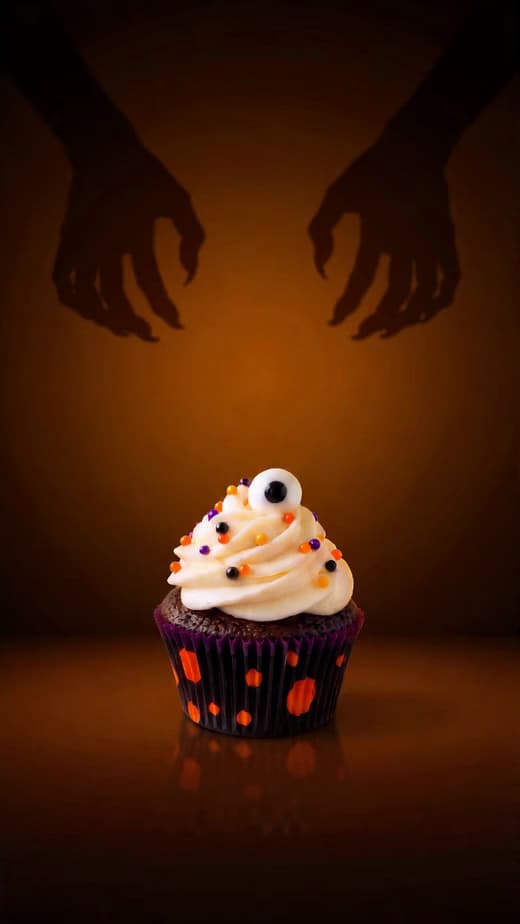
Share Halloween posts and greetings
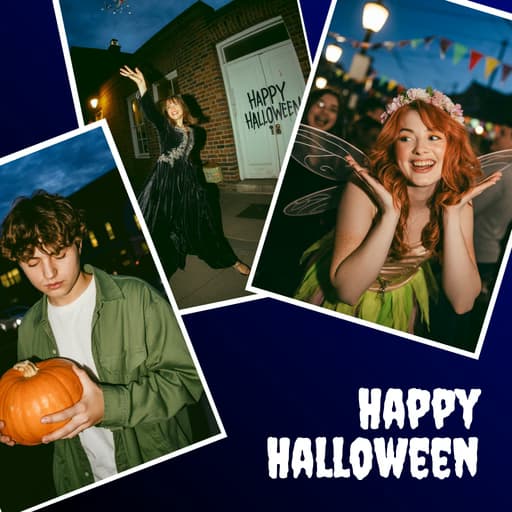
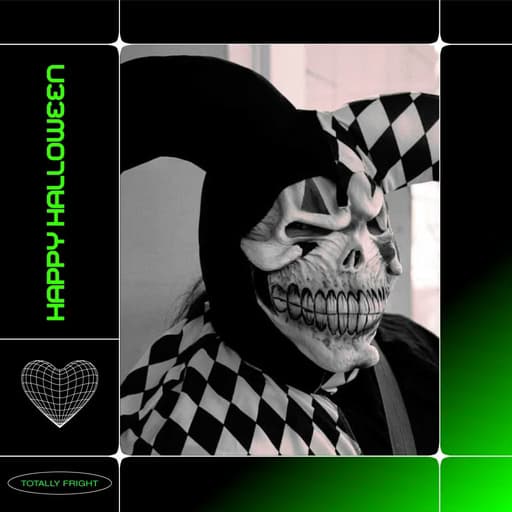
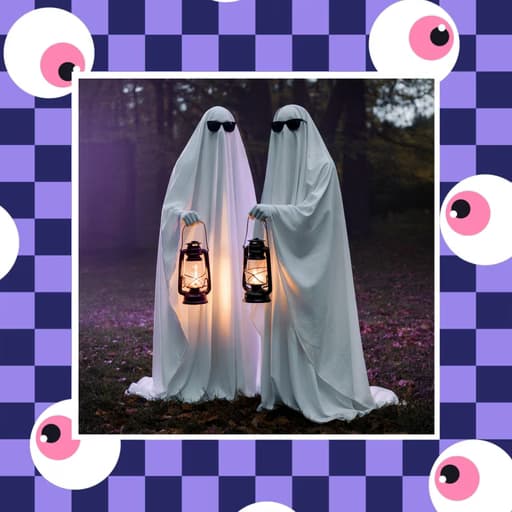
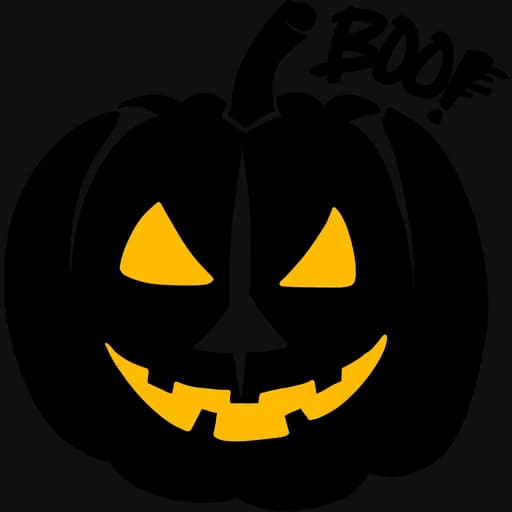
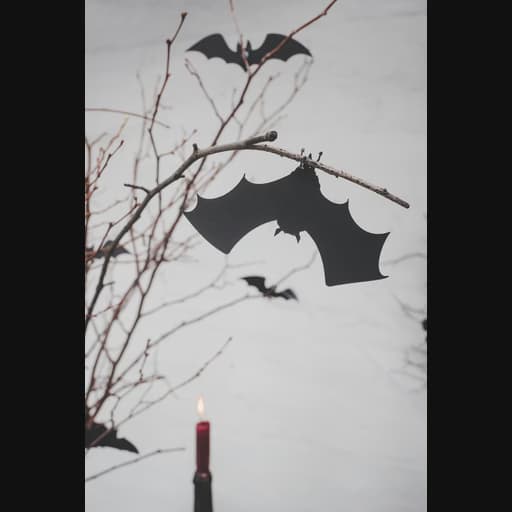
Create Halloween promos and ads
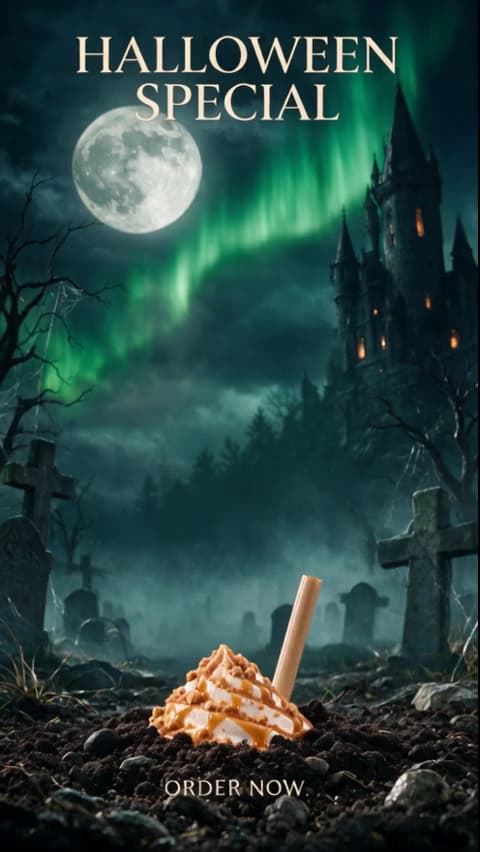
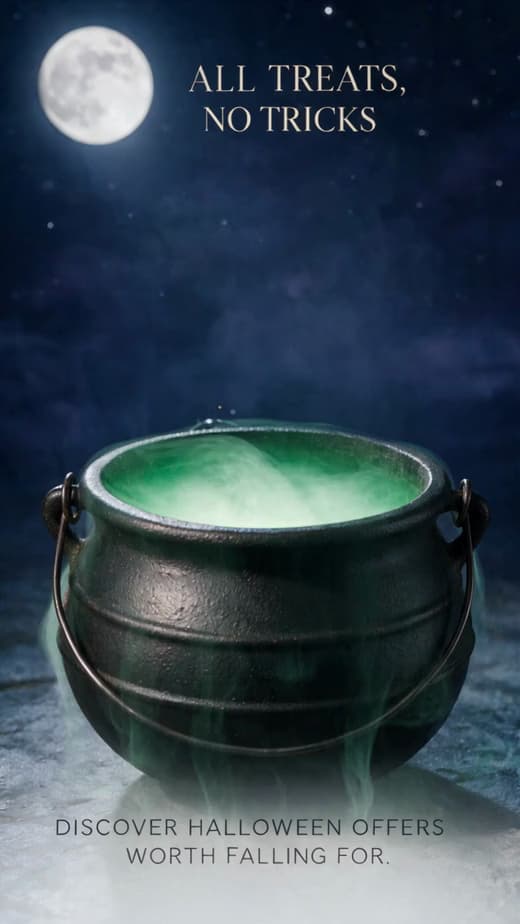
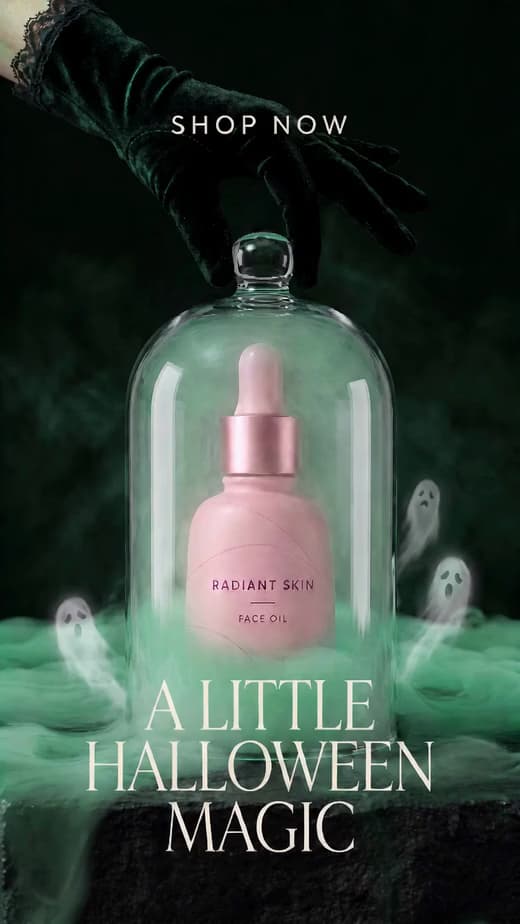
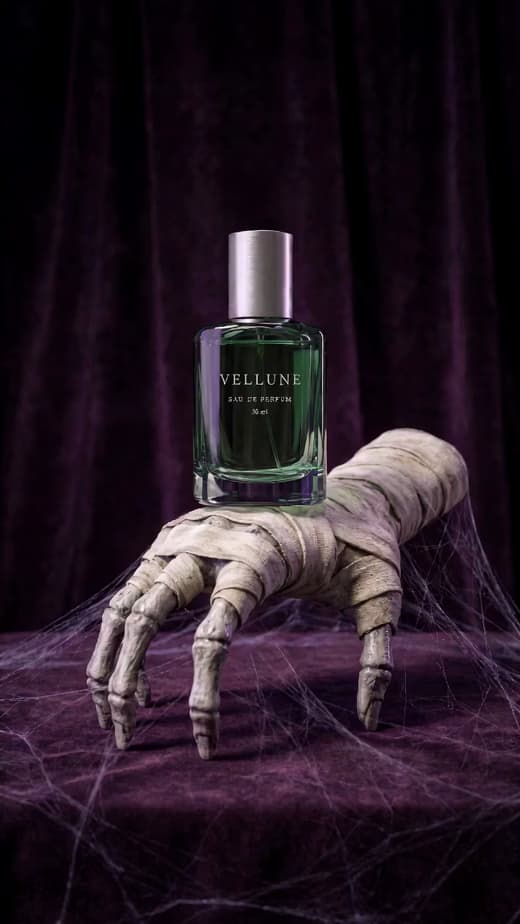
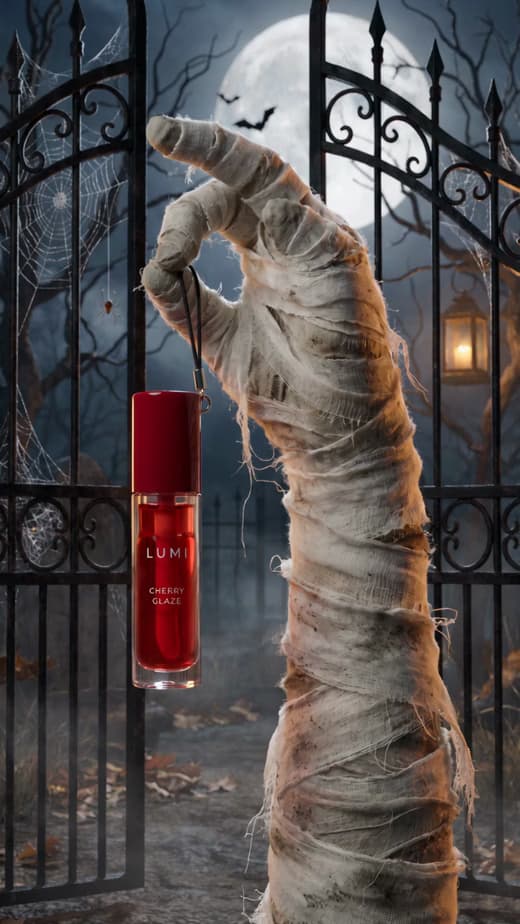
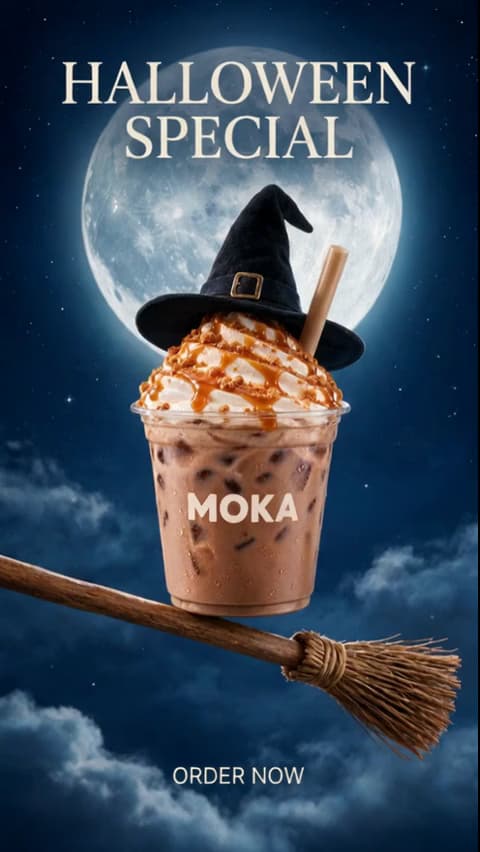
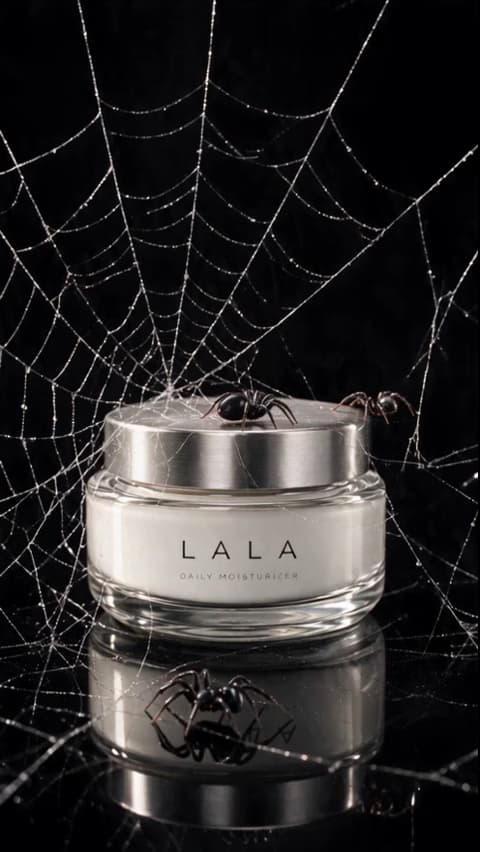
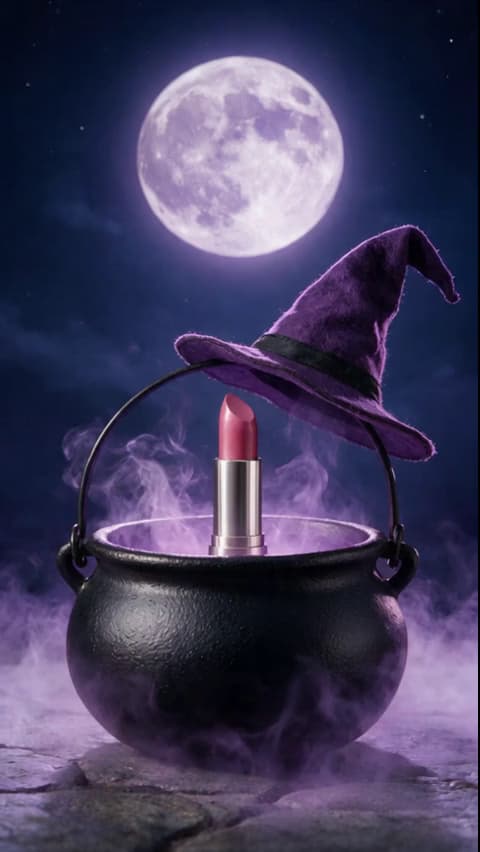
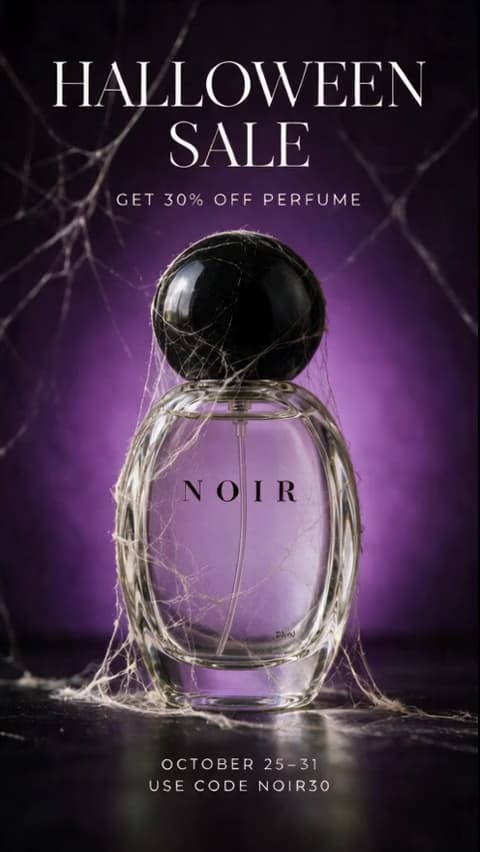
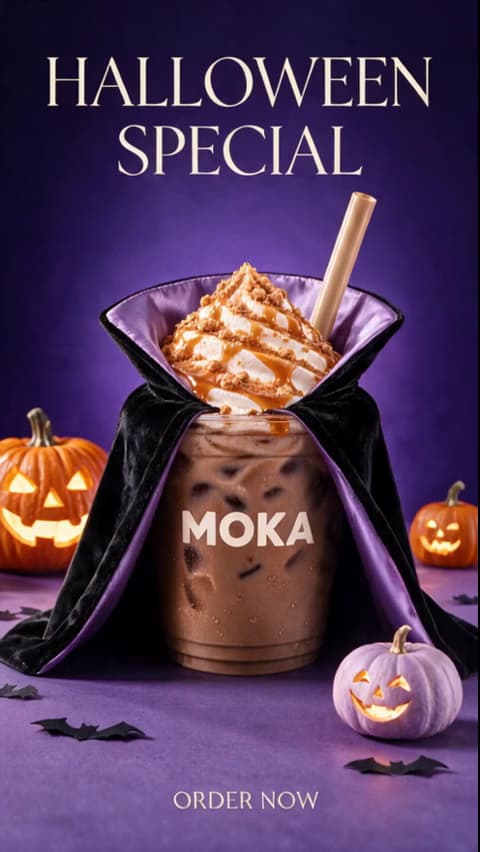
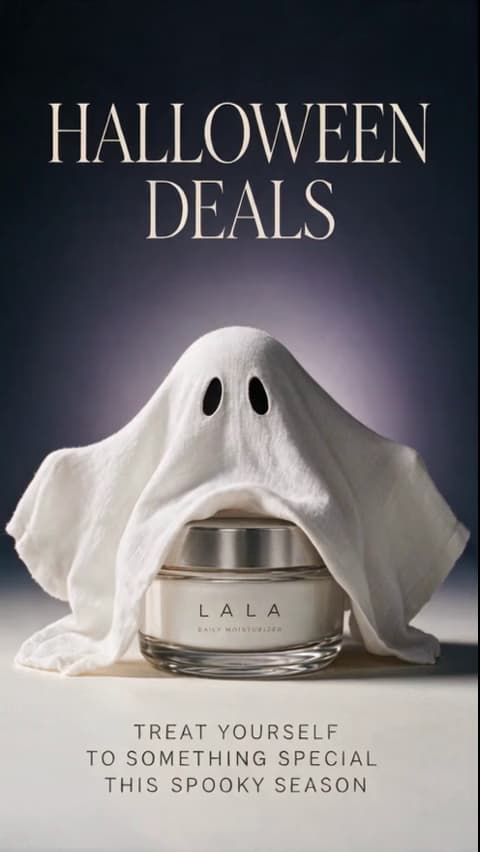
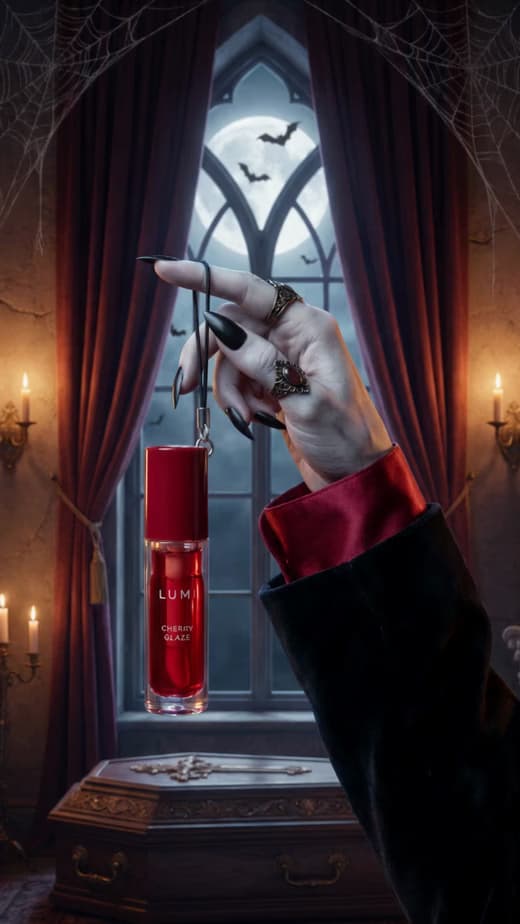
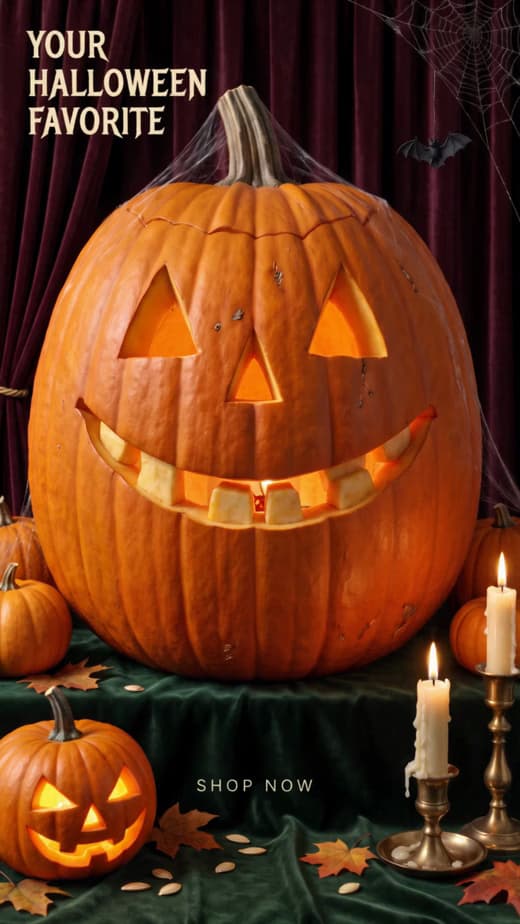
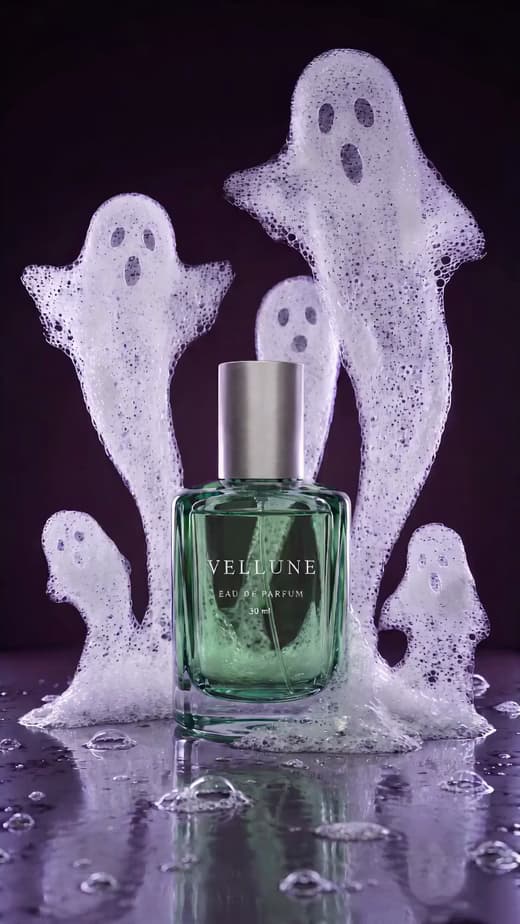
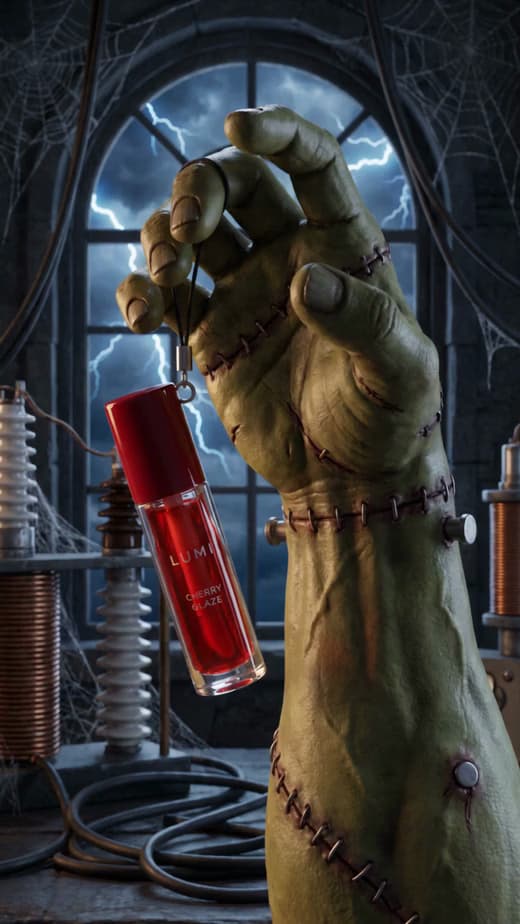
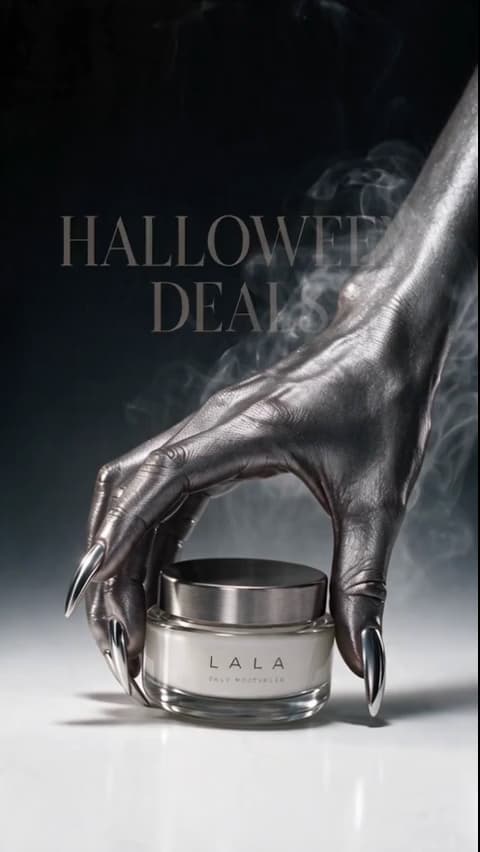
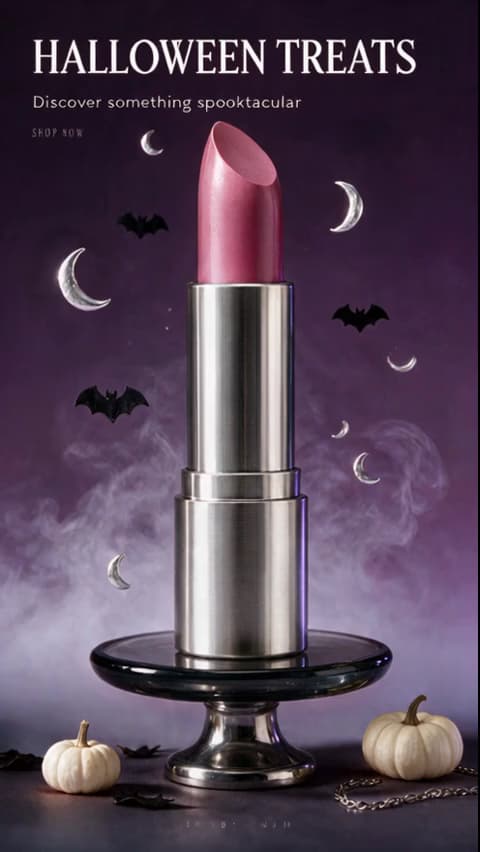
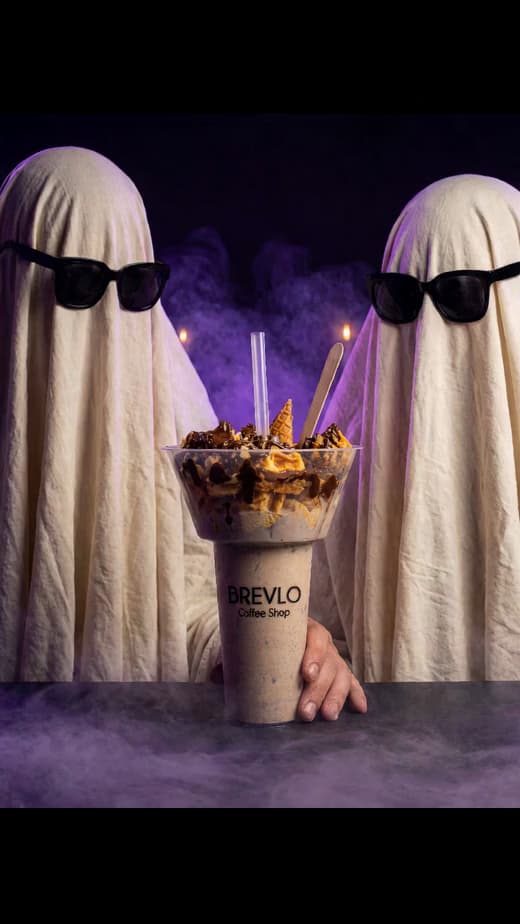
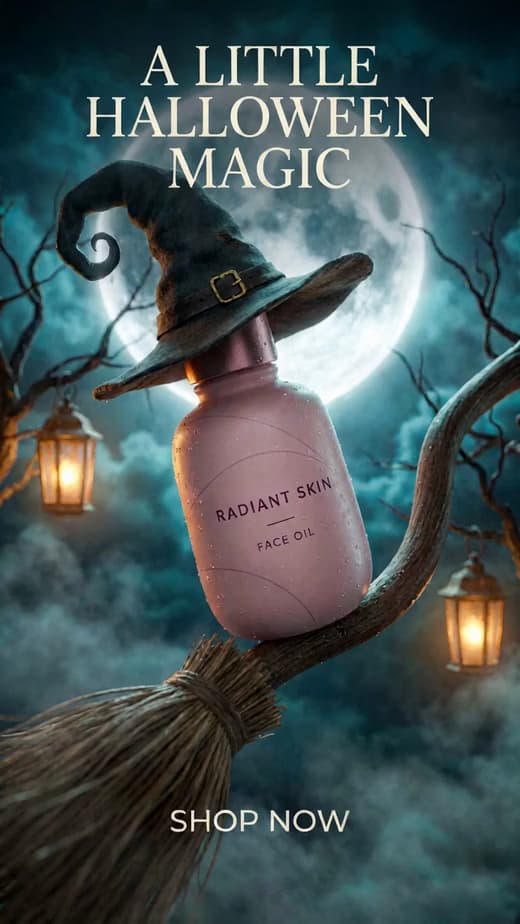
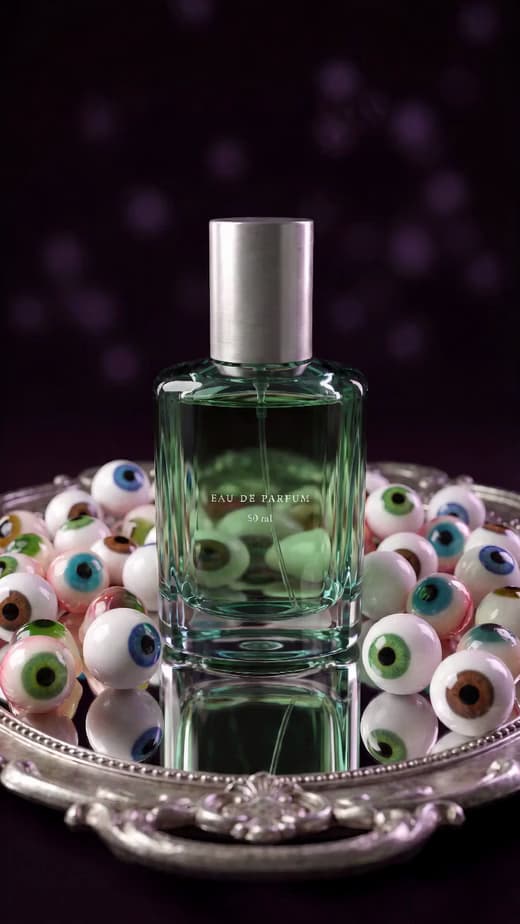
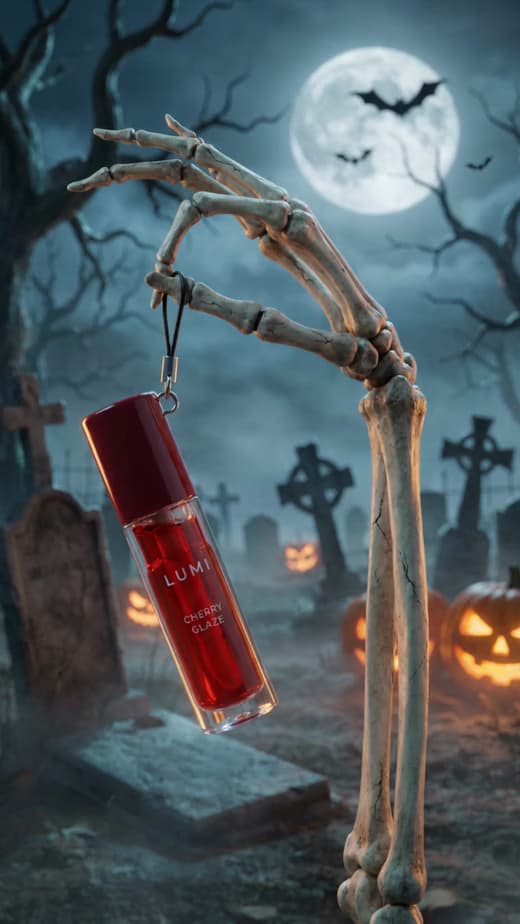
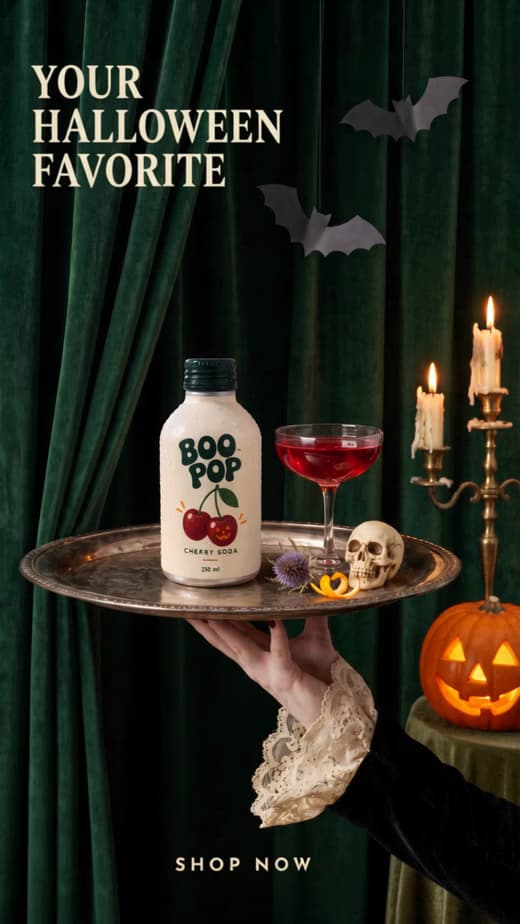
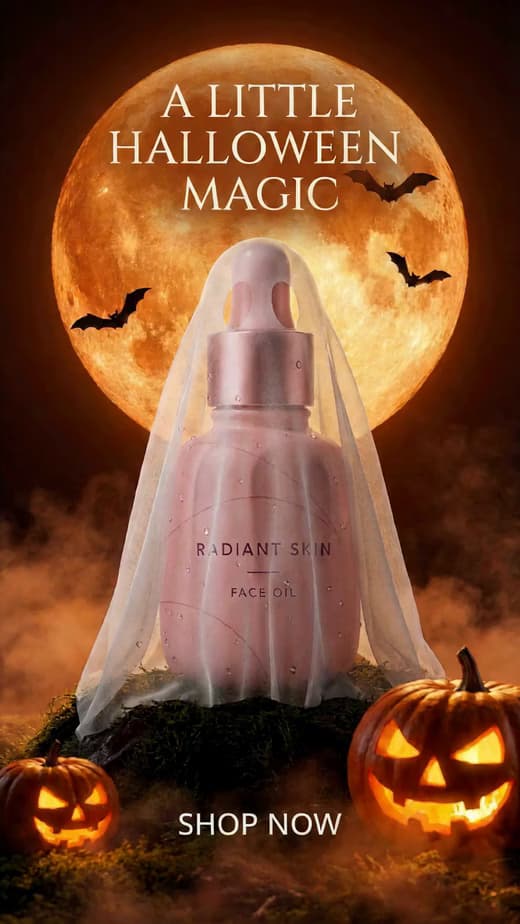
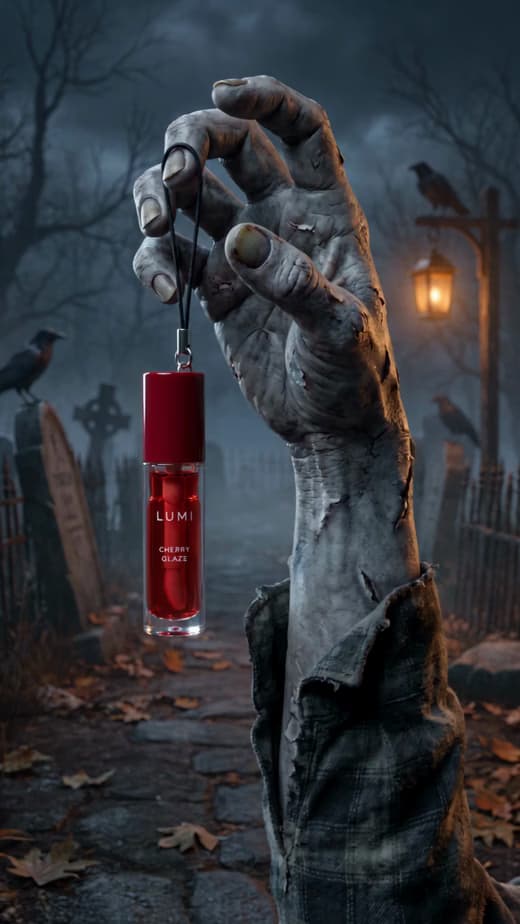
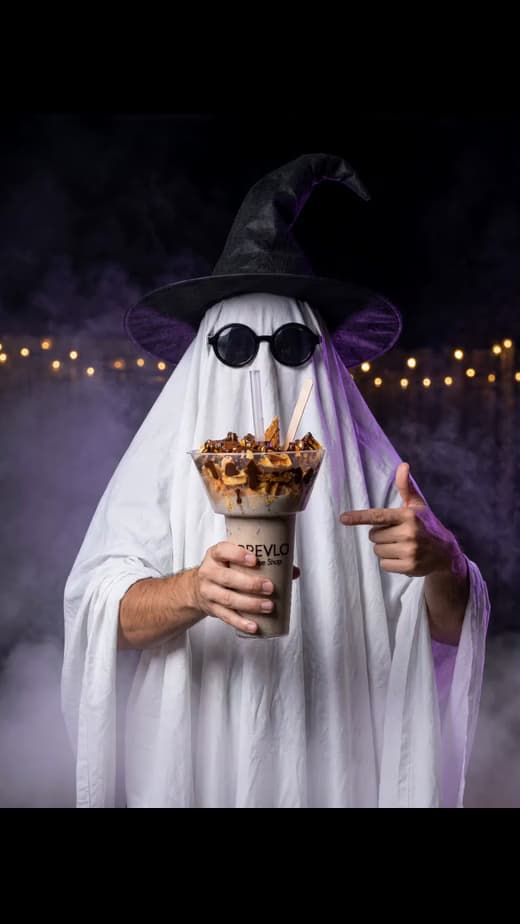
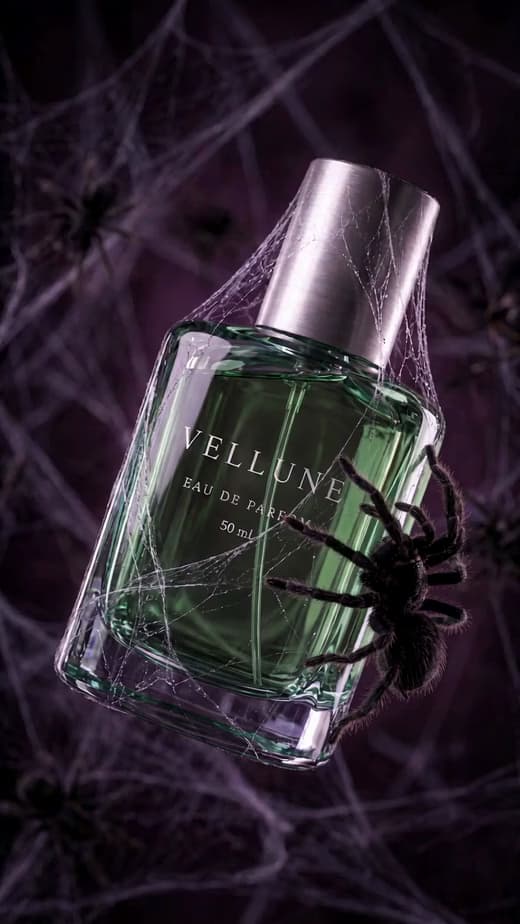
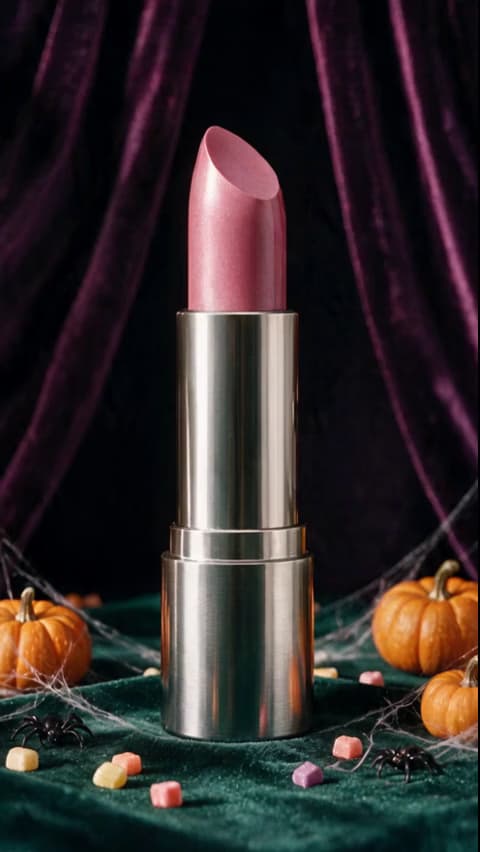
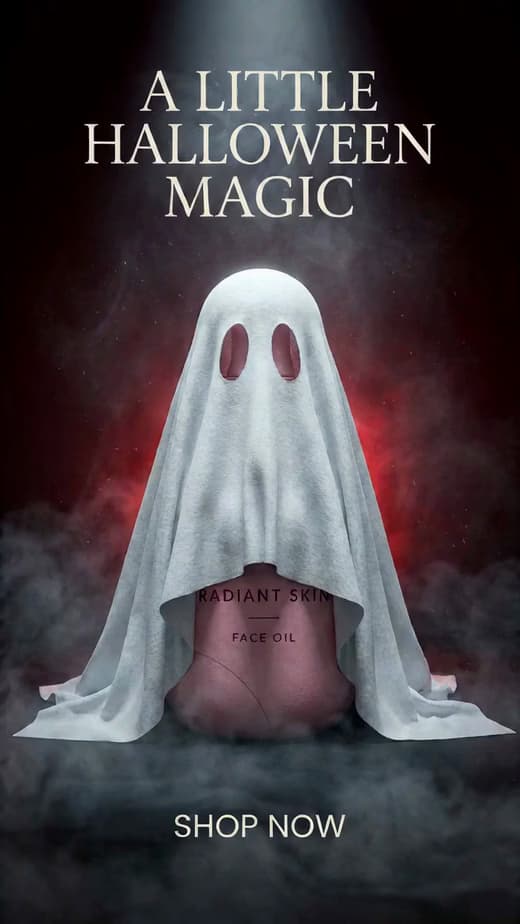
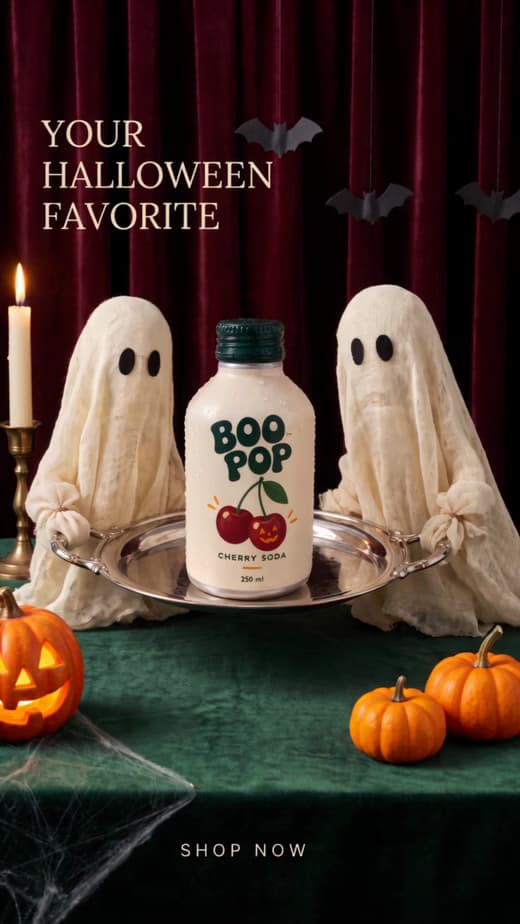
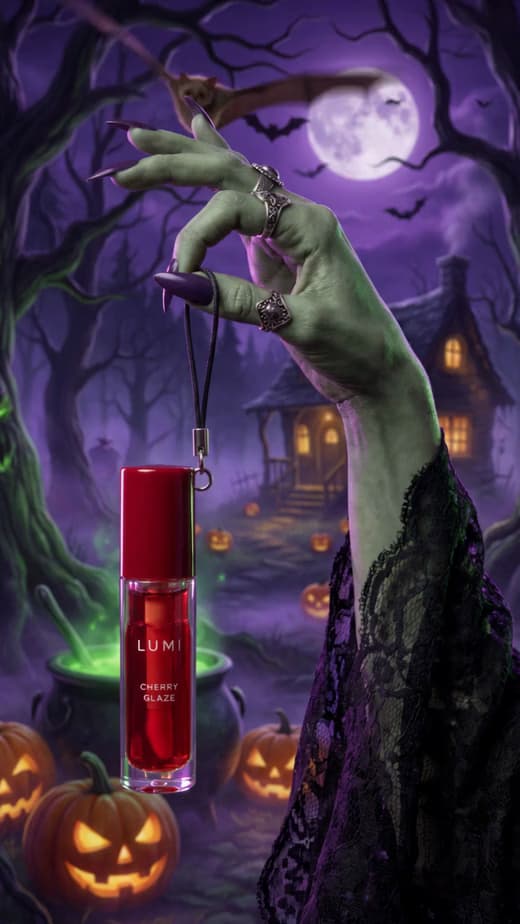
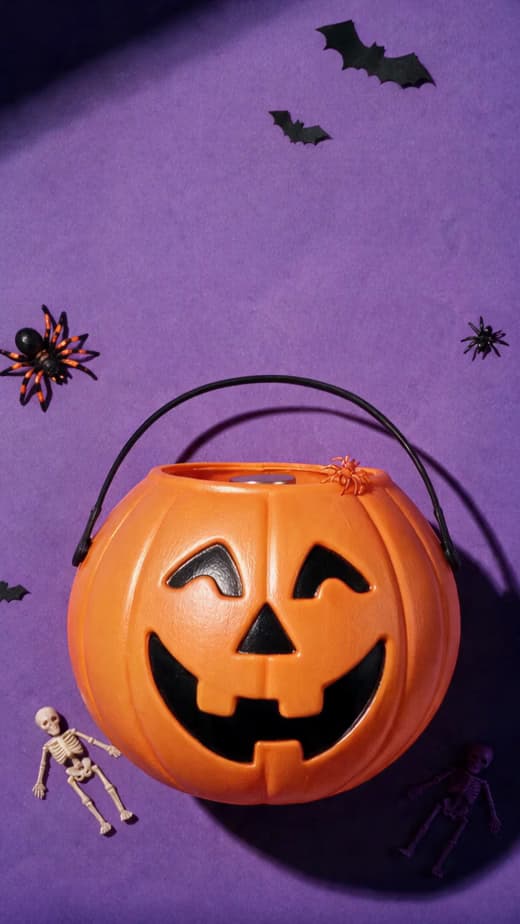
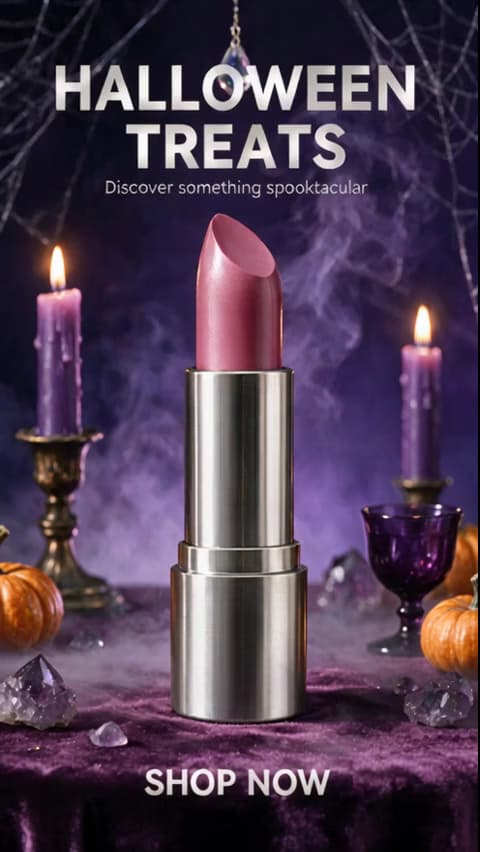
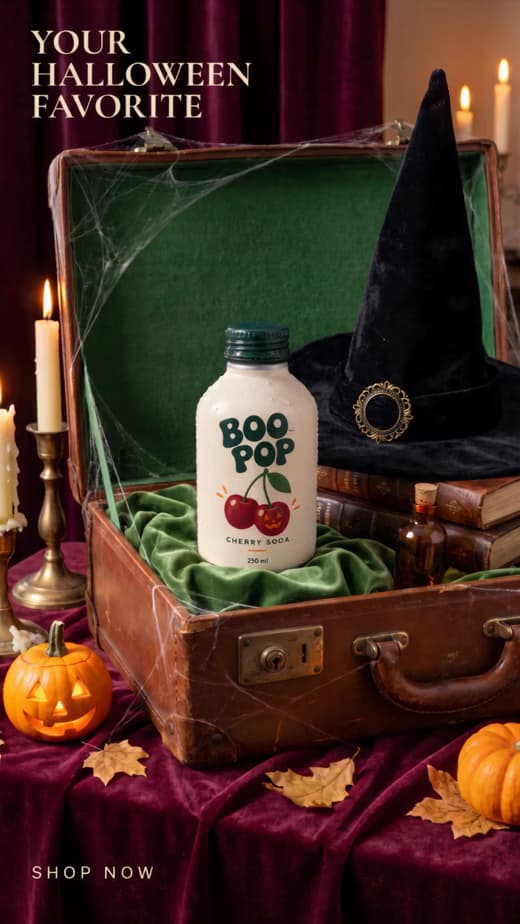
Keep your Halloween content consistent
A specific prompt gives the generator a scene to build, while one visual system keeps every output connected.
Choose how you want to make it
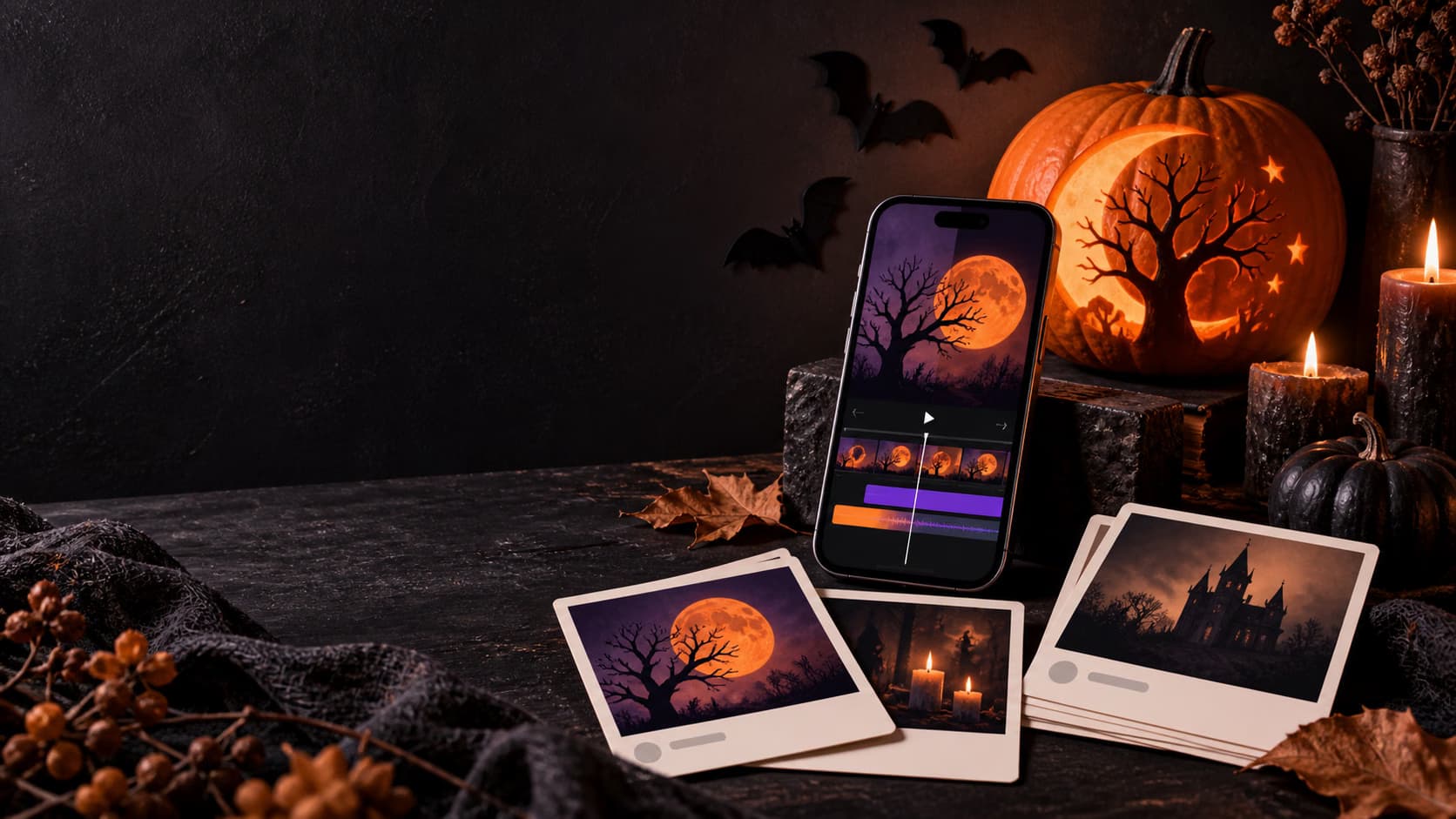
Generate the first scene in AI Playground, scale the campaign in Flow, and finish motion in Video Editor.
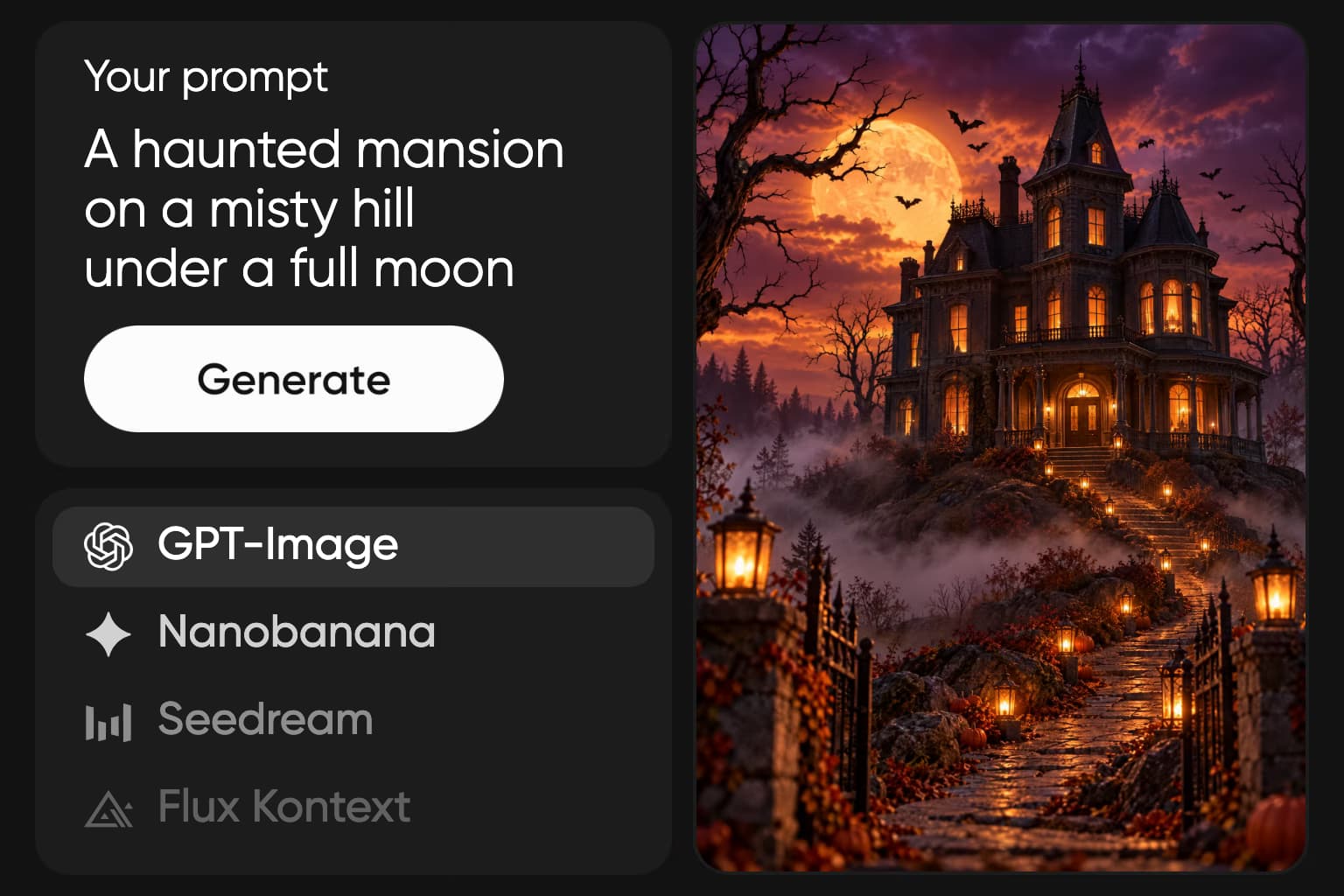
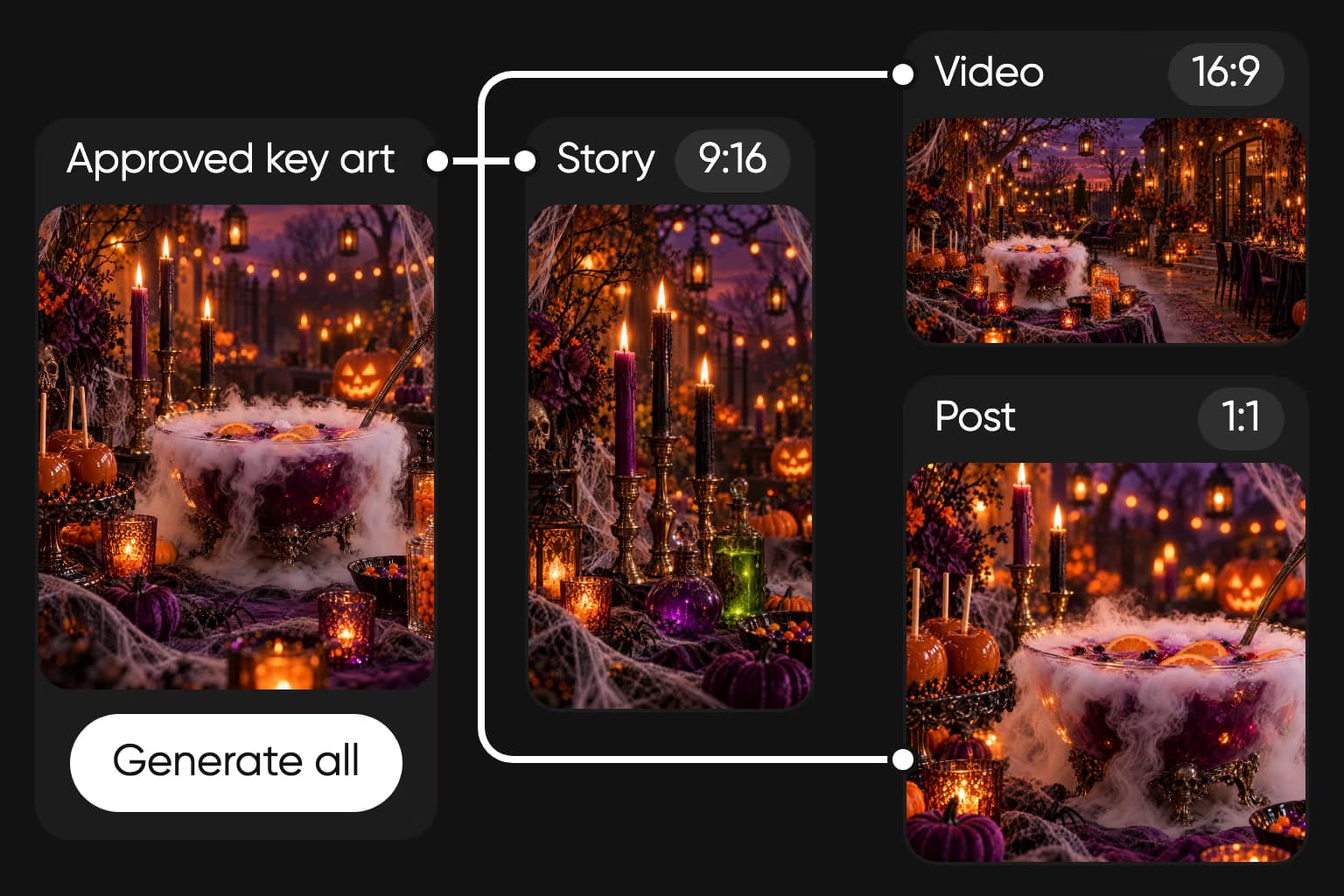
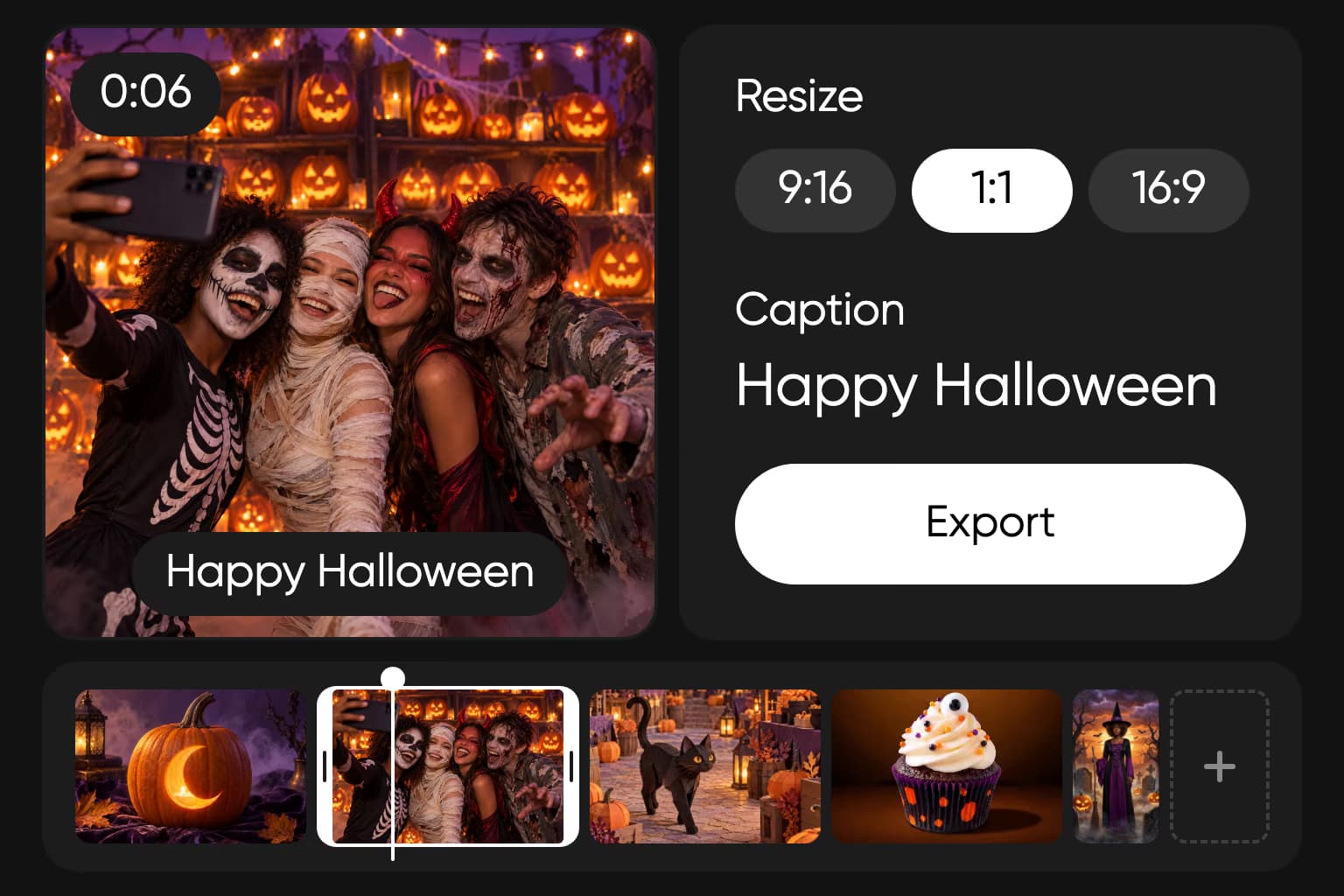
Generate a Halloween campaign with AI
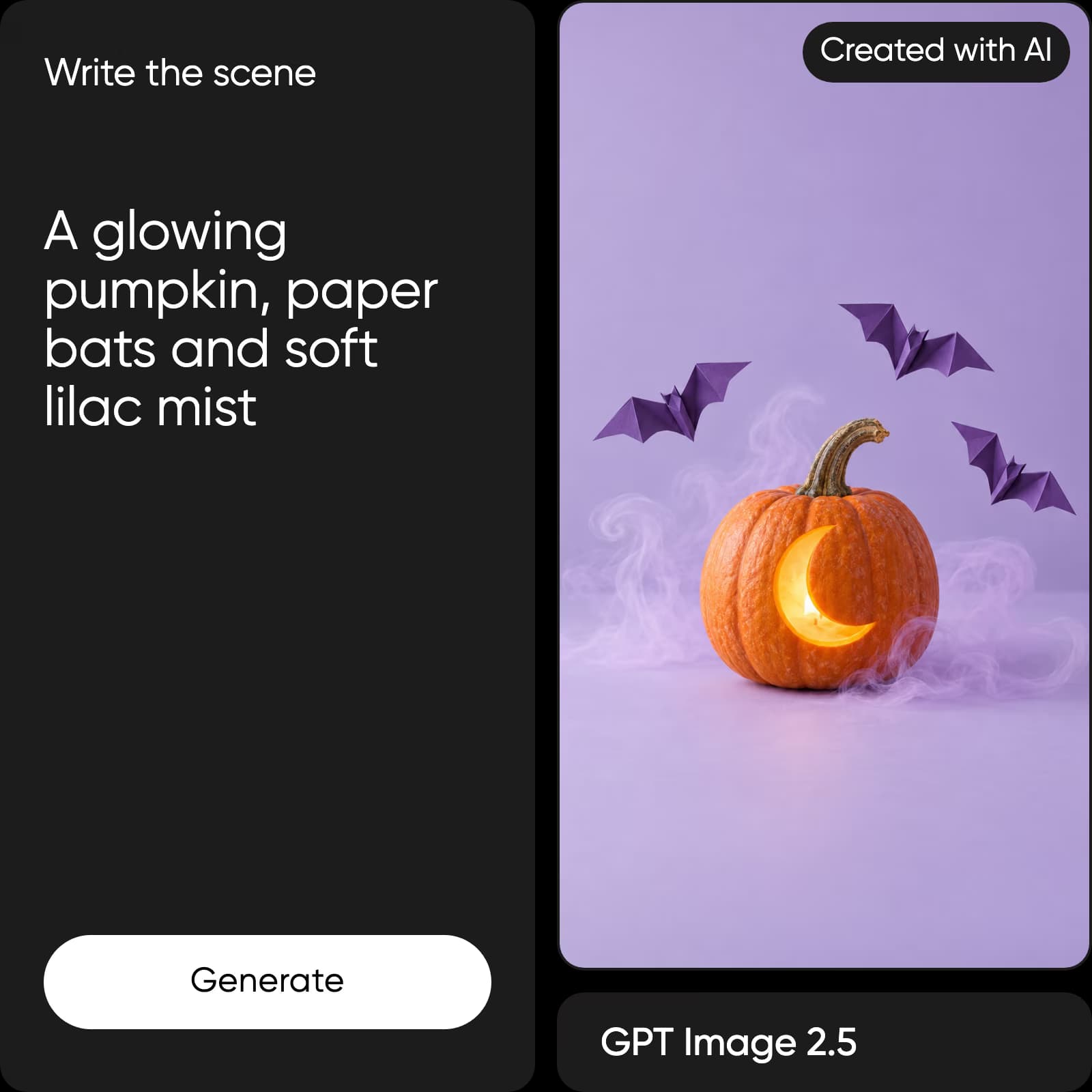
Prompt the reveal before you generate the scene
Tell the AI what changes on screen: a door opens, a costume unfolds, or a carved pumpkin lights up. Add the camera distance, lighting, palette, and pace. One clear visual beat gives the generated clip a stronger beginning and ending.
Keep every version in the same visual world
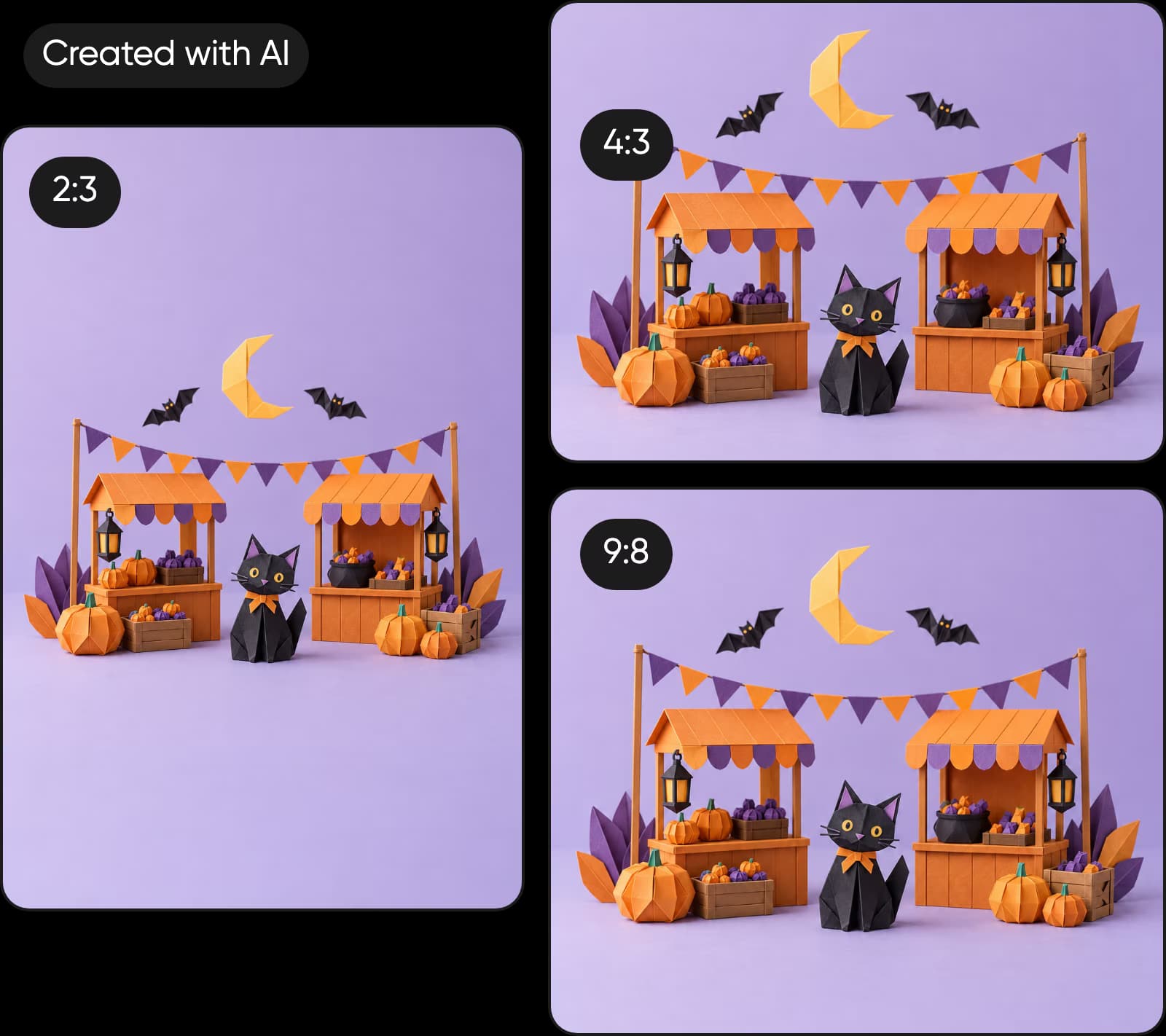
Reuse 2 or 3 anchors across every prompt, such as an orange-and-violet palette, a moonlit market, or one paper-bat shape. Change the format and action, but keep those anchors so the campaign still feels connected.
Halloween creation questions
Get practical answers about prompts, AI video, original concepts, formats, and IP-safe Halloween content.
Generate costume reveals, party teasers, product promos, countdowns, invitations, posters, and social images. Start with one original scene, then create the formats your campaign actually needs.
More Halloween ideas and upcoming events
Start with a Halloween template or explore the next event you need to create for.