יצירת מצגת תמונות אונליין
חברו אוסף תמונות לסיפור בתנועה. התחילו עם תבנית, הוסיפו את התמונות שלכם והתאימו את הטקסט והצבעים לסיכום, להצגת מוצר או לזיכרון אישי.
- תן לאוסף תמונות רצף ברור
- התאם шаблон לסיפור שלך
בניית רצף התמונות שלכם
איך ליצור מצגת תמונות
הפיכת אוסף תמונות לסיפור ברור
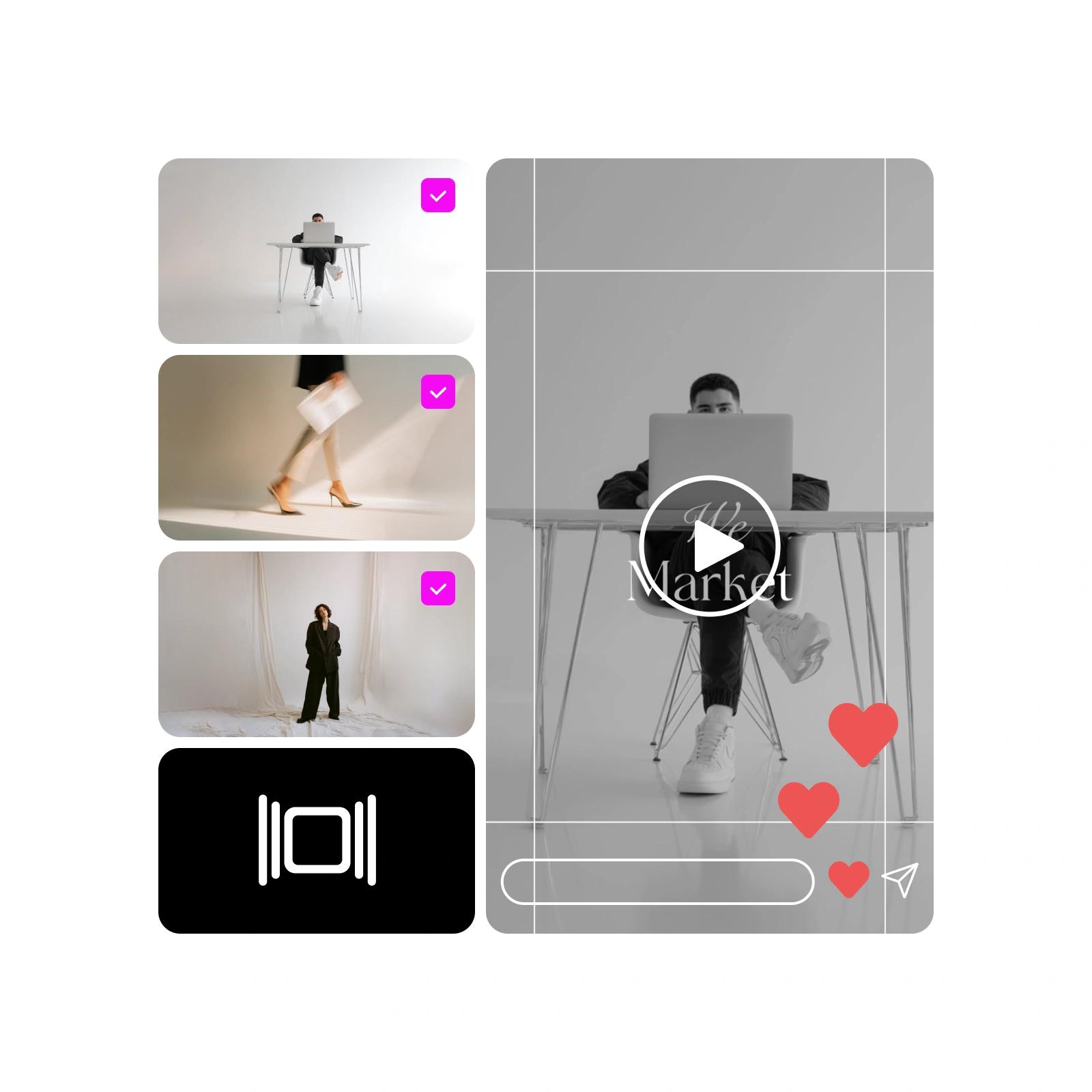
יוצר מצגות תמונות מקוון עוזר ליצור רצף מתוך קבוצת תמונות. התחילו בתמונה שמציגה את הנושא, בנו את החלק האמצעי סביב הפרטים וסיימו בתמונה או במסר שתרצו שהצופים יזכרו. סיכום טיול, סרטון מאירוע או תיק עבודות לא צריכים לכלול כל תמונה שצילמתם. בחרו תמונות שמוסיפות משהו חדש והימנעו מתמונות כמעט זהות שחוזרות על עצמן.
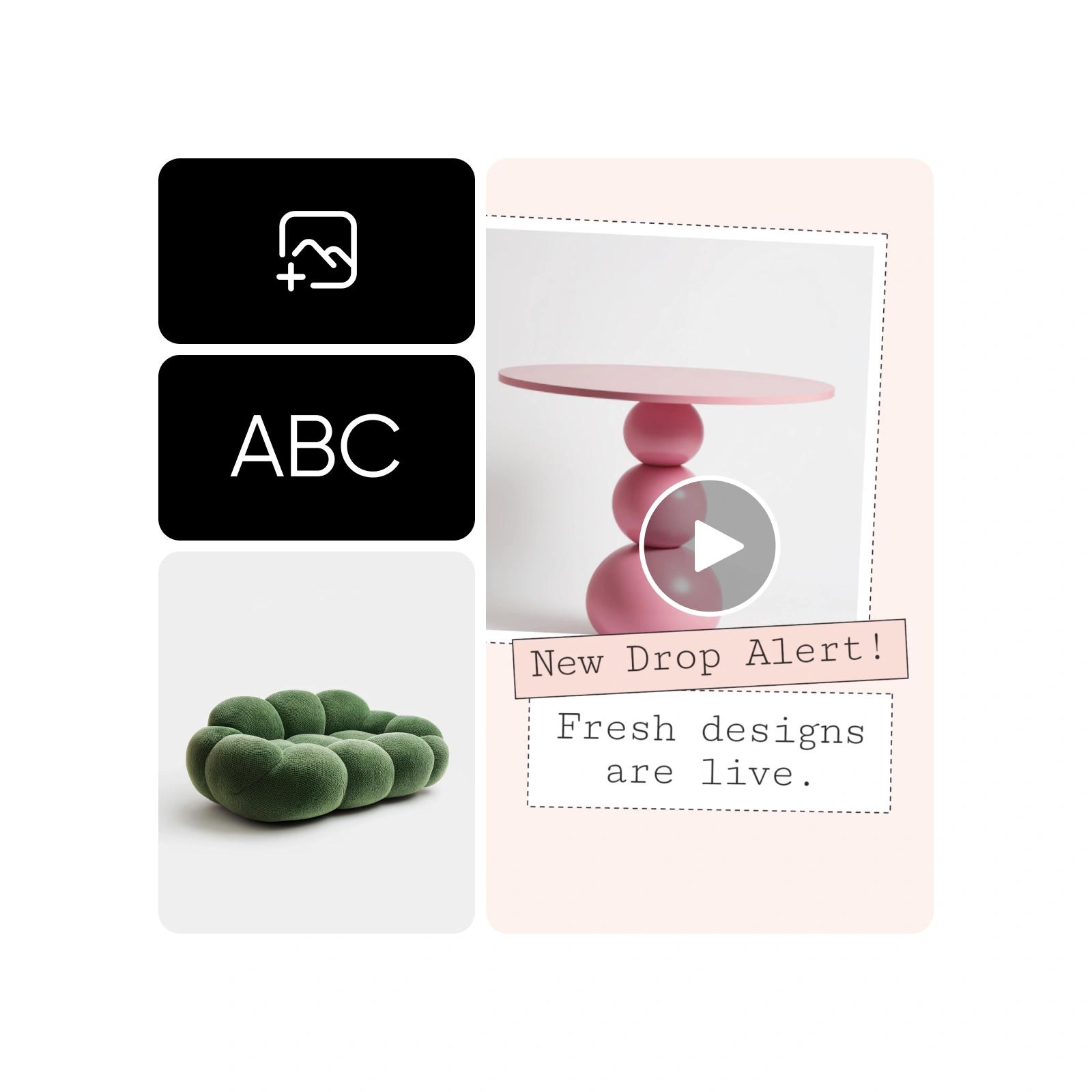


התחילו עם התנועה המובנית בתבנית
תבניות עם תנועה מספקות פריסה התחלתית, מעברים ומשך זמן מוגדר. Story Maker שבעורך כולל קטגוריות של זיכרונות, ימי הולדת, חגים, מודעות ופרויקטים נוספים. לפני שתבחרו עיצוב, בדקו כמה מקומות מיועדים לתמונות וצפו בתצוגה המקדימה. התבנית אמורה להתאים לתמונות שלכם, ולא לאלץ אתכם לחתוך פרטים חשובים באופן שאינו מתאים.
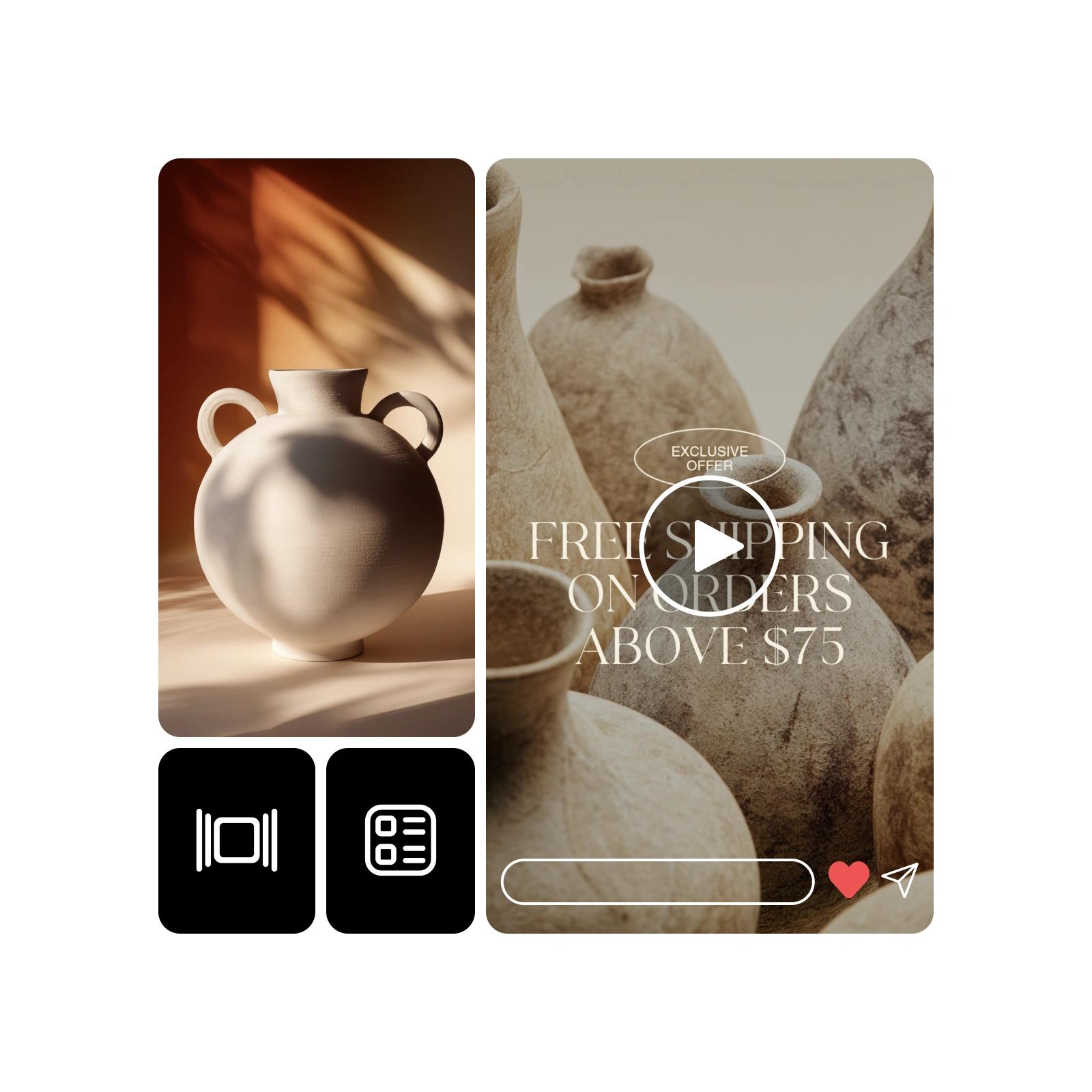
התאמה בין הכיתובים לצבעים
החליפו את טקסט ברירת המחדל בכיתובים שיעזרו לצופים להבין כל תמונה. הקפידו שהכותרת הראשית תהיה ברורה ותנו למסרים ארוכים מספיק זמן לקריאה. השתמשו באותו סגנון גופן ובפלטת צבעים אחידה לאורך הרצף. לקבלת השראה לצבעים, עיינו במדריכי הצבעים של Picsart. לאחר שינוי הטקסט, צפו שוב בתנועה כדי לוודא שהפריסה הסופית נשארת קריאה.
- הפוך את המילים לתמיכה בתמונות
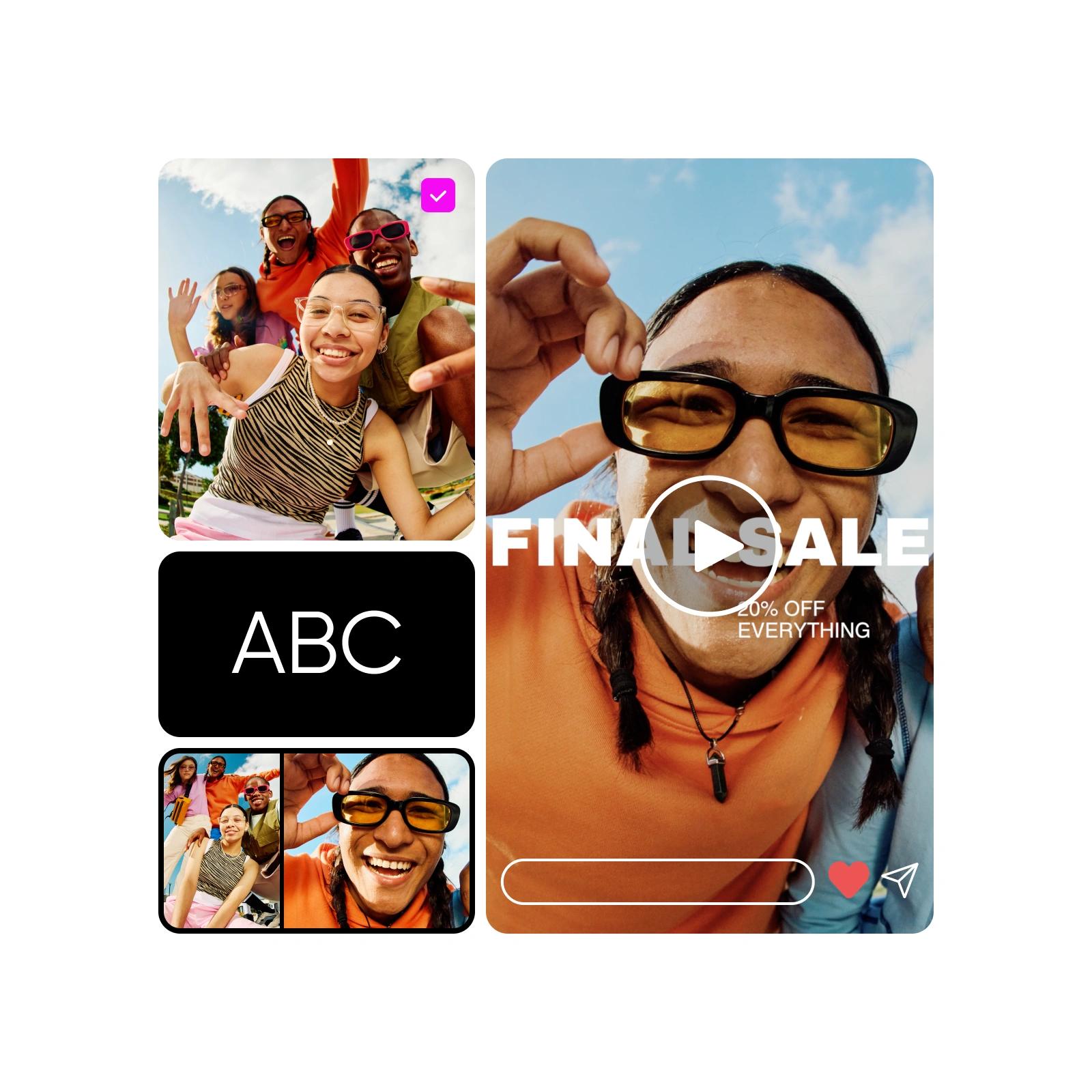
בניית רצף ממותג סביב מסר אחד
מצגת מותג עובדת בצורה הטובה ביותר כשהתמונות שלה תומכות במסר אחד. הציגו מוצר, הוסיפו פרטים וסיימו בצעד הבא בקצרה. השתמשו באותם צבעים ובאותו סגנון טקסט לאורך הרצף, כדי שסיכום קמפיין או הצגת שירות ייראו מחוברים. מצגת תמונות מיועדת לסרטון עם תזמון; אם הקהל שלכם צריך לשלוט ידנית בכל שקופית, השתמשו בסביבת עבודה למצגות.
- שמור על מסר אחיד לאורך הסדרה
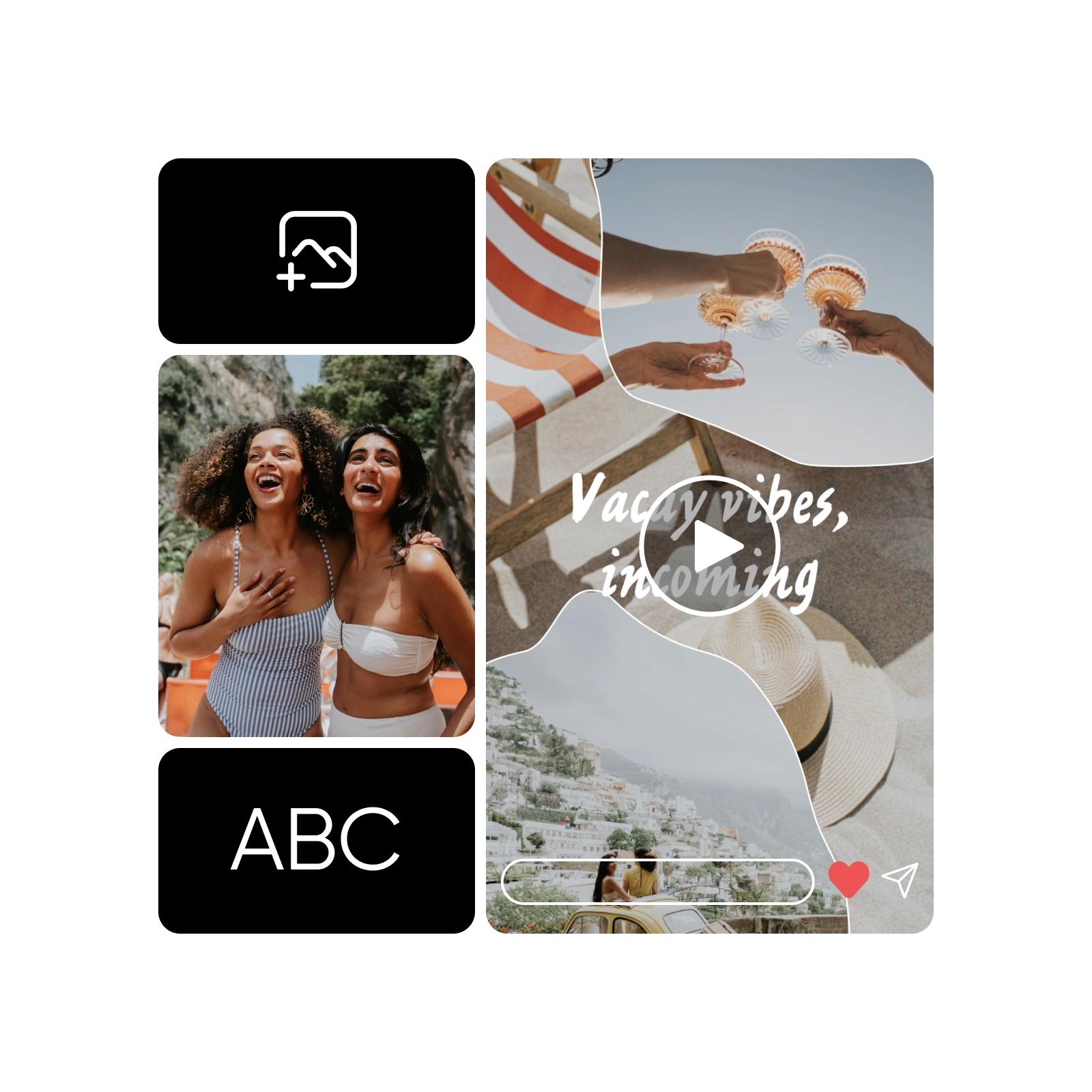
הצגת מוצרים ושירותים בהקשר המתאים
שלבו תמונות מוצר, צילום תקריב של פרט ותמונה שמראה את המוצר בשימוש. כשמדובר בשירות מקומי, הציגו את המקום לפני שתציגו את התוצאה או את ההצעה. הקפידו שהמחירים, התוויות והטענות יהיו קריאים ומדויקים. אפשר להפוך מצגת לסרטון קצר לרשתות החברתיות או לנכס לאתר, אבל ההשפעה שלה תלויה בתמונות ובמסר שתבחרו, ולא בתנועה בלבד.
שאלות נפוצות על יצירת מצגות תמונות
פתחו את סביבת העבודה של המצגות ב-Picsart, בחרו תבנית עם תנועה והוסיפו את התמונות שלכם. התאימו את הטקסט והצבעים, צפו ברצף וייצאו את הסרטון המוגמר.
יצירת סיפורים בתנועה מכל אוסף תמונות
השוו בין תוכניות כדי למצוא את כלי העריכה והתכונות שתרצו להשתמש בהם.
Pro
Most popularAI tools for everyday creative work.
Ultra
Most powerfulHeavy AI usage for creators & teams.
Enterprise
Custom AI solutions for large organizations.
- Volume discounts on credit rate
- On-demand top-ups