1. Home
  2. Tambahkan musik ke video

Tambahkan musik ke video online

Buat musik asli yang aman dari hak cipta dengan AI atau jelajahi trek yang siap pakai. Tambahkan suara narator, efek suara, dan audio latar ke video Anda di satu editor online yang cepat dan sederhana.

Tambahkan audio ke video

Dari klip ke konten.
Buat subtitle videoBuat teks videoHapus latar belakangHapus objek videoCoba konversi gambar ke videoEdit videoBuat video dengan AIJelajahi filter video AITemukan video stokUbah video dengan AI

Use Picsart anywhere

Install the app, or bring Picsart into the AI workspaces your team already uses.

Use Picsart with

  • ChatGPT / Codex
  • Claude
  • Terminal
  • Cursor
  • OpenClaw
  • Hermes

Download the app

Download on the App StoreGET IT ON Google PlayGet it from Microsoft

Follow Picsart

Pinterest
AICPA SOC

Create

  • AI Image Generator
  • AI Video Generator
  • AI Playground
  • Flow
  • AI Photo Editor
  • AI Video Editor
  • AI Agents
  • Content Library
  • AI Models

Creators

  • Earn with Picsart
  • Earn campaigns
  • Clipping
  • For Brands
  • Video Studio
  • Tutorials
  • Challenges

Connect

  • ChatGPT / Codex
  • MCP setup
  • Command line
  • Developers
  • Google Drive

Business

  • Pricing
  • Enterprise
  • Industries
  • Quicktools

Company

  • Support
  • Careers
  • About us
  • Blog
  • Press Center
Terms of UsePrivacy PolicyInternet-Based AdvertisingCommunity GuidelinesDMCASecurity PolicyAccessibility
© 2026 PicsArt, Inc.
ikon tambah musik

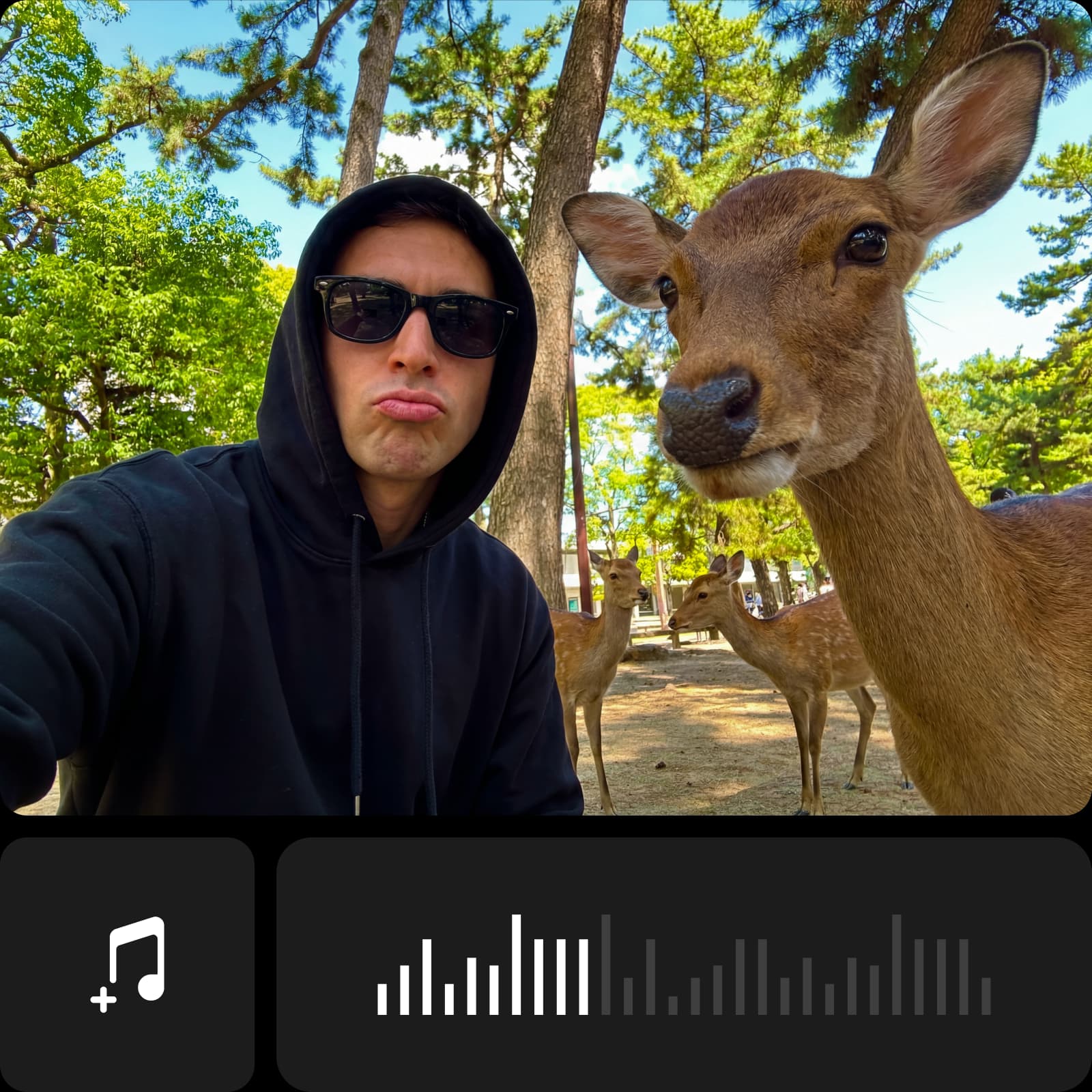
Penambahan musik cepat

Tambahkan musik ke video dalam hitungan detik menggunakan editor sederhana yang membuat suara dan visual tetap sinkron sempurna.

ikon penyuntingan audio

Penyuntingan audio intuitif

Tambahkan audio ke video menggunakan editor intuitif yang memudahkan pengujian trek dan kontrol volume di berbagai momen.

ikon mikrofon

Alur kerja suara narator fleksibel

Ubah teks tertulis menjadi audio lisan dengan memilih suara, tanpa rekaman atau peralatan tambahan.


Cara menambahkan musik ke video

1

Buka panel Aplikasi

Di bilah samping kiri, klik Aplikasi untuk menjelajahi alat penyuntingan yang tersedia.

2

Cari Audio

3

Tambahkan musik atau suara narator

4

Sesuaikan dan ekspor

Tambahkan musik ke video untuk menetapkan nada

Musik membantu membentuk video dan memandu cara adegan terhubung. Dengan Editor Musik Video ini, Anda dapat menambahkan musik ke video online tanpa keterampilan teknis atau instalasi perangkat lunak. Pilih trek, tempatkan di mana sesuai, dan sesuaikan waktu dan volume untuk mendukung alur video Anda, baik Anda menyunting klip pribadi atau konten sehari-hari.


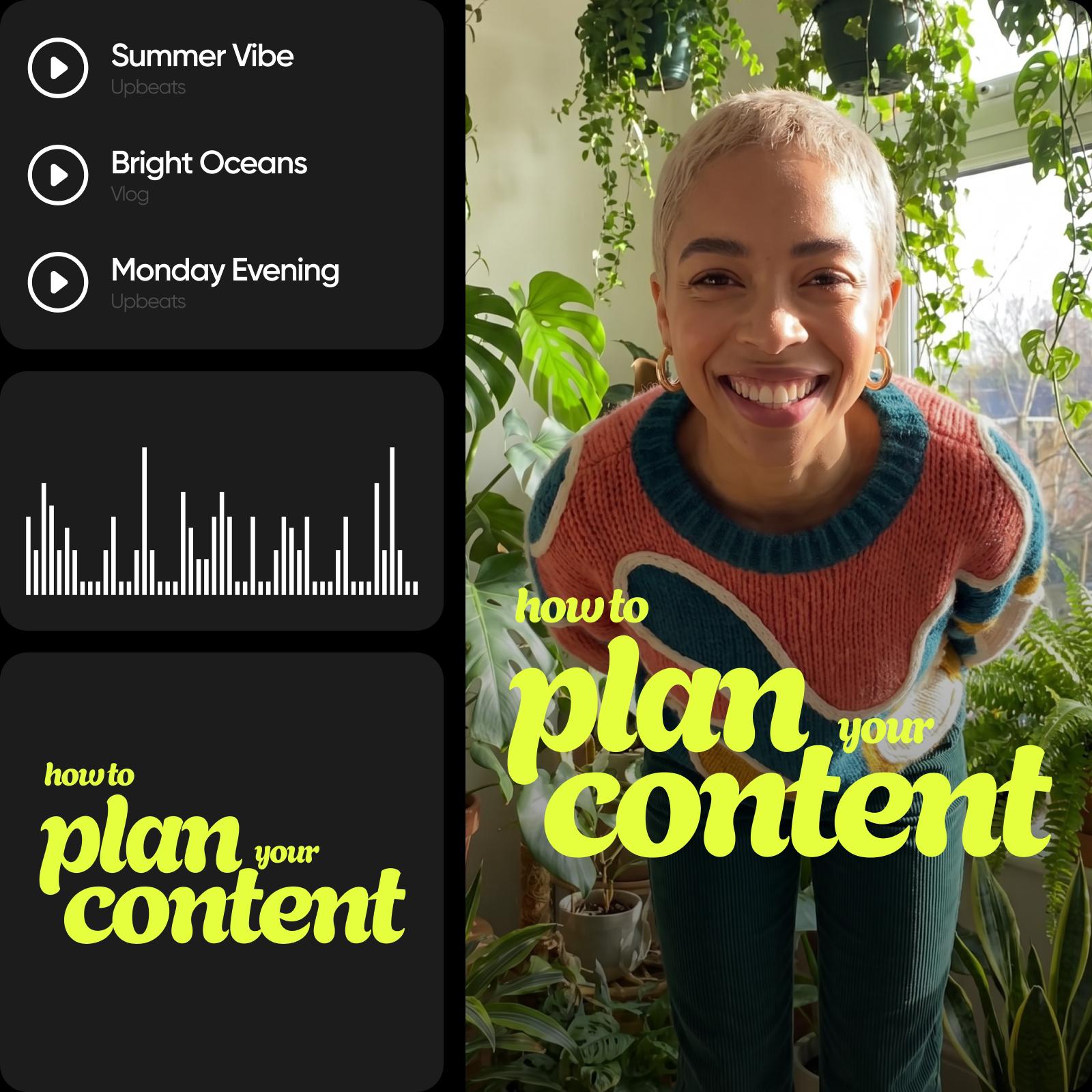
Tambahkan audio ke video dengan trek trending

Menggunakan gaya audio terkini membantu video tetap selaras dengan format konten hari ini. Saat Anda menambahkan audio ke video dengan opsi audio populer, klip Anda terasa lebih relevan di seluruh platform. Pilih musik latar untuk video dari berbagai kategori, sesuaikan level volume, dan tempatkan trek tepat di mana mereka mendukung setiap bagian video Anda.


Personalisasi video dengan audio yang dihasilkan AI

Ubah teks tertulis menjadi suara narator alami langsung di editor. Dengan Pembuat Audio AI, Anda dapat menambahkan suara narator ke video dengan memilih dari suara yang cocok untuk iklan, trailer, vlog, berita, atau meditasi. Sempurnakan pengiriman dengan jeda atau perubahan emosi, lalu sesuaikan waktu, penempatan, dan volume - tidak perlu rekaman atau alat tambahan.


Tingkatkan video sosial

Audio trending mendorong jangkauan di TikTok, Reels, dan Shorts. Tambahkan musik ke video menggunakan suara viral atau trek AI, lalu sinkronkan dan ekspor dalam hitungan detik.

tingkatkan video sosial dengan alat tambah ke musik videotingkatkan video sosial dengan alat tambah ke musik video

Gunakan musik latar untuk reels, vlog, iklan, dan lainnya

Tambahkan musik ke video untuk mendukung struktur dan konsistensi di berbagai format. Untuk video reels dan TikTok, musik latar untuk video membantu menyelaraskan klip dengan gaya konten umum dan menjaga edit tetap kohesif. Di vlog, suara menciptakan kontinuitas dari awal hingga akhir. Untuk iklan dan klip promosi, musik membantu menyampaikan pesan dengan jelas dan membuat video tetap terfokus dan profesional.


Perkuat konten Anda dengan alat penyuntingan video lainnya

Menambahkan musik menjadi fondasi, tetapi hanya bagian dari proses penyuntingan. Setelah menetapkan suara, Anda dapat terus menyempurnakan video menggunakan alat penyuntingan video bawaan. Potong klip video untuk struktur yang lebih bersih, tambahkan teks ke video untuk kejelasan, sesuaikan visual, dan sempurnakan detail - semuanya dalam Editor Video yang sama, tanpa mengganti alat atau alur kerja.


Ubah ide menjadi suara dan cerita

Buat dan sesuaikan audio yang menghidupkan video Anda dengan musik, suara narator, dan alat penyuntingan presisi.

Buat musik AI asli

Buat trek unik yang aman dari hak cipta dari 25 opsi suasana hati, sehingga video Anda selalu terdengar segar dan tidak pernah terulang.

Ubah teks menjadi suara narator

Ubah skrip Anda menjadi narasi alami dengan berbagai gaya suara, siap dimasukkan ke video Anda.

Tawarkan perpustakaan musik bebas royalti

Jelajahi trek berdasarkan suasana hati, genre, atau tempo untuk menemukan suara yang tepat untuk video apa pun dengan cepat.

Aktifkan penyuntingan audio presisi

Seret, potong, dan posisikan audio pada garis waktu untuk mencocokkan setiap ketukan, potongan, dan adegan.

Dukung beberapa lapisan audio

Gabungkan musik, suara narator, dan efek suara untuk membangun pengalaman audio yang kaya dan seimbang.

Kontrol volume dan fade

Sesuaikan level audio dan tambahkan fade-in dan fade-out yang mulus antar adegan.

Tambahkan efek suara

Tingkatkan video Anda dengan dampak, transisi, dan suara sekitar untuk kedalaman lebih.

Ekspor dalam kualitas tinggi

Unduh video Anda dengan audio tertanam dalam resolusi asli, siap dibagikan.

Menambahkan musik sangat mudah, dan menyesuaikan waktu dan volume terasa intuitif sejak awal.
- Liam R., Kreator konten video
Saya dapat mencocokkan musik latar dengan klip saya tanpa berpikir berlebihan tentang prosesnya.
- Sofia M., Manajer media sosial
Alat audio membantu saya menjaga video tetap konsisten tanpa merekam suara narator sendiri.
- Daniel K., Pemilik bisnis kecil

Pertanyaan Umum Tambahkan musik ke video

Aplikasi yang baik memudahkan untuk menambahkan musik ke video online, mengontrol waktu dan volume, dan bekerja tanpa unduhan. Picsart memungkinkan Anda melakukan semua ini di satu editor sederhana.

Unggah video Anda, pilih trek musik atau file audio, tempatkan di garis waktu, dan sesuaikan waktu dan volume hingga sesuai dengan video Anda.

Alat ini mendukung format audio umum, sehingga Anda dapat dengan mudah mengunggah dan menggunakan sebagian besar file musik dan suara standar.

Ya. Anda dapat menyesuaikan level audio untuk menyeimbangkan musik latar, suara narator, dan suara video asli.

Ya. Anda dapat menempatkan audio tepat pada garis waktu dan menyempurnakan kapan mulai dan berakhir untuk mencocokkan setiap adegan.

Alat lainnya untuk dicintai

gambar seorang anak dengan rasa kreativitas teks di atasnya

Tambahkan Teks ke Video

Dengan mudah tambahkan teks ke video online untuk mencapai edit yang menakjubkan.

AI text ke video gratis

AI Text-to-Video

Ubah prompt tertulis menjadi konten yang menarik dengan AI Text-to-Video Picsart.

pembuat video image-to-video AI online

AI Image-to-Video

Ubah gambar apa pun menjadi video dinamis dengan AI.

hapus objek dari video

Penghapus Objek Video

Singkirkan detail yang tidak perlu dari video Anda dengan bantuan AI.

hapus latar belakang video online dan gratis

Penghapus Latar Belakang Video

Hapus latar belakang video dengan Penghapus Latar Belakang Video bertenaga AI Picsart. 

tambahkan subtitle ke video online gratis

Tambahkan Subtitle ke Video

Hasilkan subtitle akurat untuk video apa pun dalam hitungan detik.

PricingSave big

Buat video dengan suara menggunakan model video AI

Gunakan model video untuk mengubah klip, footage, dan prompt menjadi video dengan suara untuk media sosial, iklan, dan alur kerja kreatif.

SESeedance 2.0New
Next-gen cinematic video with optional audio and reference image. Up to 4K.Reference inputAudio4KCinematicSee model
SESeedance 2.0 FastNew
SESeedance 2.0 Video EditNew
SESeedance 2.0 Fast Video EditNew
WAWan 2.7
KLKling V3
KLKling V3 TurboNew
KLKling V2.6
KLKling V3 Omni
KLKling Video O1New
KLKling Motion Control V3
KLKling Motion Control 2.6
SESeedance 2.0New
SESeedance 2.0New
SESeedance 2.0New
SESeedance 2.0New
SESeedance 2.0New
video kota tepi pantai animasi dengan musik tambahan
video potret dengan mainan boneka dan musik tambahan
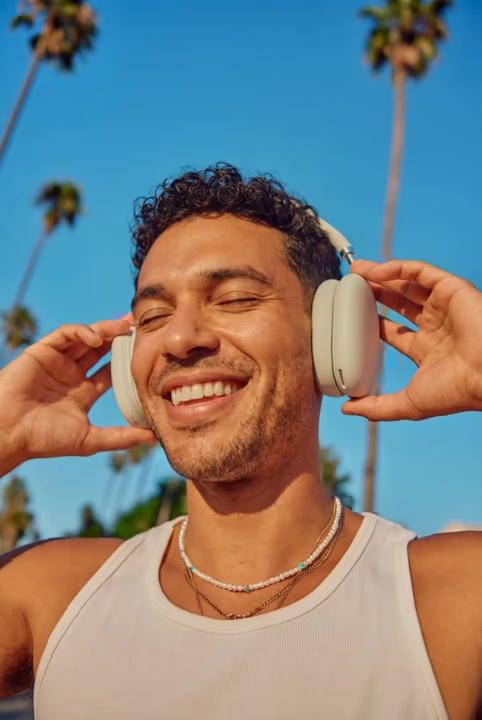
video headphone outdoor dengan musik tambahan
video karakter 3D neon dengan musik tambahan
video bunga sakura dengan musik tambahan
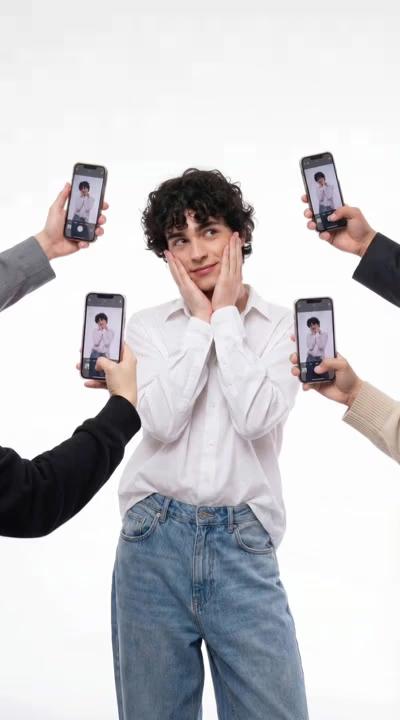
video pose media sosial dengan musik tambahan
video menari matahari terbenam dengan musik tambahan
video jamur surreal dengan musik tambahan
video headphone dengan musik tambahan
Fast cinematic video with audio, reference images, and start/end frame control.Reference inputAudioFast generationCinematicSee model
Edit video — replace subjects, add or remove objects, restyle scenes with reference images.Video editingReference inputVideo generationSee model
Fast video edit — modify scenes with reference images.Video editingReference inputFast generationSee model
Wan 2.7 T2V — up to 15s at 1080p with audio input and prompt enhancement.Text to videoAudio1080pCinematicSee model
Long-form video up to 15s with native audio and start/end frame control.AudioCinematicVideo generationSee model
Faster V3 variant — long-form video up to 15s with native audio, start/end frame control, and 720p/1080p output.Audio1080pFast generationCinematicSee model
Mature pipeline with audio and pro-tier rendering.
AudioPro qualityCinematic
See model
Flexible generation across creative styles using V3 Omni architecture, with optional 4K output.
4KCinematicVideo generation
See model
O1-architecture video generation with 5 or 10 second output.CinematicVideo generationSee model
Map body movement from a video clip onto a portrait photo — V3 quality.CinematicPhotorealVideo generationSee model
Transfer body movement from a reference video onto a portrait photo.Reference inputCinematicPhotorealSee model
Next-gen cinematic video with optional audio and reference image. Up to 4K.Reference inputAudio4KCinematicSee model
SESeedance 2.0 FastNew
Fast cinematic video with audio, reference images, and start/end frame control.Reference inputAudioFast generationCinematicSee model
SESeedance 2.0 Video EditNew
Edit video — replace subjects, add or remove objects, restyle scenes with reference images.Video editingReference inputVideo generationSee model
SESeedance 2.0 Fast Video EditNew
Fast video edit — modify scenes with reference images.Video editingReference inputFast generationSee model
WAWan 2.7
Wan 2.7 T2V — up to 15s at 1080p with audio input and prompt enhancement.Text to videoAudio1080pCinematicSee model
KLKling V3
Long-form video up to 15s with native audio and start/end frame control.AudioCinematicVideo generationSee model
KLKling V3 TurboNew
Faster V3 variant — long-form video up to 15s with native audio, start/end frame control, and 720p/1080p output.Audio1080pFast generationCinematicSee model
KLKling V2.6
Mature pipeline with audio and pro-tier rendering.AudioPro qualityCinematicSee model
KLKling V3 Omni
Flexible generation across creative styles using V3 Omni architecture, with optional 4K output.4KCinematicVideo generationSee model
KLKling Video O1New
O1-architecture video generation with 5 or 10 second output.CinematicVideo generationSee model
KLKling Motion Control V3
Map body movement from a video clip onto a portrait photo — V3 quality.CinematicPhotorealVideo generationSee model
KLKling Motion Control 2.6
Transfer body movement from a reference video onto a portrait photo.Reference inputCinematicPhotorealSee model
Next-gen cinematic video with optional audio and reference image. Up to 4K.Reference inputAudio4KCinematicSee model
SESeedance 2.0 FastNew
Fast cinematic video with audio, reference images, and start/end frame control.Reference inputAudioFast generationCinematicSee model
SESeedance 2.0 Video EditNew
Edit video — replace subjects, add or remove objects, restyle scenes with reference images.Video editingReference inputVideo generationSee model
SESeedance 2.0 Fast Video EditNew
Fast video edit — modify scenes with reference images.Video editingReference inputFast generationSee model
WAWan 2.7
Wan 2.7 T2V — up to 15s at 1080p with audio input and prompt enhancement.Text to videoAudio1080pCinematicSee model
KLKling V3
Long-form video up to 15s with native audio and start/end frame control.AudioCinematicVideo generationSee model
KLKling V3 TurboNew
Faster V3 variant — long-form video up to 15s with native audio, start/end frame control, and 720p/1080p output.Audio1080pFast generationCinematicSee model
KLKling V2.6
Mature pipeline with audio and pro-tier rendering.AudioPro qualityCinematicSee model
KLKling V3 Omni
Flexible generation across creative styles using V3 Omni architecture, with optional 4K output.4KCinematicVideo generationSee model
KLKling Video O1New
O1-architecture video generation with 5 or 10 second output.CinematicVideo generationSee model
KLKling Motion Control V3
Map body movement from a video clip onto a portrait photo — V3 quality.CinematicPhotorealVideo generationSee model
KLKling Motion Control 2.6
Transfer body movement from a reference video onto a portrait photo.Reference inputCinematicPhotorealSee model
Next-gen cinematic video with optional audio and reference image. Up to 4K.Reference inputAudio4KCinematicSee model
SESeedance 2.0 FastNew
Fast cinematic video with audio, reference images, and start/end frame control.Reference inputAudioFast generationCinematicSee model
SESeedance 2.0 Video EditNew
Edit video — replace subjects, add or remove objects, restyle scenes with reference images.Video editingReference inputVideo generationSee model
SESeedance 2.0 Fast Video EditNew
Fast video edit — modify scenes with reference images.Video editingReference inputFast generationSee model
WAWan 2.7
Wan 2.7 T2V — up to 15s at 1080p with audio input and prompt enhancement.Text to videoAudio1080pCinematicSee model
KLKling V3
Long-form video up to 15s with native audio and start/end frame control.AudioCinematicVideo generationSee model
KLKling V3 TurboNew
Faster V3 variant — long-form video up to 15s with native audio, start/end frame control, and 720p/1080p output.Audio1080pFast generationCinematicSee model
KLKling V2.6
Mature pipeline with audio and pro-tier rendering.AudioPro qualityCinematicSee model
KLKling V3 Omni
Flexible generation across creative styles using V3 Omni architecture, with optional 4K output.4KCinematicVideo generationSee model
KLKling Video O1New
O1-architecture video generation with 5 or 10 second output.CinematicVideo generationSee model
KLKling Motion Control V3
Map body movement from a video clip onto a portrait photo — V3 quality.CinematicPhotorealVideo generationSee model
KLKling Motion Control 2.6
Transfer body movement from a reference video onto a portrait photo.Reference inputCinematicPhotorealSee model
Next-gen cinematic video with optional audio and reference image. Up to 4K.Reference inputAudio4KCinematicSee model
SESeedance 2.0 FastNew
Fast cinematic video with audio, reference images, and start/end frame control.Reference inputAudioFast generationCinematicSee model
SESeedance 2.0 Video EditNew
Edit video — replace subjects, add or remove objects, restyle scenes with reference images.Video editingReference inputVideo generationSee model
SESeedance 2.0 Fast Video EditNew
Fast video edit — modify scenes with reference images.Video editingReference inputFast generationSee model
WAWan 2.7
Wan 2.7 T2V — up to 15s at 1080p with audio input and prompt enhancement.Text to videoAudio1080pCinematicSee model
KLKling V3
Long-form video up to 15s with native audio and start/end frame control.AudioCinematicVideo generationSee model
KLKling V3 TurboNew
Faster V3 variant — long-form video up to 15s with native audio, start/end frame control, and 720p/1080p output.Audio1080pFast generationCinematicSee model
KLKling V2.6
Mature pipeline with audio and pro-tier rendering.AudioPro qualityCinematicSee model
KLKling V3 Omni
Flexible generation across creative styles using V3 Omni architecture, with optional 4K output.4KCinematicVideo generationSee model
KLKling Video O1New
O1-architecture video generation with 5 or 10 second output.CinematicVideo generationSee model
KLKling Motion Control V3
Map body movement from a video clip onto a portrait photo — V3 quality.CinematicPhotorealVideo generationSee model
KLKling Motion Control 2.6
Transfer body movement from a reference video onto a portrait photo.Reference inputCinematicPhotorealSee model
Next-gen cinematic video with optional audio and reference image. Up to 4K.Reference inputAudio4KCinematicSee model
SESeedance 2.0 FastNew
Fast cinematic video with audio, reference images, and start/end frame control.Reference inputAudioFast generationCinematicSee model
SESeedance 2.0 Video EditNew
Edit video — replace subjects, add or remove objects, restyle scenes with reference images.Video editingReference inputVideo generationSee model
SESeedance 2.0 Fast Video EditNew
Fast video edit — modify scenes with reference images.Video editingReference inputFast generationSee model
WAWan 2.7
Wan 2.7 T2V — up to 15s at 1080p with audio input and prompt enhancement.Text to videoAudio1080pCinematicSee model
KLKling V3
Long-form video up to 15s with native audio and start/end frame control.AudioCinematicVideo generationSee model
KLKling V3 TurboNew
Faster V3 variant — long-form video up to 15s with native audio, start/end frame control, and 720p/1080p output.Audio1080pFast generationCinematicSee model
KLKling V2.6
Mature pipeline with audio and pro-tier rendering.AudioPro qualityCinematicSee model
KLKling V3 Omni
Flexible generation across creative styles using V3 Omni architecture, with optional 4K output.4KCinematicVideo generationSee model
KLKling Video O1New
O1-architecture video generation with 5 or 10 second output.CinematicVideo generationSee model
KLKling Motion Control V3
Map body movement from a video clip onto a portrait photo — V3 quality.CinematicPhotorealVideo generationSee model
KLKling Motion Control 2.6
Transfer body movement from a reference video onto a portrait photo.Reference inputCinematicPhotorealSee model

Edit video yang siap dibagikan

Pro

Most popular

AI tools for everyday creative work.

$15 $10.5/mo
Billed yearly
You save $54 with yearly
  • Access to all photo & video editing features
  • Advanced background & object removal
  • Parallel video generations with the world's most powerful AI video models
  • Unlimited image generations with Flex.2 Klein
  • 1-tap image enhancer
  • Millions of stock photos & Getty video clips
  • Selection of trendy fonts, text styles & stickers
  • Thousands of premium templates
  • Support for 3+ brand kits
  • Bulk edit up to 50 images at once
  • 100 GB of cloud storage
New features:
  • Auto-generate content from your terminal or agent with the Picsart CLI
  • Use Picsart inside Claude Code, Cursor, and ChatGPT via MCP — coming soon
  • AI agents for multi-step workflows and batch generation — coming soon

Ultra

Most powerful

Heavy AI usage for creators & teams.

$45 $24.5/mo
Billed yearly, per seat
You save $246 with yearly
  • Everything in Pro
  • Early access to advanced AI features
  • Leading AI models to design & automate workflows (Nano Banana, Veo 3, Seedance 2.0 & more)
  • Parallel video generations with the world's most powerful AI video models
  • Unlimited image generations with Flex.2 Klein
  • Support for 10+ brand kits
  • Add team seats
  • Create ad variations and localize
  • Track ads performance
  • 2000 credits for API services
  • Bulk edit up to 100 images at once
  • 300 GB of cloud storage per seat
New features:
  • Auto-generate content from your terminal or agent with the Picsart CLI
  • Use Picsart inside Claude Code, Cursor, and ChatGPT via MCP — coming soon
  • AI agents for multi-step workflows and batch generation — coming soon

Enterprise

Custom AI solutions for large organizations.

Custom credit volume
  • Volume discounts on credit rate
  • On-demand top-ups
Custom
Contact for pricing
  • Access to photo & video editor SDKs
  • Mobile web SDK support
  • Prepaid or pay-as-you-go creative APIs
  • Embed professional-grade editing into your product or workflow
  • Fully configurable editing experience
  • White-label to match your brand
  • Support for built-in marketing, e-commerce & printing use cases
  • Bring your own assets: images, templates & fonts
  • Enterprise-grade security, SLAs & support
  • Dedicated account manager