फोटोंमध्ये स्टिकर्स जोडा
Picsart ऑनलाइन एडिटर वापरून फोटोंमध्ये स्टिकर्स जोडा. डिझाइन शोधा, ती तुमच्या इमेजवर ठेवा आणि एक्सपोर्ट करण्यापूर्वी मांडणीत बदल करा.
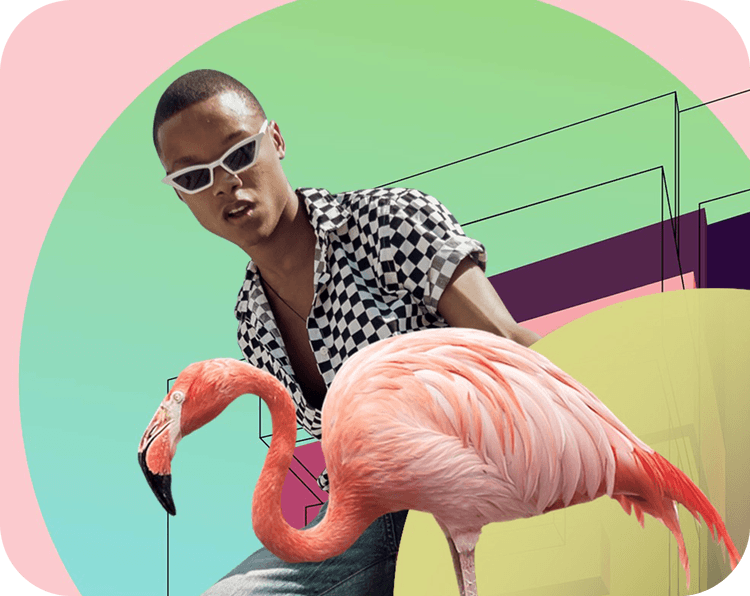
फोटोंमध्ये स्टिकर्स कसे जोडायचे
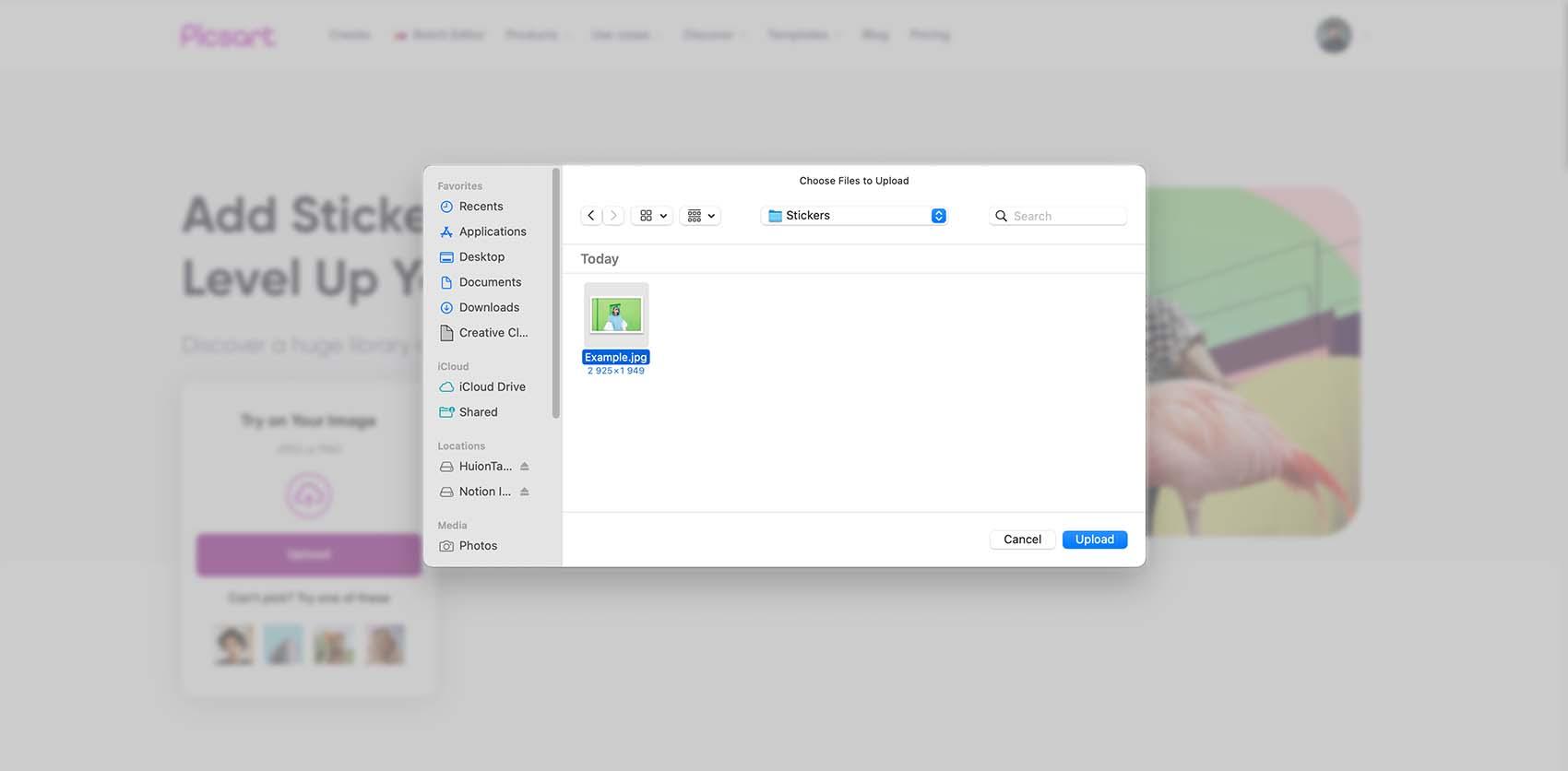
तुमच्या कल्पनेला साजेसे फोटो स्टिकर्स शोधा
स्टिकरमुळे मूड तयार होऊ शकतो, एखादा खास प्रसंग दाखवता येतो किंवा साधा फोटो कोलाजमध्ये बदलता येतो. दिसेल ती पहिली डिझाइन निवडण्याऐवजी, तुम्हाला हवा असलेला तपशील शोधा. पोर्ट्रेटसाठी छोटा हार्ट किंवा डूडल वापरून पाहा. वाढदिवसाच्या फोटोसाठी, संदेशासाठी जागा ठेवणाऱ्या सजावटीच्या घटकाने सुरुवात करा.
मोफत अॅसेट्स निवडा किंवा Pro म्हणून चिन्हांकित स्टिकर्स पाहा. एडिट करताना निवड बदलू शकता: तुमच्या इमेजवर स्टिकर वापरून पाहा आणि फोटो तुमचाच वाटत राहील अशा प्रकारे मांडणी बदला.
- तुम्हाला हवी असलेली माहिती शोधा
- तुमच्या फोटोला जुळणारा स्टिकर जोडा
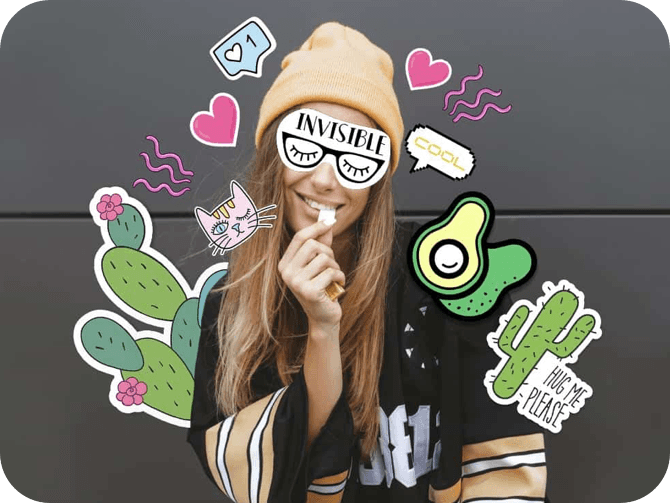
फोटोंमध्ये स्टिकर्स वापरण्याचे तीन मार्ग
एखादा प्रोजेक्ट निवडा आणि स्टिकरची शैली तुमच्या फोटोला अनुरूप बदला. या उदाहरणांमध्ये प्रत्येक घटकाला स्पष्ट उद्देश दिला आहे.


स्टिकर्स फोटोचाच भाग असल्यासारखे दिसू द्या
स्टिकर ठेवण्यापूर्वी तो काय भर घालतो याचा विचार करा. विषयाच्या बाजूला असलेला छोटा घटक लक्ष वेधू शकतो, तर मोठी डिझाइन कोलाजचा केंद्रबिंदू होऊ शकते. फोटोतील रेषा आणि मोकळ्या जागेनुसार स्टिकरचा आकार आणि कोन बदला.
झाकणे हा तुमच्या डिझाइनचा भाग नसेल तर चेहरे, उत्पादने आणि महत्त्वाचे तपशील दिसू द्या. इमेज गर्दीची वाटू लागल्यास एखादा तपशील काढून टाका किंवा त्याचा आकार कमी करा. प्रत्येक मोकळी जागा भरण्यासाठी स्टिकर्स जोडण्याऐवजी, बदल केल्यानंतर संपूर्ण मांडणी पुन्हा तपासा.
- आकार आणि स्थान नियंत्रण करा
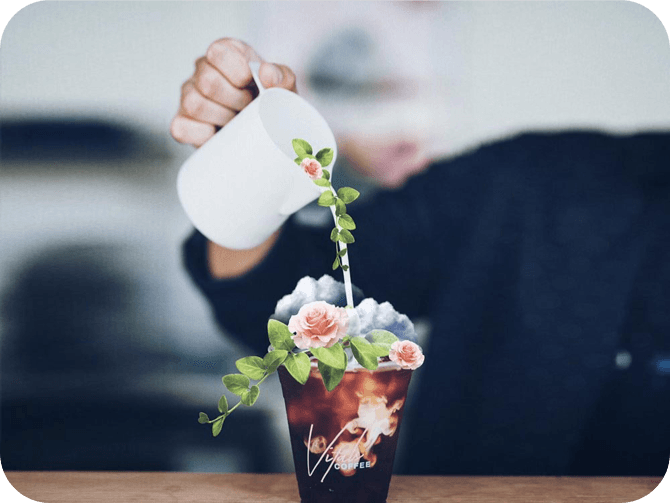
शेअर करण्यापूर्वी मांडणी तपासा
स्टिकर डिझाइनकडे केवळ तपशिलांचा संग्रह म्हणून नव्हे, तर संपूर्ण इमेज म्हणून पाहा. एका सोप्या तपासणीत अजून लक्ष देण्याची गरज असलेले बदल लक्षात येतील:
- जागा: प्रत्येक स्टिकर विषयाला पूरक आहे की एखादा त्यापासून लक्ष विचलित करतो?
- एकमेकांवरील थर: स्टिकर्स एकमेकांवर आले असल्यास, महत्त्वाचे आकार ओळखता येतात आणि मजकूर वाचता येतो का?
- कडा: तुम्ही शेअर करणार असलेल्या ठिकाणासाठी इमेज क्रॉप केल्यावर स्टिकर कापला जाईल का?
- लहान आकारातील दृश्य: इमेज थंबनेल म्हणून दाखवल्यावरही डिझाइन आणि संदेश समजतो का?
अधिक नीटस परिणामासाठी आणखी एक स्टिकर जोडण्यापूर्वी त्याचा आकार बदला किंवा जागा बदला.
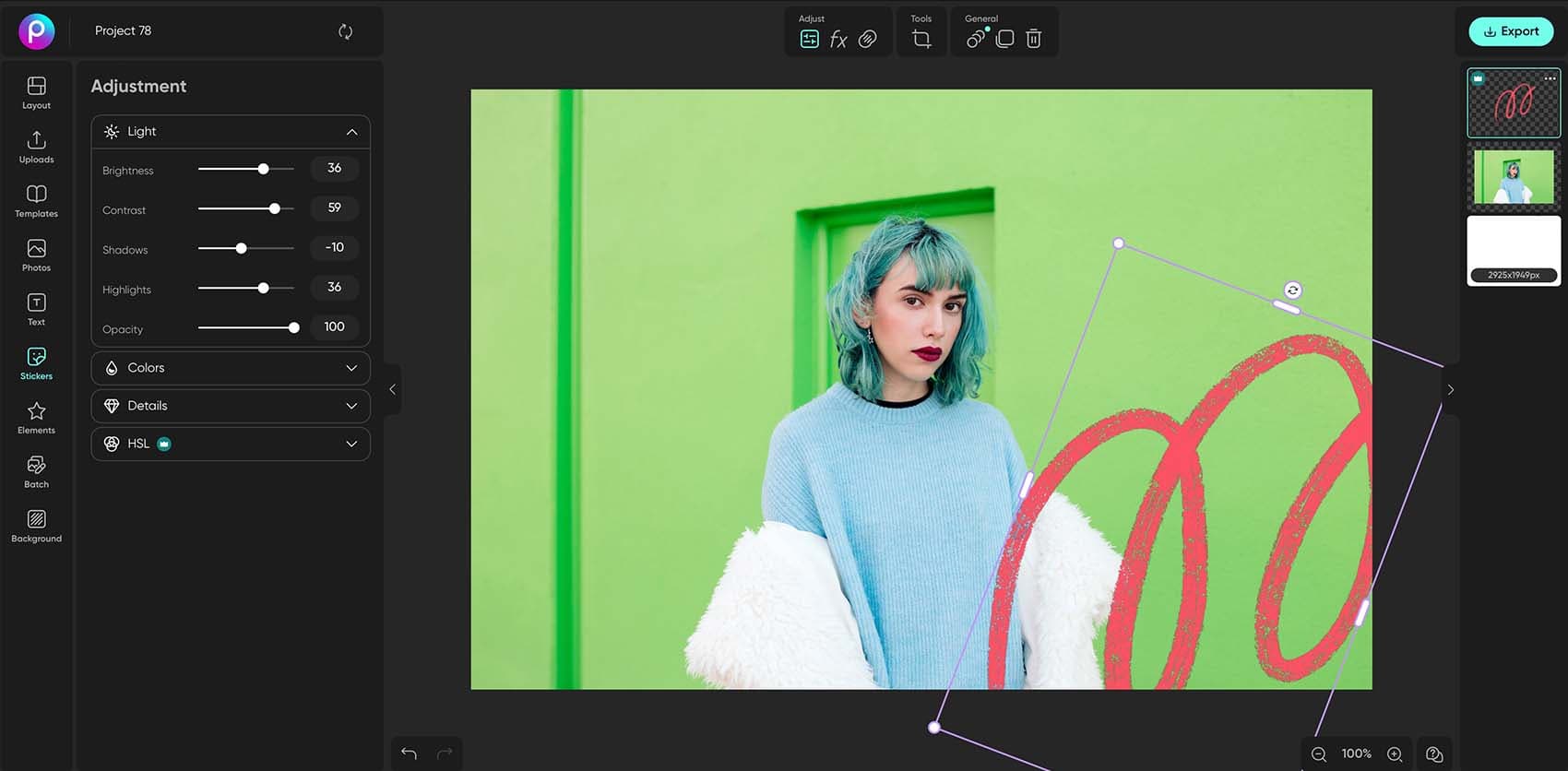
त्याच वर्कस्पेसमध्ये एडिट पूर्ण करा
तुमची स्टिकर इमेज फोटोमध्ये जोडा
लायब्ररीमधून स्टिकर निवडण्याऐवजी, तुमच्याकडे आधीपासून असलेला स्टिकर वापरू शकता. Uploads मधून इमेज जोडा, मग ती तुमच्या फोटोवर ठेवा आणि तिचा आकार बदला. पारदर्शक पार्श्वभूमी असलेल्या स्टिकर इमेजमुळे आजूबाजूचा फोटो दिसत राहतो. कटआउट्स, लोगो किंवा सजावटीच्या तपशिलांसाठी हे उपयुक्त आहे.
तुमच्या इमेजला अजूनही पार्श्वभूमी असल्यास, आधी कटआउट तयार करण्यासाठी Sticker Maker वापरा. स्टिकर ठेवायला तयार झाल्यावर फोटो एडिटरवर परत या. हे पेज स्टिकर्स वापरण्यावर केंद्रित आहे; नवीन स्टिकर तयार करणे ही वेगळी पायरी आहे.
फोटोंमध्ये स्टिकर्स जोडणे: वारंवार विचारले जाणारे प्रश्न
- तुमचा फोटो Picsart एडिटरमध्ये अपलोड करा, Stickers निवडा आणि लायब्ररीमधून डिझाइन निवडा. स्टिकरचा आकार किंवा कोन बदलण्यासाठी त्याचे हँडल्स वापरा, तो योग्य जागी ड्रॅग करा आणि फोटो तयार झाल्यावर Export निवडा.
Picsart विषयी प्रसिद्ध माध्यमांमध्ये






क्रिएटरसाठी आकर्षक कंटेंट तयार करण्यासाठी फोटो एडिट करा
Pro
Most popularAI tools for everyday creative work.
Ultra
Most powerfulHeavy AI usage for creators & teams.