Light Up Your Photos With Image Overlays
Add photo overlays to images online.
Create image overlays with AI image models
Use image models to transform image overlays into polished visuals, design ideas, and ready-to-edit assets.
Light Overlays and Detailed Elements
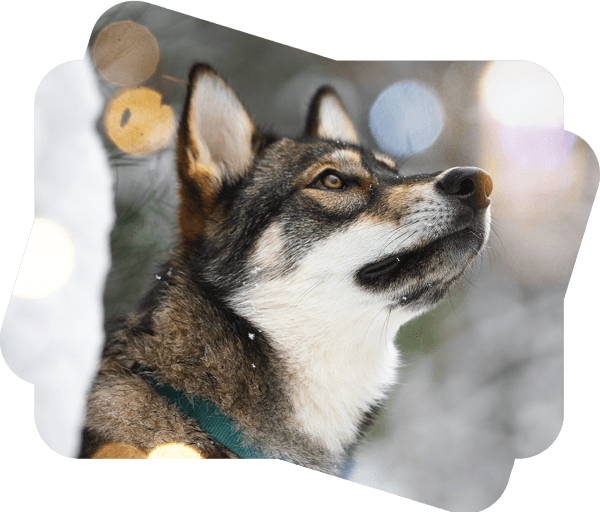
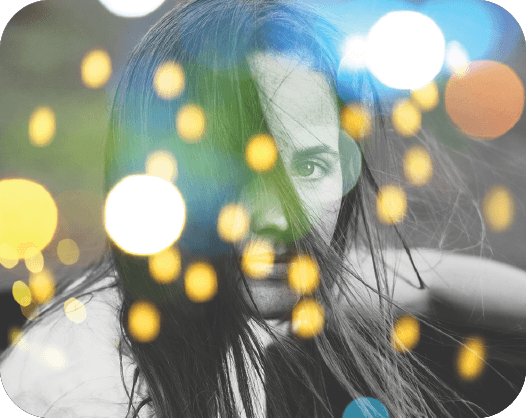
Light flares, out-of-focus lighting elements, and light leaks have been growing in popularity all over social media. Bokeh photography may require an expensive camera, and special skills to operate it, but luckily for you, Picsart’s new photo overlays simplify the entire process to a few clicks. Bokeh masks will elevate your images and make them stand out even more. Simply upload your image and start browsing our free image overlay library. You will find light flares of different sizes, shapes, positionings, and colors. Select your overlay and continue editing your image. Picsart’s Image Overlays tool allows you to edit the lighting elements, so they fit better with your image. Apply these masks to images and enjoy the magic!

- Add a detail that sets the mood

Add Photo Overlays for a Dramatic Effect
Image overlay effects are a great way to add texture and dimension to your images. You will find cute overlays like festive lighting, hearts, and light painting photography designs. If you’re going for a more grungy aesthetic, Picsart’s overlay library has multiple textures you can choose from. Textures are edgier and add uniqueness to your image. Simply apply one and start adjusting it to your needs.
- Give your photo a different atmosphere
How to Add Image Overlays to Your Image
How to
Choose your image
Upload your image or choose one from our free-to-edit library.
Picsart Featured In






Layer images for standout posts, ads, and designs
Pro
Most popularAI tools for everyday creative work.
Ultra
Most powerfulHeavy AI usage for creators & teams.
Enterprise
Custom AI solutions for large organizations.
- Volume discounts on credit rate
- On-demand top-ups