Obracaj obrazy online
Popraw zdjęcie obrócone na bok lub nadaj mu inny kąt. Prześlij obraz do edytora, obróć wybrane zdjęcie i sprawdź kadrowanie przed zapisaniem.
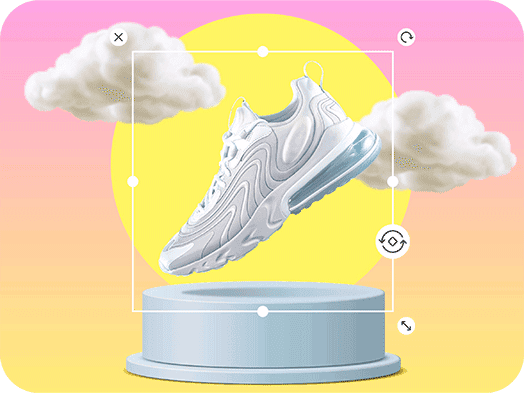
Ustaw właściwą orientację zdjęcia
Jak obrócić obraz
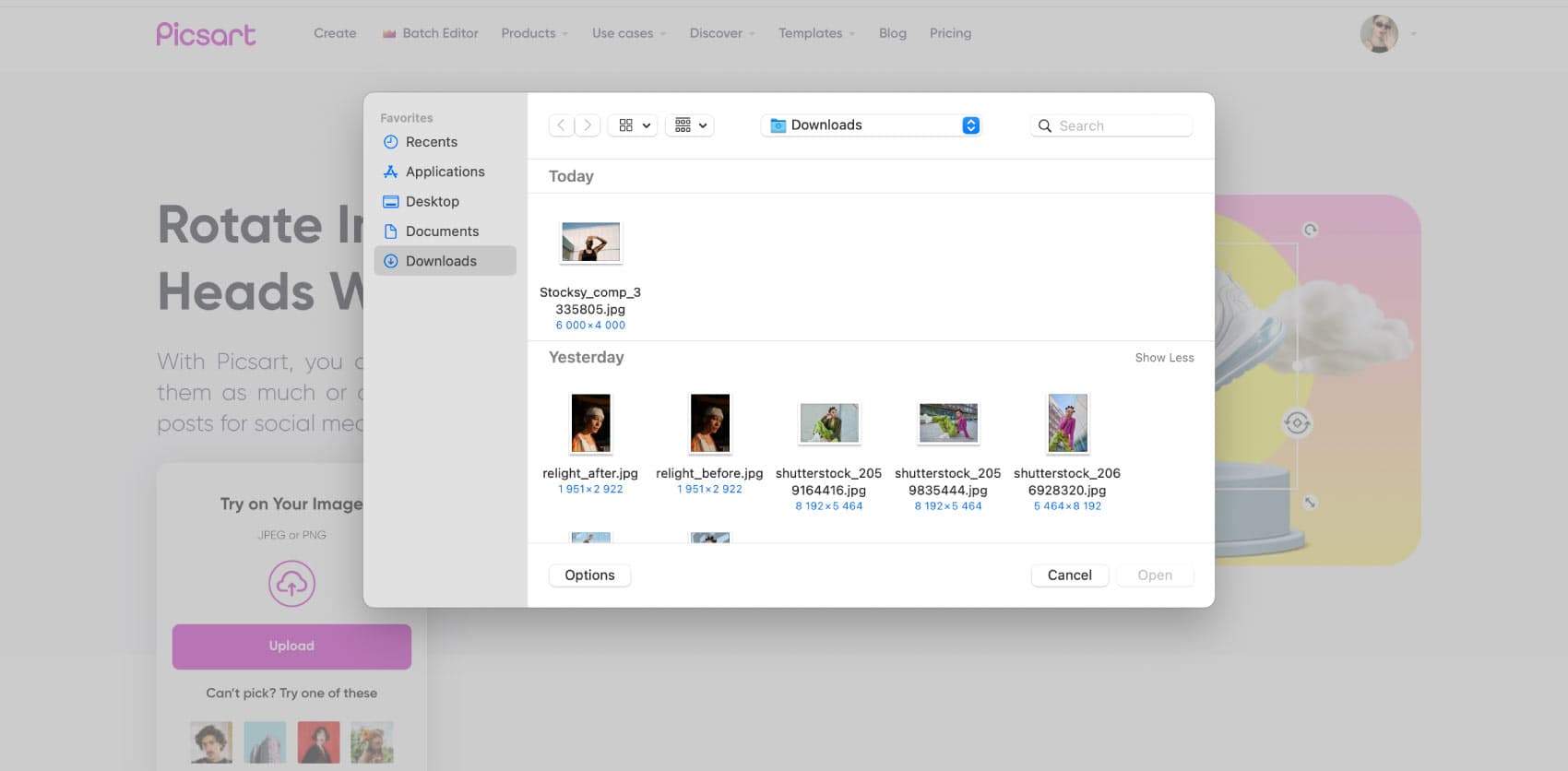
Wyprostuj obraz, korzystając z pomocnej linii odniesienia
Niewielki obrót może ułatwić odbiór pochyłego horyzontu lub przekrzywionego zdjęcia produktu. Wybierz linię odniesienia na obrazie, na przykład krawędź stołu lub budynku, i porównuj ją z ramką podczas obracania. Po zmianie kąta sprawdź cały obraz. Prostowanie może odsłonić puste narożniki, dlatego zostaw miejsce na przycięcie i nie umieszczaj ważnych detali tuż przy krawędzi.
- Użyj horyzontu lub krawędzi do prowadzenia kąta
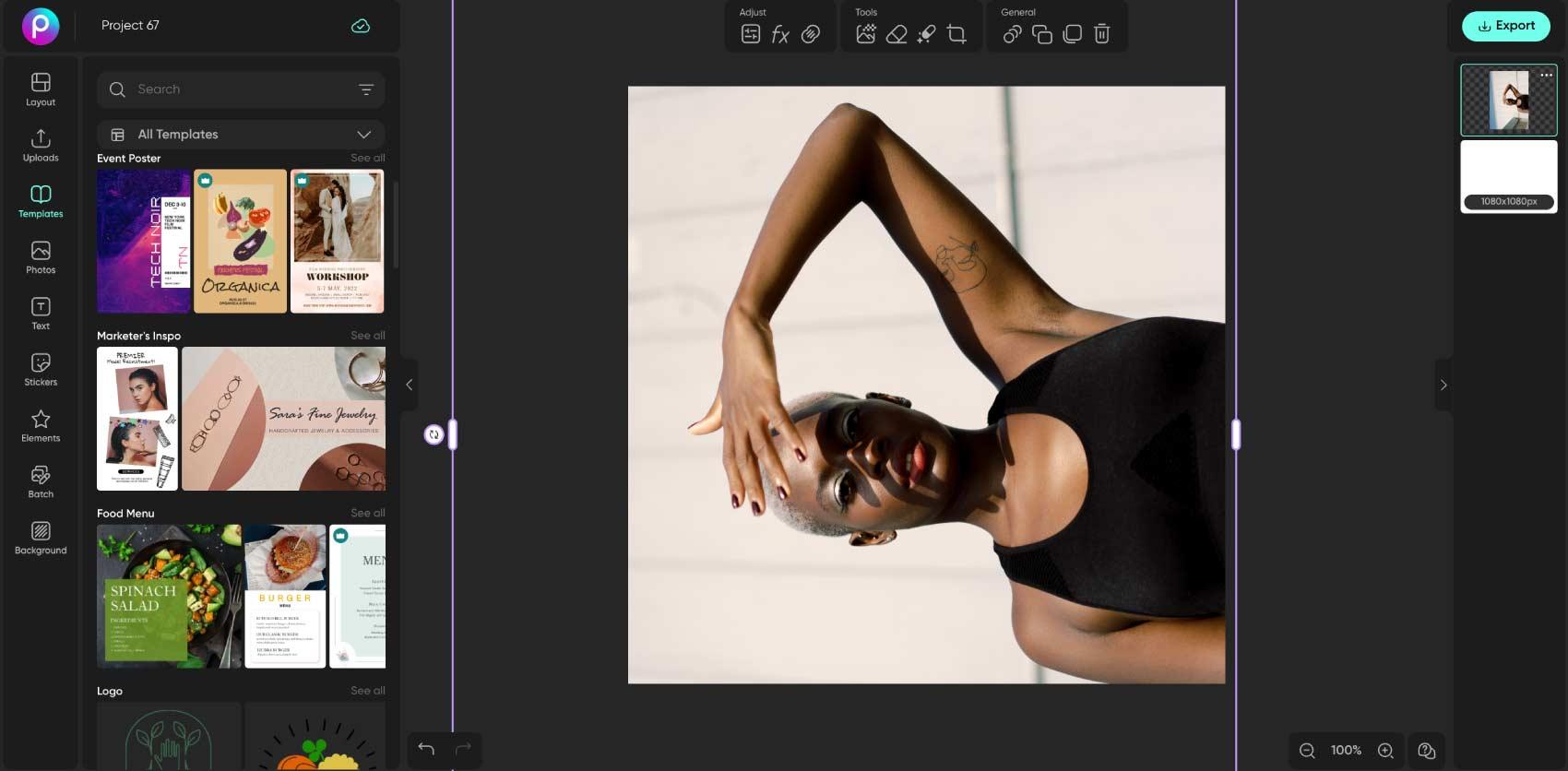
Obracanie, odbijanie i przycinanie rozwiązują różne problemy
Obracanie zmienia położenie zdjęcia wokół jego środka. Odbijanie tworzy lustrzane odbicie w poziomie lub pionie. Przycinanie usuwa część widocznego kadru. Użyj narzędzia Odbij obraz, aby uzyskać lustrzane odbicie, lub Przytnij obraz, aby zmienić kadr. Wybierz edycję odpowiednią do problemu, a potem sprawdź, czy tekst i logotypy nadal wyglądają tak, jak zamierzasz.
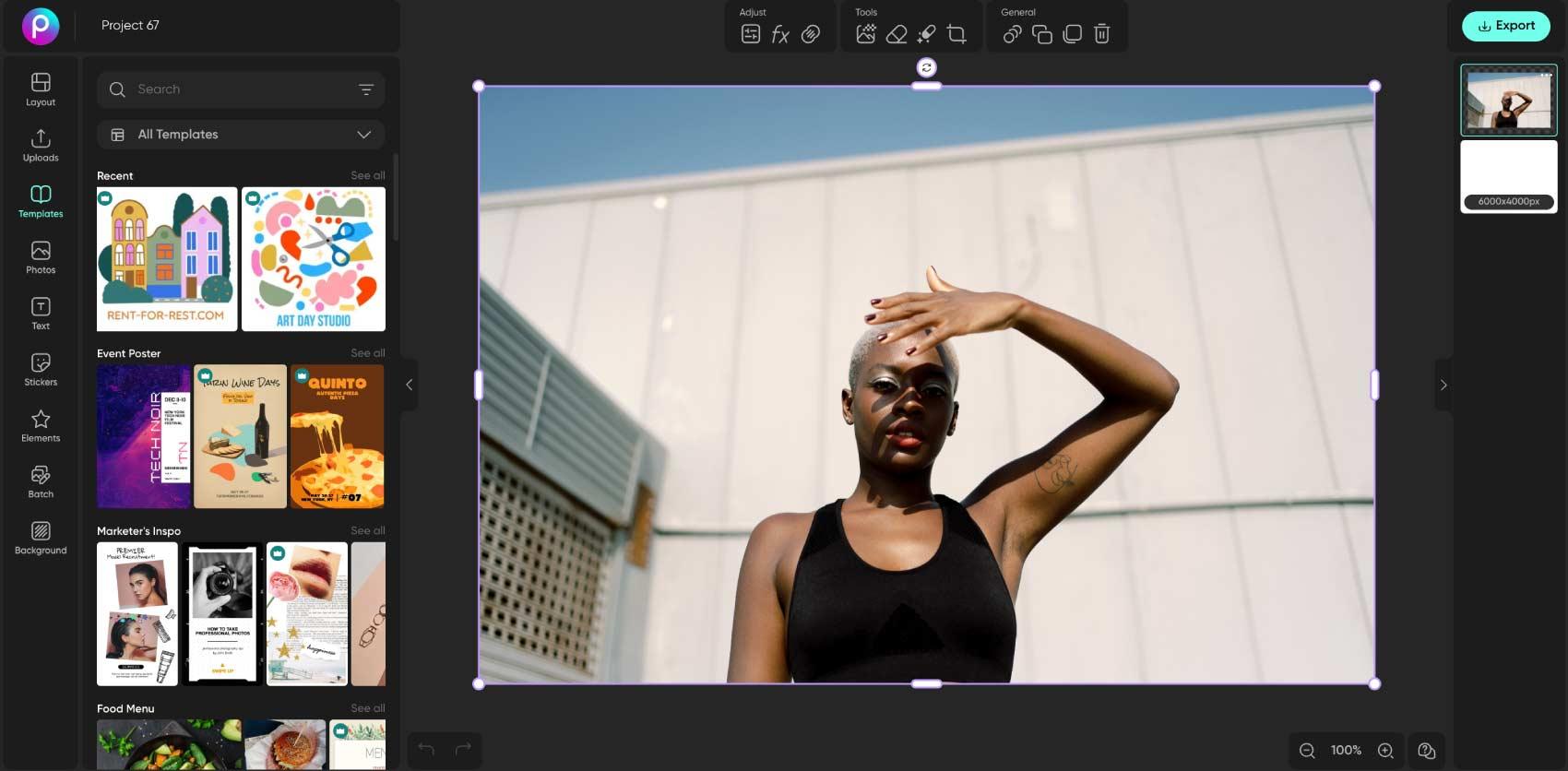
Nadaj zdjęciu przemyślany, kreatywny kąt
Obrót może być również zabiegiem projektowym. Przechyl produkt, ustaw portret po przekątnej lub zostaw miejsce na podpis obok głównego obiektu. Dopasuj kąt do reszty układu i sprawdź, czy nic ważnego nie zostało ucięte. Po obróceniu możesz zmienić rozmiar gotowego obrazu lub dodać tekst i naklejki w edytorze zdjęć.
- Nadaj kompozycji celowe nachylenie
Sprawdź kolekcję, edytując zdjęcia pojedynczo
Zdjęcia w zestawie mogą wymagać ujednolicenia orientacji, zwłaszcza gdy przygotowujesz galerię produktów lub portfolio. Przed edycją sprawdź, które obrazy trzeba obrócić, a potem porównaj kadrowanie całego zestawu. Poznaj możliwości narzędzia Edytor zdjęć wsadowych i przed dodaniem całej kolekcji upewnij się, że obsługuje ono potrzebną operację.
FAQ: obracanie obrazów
Prześlij obraz do Picsart, zaznacz go na obszarze roboczym i użyj uchwytu obracania. Sprawdź kadr, a następnie wyeksportuj edytowany obraz.
Edytuj zdjęcia i twórz dopracowane materiały
Porównaj plany i wybierz narzędzia oraz funkcje, z których chcesz korzystać.
Pro
Most popularAI tools for everyday creative work.
Ultra
Most powerfulHeavy AI usage for creators & teams.