TrustScore: 4,4 de 5
Com base em 1.464 avaliações do Trustpilot quando verificado. As classificações podem mudar.
Instantâneo do perfil do Trustpilot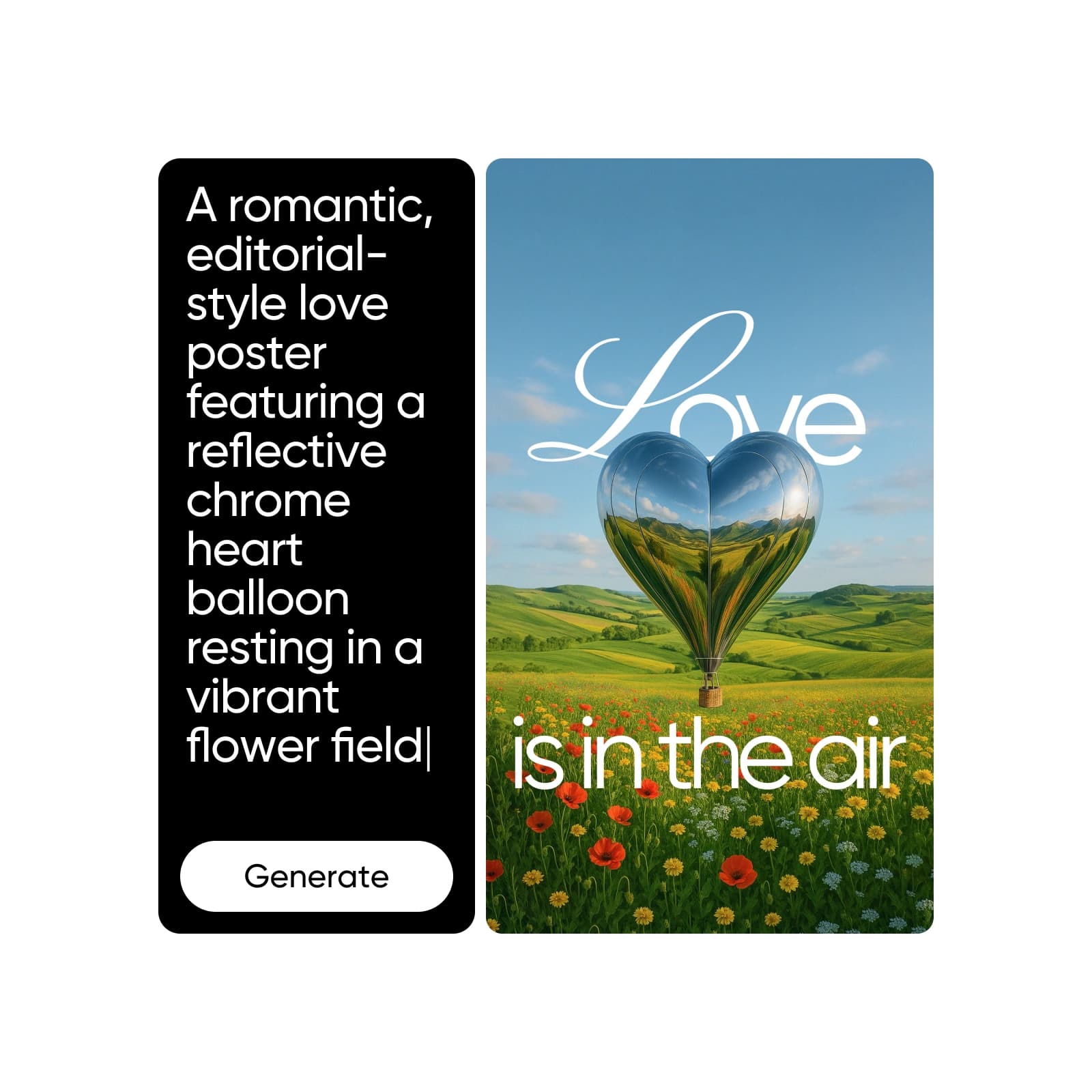
Verificado em 16 de setembro de 2026. Um check marca uma capacidade documentada; um X marca uma ausência ou restrição material documentada. Totais não divulgados são rotulados como não divulgados em vez de tratados como zero.
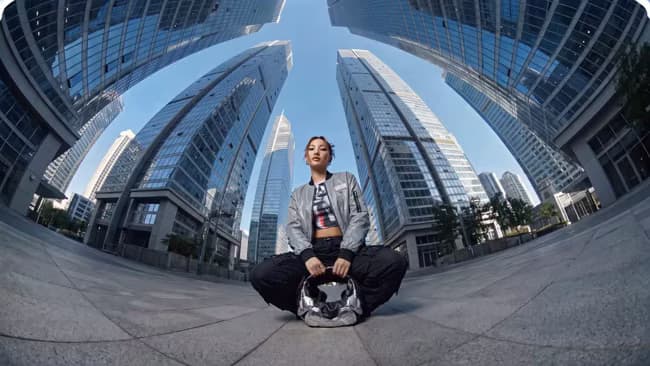
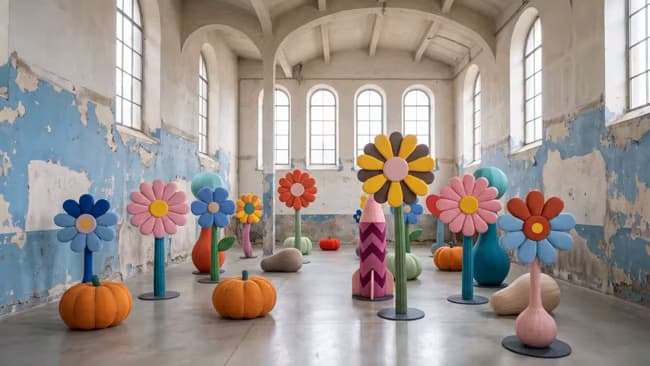
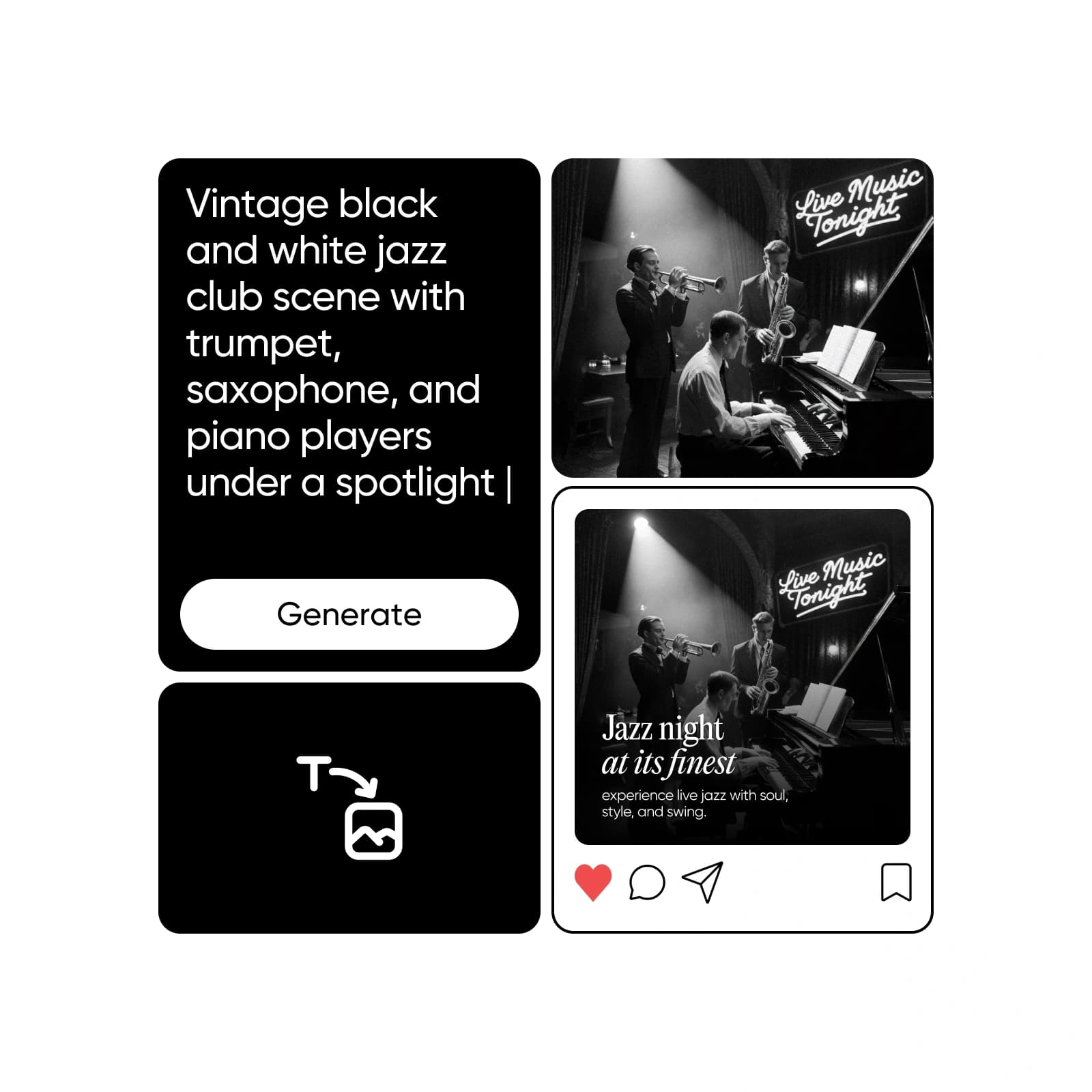
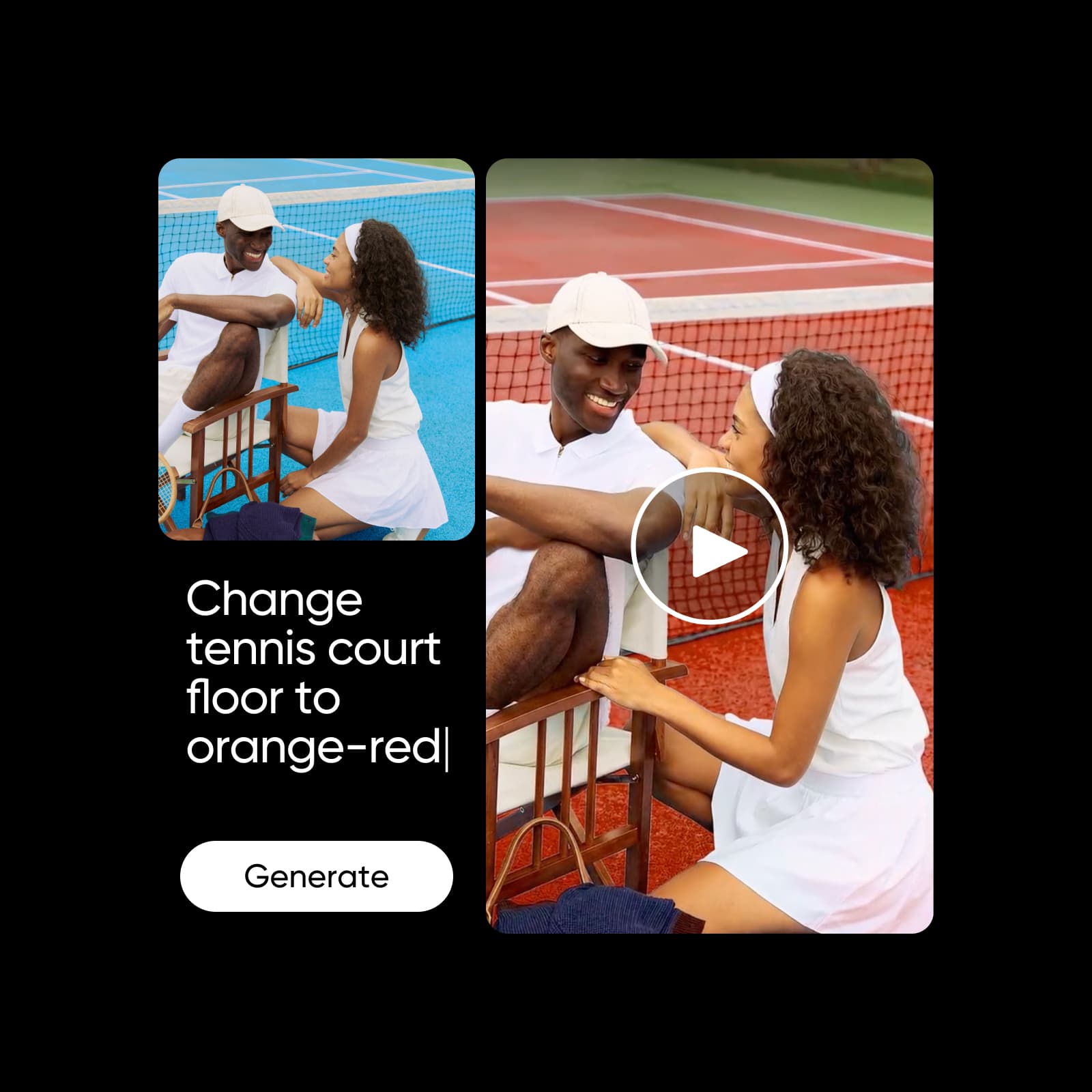
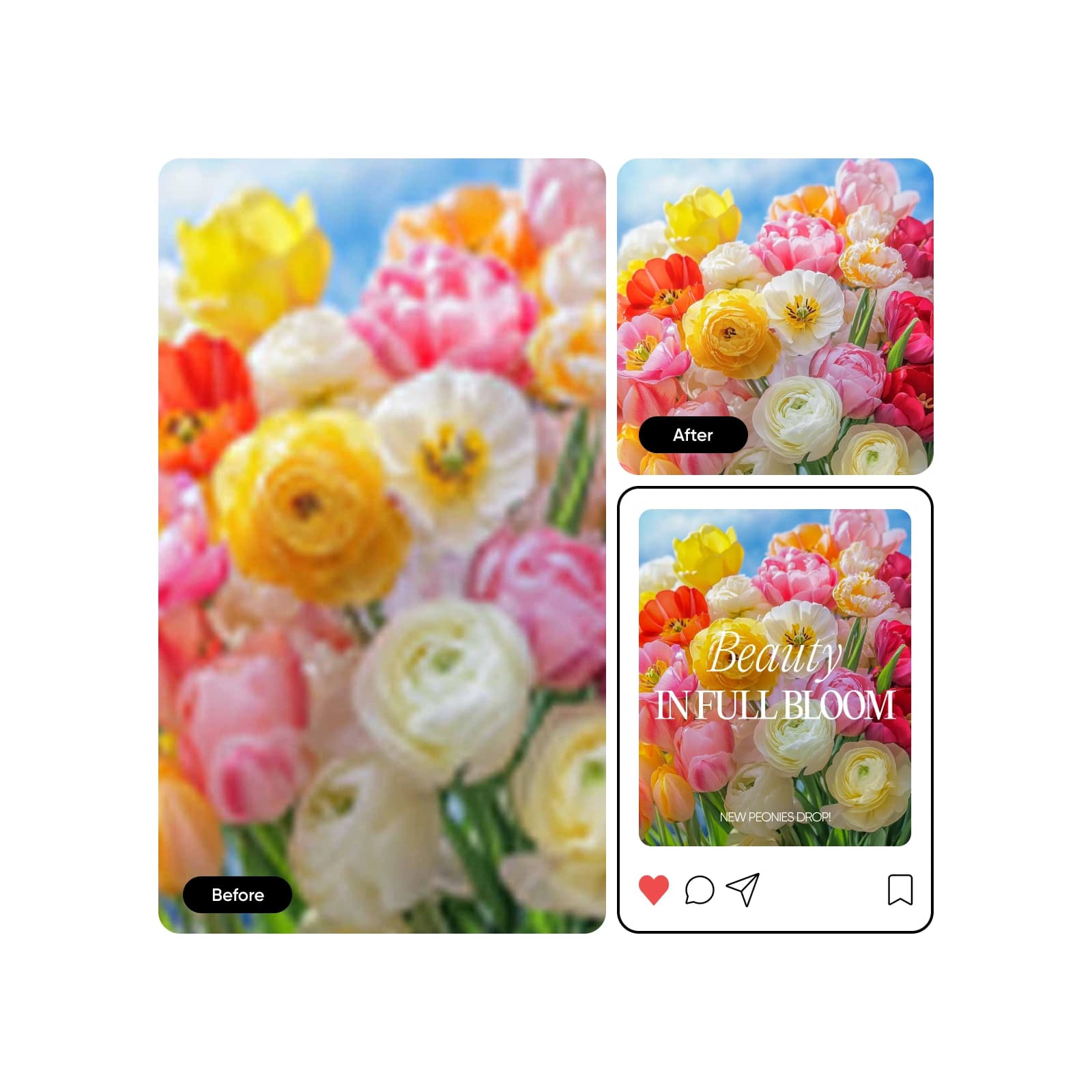
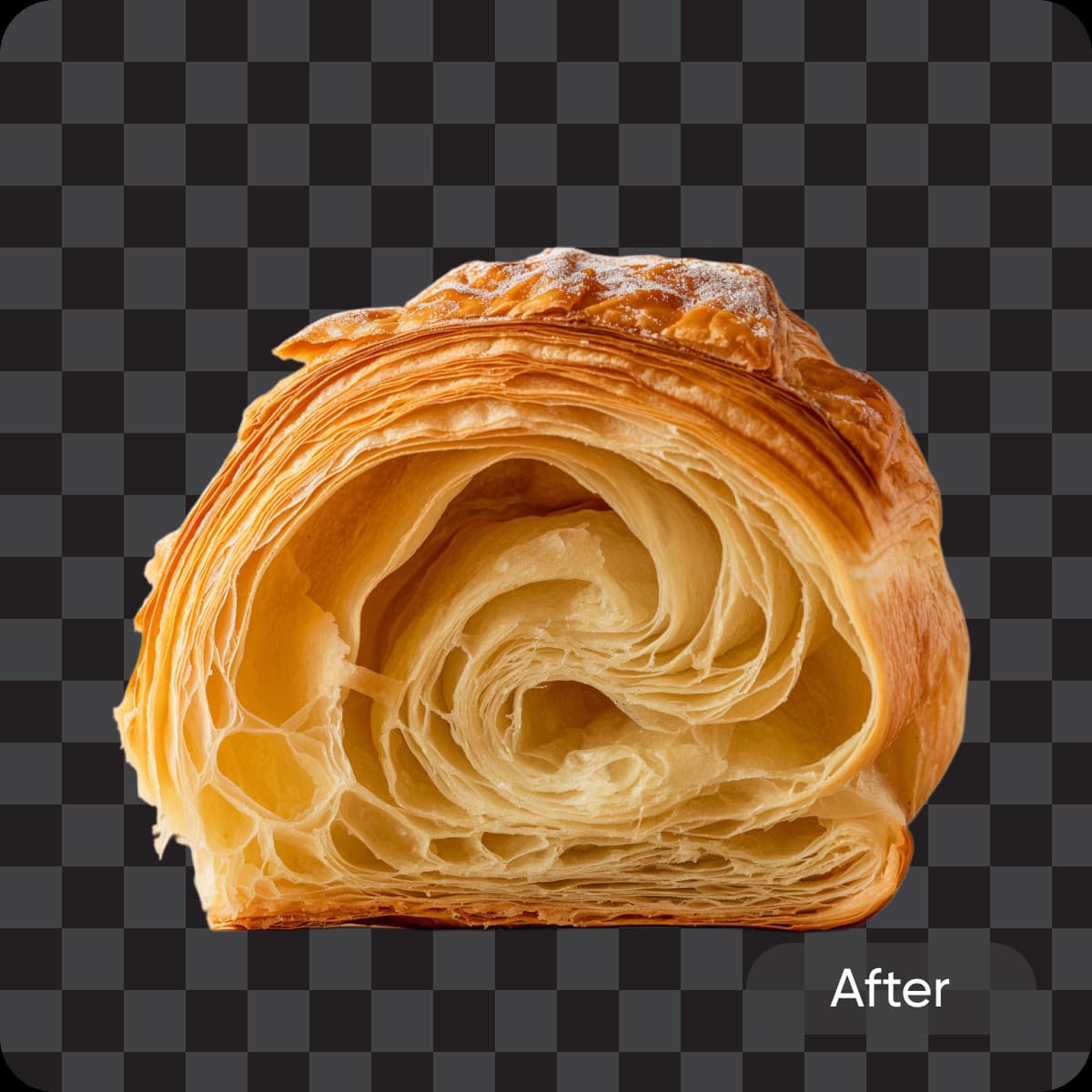
O cartão 1 é um antes-e-depois liberado de direitos criado no Picsart. Os cartões 2 e 3 são exemplos de vídeo cinematográficos pertencentes ao Picsart. Nenhum cartão é apresentado como saída do Canva; use a mesma fonte e configurações em ambos os produtos para um benchmark direto.
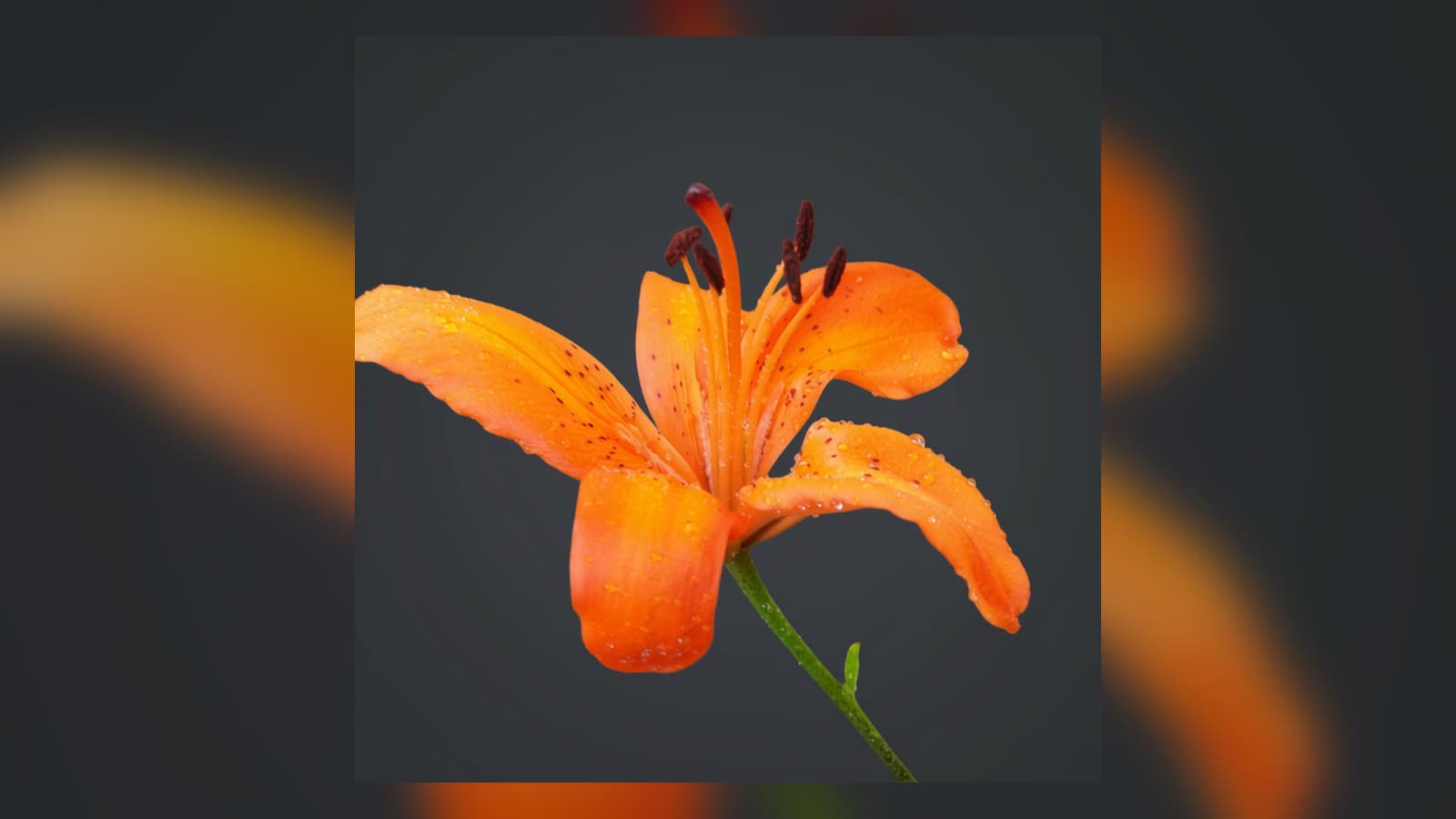
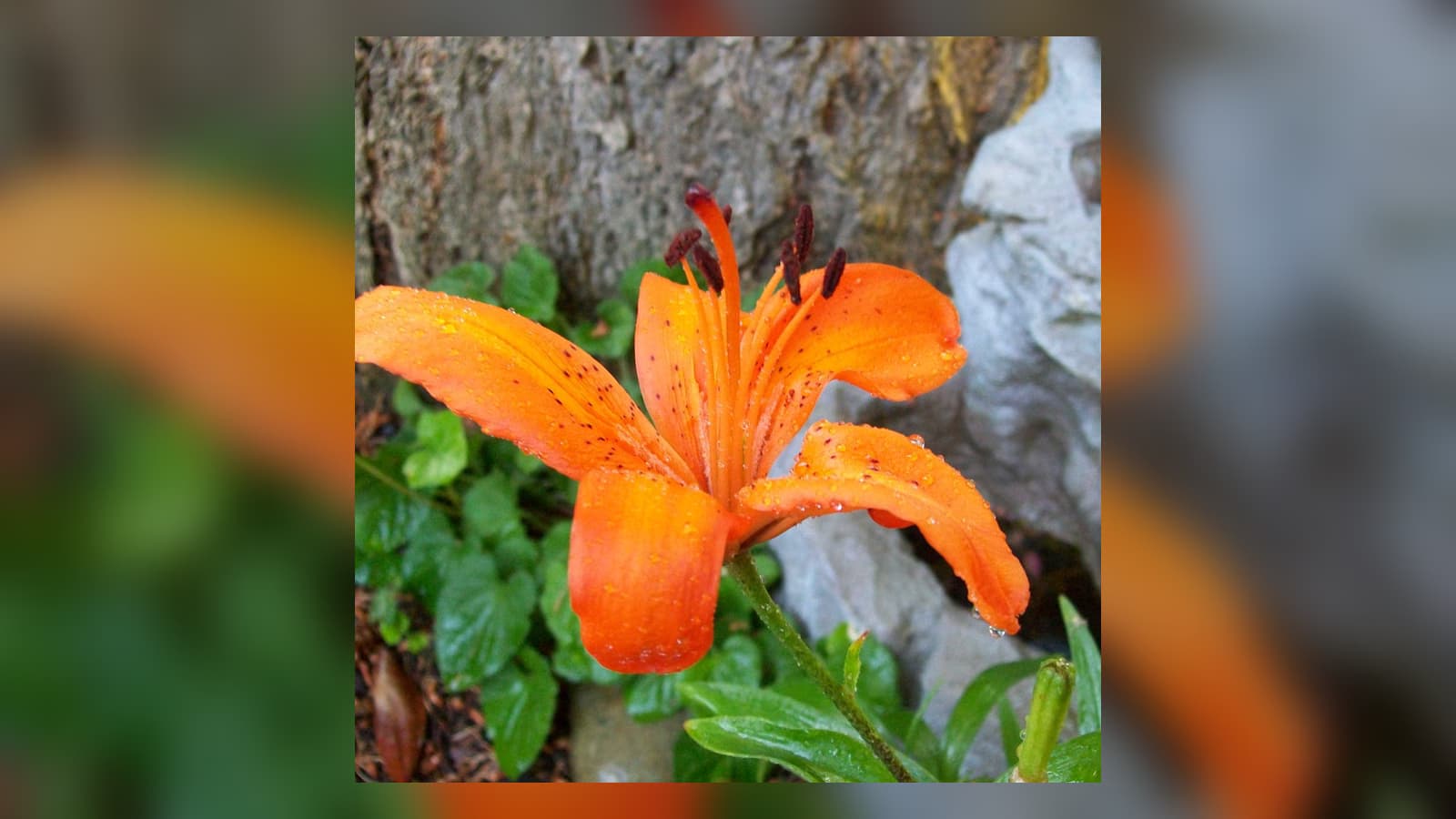
Perfil do Trustpilot revisado em 16 de setembro de 2026. Fonte: https://www.trustpilot.com/review/www.picsart.com
Com base em 1.464 avaliações do Trustpilot quando verificado. As classificações podem mudar.
Instantâneo do perfil do TrustpilotOs revisores frequentemente elogiam a interface intuitiva, ampla gama de edição e ferramentas de IA úteis.
Parafraseado do resumo de revisões recentes do TrustpilotAs críticas recentes mencionam falhas ocasionais, problemas de crédito e algumas tarefas complexas de IA falhando.
Parafraseado do resumo de revisões recentes do TrustpilotPerfil do Trustpilot revisado em 16 de setembro de 2026. Fonte: https://www.trustpilot.com/review/canva.com
Com base em 7.099 avaliações do Trustpilot quando verificado. As classificações podem mudar.
Instantâneo do perfil do TrustpilotOs revisores frequentemente elogiam a facilidade de uso do Canva, a variedade de modelos e o suporte rápido.
Parafraseado do resumo de revisões recentes do TrustpilotAlguns revisores acham o site desorganizado e dizem que os limites de assinatura tornam os ativos mais difíceis de descobrir.
Parafraseado do resumo de revisões recentes do TrustpilotPasse do benchmark para a ferramenta que cria, finaliza ou repete o trabalho.
Verificado em 16 de setembro de 2026. A equipe de pesquisa do Picsart frequentemente encontrou Picsart mais econômico por resultado utilizável. As unidades de crédito não são intercambiáveis, então isso não é uma garantia token-para-token. Números por saída usam os preços atuais do AI Playground ou estimativas do plano publicadas pelo fornecedor em configurações declaradas; o custo real varia por modelo, duração, resolução, áudio, tentativas e nível de qualidade. Os preços excluem os impostos, a menos que a fonte diga o contrário.
Obtenha respostas diretas, depois verifique os detalhes do plano atual antes de comprar.
Sim. Picsart é uma forte alternativa para criadores que desejam modelos além de edição de fotos detalhada, ferramentas de IA, vídeo, efeitos e criação de campanhas em múltiplos formatos.
Fontes oficiais de produtos, preços, biblioteca de ativos, direitos, Trustpilot, App Store, Reddit e domínio público verificadas em 16 de setembro de 2026.