A Series Paper Sizes
A series paper sizes help you choose the correct dimensions so documents scale, print, and display consistently across formats. Learn the standard A series sizes from A0 to A7, including their pixel dimensions, and understand how the ISO 216 paper system works for print and digital design.

| Format | Dimensions | |
|---|---|---|
| A0 | 9933 x 14043 px | |
| A1 | 7016 x 9933 px | |
| A2 | 4961 x 7016 px | |
| A3 | 3508 x 4961 px | |
| A4 | 2480 x 3508 px | |
| A5 | 1748 x 2480 px | |
| A6 | 1240 x 1748 px | |
| A7 | 874 x 1240 px |
A series paper sizes overview
The A series paper system is defined by the ISO 216 standard and is used worldwide for documents, posters, flyers, and printed materials. Each size maintains the same aspect ratio, allowing documents to scale up or down without changing proportions.
This consistency makes the A series system especially useful for printing, copying, and resizing documents across multiple formats.
How the a series system works
Recommended vs supported structure
The A series begins with A0, the largest size, and each subsequent size is created by cutting the previous size in half along its longest side. This results in sizes that maintain a consistent aspect ratio.
Practical benefits
Because proportions remain the same, designs can be resized between A sizes without distortion. This is especially useful for layouts that need to exist in multiple formats.
Design considerations
Always design at the final intended size to preserve text clarity and spacing, especially for print output.
A0 paper size
Recommended vs supported sizes
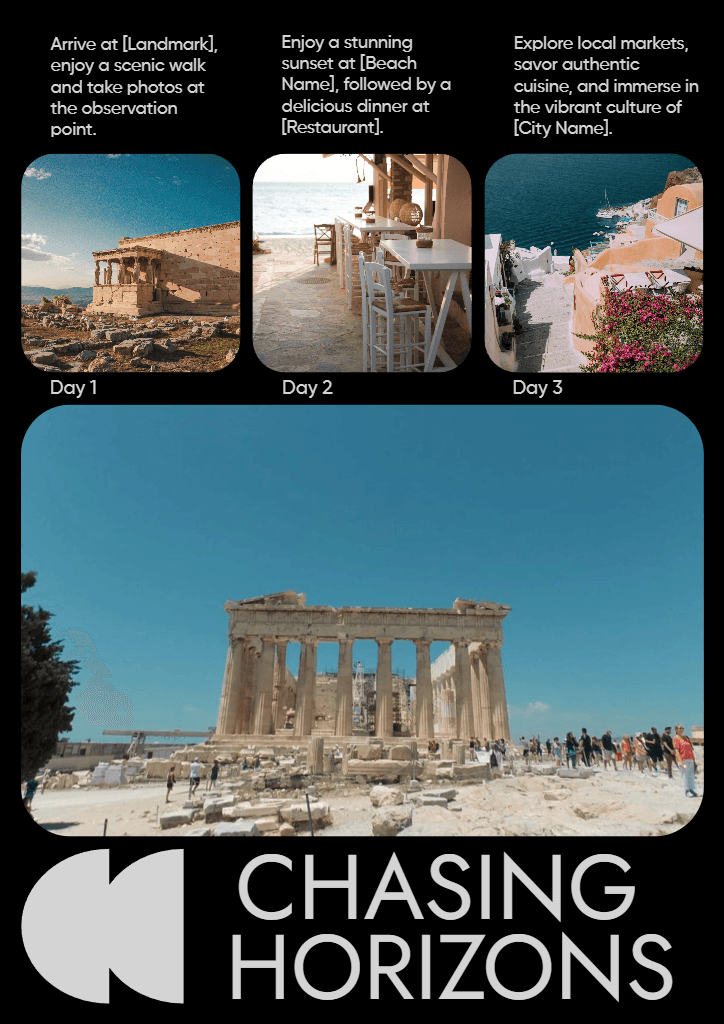
A0 is designed at 9933 × 14043 pixels and represents the largest standard A-series format.
Best practices for visibility
A0 is typically used for large posters, technical drawings, and displays viewed from a distance. Designs should prioritize strong structure and clear hierarchy.
Quality and export considerations
Export at full resolution and avoid scaling smaller designs up to A0, as imperfections become more noticeable at this size.
A1 paper size
Recommended vs supported sizes
A1 uses 7016 × 9933 pixels and is half the size of A0.
Best practices for visibility
A1 is commonly used for posters and large displays. Balance visual impact with readable text at mid-range viewing distances.
Quality and export considerations
Maintain generous margins and export at exact dimensions to avoid trimming issues.
A2 paper size
Recommended vs supported sizes
A2 documents are designed at 4961 × 7016 pixels.
Best practices for visibility
A2 is suitable for presentations, signage, and medium posters. Use clear typography and spacing to support readability.
Quality and export considerations
Design at final size and avoid resizing after layout is complete.
A3 paper size
Recommended vs supported sizes
A3 uses 3508 × 4961 pixels and is often used for spreads, charts, and layouts requiring more space than A4.
Best practices for visibility
Ensure content is well structured, especially when A3 documents are folded or reduced.
Quality and export considerations
Export at full resolution to maintain sharp lines and text.
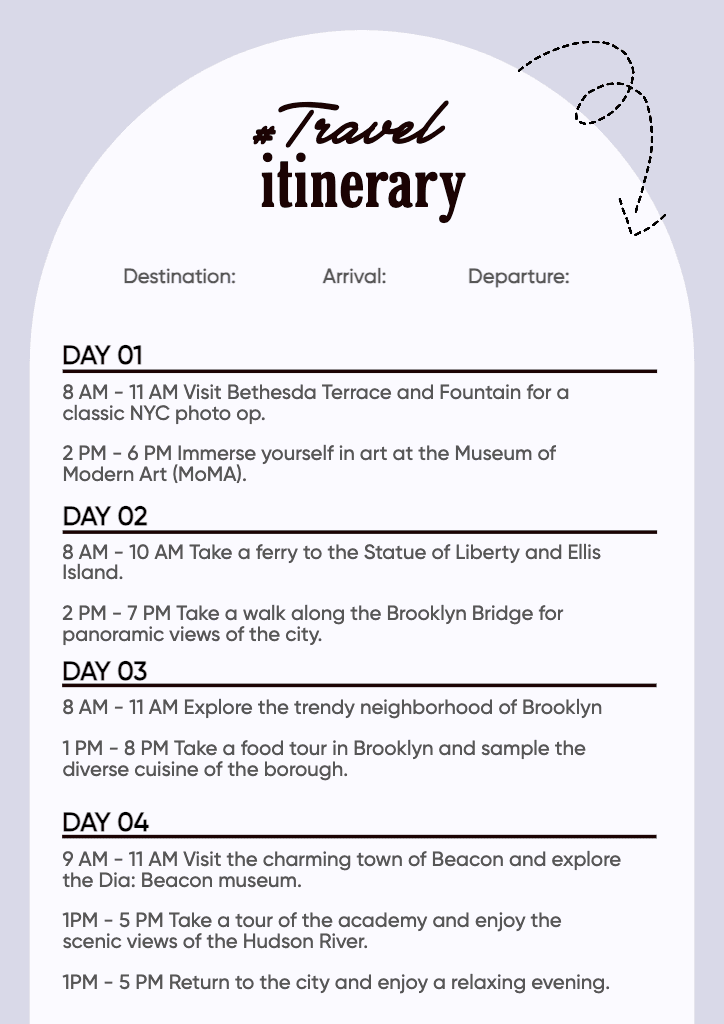
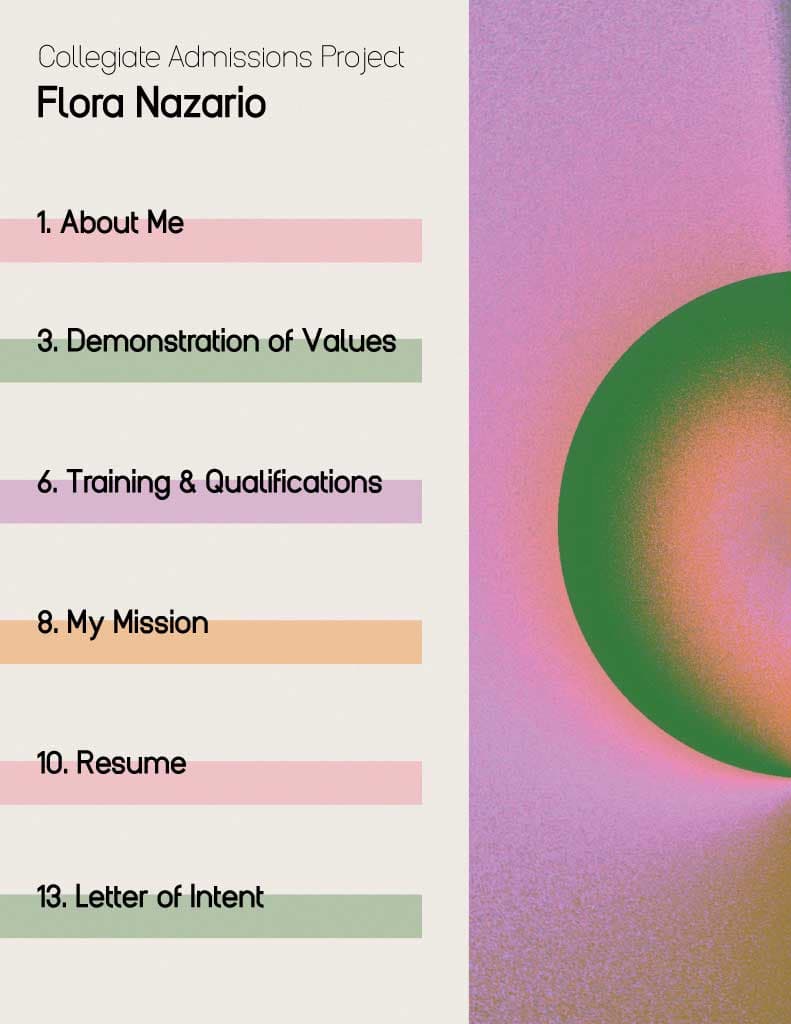
A4 paper size
Recommended vs supported sizes
A4 is designed at 2480 × 3508 pixels and is the most commonly used document size worldwide.
Best practices for visibility
A4 works well for letters, reports, resumes, and forms. Maintain clear margins and readable font sizes.
Quality and export considerations
Use 300 DPI for print and avoid scaling screen designs up for printing.
A5 paper size
Recommended vs supported sizes
A5 uses 1748 × 2480 pixels and is half the size of A4.
Best practices for visibility
A5 is commonly used for booklets, flyers, and handouts. Keep layouts simple to avoid overcrowding.
Quality and export considerations
Design with print resolution in mind to preserve clarity in smaller formats.
A6 and A7 paper sizes
Recommended vs supported sizes
A6 is 1240 × 1748 pixels, and A7 is 874 × 1240 pixels.
Best practices for visibility
These sizes are used for cards, inserts, and small printed materials. Text and visuals should be minimal and bold.
Quality and export considerations
Small formats amplify compression and scaling issues, so export at exact dimensions and high quality.
Pro tips for a series documents
- Design at the final A-series size whenever possible
- Take advantage of consistent scaling between sizes
- Keep important content away from edges
- Use 300 DPI for professional printing
- Export separate files for print and screen use
How to design and resize a series documents using Picsart
Picsart helps you design and resize A-series documents using exact pixel dimensions, making it easier to prepare files for print and digital use.
Use the Photo Editor to set a custom canvas size that matches your chosen A-series format before designing. This ensures layouts scale correctly from the start.
If you need to convert designs between A sizes, the Image Resizer allows you to resize layouts proportionally without distortion.
For document-style layouts, document templates provide structured starting points that align with common A-series formats. For promotional materials, flyer templates help adapt designs across multiple A sizes.
Always export files at the final pixel dimensions and highest quality to avoid scaling issues.
FAQ
A series paper sizes are a standardized set of formats defined by ISO 216, ranging from A0 to A7.
Each size is created by halving the previous size, maintaining the same aspect ratio.
Each size is half the area of the previous one, with consistent proportions.
This allows documents to scale without distortion when resized or copied.
A4 balances usability, efficiency, and compatibility with printers and copiers.
Consistent proportions simplify layout, resizing, and production workflows.
Choose based on viewing distance, content volume, and print requirements.
Resize proportionally using the original aspect ratio.
Pixel dimensions depend on DPI; 300 DPI is standard for print.
Export at final size, correct DPI, and highest quality.








Prepare A-series paper designs for every format
Pro
Most popularAI tools for everyday creative work.
Ultra
Most powerfulHeavy AI usage for creators & teams.
Enterprise
Custom AI solutions for large organizations.
- Volume discounts on credit rate
- On-demand top-ups