Greeting Card Sizes
Greeting card sizes help you choose the correct dimensions so your cards print cleanly, fold properly, and fit standard envelopes. Learn the most common folded and square greeting card sizes, including exact pixel dimensions, so your designs are ready for printing and sharing.

| Format | Dimensions | |
|---|---|---|
| A2 card | 1275 x 1650 px | |
| A6 card | 1350 x 1875 px | |
| A7 card | 1500 x 2100 px | |
| Square card | 1500 x 1500 px |
Greeting card sizes overview
Greeting cards are typically designed as folded cards, meaning the full layout must account for both the front and inside panels. Choosing the correct card size ensures the fold aligns properly and the card fits standard envelopes without trimming or scaling.
While custom sizes are possible, standard card dimensions simplify printing and mailing.
A2 card
Recommended vs supported sizes
A2 greeting cards are designed at 1275 × 1650 pixels and are one of the most common folded card sizes.
Best practices for visibility
Plan the layout so the fold runs cleanly through the center. Keep important elements away from the fold line and edges.
Quality and export considerations
Design at final size and export at high resolution to ensure sharp text and clean fold alignment.
A6 card
Recommended vs supported sizes
A6 cards use 1350 × 1875 pixels and provide slightly more space than A2 for text and imagery.
Best practices for visibility
Balance front cover design with interior content. Maintain consistent margins on all panels.
Quality and export considerations
Export at exact dimensions to avoid scaling issues during printing.
A7 card
Recommended vs supported sizes
A7 greeting cards measure 1500 × 2100 pixels and are commonly used for invitations and announcements.
Best practices for visibility
Use clear hierarchy and sufficient spacing, especially if including RSVP details or event information.
Quality and export considerations
Maintain high resolution and avoid resizing after layout is finalized.
Square card
Recommended vs supported sizes
Square greeting cards are designed at 1500 × 1500 pixels using a 1:1 aspect ratio.
Best practices for visibility
Center key visuals and keep text away from edges to maintain symmetry after folding.
Quality and export considerations
Ensure designs are optimized for print clarity, as square cards are often used for special occasions and photo cards.
Pro tips for greeting card design
- Always design folded cards at their full, unfolded size
- Keep text away from fold lines and edges
- Use consistent margins across all panels
- Export at high resolution for sharp printing
- Create separate versions for digital sharing if needed
How to design and resize greeting cards using Picsart
Picsart helps you design and resize greeting cards using exact pixel dimensions, ensuring clean folds and accurate printing.
Start with greeting card templates or browse greeting card designs to open pre-sized layouts that match standard card formats.
Use the Photo Editor to set a custom canvas size and adjust layout spacing before exporting.
If resizing an existing card design, the Image Resizer allows you to convert to standard card dimensions while maintaining proportions.
For printed output, exporting through Picsart Print helps ensure your greeting cards are formatted correctly for production.
Always export at the final size and highest quality to preserve text clarity and image sharpness.
FAQ
Common sizes include A2, A6, A7, and square formats.
A2, A6, and A7 cards are designed to fit standard envelope sizes that match each format.
Folding creates space for interior messages while maintaining a compact mailing size.
Choose based on the amount of content, intended envelope size, and printing method.
Design at full size, account for folds, and export at high resolution.
Export at exact pixel dimensions and highest quality to maintain clarity.



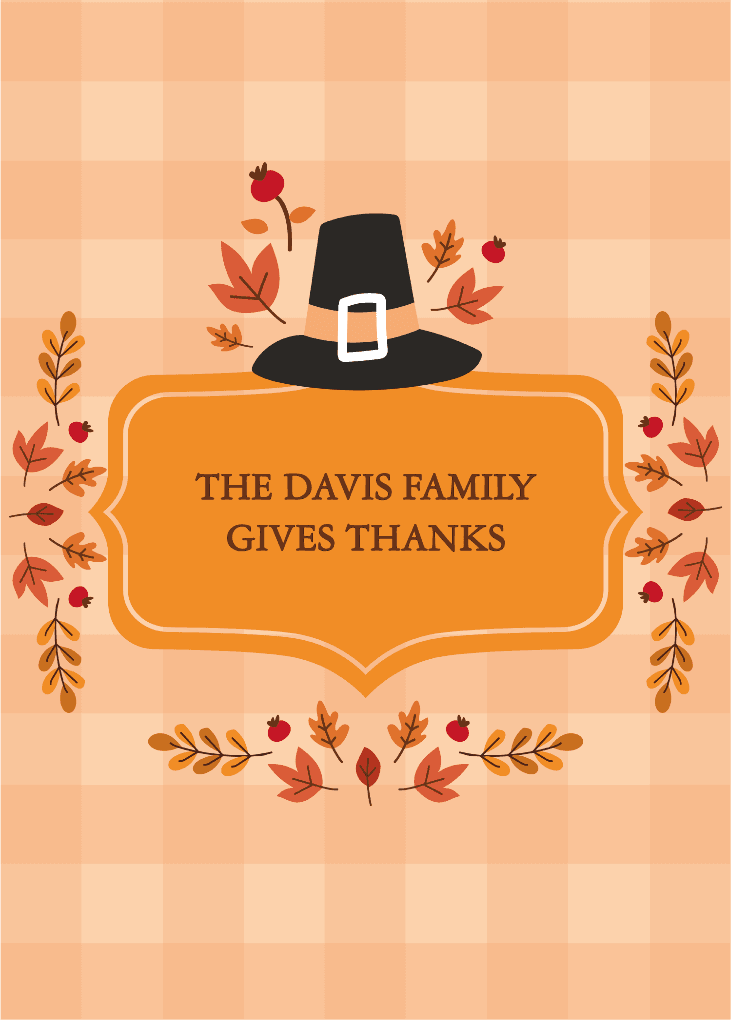











Prepare greeting card designs for every format
Pro
Most popularAI tools for everyday creative work.
Ultra
Most powerfulHeavy AI usage for creators & teams.
Enterprise
Custom AI solutions for large organizations.
- Volume discounts on credit rate
- On-demand top-ups