Create fitness content for classes, gear, and your community
Build class announcements, equipment listings, and short promotional videos from your own photos. Use Picsart for focused image edits and Picsart Flow to prepare the next gym, studio, or coaching campaign.
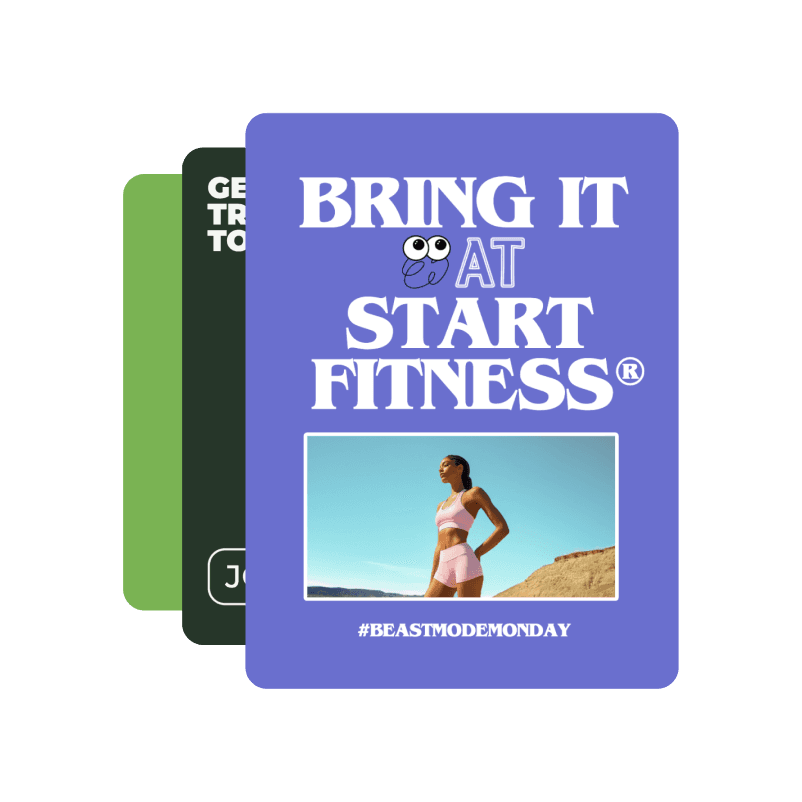
Make the next fitness announcement clear
Start with the service or product you actually offer, then choose the image and format that help people understand it.
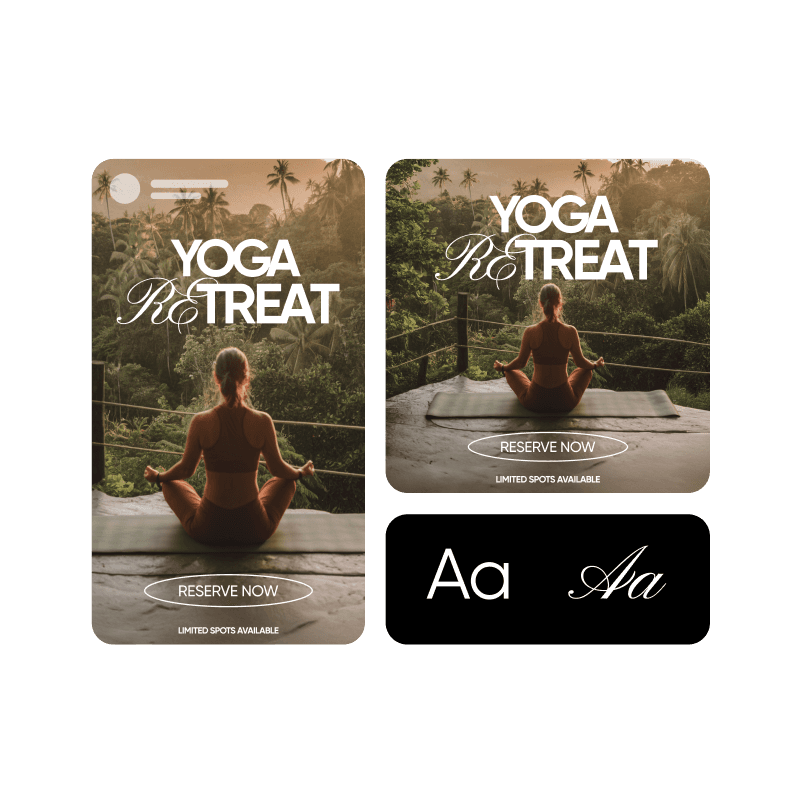
Classes and studio events
Pair your session photo with the schedule, location, and booking details.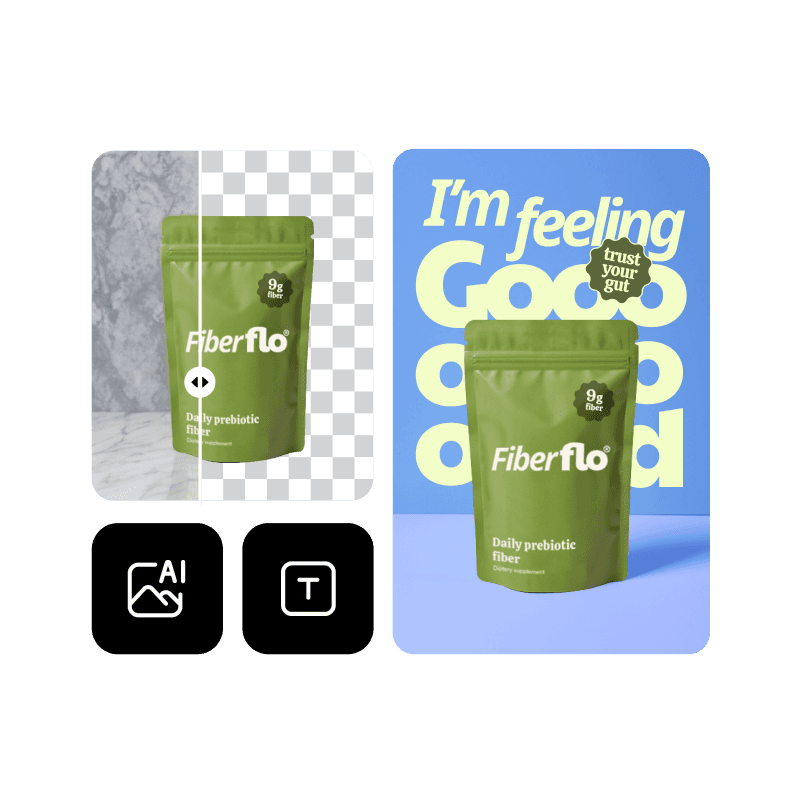
Fitness equipment
Build a listing image around a real photo of the gear.
Coaching and community
Prepare an introduction or announcement using your own coach and studio photos.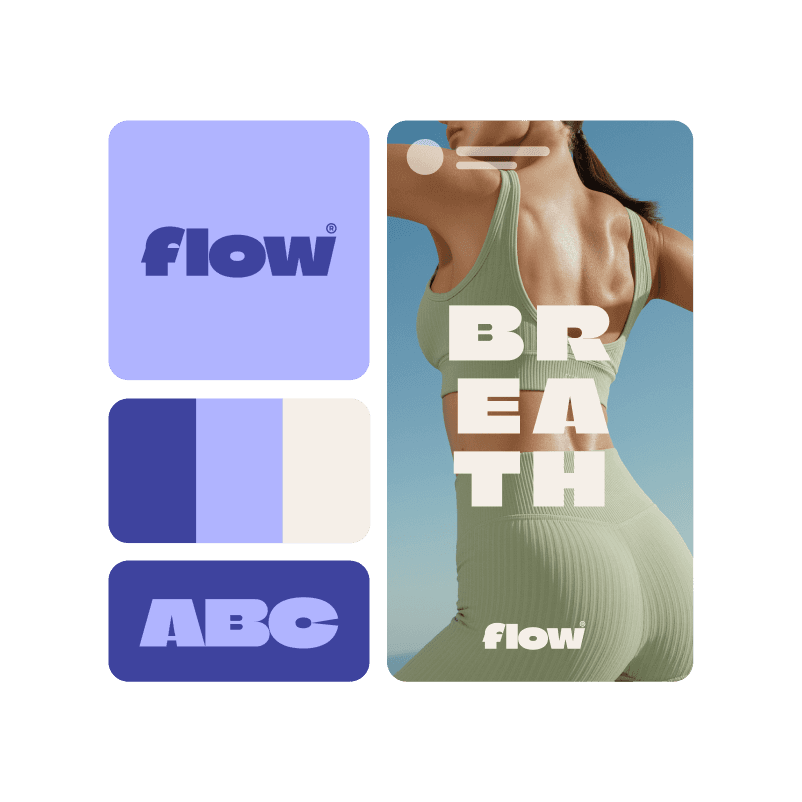
Studio and gym branding
Give your studio announcements a consistent logo, color palette, and type style.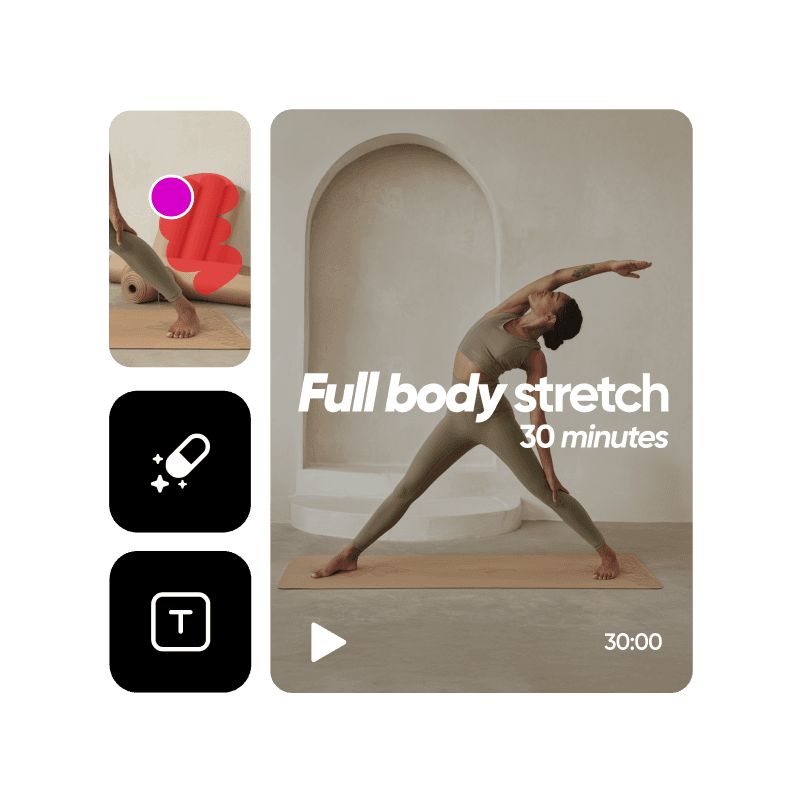
Fitness challenge promotions
Prepare a community challenge announcement from your own activity photos.
Build a campaign around the session you offer
A class launch needs a clear announcement, a useful image, and the right booking details. Bring your own studio or equipment photo into Picsart Flow and explore the creative steps for a promotional image or short clip.
Review the result, then add the timetable, location, and sign-up information. Keep the workflow for the next class series while updating the real service details.
How to prepare a fitness class promotion
Edit the photos behind the promotion
Choose a focused edit for your studio, class, or equipment image.
Fitness content creation questions
Create class announcements, timetable graphics, coach introductions, equipment listing images, and short promotional clips. Use your own photos and actual session details as the starting point.

Explore more fitness content tools
Choose a tool or workflow for your next project.