ஆன்லைனில் வீடியோவில் இசை சேர்க்கவும்
உங்கள் வீடியோவுக்கு ஏற்ற இசையைத் தேர்ந்தெடுங்கள். Audio app-இல் இசைத்தடங்களைப் பார்வையிடுங்கள் அல்லது பயன்படுத்த அனுமதியுள்ள இசைத்தடத்தைப் பதிவேற்றுங்கள். பிறகு, உங்கள் காட்சிகளுடன் இசை பொருந்தும் வகையில் அதன் நேரத்தையும் ஒலியளவையும் சரிசெய்யுங்கள்.
- இசையால் மனநிலையை அமைக்கவும்
- ஒலி கலவையில் குரல்களைத் தெளிவாக வைத்திருங்கள்
உங்கள் வீடியோவுக்குப் பொருத்தமாக ஆடியோவை அமைக்கவும்
வீடியோவில் இசை சேர்ப்பது எப்படி
உங்கள் காட்சிகளுக்கு நோக்கத்துடன் இசையைச் சேருங்கள்
வீடியோவில் இசை சேர்ப்பது வேகத்தை அமைக்கவும், காட்சிகளை இணைக்கவும், சிறிய தொகுப்பை முழுமையானதாக உணரச் செய்யவும் உதவும். அதிக சத்தமுள்ள இசைத்தடத்தைத் தேர்ந்தெடுப்பதற்குப் பதிலாக, உங்கள் கிளிப்பின் செய்தியுடன் தொடங்குங்கள். பேசும் விளக்கத்துக்கு மென்மையான இசை துணையாக இருக்கலாம்; ஒரு தயாரிப்பை அறிமுகப்படுத்தும்போது வலுவான தாளம் பொருந்தலாம். இசையைத் தேர்வு செய்வதற்கு முன் காட்சிகளுடன் சேர்த்துக் கேட்டுப் பாருங்கள்; காட்சிகளுக்கு இடையில் மாறும்போதும் ஒலியைச் சீராக வைத்திருங்கள்.


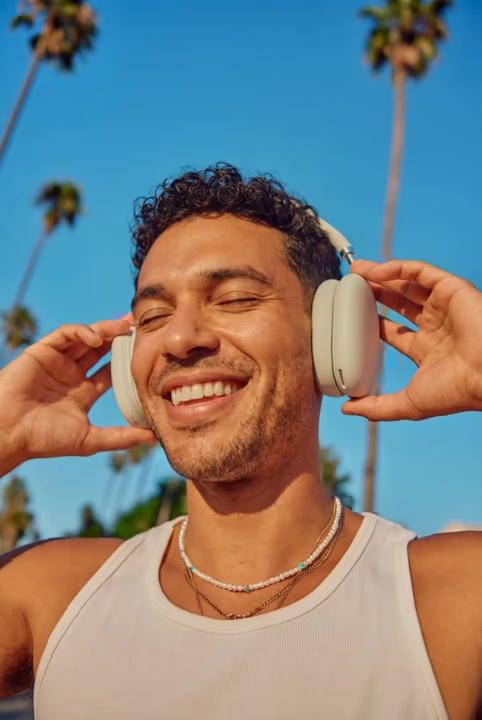


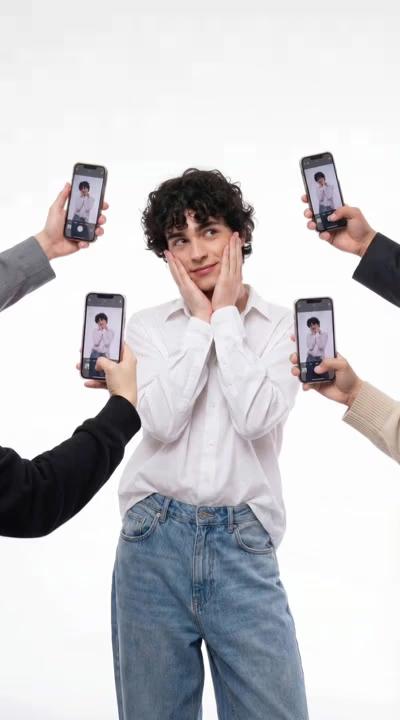



இசையைப் பார்வையிடுங்கள் அல்லது உங்கள் ஆடியோவைப் பதிவேற்றுங்கள்
Audio app-இல் Hip Hop, Pop, Chill, Dramatic, Cinematic உள்ளிட்ட வகைகளைப் பார்வையிடலாம். வீடியோவில் சேர்ப்பதற்கு முன், அவற்றின் வேகத்தையும் மனநிலையையும் ஒப்பிட்டுப் பார்க்க இசைத்தடங்களைக் கேட்டுப் பாருங்கள். உங்கள் சாதனத்திலிருந்து ஆடியோ கோப்பைப் பயன்படுத்த Upload என்பதையும் தேர்ந்தெடுக்கலாம். வெளியிடுவதற்கு முன், இசைத்தடத்தின் விதிமுறைகளையும் உங்கள் பயன்பாட்டையும் சரிபார்க்கவும்; ஆடியோ கோப்பு கிடைக்கிறது என்பதற்காக, எல்லா தளங்களிலும் அல்லது வணிகத் திட்டங்களிலும் அதைப் பயன்படுத்த அனுமதி கிடைத்துவிட்டது என்று அர்த்தமல்ல.
- கதைக்கு ஏற்ற இசையைப் பயன்படுத்துங்கள்
கதை விளக்கம் தேவைப்படும்போது குரல்வழி விளக்கத்தைச் சேர்க்கவும்
இசை ஒரு மனநிலையை உருவாக்கும்; குரல்வழி விளக்கம் தயாரிப்பை விவரிக்கவும், காட்சியை அறிமுகப்படுத்தவும், பயிற்சிக்கு வழிகாட்டவும் உதவும். காட்சிகளைக் கவனிக்க வேண்டிய இடங்களில் பேச்சுக்கு இடைவெளி கொடுத்து, விளக்கத்தைத் தெளிவாக வைத்திருங்கள். தனியான உரையிலிருந்து பேச்சாக மாற்றும் செயல்முறைக்கு AI Voice Generator-ஐப் பாருங்கள். பிறகு, உங்கள் வீடியோவில் சேர்க்க அனுமதியுள்ள ஆடியோவைப் பயன்படுத்துங்கள். ஏற்றுமதி செய்வதற்கு முன், குரலையும் இசையையும் ஒன்றாகக் கேட்டுப் பாருங்கள்.
குரல்கள் மற்றும் ஒலி விளைவுகளுடன் பின்னணி இசையைச் சமநிலைப்படுத்துங்கள்
உங்கள் வீடியோவை வழக்கமான ஒலியளவில் கேட்டு, பேச்சு இடம்பெறும் ஒவ்வொரு பகுதியையும் சரிபார்க்கவும். சொற்கள் தெளிவாகக் கேட்க, தேவைப்படும் இடங்களில் பின்னணி இசையின் ஒலியளவைக் குறைக்கவும். உங்கள் எடிட்டில் ஒலி விளைவு அல்லது ஒன்றுக்கு மேற்பட்ட ஆடியோ அடுக்குகள் இருந்தால், ஒவ்வொரு தடத்தையும் தனித்தனியாக மதிப்பிடாமல், அவை ஒன்றுடன் ஒன்று ஒலிக்கும் பகுதிகளைச் சரிபார்க்கவும். தொடக்கத்தையோ முடிவையோ மென்மையாக்கக் கிடைக்கும் fade கட்டுப்பாடுகளைப் பாருங்கள்; இறுதிக் காட்சி இன்னும் திரையில் இருக்கும்போது இசையைத் திடீரென நிறுத்துவதைத் தவிர்க்கவும்.
- பேச்சும் இசையும் இணைந்து செயல்பட இடம் கொடுங்கள்
ஒலியை அமைத்த பிறகு காட்சியையும் முழுமையாக்குங்கள்
தெளிவான காட்சித் தொடருடன் இசை சிறப்பாகப் பொருந்தும். மெதுவான தொடக்கத்தையோ தேவையற்ற முடிவையோ நீக்க உங்கள் வீடியோவை ட்ரிம் செய்யுங்கள். பார்வையாளர்களுக்கு தலைப்போ சிறிய குறிப்போ தேவைப்படும்போது உரை மேலடுக்குகளைச் சேர்க்கவும். வீடியோவின் நீளத்தை மாற்றிய பிறகு, இறுதி எடிட்டுக்குப் பொருந்துகிறதா என்பதை உறுதிசெய்ய இசையை மீண்டும் சரிபார்க்கவும். ஆடியோவும் காட்சிகளும் ஒரே செய்தியை வலுப்படுத்தும் முழுமையான வீடியோவை உருவாக்குவதே நோக்கம்.
உங்கள் வீடியோவின் நோக்கத்துக்கேற்ற இசையைச் சேர்க்கவும்
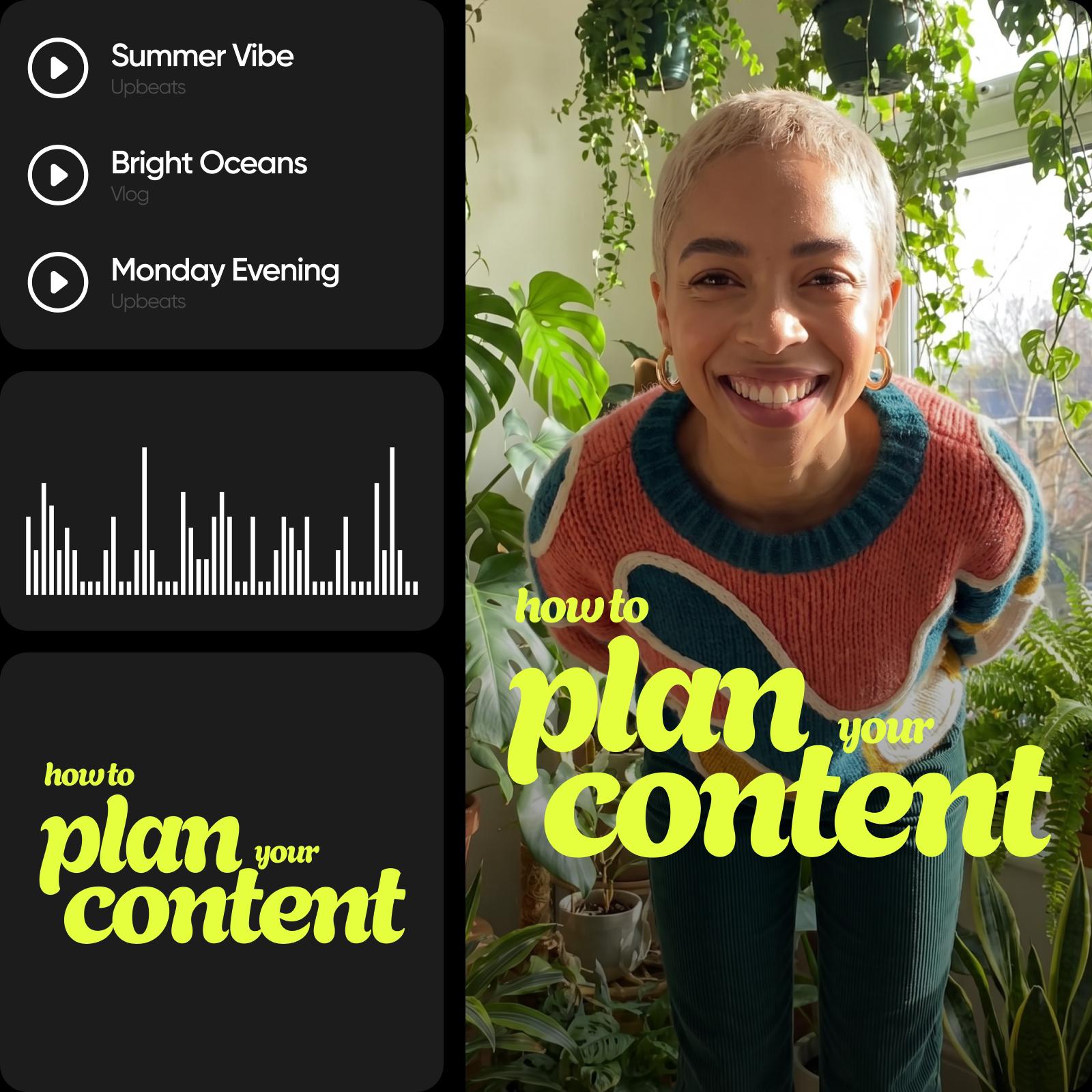
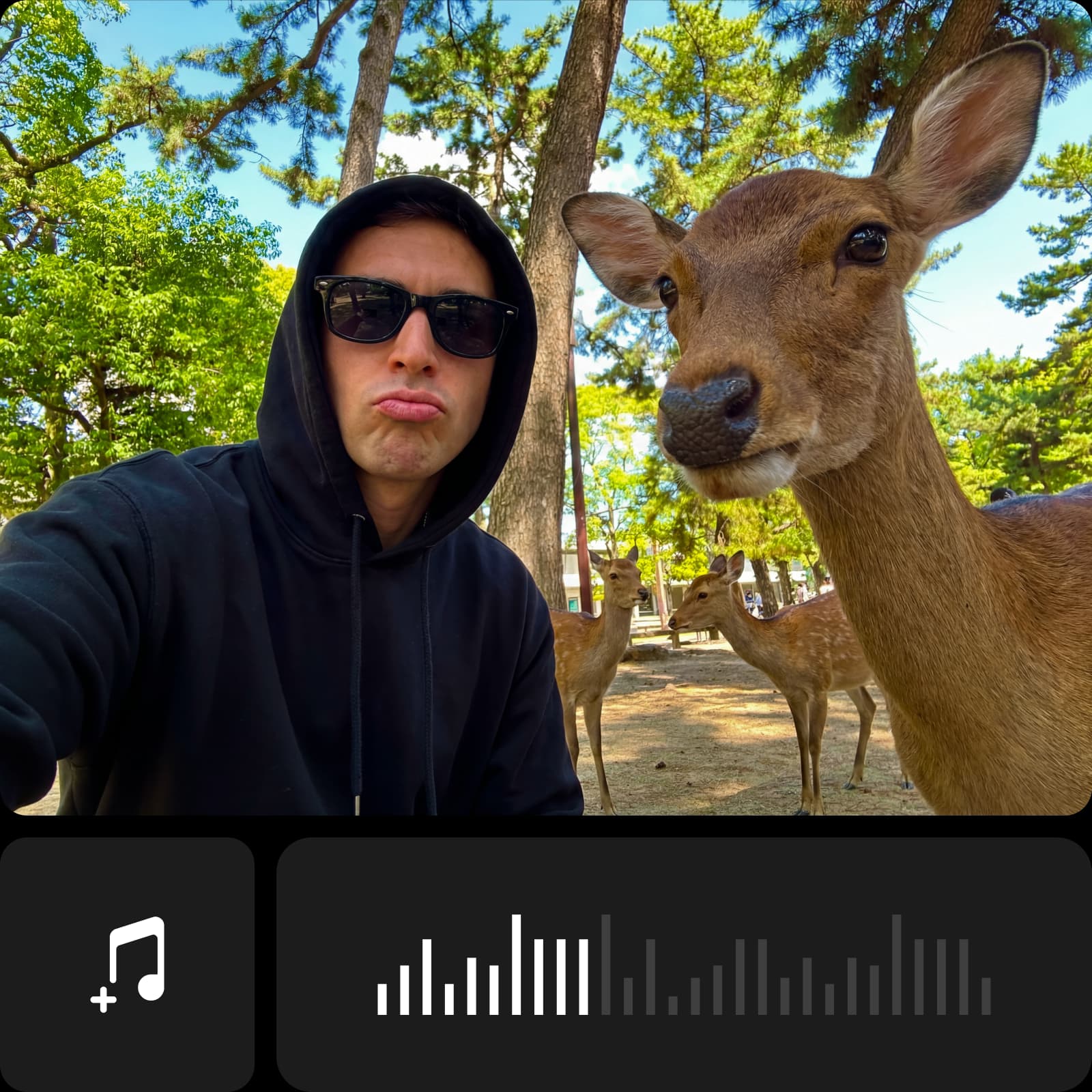
தேவைப்படும்போது புதிய ஆடியோவை உருவாக்குங்கள்
ஏற்கெனவே உள்ள இசைத்தடத்தைச் சேர்ப்பதும் புதிய இசைத்தடத்தை உருவாக்குவதும் வெவ்வேறு செயல்கள். கிடைக்கும் இசை மற்றும் குரல் செயல்முறைகளுக்கு ஆடியோ மாடல்கள் பட்டியலைப் பாருங்கள். வீடியோவில் சேர்ப்பதற்கு முன், மாடலின் வெளியீட்டையும் பயன்பாட்டு விதிமுறைகளையும் சரிபார்க்கவும். முடிக்கப்பட்ட ஆடியோவை உங்கள் காட்சிகளுடன் ஒப்பிட்டுக் கேட்டு, மற்ற இசைத்தடங்களைப் போலவே அதன் நேரத்தையும் ஒலியளவையும் சரிசெய்யுங்கள்.
வீடியோவில் இசை சேர்ப்பது குறித்த அடிக்கடி கேட்கப்படும் கேள்விகள்
Picsart-இல் உங்கள் வீடியோவைத் திறந்து, இசைத்தடத்தைத் தேர்ந்தெடுக்க அல்லது பதிவேற்ற Audio app-ஐப் பயன்படுத்துங்கள். அதன் நேரத்தையும் ஒலியளவையும் சரிசெய்து, ஒலியுடன் முழு வீடியோவையும் பார்த்த பிறகு முடிவை ஏற்றுமதி செய்யுங்கள்.
பகிரத் தயாராக ஒலிக்கும் வீடியோக்களை எடிட் செய்யுங்கள்
நீங்கள் பயன்படுத்த விரும்பும் எடிட்டிங் கருவிகளுக்கும் அம்சங்களுக்கும் ஏற்ற திட்டங்களை ஒப்பிட்டுப் பாருங்கள்.
Pro
Most popularAI tools for everyday creative work.
Ultra
Most powerfulHeavy AI usage for creators & teams.
Enterprise
Custom AI solutions for large organizations.
- Volume discounts on credit rate
- On-demand top-ups