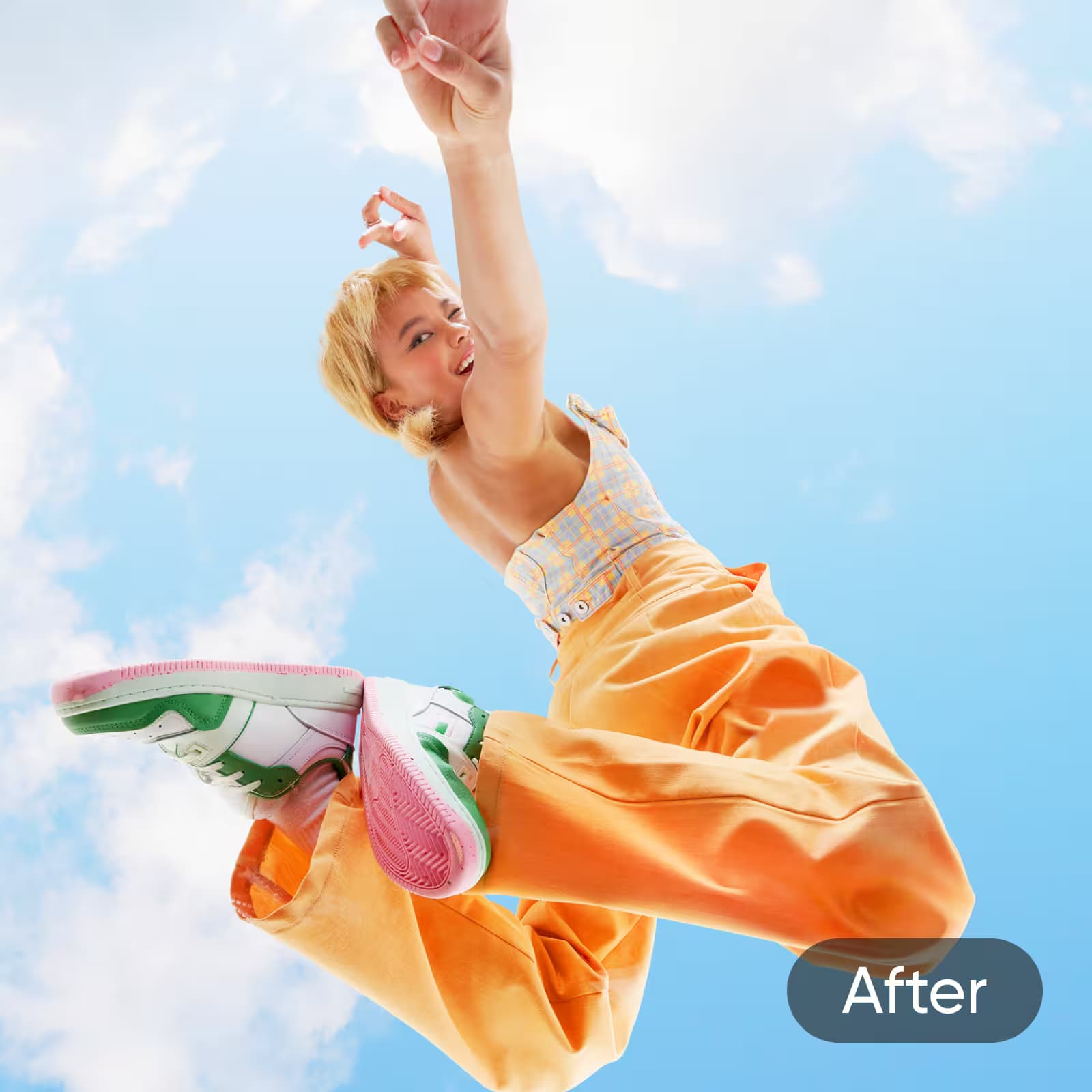
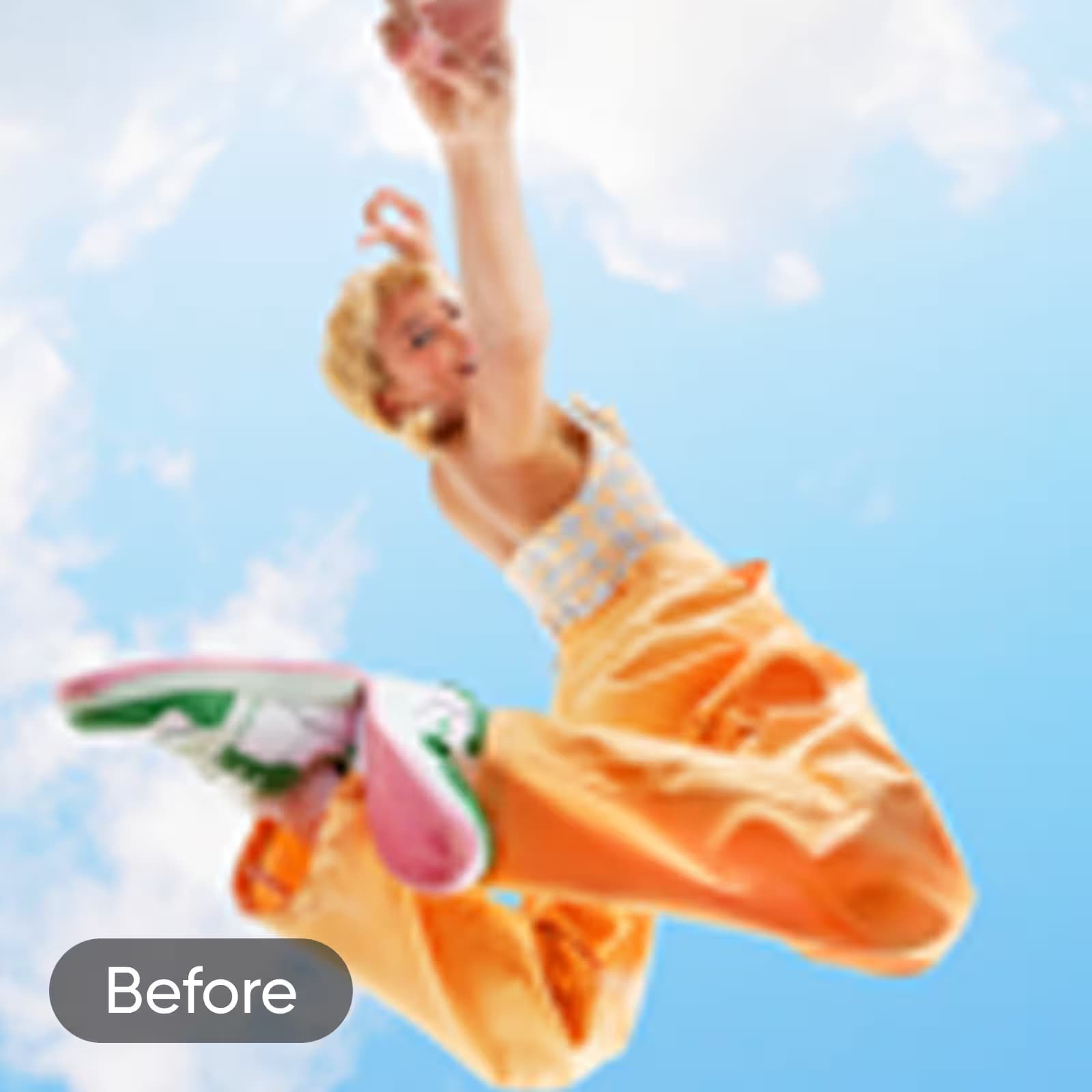
என் புகைப்படங்கள் உடனடியாக கூர்மையாகத் தோன்றுகின்றன. நான் ஒரு மங்கலான விடுமுறை படத்தை பதிவேற்றினேன் சோதிக்க, மற்றும் HD முன்னோட்டம் என்னை திகைப்படைய வைத்தது. AI உடனடியாக விவரங்களை தயீ நிறுவானா மற்றும் Id பெரிக்கும் பெறவில்லம்15 Smile என்பதுண்டு. மயானல்லி थी...n (எவை 12 வசதும்)
எலெனா ஆர்., பயண வலைப்பதிவாளர்HD Photo Converter: படத்தை HD ஆக இலவசமாக மாற்றவும்
சுலபமாக பற்றி HD ஆகப் படங்களை சில வினாடிகளில் மாற்றுங்கள். தனிப்பட்ட திட்டங்கள், சமூக ஊடகம் அல்லது தொழில் பயன்பாட்டிற்காக உடனடியாக தெளிவையும் விவரங்களையும் மேம்படுத்துகிறது—ஒவ்வொரு படத்தையும் கூர்மையாகவும் உயர்தரமாகவும் தோற்றமளிக்கிறது.
படத்தை HD ஆக எப்படி மாற்றுவது
How to
உங்கள் புகைப்படத்தை பதிவேற்று
நீங்கள் HD ஆக மாற்ற விரும்பும் உங்கள் நூலகத்திலிருந்து ஒரு படத்தை தேர்வுசெய்க.
ஒரு கிளிக்கில் புகைப்படங்களை HD ஆக மாற்றவும்
HD Photo Converter உங்களை ஒரு கிளியுடன் புகைப்படங்களை HD ஆக மாற்ற அனுமதிக்கிறது. அது எளிமையாக படங்களை மேம்படுத்துகிறது, தெளிவை, தீர்மானத்தை மற்றும் கூர்மையை உயர்த்துகிறது எந்த தொழில்நுட்ப நிபுணத்துவமும் இல்லாமல். தனிப்பட்ட திட்டங்கள், சமூக ஊடகம், அல்லது தொழில் பயன்பாட்டுக்கு ஏற்ற இந்த எளிய கருவி உங்கள் படங்களின் விரைவான, உயர் தரமான மேம்பாடுகளை வழங்குகிறது.
மங்கலான படங்களை HD படம் மாற்றியைப் பயன்படுத்தி உயிர்த்தொழிவிக்கவும்
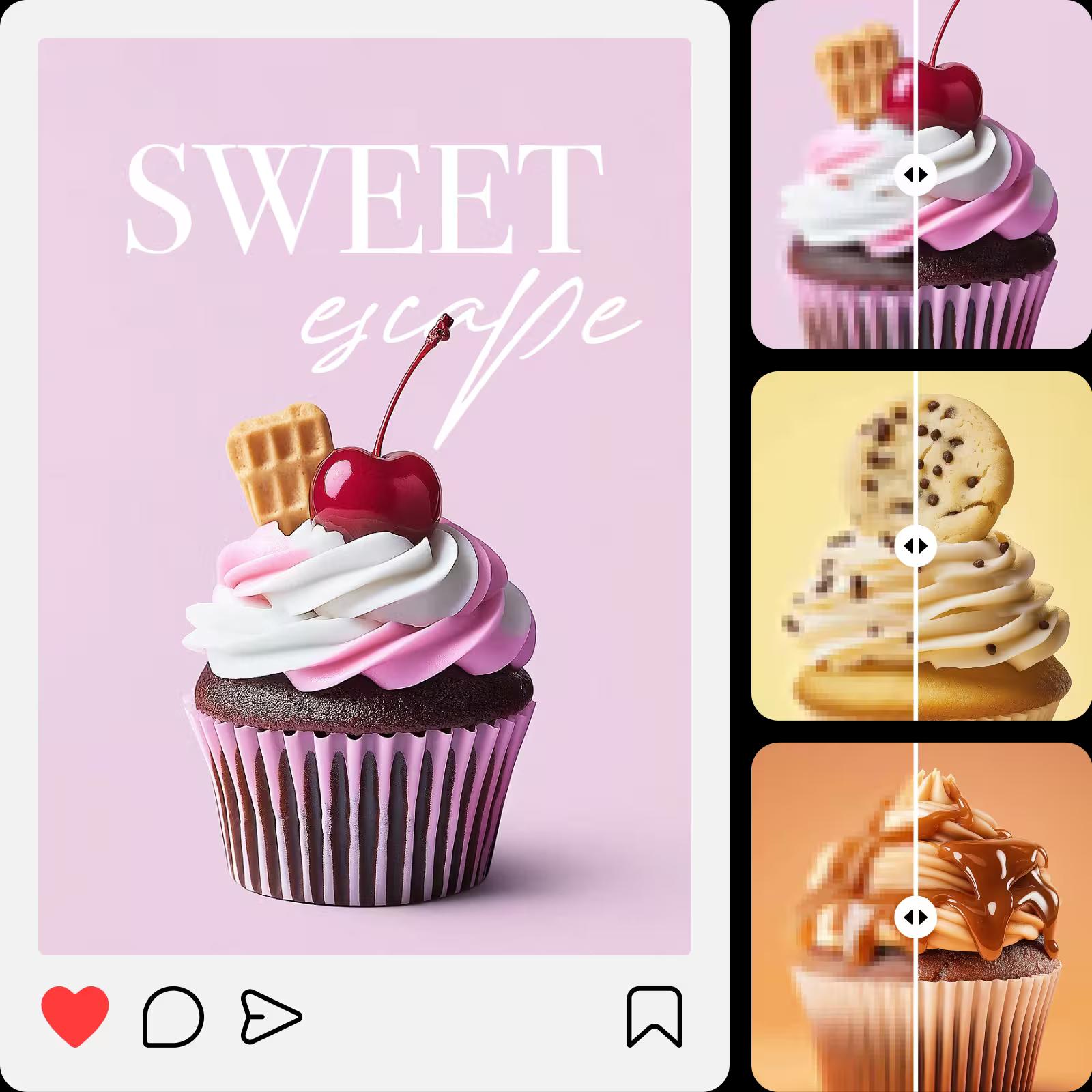
மங்கலான படங்களுக்குப் புதிய உயிர் கொடுங்கள் HD படம் மாற்றியுடன். அது குறைவான தரம் அல்லது மையமற்ற படங்களை கூர்மையான, விவரமான புகைப்படங்களாக மாற்றுகிறது. மேம்பட்ட அல்காரிதமாக்களைப் பயன்படுத்தி, அது மங்கலானவற்றை குறைத்துப் தெளிவை மேம்படுத்துகிறது, பழைய நினைவுகளை மறுசீரமைக்க சூழ்நிலைக்கும் அல்லது மோசமாக எடுத்த படங்கள்களுக்கும் இது சிறந்தது. படங்களை HD ஆக ஆன்லைனில் இலவசமாக மாற்றவும் மேலும் உடன்இடமாக உங்கள் படங்களை புதுப்பிக்கவும்.
டிஜிட்டல் உள்ளடக்கத்திற்காக படத்தை HD ஆக்கவும்
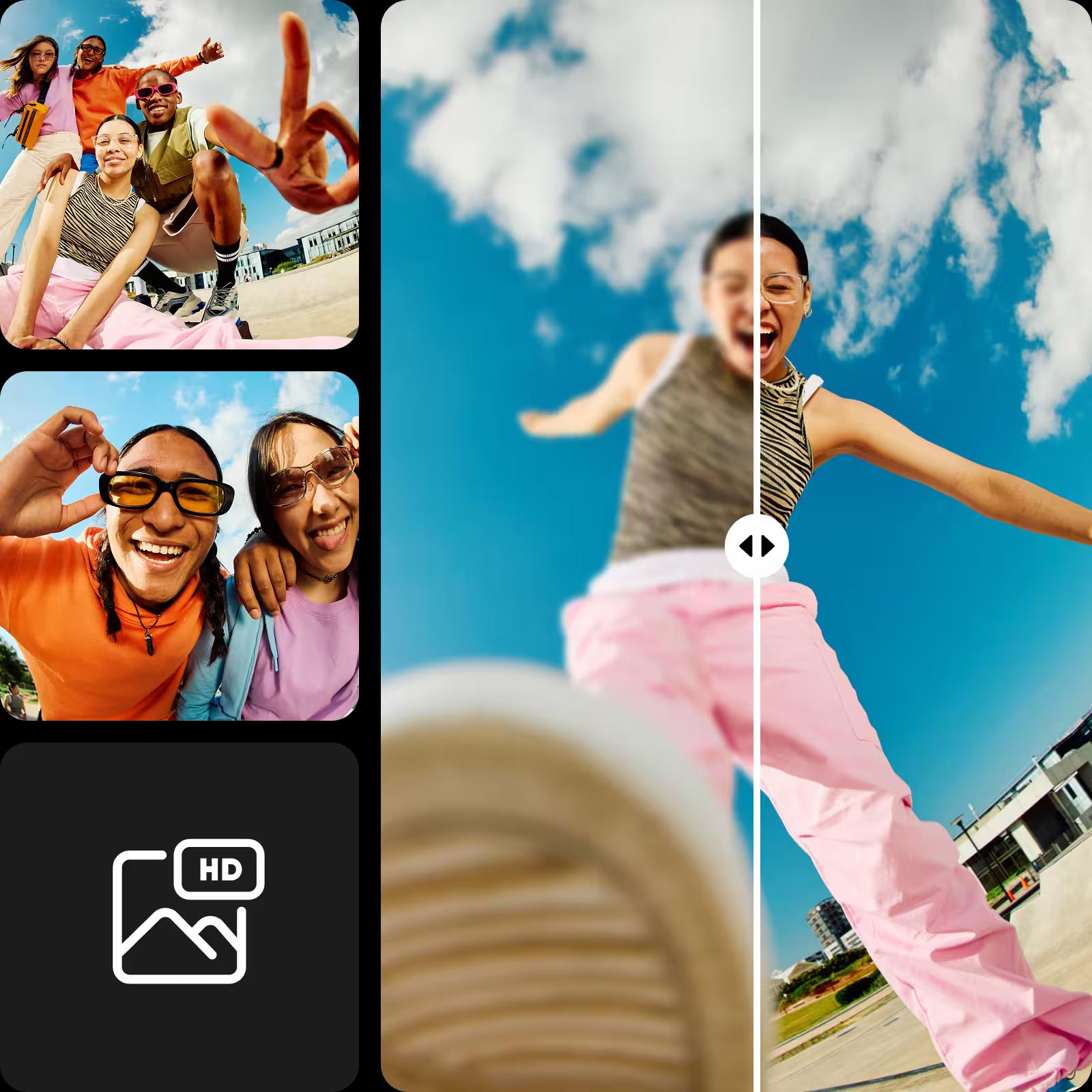
HD படம் மாற்றியால், ஃமார்க்கெட்டிங் மற்றும் சமூக ஊடகம் முதல் இ-காமர்ஸ் வரையிலான எதற்கும் பயன்படுத்த கீழே.
உங்கள் பதிவுகளை வேற்றுமையில் பொருந்தும் படங்களை உருவாக்கவில்லையா… அல்லது உங்கள் தனிப்பட்ட புகைப்படங்களை மேம்படுத்தினால் என்றும் முனைய வேளையம் சூழ்நிலை அளிக்கும் சென்சார்ஸ் வைத்துக்கொள்ளுங்கள். தேர்வு செய்ய சர்வதேச அளவில் பரிசோதிக்க முடிந்து கலվியில் உள்ள இடத்தை போலவே பெயர் வருகிறது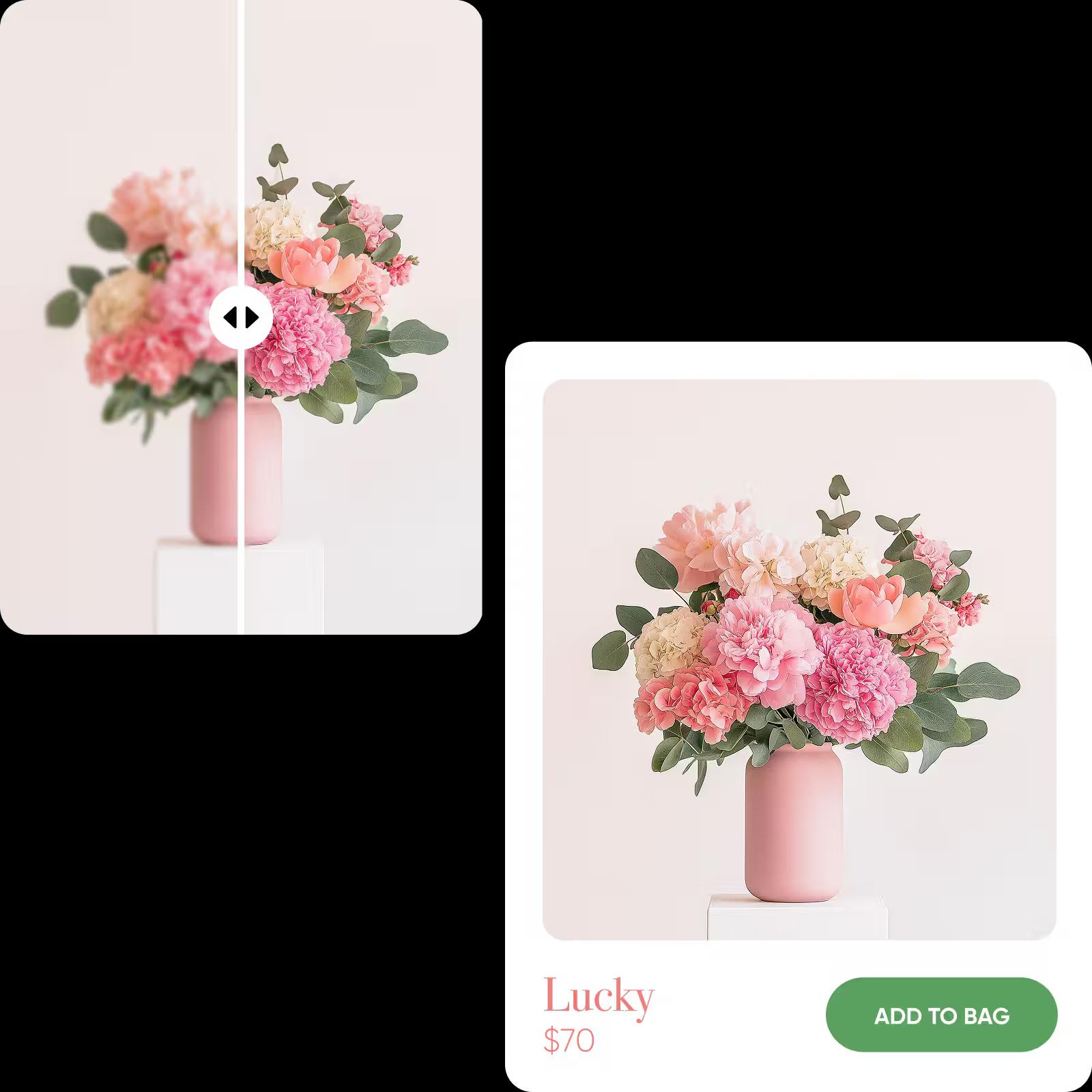
உங்கள் படங்களை தனிப்பயனாக்க பல AI கருவிகளை உற்று நோக்கவும்
AI HD புகைப்பட மாற்றி உங்கள் படங்களை தனிப்பயனாக்க பல கருவிகளில் ஒன்றே. உங்கள் படங்களை HD ஆக மேம்படுத்திய பிறகு, பிழைகளை திருத்துவதற்கு, ஒளியைக் கேட்க அல்லது கலைவியல் விளைவுகளைச் சேர்க்க மெலிதான கற்றுரைகள் மூலமாக மேம்படுத்துங்கள் …. நன்றாக செய்ய முறை அலையின் ஏனைய கருவிகளைப் பயன்படுத்தினால். வாடிக்கையாளர்கள் எங்கு என்பதைப் போலக் கூட வைத்து உங்கள் அனுபவத்தைப் பெறுவீர்கள். பிறகு ஒரு நிமிடத்தில் தொற்றமானது மேலும் தொடர்புடைய தனியார் நுாதிக்க long-லாமினம்முக்கு GetAI என்றட்
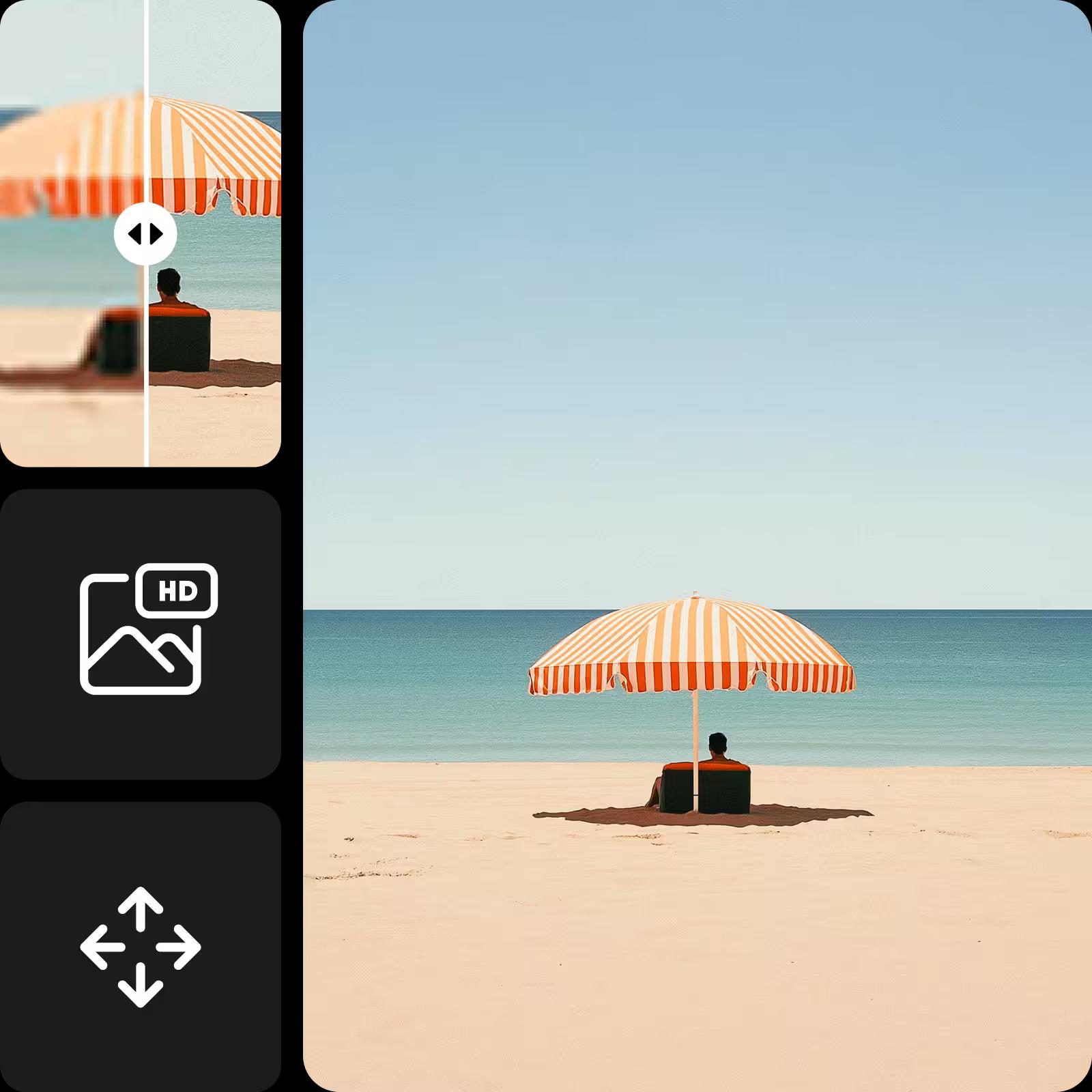
சமூகக் கட்ட்பாடுகளுக்கு பொருந்துகிறது.<nbr>நான் ஒரு ஓய்வுக்காந்திருக்கும, ஓம்பென உளா
மார்கஸ் டி., சிறு தொழில் அதிபர்வேகம், எளிமை, மற்றும் அதிர்ச்சியூட்டும் அளவிற்கு துல்லியமானது. நான் நீண்ட செயல்முறையை எதிர்பார்த்தேன், ஆனால் அதைப் பதிவேற்றிய உடனே படிமம் தானாகவே HD ஆக மாற்றப்பட்டது. முடிவானது எந்தவித மாறுபட்ட அம்சங்களுமின்றி தெளிவாக தோன்றியது, மற்றும் இறுதி பதிப்பை பதிவிறக்கம் செய்வது எளிதாக இருந்தது. என் மிகவும் பிடித்த Picsart கருவிகளில் ஒன்றாகும்.
Danielle K., Content creatorHD Photo Converter க்கான அடிக்கடி கேட்கப்படும் கேள்விகள்
HD Photo Converter உங்கள் படங்களின் தீர்மானம், தெளிவு, மற்றும் மெருகை மேம்படுத்துவதற்கு மேம்பட்ட AI செயலாக்க அல்வோரிதம் எளிதாக்குகிறது. இது நுணுக்கமாக விபரங்களை பகுப்பாய்வு செய்து, ஒவ்வொரு புகைப்படத்தையும் ஒரு கிளிக்கின் மூலம் தெளிவான மற்றும் வாழ்க்கியல் நிறமிக்கதாக்குகிறது.
மணர்சிந்தன
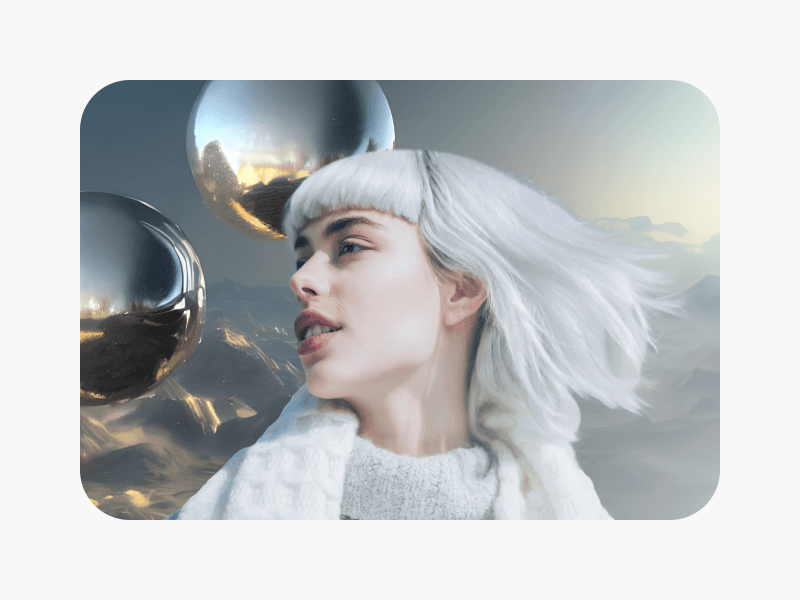
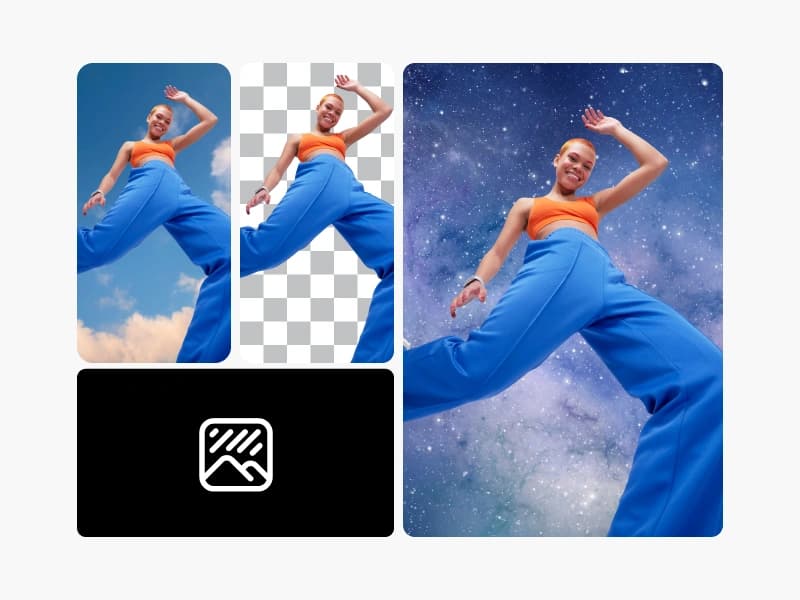
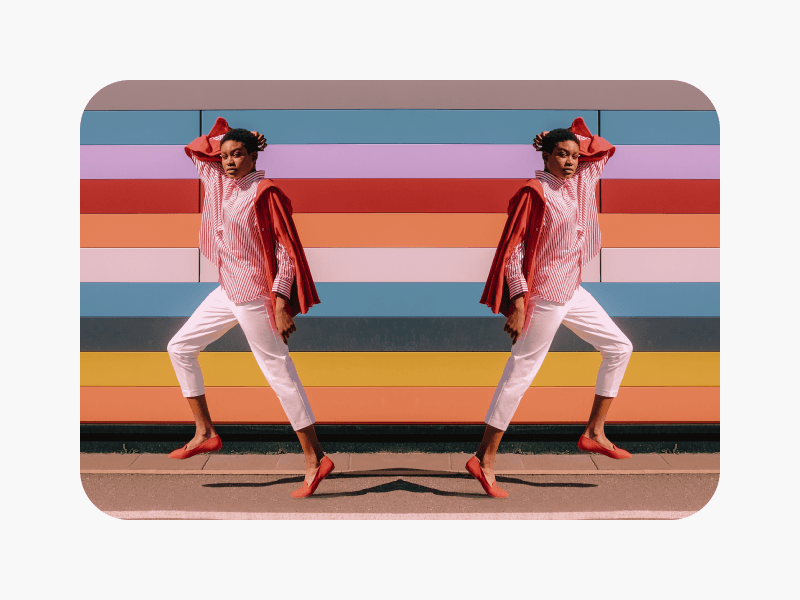
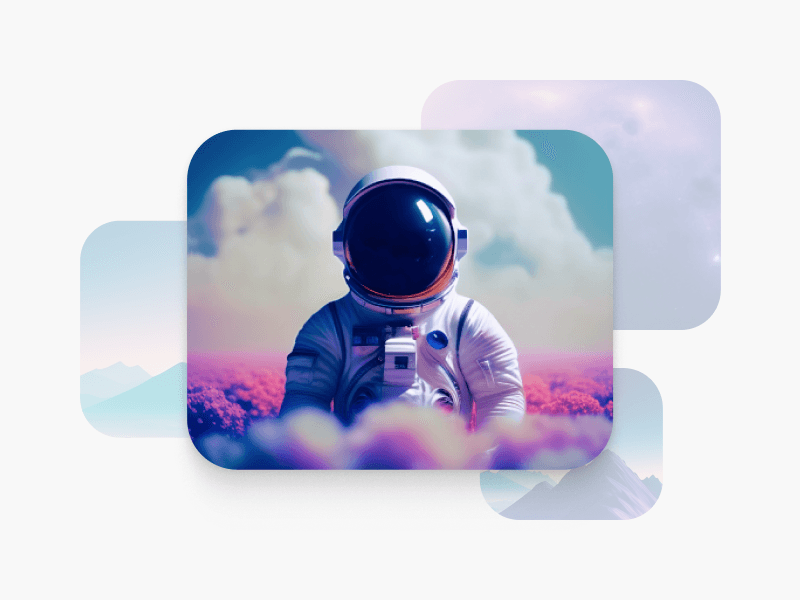
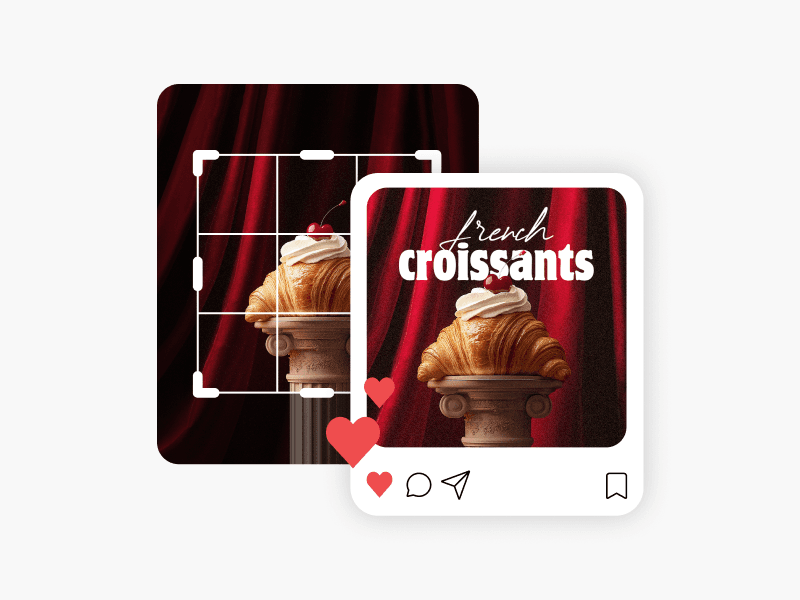
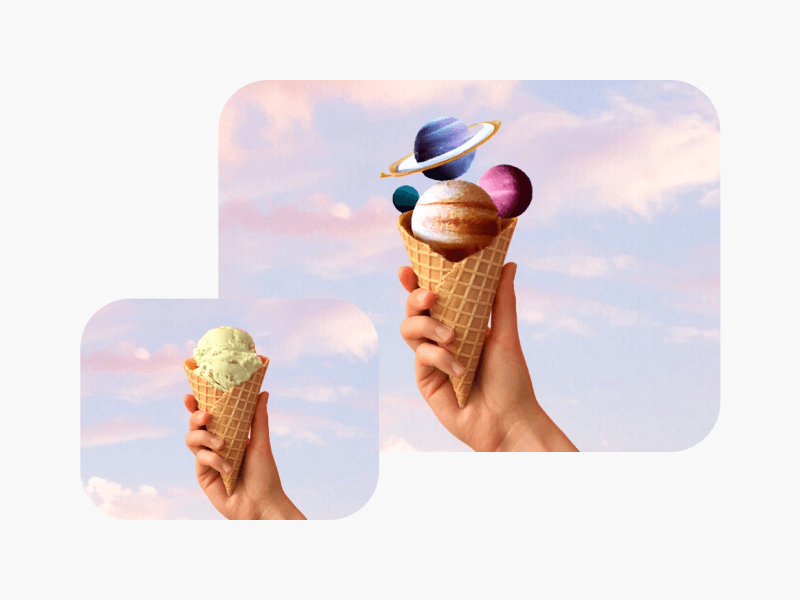
HD ஆக மாற்றுங்கள் மற்றும் ஒவ்வொரு படத்தையும் மேம்படுத்த வைக்க முகளை வியப்ரதூ.
Pro
Most popularAI tools for everyday creative work.
Billed yearly
Ultra
Most powerfulHeavy AI usage for creators & teams.
Billed yearly, per seat
Enterprise
Custom AI solutions for large organizations.
Custom credit volume
- Volume discounts on credit rate
- On-demand top-ups
Custom
Contact for pricing