1. Home
  2. ลบวัตถุ

ลบวัตถุ ข้อความ ข้อบกพร่อง และลายน้ำที่ไม่ต้องการจากภาพถ่ายออนไลน์

รับการควบคุมภาพของคุณกลับมาจากวัตถุที่ไม่พึงประสงค์ด้วยเครื่องมือการลบวัตถุของ Picsart ปล่อยให้ AI ทำการลบวัตถุ ข้อความ ข้อบกพร่อง หรือลายน้ำใด ๆ จากภาพถ่ายของคุณและทำให้ดูเหมือนไม่มีสิ่งใดอยู่ที่นั่น

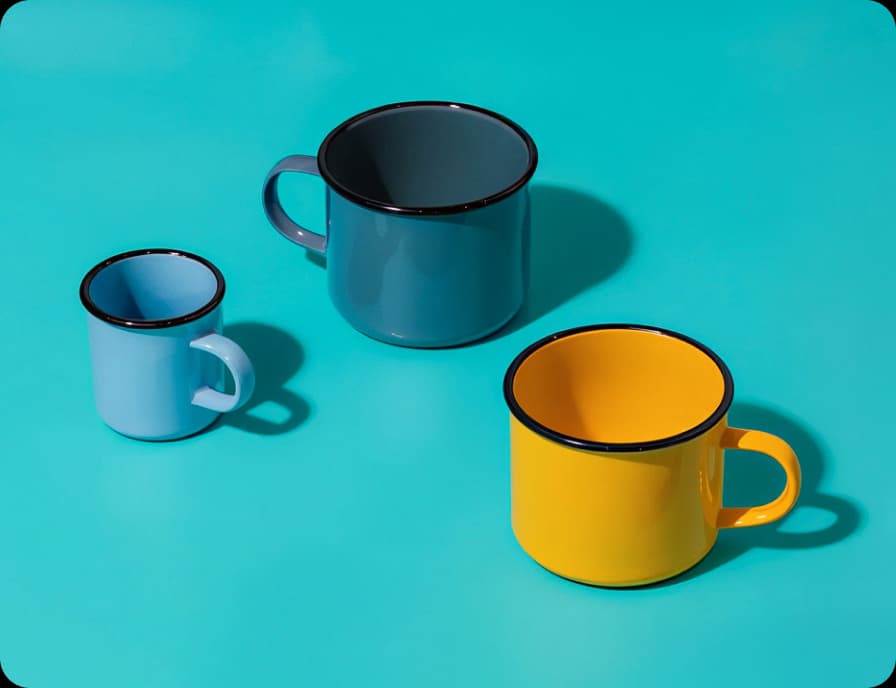
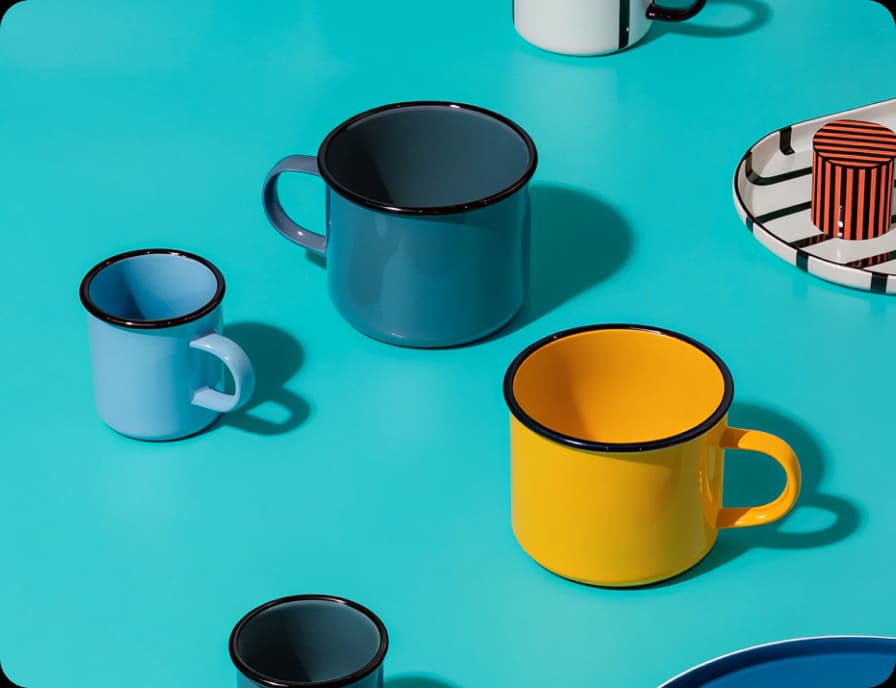
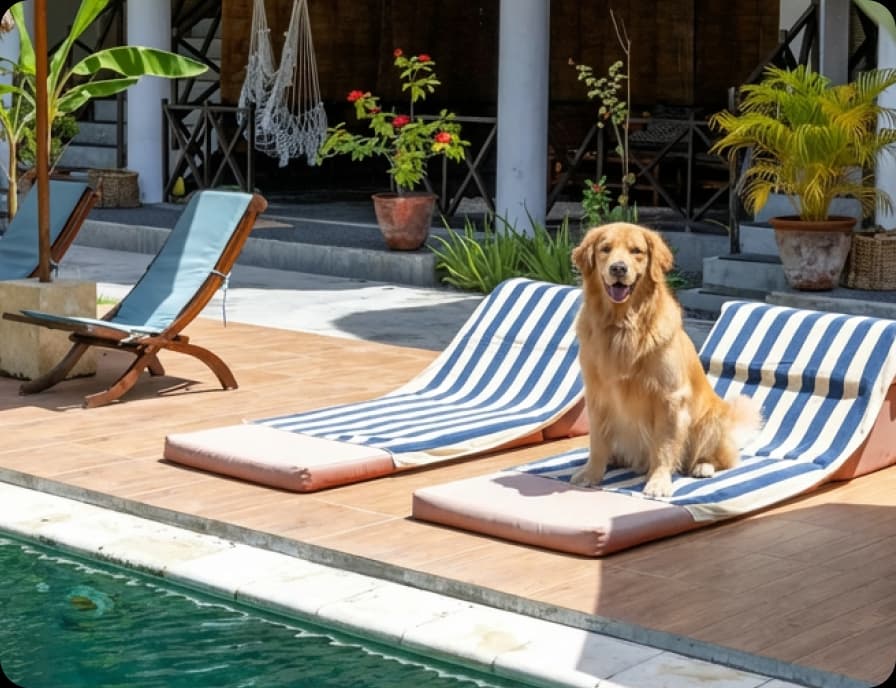
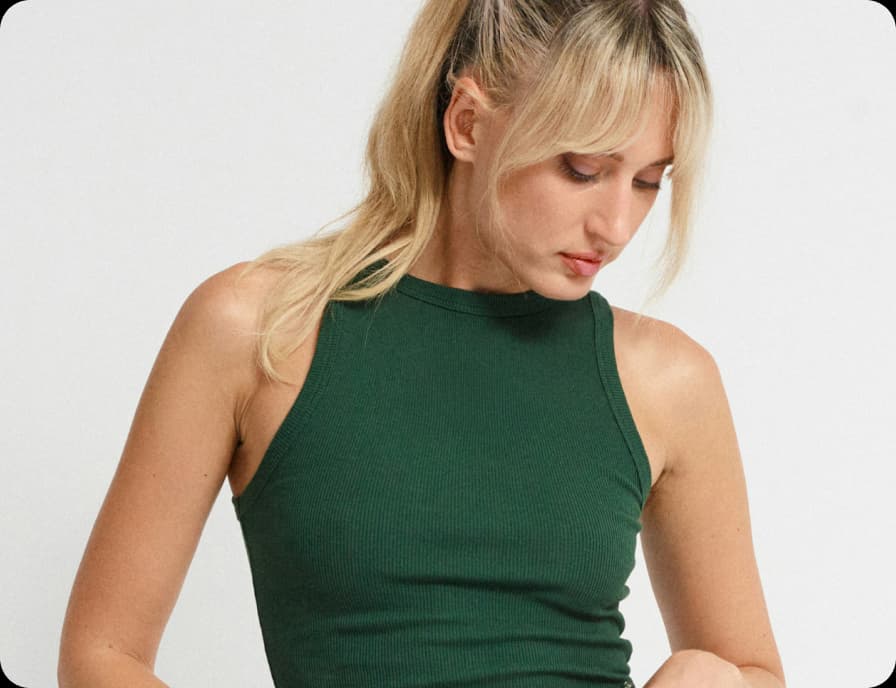
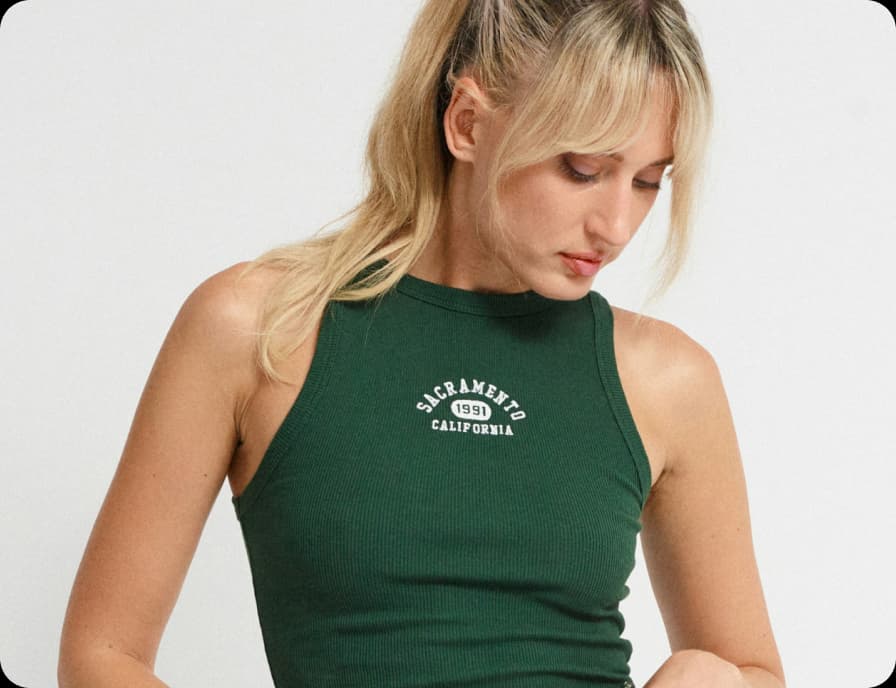
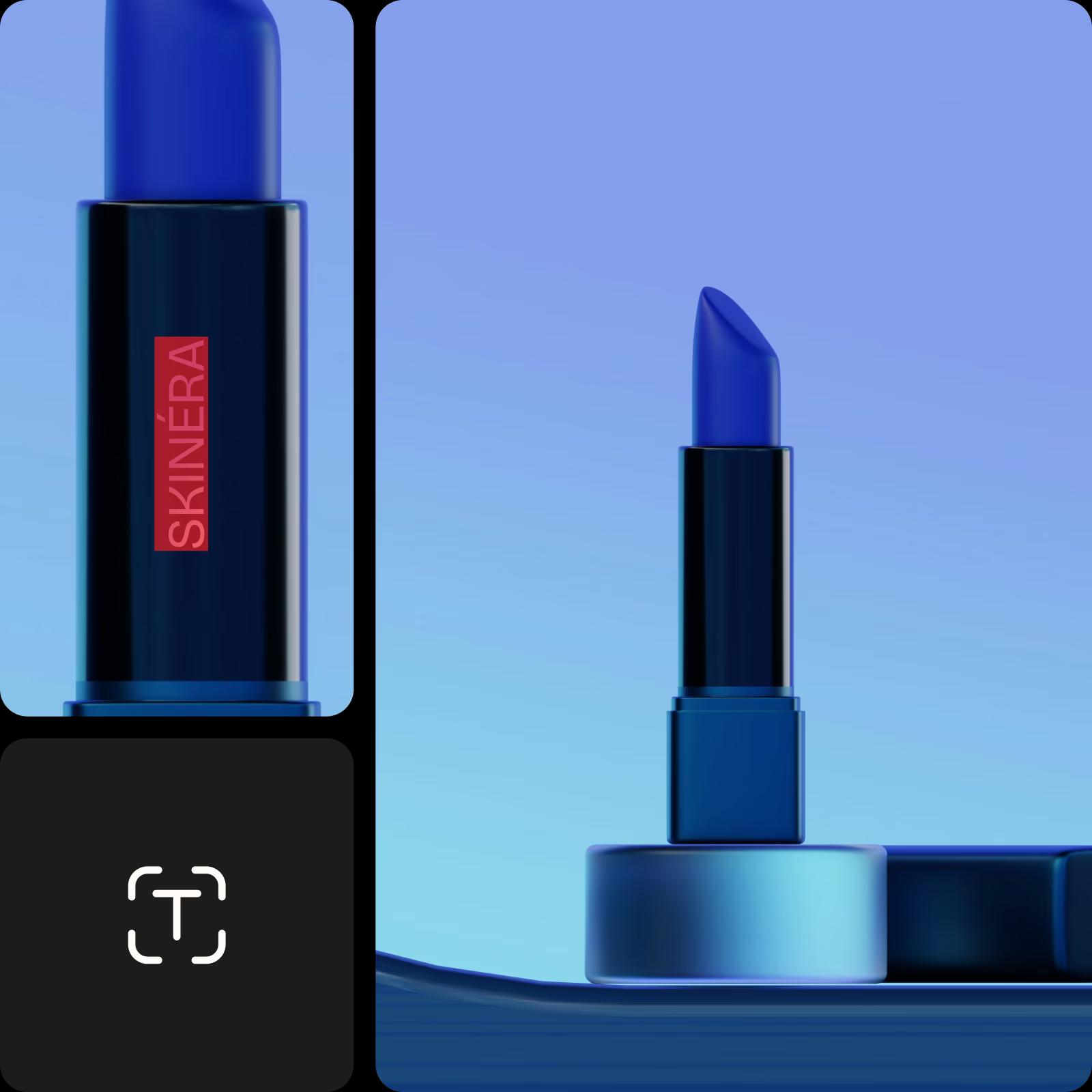
ลบภาพจากสินค้า
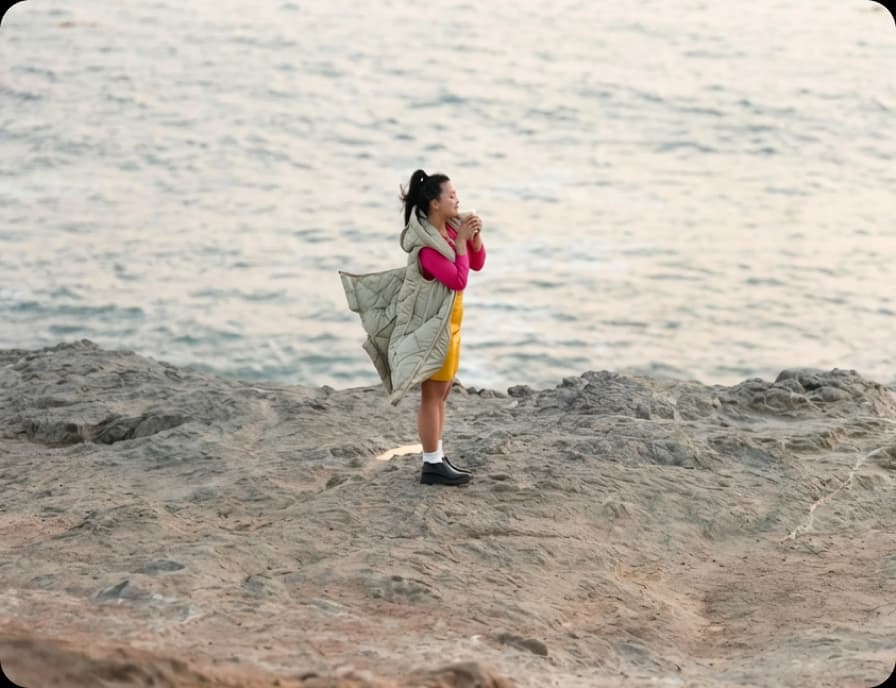
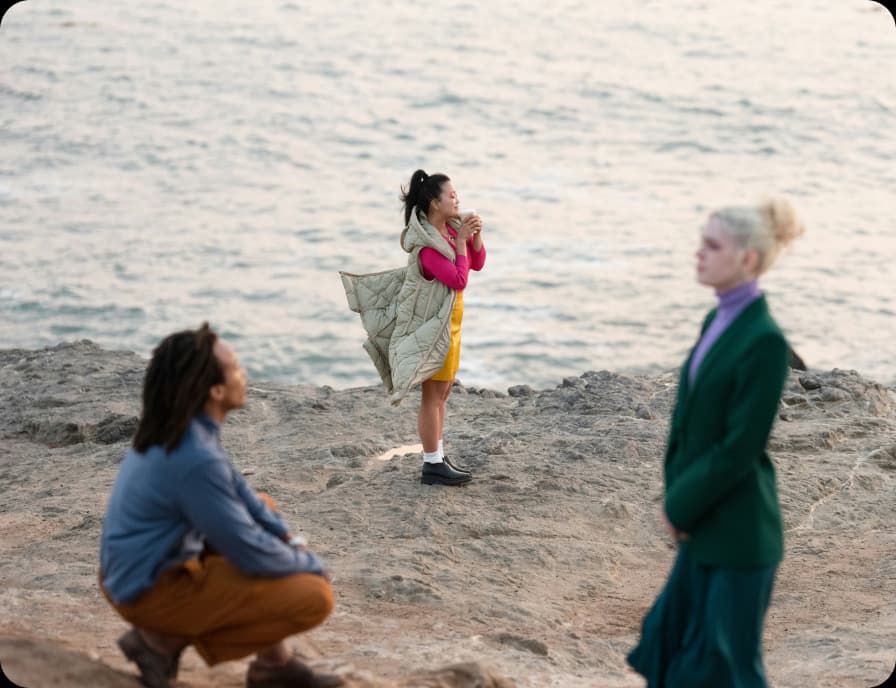
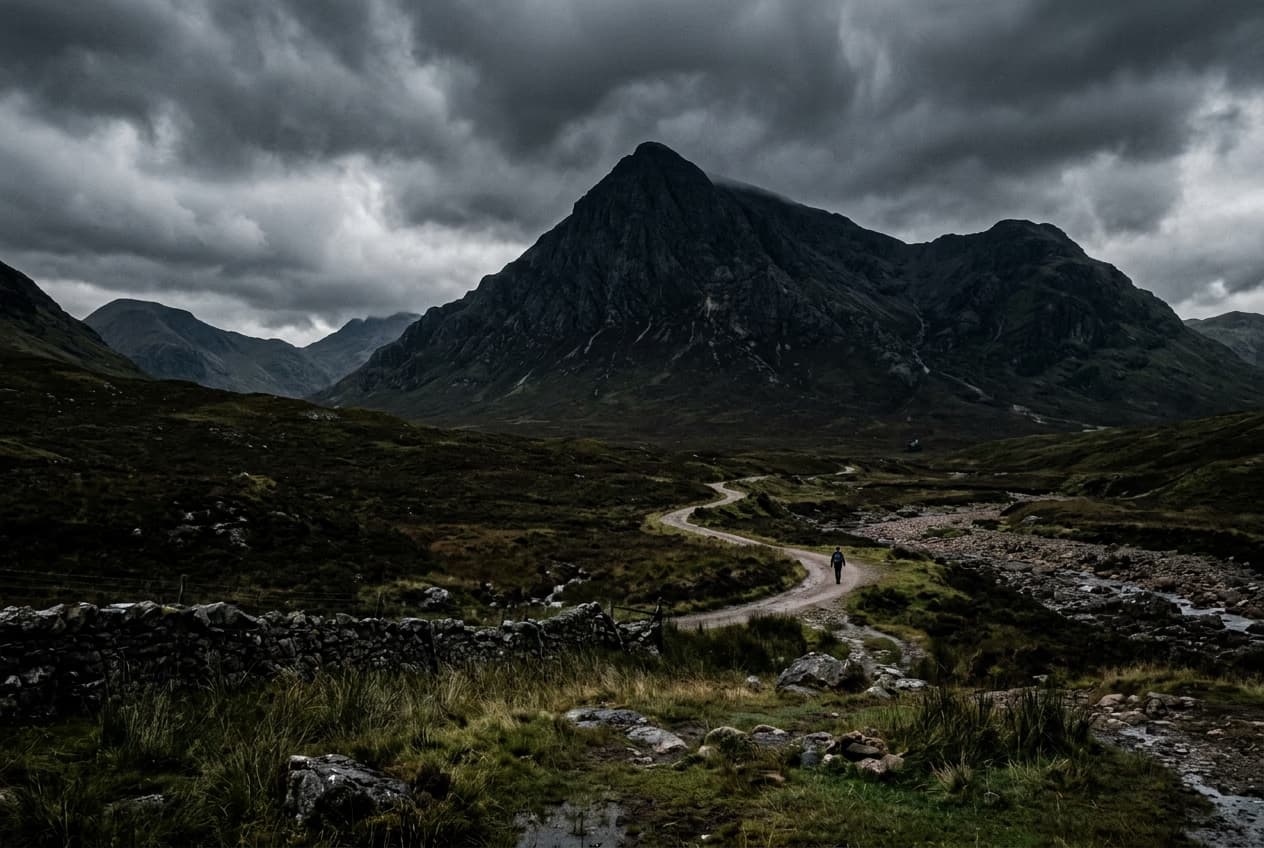
ลบวัตถุจากภาพ
คนกำลังเต้น
4.9/5
(1,379 reviews)
ExcellentTrustpilot
แอปยอดเยี่ยมจาก Apple
สำรวจเครื่องมือเพิ่มเติมเพื่อปรับปรุงภาพของคุณ
ลบข้อความจากภาพถ่ายลบคนออกจากภาพทำความสะอาดภาพถ่ายแก้ไขข้อความในภาพลบวัตถุออกจากวิดีโอลองการแก้ไขภาพด้วย AIเสริมภาพถ่ายด้วย AIลบพื้นหลังของภาพแก้ไขภาพออนไลน์แก้ไขหลายภาพสำรวจเครื่องมือจัดการภาพอย่างรวดเร็วสร้างเนื้อหาแทนที่

Use Picsart anywhere

Install the app, or bring Picsart into the AI workspaces your team already uses.

Use Picsart with

  • ChatGPT / Codex
  • Claude
  • Terminal
  • Cursor
  • OpenClaw
  • Hermes

Download the app

Download on the App StoreGET IT ON Google PlayGet it from Microsoft

Follow Picsart

Pinterest
AICPA SOC

Create

  • AI Image Generator
  • AI Video Generator
  • AI Playground
  • Flow
  • AI Photo Editor
  • AI Video Editor
  • AI Agents
  • Content Library
  • AI Models

Creators

  • Earn with Picsart
  • Earn campaigns
  • Clipping
  • For Brands
  • Video Studio
  • Tutorials
  • Challenges

Connect

  • ChatGPT / Codex
  • MCP setup
  • Command line
  • Developers
  • Google Drive

Business

  • Pricing
  • Enterprise
  • Industries
  • Quicktools

Company

  • Support
  • Careers
  • About us
  • Blog
  • Press Center
Terms of UsePrivacy PolicyInternet-Based AdvertisingCommunity GuidelinesDMCASecurity PolicyAccessibility
© 2026 PicsArt, Inc.
ลบพื้นหลังมากกว่า 10 ล้าน
แอปยอดเยี่ยมจาก Google
ไอคอนเครื่องมือลบด้วย AI

เครื่องมือลบวัตถุที่ใช้ AI

เมื่อคุณลบวัตถุ AI จะสร้างภาพที่ถูกลบด้วยภาพที่ปรับแต่งใหม่

ไอคอนการลบง่าย

เครื่องมือลบวัตถุใช้ง่าย

ไม่มีอะไรจะง่ายไปกว่านี้ แค่ปัดทินทร์ลงบนวัตถุที่ไม่ต้องการแล้วมันก็หายไป!

ไอคอนดาวน์โหลด

ดาวน์โหลดคุณภาพสูง

ส่งออกการแก้ไขของคุณในคุณภาพที่คมชัด


วิธีลบวัตถุภายในไม่กี่วินาที

1

อัปโหลดภาพของคุณ

เลือกภาพที่คุณต้องการลบวัตถุออกจาก

2

เลือกและลบวัตถุ

3

ปรับแต่ง

4

ดาวน์โหลด

ลบวัตถุใด ๆ จากภาพด้วย AI

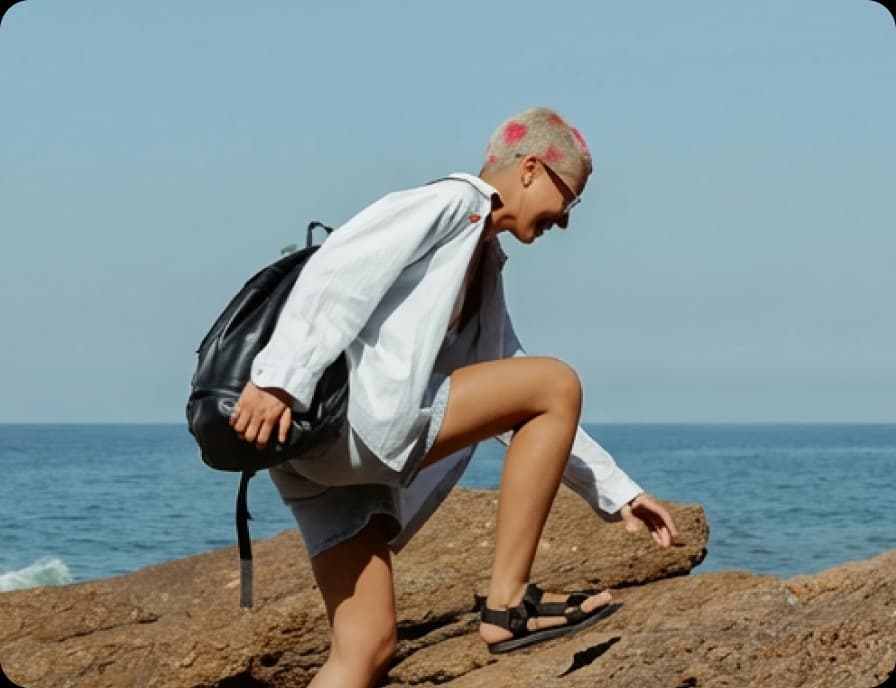
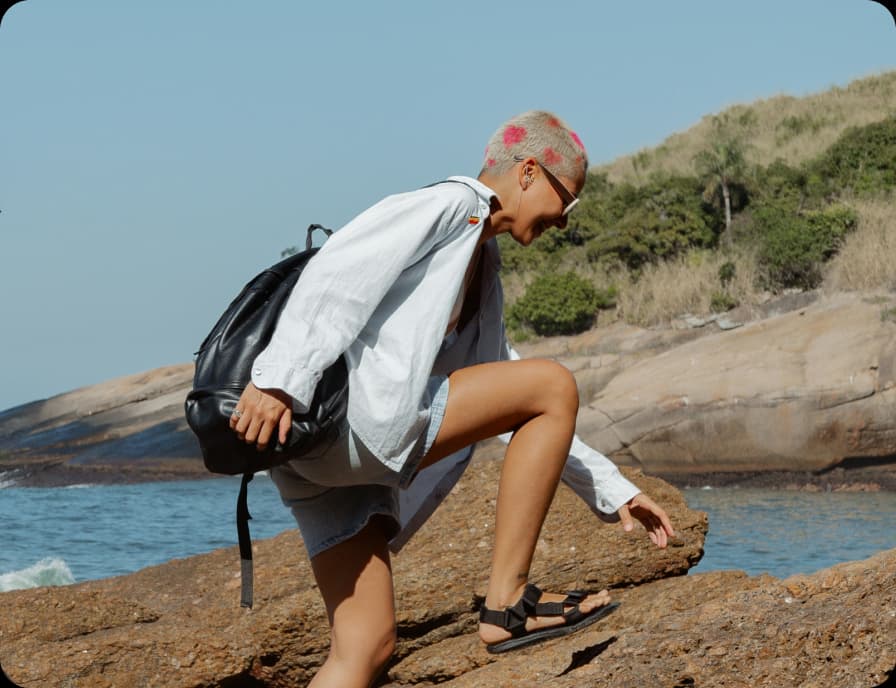
ลบองค์ประกอบที่ไม่ต้องการจากภาพถ่ายของคุณในไม่กี่วินาทีโดยใช้ AI ขั้นสูง มีคนผ่านมาในพื้นหลัง เฟอร์นิเจอร์ที่เกะกะหรือสิ่งอื่นๆ ที่ทำลายภาพที่สมบูรณ์แบบของคุณหรือไม่? เพียงแค่ไฮไลต์พื้นที่ด้วยแปรงลบใน Picsart Editor AI จะทำการเบลนด์มันกับพื้นหลังโดยรอบอย่างราบรื่นโดยไม่จำเป็นต้องใช้ทักษะการแก้ไข

เครื่องมือลบวัตถุกำลังทำงานอยู่

ต้นฉบับ
ต้นฉบับ
เลือกวัตถุที่ไม่ต้องการ
ลบวัตถุที่ไม่ต้องการ

ลบวัตถุที่ไม่ต้องการ

ลบอะไรก็ได้จากภาพของคุณพร้อมการควบคุมที่ยืดหยุ่น เครื่องมือลบวัตถุของ Picsart AI ให้คุณเลือกจากตัวเลือกการเลือกที่ชาญฉลาด - แปรงพื้นหลัง พื้นหน้า การตรวจจับข้อความ และเครื่องมือที่ใช้ AI ดังนั้นทุกการแก้ไขจะพอดีกับฉากของคุณ มีแอนิเมชั่นเดโมสั้นๆ แสดงวิธีการทำงานก่อนที่คุณจะเริ่ม ทำให้สามารถเลือก ลบ และปรับผลลัพธ์ให้ดูเป็นธรรมชาติในไม่กี่วินาที

ลบวัตถุจากภาพถ่าย

ใช้ AI สำหรับการเลือกพื้นหลังหรือพื้นหน้า

ความยุ่งเหยิงของพื้นหลังสามารถรบกวนสิ่งที่สำคัญที่สุดในภาพได้ ด้วยเครื่องมือลบวัตถุของ Picsart ใช้ AI ช่วยในการเลือกพื้นหลังหรือพื้นหน้าเพื่อลบเฟอร์นิเจอร์ สายไฟ หรือวัตถุสุ่มในแค่ไม่กี่ขั้นตอน เลือกสิ่งที่คุณต้องการให้หายไปและ AI จะทำให้ฉากสมบูรณ์แบบอย่างธรรมชาติ - ทำให้ความสำคัญยังอยู่ที่ตำแหน่งเดิม

ลบวัตถุที่ไม่ต้องการด้วยการแปรง

ลบอะไรก็ได้อย่างรวดเร็วด้วยการแปรงเป็นตรงไปเหนือมัน เครื่องมือแปรงให้คุณได้ควบคุมด้วยมือเพื่อทำให้คุณสามารถทาสันรอบๆ คน วัตถุ หรือความรบกวนได้อย่างแม่นยำที่คุณต้องการ เมื่อปรับขนาดแปรงเพื่อความแม่นยำ ปัดหายไปตามพื้นที่แล้วให้ AI เติมเพิ่มพื้นหลังด้วยผลลัพธ์ที่สะอาดและดูเป็นธรรมชาติที่เบลนด์ได้อย่างไร้รอยต่อ

ลบข้อความโดยอัตโนมัติด้วยการตรวจจับ

ข้อความที่ไม่ต้องการ คำอธิบาย หรือโลโก้ไม่จำเป็นต้องใช้การทำงานมืออีกต่อไป ด้วยการตรวจจับข้อความ เครื่องมือจะค้นหาธาตุข้อความในภาพคุณโดยอัตโนมัติทำให้คุณสามารถเลือกลบได้ในคลิกเดียว AI จะสร้างพื้นหลังใหม่ทันที ทำให้สามารถทำความสะอาดภาพถ่ายหรือเตรียมการออกแบบสำหรับการใช้งานใหม่โดยไม่ต้องเริ่มใหม่

ทำความสะอาดรายละเอียดในคลิกเดียว

การรบกวนเล็กๆ น้อยสามารถสะสมได้ แต่การลบพวกเขาไม่จำเป็นต้องน่าเบื่อ ใช้ตัวเลือกช่วยเหลือ AI เพื่อระบุและลบสายไฟ ความยุ่งเหยิง เงา หรือวัตถุพื้นหลังได้อย่างรวดเร็วด้วยความพยายามขั้นต่ำ AI เข้าใจฉากและเติมเต็มช่องว่างอย่างเป็นธรรมชาติ ทำให้คุณสามารถทำความสะอาดภาพได้เร็วขึ้น - ไม่ต้องใช้การแปรงมือ เพียงแค่เลือก ลบ และไปต่อด้วยภาพที่ชัดเจนพร้อมสำหรับเนื้อหา สินค้าหรือของที่มีค่า

ทำให้ภาพของคุณพร้อมสำหรับแบรนด์

ทำความสะอาดเนื้อหาแบรนด์ได้ง่าย ๆ - ลบลายน้ำ โลโก้ หรือข้อความซ้อนจากภาพสินค้าตัวอย่างสินค้า UGC หรือภาพประกาศ ไม่จำเป็นต้องถ่ายภาพใหม่หรือพึ่งพาซอฟต์แวร์ซับซ้อน เพียงแค่ไฮไลต์เครื่องหมายและเครื่องมือลบวัตถุจะลบมันในไม่กี่วินาทีเพื่อให้ภาพสะอาดและดูดี

ทำให้ภาพของคุณพร้อมสำหรับแบรนด์

อธิบายการแก้ไขให้ AI ด้วยคำสั่งง่าย ๆ

ถ้าคุณชอบแก้ไขด้วยคำพูดแทนเครื่องมือ? ใช้คำอธิบายการเปลี่ยนแปลงให้ AI เพื่อบอกตัวแก้ไขว่าคุณต้องการอะไหจากภาพคุณ ให้ AI ใช้การแก้ไขในไม่กี่วินาที ทุกคุณสมบัติ - การแปรง การตรวจจับข้อความ การคลิกเพื่อเลือก และการลบพื้นหลังหรือพื้นหน้า - สามารถถูกกระตุ้นผ่านคำสั่ง สำรวจเครื่องมือเพื่อดูว่าอะไรดีที่สุดสำหรับภาพของคุณแล้วใช้คำอธิบาย AI เพื่อสมัครการแก้ไขได้เร็วขึ้นและมีความสะดวกมากขึ้น

ดำเนินการแก้ไขต่อกับ Picsart

อย่าจำกัดตัวเองด้วยเครื่องมือลบวัตถุ ใช้เครื่องมือแก้ไขภาพ AI อื่น ๆ ของ Picsart เพื่อปรับภาพให้ละเอียดขึ้น

เครื่องมือตัวแก้ไขภาพ

ตัวแก้ไขภาพ

ปรับแต่งภาพของคุณด้วยฟอนต์ยอดนิยม ฟิลเตอร์และเอฟเฟกต์ สติ๊กเกอร์ และอื่นๆ

ตัวสร้างภาพ AI

เครื่องสร้างภาพ AI

พิมพ์วิสัยของคุณและให้ AI แปลงคำของคุณเป็นภาพที่น่าหลงใหล

ตัวเปลี่ยนพื้นหลัง

ตัวเปลี่ยนพื้นหลัง

เปลี่ยนฉากหลังหรือเอาออกทั้งหมด

ตัวลบพื้นหลังของ Picsart

ตัวลบพื้นหลัง

ลบพื้นหลังอย่างมีฝีมือด้วย AI หรือทำให้โปร่งแสง

คอลเล็กชันเอฟเฟกต์ภาพและฟิลเตอร์ของ Picsart

เอฟเฟกต์ภาพถ่าย

เปลี่ยนความรู้สึกของภาพของคุณด้วยผลภาพแปลกใหม่และฟิลเตอร์ที่ดูเป็นศิลป์

ตัวสร้างคอลลาจ

ตัวสร้างคอลลาจ

รวมภาพอย่างง่ายดายสำหรับโซเชียลมีเดีย บอร์ดวิสัยทัศน์ และอื่นๆ

ตัวเพิ่มภาพ AI

ตัวปรับปรุงภาพ AI

เพิ่มความละเอียดของหลายภาพด้วย AI ในครั้งเดียว

ตัวแก้ไขข้อความ

ตัวแก้ไขข้อความ

เสริมภาพของคุณด้วยคลังฟอนต์ฟรีที่มากมาย

ปรับขนาดภาพ

ปรับขนาดภาพ

ได้ขนาดที่เหมาะสมสำหรับภาพของคุณได้ง่ายและในไม่กี่วินาที

สร้างศิลปะด้วย AI

ตัวสร้างศิลปะ AI

สร้างศิลปะที่ดึงดูดในไม่กี่วินาทีด้วย AI

คำถามที่พบบ่อยเกี่ยวกับการลบวัตถุจากภาพถ่าย

Picsart ทำให้มันง่าย เพียงแค่อัปโหลดภาพถ่ายที่คุณต้องการแก้ไขลงในตัวแก้ไขภาพของ Picsart และใช้เครื่องมือลบเพื่อระบุและลบวัตถุออกจากภาพถ่ายของคุณ

ก่อนอื่น เลือกภาพที่คุณต้องการแก้ไขและอัปโหลดเข้าสู่ตัวแก้ไขภาพของ Picsart จากนั้นใช้เครื่องมือลบวัตถุเพื่อเลือกบุคคลที่คุณต้องการลบและปล่อยให้ Picsart จัดการที่เหลือ

ได้ ตัวแก้ไขภาพของ Picsart สามารถทำได้ เพียงแค่อัปโหลดภาพที่คุณต้องการแก้ไข แล้วใช้เครื่องมือ Picsart Object Remover เพื่อลบลายน้ำออกจากภาพด้วยการคลิกไม่กี่ครั้ง

เริ่มต้นโดยอัปโหลดภาพที่คุณต้องการแก้ไขเข้าสู่ตัวแก้ไขภาพของ Picsart จากนั้น เลือกองค์ประกอบข้อความหรือโลโก้ของภาพที่คุณต้องการลบด้วยเครื่องมือลบวัตถุและลบมัน

ตัวแก้ไขภาพของ Picsart อนุญาตให้คุณลบคน ลายน้ำ โลโก้ ข้อความ และแม้แต่ข้อบกพร่องของผิวจากภาพใด ๆ


ใหม่ล่าสุดในเครื่องมือลบวัตถุ

วิธีลบวัตถุ ข้อความ และคนออกจากภาพ

แนะนำ AI Replace และ AI Background: เครื่องมือปรับแต่งฉากและวัตถุในภาพ

วิธีลบคนออกจากภาพในไม่กี่คลิก

PricingSave big

สร้างภาพจากการลบวัตถุด้วย AI

ใช้โมเดลภาพเพื่อแปลงการลบวัตถุจากภาพให้เป็นภาพที่สวยงาม ไอเดียการออกแบบ และทรัพย์สินพร้อมแก้ไข

GPT Image 2New
Next-gen GPT image model with arbitrary output dimensions and multi-image input.Reference inputImage generationSee model
Nano Banana 2New
Nano Banana ProNew
FLFlux 2 FlexNew
SESeedream 5.0 Lite
KLKling 3.0 Image
KLKling O1 Image
HUHunyuan V3
LULuma UNI-1
LULuma UNI-1 Max
SESeedream 5.0 Flash
SESeedream 5.0 Pro
GPT Image 2New
GPT Image 2New
GPT Image 2New
GPT Image 2New
GPT Image 2New
Fast 4K generation with accurate text and search-grounded accuracy.4KFast generationImage generationSee model
Top-tier 4K images with precise multilingual text rendering.4KPro qualityImage generationSee model
Adaptable generation across varied visual styles up to 4K.4KImage generationSee model
Speedy 3K output with negative prompt and dual-image input support.Reference inputFast generationImage generationSee model
Cinematic visuals with up to 4K resolution and 10 reference images.
Reference input4KCinematic
See model
O1-architecture image generation with multi-reference support.
Reference inputCinematicImage generation
See model
Infographic-friendly generation with readable text and cfg control.
Image generation
See model
Luma UNI-1 — agentic image generation and editing with up to 9 reference images.
Reference inputCinematicImage generation
See model
Luma UNI-1 Max — higher-quality UNI-1 variant with the same multi-reference editing controls.
Reference inputCinematicImage generation
See model
Fastest 5.0 tier — quick 2K generation with up to 10 reference images.
Reference inputFast generationImage generation
See model
Top-tier single-image generation with up to 10 reference images and 2K detail.
Reference inputPro qualityImage generation
See model
Next-gen GPT image model with arbitrary output dimensions and multi-image input.Reference inputImage generationSee model
Nano Banana 2New
Fast 4K generation with accurate text and search-grounded accuracy.4KFast generationImage generationSee model
Nano Banana ProNew
Top-tier 4K images with precise multilingual text rendering.4KPro qualityImage generationSee model
FLFlux 2 FlexNew
Adaptable generation across varied visual styles up to 4K.4KImage generationSee model
SESeedream 5.0 Lite
Speedy 3K output with negative prompt and dual-image input support.Reference inputFast generationImage generationSee model
KLKling 3.0 Image
Cinematic visuals with up to 4K resolution and 10 reference images.Reference input4KCinematicSee model
KLKling O1 Image
O1-architecture image generation with multi-reference support.Reference inputCinematicImage generationSee model
HUHunyuan V3
Infographic-friendly generation with readable text and cfg control.Image generationSee model
LULuma UNI-1
Luma UNI-1 — agentic image generation and editing with up to 9 reference images.Reference inputCinematicImage generationSee model
LULuma UNI-1 Max
Luma UNI-1 Max — higher-quality UNI-1 variant with the same multi-reference editing controls.Reference inputCinematicImage generationSee model
SESeedream 5.0 Flash
Fastest 5.0 tier — quick 2K generation with up to 10 reference images.Reference inputFast generationImage generationSee model
SESeedream 5.0 Pro
Top-tier single-image generation with up to 10 reference images and 2K detail.Reference inputPro qualityImage generationSee model
Next-gen GPT image model with arbitrary output dimensions and multi-image input.Reference inputImage generationSee model
Nano Banana 2New
Fast 4K generation with accurate text and search-grounded accuracy.4KFast generationImage generationSee model
Nano Banana ProNew
Top-tier 4K images with precise multilingual text rendering.4KPro qualityImage generationSee model
FLFlux 2 FlexNew
Adaptable generation across varied visual styles up to 4K.4KImage generationSee model
SESeedream 5.0 Lite
Speedy 3K output with negative prompt and dual-image input support.Reference inputFast generationImage generationSee model
KLKling 3.0 Image
Cinematic visuals with up to 4K resolution and 10 reference images.Reference input4KCinematicSee model
KLKling O1 Image
O1-architecture image generation with multi-reference support.Reference inputCinematicImage generationSee model
HUHunyuan V3
Infographic-friendly generation with readable text and cfg control.Image generationSee model
LULuma UNI-1
Luma UNI-1 — agentic image generation and editing with up to 9 reference images.Reference inputCinematicImage generationSee model
LULuma UNI-1 Max
Luma UNI-1 Max — higher-quality UNI-1 variant with the same multi-reference editing controls.Reference inputCinematicImage generationSee model
SESeedream 5.0 Flash
Fastest 5.0 tier — quick 2K generation with up to 10 reference images.Reference inputFast generationImage generationSee model
SESeedream 5.0 Pro
Top-tier single-image generation with up to 10 reference images and 2K detail.Reference inputPro qualityImage generationSee model
Next-gen GPT image model with arbitrary output dimensions and multi-image input.Reference inputImage generationSee model
Nano Banana 2New
Fast 4K generation with accurate text and search-grounded accuracy.4KFast generationImage generationSee model
Nano Banana ProNew
Top-tier 4K images with precise multilingual text rendering.4KPro qualityImage generationSee model
FLFlux 2 FlexNew
Adaptable generation across varied visual styles up to 4K.4KImage generationSee model
SESeedream 5.0 Lite
Speedy 3K output with negative prompt and dual-image input support.Reference inputFast generationImage generationSee model
KLKling 3.0 Image
Cinematic visuals with up to 4K resolution and 10 reference images.Reference input4KCinematicSee model
KLKling O1 Image
O1-architecture image generation with multi-reference support.Reference inputCinematicImage generationSee model
HUHunyuan V3
Infographic-friendly generation with readable text and cfg control.Image generationSee model
LULuma UNI-1
Luma UNI-1 — agentic image generation and editing with up to 9 reference images.Reference inputCinematicImage generationSee model
LULuma UNI-1 Max
Luma UNI-1 Max — higher-quality UNI-1 variant with the same multi-reference editing controls.Reference inputCinematicImage generationSee model
SESeedream 5.0 Flash
Fastest 5.0 tier — quick 2K generation with up to 10 reference images.Reference inputFast generationImage generationSee model
SESeedream 5.0 Pro
Top-tier single-image generation with up to 10 reference images and 2K detail.Reference inputPro qualityImage generationSee model
Next-gen GPT image model with arbitrary output dimensions and multi-image input.Reference inputImage generationSee model
Nano Banana 2New
Fast 4K generation with accurate text and search-grounded accuracy.4KFast generationImage generationSee model
Nano Banana ProNew
Top-tier 4K images with precise multilingual text rendering.4KPro qualityImage generationSee model
FLFlux 2 FlexNew
Adaptable generation across varied visual styles up to 4K.4KImage generationSee model
SESeedream 5.0 Lite
Speedy 3K output with negative prompt and dual-image input support.Reference inputFast generationImage generationSee model
KLKling 3.0 Image
Cinematic visuals with up to 4K resolution and 10 reference images.Reference input4KCinematicSee model
KLKling O1 Image
O1-architecture image generation with multi-reference support.Reference inputCinematicImage generationSee model
HUHunyuan V3
Infographic-friendly generation with readable text and cfg control.Image generationSee model
LULuma UNI-1
Luma UNI-1 — agentic image generation and editing with up to 9 reference images.Reference inputCinematicImage generationSee model
LULuma UNI-1 Max
Luma UNI-1 Max — higher-quality UNI-1 variant with the same multi-reference editing controls.Reference inputCinematicImage generationSee model
SESeedream 5.0 Flash
Fastest 5.0 tier — quick 2K generation with up to 10 reference images.Reference inputFast generationImage generationSee model
SESeedream 5.0 Pro
Top-tier single-image generation with up to 10 reference images and 2K detail.Reference inputPro qualityImage generationSee model
Next-gen GPT image model with arbitrary output dimensions and multi-image input.Reference inputImage generationSee model
Nano Banana 2New
Fast 4K generation with accurate text and search-grounded accuracy.4KFast generationImage generationSee model
Nano Banana ProNew
Top-tier 4K images with precise multilingual text rendering.4KPro qualityImage generationSee model
FLFlux 2 FlexNew
Adaptable generation across varied visual styles up to 4K.4KImage generationSee model
SESeedream 5.0 Lite
Speedy 3K output with negative prompt and dual-image input support.Reference inputFast generationImage generationSee model
KLKling 3.0 Image
Cinematic visuals with up to 4K resolution and 10 reference images.Reference input4KCinematicSee model
KLKling O1 Image
O1-architecture image generation with multi-reference support.Reference inputCinematicImage generationSee model
HUHunyuan V3
Infographic-friendly generation with readable text and cfg control.Image generationSee model
LULuma UNI-1
Luma UNI-1 — agentic image generation and editing with up to 9 reference images.Reference inputCinematicImage generationSee model
LULuma UNI-1 Max
Luma UNI-1 Max — higher-quality UNI-1 variant with the same multi-reference editing controls.Reference inputCinematicImage generationSee model
SESeedream 5.0 Flash
Fastest 5.0 tier — quick 2K generation with up to 10 reference images.Reference inputFast generationImage generationSee model
SESeedream 5.0 Pro
Top-tier single-image generation with up to 10 reference images and 2K detail.Reference inputPro qualityImage generationSee model

ทำความสะอาดภาพสำหรับเนื้อหาผู้สร้างที่ปราณีต

Pro

Most popular

AI tools for everyday creative work.

$15 $10.5/mo
Billed yearly
You save $54 with yearly
  • Access to all photo & video editing features
  • Advanced background & object removal
  • Parallel video generations with the world's most powerful AI video models
  • Unlimited image generations with Flex.2 Klein
  • 1-tap image enhancer
  • Millions of stock photos & Getty video clips
  • Selection of trendy fonts, text styles & stickers
  • Thousands of premium templates
  • Support for 3+ brand kits
  • Bulk edit up to 50 images at once
  • 100 GB of cloud storage
New features:
  • Auto-generate content from your terminal or agent with the Picsart CLI
  • Use Picsart inside Claude Code, Cursor, and ChatGPT via MCP — coming soon
  • AI agents for multi-step workflows and batch generation — coming soon

Ultra

Most powerful

Heavy AI usage for creators & teams.

$45 $24.5/mo
Billed yearly, per seat
You save $246 with yearly
  • Everything in Pro
  • Early access to advanced AI features
  • Leading AI models to design & automate workflows (Nano Banana, Veo 3, Seedance 2.0 & more)
  • Parallel video generations with the world's most powerful AI video models
  • Unlimited image generations with Flex.2 Klein
  • Support for 10+ brand kits
  • Add team seats
  • Create ad variations and localize
  • Track ads performance
  • 2000 credits for API services
  • Bulk edit up to 100 images at once
  • 300 GB of cloud storage per seat
New features:
  • Auto-generate content from your terminal or agent with the Picsart CLI
  • Use Picsart inside Claude Code, Cursor, and ChatGPT via MCP — coming soon
  • AI agents for multi-step workflows and batch generation — coming soon

Enterprise

Custom AI solutions for large organizations.

Custom credit volume
  • Volume discounts on credit rate
  • On-demand top-ups
Custom
Contact for pricing
  • Access to photo & video editor SDKs
  • Mobile web SDK support
  • Prepaid or pay-as-you-go creative APIs
  • Embed professional-grade editing into your product or workflow
  • Fully configurable editing experience
  • White-label to match your brand
  • Support for built-in marketing, e-commerce & printing use cases
  • Bring your own assets: images, templates & fonts
  • Enterprise-grade security, SLAs & support
  • Dedicated account manager

เรียนรู้พื้นฐานการแก้ไขภาพ

เรียนรู้วิธีทำให้การแก้ไขของคุณสะอาดขึ้นด้วยขั้นตอนปฏิบัติ

Remove unwanted objects from photos with AI preview
Image editing

Remove unwanted objects from photos with AI

3 minBeginner

Replace objects in photos with AI-generated content preview
Image editing

Replace objects in photos with AI-generated content

4 minIntermediate
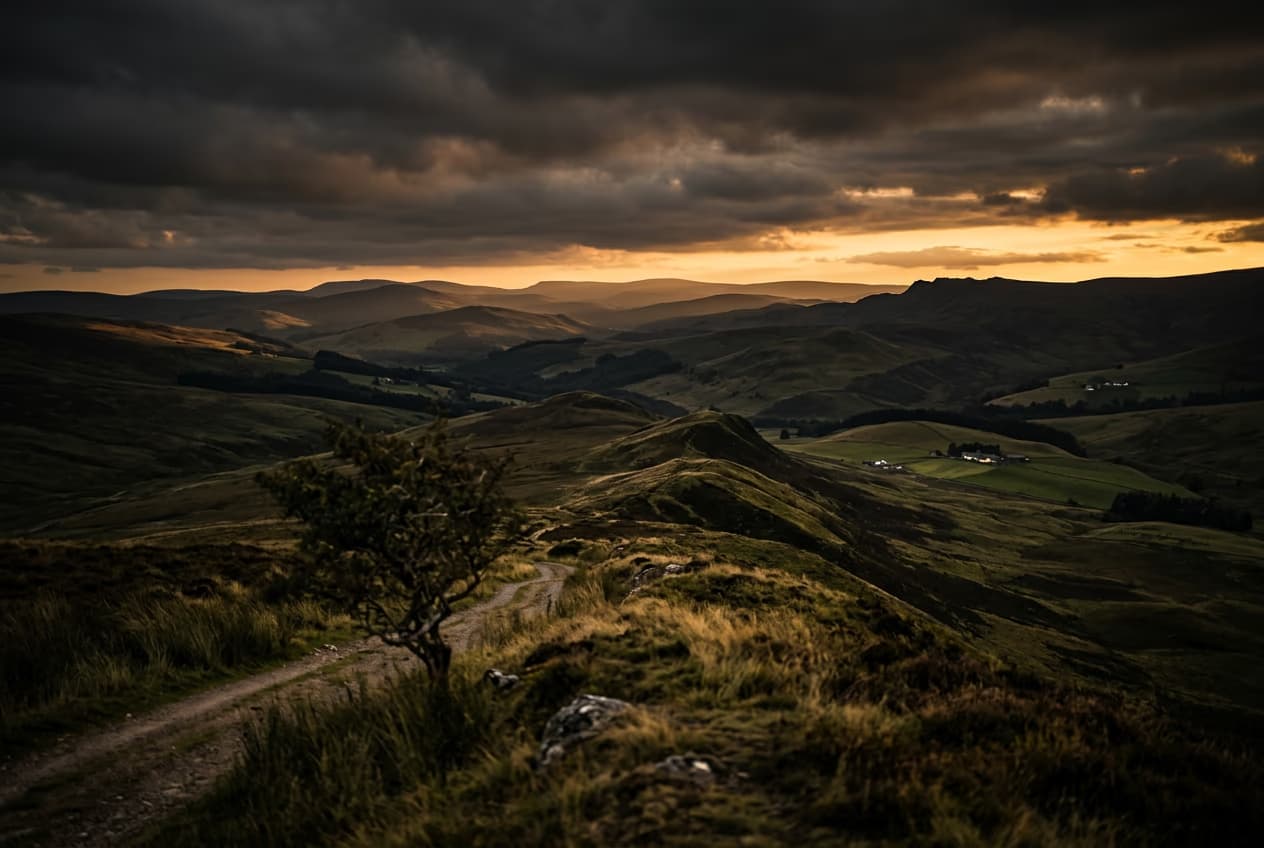
How to expand images beyond their borders with AI preview
Image editing

How to expand images beyond their borders with AI

4 minBeginner

Upscale low-resolution images to HD with AI preview
Image editing

Upscale low-resolution images to HD with AI

3 minBeginner

Edit any part of an image with text prompts preview
Image editing

Edit any part of an image with text prompts

4 minIntermediate
ดูทุกบทเรียน