Image
Video
Library
Creators
Solutions
Community
MCP & CLI
Pricing
  1. Home
  2. Thêm nhạc vào video

Thêm nhạc vào video trực tuyến

Tạo nhạc độc quyền an toàn với AI hoặc duyệt các bản nhạc sẵn sàng sử dụng. Thêm voiceover, hiệu ứng âm thanh và âm thanh nền vào video của bạn trong một trình chỉnh sửa trực tuyến nhanh và đơn giản.

Thêm âm thanh vào video

video thị trấn ven biển hoạt hình với nhạc được thêm
video chân dung với đồ chơi nhung và nhạc được thêm
video tai nghe ngoài trời với nhạc được thêm
video ký tự 3D neon với nhạc được thêm
video hoa anh đào với nhạc được thêm
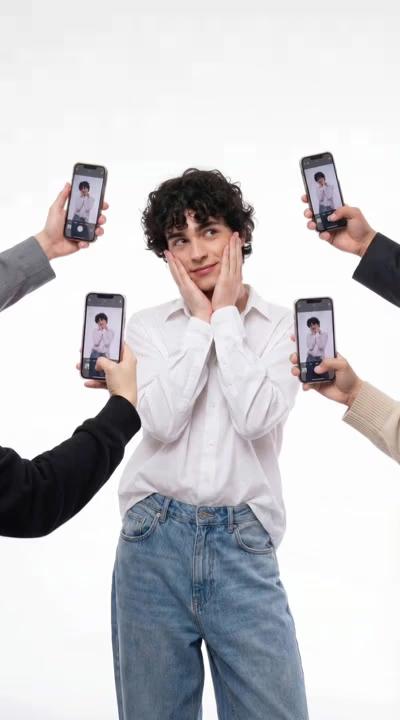
video tư thế mạng xã hội với nhạc được thêm
video nhảy lúc hoàng hôn với nhạc được thêm
video nấm siêu thực với nhạc được thêm
video tai nghe với nhạc được thêm
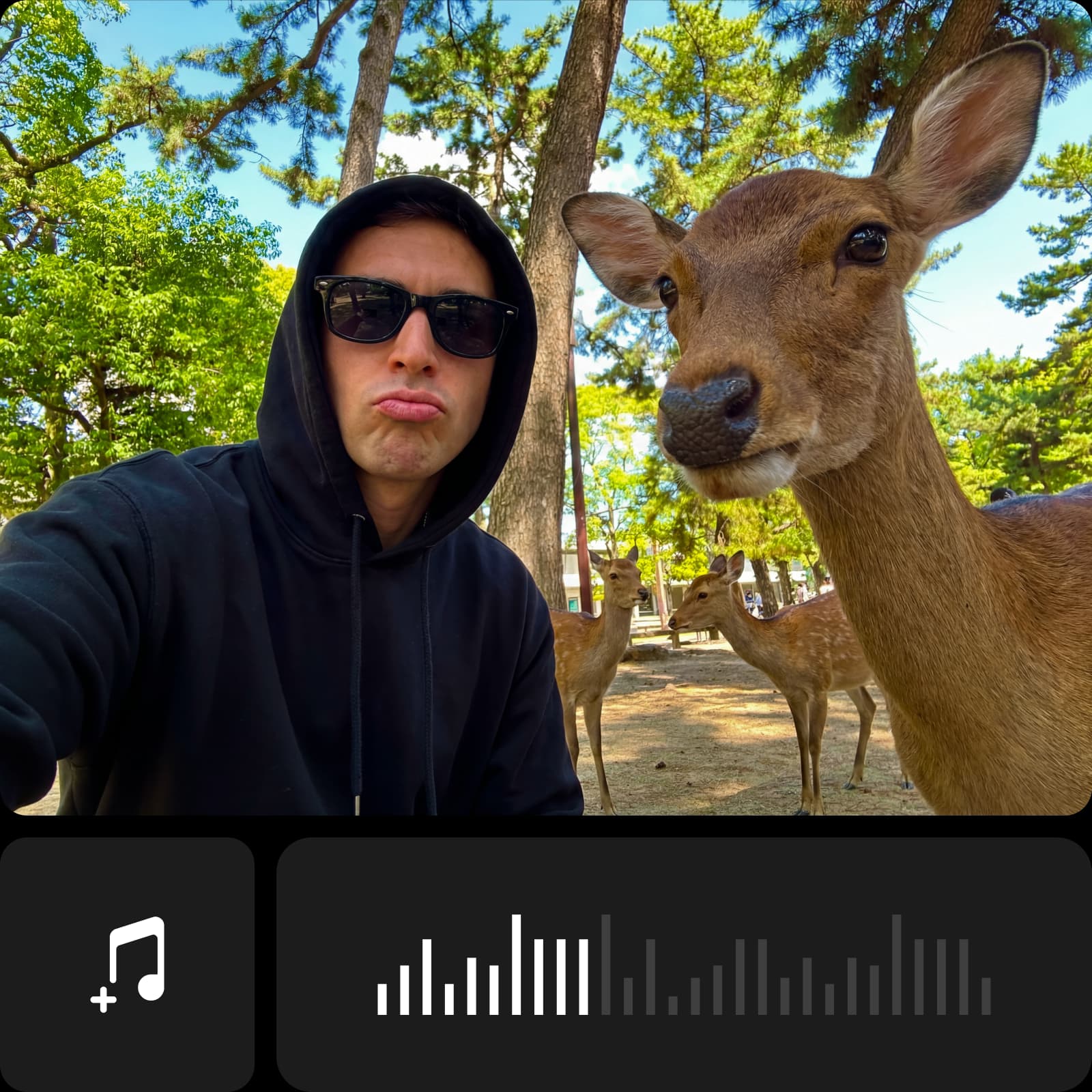
biểu tượng thêm nhạc

Thêm nhạc nhanh chóng

Thêm nhạc vào video trong vài giây bằng trình chỉnh sửa đơn giản giữ âm thanh và hình ảnh hoàn toàn đồng bộ.

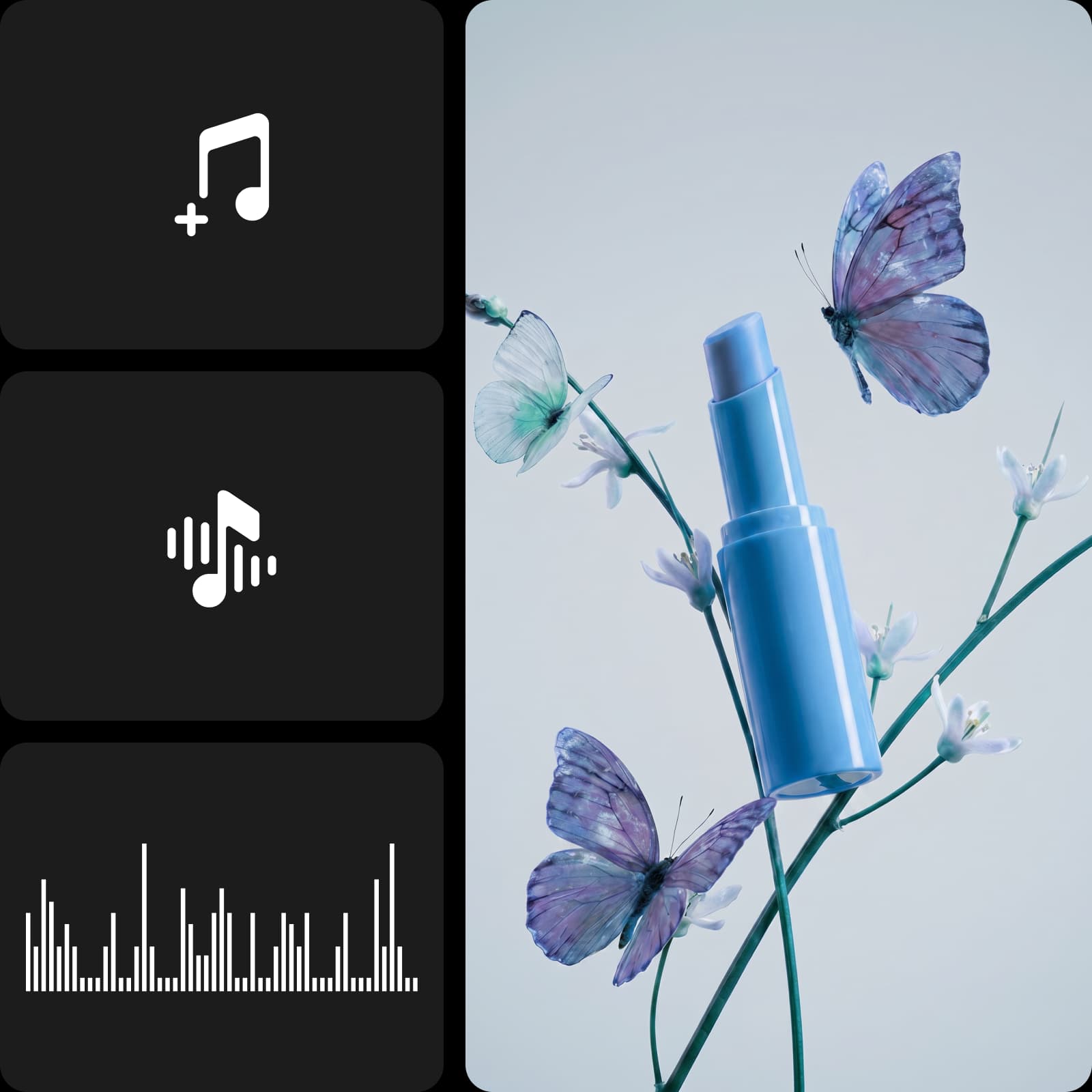
biểu tượng chỉnh sửa âm thanh

Chỉnh sửa âm thanh trực quan

Thêm âm thanh vào video bằng trình chỉnh sửa trực quan giúp dễ dàng kiểm tra bài hát và kiểm soát âm lượng ở các thời điểm khác nhau.

biểu tượng micrô

Quy trình voiceover linh hoạt

Chuyển đổi văn bản thành âm thanh nói bằng cách chọn một giọng nói, không cần ghi âm hay thiết bị bổ sung.


Cách thêm nhạc vào video

1

Mở bảng Ứng dụng

Trong thanh bên trái, nhấp vào Ứng dụng để duyệt các công cụ chỉnh sửa có sẵn.

2

Tìm kiếm Âm thanh

3

Thêm nhạc hoặc voiceover

4

Điều chỉnh và xuất

Thêm nhạc vào video để đặt tông

Nhạc giúp tạo cấu trúc video và hướng cách các cảnh kết nối. Với Trình chỉnh sửa Nhạc Video này, bạn có thể thêm nhạc vào video trực tuyến mà không cần kỹ năng kỹ thuật hay cài đặt phần mềm. Chọn một bài hát, đặt nó ở vị trí phù hợp và điều chỉnh thời gian và âm lượng để hỗ trợ dòng video của bạn, không quan trọng bạn đang chỉnh sửa clip cá nhân hay nội dung hàng ngày.


Thêm âm thanh vào video với bài hát thịnh hành

Sử dụng các kiểu âm thanh hiện tại giúp video luôn phù hợp với định dạng nội dung ngày nay. Khi bạn thêm âm thanh vào video với các tùy chọn âm thanh phổ biến, clip của bạn cảm thấy liên quan hơn trên các nền tảng. Chọn nhạc nền cho video từ một loạt các danh mục, điều chỉnh mức âm lượng và đặt bài hát chính xác nơi chúng hỗ trợ từng phần video của bạn.


Cá nhân hóa video với âm thanh được tạo bởi AI

Chuyển đổi văn bản thành voiceover tự nhiên trực tiếp trong trình chỉnh sửa. Với Trình tạo âm thanh AI, bạn có thể thêm voiceover vào video bằng cách chọn từ các giọng phù hợp cho quảng cáo, trailer, vlog, tin tức hoặc thiền. Tinh chỉnh cách đọc bằng tạm dừng hoặc thay đổi cảm xúc, sau đó điều chỉnh thời gian, vị trí và âm lượng - không cần ghi âm hay công cụ bổ sung.


Tăng cường video mạng xã hội

Âm thanh thịnh hành tăng tiếp cận trên TikTok, Reels và Shorts. Thêm nhạc vào video bằng cách sử dụng âm thanh viral hoặc bài nhạc AI, sau đó đồng bộ hóa và xuất trong vài giây.

tăng cường video mạng xã hội với công cụ thêm vào nhạctăng cường video mạng xã hội với công cụ thêm vào nhạc

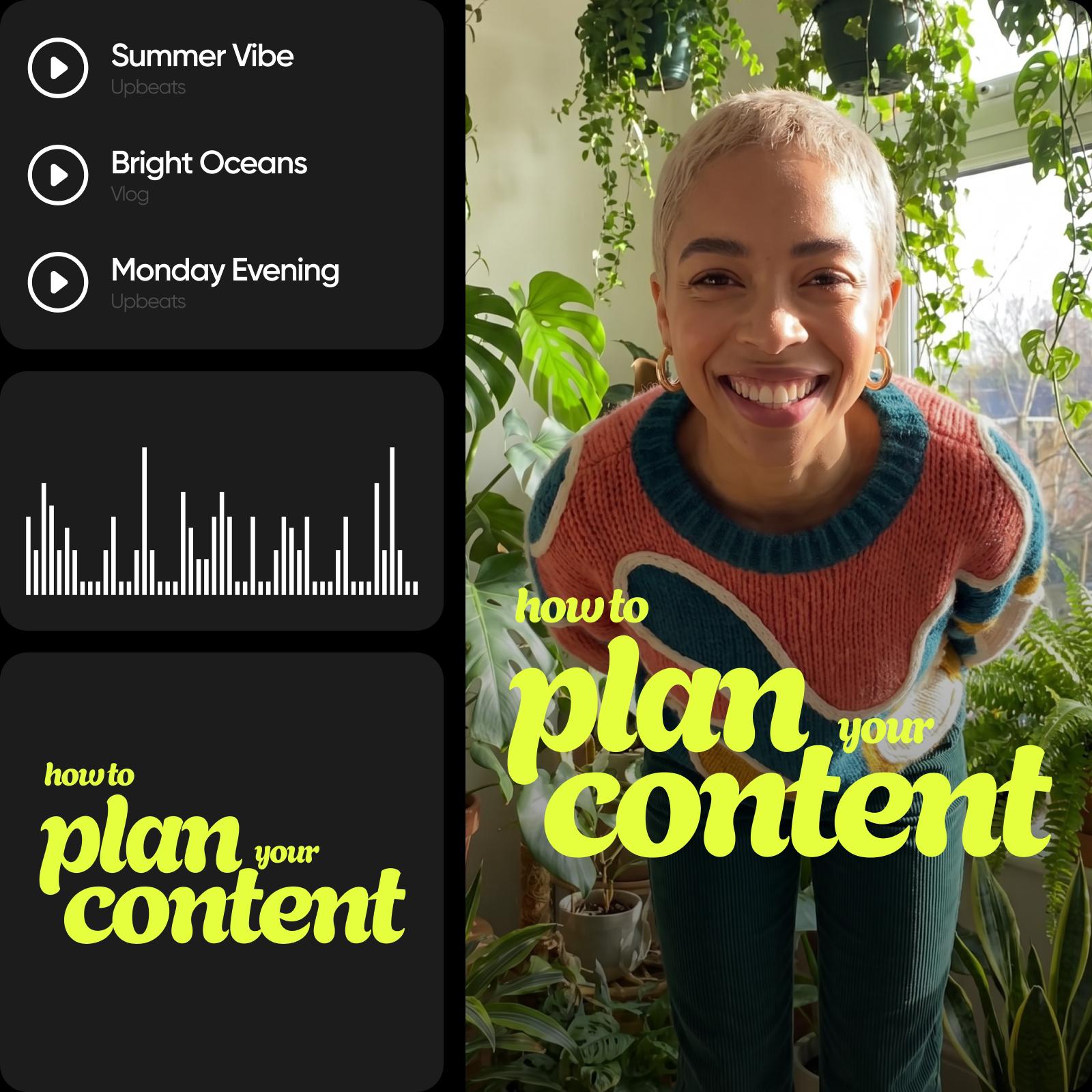
Sử dụng nhạc nền cho reels, vlog, quảng cáo và hơn thế nữa

Thêm nhạc vào video để hỗ trợ cấu trúc và tính nhất quán trên các định dạng khác nhau. Đối với video reels và TikTok, nhạc nền cho video giúp căn chỉnh clip với các kiểu nội dung phổ biến và giữ cho các chỉnh sửa gắn kết. Trong vlog, âm thanh tạo sự liên tục từ đầu đến cuối. Đối với quảng cáo và clip khuyến mãi, nhạc giúp truyền tải thông điệp rõ ràng và giữ cho video tập trung và chuyên nghiệp.


Tăng cường nội dung của bạn bằng các công cụ chỉnh sửa video khác

Thêm nhạc đặt nền tảng, nhưng nó chỉ là một phần của quá trình chỉnh sửa. Sau khi đặt âm thanh, bạn có thể tiếp tục tinh chỉnh video của mình bằng cách sử dụng các công cụ chỉnh sửa video tích hợp. Cắt các clip video để tạo cấu trúc sạch hơn, thêm văn bản vào video để rõ ràng, điều chỉnh hình ảnh và tinh chỉnh chi tiết - tất cả trong cùng một Video Editor, mà không cần chuyển đổi công cụ hay quy trình làm việc.


Biến ý tưởng thành âm thanh và câu chuyện

Tạo và tùy chỉnh âm thanh mang lại sự sống cho video của bạn bằng nhạc, voiceover và các công cụ chỉnh sửa chính xác.

Tạo nhạc AI gốc

Tạo các bài hát độc đáo, an toàn bản quyền từ 25 tùy chọn tâm trạng, vì vậy video của bạn luôn nghe tươi mới và không bao giờ lặp lại.

Chuyển đổi văn bản thành voiceover

Chuyển đổi kịch bản của bạn thành lời tường thuật tự nhiên với nhiều kiểu giọng, sẵn sàng thả vào video của bạn.

Cung cấp thư viện nhạc không quyền tác giả

Duyệt các bài hát theo tâm trạng, thể loại hoặc nhịp để nhanh chóng tìm thấy âm thanh phù hợp cho bất kỳ video nào.

Cho phép chỉnh sửa âm thanh chính xác

Kéo, cắt và định vị âm thanh trên dòng thời gian để phù hợp với mỗi nhịp, cut và cảnh.

Hỗ trợ nhiều lớp âm thanh

Kết hợp nhạc, voiceover và hiệu ứng âm thanh để xây dựng trải nghiệm âm thanh phong phú, cân bằng.

Kiểm soát âm lượng và fade

Điều chỉnh mức âm thanh và thêm fade-in và fade-out mịn giữa các cảnh.

Thêm hiệu ứng âm thanh

Cải thiện video của bạn bằng tác động, chuyển tiếp và âm thanh xung quanh để có độ sâu lớn hơn.

Xuất với chất lượng cao

Tải xuống video của bạn với âm thanh nhúng ở độ phân giải gốc, sẵn sàng chia sẻ.

Thêm nhạc rất đơn giản, và điều chỉnh thời gian cũng như âm lượng cảm thấy trực quan từ đầu.
- Liam R., Người tạo nội dung video
Tôi có thể khớp nhạc nền với các clip mà không cần suy nghĩ quá nhiều.
- Sofia M., Quản lý mạng xã hội
Các công cụ âm thanh giúp tôi giữ video của mình nhất quán mà không phải ghi âm voiceover.
- Daniel K., Chủ doanh nghiệp nhỏ

Thêm nhạc vào video FAQ

Một ứng dụng tốt giúp dễ dàng thêm nhạc vào video trực tuyến, kiểm soát thời gian và âm lượng, và làm việc mà không cần tải xuống. Picsart cho phép bạn làm tất cả điều này trong một trình chỉnh sửa đơn giản.

Tải lên video của bạn, chọn bài hát nhạc hoặc tệp âm thanh, đặt nó trên dòng thời gian và điều chỉnh thời gian và âm lượng cho đến khi nó phù hợp với video của bạn.

Công cụ hỗ trợ các định dạng âm thanh phổ biến, vì vậy bạn có thể dễ dàng tải lên và sử dụng hầu hết các tệp nhạc và âm thanh tiêu chuẩn.

Có. Bạn có thể điều chỉnh mức âm thanh để cân bằng nhạc nền, voiceover và âm thanh video gốc.

Có. Bạn có thể đặt âm thanh chính xác trên dòng thời gian và tinh chỉnh khi nó bắt đầu và kết thúc để phù hợp với mỗi cảnh.

Các công cụ khác để yêu thích

hình ảnh của một cậu bé với cảm giác sáng tạo trên đó

Thêm Văn bản vào Video

Dễ dàng thêm văn bản vào video trực tuyến để đạt được các chỉnh sửa tuyệt vời.

AI text to video miễn phí

AI Text-to-Video

Biến các lời nhắc thành nội dung dừng cuộn với AI Text-to-Video của Picsart.

trình tạo video AI image to video trực tuyến

AI Image-to-Video

Biến bất kỳ hình ảnh nào thành video động với AI.

xóa đối tượng khỏi video

Trình xóa đối tượng video

Loại bỏ các chi tiết không cần thiết khỏi video của bạn với sự trợ giúp của AI.

xóa nền video trực tuyến và miễn phí

Trình xóa nền video

Xóa nền video bằng Trình xóa nền video do AI cung cấp của Picsart. 

thêm phụ đề vào video trực tuyến miễn phí

Thêm Phụ đề vào Video

Tạo phụ đề chính xác cho bất kỳ video nào trong vài giây.

Chỉnh sửa video âm thanh sẵn sàng chia sẻ

Từ clip đến nội dung.
Tạo phụ đề videoTạo văn bản videoXóa nềnXóa đối tượng trong videoThử chuyển ảnh thành videoChỉnh sửa videoTạo video AIKhám phá bộ lọc video AIKhám phá video kho lưu trữThay đổi video bằng AI

Use Picsart anywhere

Install the app, or bring Picsart into the AI workspaces your team already uses.

Use Picsart with

  • ChatGPT / Codex
  • Claude
  • Terminal
  • Cursor
  • OpenClaw
  • Hermes

Download the app

Download on the App StoreGET IT ON Google PlayGet it from Microsoft

Follow Picsart

Pinterest
AICPA SOC

Create

  • AI Image Generator
  • AI Video Generator
  • AI Playground
  • Flow
  • AI Photo Editor
  • AI Video Editor
  • AI Agents
  • Content Library
  • AI Models

Creators

  • Earn with Picsart
  • Earn campaigns
  • Clipping
  • For Brands
  • Video Studio
  • Tutorials
  • Challenges

Connect

  • ChatGPT / Codex
  • MCP setup
  • Command line
  • Developers
  • Google Drive

Business

  • Pricing
  • Enterprise
  • Industries
  • Quicktools

Company

  • Support
  • Careers
  • About us
  • Blog
  • Press Center
Terms of UsePrivacy PolicyDo Not SellInternet-Based AdvertisingCommunity GuidelinesDMCASecurity PolicyAccessibility
© 2026 PicsArt, Inc.

Tạo video có âm thanh với mô hình video AI

Sử dụng mô hình video để biến đổi clips, footage và lời nhắc thành video có âm thanh cho mạng xã hội, quảng cáo và quy trình làm việc sáng tạo.

Seedance 2.0New
Next-gen cinematic video with optional audio and reference image. Up to 4K.Reference inputAudio4KCinematicSee model
Seedance 2.0 FastNew
Fast cinematic video with audio, reference images, and start/end frame control.Reference inputAudioFast generationCinematicSee model
Seedance 2.0 Video EditNew
Edit video — replace subjects, add or remove objects, restyle scenes with reference images.Video editingReference inputVideo generationSee model
Seedance 2.0 Fast Video EditNew
Fast video edit — modify scenes with reference images.Video editingReference inputFast generationSee model
Sora 2 Pro
Up to 1080p with strong physical realism and optional reference image.Reference input1080pPro qualityCinematicSee model
Sora 2
Naturalistic 720p video with lifelike motion and character detail.CinematicVideo generationSee model
Wan 2.7
Wan 2.7 T2V — up to 15s at 1080p with audio input and prompt enhancement.Text to videoAudio1080pCinematicSee model
Kling V3
Long-form video up to 15s with native audio and start/end frame control.AudioCinematicVideo generationSee model
Kling V3 Turbo
Faster V3 variant — long-form video up to 15s with native audio, start/end frame control, and 720p/1080p output.Audio1080pFast generationCinematicSee model
Kling V2.6
Mature pipeline with audio, adjustable cfg, and standard/pro rendering.AudioPro qualityCinematicSee model
Kling V3 Omni
Flexible generation across creative styles using V3 Omni architecture, with optional 4K output.4KCinematicVideo generationSee model
Kling Video O1
O1-architecture video generation with 5 or 10 second output.CinematicVideo generationSee model
Seedance 2.0New
Next-gen cinematic video with optional audio and reference image. Up to 4K.Reference inputAudio4KCinematicSee model
Seedance 2.0 FastNew
Fast cinematic video with audio, reference images, and start/end frame control.Reference inputAudioFast generationCinematicSee model
Seedance 2.0 Video EditNew
Edit video — replace subjects, add or remove objects, restyle scenes with reference images.Video editingReference inputVideo generationSee model
Seedance 2.0 Fast Video EditNew
Fast video edit — modify scenes with reference images.Video editingReference inputFast generationSee model
Sora 2 Pro
Up to 1080p with strong physical realism and optional reference image.Reference input1080pPro qualityCinematicSee model
Sora 2
Naturalistic 720p video with lifelike motion and character detail.CinematicVideo generationSee model
Wan 2.7
Wan 2.7 T2V — up to 15s at 1080p with audio input and prompt enhancement.Text to videoAudio1080pCinematicSee model
Kling V3
Long-form video up to 15s with native audio and start/end frame control.AudioCinematicVideo generationSee model
Kling V3 Turbo
Faster V3 variant — long-form video up to 15s with native audio, start/end frame control, and 720p/1080p output.Audio1080pFast generationCinematicSee model
Kling V2.6
Mature pipeline with audio, adjustable cfg, and standard/pro rendering.AudioPro qualityCinematicSee model
Kling V3 Omni
Flexible generation across creative styles using V3 Omni architecture, with optional 4K output.4KCinematicVideo generationSee model
Kling Video O1
O1-architecture video generation with 5 or 10 second output.CinematicVideo generationSee model
Seedance 2.0New
Next-gen cinematic video with optional audio and reference image. Up to 4K.Reference inputAudio4KCinematicSee model
Seedance 2.0 FastNew
Fast cinematic video with audio, reference images, and start/end frame control.Reference inputAudioFast generationCinematicSee model
Seedance 2.0 Video EditNew
Edit video — replace subjects, add or remove objects, restyle scenes with reference images.Video editingReference inputVideo generationSee model
Seedance 2.0 Fast Video EditNew
Fast video edit — modify scenes with reference images.Video editingReference inputFast generationSee model
Sora 2 Pro
Up to 1080p with strong physical realism and optional reference image.Reference input1080pPro qualityCinematicSee model
Sora 2
Naturalistic 720p video with lifelike motion and character detail.CinematicVideo generationSee model
Wan 2.7
Wan 2.7 T2V — up to 15s at 1080p with audio input and prompt enhancement.Text to videoAudio1080pCinematicSee model
Kling V3
Long-form video up to 15s with native audio and start/end frame control.AudioCinematicVideo generationSee model
Kling V3 Turbo
Faster V3 variant — long-form video up to 15s with native audio, start/end frame control, and 720p/1080p output.Audio1080pFast generationCinematicSee model
Kling V2.6
Mature pipeline with audio, adjustable cfg, and standard/pro rendering.AudioPro qualityCinematicSee model
Kling V3 Omni
Flexible generation across creative styles using V3 Omni architecture, with optional 4K output.4KCinematicVideo generationSee model
Kling Video O1
O1-architecture video generation with 5 or 10 second output.CinematicVideo generationSee model
Seedance 2.0New
Next-gen cinematic video with optional audio and reference image. Up to 4K.Reference inputAudio4KCinematicSee model
Seedance 2.0 FastNew
Fast cinematic video with audio, reference images, and start/end frame control.Reference inputAudioFast generationCinematicSee model
Seedance 2.0 Video EditNew
Edit video — replace subjects, add or remove objects, restyle scenes with reference images.Video editingReference inputVideo generationSee model
Seedance 2.0 Fast Video EditNew
Fast video edit — modify scenes with reference images.Video editingReference inputFast generationSee model
Sora 2 Pro
Up to 1080p with strong physical realism and optional reference image.Reference input1080pPro qualityCinematicSee model
Sora 2
Naturalistic 720p video with lifelike motion and character detail.CinematicVideo generationSee model
Wan 2.7
Wan 2.7 T2V — up to 15s at 1080p with audio input and prompt enhancement.Text to videoAudio1080pCinematicSee model
Kling V3
Long-form video up to 15s with native audio and start/end frame control.AudioCinematicVideo generationSee model
Kling V3 Turbo
Faster V3 variant — long-form video up to 15s with native audio, start/end frame control, and 720p/1080p output.Audio1080pFast generationCinematicSee model
Kling V2.6
Mature pipeline with audio, adjustable cfg, and standard/pro rendering.AudioPro qualityCinematicSee model
Kling V3 Omni
Flexible generation across creative styles using V3 Omni architecture, with optional 4K output.4KCinematicVideo generationSee model
Kling Video O1
O1-architecture video generation with 5 or 10 second output.CinematicVideo generationSee model
Seedance 2.0New
Next-gen cinematic video with optional audio and reference image. Up to 4K.Reference inputAudio4KCinematicSee model
Seedance 2.0 FastNew
Fast cinematic video with audio, reference images, and start/end frame control.Reference inputAudioFast generationCinematicSee model
Seedance 2.0 Video EditNew
Edit video — replace subjects, add or remove objects, restyle scenes with reference images.Video editingReference inputVideo generationSee model
Seedance 2.0 Fast Video EditNew
Fast video edit — modify scenes with reference images.Video editingReference inputFast generationSee model
Sora 2 Pro
Up to 1080p with strong physical realism and optional reference image.Reference input1080pPro qualityCinematicSee model
Sora 2
Naturalistic 720p video with lifelike motion and character detail.CinematicVideo generationSee model
Wan 2.7
Wan 2.7 T2V — up to 15s at 1080p with audio input and prompt enhancement.Text to videoAudio1080pCinematicSee model
Kling V3
Long-form video up to 15s with native audio and start/end frame control.AudioCinematicVideo generationSee model
Kling V3 Turbo
Faster V3 variant — long-form video up to 15s with native audio, start/end frame control, and 720p/1080p output.Audio1080pFast generationCinematicSee model
Kling V2.6
Mature pipeline with audio, adjustable cfg, and standard/pro rendering.AudioPro qualityCinematicSee model
Kling V3 Omni
Flexible generation across creative styles using V3 Omni architecture, with optional 4K output.4KCinematicVideo generationSee model
Kling Video O1
O1-architecture video generation with 5 or 10 second output.CinematicVideo generationSee model
Seedance 2.0New
Next-gen cinematic video with optional audio and reference image. Up to 4K.Reference inputAudio4KCinematicSee model
Seedance 2.0 FastNew
Fast cinematic video with audio, reference images, and start/end frame control.Reference inputAudioFast generationCinematicSee model
Seedance 2.0 Video EditNew
Edit video — replace subjects, add or remove objects, restyle scenes with reference images.Video editingReference inputVideo generationSee model
Seedance 2.0 Fast Video EditNew
Fast video edit — modify scenes with reference images.Video editingReference inputFast generationSee model
Sora 2 Pro
Up to 1080p with strong physical realism and optional reference image.Reference input1080pPro qualityCinematicSee model
Sora 2
Naturalistic 720p video with lifelike motion and character detail.CinematicVideo generationSee model
Wan 2.7
Wan 2.7 T2V — up to 15s at 1080p with audio input and prompt enhancement.Text to videoAudio1080pCinematicSee model
Kling V3
Long-form video up to 15s with native audio and start/end frame control.AudioCinematicVideo generationSee model
Kling V3 Turbo
Faster V3 variant — long-form video up to 15s with native audio, start/end frame control, and 720p/1080p output.Audio1080pFast generationCinematicSee model
Kling V2.6
Mature pipeline with audio, adjustable cfg, and standard/pro rendering.AudioPro qualityCinematicSee model
Kling V3 Omni
Flexible generation across creative styles using V3 Omni architecture, with optional 4K output.4KCinematicVideo generationSee model
Kling Video O1
O1-architecture video generation with 5 or 10 second output.CinematicVideo generationSee model