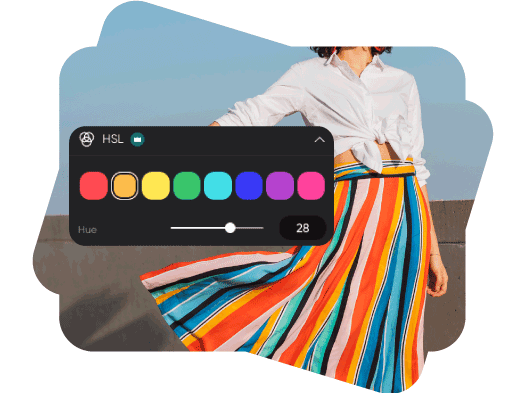
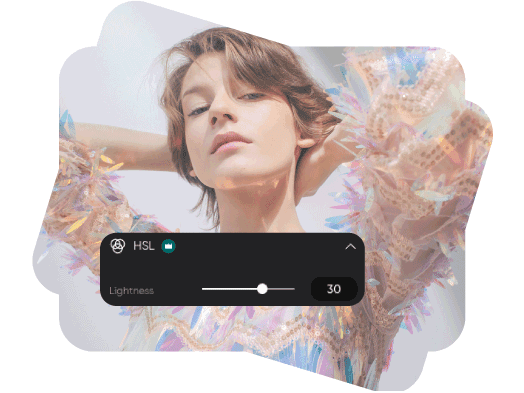
全新:Seedream 5.5 现已上线。优化图像,同时保留你喜欢的细节。

调整色相、饱和度和明度的 HSL 颜色编辑器

微调照片中已有的颜色。使用 HSL 控件调整色相、饱和度和明度,并在编辑时对比效果。
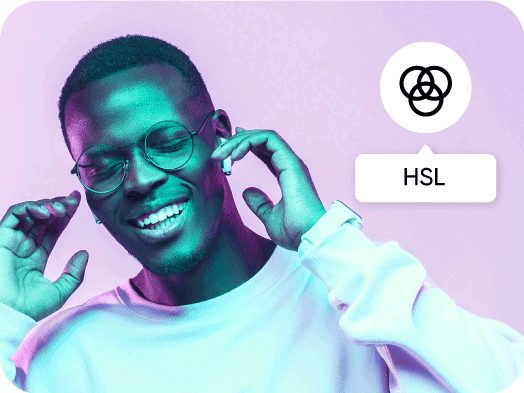
用示例照片试试 HSL 编辑

在“调整”中打开示例照片,然后展开 HSL,尝试调整照片中的颜色。

照片编辑中的 HSL 是什么?

HSL 代表色相、饱和度和明度。色相用于改变颜色,饱和度用于调整颜色强度,明度则用于调亮或调暗颜色。在 Picsart 中,HSL 控件可调整照片中的某个颜色范围,因此你可以优化风景中的绿色或服装上的红色,而无需对所有颜色应用相同的变化。

调整颜色范围的色相

选择照片中呈现的一种颜色,然后移动色相滑块,探索相近的色调。优化绿色植被、蓝色天空或点缀色,同时查看所选颜色范围在图像中的变化。

  • 选择调整色域
为照片换一种色调

通过饱和度控制颜色强度

提高饱和度,让颜色更鲜明;降低饱和度,营造更柔和的效果。调整所选颜色范围,并在切换到照片中的其他颜色前对比细微变化。
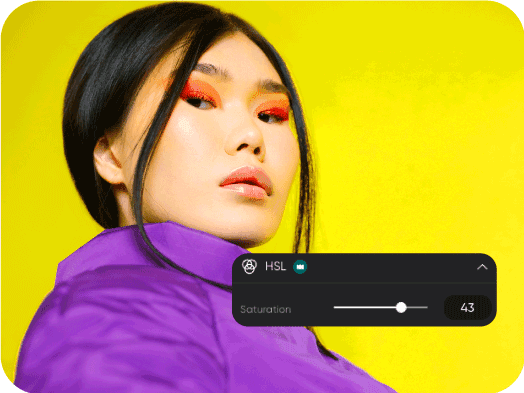
用饱和度营造氛围

优化明度,不必调亮所有颜色

使用明度滑块调亮或调暗所选颜色范围。可用于优化衣物颜色、背景细节或产品点缀色,然后结合色相和饱和度调整,让效果更加协调。

  • 细化颜色明度
调整明度,优化照片

如何在线调整 HSL 颜色

在编辑器中打开一张照片即可开始。当前编辑工具中的 HSL 标记为 Pro。

How to

上传照片

点击上方的“上传图片”,或打开编辑器并添加照片。

Picsart HSL 颜色

HSL 颜色编辑常见问题

  • 色相描述颜色本身,饱和度描述颜色的强度,明度描述颜色的明暗程度。调整其中一个控件,即可优化对应的属性,无需同时更改其他两项。

Picsart 媒体报道

MashableEsquirePeopleForbesTechCrunchBuzzFeed

精细调整颜色,打造精致设计和品牌视觉效果

SAVE UP TO 50%

Pro

Most popular

AI tools for everyday creative work.

$15 $10.5/mo
Billed yearly
You save $54 with yearly
Trending models
Full access
  • Seedance 2.04K 15s
  • Seedream 5.52K
  • MiniMax H32K 15s
  • GPT Image 2.6Fast
  • Access to all photo & video editing features
  • Advanced background & object removal
  • Parallel video generations with the world's most powerful AI video models
  • Unlimited image generations with Flex.2 Klein
  • 1-tap image enhancer
  • Millions of stock photos & Getty video clips
  • Selection of trendy fonts, text styles & stickers
  • Thousands of premium templates
  • Support for 3+ brand kits
  • Bulk edit up to 50 images at once
  • 100 GB of cloud storage
New features:
  • 15+ creative AI agents that plan, execute, and deliver — across video, brand, localization, and more
  • Auto-generate content from your terminal or agent with the Picsart CLI
  • Use Picsart inside Claude Code, Cursor, and ChatGPT via MCP

Ultra

Most powerful

Heavy AI usage for creators & teams.

$45 $24.5/mo
Billed yearly
You save $246 with yearly
Trending models
Full access
  • Seedance 2.51080p 30s
  • Seedream 5.52K
  • MiniMax H32K 15s
  • GPT Image 2.6Fast
  • 200+ leading AI video, image, and audio models (Kling 3.0, Nano Banana, MiniMax H3, Seedance 2.5 & more)
  • Parallel video generations with the world's most powerful AI video models
  • Early access to advanced AI features
  • Unlimited image generations with Flex.2 Klein
  • Option to buy add-on credits that never expire
  • Up to 6.5 million Getty stock videos
  • Bulk edit up to 100 images at once
  • Support for 10+ brand kits
  • Create ad variations & localize
  • Track ads performance
  • Add team seats
  • 300 GB of cloud storage per seat
New features:
  • 15+ creative AI agents that plan, execute, and deliver — across video, brand, localization, and more
  • Auto-generate content from your terminal or agent with the Picsart CLI
  • Use Picsart inside Claude Code, Cursor, and ChatGPT via MCP