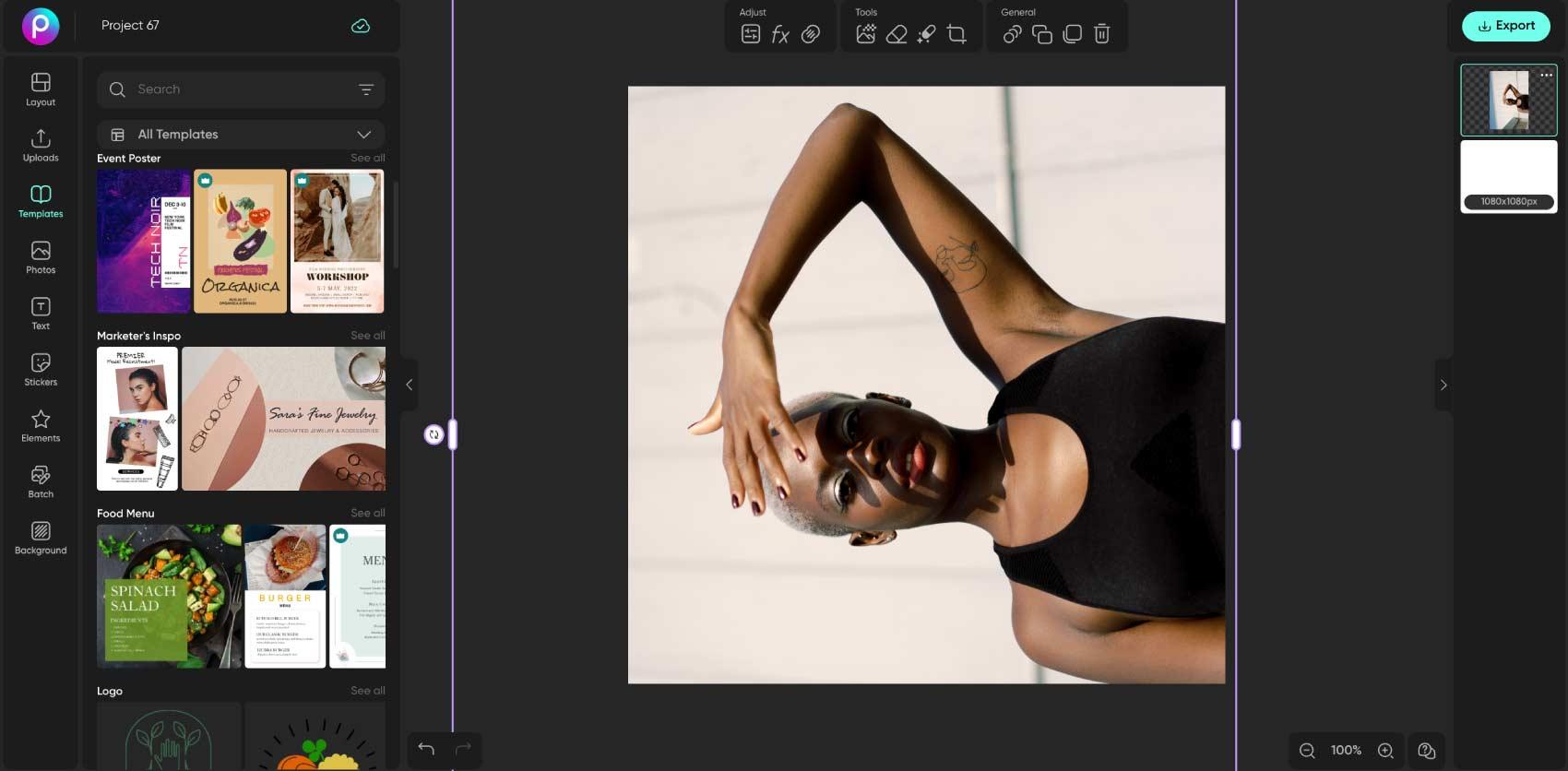
在线旋转图片

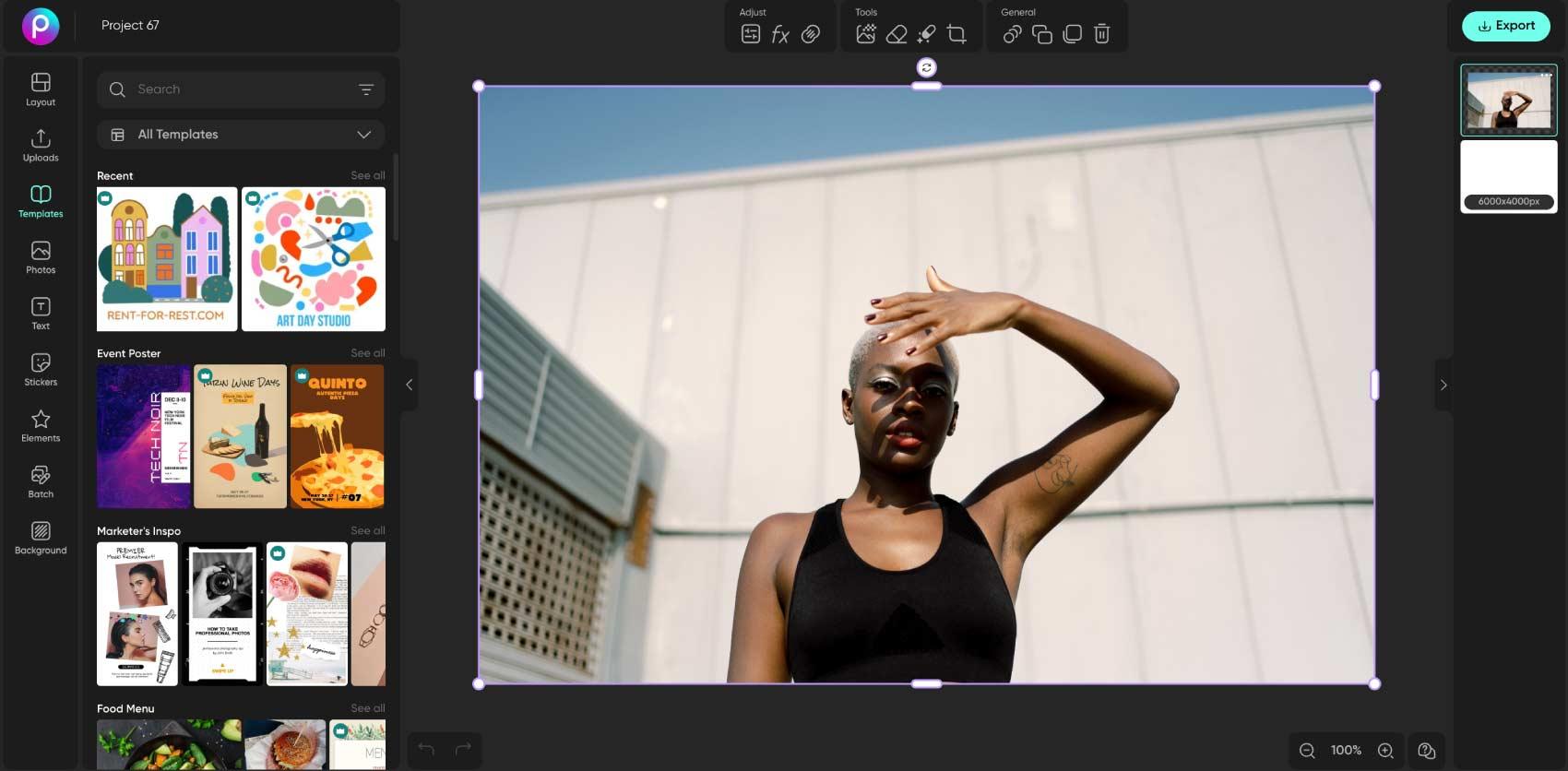
修正方向不对的图片,或为照片换个角度。将图片上传到编辑器,旋转选中的照片,并在保存前检查构图。

调整照片方向
  • 更改方向

    将横向或倒置的照片转到你需要的方向。

  • 检查画面

    旋转后检查边缘,必要时进行裁剪。

  • 保存完成的图片

    检查主体和最终构图后,再导出图片。

如何旋转图片

How to

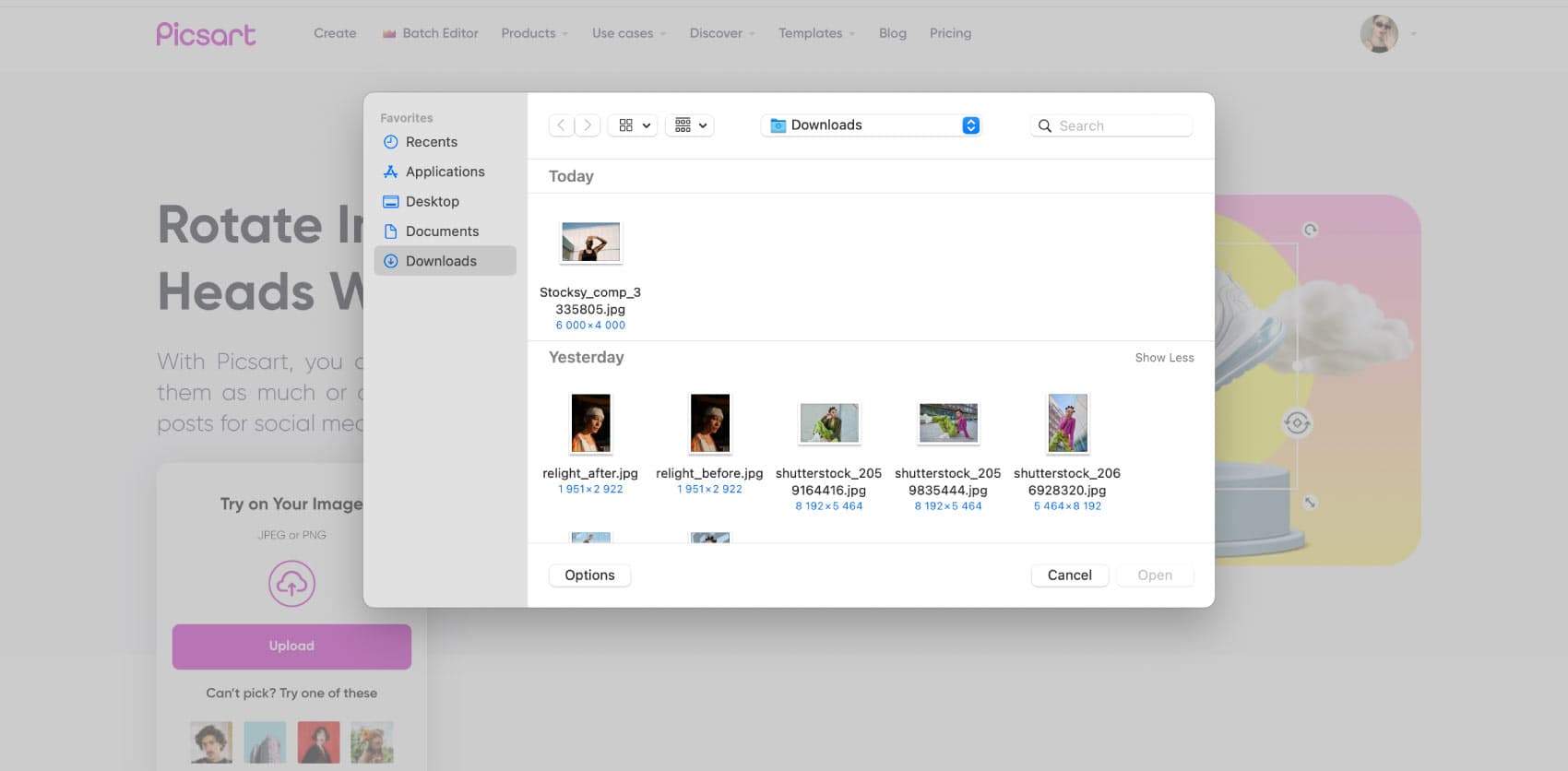
上传图片

选择照片,在 Picsart 编辑器中打开。如果想保留一份对照图,可以从原始图片开始编辑。

如何旋转图片教程

参照合适的基准线摆正图片

稍微旋转一下,就能让倾斜的地平线或产品照片更易观看。选择画面中的一条基准线,例如桌沿或建筑物边缘,旋转时将它与画框进行对比。调整角度后检查整张图片。摆正图片可能会露出空白角落,因此要为裁剪留出空间,不要让重要细节紧贴边缘。

  • 用地平线或边缘引导角度
创意图片旋转效果

旋转、翻转和裁剪,解决不同问题

旋转会让照片围绕中心转动。翻转会沿左右或上下方向镜像图片。裁剪则会移除画面中的一部分。使用 翻转图片来创建镜像效果,或使用裁剪图片来调整画面构图。选择适合当前需求的编辑方式,然后检查文字和徽标,确保它们仍按预期显示。

一次批量旋转多张图片

为照片打造恰到好处的创意角度

旋转也可以是一种设计选择。倾斜产品照片,将人像斜向构图,或在主体旁为说明文字留出空间。角度应与版面其他部分协调,并检查是否有重要内容被裁掉。旋转后,你可以调整成品图片尺寸,或继续在照片编辑器中添加文字和贴纸。

  • 构图有意倾斜
创意图片旋转效果

逐张检查整组图片

一组照片可能需要统一方向,尤其是在制作产品图库或作品集时。编辑前先检查哪些图片需要旋转,并对比整组图片的最终构图。探索 批量照片编辑器,了解可用的批量处理方式;添加整组图片前,请确认支持所需的操作。

一次批量旋转多张图片

图片旋转常见问题

  • 将图片上传到 Picsart,在画布上选中图片,然后使用旋转控件。检查画面后,导出编辑好的图片。

编辑照片,打造精致的创作者内容

比较不同套餐,找到适合你使用的编辑工具和功能。

Pro

Most popular

AI tools for everyday creative work.

$15 $10.5/mo
Billed yearly
You save $54 with yearly
  • Access to all photo & video editing features
  • Advanced background & object removal
  • Parallel video generations with the world's most powerful AI video models
  • Unlimited image generations with Flex.2 Klein
  • 1-tap image enhancer
  • Millions of stock photos & Getty video clips
  • Selection of trendy fonts, text styles & stickers
  • Thousands of premium templates
  • Support for 3+ brand kits
  • Bulk edit up to 50 images at once
  • 100 GB of cloud storage
New features:
  • Auto-generate content from your terminal or agent with the Picsart CLI
  • Use Picsart inside Claude Code, Cursor, and ChatGPT via MCP — coming soon
  • AI agents for multi-step workflows and batch generation — coming soon

Ultra

Most powerful

Heavy AI usage for creators & teams.

$45 $24.5/mo
Billed yearly, per seat
You save $246 with yearly
  • Everything in Pro
  • Early access to advanced AI features
  • Leading AI models to design & automate workflows (Nano Banana, Veo 3, Seedance 2.0 & more)
  • Parallel video generations with the world's most powerful AI video models
  • Unlimited image generations with Flex.2 Klein
  • Support for 10+ brand kits
  • Add team seats
  • Create ad variations and localize
  • Track ads performance
  • 2000 credits for API services
  • Bulk edit up to 100 images at once
  • 300 GB of cloud storage per seat
New features:
  • Auto-generate content from your terminal or agent with the Picsart CLI
  • Use Picsart inside Claude Code, Cursor, and ChatGPT via MCP — coming soon
  • AI agents for multi-step workflows and batch generation — coming soon

Enterprise

Custom AI solutions for large organizations.

Custom credit volume
  • Volume discounts on credit rate
  • On-demand top-ups
Custom
Contact for pricing
  • Access to photo & video editor SDKs
  • Mobile web SDK support
  • Prepaid or pay-as-you-go creative APIs
  • Embed professional-grade editing into your product or workflow
  • Fully configurable editing experience
  • White-label to match your brand
  • Support for built-in marketing, e-commerce & printing use cases
  • Bring your own assets: images, templates & fonts
  • Enterprise-grade security, SLAs & support
  • Dedicated account manager