LTX 2.3 Outpaint: expand video beyond its original frame
LTX 2.3 Outpaint runs inside Picsart's AI Playground and expands video past the edges of the frame. Your source clip stays put in the center while a brand-new surrounding region is generated to match it, turning a vertical phone clip into a cinematic ultrawide 21:9 shot or opening up any composition without re-shooting.
- Expand footage beyond its frame
- Adapt existing clips to wider formats
See what LTX 2.3 Outpaint can expand

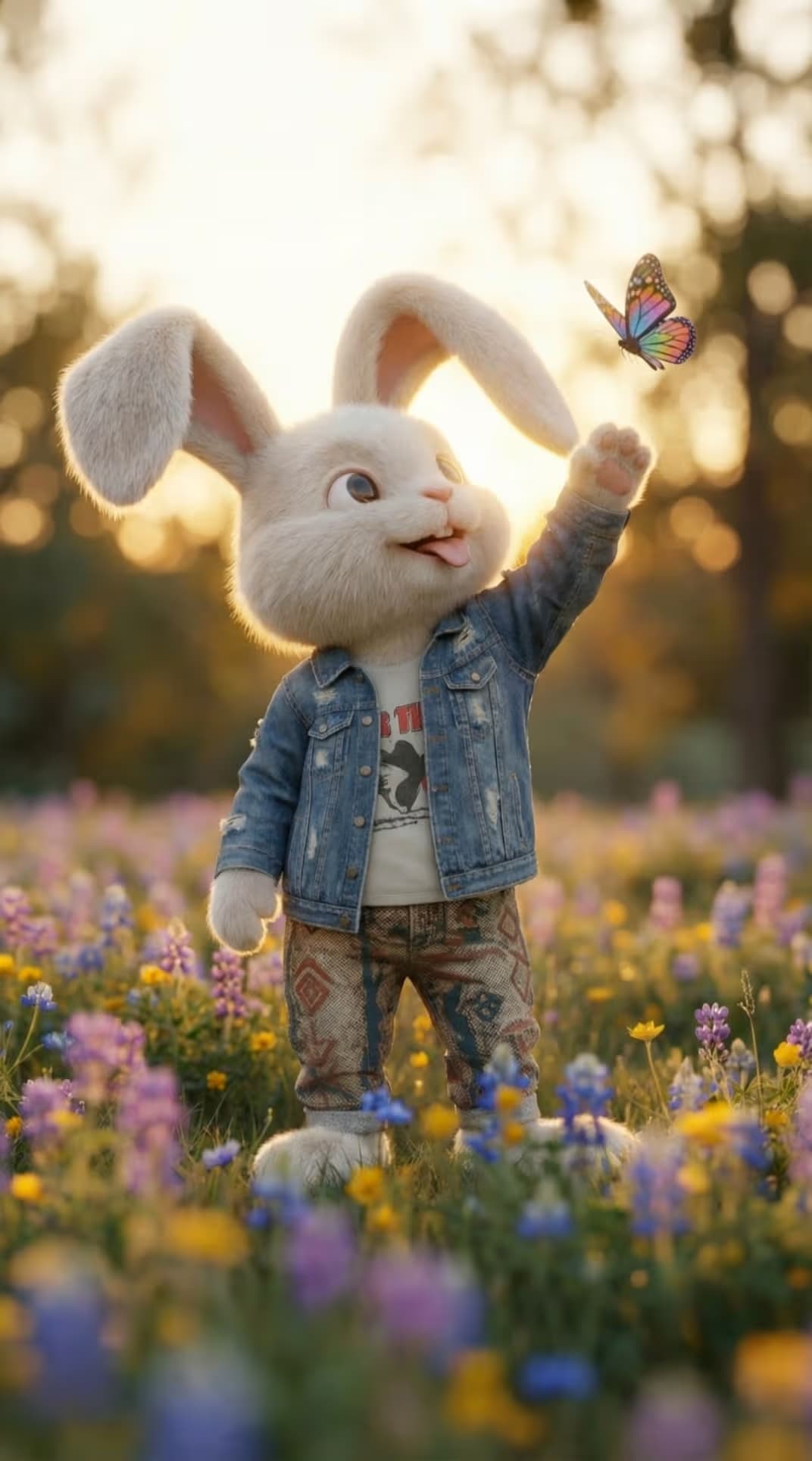
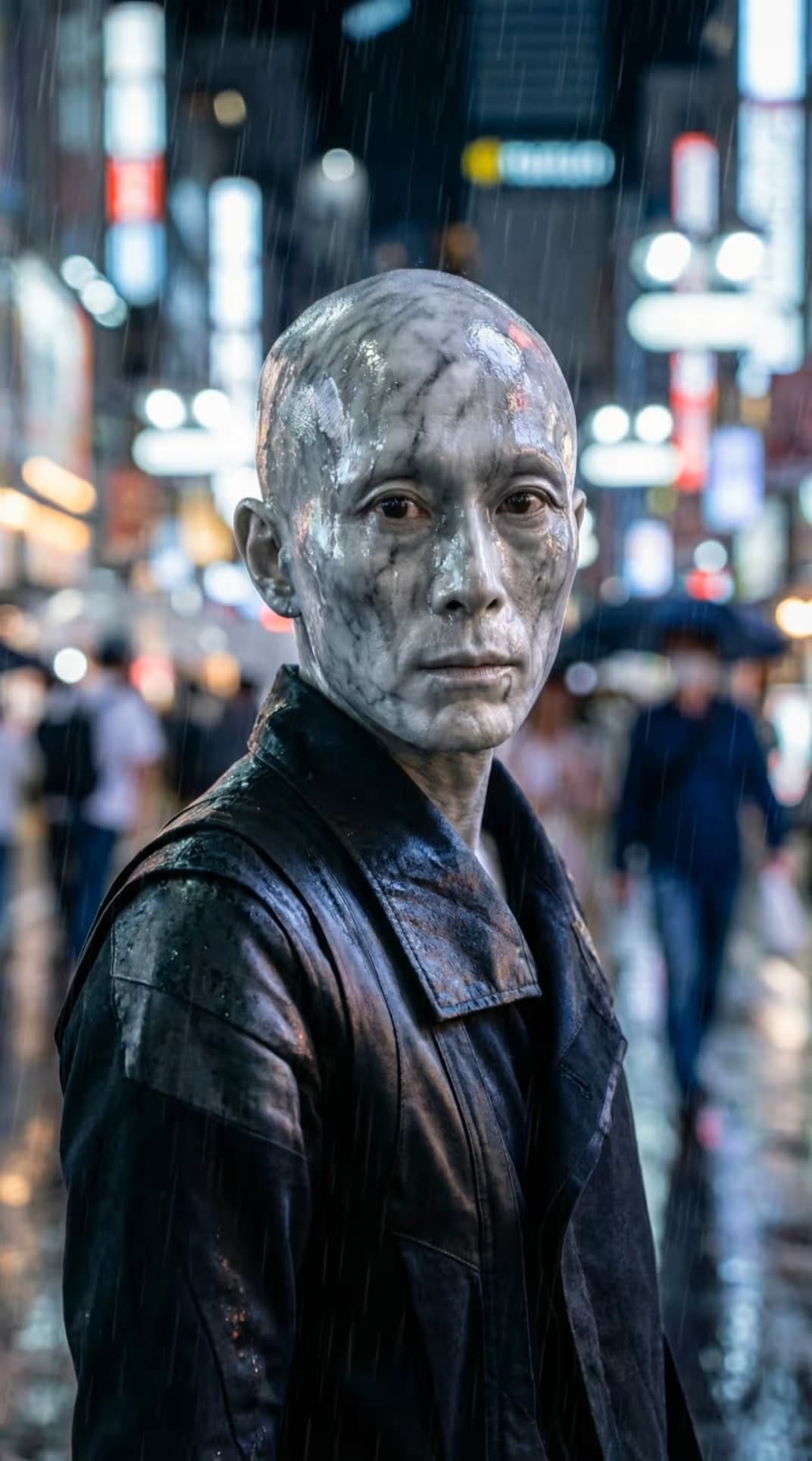
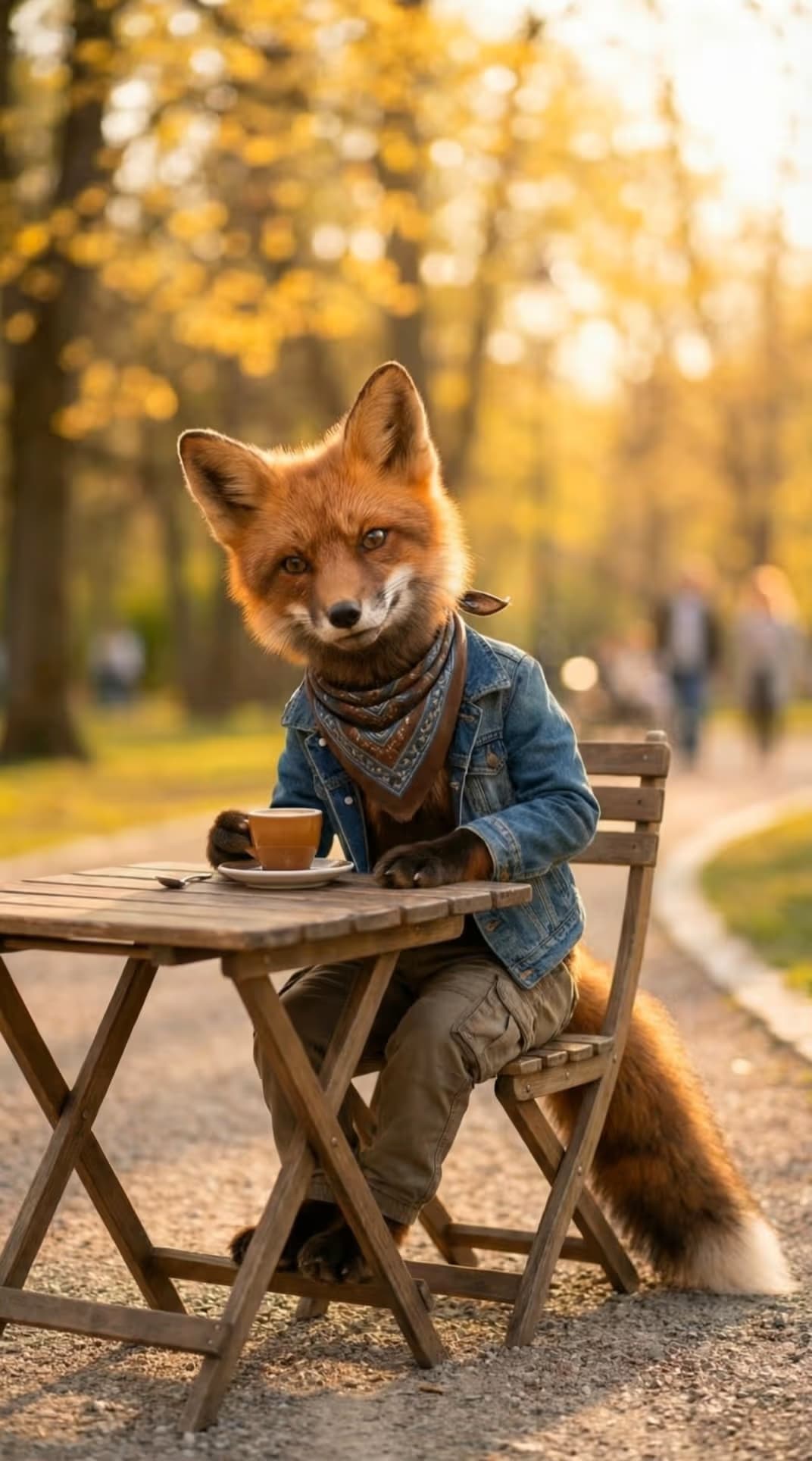



What is LTX 2.3 Outpaint?
LTX 2.3 Outpaint is a video-to-video outpainting model that expands the canvas of an existing clip. Unlike reframing, which crops and re-centers what's already there, outpaint keeps your original footage fixed and generates entirely new content in the area around it. Guided by your text prompt, it paints a wider world beyond the original borders, extending backgrounds, sky, scenery, and set so the shot feels like it was filmed at a larger size all along. It's part of the LTX family alongside LTX 2.3 Reframe, the higher-fidelity LTX 2.5 Pro, and the faster LTX 2.5 Fast.
Expand video to ultrawide 21:9 and beyond
Reshape any clip into the format you need. LTX 2.3 Outpaint supports 21:9, 16:9, 4:3, 1:1, 3:4, 9:16, and 9:21, defaulting to an ultrawide 21:9 canvas, perfect for turning a portrait social clip into a widescreen cinematic frame. A sourceScale control decides how much of the canvas your original occupies, so you can push the frame out a little or open up a dramatically wider scene.
Prompt-driven expansion with deep control
Every expansion starts with a prompt (required, up to 5,000 characters), so you direct exactly what fills the new region. Fine-tune the result with a negative prompt, videoStrength, cfgScale, and adjustable inference steps, then choose 480p, 720p, or 1080p output (720p by default, up to 1080p). Frame count is configurable from 9 to 481 frames at 1 to 60 fps, with optional generated audio, giving you repeatable, production-ready control over how the wider shot is rendered.
What you can create with LTX 2.3 Outpaint
Turn portrait clips into ultrawide
Drop in a vertical 9:16 clip and expand it into a cinematic 21:9 frame. LTX 2.3 Outpaint keeps your subject centered and generates the surrounding scene, so social footage becomes widescreen-ready without re-shooting.
How LTX 2.3 Outpaint works inside Picsart
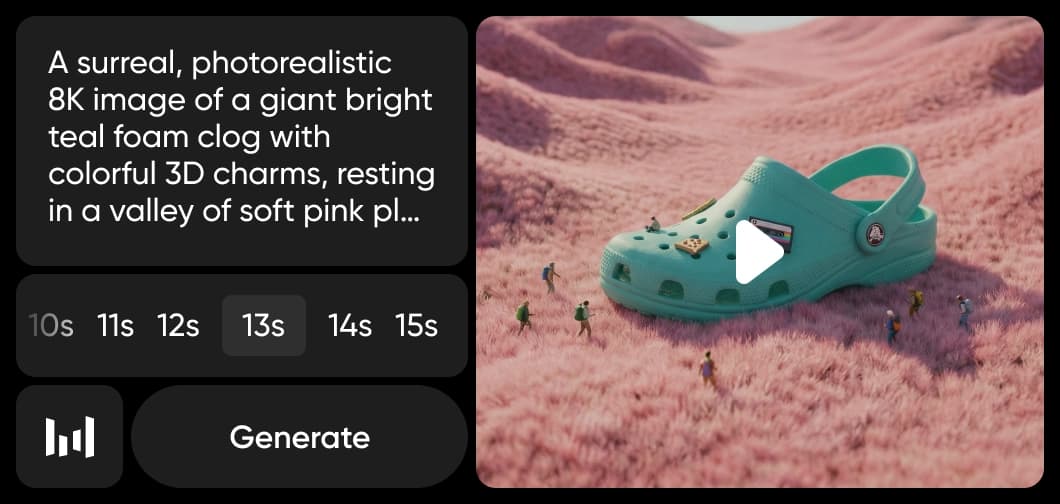
Picsart runs LTX 2.3 Outpaint inside its AI Playground: upload a clip, write a prompt describing what should fill the wider frame, pick your aspect ratio and resolution, and the model generates the expanded video for you. Developers can reach the same model beyond the browser through the desktop app, REST API, SDK, CLI, and MCP, so canvas expansion fits both quick creative work and automated production pipelines.
Understand video model choices
Learn how to compare video models and choose an output.



Explore more models like LTX 2.3 Outpaint
Compare LTX 2.3 Outpaint with other video models for expansion, editing, and cinematic clips.
LTX 2.3 Outpaint FAQ
LTX 2.3 Outpaint expands a video beyond its original frame. Your source clip stays fixed in the center and the model generates a new surrounding region to match, widening the canvas, for example turning a vertical clip into an ultrawide 21:9 shot. Unlike reframing, which crops and re-centers existing footage, outpaint adds brand-new content around it.
Generate AI visuals with LTX 2.3 Outpaint
Pro
Most popularAI tools for everyday creative work.
Ultra
Most powerfulHeavy AI usage for creators & teams.