أضف الموسيقى إلى الفيديو عبر الإنترنت
اختر موسيقى تصويرية تناسب الفيديو. تصفح تطبيق Audio أو حمّل مقطعًا يمكنك استخدامه، ثم اضبط توقيته ومستوى صوته ليتناسق مع لقطاتك.
- حدد الجو بموسيقى تصويرية
- حافظ على وضوح الأصوات في المزيج
اجعل الصوت مناسبًا للفيديو
كيفية إضافة الموسيقى إلى الفيديو
أضف إلى لقطاتك موسيقى تصويرية تخدم هدفًا
يمكن لإضافة الموسيقى إلى الفيديو أن تحدد إيقاعه، أو تصل بين مشاهده، أو تجعل المونتاج القصير يبدو مكتملًا. انطلق من رسالة مقطعك، لا من أعلى المقاطع صوتًا. قد تناسب الموسيقى الهادئة المصحوبة بآلات موسيقية شرحًا منطوقًا، بينما قد يلائم الإيقاع الأقوى عرض منتج. استمع إلى الموسيقى مع اللقطات قبل اعتمادها، وحافظ على تناسق الصوت عند الانتقال بين المشاهد.


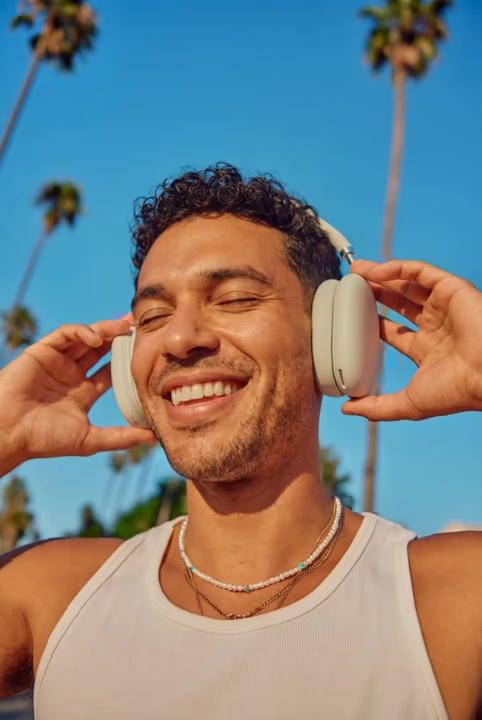





تصفّح الموسيقى أو حمّل ملفك الصوتي
يتيح لك تطبيق Audio تصفح فئات تشمل الهيب هوب والبوب والموسيقى الهادئة والدرامية والسينمائية. استمع إلى معاينة المقاطع لمقارنة إيقاعها وأجوائها قبل إضافة أحدها إلى الفيديو. ويمكنك أيضًا استخدام Upload لإضافة ملف صوتي من جهازك. تحقّق من شروط استخدام المقطع وطريقة استخدامك له قبل النشر؛ فتوفر ملف صوتي لا يعني تلقائيًا أنه مرخّص للاستخدام على جميع المنصات أو في كل المشاريع التجارية.
- استخدم مقطعًا يناسب القصة
أضف تعليقًا صوتيًا عندما تحتاج القصة إلى شرح
تضفي الموسيقى أجواءً معينة، بينما يمكن للتعليق الصوتي أن يشرح منتجًا أو يقدّم مشهدًا أو يرشد المشاهد خلال درس تعليمي. اجعل السرد واضحًا واترك فواصل بين الجمل المنطوقة عندما تستدعي المرئيات الانتباه. استكشف AI Voice Generator لاستخدام ميزة تحويل النص إلى كلام بشكل منفصل، ثم استخدم صوتًا مسموحًا لك بإضافته إلى الفيديو. استمع إلى الصوت والموسيقى معًا قبل التصدير.
وازن الموسيقى الخلفية مع الأصوات والمؤثرات الصوتية
استمع إلى الفيديو بمستوى صوت عادي، وتحقق من كل جزء يتضمن كلامًا. اخفض صوت الموسيقى الخلفية عند الحاجة لتظل الكلمات واضحة. إذا كان المونتاج يتضمن مؤثرًا صوتيًا أو أكثر من طبقة صوتية، فراجع تداخل الأصوات بدلًا من تقييم كل مقطع على حدة. تحقق من خيارات التلاشي المتاحة لتجعل البداية أو النهاية أكثر سلاسة، وتجنب قطع الموسيقى فجأة بينما لا يزال المشهد الأخير ظاهرًا.
- وفر مساحة للكلام والموسيقى للعمل معًا
أكمل الصورة بعد ضبط الصوت
تكون الموسيقى التصويرية أفضل عندما ترافق تسلسلًا مرئيًا واضحًا. اقتطع الفيديو لإزالة بداية بطيئة أو نهاية غير مرغوبة، واستخدم تراكبات النص عندما يحتاج المشاهدون إلى عنوان أو تسمية قصيرة. راجع الموسيقى مجددًا بعد تغيير المدة للتأكد من ملاءمتها للنسخة النهائية. الهدف هو فيديو متكامل يدعم فيه الصوت والمرئيات الرسالة نفسها.
أضف موسيقى تصويرية تناسب هدف الفيديو
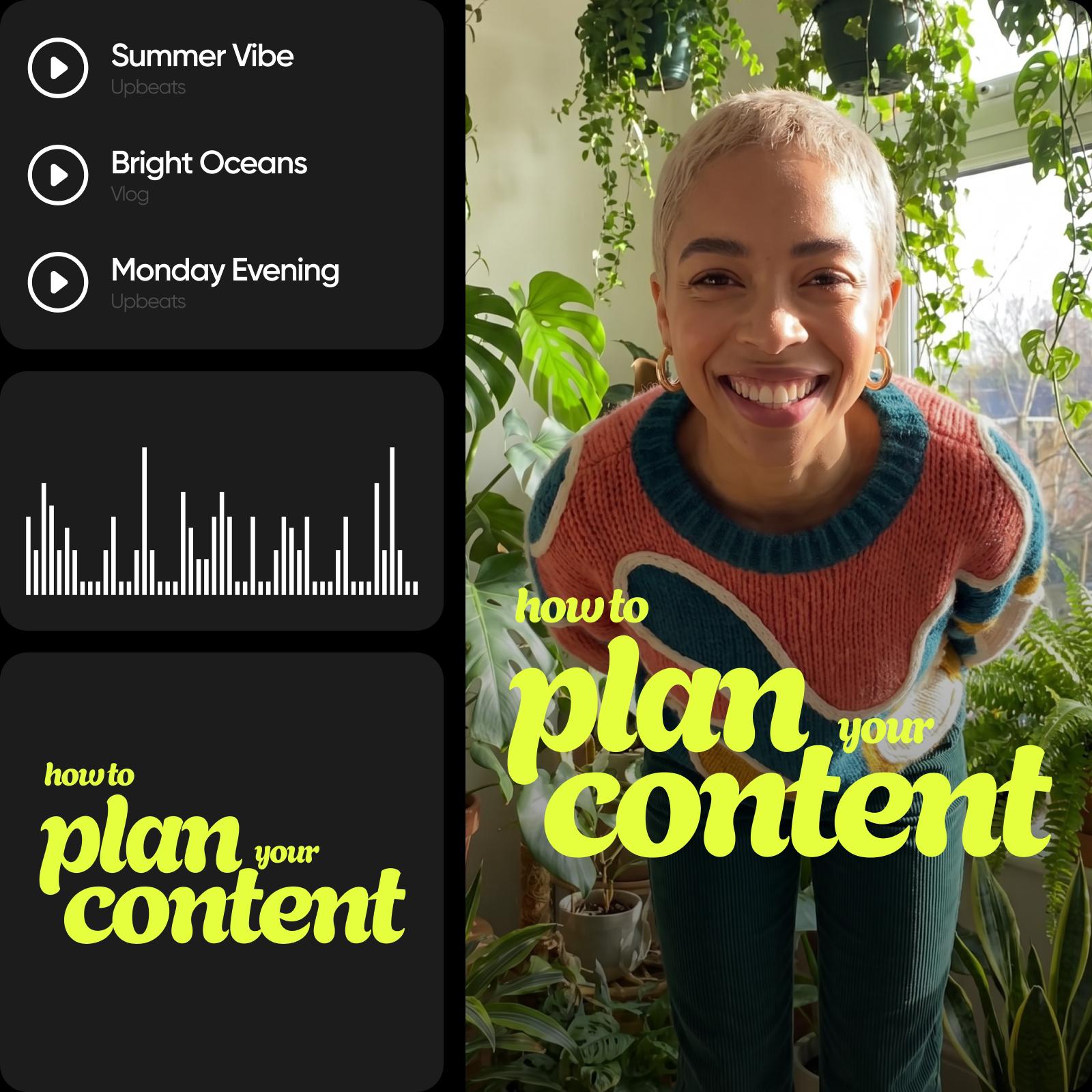
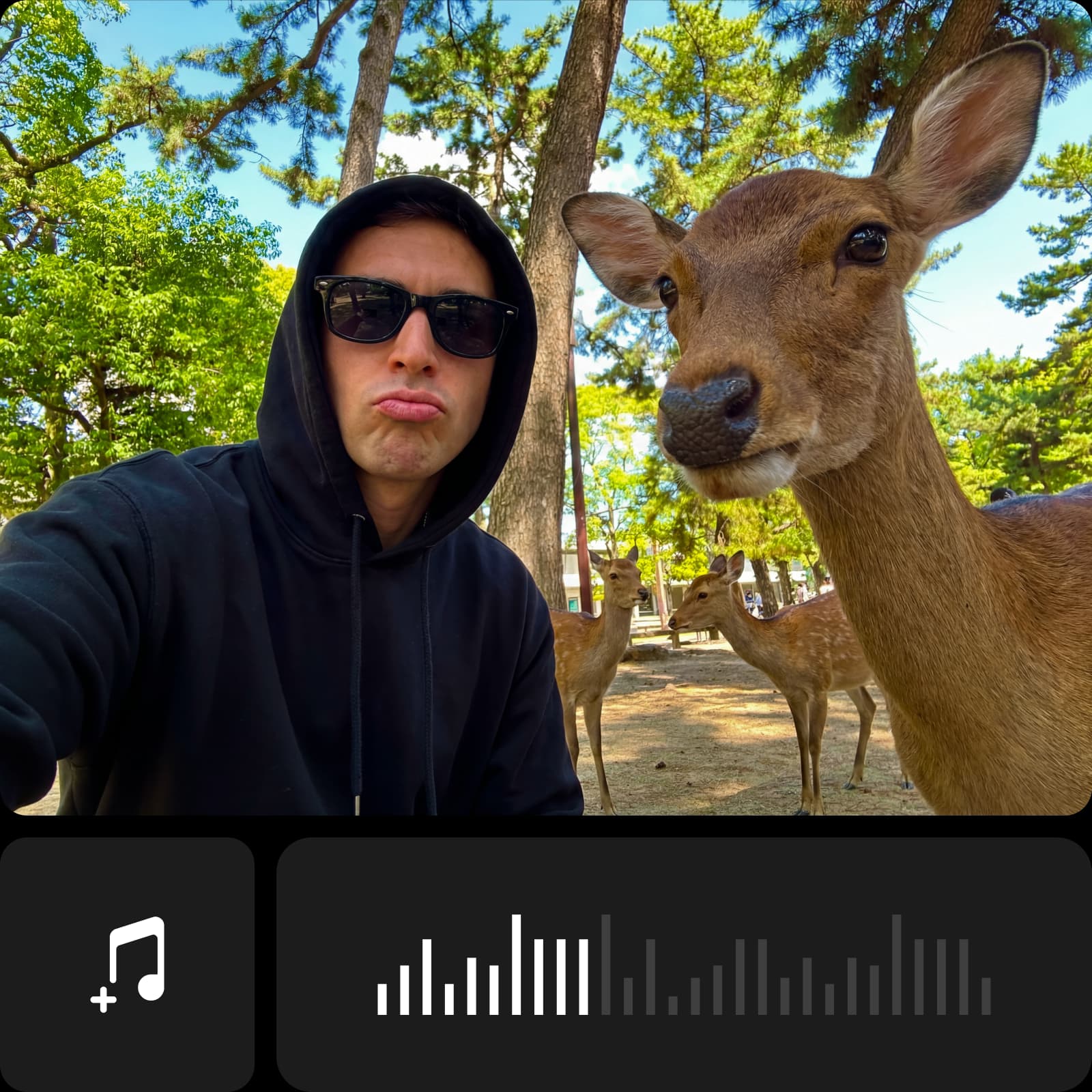
أنشئ ملفًا صوتيًا جديدًا عند الحاجة
إضافة مقطع موجود وإنشاء مقطع جديد مهمتان منفصلتان. استكشف كتالوج نماذج الصوت للاطلاع على خيارات الموسيقى والصوت المتاحة. راجع مخرجات النموذج وشروط الاستخدام قبل إضافتها إلى الفيديو. استمع إلى الصوت النهائي مع لقطاتك، ثم اضبط توقيته ومستوى صوته كما تفعل مع أي موسيقى تصويرية أخرى.
الأسئلة الشائعة حول إضافة الموسيقى إلى الفيديو
افتح الفيديو في Picsart، واستخدم تطبيق Audio لاختيار مقطع موسيقي أو تحميله. اضبط توقيته ومستوى صوته، وراجع الفيديو كاملًا مع الصوت، ثم صدّر النتيجة.
حرّر فيديوهات جاهزة للمشاركة بصوت مميز
قارن الخطط واختر أدوات التحرير والميزات التي تريد استخدامها.
Pro
Most popularAI tools for everyday creative work.
Ultra
Most powerfulHeavy AI usage for creators & teams.
Enterprise
Custom AI solutions for large organizations.
- Volume discounts on credit rate
- On-demand top-ups