Picsart for Codex: One install, 140+ models, straight in your code.

Create add shadow to image with AI image models

Use image models to transform add shadow to image into polished visuals, design ideas, and ready-to-edit assets.

GPT Image 2New
Next-gen GPT image model with arbitrary output dimensions and multi-image input.Reference inputImage generationSee model
Nano Banana 2New
Fast 4K generation with accurate text and search-grounded accuracy.4KFast generationImage generationSee model
Nano Banana ProNew
Top-tier 4K images with precise multilingual text rendering.4KPro qualityImage generationSee model
Flux 2 FlexNew
Adaptable generation across varied visual styles at 2K.Image generationSee model
Seedream 5.0 Lite
Speedy 3K output with negative prompt and dual-image input support.Reference inputFast generationImage generationSee model
Kling 3.0 Image
Cinematic visuals with up to 4K resolution and 10 reference images.Reference input4KCinematicSee model
Kling O1 Image
O1-architecture image generation with multi-reference support.Reference inputCinematicImage generationSee model
Kling V2 New Image
Latest V2 image generation with optional restyle via image reference.Reference inputCinematicImage generationSee model
Hunyuan V3
Infographic-friendly generation with readable text and cfg control.Image generationSee model
Luma UNI-1
Luma UNI-1 — agentic image generation and editing with up to 9 reference images.Reference inputCinematicImage generationSee model
Luma UNI-1 Max
Luma UNI-1 Max — higher-quality UNI-1 variant with the same multi-reference editing controls.Reference inputCinematicImage generationSee model
Seedream 4.5
Detailed 4K renders with clean in-image text and dual-image input.Reference input4KImage generationSee model

How to add shadow to a picture

1

Upload an image

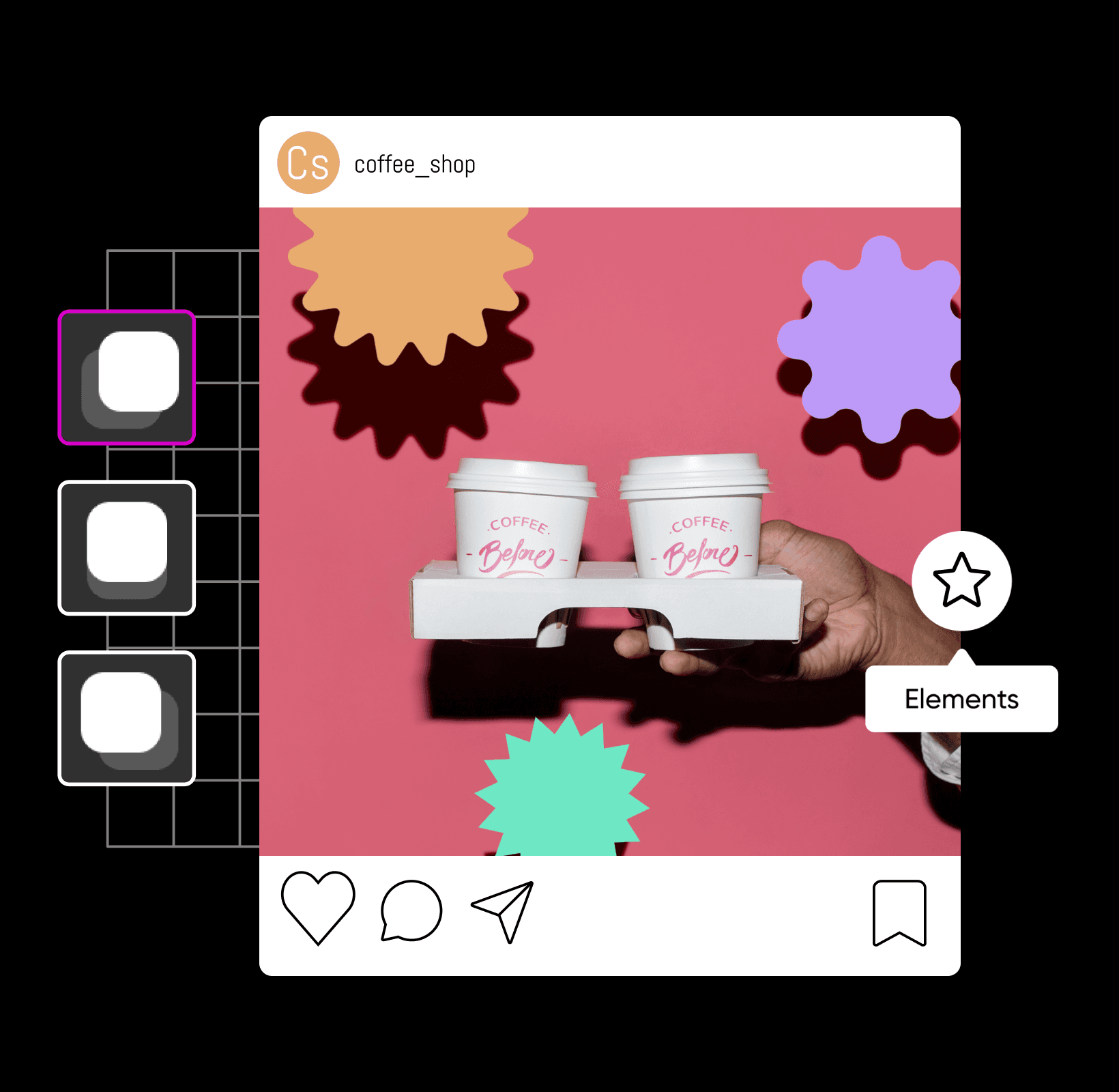
Select the image you’d like to edit or add shadows to.

2

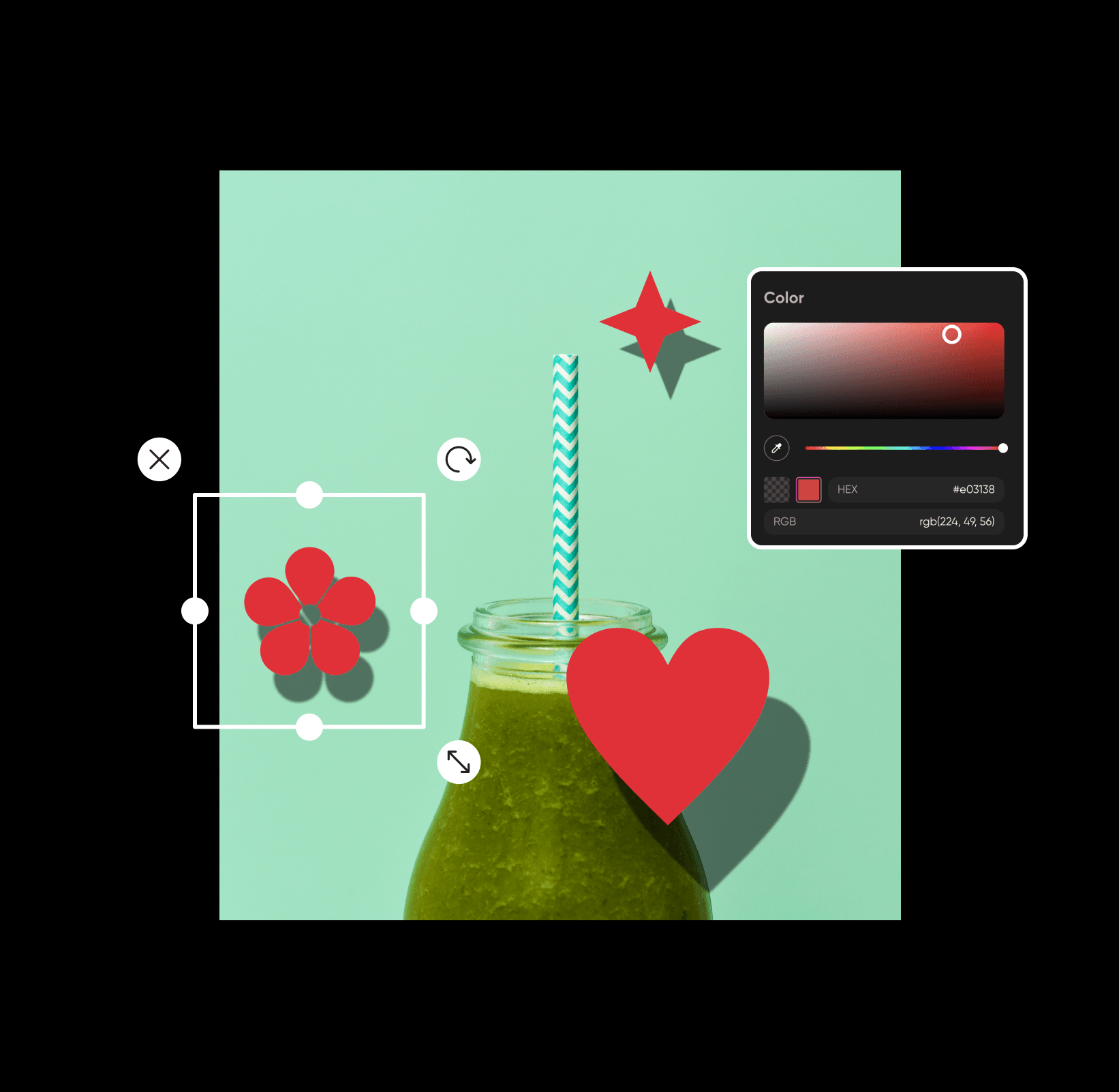
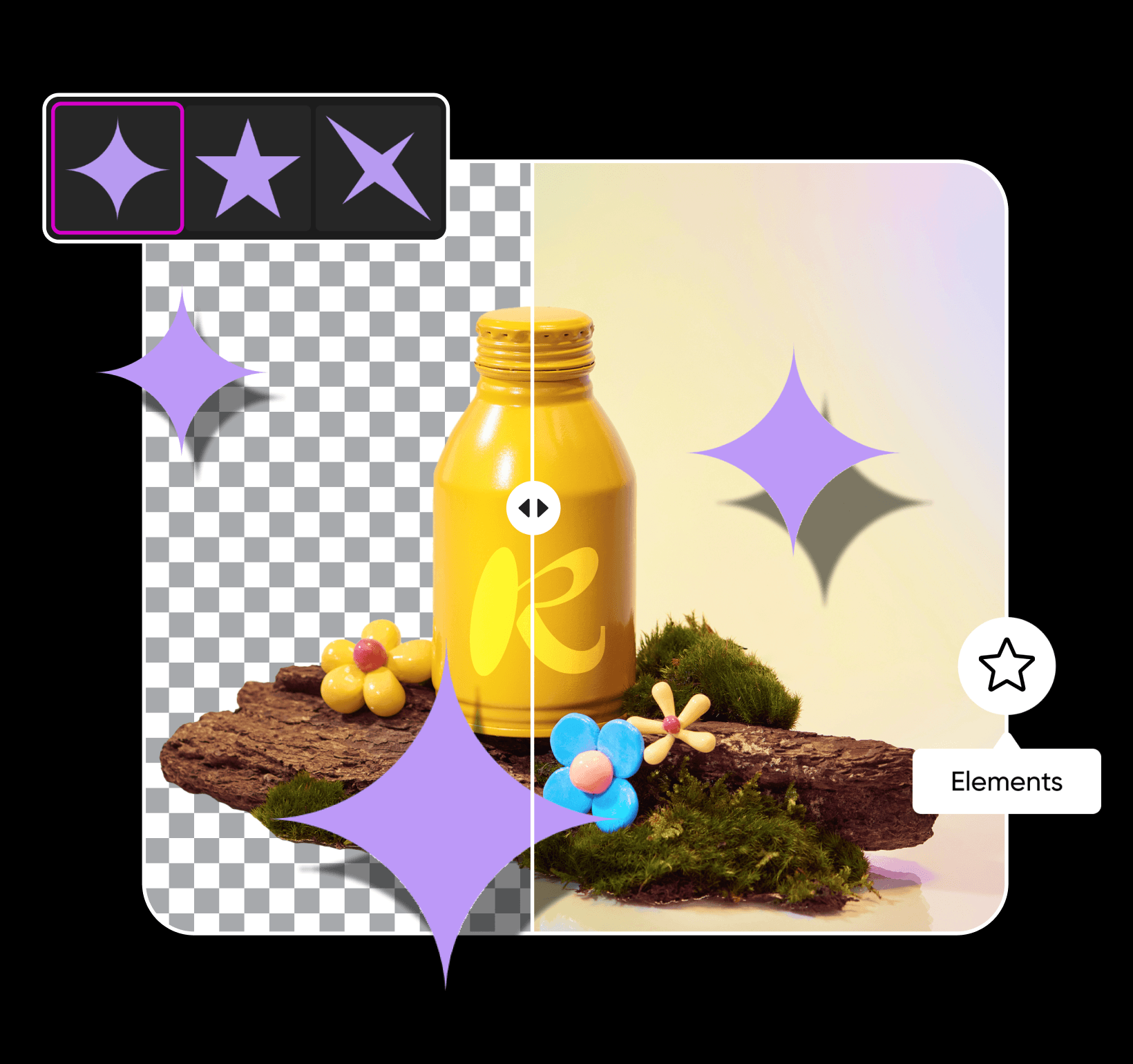
Choose elements

3

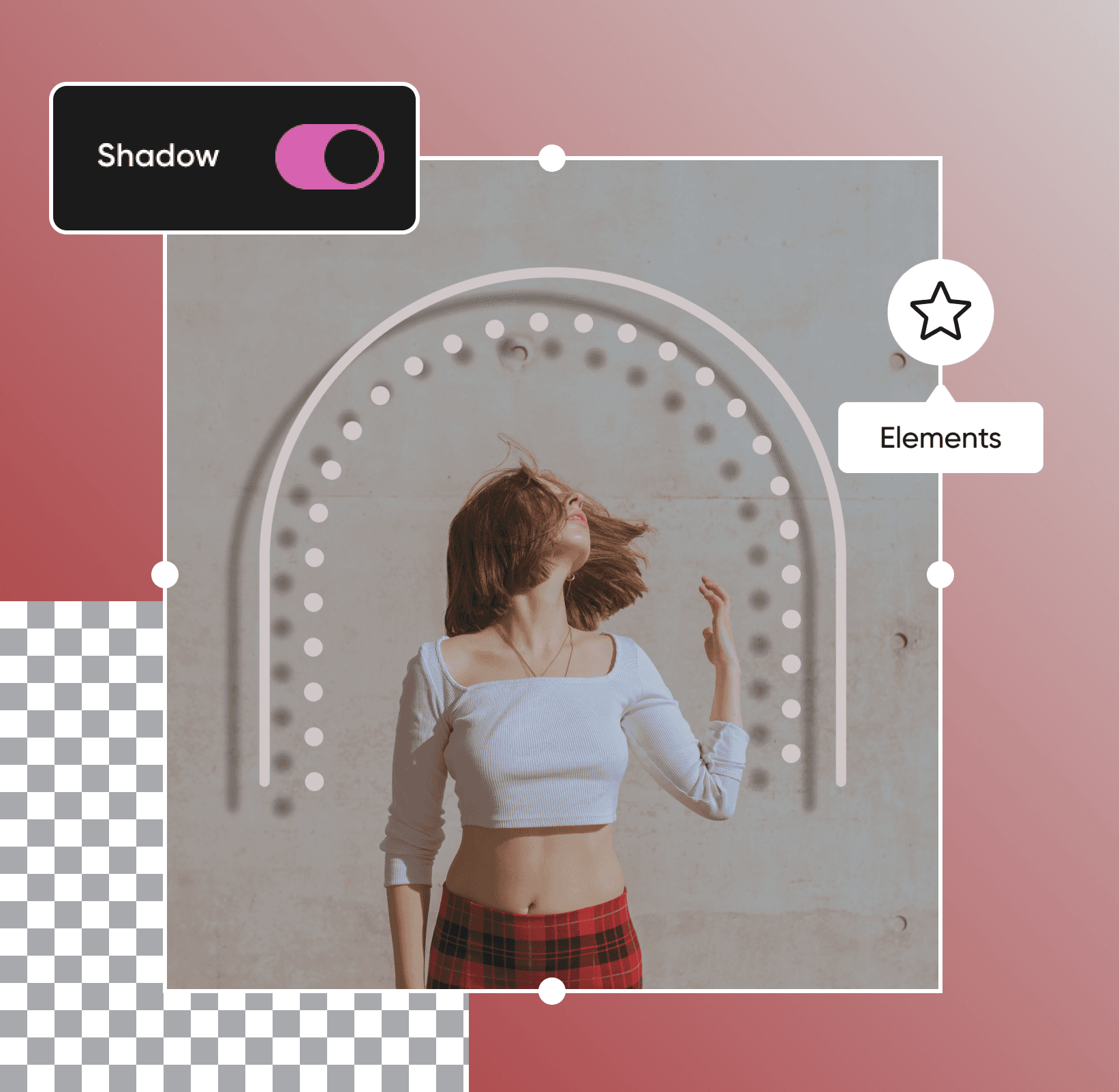
Add shadow

4

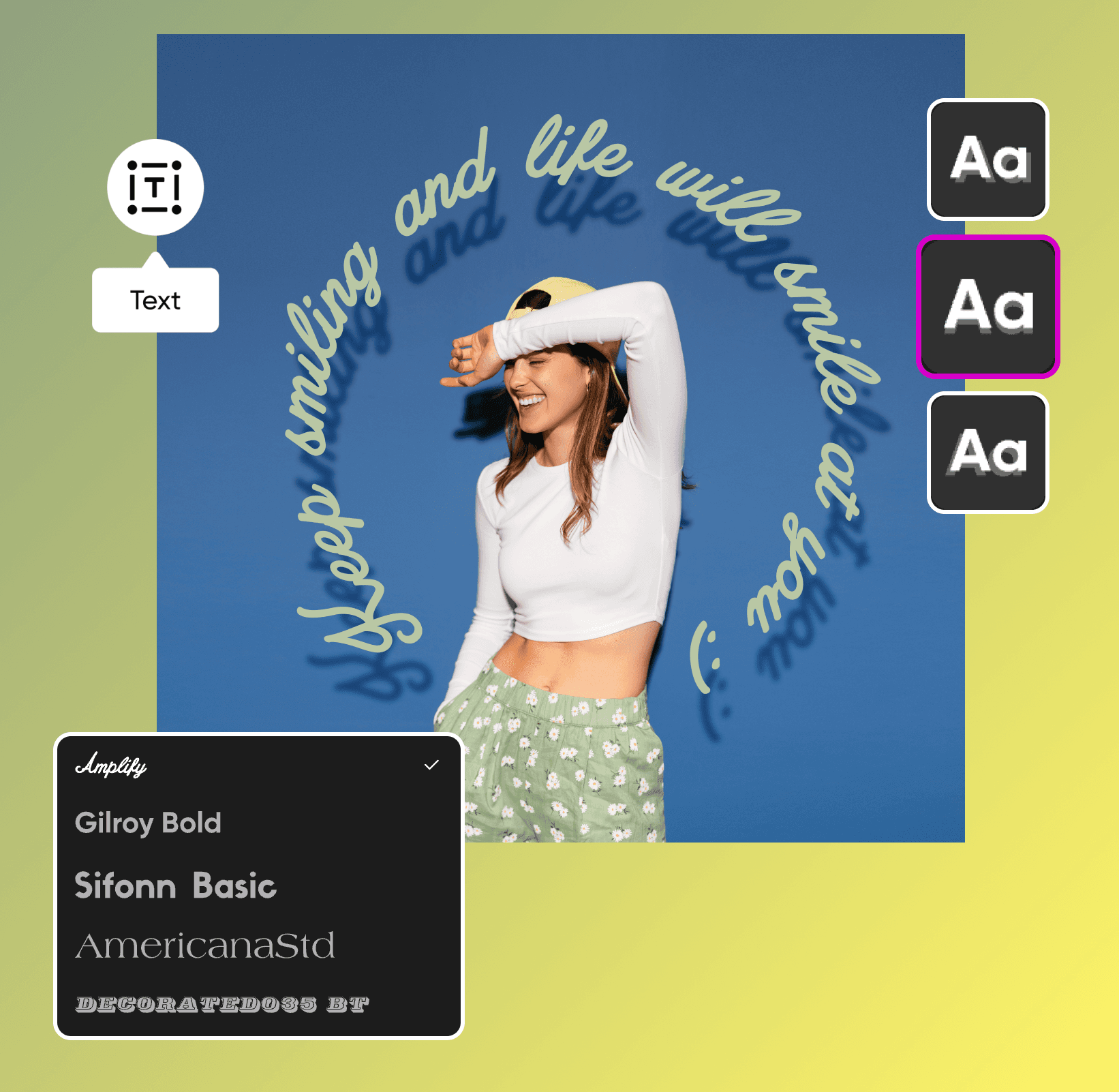
Edit shadow

5

Download edit


Add shadow to image FAQ

How do you add a shadow to a picture?

Is the add shadow to image feature in the Picsart editor free?

Yes, it’s free to add the shadow effect to images with the Picsart photo editor.

How fast is adding shadows to images in Picsart?

With Picsart, it only takes a few clicks (or taps) to upgrade your pictures with eye-catching photo shadow effects.

What are the benefits of adding the shadow effect to an image?

Shadow photo edits can help your pictures look more realistic and professional. Shadows can also make your subject stand out more, creating a dynamic and visually appealing composition.

In what formats can I export images with shadows?

When you’re finished with shadow editing, you can export your image as a JPG, PNG, WEBM, PDF, or MP4.

Elevate your designs with professional shadow editing

Add shadows to images online for free

Transform your picture with our pro-grade editing tools without worrying about any third-party software or subscriptions.

High-resolution images

When you’re finished adding shadows to photos, you can quickly download high-resolution pictures to share your designs with the world.

Enjoy instant results

Working on a last-minute project? Instantly enhance your marketing materials, product pictures, and more with shadow effects.

No technical skills required

Other photo editing tools can be complex, but Picsart is accessible to everyone. It only takes a few clicks to add shadows to images, even if you’re brand new to graphic design.

Ultra-realistic shadow effects

Whether you’re tweaking your photo composition or boosting text readability, you can optimize your shadows to make them look realistic every time.

Add the finishing touches with pro-grade editing tools

Need to add some extra artistic flair? Once you’ve added shadows, explore our easy-to-use editing tools to infuse your design with creativity.

Picsart in the press

Edit photos for polished creator content

Pro

الأكثر شعبية

أدوات الذكاء الاصطناعي للعمل الإبداعي اليومي.

012345678901234567890123456789credits/month
~ 100Nano Banana Pro generations
~ 55Kling 3.0 videos
أرصدة ثابتة/شهر
$15$10.5/mo
يتم الدفع سنويًا
أنت توفّر $54 مع الاشتراك السنوي
  • الوصول إلى جميع ميزات تعديل الصور والفيديو
  • إزالة متقدمة للخلفيات والكائنات
  • توليد مقاطع فيديو متوازية باستخدام أقوى نماذج الفيديو المدعومة بالذكاء الاصطناعي في العالم
  • توليد صور غير محدود مع Flex.2 Klein
  • محسِّن صور بلمسة واحدة
  • Millions of stock photos & Getty video clips
  • مجموعة من الخطوط العصرية، وأنماط النصوص والملصقات
  • آلاف القوالب المميزة
  • Support for 3+ brand kits
  • Bulk edit up to 50 images at once
  • 100 GB of cloud storage
ميزات جديدة:
  • 15+ creative AI agents that plan, execute, and deliver — across video, brand, localization, and more
  • قم بإنشاء المحتوى تلقائيًا من جهازك الطرفي أو وكيلك باستخدام واجهة سطر الأوامر Picsart
  • Use Picsart inside Claude Code, Cursor, and ChatGPT via MCP

Ultra

Most powerful

استخدام مكثّف للذكاء الاصطناعي للمبدعين والفرق.

0123456789,012345678901234567890123456789credits/month
~ 500Nano Banana Pro generations
~ 277Kling 3.0 videos
$75$60/mo
يتم الفوترة سنويًا، لكل مقعد
أنت توفّر $180 مع الاشتراك السنوي
5x استخدام أكثر من برو
  • 140+ leading AI video, image, and audio models (Kling 3.0, Nano Banana, Veo 3, Seedance 2.0 & more)
  • توليد مقاطع فيديو متوازية باستخدام أقوى نماذج الفيديو المدعومة بالذكاء الاصطناعي في العالم
  • وصول مبكر إلى مزايا الذكاء الاصطناعي المتقدمة
  • توليد صور غير محدود مع Flex.2 Klein
  • خيار شراء رصيد إضافي لا تنتهي صلاحيته أبدًا
  • ما يصل إلى 6.5 مليون مقطع فيديو من Getty
  • Bulk edit up to 100 images at once
  • Support for 10+ brand kits
  • Create ad variations & localize
  • تتبّع أداء الإعلانات
  • إضافة مقاعد للفريق
  • 300 GB of cloud storage per seat
ميزات جديدة:
  • 15+ creative AI agents that plan, execute, and deliver — across video, brand, localization, and more
  • قم بإنشاء المحتوى تلقائيًا من جهازك الطرفي أو وكيلك باستخدام واجهة سطر الأوامر Picsart
  • Use Picsart inside Claude Code, Cursor, and ChatGPT via MCP