حوّل الصور إلى لوحات وأعمال فنية عبر الإنترنت
أضف مظهرًا مرسومًا إلى صورة لديك. استكشف فلاتر الرسم والتأثيرات الفنية، وقارن الملامس في صورتك، وأكمل التصميم بتعديلات الألوان أو النص أو إطار.
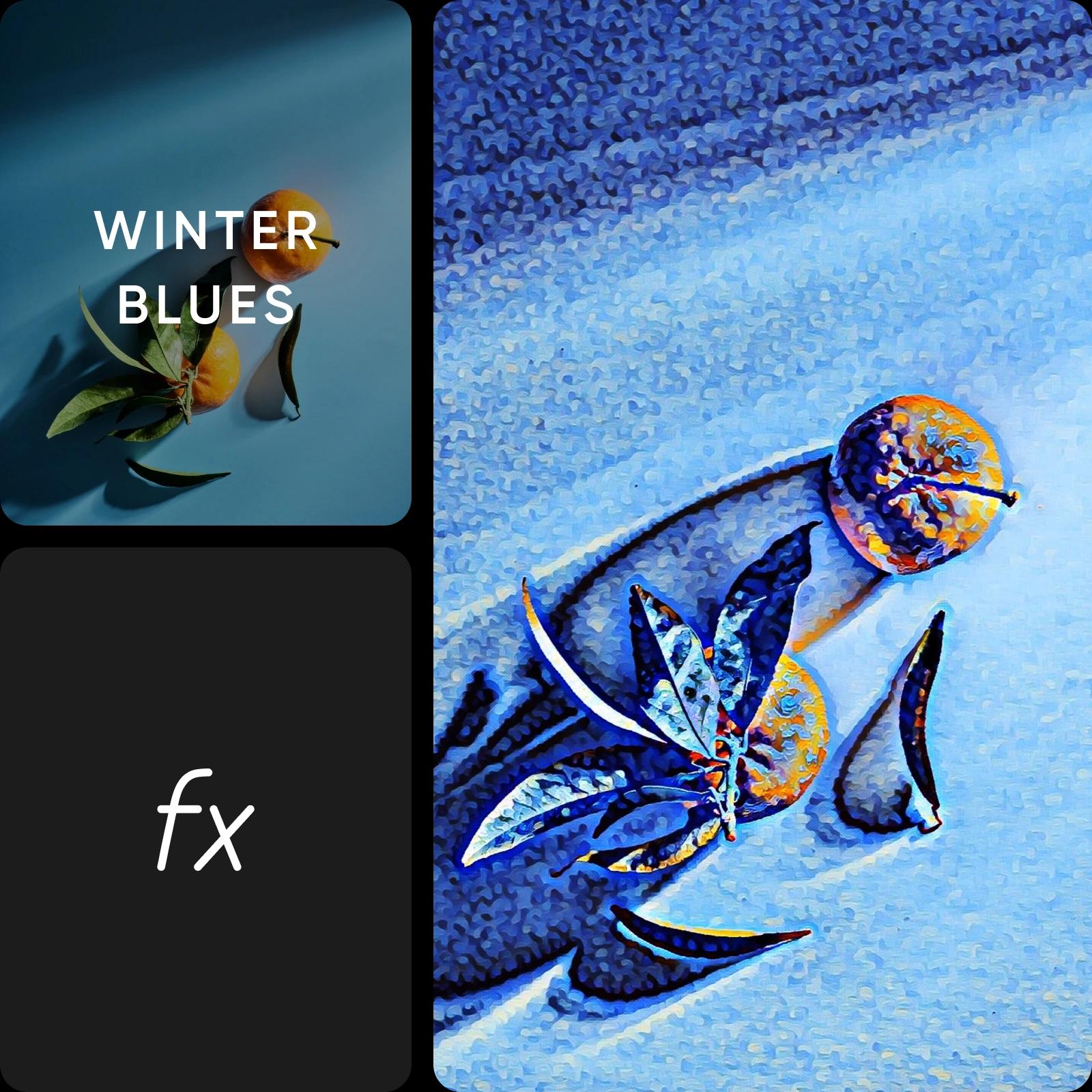
ابدأ بالتعديل الذي تحتاج إليه
كيفية تحويل صورة إلى لوحة فنية
يبدأ تحويل الصورة إلى لوحة فنية من صورتك
يتيح لك تحويل صورة إلى لوحة فنية الاحتفاظ بتكوينها الحالي كنقطة بداية. يمكن لصورة شخصية أو مشهد شارع أو طبيعة صامتة أن يناسب كل منها معالجة فنية مختلفة. قارن بين مظهر مرسوم أكثر نعومة وتأثير رسومي أقوى، ثم اختر ما يلائم غرض الصورة. إذا كنت تريد رسمًا توضيحيًا جديدًا انطلاقًا من وصف مكتوب، فإن AI Art Generator يوفّر سير عمل منفصلًا لتحويل النص إلى فن.
- ابنِ على الصورة التي لديك
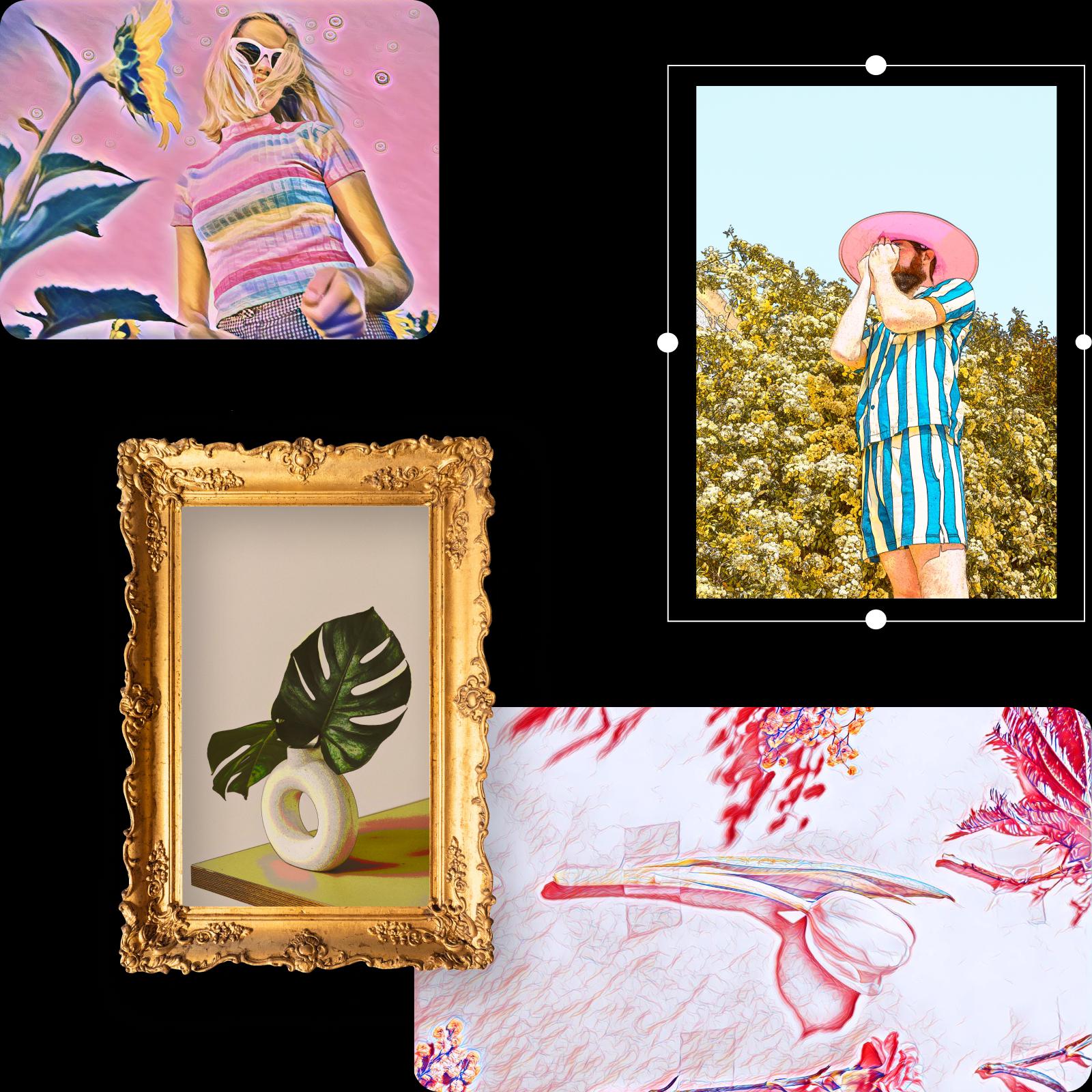
اختر مظهرًا مرسومًا دون رسم كل التفاصيل
تتيح لك التأثيرات الفنية استكشاف تحويل الصورة إلى لوحة فنية دون الحاجة إلى إعادة إنشاء كل خط وملمس يدويًا. ابدأ بتأثير واحد وافحص المعاينة قبل إضافة تعديلات أخرى. قد تناسب الصورة ذات المظهر الأكثر نعومة هدية شخصية، بينما يساعد التباين الأقوى على وضوح الملصق من مسافة. حافظ على وضوح التفاصيل المهمة، ولا سيما الوجوه وملامح المنتجات.

استكشف الملامس وتأثيرات الرسم والتصاميم الرسومية
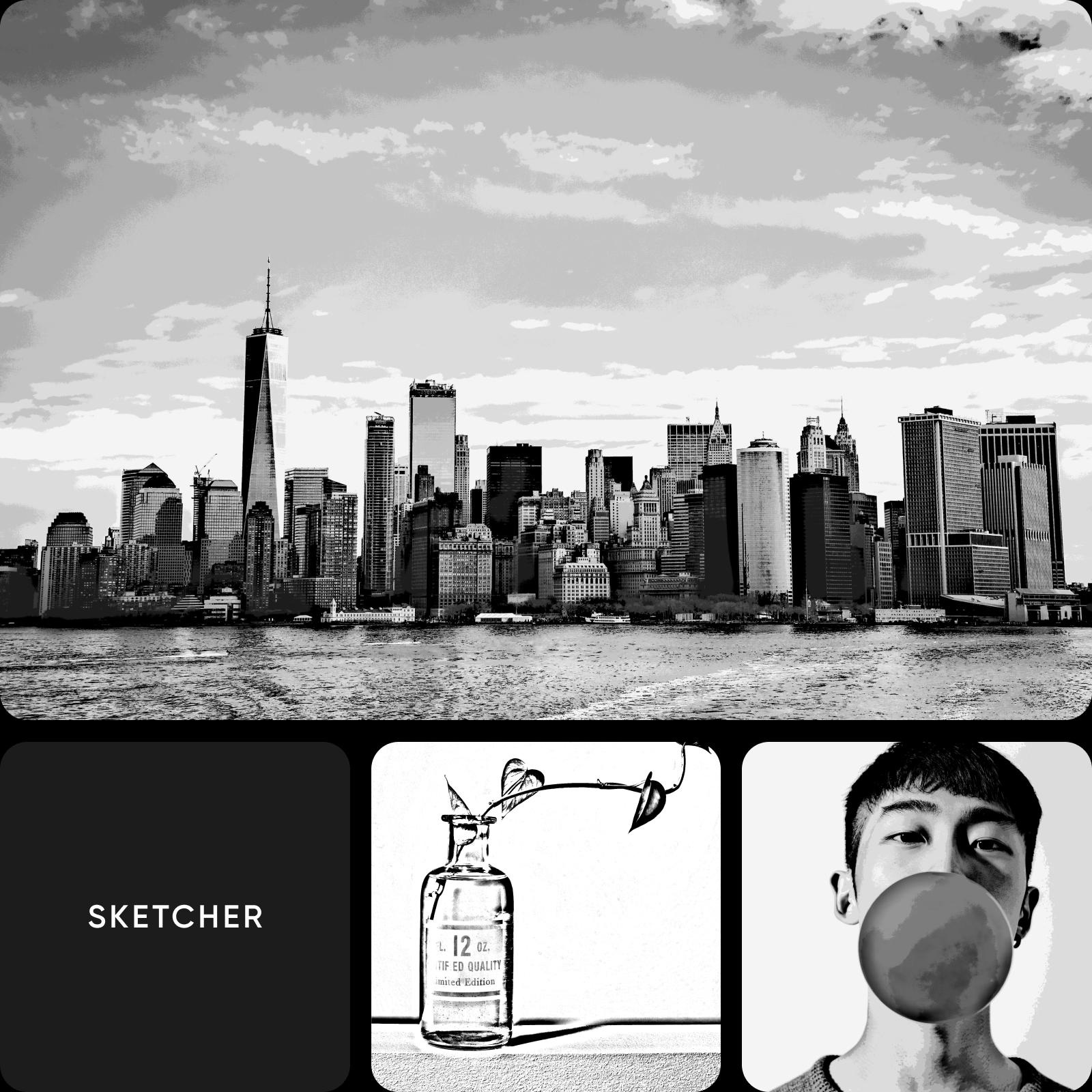
الرسم أحد الخيارات لتحويل الصورة إلى عمل فني. يمكنك أيضًا استكشاف الخطوط الشبيهة بالرسومات التخطيطية أو الأشكال متعددة الأضلاع أو ملامس الورق ضمن التأثيرات المتاحة. جرّب تطبيق ملمس على صورة بسيطة أولًا لتقييم النتيجة. استخدم تأثيرات الألوان المائية للحصول على نمط رسم أكثر نعومة، أو تأثيرات الورق عندما يكون ملمس السطح هو هدفك الأساسي.
- اختر معالجة تناسب الموضوع
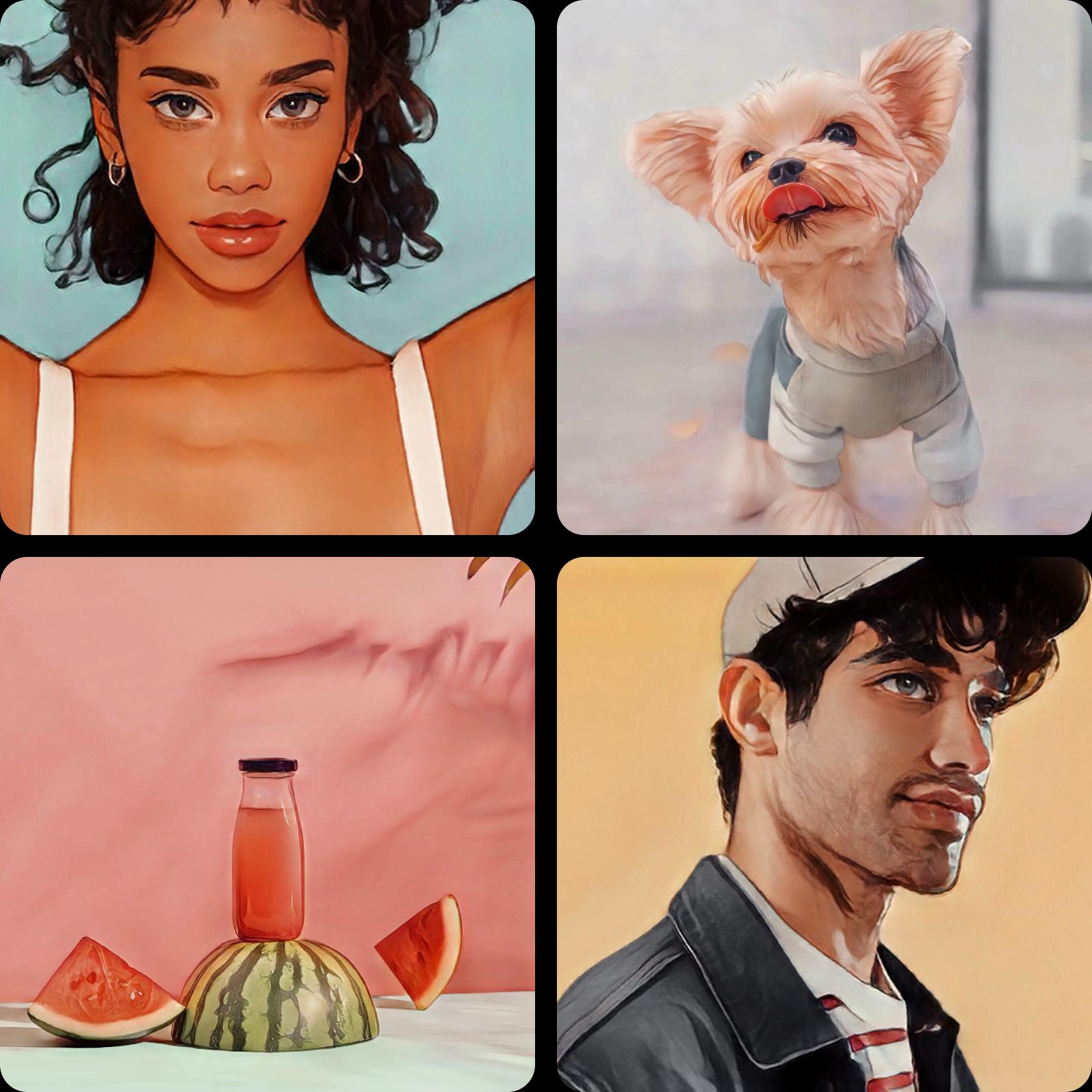
اختر تأثيرات الرسوم الكرتونية عندما تكون الخطوط أهم
تبرز الصورة الشخصية بأسلوب الرسوم الكرتونية الخطوط والألوان الرسومية، بينما تركز تأثيرات الرسم على السطح المرسوم أو ذي الملمس. للحصول على هذا المظهر الكرتوني تحديدًا لصورة سيلفي أو صورة لحيوانك الأليف، استخدم محرر تحويل الصور إلى رسوم كرتونية. يمكنك مقارنة الطريقتين باستخدام الصورة نفسها والاحتفاظ بالمعالجة الأنسب لتصميمك.
أكمل العمل الفني في محرر الصور
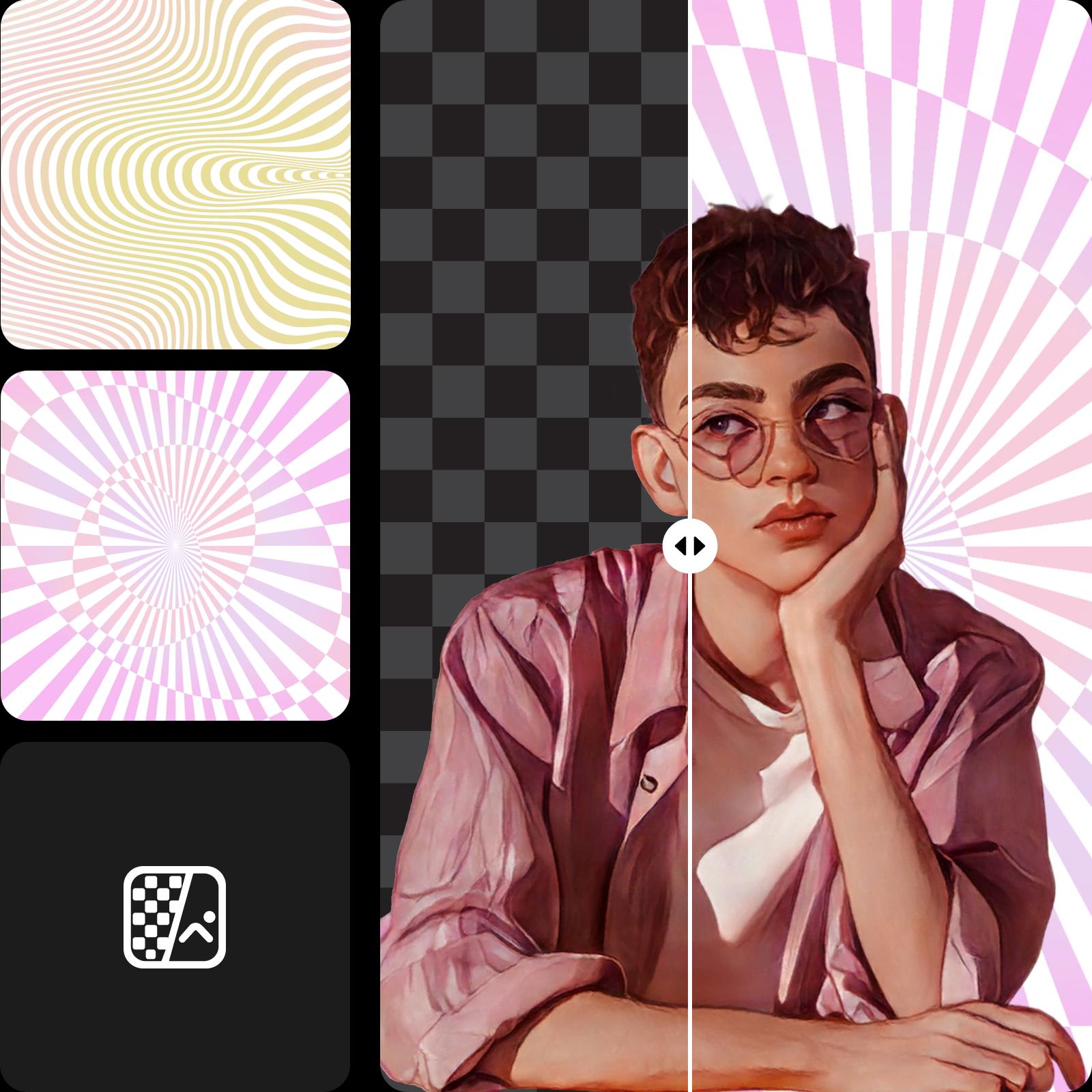
يمكن أن يصبح تأثير تحويل الصورة إلى عمل فني جزءًا من تصميم أكبر. عدّل ألوان الصورة، أو أضف إطارًا، أو أدرج العمل الفني في لوحة مجمّعة مع تعليق قصير. استخدم Background Remover عندما يحتاج العنصر الأساسي إلى خلفية جديدة، أو Object Remover لإزالة التفاصيل المشتتة. راجع التكوين النهائي قبل تصديره.
- اجعل العمل الفني النهائي يعبر عنك
الأسئلة الشائعة حول تحويل الصور إلى لوحات وأعمال فنية
حمّل صورتك إلى Picsart وعاين التأثيرات الفنية أو تأثيرات الرسم. طبّق نمطًا، وخصّص صورتك، ثم صدّر النسخة النهائية بعد تحويلها إلى لوحة فنية.
أنشئ تصاميم مستوحاة من الفن لكل مشروع
قارن الخطط لاختيار أدوات التعديل والميزات التي تريد استخدامها.
Pro
Most popularAI tools for everyday creative work.
Ultra
Most powerfulHeavy AI usage for creators & teams.
Enterprise
Custom AI solutions for large organizations.
- Volume discounts on credit rate
- On-demand top-ups