افزودن رایگان سایه به تصویر: ویرایش فوری سایه
از عکسهای محصول تا پستهای Instagram، با ویرایش سایه، عکسهایتان را به آثار هنری خیرهکننده تبدیل کنید.
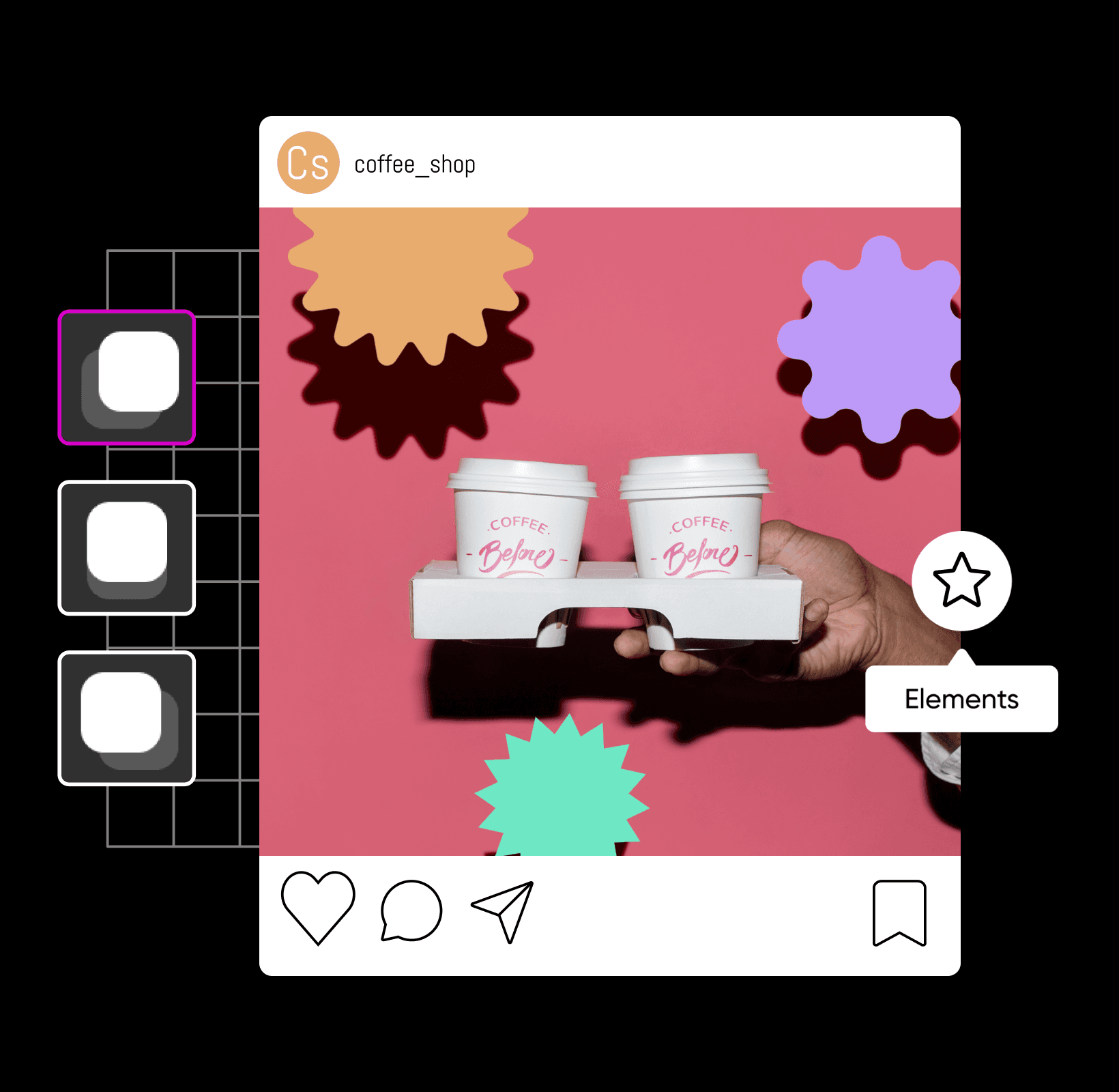
طراحیهایتان را با ویرایش حرفهای سایه ارتقا دهید
نحوه افزودن سایه به عکس
با ویرایش سایه، عکسهایتان را ارتقا دهید
ویرایش سایهٔ عکس شامل ایجاد، ویرایش یا افزودن سایه به یک تصویر است. چه روی عرضهٔ محصول بعدیتان کار میکنید و چه در حال ویرایش آخرین عکاسیتان هستید، سایهٔ افتاده میتواند هر نوع تصویری — از ویرایش عکس تا طراحی گرافیک — را فوراً ارتقا دهد. با استفاده از ابزار ساخت سایهٔ عکس، تنها با چند کلیک سایههایی کاملاً واقعی به تصاویرتان اضافه میکنید. به این ترتیب میتوانید طوری جلوه دهید که یک شیء شناور است و روی پسزمینهٔ خود سایه میاندازد تا ترکیبی چشمنواز بسازد.
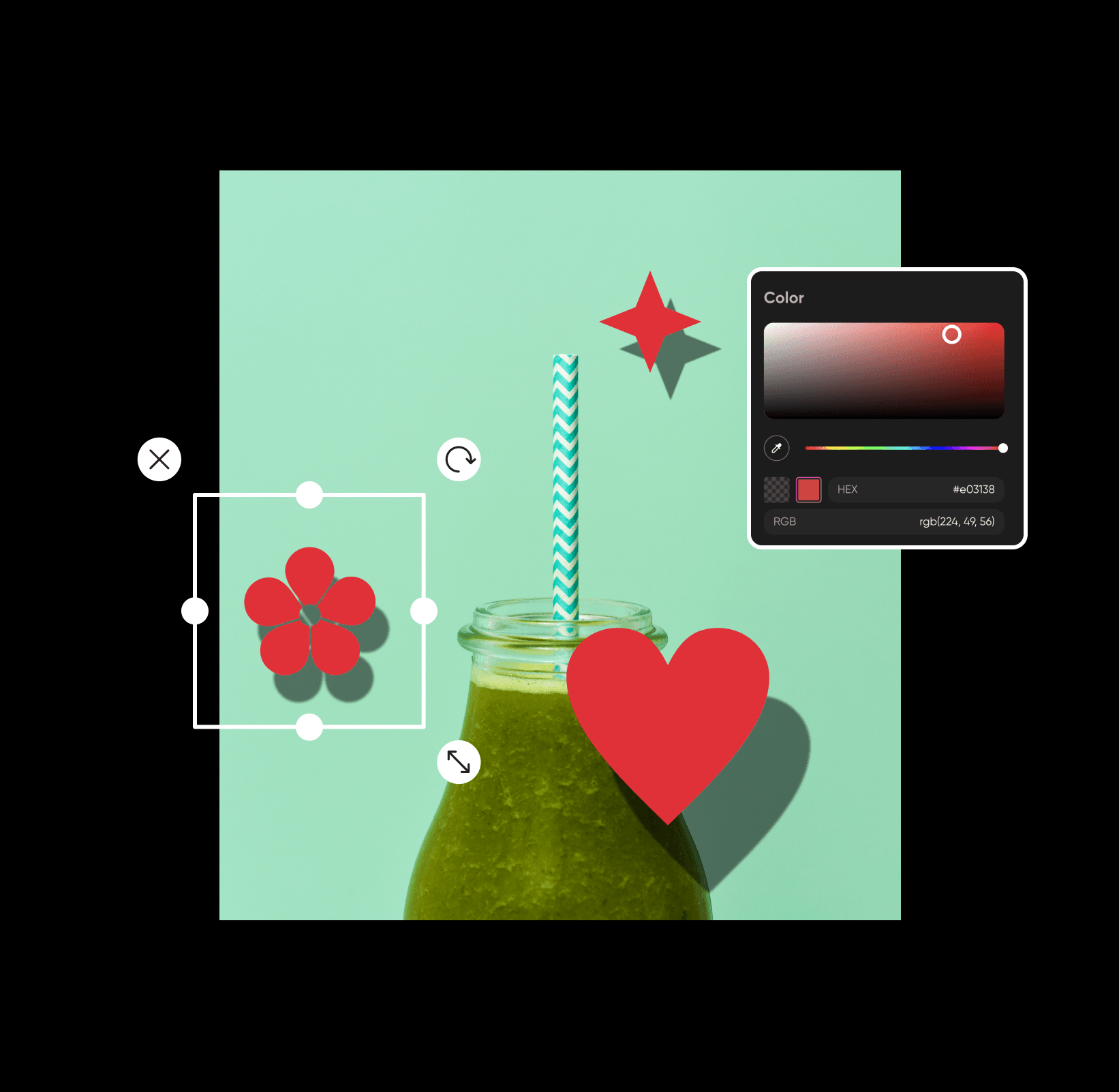
افزودن رایگان سایه به تصاویر بهصورت آنلاین
از اشیای پنهان تا متنِ شناور، سایهها میتوانند تنها در چند ثانیه به عکسهای محبوبتان درام و جلوهای هنری ببخشند. خبر خوب؟ حتی اگر یک ویرایشگر حرفهای نباشید، میتوانید بهصورت آنلاین و رایگان با ویرایشگر عکس ما به تصاویر سایه اضافه کنید. برای ارتقای عکسها به سطح بعدی، کافی است با سایهها و عناصر طراحی مختلف بازی کنید تا به تعادلِ ایدهآل برسید. به همین سادگی!
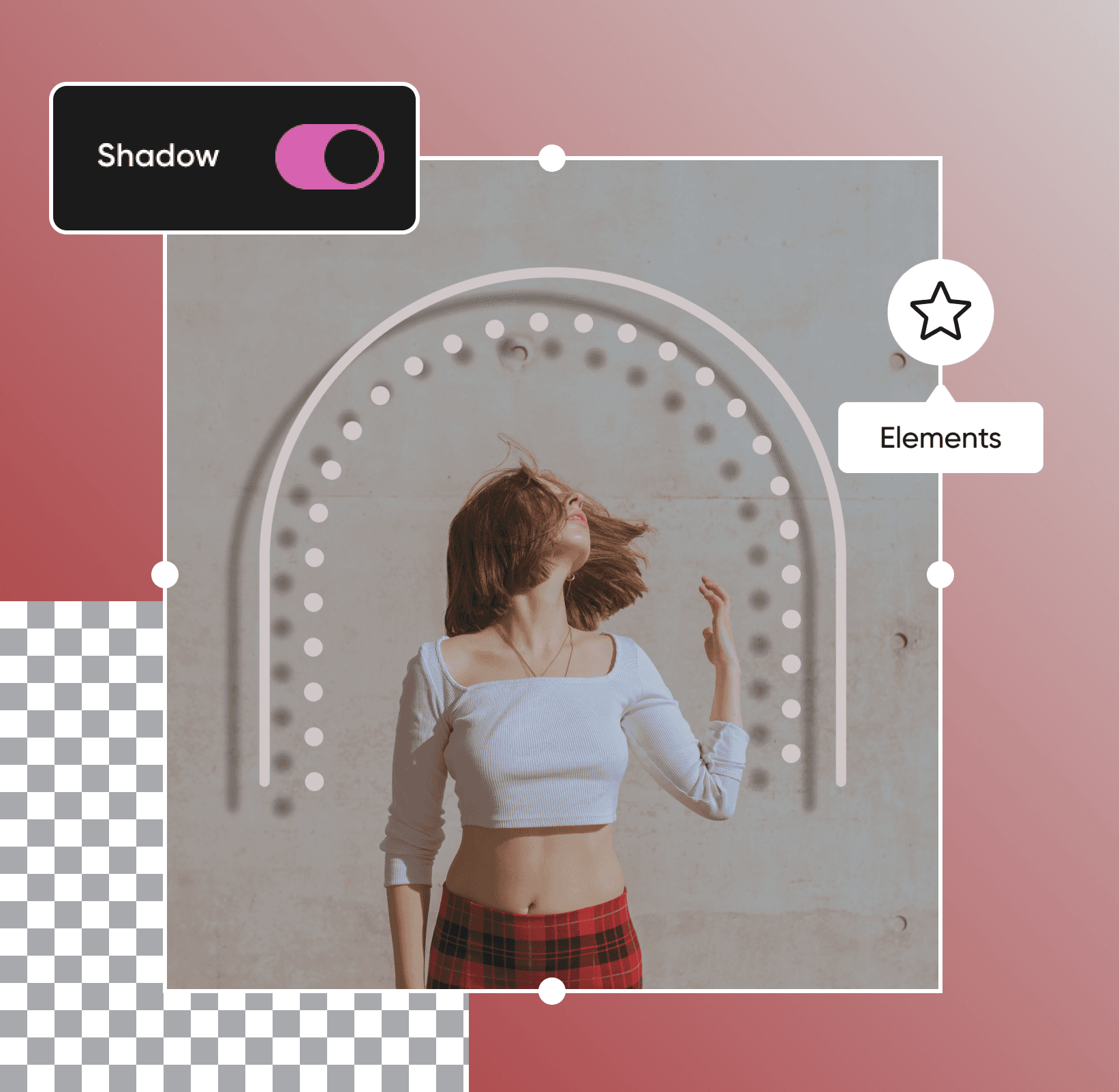
با ویرایش سایهٔ متن، پیامتان را بهتر منتقل کنید
میخواهید پیام درست را به مخاطبانتان برسانید؟ چه در حال تکمیل متریالهای بازاریابی باشید و چه پوسترهای رویدادیِ چشمگیر طراحی کنید، ویرایش سایه میتواند تفاوتساز باشد. تنها با چند کلیک، میتوانید به متنها سایهٔ افتاده اضافه کنید تا با استفاده از ویرایشگر سادهٔ سایهٔ عکس ما پیام شما از پسزمینه متمایز شود. سایهها کنتراست بیشتری میان متن و باقی طراحی ایجاد میکنند تا خوانایی آسان، چیدمانی تمیز و ظاهری حرفهای را در سراسر طرحتان تضمین کنید.
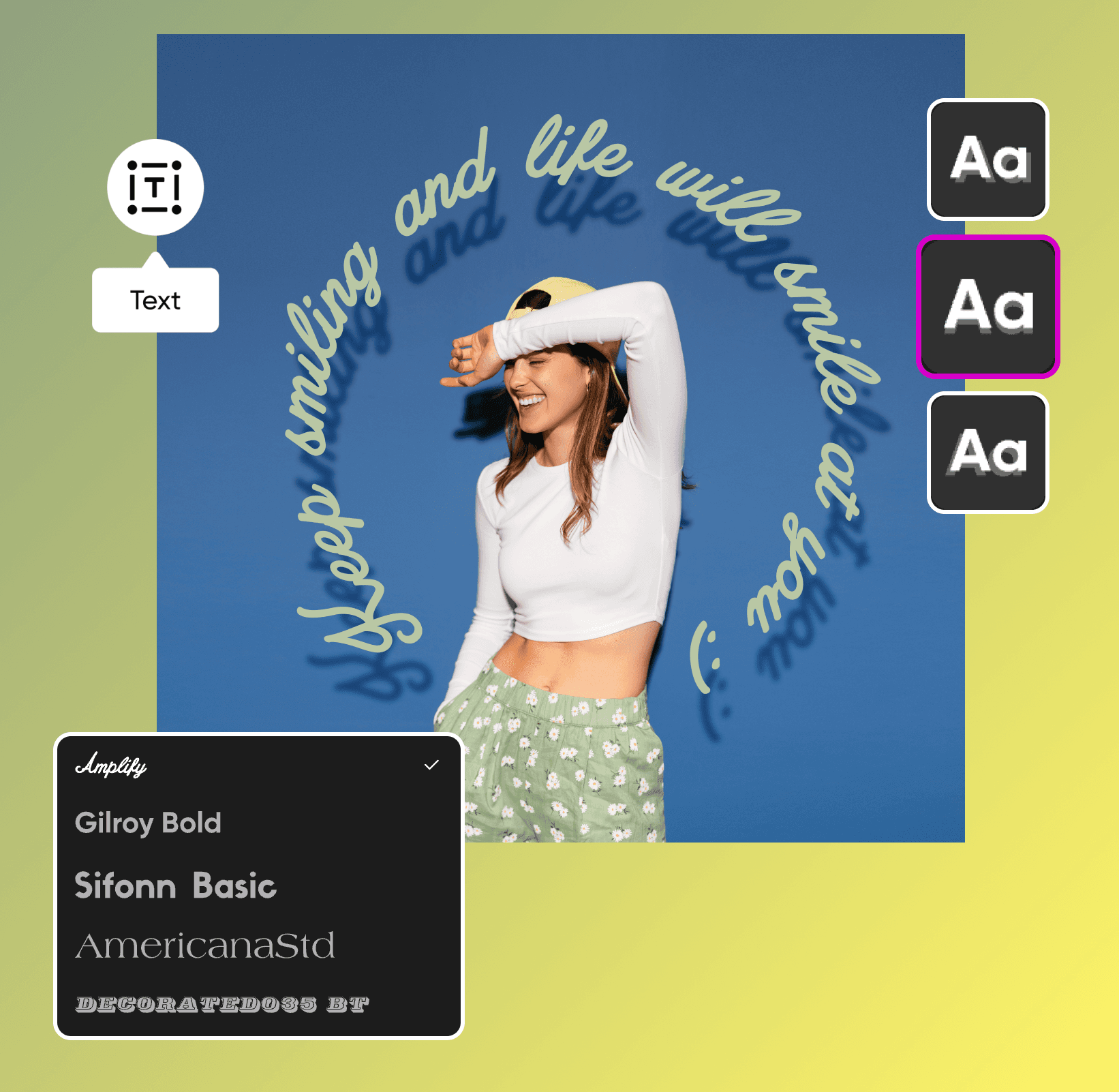
عکسهای محصول را با افکتهای سایه تقویت کنید
از فروشگاههای Etsy تا وبسایتهای کسبوکارهای کوچک، قابلیت سایهٔ افتادهٔ در راهِ ما تسلط بر هنر ترکیببندی عکس با سایهٔ افتاده را از همیشه آسانتر میکند. اگر در حال افزودن عناصر جدید به یک عکس موجود هستید، با افزودن سایهٔ افتاده به تصاویر، ترکیب خود را طبیعیتر و متعادلتر جلوه دهید. چه در حال ویرایش عکسهای محصول باشید و چه پروموهای بازاریابی، پیش از بهاشتراکگذاری طراحیهایتان با جهان، از ابزارهای ویرایشیِ مناسبِ مبتدیان ما بهره بگیرید.
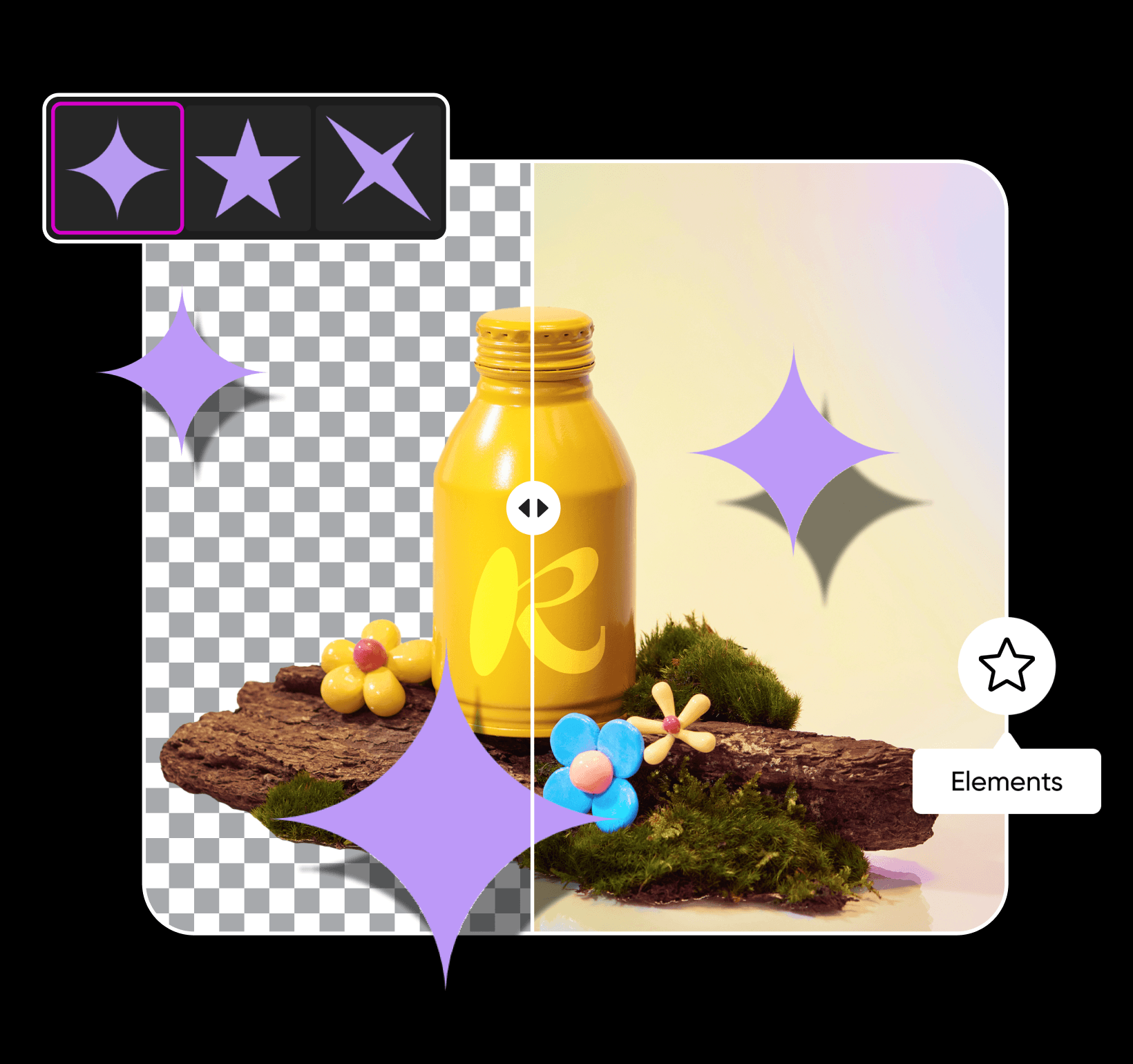
سایه را هر طور لازم است ریزتنظیم کنید
نیاز به تنظیمات بیشتری برای سایه دارید؟ پس از افزودن سایه به عکس، میتوانید برای ظاهری هایپرواقعی رنگ، شفافیت، میزان محو و پیشتنظیمهای موقعیت آن را تغییر دهید. پس از بهینهسازی سایه، با ابزارهای ویرایشی حرفهای ما عکسهایتان را یک پله بالاتر ببرید. با افکتهای عکس ترندی، تایپوگرافی جسورانه، استیکرهای سفارشی و دیگر عناصر طراحی، هنرمند درونتان را فعال کنید و به خلاقیتان میدان دهید. فارغ از اینکه چه ویژنی دارید، تنها چند دقیقه طول میکشد تا ویرایشهایتان را با Picsart شخصیسازی کنید.
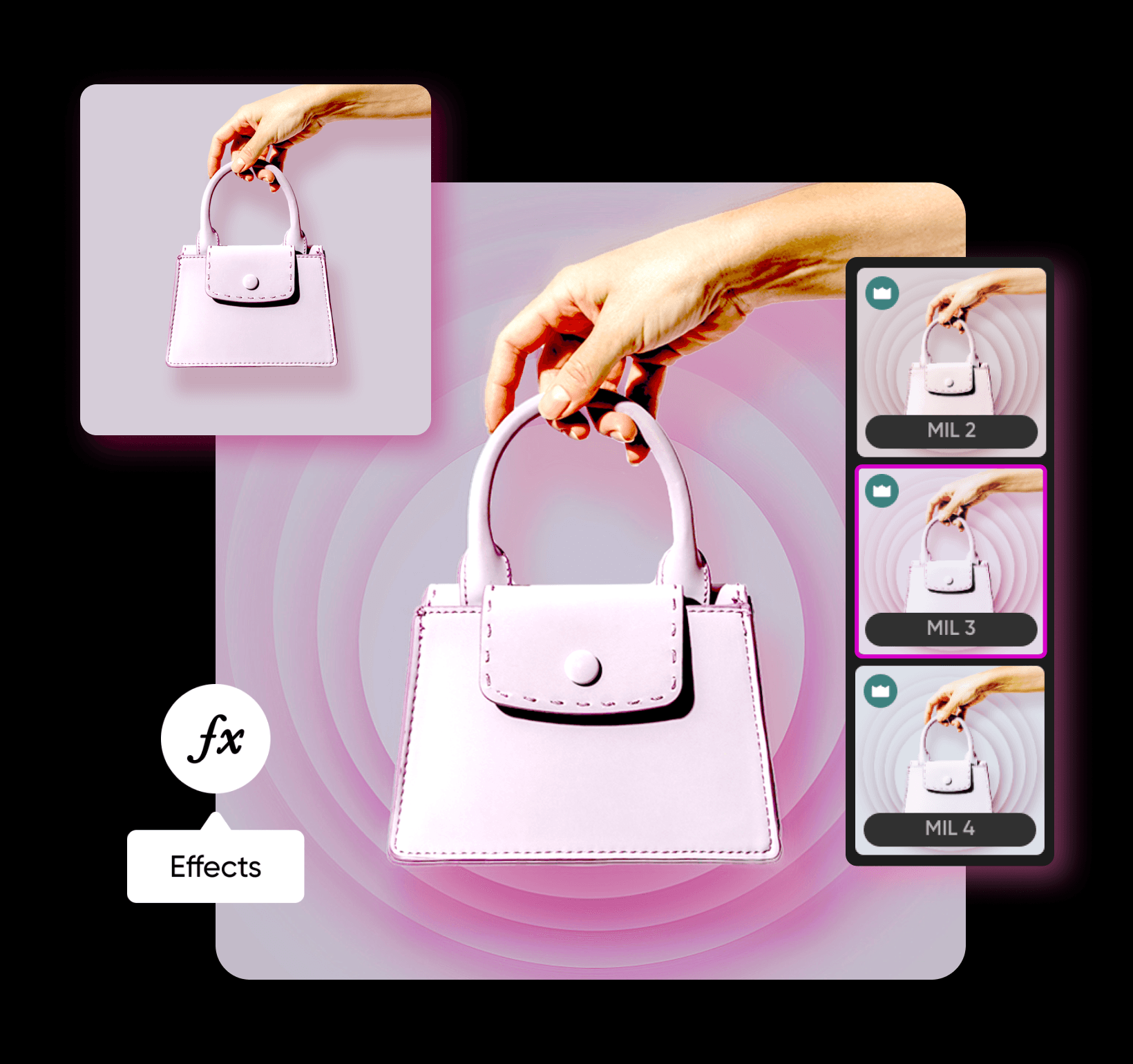
افزودن سایه به تصویر با مدلهای تصویری هوش مصنوعی
از مدلهای تصویری استفاده کنید تا «افزودن سایه به تصویر» را به بصریهای صیقلخورده، ایدههای طراحی و داراییهای آمادهٔ ویرایش تبدیل کنید.
پرسشهای متداول دربارهٔ افزودن سایه به تصویر
روی Elements در نوار ابزار پنل سمت چپ کلیک کنید و یک عنصر طراحی برگزینید. از آنجا میتوانید به عنصر سایه اضافه کرده و میزان محو، شفافیت، زاویه و موارد دیگر را تنظیم کنید.
ویرایش عکسها برای محتوای حرفهایِ سازندگان
Pro
Most popularAI tools for everyday creative work.
Ultra
Most powerfulHeavy AI usage for creators & teams.


