Flux 2 Pro a fejlett MI-képgeneráláshoz
A Picsart integrálta a Flux 2 Pro MI-modellt kreatív platformjába, így a fejlett, fotórealisztikus képgenerálás közvetlenül a munkafolyamatod része lehet. A Flux 2 Pro kivételes részletgazdagságot, kreatív irányítási lehetőségeket és lenyűgöző vizuális minőséget kínál, így az alkotók minden eddiginél gyorsabban és pontosabban készíthetnek professzionális minőségű képeket.
- Készíts fotórealisztikus képeket
- Finomítsd a képek apró részleteit
- Formáld a képeket kreatív szabadsággal


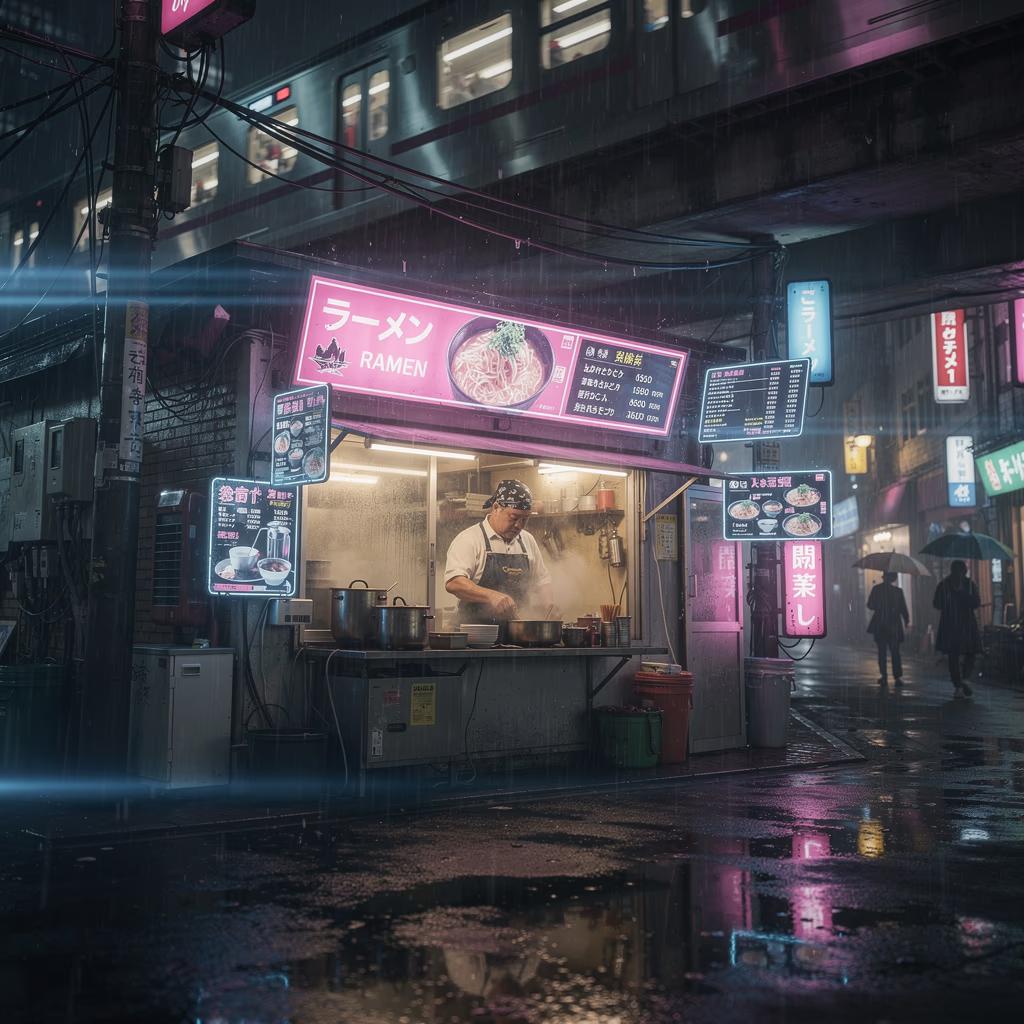



Mi az a Flux 2 Pro?
A Flux 2 Pro egy fejlett MI-képgeneráló modell, amely kivételes részletgazdagságú és következetes, fotórealisztikus képek készítésére szolgál. Kiemelkedően értelmezi az összetett utasításokat, és finom textúrákat, pontos fényhatásokat, valamint természetes kompozíciókat alkot. A Flux 2 Pro segítségével az alkotók szöveges leírásból készíthetnek olyan élethű vizuális tartalmakat, amelyek felveszik a versenyt a professzionális fotókkal és digitális alkotásokkal. Kezdd a Flux 2 Pro használatát a legjobb Flux-promptokkal.

Mit alkothatsz a Flux 2 Pro-val?
Fotórealisztikus képek készítése
Készíts lenyűgöző, élethű képeket szöveges utasításokból, kivételes részletgazdagsággal, pontos fényhatásokkal és természetes kompozíciókkal.

Így használja a Picsart a Flux 2 Pro-t
A Picsart közvetlenül a kreatív eszközeibe integrálja a Flux 2 Pro-t, így a felhasználóknak nem kell magával a modellel foglalkozniuk. A modell olyan funkciókat működtet, mint az AI Image Editor és az AI Image Enhancer, amelyekkel az alkotók fotórealisztikus vizuális tartalmakat készíthetnek, új kreatív irányokat próbálhatnak ki, és gyorsabban, nagyobb pontossággal és irányítási lehetőségekkel dolgozhatnak.

Miért választják az alkotók a Flux 2 Pro-t?
A Flux 2 Pro kivételes részletgazdagságú és következetes, fotórealisztikus képek létrehozására való képességével tűnik ki. Az alkotók a pontos utasításértelmezés, a természetes fényhatások és a finom textúrák megjelenítése miatt választják. A Picsart eszközeibe közvetlenül integrált Flux 2 Pro bonyolult munkafolyamatok és technikai beállítások nélkül teszi elérhetővé a fejlett MI-képgenerálást.
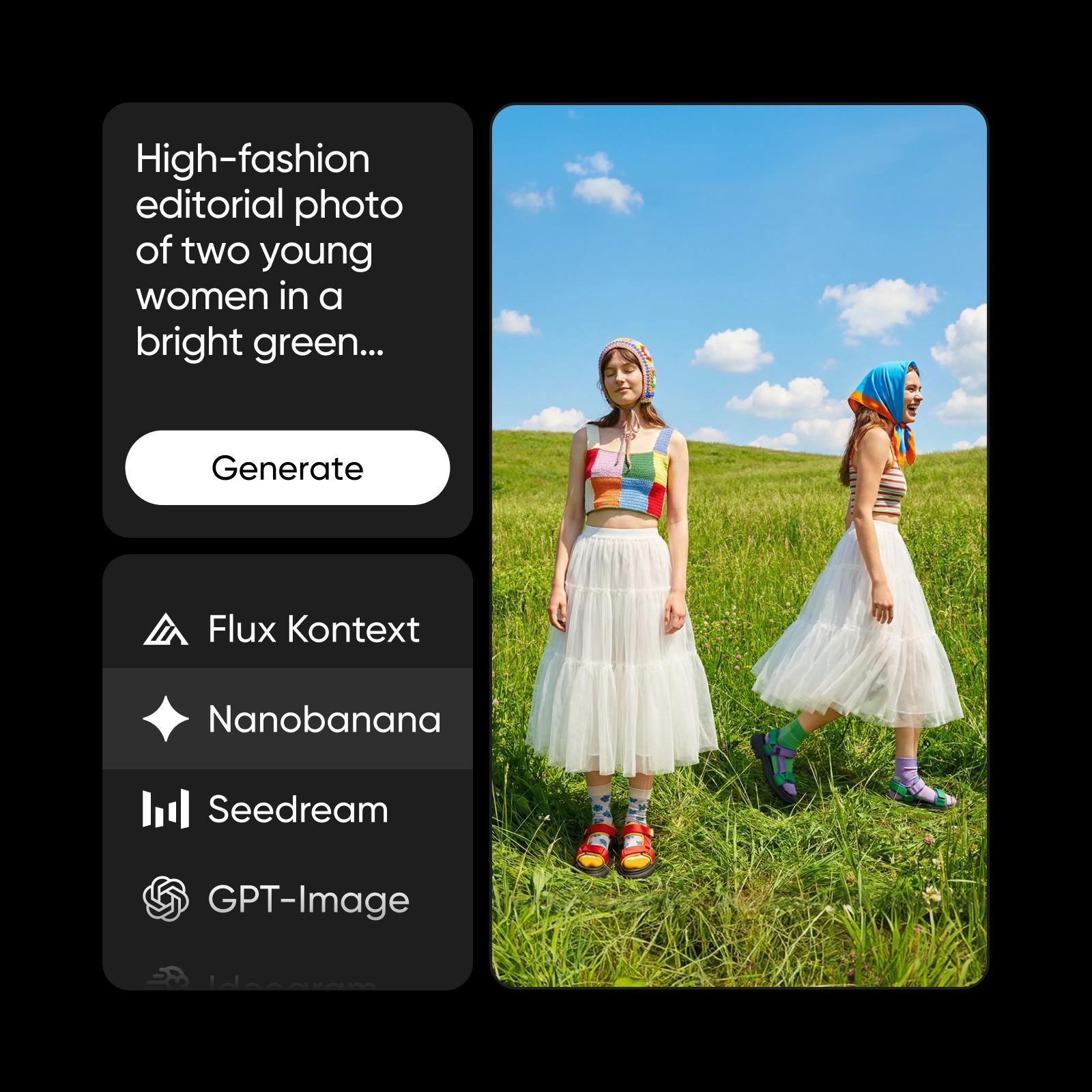
Flux 2 Pro a Picsart ökoszisztémájában
A Flux 2 Pro egyike a Picsart kreatív ökoszisztémáját működtető számos fejlett MI-modellnek. A platformon más modellekkel, például a Nano Banana Pro és a Nano Banana 2 modellel együtt támogatja a képgenerálást, a vizuális tartalmak javítását és a tartalomkészítést. A többmodelles megközelítés rugalmasságot, megbízhatóságot és következetesen magas minőségű eredményeket biztosít a kreatív igények széles köréhez.
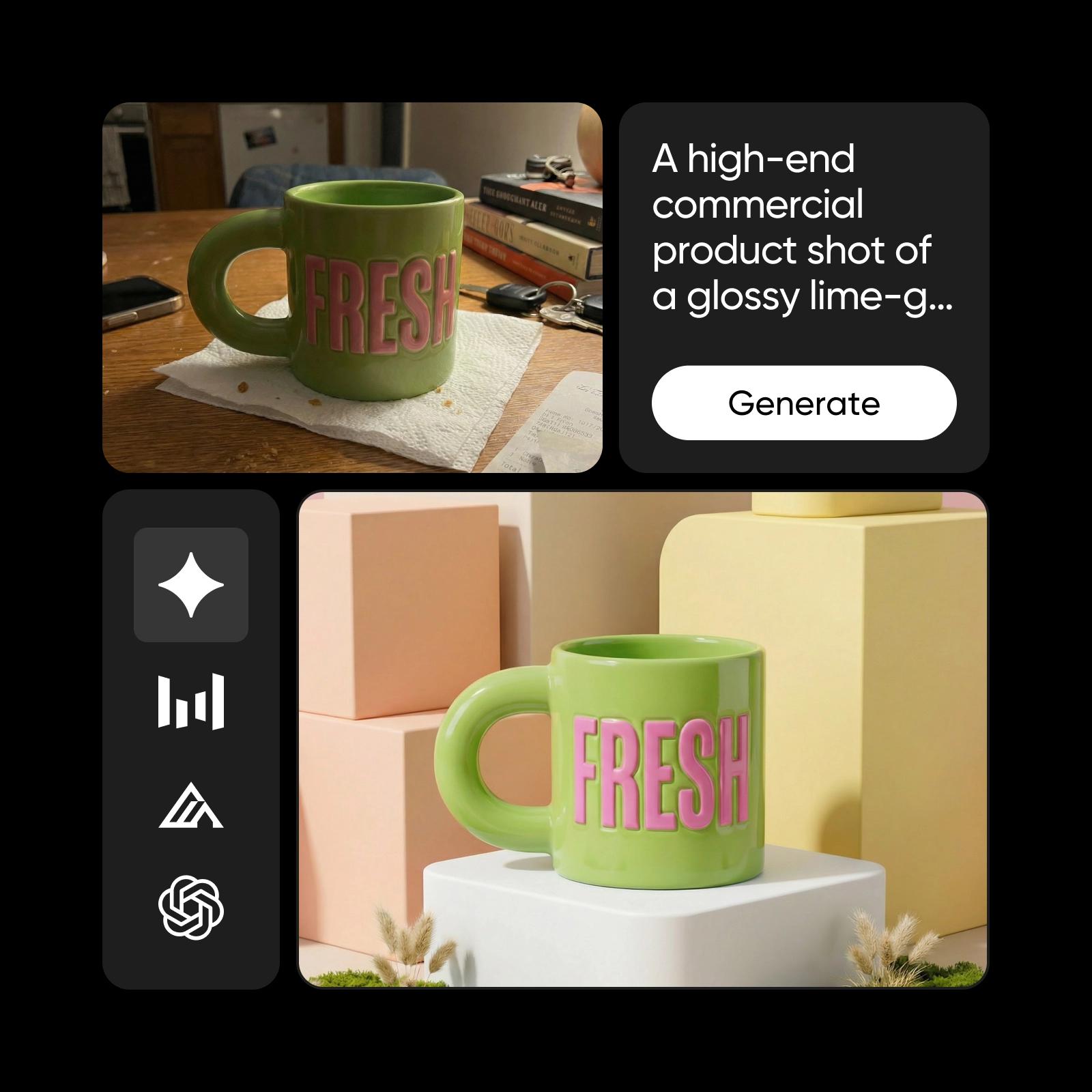
Ismerd meg a képgeneráló modelleket
Tudd meg, hogyan hasonlíthatod össze a képgeneráló modelleket, és hogyan választhatod ki a számodra megfelelőt.




Fedezz fel további, Flux 2 Pro-hoz hasonló modelleket
Hasonlítsd össze a Flux 2 Pro-t más képgeneráló modellekkel kampányvizuálok, dizájnelemek és kreatív kísérletek készítéséhez.
Gyakori kérdések a Flux 2 Pro MI-modellről
A Flux 2 Pro egy fejlett MI-képgeneráló modell, amely fotórealisztikus képek készítésére szolgál. Szöveges utasításokból kivételes részletgazdagságú, pontos fényhatású és természetes kompozíciójú vizuális tartalmakat hoz létre.
Készíts MI-vizuális tartalmakat a Flux 2 Pro-val
Pro
Most popularAI tools for everyday creative work.
Ultra
Most powerfulHeavy AI usage for creators & teams.