Fordíts képeket ingyen másodpercek alatt
Fordíts képeket függőlegesen vagy vízszintesen online másodpercek alatt a Picsart képfordító eszközével. Újítsd meg képeidet egy egyszerű perspektíva váltással.
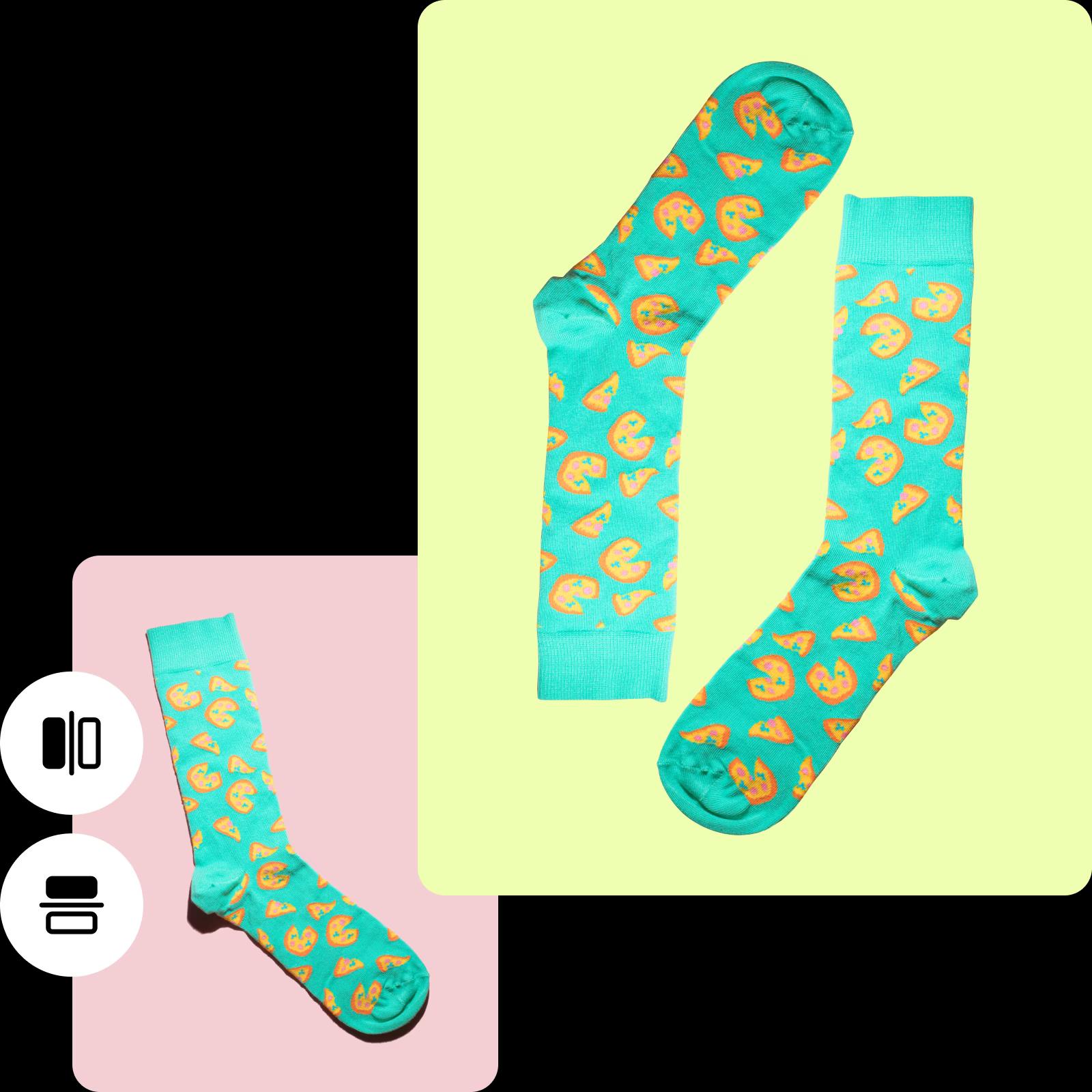
Hogyan fordítsunk meg egy képet
How to
Töltsd fel a képedet
Válassz ki egy képet a könyvtárból, hogy megfordítsd.
Ingyenes online képfordító bemutatása
Búcsúzz el attól, hogy órákat töltöttél bonyolult szoftvereket navigálva a tökéletes felvétel érdekében. A Picsart online képfordítójával könnyedén fordíthatsz meg egy fotót vízszintesen vagy függőlegesen, minden zavar vagy nehézség nélkül. Csak töltsd fel a megfordítani kívánt képet, válassz a vízszintes vagy függőleges fordítás közül, és a felvétel készen áll a letöltésre - teljesen ingyen. Szeretnél egy kis kreativitást adni hozzá? Fordítsd meg függőlegesen egy érdekes fejjel lefelé néző képért. Klasszikus tükörhatásra vágysz? Válassz egy vízszintes fordítást, és nézd meg, ahogy a képed zökkenőmentesen átalakul.
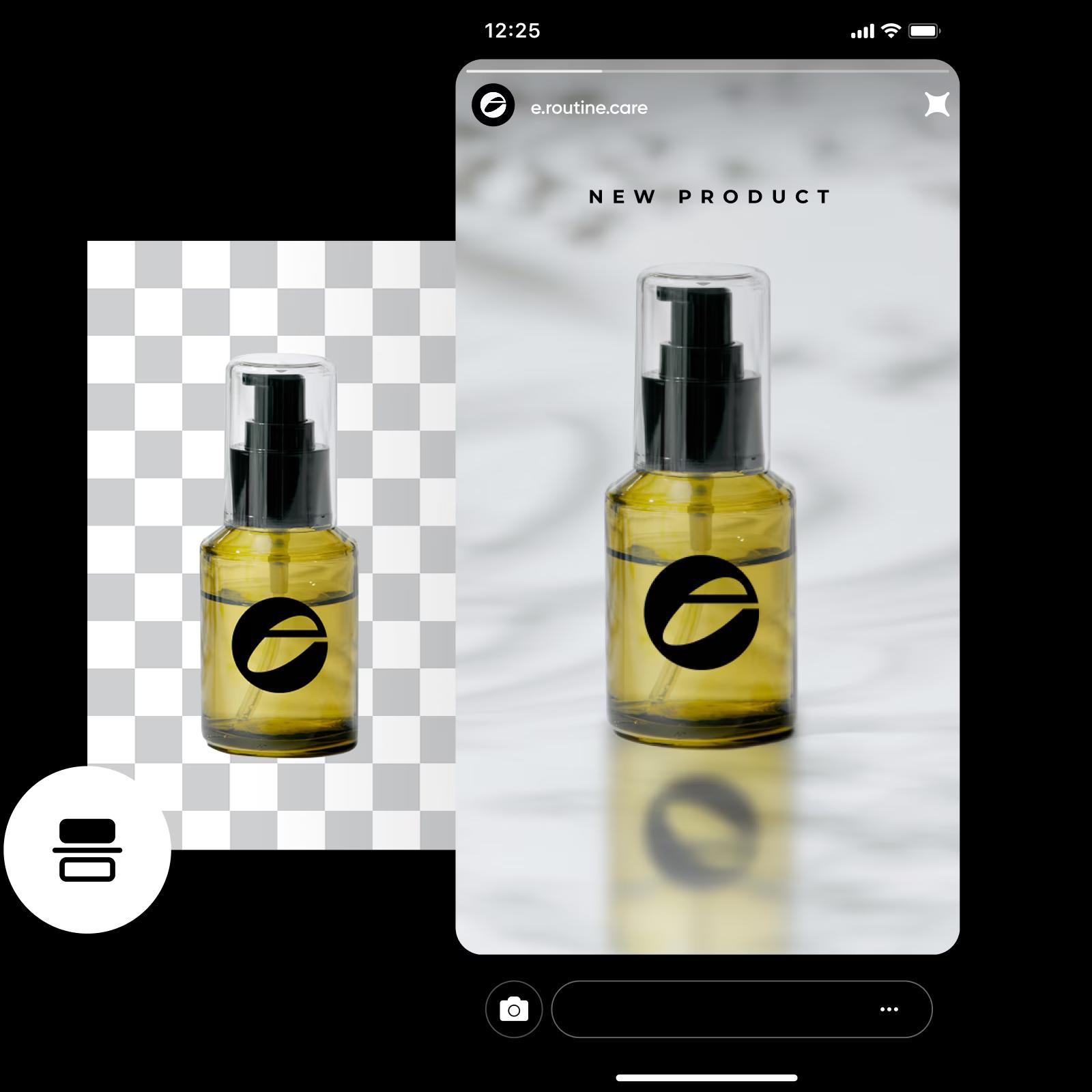
Könnyedén fordítsd meg a képeket vízszintesen vagy függőlegesen
Nyiss meg végtelen lehetőségeket a Picsart online képfordítójával. Fordíts meg egy fotót vízszintesen, hogy újra rendezd az elemeket balról jobbra, természetes áramlást teremtve, amely irányítja a nézők tekintetét. Közben a drámai hatás érdekében válaszd a függőleges fordítást. Ez az átalakítás bevonja a nézőket, kíváncsiságot kelt bennük és rejtett részletek keresésére ösztönzi őket. Akár a közösségi médiára szánt képeket szerkesztesz, akár személyes érintést adsz a profilképedhez, a Picsart a képfelcserélést teljesen egyszerűvé teszi.
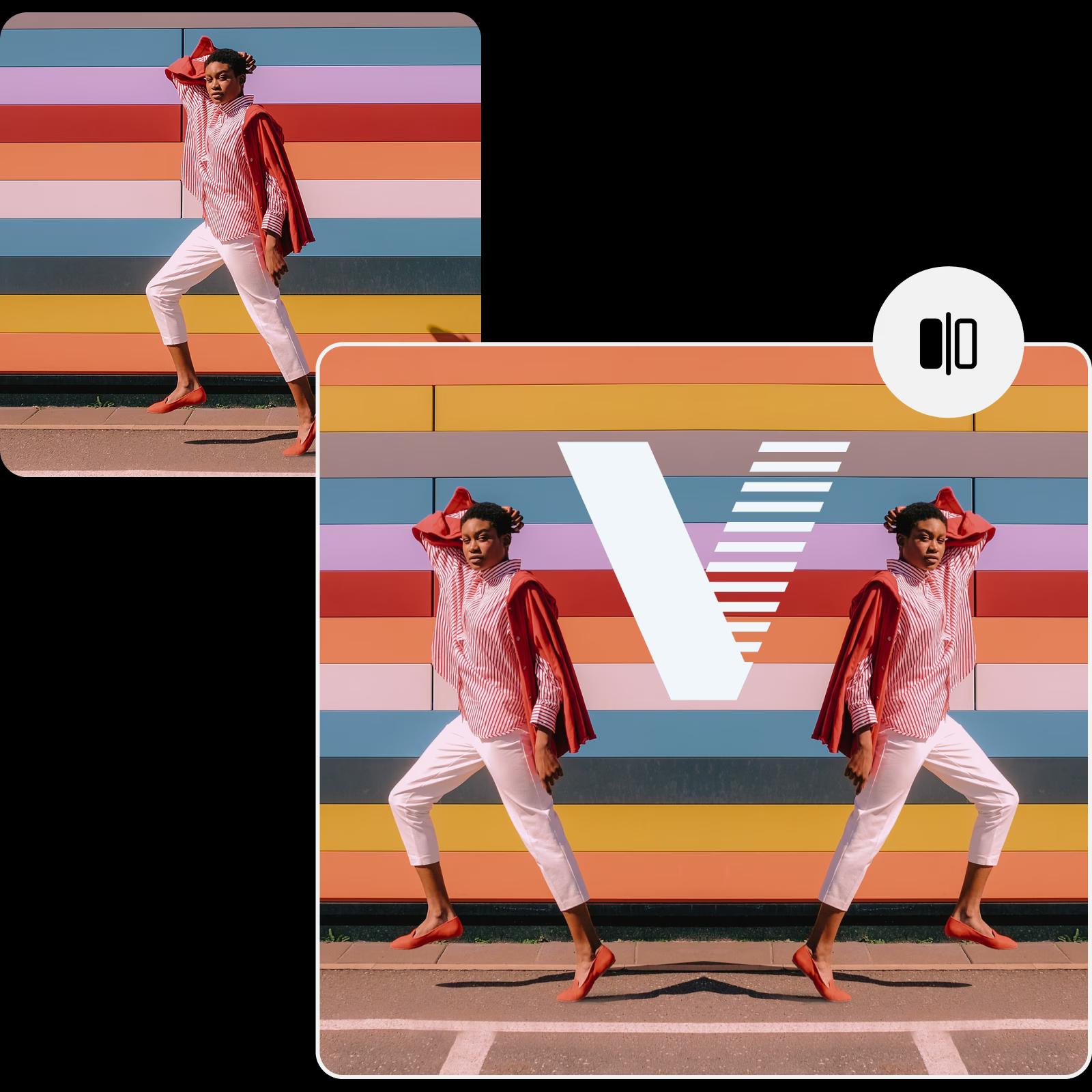
Fordíts képeket online, hogy meghódítsd a vásárlókat
Szeretnéd módosítani vizuáljaidat ingyenes online képfordítóval? Mutasd be e-kereskedelmi termékeidet friss perspektívából, hogy jobb rálátást biztosíts a vásárlóknak, kiemelve minden részletet. Fordítsd meg a képeket marketing vizuáljaidhoz, mint például hirdetések és közösségi média bejegyzések, vagy igazítsd belsőépítészeti prezentációdat másodpercek alatt.
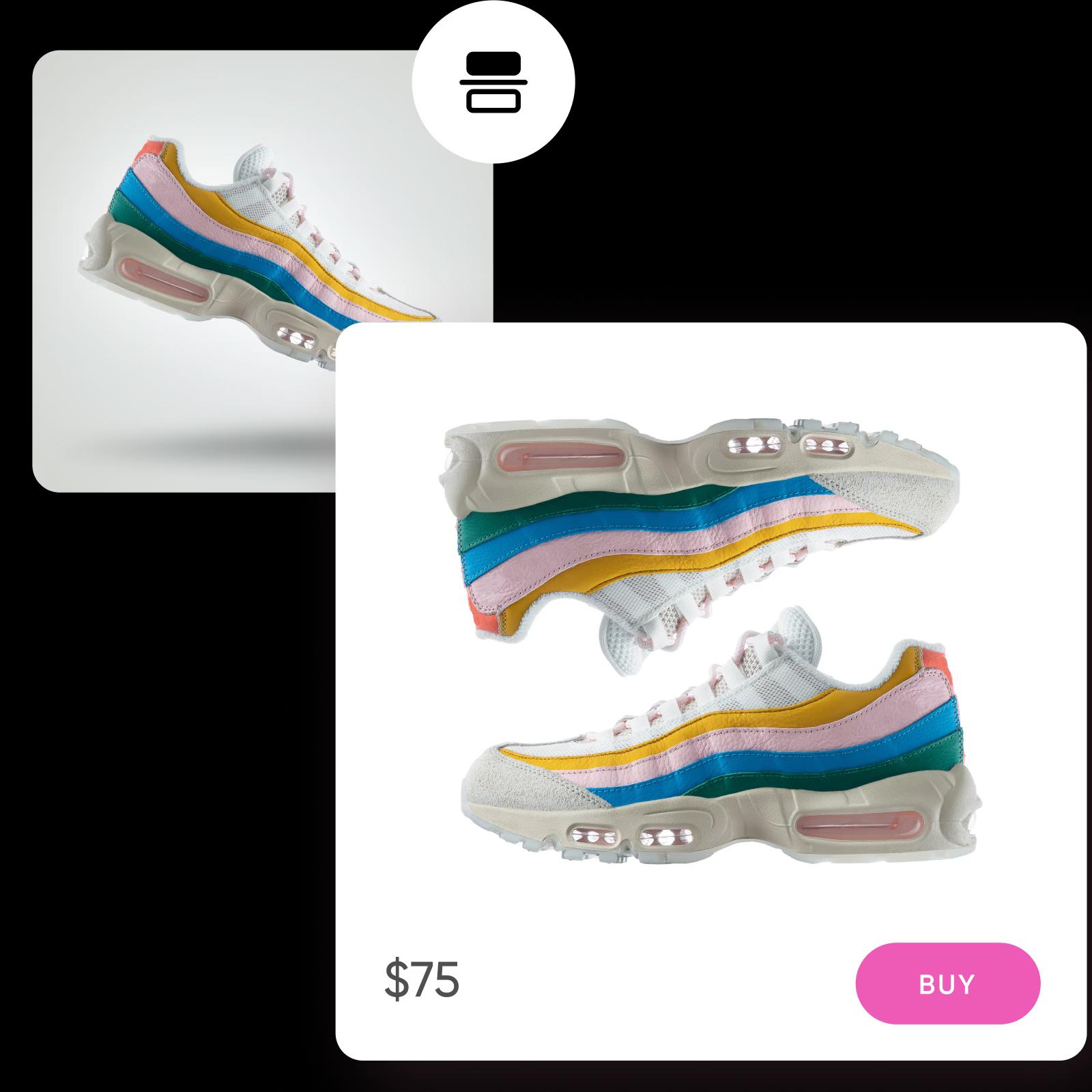
Fejezd be az utolsó simításokat a képek megfordítása után
Vidd a megfordított képeidet a következő szintre a Picsart AI fotószerkesztőjével, ahol gyorsabban javíthatod a képeidet kevesebb erőfeszítéssel. Szükséged van a képed kiterjesztésére a tökéletes kompozícióért? Használd az AI kép kiterjesztőt a tökéletes felvétel eléréséhez. Küzdj meg a fotóidat hátráltató elmosódásokkal az élesítő eszközzel, ami megváltoztatja a képminőség javítását. A fordítás mellett az AI által működtetett szerkesztő lehetővé teszi a képek forgatását könnyedén, teljes irányítást biztosítva a szerkesztési folyamat felett a lenyűgöző befejezésért.
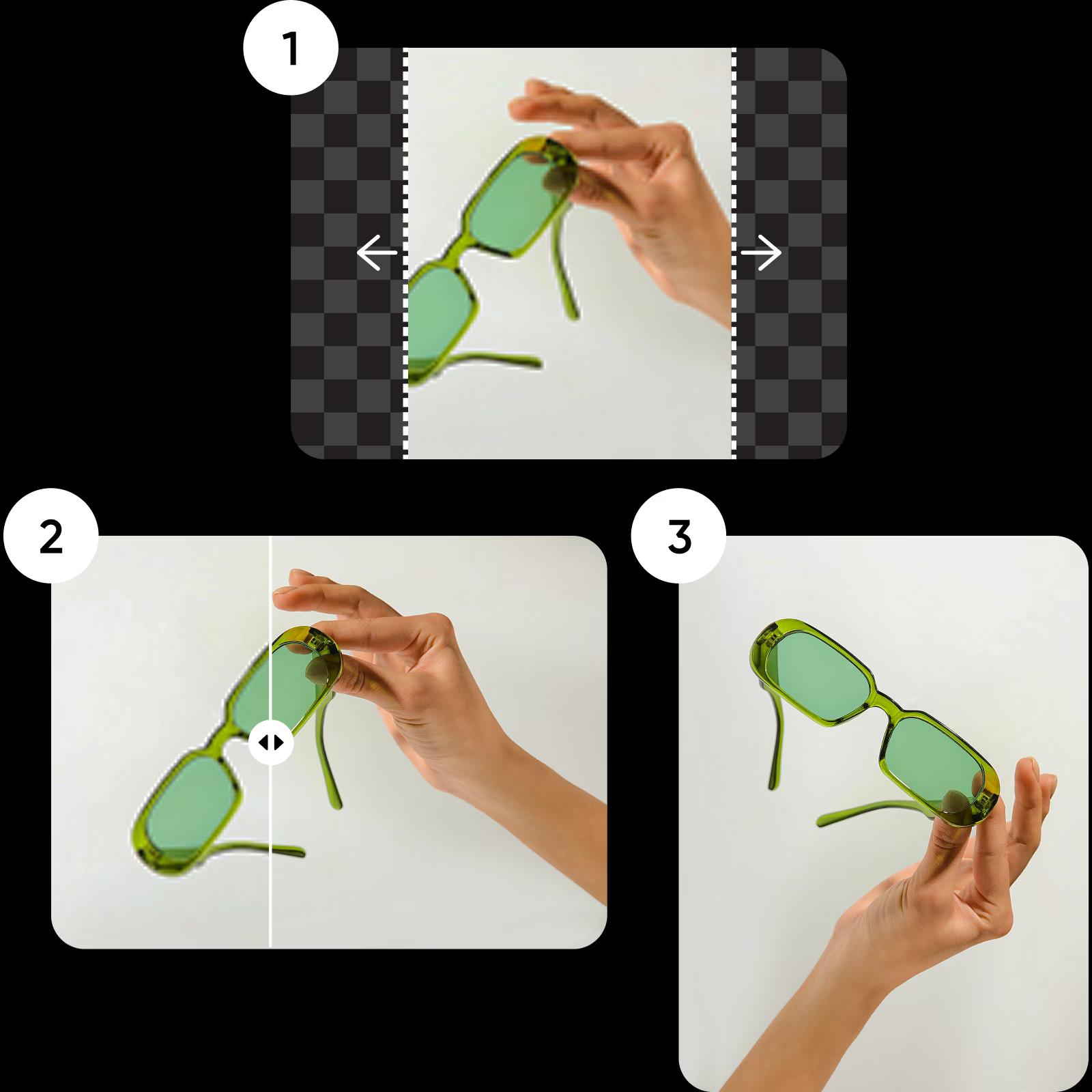
A leggyorsabb és legegyszerűbb módja a képek fordításának
Állíts Perspektívát egy pillanat alatt a Picsart online képfordítójával, és finomítsd tovább a beépített fotószerkesztő eszközökkel. Tartsd meg az eredeti minőséget vagy duplázd, négyszerezd meg a felbontást anélkül, hogy át kellene váltani egy másik böngészős fülre.
Képfelcserélő GYIK
Íme, hogyan fordíts meg egy képet a Picsartban:
- Tölts fel a megfordítani kívánt fotót.
- Válaszd a Flip és Forgatás gombot a felső panel eszköztárából.
- Válaszd a függőleges vagy vízszintes forgatás lehetőségét a képhez.
- A megfordítás után add hozzá az utolsó simításokat és töltsd le a szerkesztésedet.
Szerkessz képeket minden szögből és elrendezésből
Pro
Most popularAI tools for everyday creative work.
Ultra
Most powerfulHeavy AI usage for creators & teams.


