Balik gambar secara gratis dalam hitungan detik
Balik gambar secara vertikal atau horizontal secara online dalam hitungan detik dengan alat pembalik gambar Picsart. Dengan mudah ciptakan ulang gambar Anda hanya dengan mengubah perspektif.
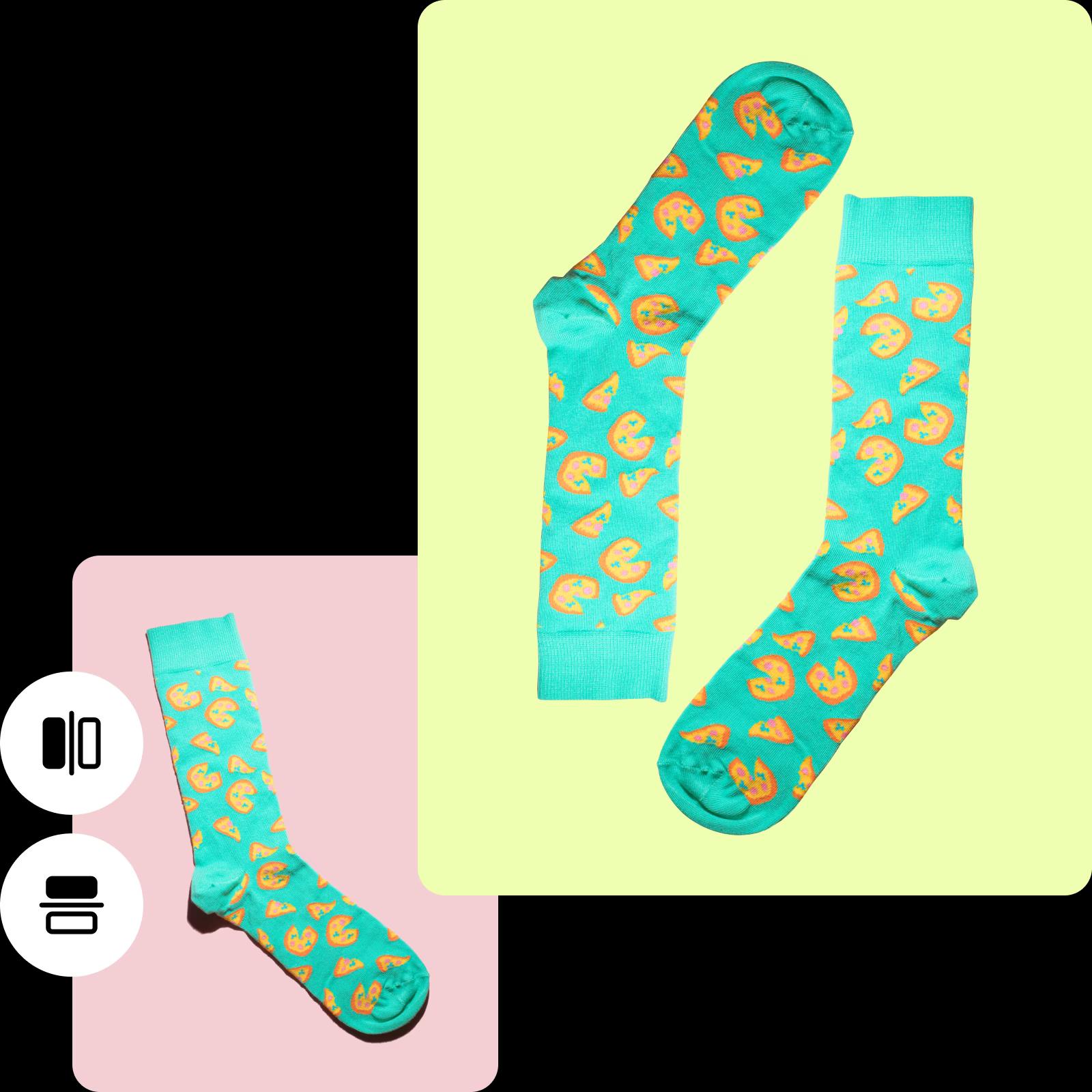
Cara membalik gambar
How to
Unggah foto Anda
Pilih gambar dari perpustakaan Anda untuk dibalik.
Perkenalkan pembalik gambar online gratis
Ucapkan selamat tinggal pada waktu berjam-jam mengarahkan perangkat lunak yang rumit untuk mencapai hasil bidikan yang sempurna. Dengan pembalik gambar online Picsart, Anda dapat dengan mudah membalik foto secara horizontal atau vertikal tanpa pusing atau kerepotan. Cukup unggah gambar yang ingin Anda balik, pilih antara balik horizontal atau vertikal, dan gambar Anda siap untuk diunduh — sepenuhnya gratis. Ingin menambahkan sentuhan kreativitas? Balik secara vertikal untuk gambar terbalik yang menarik. Mencari efek cermin klasik? Pilih balik horizontal dan saksikan gambar Anda berubah dengan mulus.
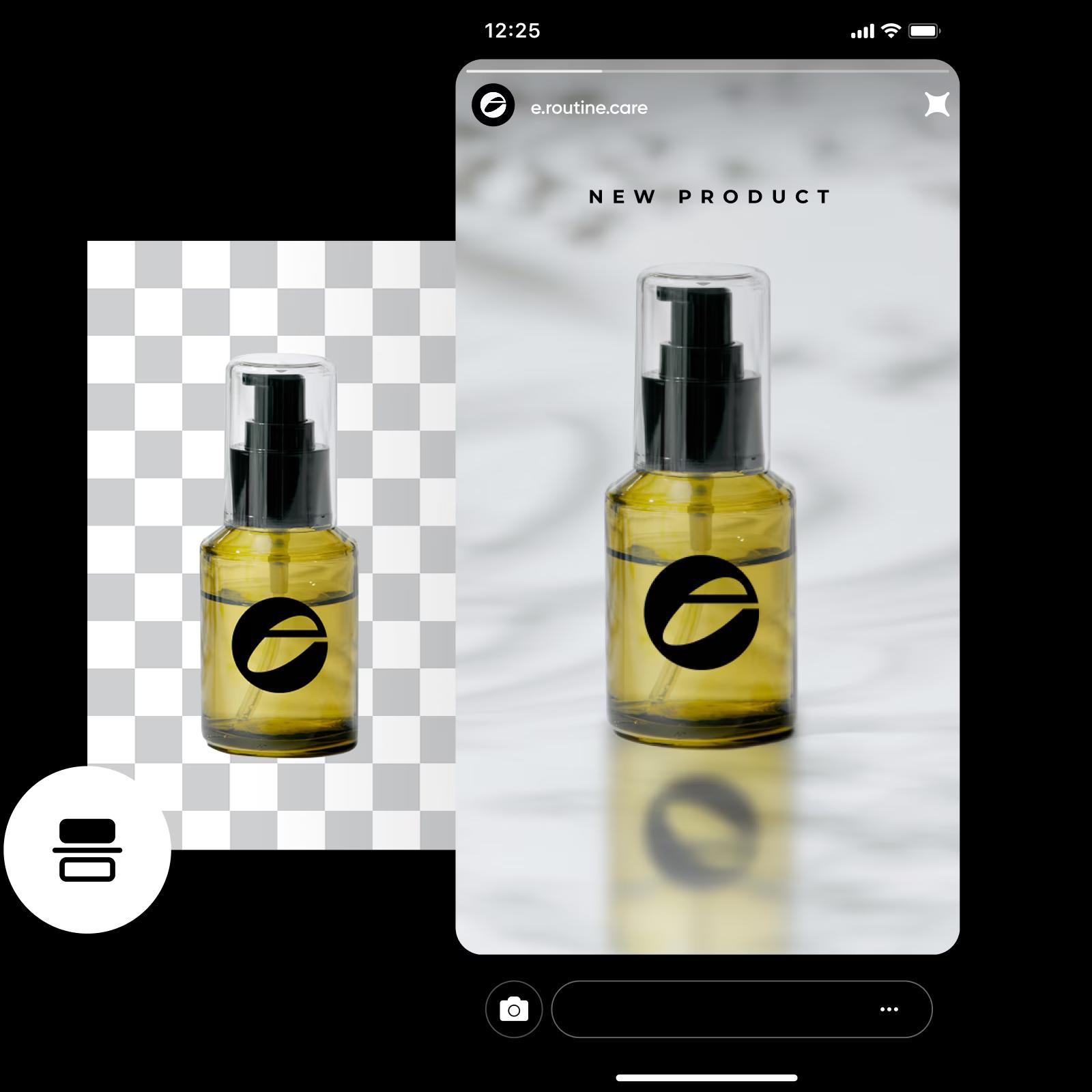
Balik gambar secara horizontal atau vertikal dengan mudah
Buka kemungkinan tak terbatas dengan pembalik gambar online Picsart. Balik foto secara horizontal untuk mengatur ulang elemen dari kiri ke kanan, menciptakan aliran alami yang membimbing pandangan pemirsa Anda. Sementara itu, untuk sedikit drama, pilih balik vertikal. Transformasi ini menarik perhatian penonton, menyalakan rasa ingin tahu dan meninggalkan kesan pencarian detail tersembunyi. Apakah Anda mengedit gambar untuk media sosial atau menambahkan sentuhan pribadi ke gambar profil Anda, Picsart membuat pembalikan gambar menjadi mudah.
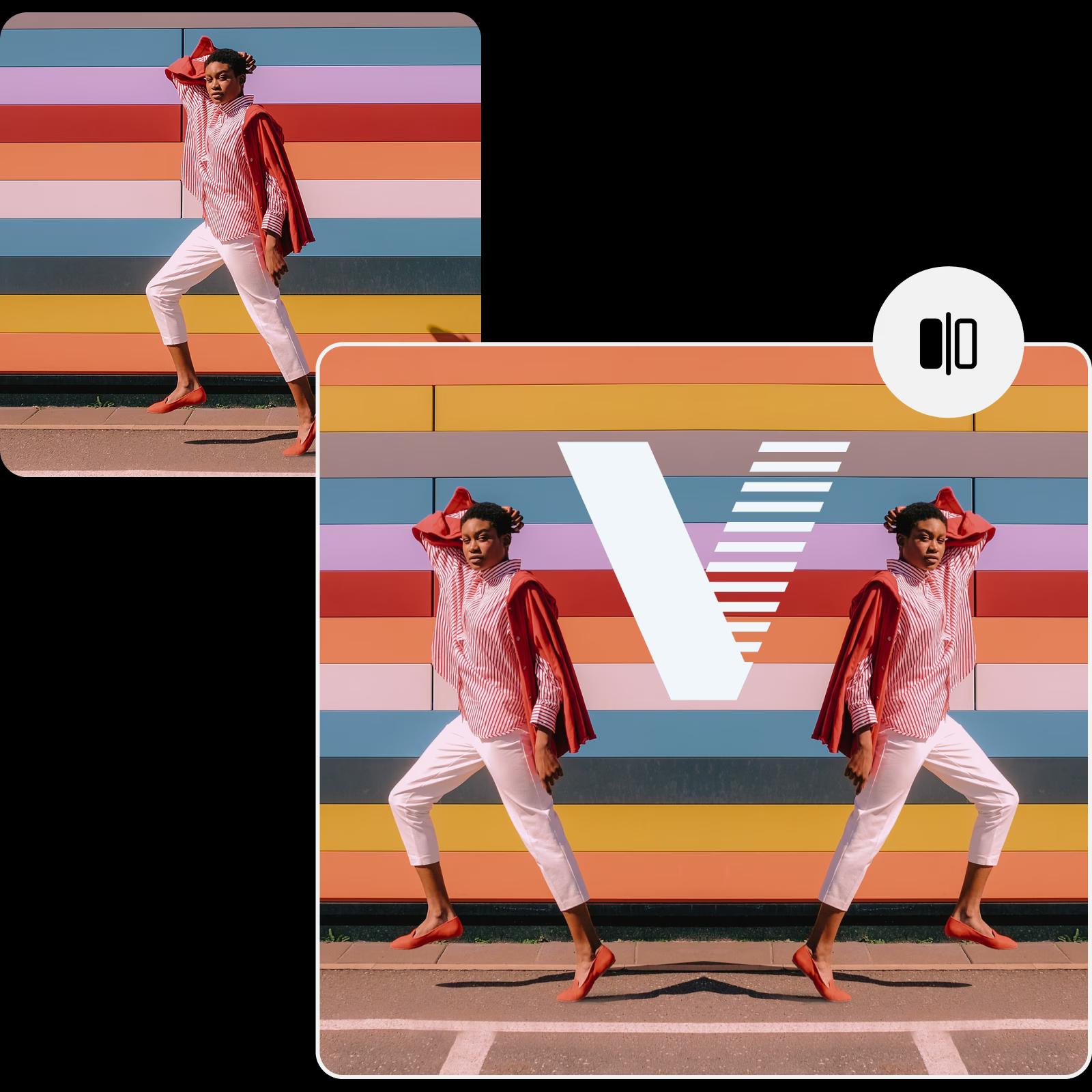
Balik gambar secara online untuk menarik pelanggan
Ingin mengubah visual Anda dengan pembalik gambar gratis online? Pamerkan produk eCommerce Anda dari perspektif baru untuk memberikan pelanggan pandangan yang lebih baik, menyoroti setiap detail. Balik gambar untuk visual pemasaran Anda seperti iklan dan postingan media sosial, atau sesuaikan presentasi desain interior Anda dalam hitungan detik.
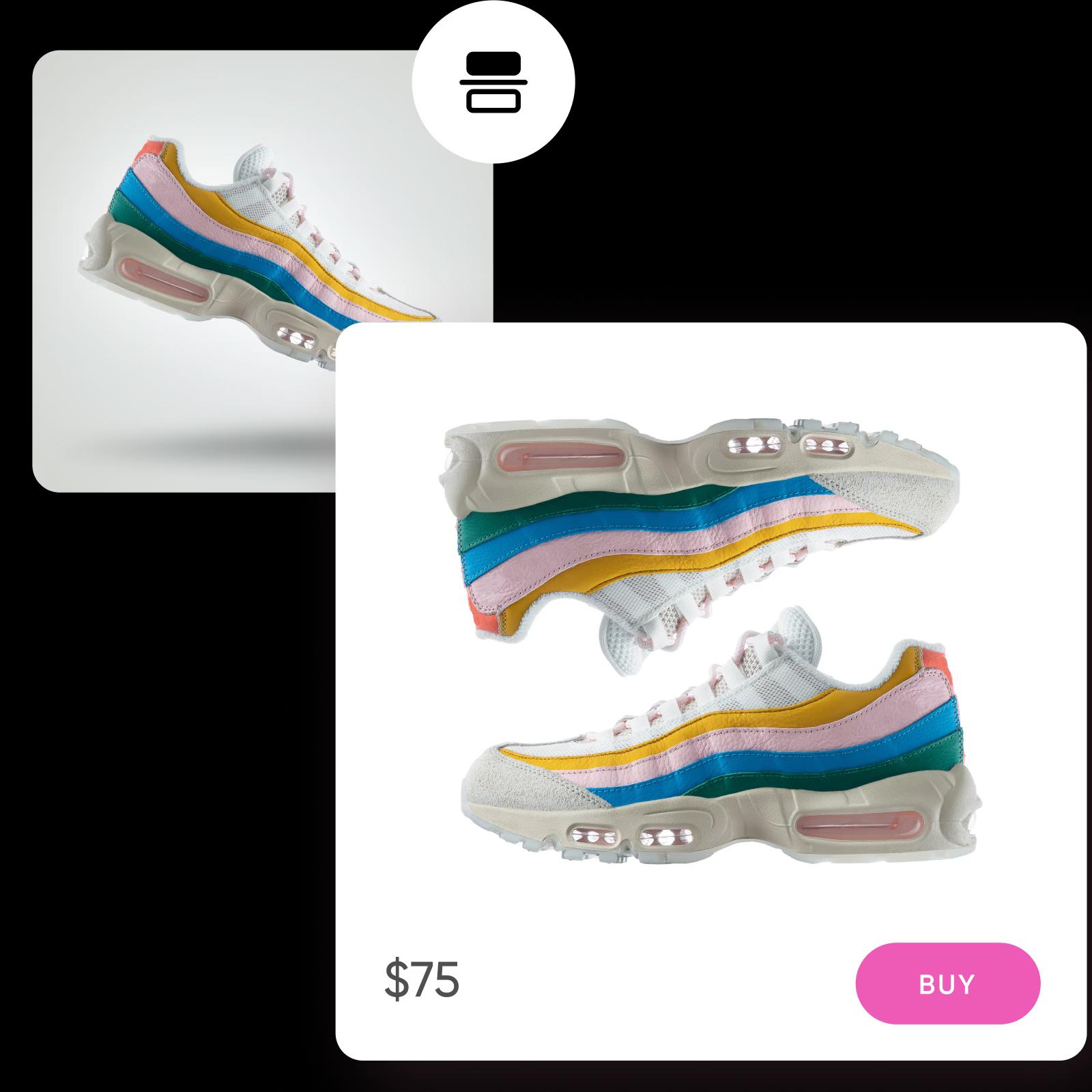
Tambahkan sentuhan akhir setelah membalik gambar
Bawa gambar yang telah dibalik ke tingkat berikutnya dengan editor foto AI dari Picsart, di mana Anda dapat meningkatkan gambar Anda lebih cepat dengan lebih sedikit usaha. Perlu memperluas foto Anda untuk komposisi yang sempurna? Gunakan alat AI image extender untuk mendapatkan hasil bidikan sempurna. Lawan kekaburan yang menghambat foto Anda dengan alat unblur, penemuan terbaru untuk meningkatkan kualitas gambar. Selain membalik, editor bertenaga AI memungkinkan Anda memutar gambar dengan mudah, memberi Anda kontrol penuh atas proses penyuntingan untuk hasil akhir yang menakjubkan.
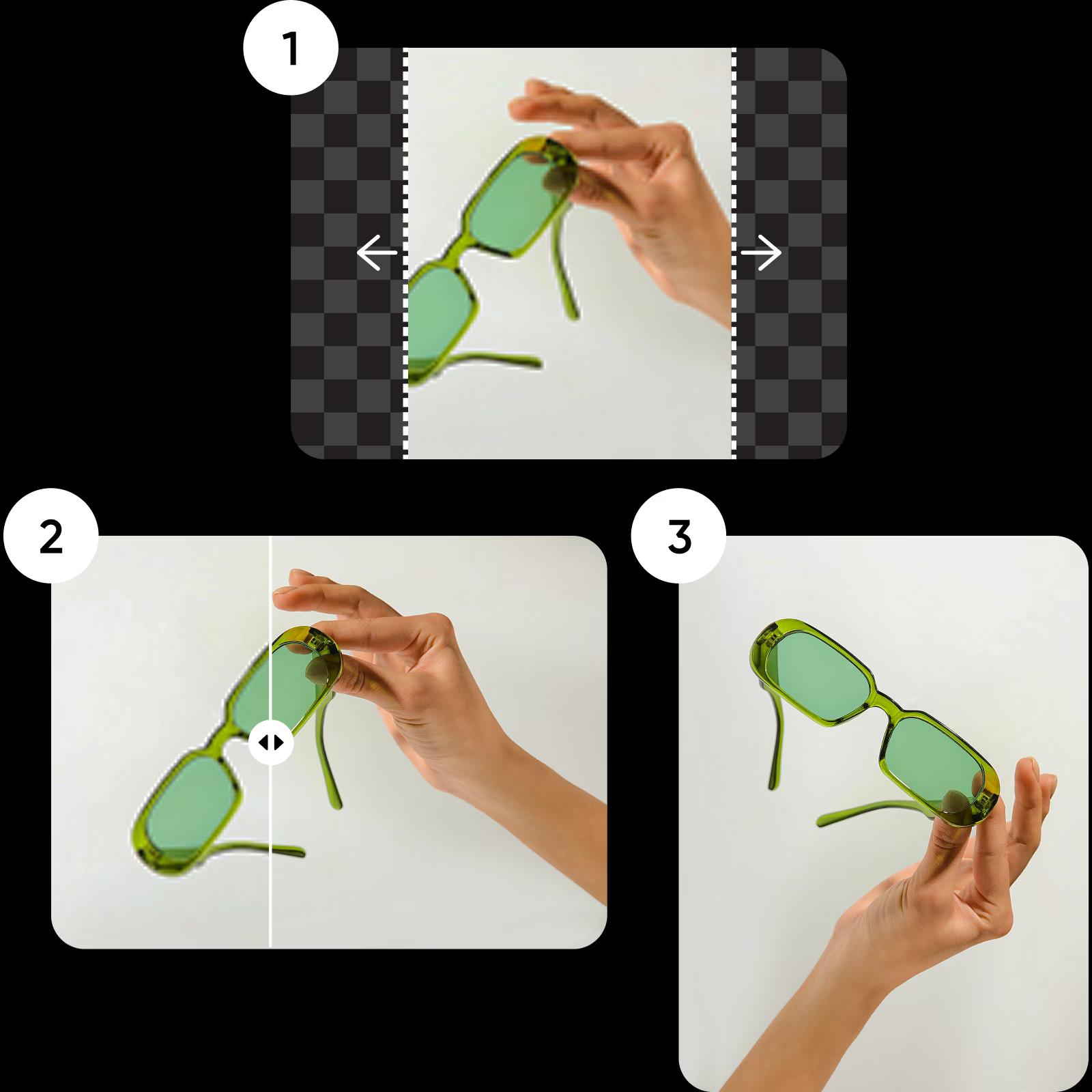
Cara tercepat dan termudah untuk membalik gambar
Ubah perspektif dalam sekejap dengan pembalik gambar online Picsart dan terus sempurnakan dengan rangkaian alat pengeditan foto bawaan. Pertahankan kualitas asli atau gandakan dan empat kali lipatkan resolusi tanpa harus beralih ke tab browser lain.
FAQ Pembalik Gambar
Inilah cara membalik gambar dengan Picsart:
- Unggah foto yang ingin Anda balik.
- Pilih tombol Balik dan Putar dari bilah alat panel atas.
- Pilih antara rotasi vertikal atau horizontal untuk gambar Anda.
- Setelah membalik, tambahkan sentuhan akhir dan unduh hasil edit Anda.
Edit gambar untuk setiap sudut dan tata letak
Pro
Most popularAI tools for everyday creative work.
Ultra
Most powerfulHeavy AI usage for creators & teams.


