AIアニメーション作成ツールで写真に動きを加えよう

Picsartで静止画をアニメーションに変えましょう。画像をアップロードし、加えたい動きを説明したら、AI Playgroundで次の投稿やクリエイティブなプロジェクトに使える短いアニメーション動画を作成できます。

  • 静止画に動きを感じさせる
  • 試したい動きを選ぶ
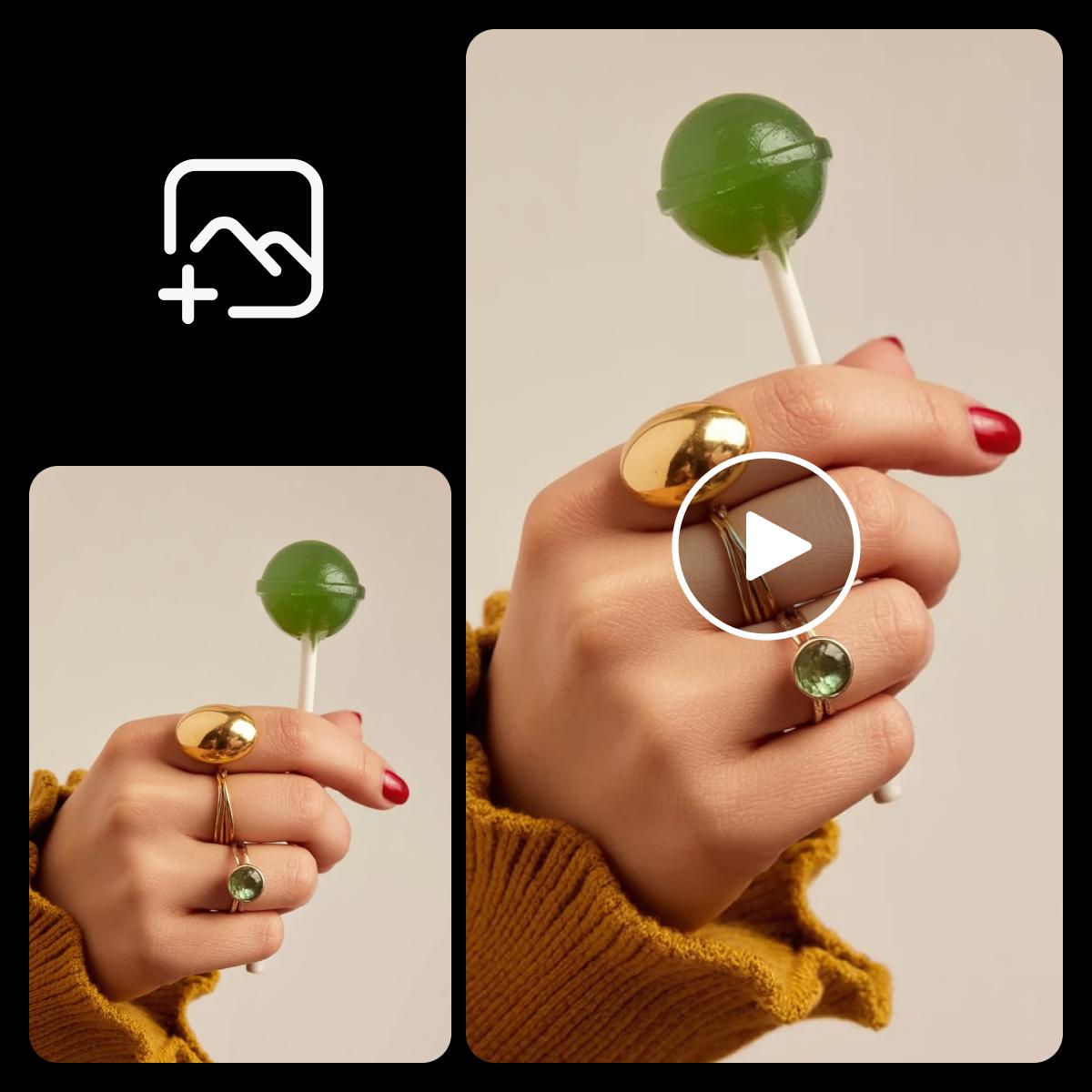
緑色のロリポップを持つ手を写した写真アニメーションの例
Start
End
Ref
Video
Audio
写真にどんな動きをつけるか説明してください...

静止画にちょっとした動きを加えよう

  • お気に入りの画像を使う

    使用許可のある写真、イラスト、商品画像から始めましょう。

  • 動きを説明する

    何をどちらの方向に動かすのか、何を静止させるのかをAIに伝えましょう。

  • フレームを選ぶ

    アスペクト比を選び、選択したモデルで利用できる設定を確認しましょう。

写真をアニメーションに変えよう

写真アニメーションは、静止画に動きを加えるものです。まず被写体がはっきりした画像を用意し、葉が揺れる、カメラがゆっくり近づくなど、小さな動きを説明しましょう。Picsartは画像とプロンプトを使って動きを生成します。結果を確認し、細部が変わってしまった場合は指示を調整しましょう。
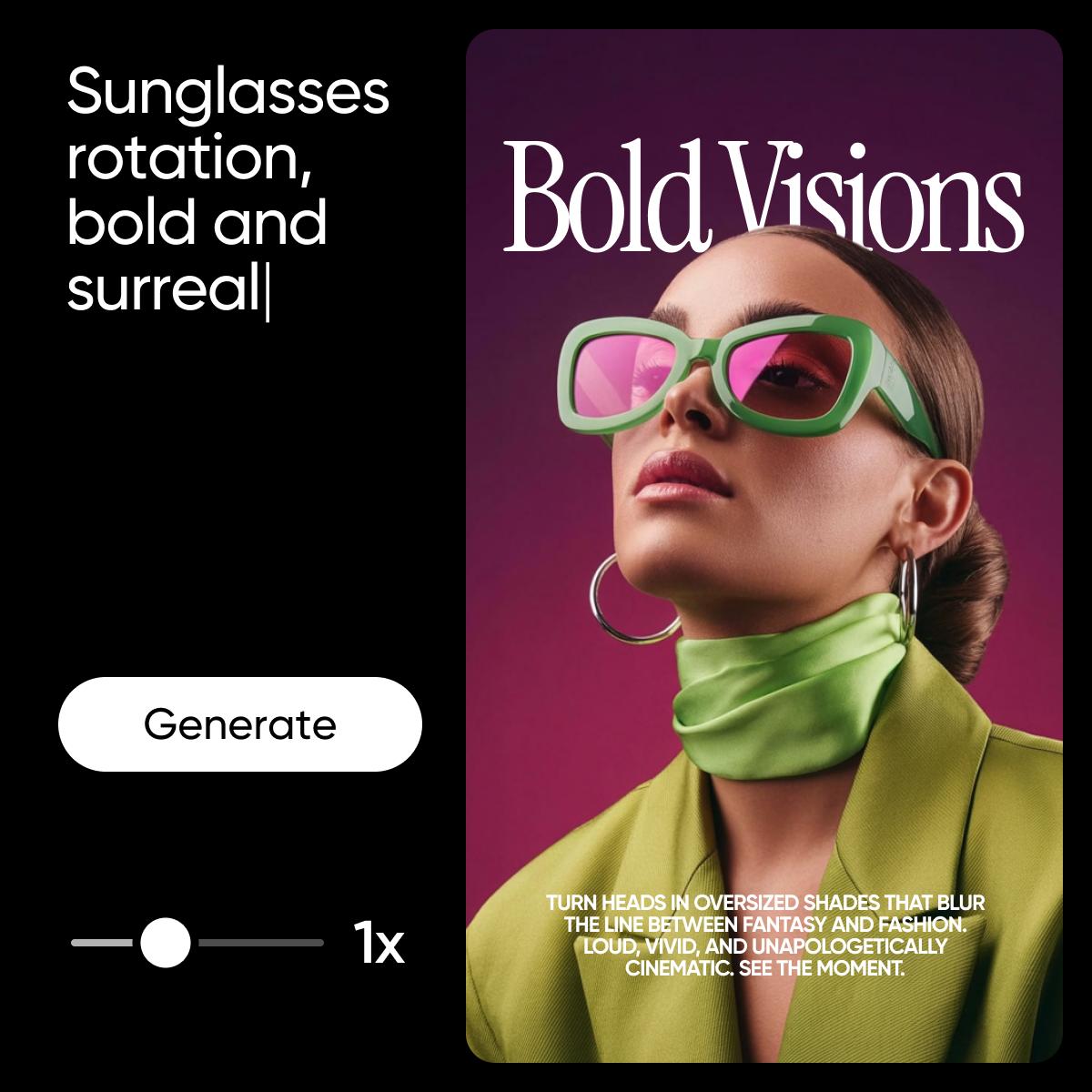
クリエイティブな写真アニメーションの例

オンラインで写真をアニメーション化する方法

画像を用意し、AIに動きの方向をわかりやすく伝えましょう。
How to

元になる画像を追加する

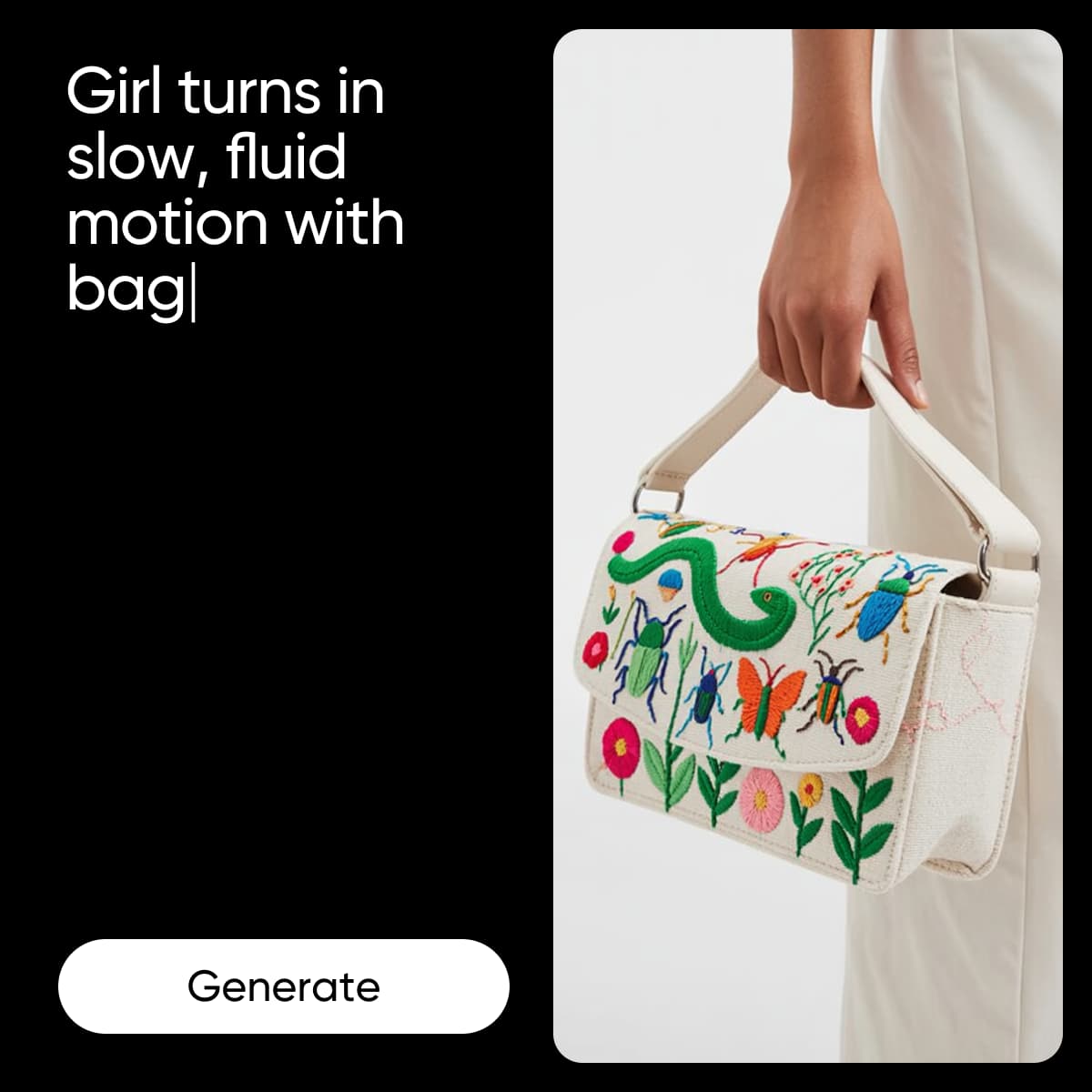
AI Playgroundを動画モードで開き、最初のフレームとして写真を追加します。被写体にピントが合った、はっきりした画像を使いましょう。

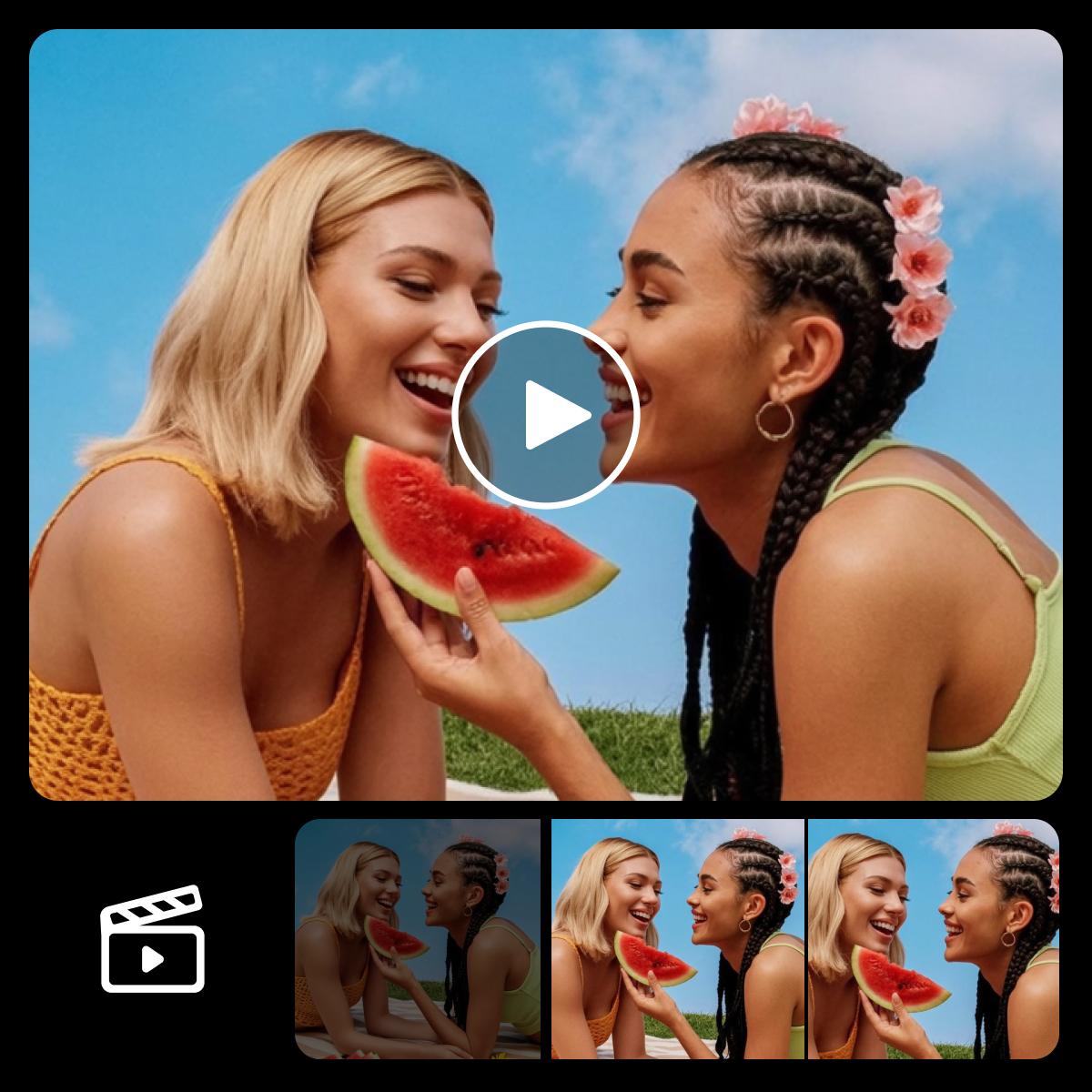
写真アニメーションのワークフロー例

次の投稿に使える写真アニメーションを作ろう

少し動きを加えるだけで、商品写真やポートレート、イラストの印象を変えられます。生成する前に、どこで共有するかを考えましょう。ストーリーには縦長の構図、動画には横長の構図が適しています。被写体がはっきりわかるよう、動きは控えめにまとめましょう。

  • 写真を次の投稿用コンテンツに
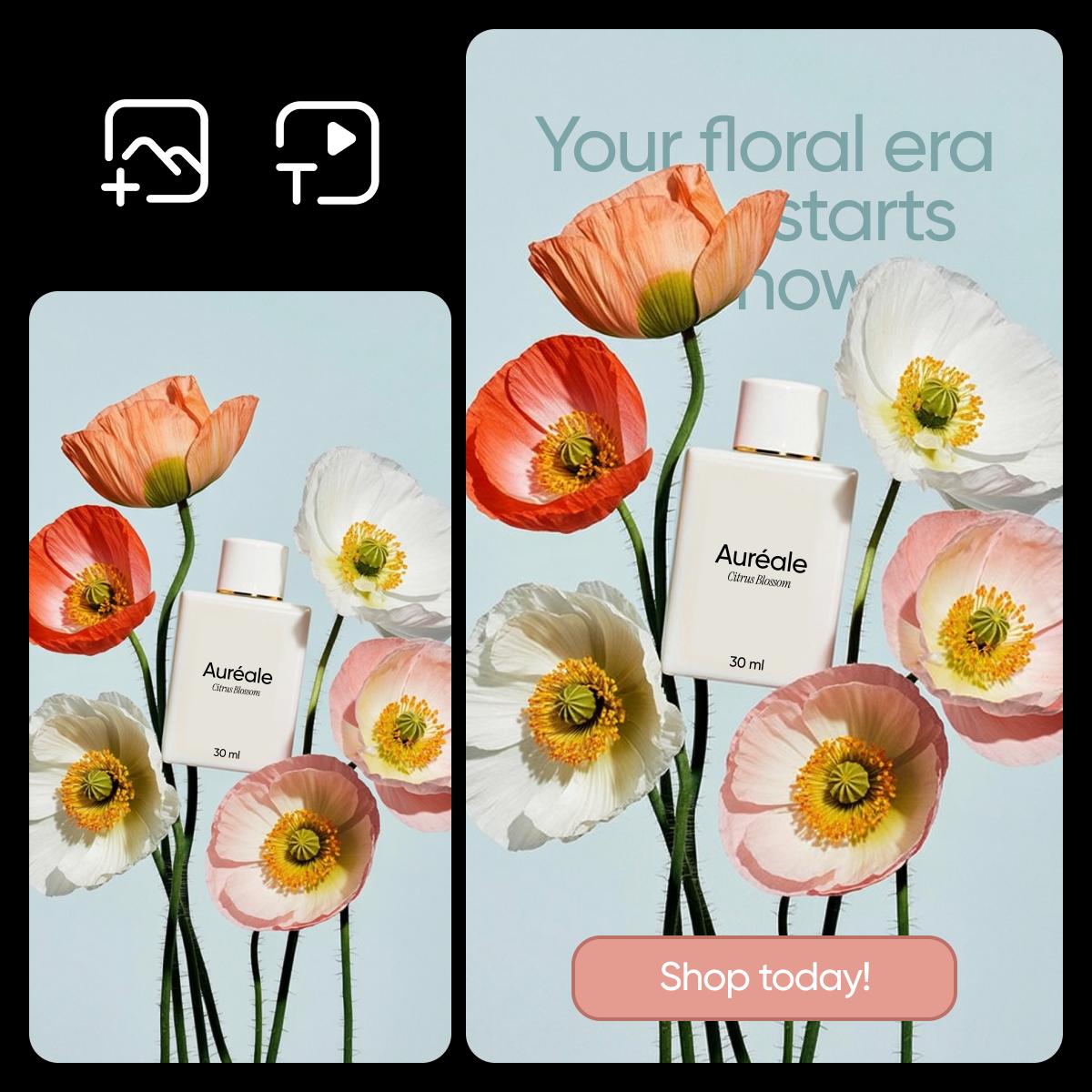
SNS投稿向けのアニメーションビジュアル例

具体的なプロンプトで動きを調整する

加えたい動きやカメラワーク、雰囲気を、わかりやすい言葉で説明しましょう。控えめなズームと、カメラが素早く周回する動きでは、仕上がりが異なります。別の方向性を試すにはプロンプトを変え、それぞれのアニメーションをプレビューしましょう。AIの生成結果は変わることがあるため、共有する前に顔や文字、商品の細部を確認してください。

  • 目的を持った動きを表現する
アニメーションの編集と動きの例

アニメーション作成ツールに関するよくある質問

  • AI Playgroundに写真をアップロードし、動画モードを選んで、加えたい動きを説明します。モデルを選んで設定を確認したら、サインインして写真アニメーションを生成できます。

クリエイティブなプロジェクトに合ったプランを選ぶ

Pro

Most popular

AI tools for everyday creative work.

$15 $10.5/mo
Billed yearly
You save $54 with yearly
  • Access to all photo & video editing features
  • Advanced background & object removal
  • Parallel video generations with the world's most powerful AI video models
  • Unlimited image generations with Flex.2 Klein
  • 1-tap image enhancer
  • Millions of stock photos & Getty video clips
  • Selection of trendy fonts, text styles & stickers
  • Thousands of premium templates
  • Support for 3+ brand kits
  • Bulk edit up to 50 images at once
  • 100 GB of cloud storage
New features:
  • Auto-generate content from your terminal or agent with the Picsart CLI
  • Use Picsart inside Claude Code, Cursor, and ChatGPT via MCP — coming soon
  • AI agents for multi-step workflows and batch generation — coming soon

Ultra

Most powerful

Heavy AI usage for creators & teams.

$45 $24.5/mo
Billed yearly, per seat
You save $246 with yearly
  • Everything in Pro
  • Early access to advanced AI features
  • Leading AI models to design & automate workflows (Nano Banana, Veo 3, Seedance 2.0 & more)
  • Parallel video generations with the world's most powerful AI video models
  • Unlimited image generations with Flex.2 Klein
  • Support for 10+ brand kits
  • Add team seats
  • Create ad variations and localize
  • Track ads performance
  • 2000 credits for API services
  • Bulk edit up to 100 images at once
  • 300 GB of cloud storage per seat
New features:
  • Auto-generate content from your terminal or agent with the Picsart CLI
  • Use Picsart inside Claude Code, Cursor, and ChatGPT via MCP — coming soon
  • AI agents for multi-step workflows and batch generation — coming soon

Enterprise

Custom AI solutions for large organizations.

Custom credit volume
  • Volume discounts on credit rate
  • On-demand top-ups
Custom
Contact for pricing
  • Access to photo & video editor SDKs
  • Mobile web SDK support
  • Prepaid or pay-as-you-go creative APIs
  • Embed professional-grade editing into your product or workflow
  • Fully configurable editing experience
  • White-label to match your brand
  • Support for built-in marketing, e-commerce & printing use cases
  • Bring your own assets: images, templates & fonts
  • Enterprise-grade security, SLAs & support
  • Dedicated account manager