logo
AI Image
AI Video
Library
Solutions
Community
MCP & CLI
Pricing
  1. Home
  2. Video Tools
  3. AI Voice Generator

AI Voice Generator: create AI voices instantly

Turn your script into natural AI voiceovers in seconds. This AI Voiceover Generator helps you create smooth, expressive audio of any length - perfect for videos, promos, and storytelling. Whether you're crafting a quick reel or a full narrative, your voice is ready in moments.

Generate voiceover
Icon for mic

Creative voice personalities

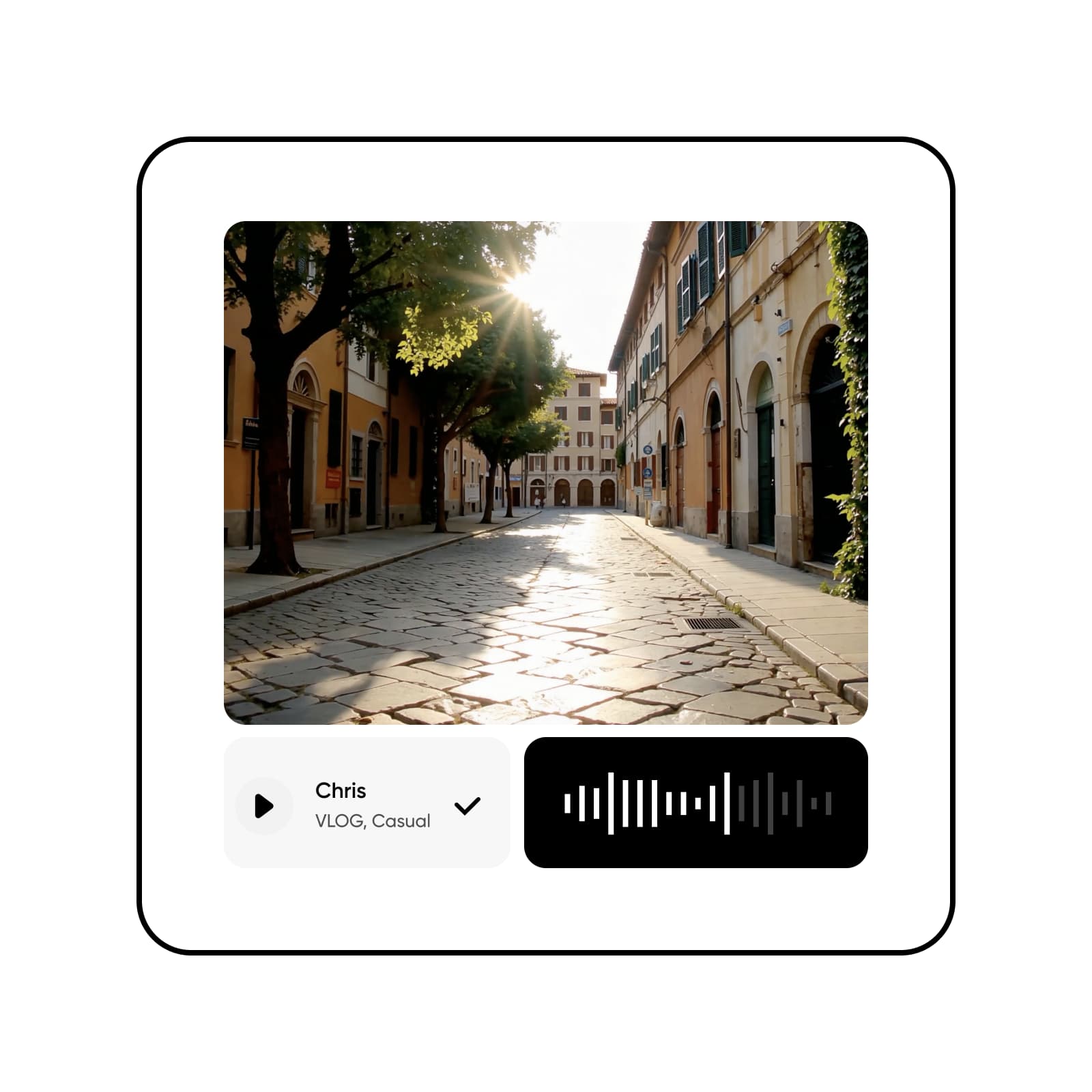
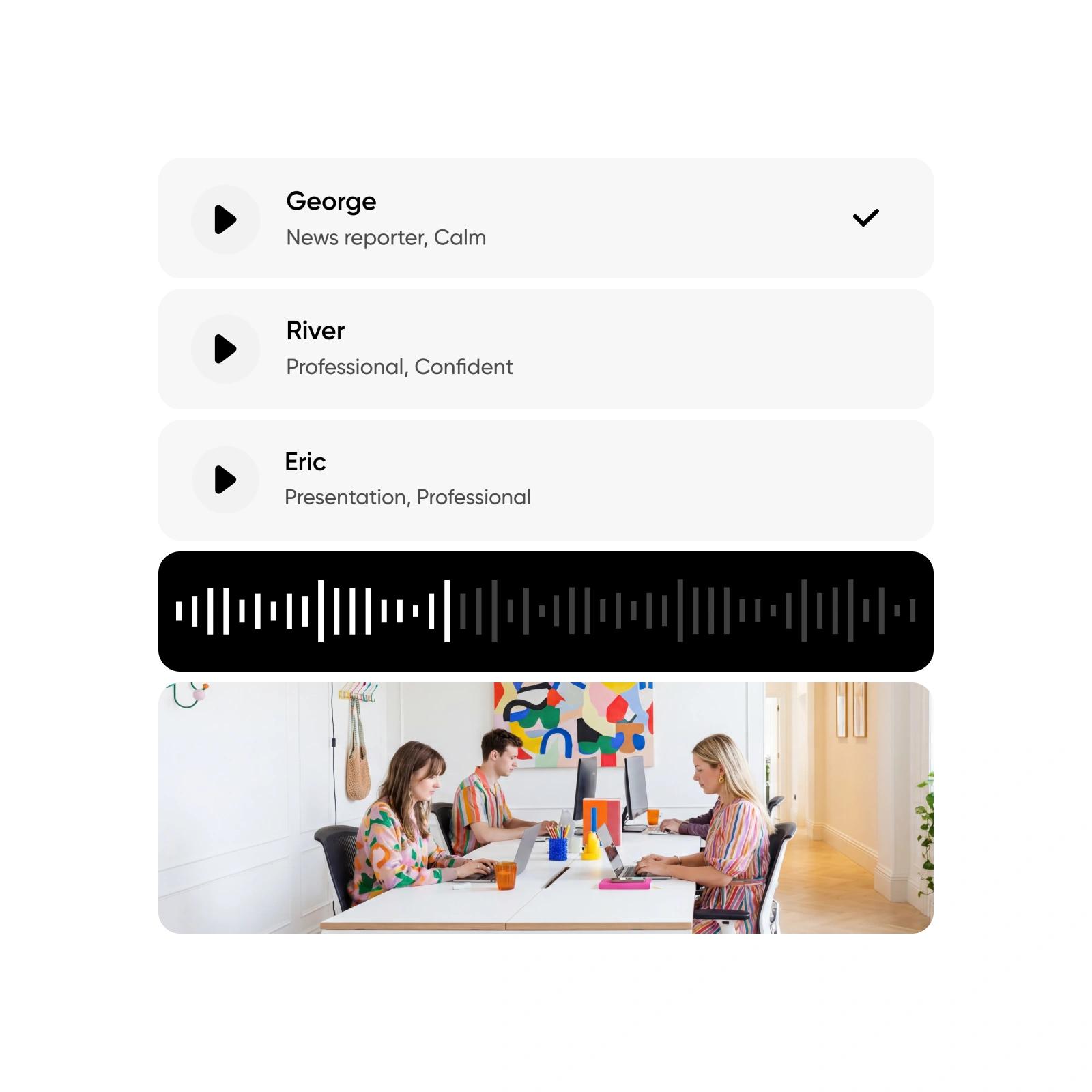
Give your script a signature sound. This AI Audio Generator offers expressive, character-driven voices that feel tailored to your story.

Icon for any length narration

Any-length narration

Use text-to-speech AI to generate short hooks or hour-long narration;  your AI Voice Generator adapts to whatever you’re creating.

Icon for visual upload

Smooth integration with your visuals

Add audio to images, designs, and videos without leaving your flow. Your AI Voiceover Generator connects directly to Picsart’s editing tools.

42%

productivity boost among companies using AI-powered creation tools

50%

cut their content-making time in half using AI editing

58%

of businesses use AI to handle routine production tasks

63%

improvement in content efficiency among marketers using AI tools


How to make an AI voiceover

1

Write your script

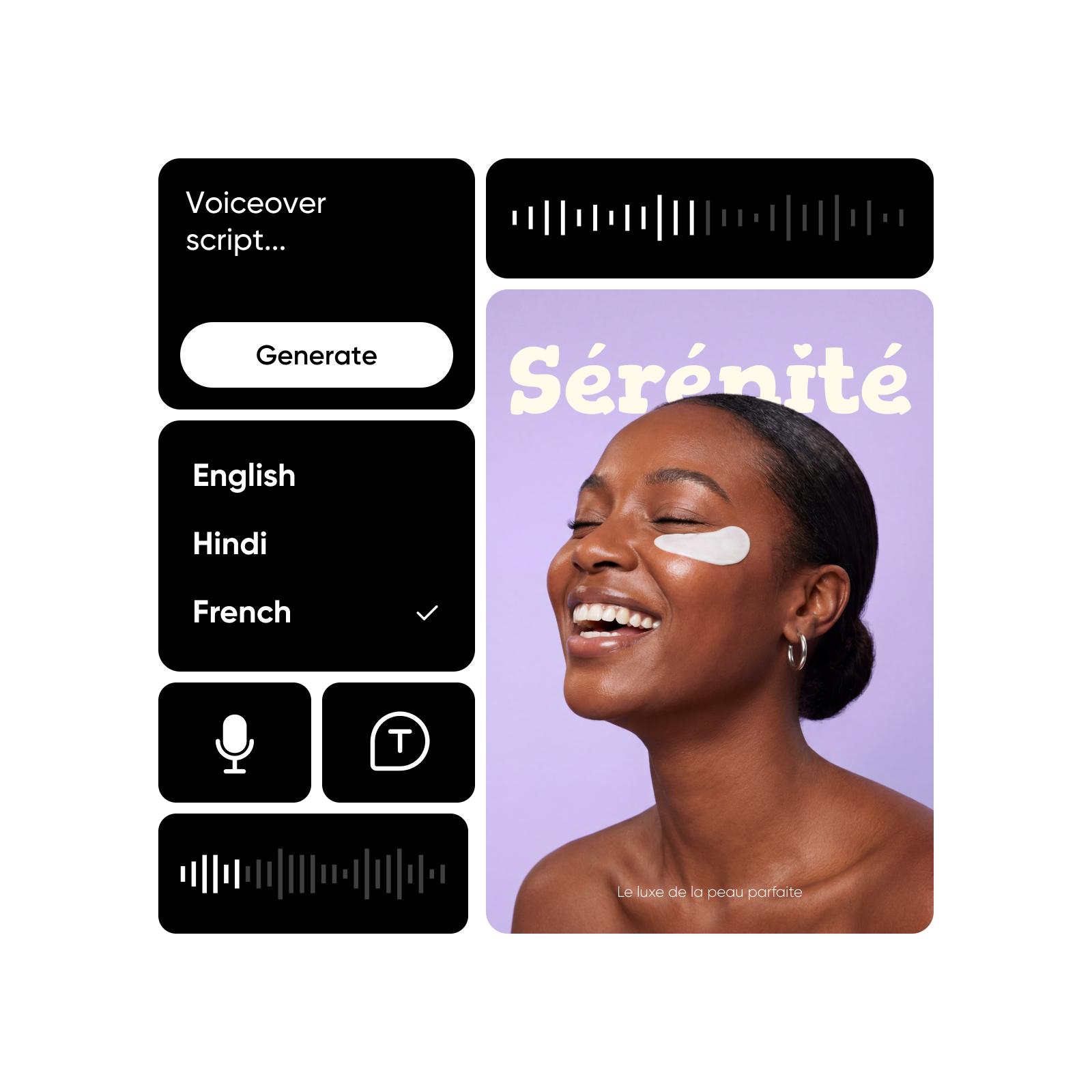
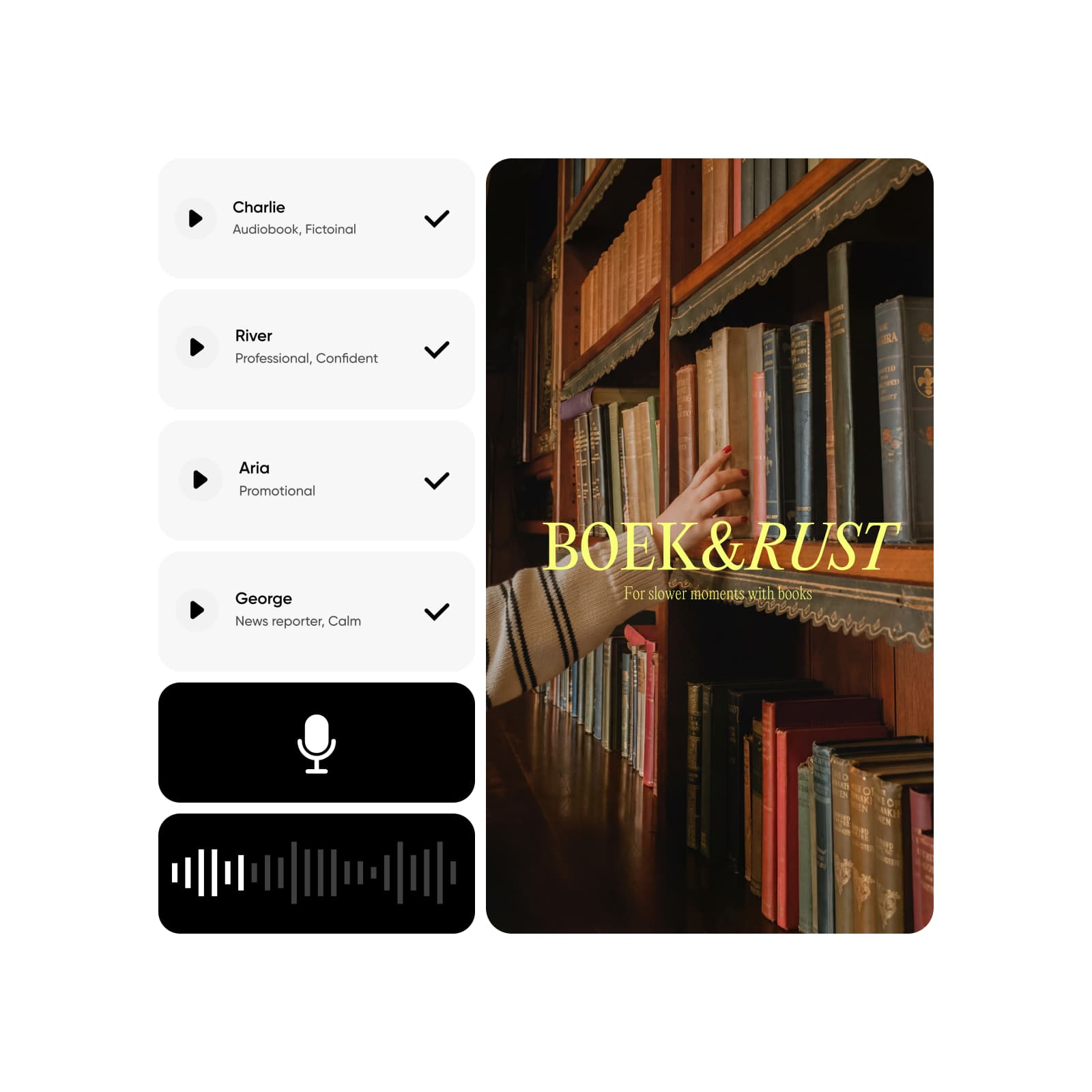
Type or paste your text into the voiceover script box - any length, any language.

2

Choose your voice style

3

Generate your audio

4

Add it to your canvas

Create polished content with an AI voice

Turn your text into natural audio in seconds with an AI Voice Generator built for effortless creation. Make any-length voiceovers in any language and drop them straight into your videos or photos. With expressive text-to-speech, your ideas sound polished without recording, cleanup, or additional equipment.
 

AI voice for videos

Explore AI voice styles that match your tone

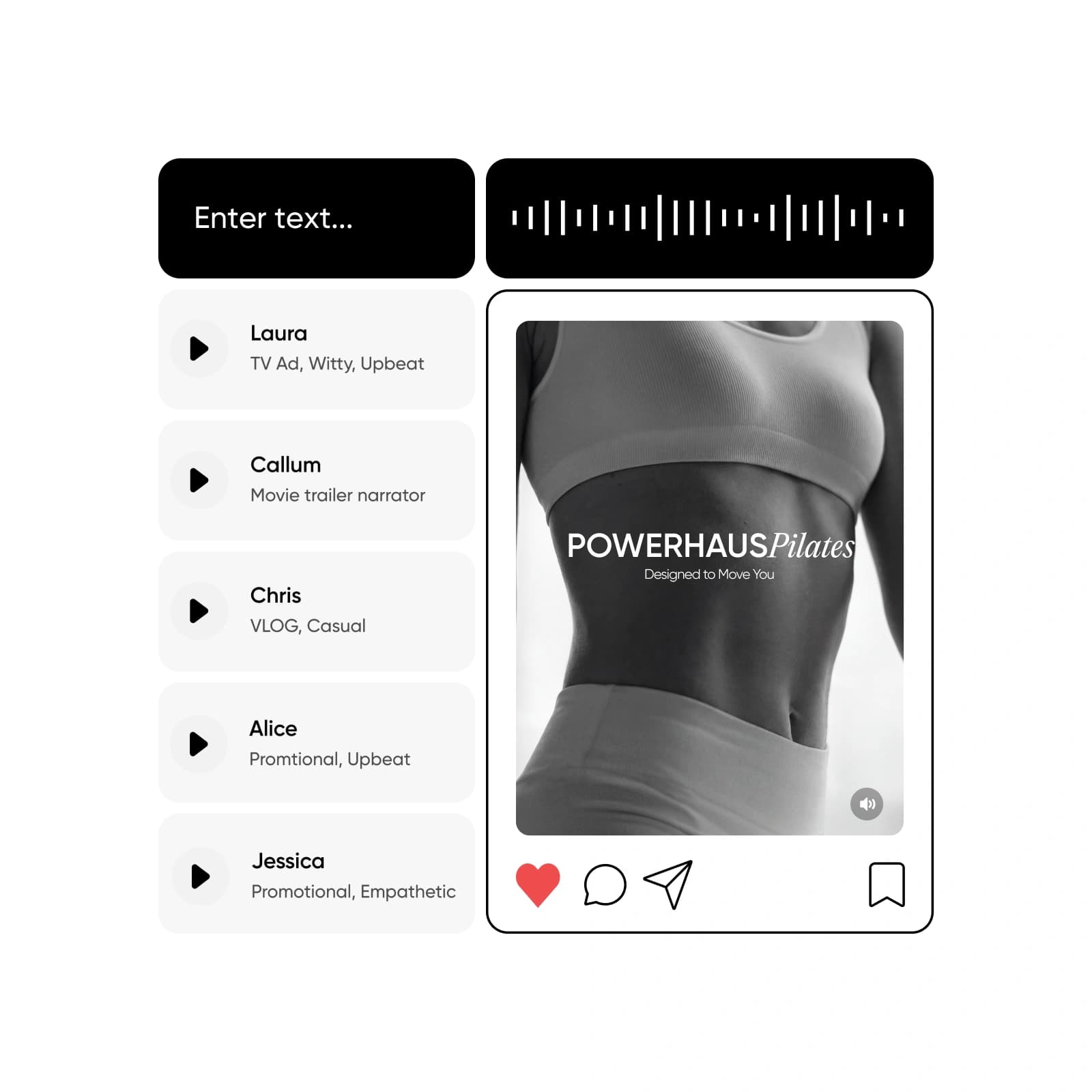
Picsart offers AI voices with personality - from TV presenter confidence to cinematic narration and relaxed vlog-style delivery. Unlike tools with generic text-to-speech AI, these character-driven styles help you shape emotion, clarity, and intent, giving your content a voice that feels expressive rather than flat.

Add an AI voice that enhances your content

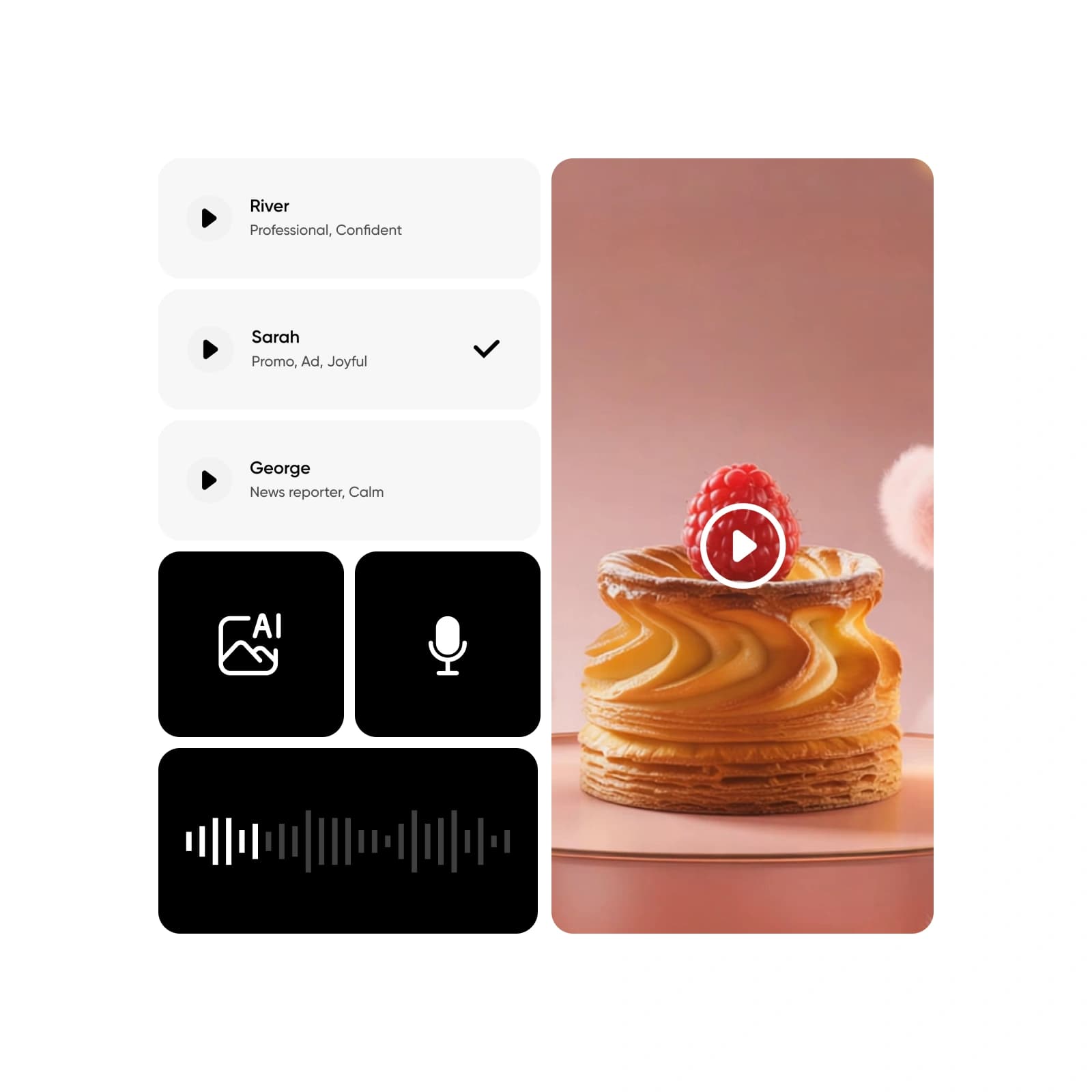
Place your new voiceover directly onto videos, photos, designs, or slides inside Picsart’s Editor. Create your visuals with the AI Video Generator, then layer in audio, refine everything on the canvas, and export a polished final piece - all in a seamless creative flow.
 

How to make an AI voiceover for any narration style

Create short promos or long-form narration without worrying about limits. With true any-length voiceover capability, your script can be a single line or a full episode. This flexibility gives you an advantage when crafting AI narration that fits every format.
 

AI voiceover generation

Smart ways to apply AI narration

Give short-form videos a distinct voice with quick, expressive AI narration. Perfect for grabbing attention fast and keeping your edits consistent.

AI voiceover for TikTok videos

Create dynamic narration in any language, voice, or accent

Craft AI narration in any language by simply typing your script the way you want it spoken. Choose from a wide range of voices and accents to match tone, audience, and mood. Your AI voiceover adapts instantly - making global content creation effortless, expressive, and accessible for every project.
 

All the essentials of an AI Voice Generator

Discover the key features that make Picsart’s AI Voice Generator a fast, flexible, and reliable tool for creating high-quality audio for any project.

Turn scripts into audio instantly

Convert text into smooth, natural narration in seconds.

Create voiceovers of any length

Produce everything from short callouts to long narrative tracks without limits.
 

Explore a range of voice styles

Choose tones that sound cinematic, casual, presenter-like, or story-driven.

Enjoy lifelike narration quality

Get audio with natural pacing, clarity, and emotional expression.

Add narration directly to visuals

Place your generated voiceover on videos or images right inside the editor.

Skip recording altogether

No voice booth, no microphone - generate polished audio automatically.

Made for every content type

From ads to tutorials, create narration that fits any format.
 

Try unlimited variations

Test different voices or tones until you land on the perfect match.
 

Get fast AI-powered output

High-quality narration generates quickly, so you can stay in flow.

Built for creators and teams

Easy enough for beginners, capable enough for professional use.

Reduce editing time

Skip cleanup - the audio comes out clean and ready for your project.
 

Create and export in one place

Write, generate, apply, and export all within Picsart’s creative workspace.


AI Voice Generator FAQ

An AI Voice Generator turns written text into spoken audio using machine learning and voice synthesis. It creates natural-sounding narration without recording, making it ideal for videos, ads, tutorials, and storytelling.
 

 An AI voice is a computer-generated voice designed to sound human. It uses advanced text-to-speech models to deliver clear, natural pacing and tone.

Write your script, choose a voice style, and generate the audio instantly. You can then add it to any video, photo, or design inside Picsart’s editor.
 

Yes. You can create AI voiceovers of any length - from quick lines to full narrations - with no script limits.
 

Yes. Voices are designed for smooth pacing, natural tone, and expressive delivery, making them suitable for both casual and professional content.

Absolutely. Many creators use AI audio for product promos, business announcements, presentations, and marketing videos.
 

Yes. Import your media into Picsart, drop your generated audio onto the timeline or canvas, and export your finished piece.

Yes, but with more expressive, creative voice options. It builds on text-to-speech AI but offers stylistic choices and a more natural sound.
 

Yes. You can choose from various tones - cinematic, conversational, presenter-style, vlog-like, and more - so your narration matches the mood of your project.
 

They save time, remove recording challenges, allow unlimited retakes, and give you instant narration for videos, lessons, intros, and stories - all without equipment.
 

You can export your generated audio in standard, shareable formats suitable for editing and posting across different platforms.
 

Type your script, choose the tone or accent you want, and generate. The system creates a polished voice automatically - no recording needed.


More tools to love

AI video editor

AI Video Editor

Discover the easiest way to create videos with AI. 
 

Picsart AI video Generator

AI Video Generator

Generate custom videos with AI by just writing a short description of your vision.
 

online AI image to video generator

AI Image-to-Video

Turn any image into a dynamic video with AI.
 

AI image generator

AI Image Generator

Type your vision and let AI transform your words into fascinating images.

video ad maker

Video Ad Maker

Create engaging video ads in seconds using AI.
 

Picsart's AI video style changer

AI Video Filters

Reinvent the look of your videos with AI-powered video filters.
 

AI photo editor

AI Photo Editor

Speed up your editing process with an AI-powered photo editor.

Picsart's background remover

Background Remover

Masterfully remove the background with AI or make it transparent.
 

You are the designer. Design more.

Generate AI imagesCreate AI artworkGenerate AI adsDesign marketing assetsLocalize your designsGenerate AI backgroundsCreate brand assetsTry AI mockupsGenerate AI text contentTry AI text stylesCreate social media contentEdit designs with AIExplore all AI tools

Get the free app

Download on the App StoreGET IT ON Google PlayGet it from Microsoft
Pinterest
AICPA SOC

Explore

  • AI Image Generator
  • AI Video Generator
  • AI Playground
  • AI Image Models
  • AI Video Models
  • AI Photo Editor
  • Templates
  • Design Tools

Solutions

  • For Enterprise
  • For Developers
  • For Google Drive
  • For specific Industries
  • Quicktools
  • AI Avatar
  • Pricing

Company

  • Support
  • Careers
  • About us
  • Earn with Picsart
  • Blog
  • Press Center
Terms of UsePrivacy PolicyDo Not SellInternet-Based AdvertisingCommunity GuidelinesDMCASecurity PolicyAccessibility
© 2026 PicsArt, Inc.

Create voiceovers with AI audio models

Use audio models to shape natural voices, narration, and sound for polished creative projects.

Lyria 3New
Generate high-quality music and audio for creative projects.Pro qualityMusic generationSee model