Gratis schaduw aan een afbeelding toevoegen: direct schaduwen bewerken
Van productfoto's tot Instagram-berichten: maak van je foto's prachtige kunstwerken met schaduwbewerking.
Geef je ontwerpen een upgrade met professionele schaduwbewerking
Zo voeg je een schaduw toe aan een afbeelding
Geef je foto's meer uitstraling met schaduwbewerking
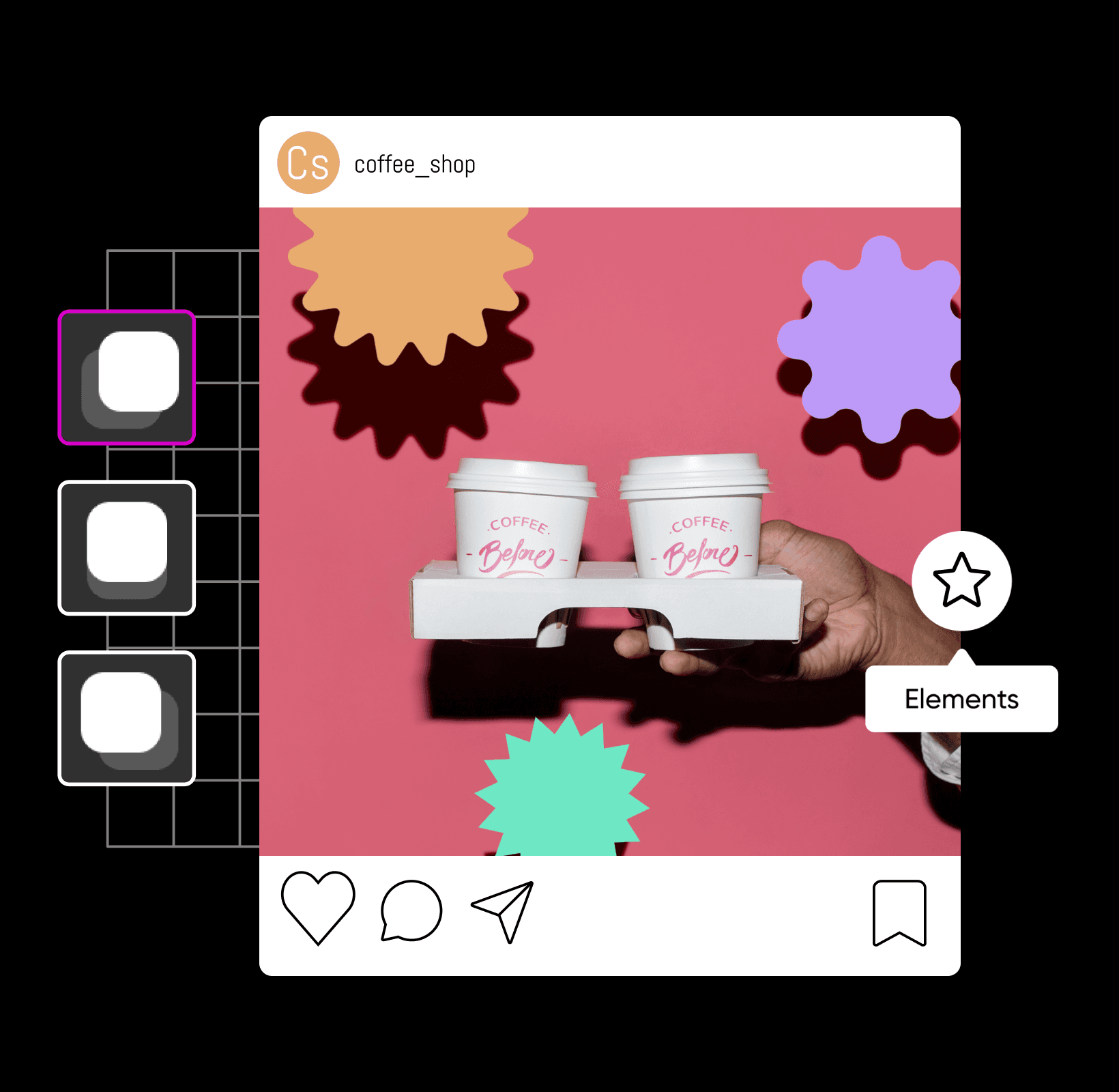
Bij het bewerken van een foto met schaduwen maak, bewerk of voeg je schaduwen toe aan een afbeelding. Of je nu werkt aan een aanstaande productlancering of je nieuwste fotoshoot bewerkt, slagschaduwen geven elk type afbeelding direct meer uitstraling — van fotobewerking tot grafisch ontwerp. Met een tool om schaduwen aan foto's toe te voegen, geef je je foto's met slechts een paar klikken een upgrade met ultrarealistische schaduwen. Zo kun je een object laten lijken alsof het zweeft en een schaduw op de achtergrond werpt, voor een prachtige compositie.
Gratis online schaduwen aan afbeeldingen toevoegen
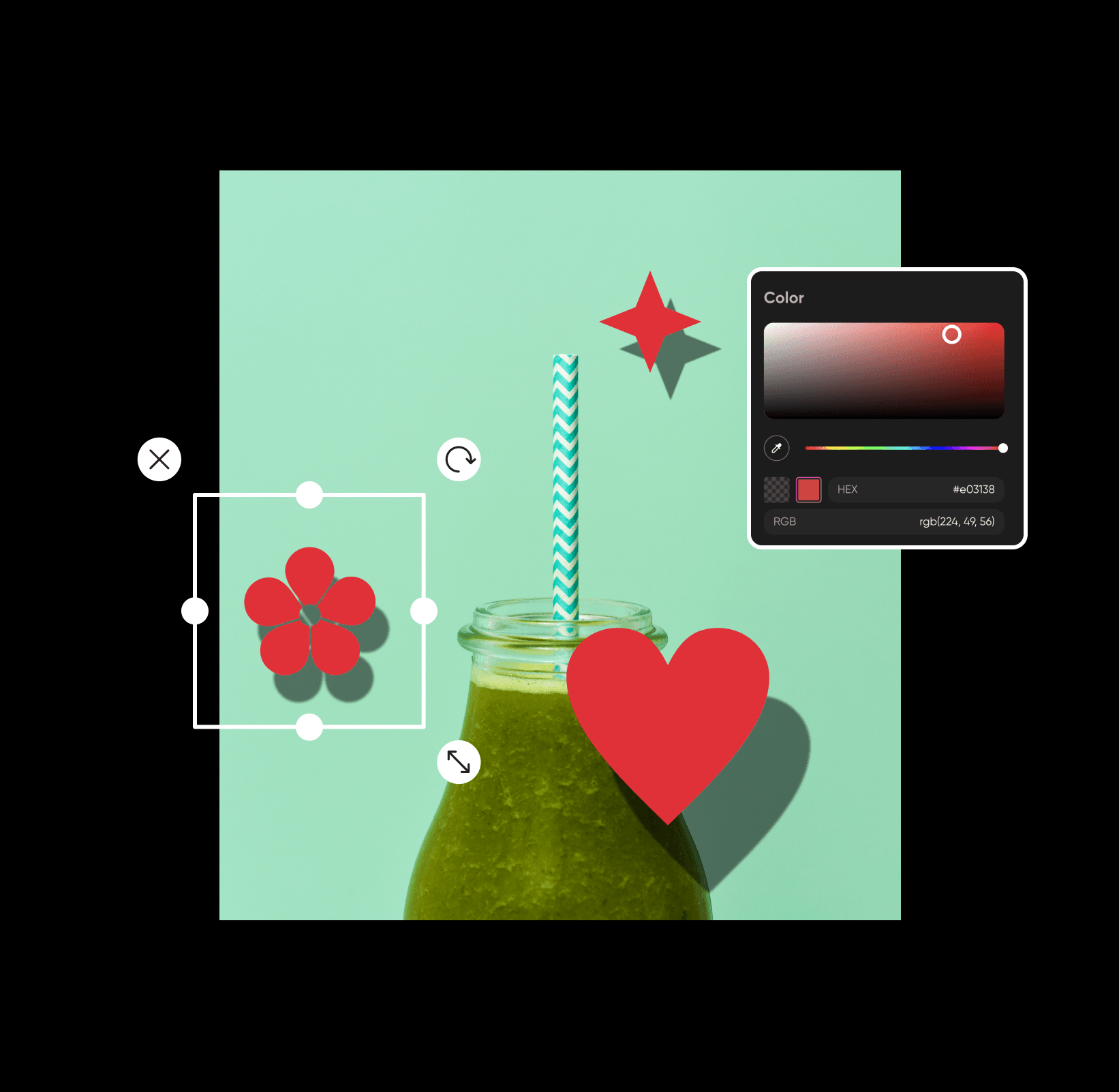
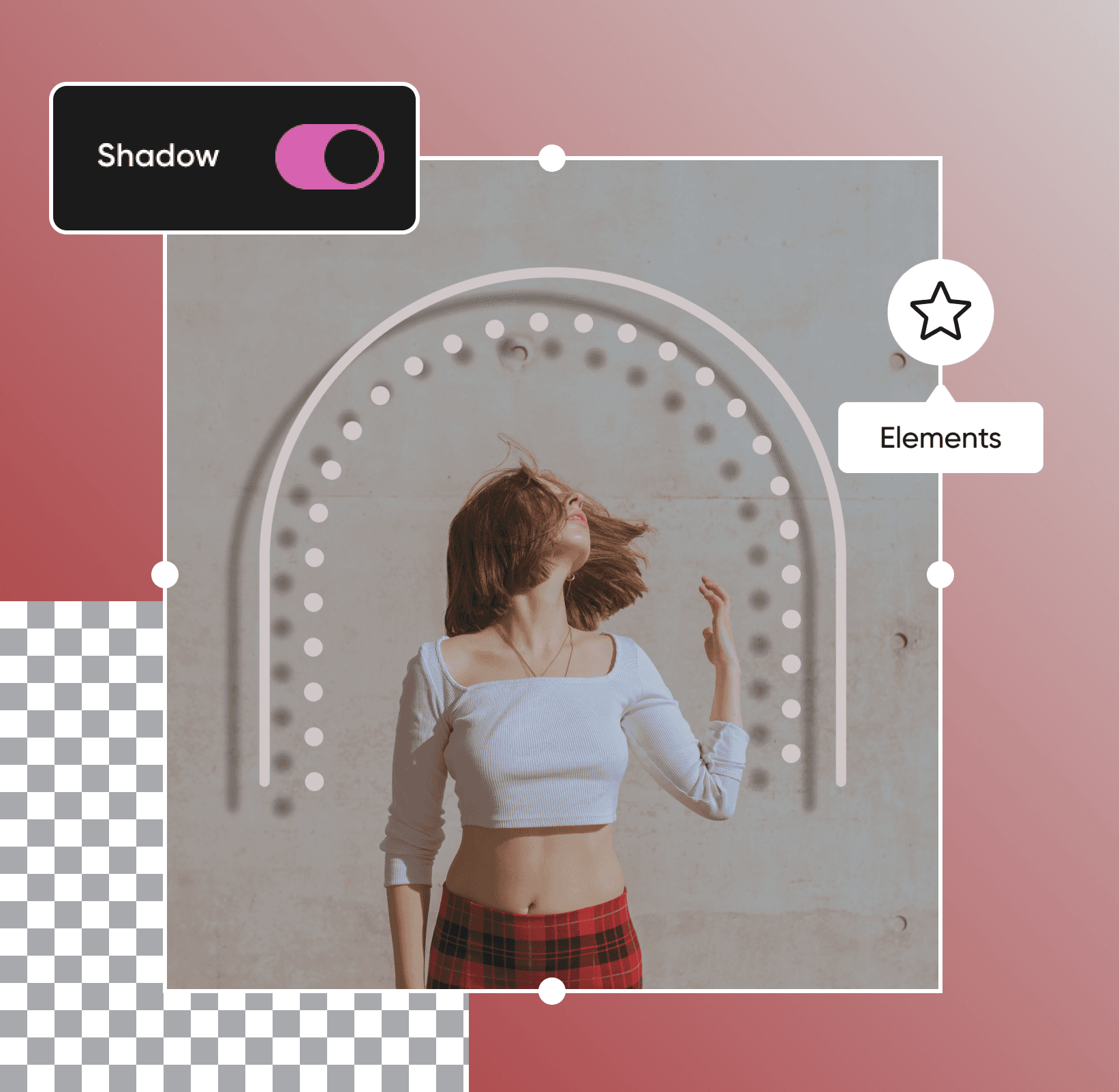
Van verborgen objecten tot zwevende tekst: met schaduwen geef je je favoriete afbeeldingen binnen enkele seconden een dramatische en artistieke uitstraling. Het goede nieuws? Ook als je geen professionele editor bent, kun je gratis online schaduwen aan afbeeldingen toevoegen met onze gebruiksvriendelijke foto-editor. Geef je foto's een upgrade door met verschillende schaduwen en ontwerpelementen te experimenteren tot je de perfecte balans vindt. Zo eenvoudig is het!
Breng je boodschap over met tekstschaduwen
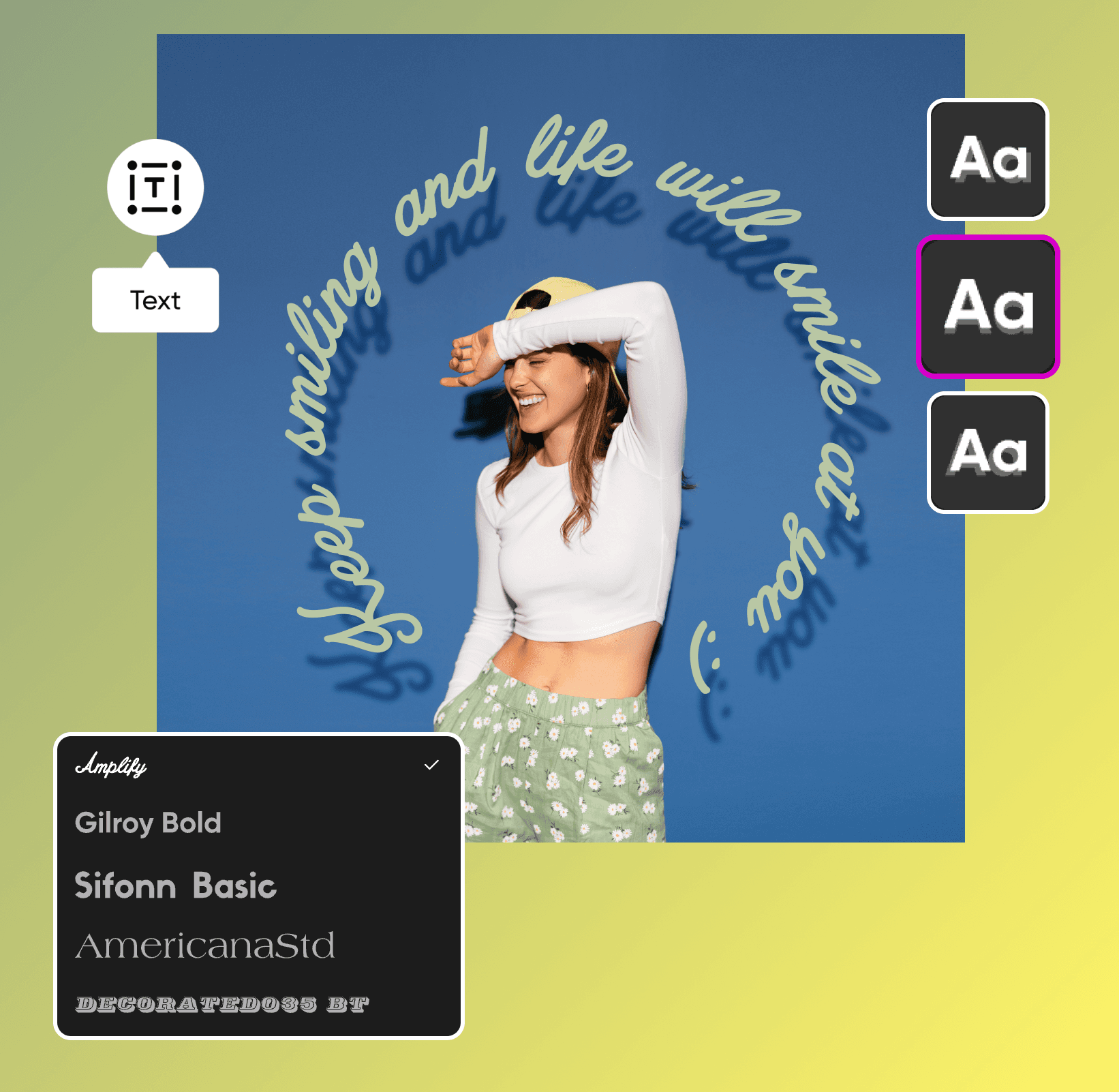
Wil je de juiste boodschap overbrengen aan je doelgroep? Of je nu de laatste hand legt aan je marketingmateriaal of werkt aan opvallende evenementposters, schaduwbewerking kan je ontwerp echt naar een hoger niveau tillen. Met onze gebruiksvriendelijke foto-editor voeg je in slechts een paar klikken slagschaduwen toe aan tekst, zodat je boodschap afsteekt tegen de achtergrond. Schaduwen zorgen voor extra contrast tussen je tekst en de rest van je ontwerp. Zo blijft alles goed leesbaar en overzichtelijk en krijgt je hele ontwerp een professionele uitstraling.
Geef je productfoto's meer impact met schaduweffecten
Van Etsy-winkels tot websites van kleine bedrijven: met onze aankomende functie voor slagschaduwen wordt het makkelijker dan ooit om met slagschaduwen de kunst van fotocompositie onder de knie te krijgen. Voeg je nieuwe elementen toe aan een bestaande foto? Voeg dan slagschaduwen toe aan afbeeldingen voor een natuurlijkere, evenwichtigere compositie. Of je nu productfoto's of promotiemateriaal bewerkt, ontdek onze gebruiksvriendelijke bewerkingstools voordat je je ontwerpen met de wereld deelt.
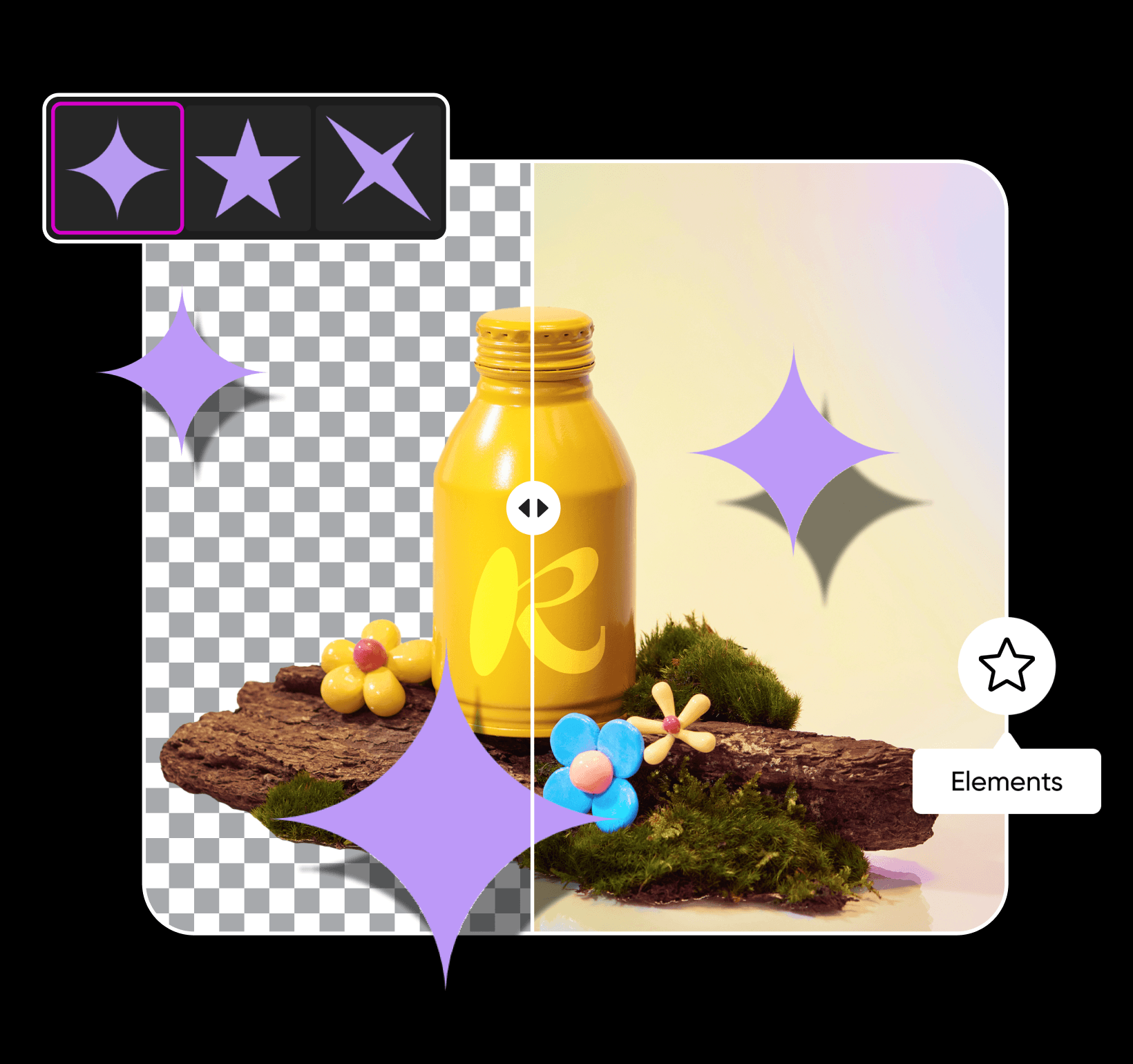
Pas je schaduw naar wens aan
Wil je je schaduw nog wat aanpassen? Nadat je de schaduw aan je foto hebt toegevoegd, kun je de kleur, dekking, vervaging en positie aanpassen voor een hyperrealistisch resultaat. Geef je foto's een upgrade met onze professionele bewerkingstools zodra je schaduw helemaal naar wens is. Laat je creativiteit de vrije loop met trendy foto-effecten, opvallende typografie, stickers op maat en andere ontwerpelementen. Wat je visie ook is, met Picsart pas je je bewerkingen in slechts enkele minuten aan je wensen aan.
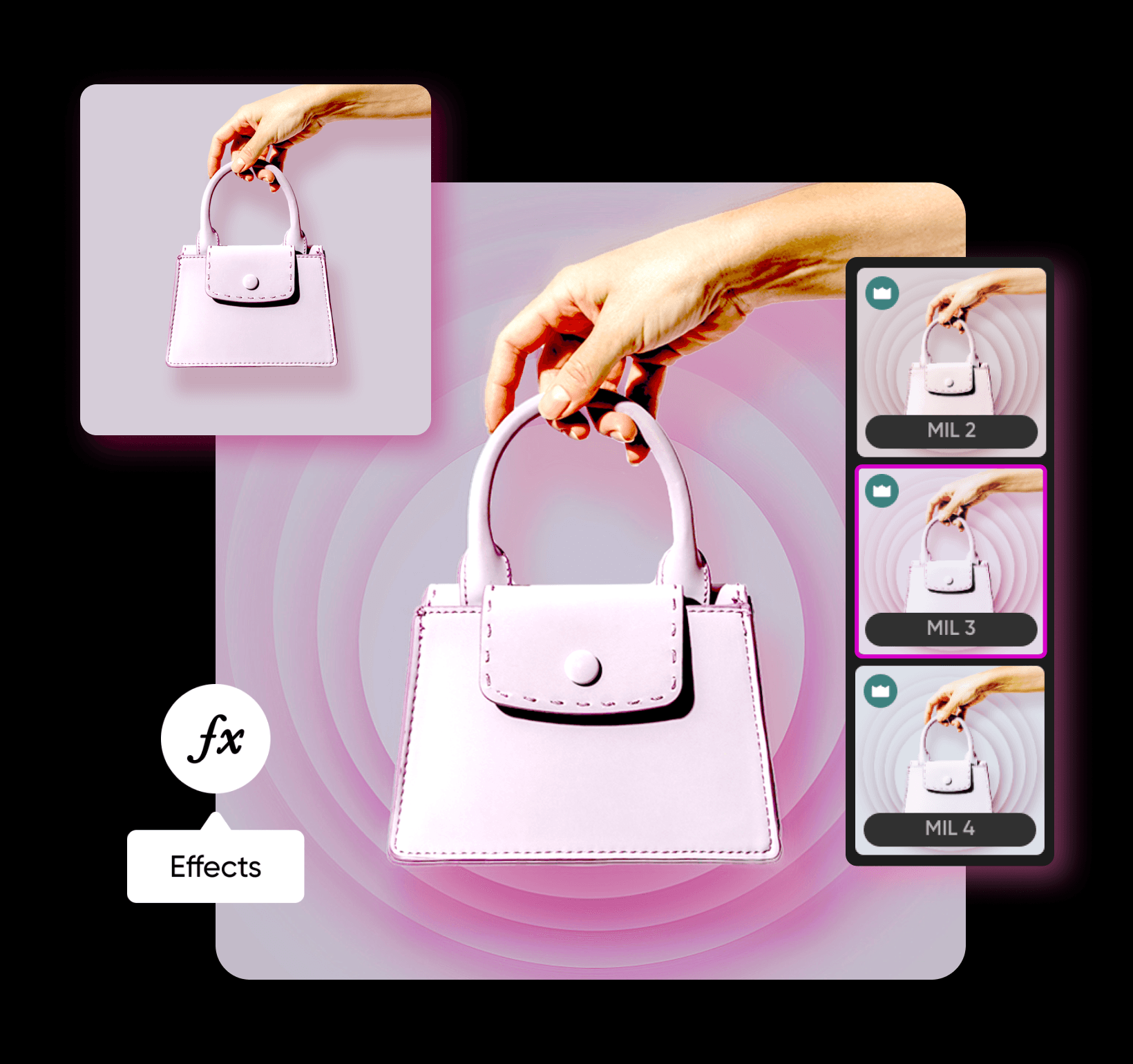
Schaduwen aan afbeeldingen toevoegen met AI-afbeeldingsmodellen
Gebruik afbeeldingsmodellen om afbeeldingen met schaduwen om te toveren tot professionele visuals, ontwerpideeën en kant-en-klare bewerkbare bestanden.
Veelgestelde vragen over schaduw toevoegen aan afbeeldingen
Klik op 'Elements' in de werkbalk aan de linkerkant en kies een ontwerpelement. Vervolgens kun je een schaduw aan het element toevoegen en de vervaging, dekking, hoek en meer aanpassen.
Bewerk foto's voor professionele content voor makers
Pro
Most popularAI tools for everyday creative work.
Ultra
Most powerfulHeavy AI usage for creators & teams.


