Resume Sizes
Resume size standards help you choose the correct dimensions so your resume prints cleanly, uploads correctly, and displays consistently across devices. Learn the standard resume sizes for A4 and US Letter formats, including screen and print dimensions, to ensure compatibility with applicant tracking systems (ATS) and hiring platforms.

| Format | Dimensions | |
|---|---|---|
| Resume (A4 – print) | 2480 x 3508 px | |
| Resume (US Letter – print) | 2550 x 3300 px | |
| Resume (A4 – screen) | 595 x 842 px | |
| Resume (US Letter – screen) | 612 x 792 px |
Resume (A4 – print)
Recommended vs supported sizes
A4 resumes for print should be designed at 2480 × 3508 pixels, which corresponds to the standard A4 paper size at print resolution. This format is widely used outside the United States.
Best practices for visibility
Maintain clear margins and readable font sizes so content prints cleanly and remains legible. Avoid placing text too close to the edges, as printers may trim margins slightly.
Quality and export considerations
Export at full resolution and avoid resizing after layout is complete to prevent text distortion.
Resume (US Letter – print)
Recommended vs supported sizes
US Letter resumes should be designed at 2550 × 3300 pixels, matching the standard Letter paper size used primarily in the United States and Canada.
Best practices for visibility
Ensure consistent spacing and alignment, especially when submitting resumes to employers who expect Letter formatting.
Quality and export considerations
Design at the final print size and export at high quality to ensure accurate printing.
Resume (A4 – screen)
Recommended vs supported sizes
For digital viewing, A4 resumes are commonly designed at 595 × 842 pixels, based on screen resolution.
Best practices for visibility
Use clear hierarchy and spacing so text remains readable without zooming. Screen resumes should be optimized for PDF viewing.
Quality and export considerations
Do not use screen-sized resumes for printing, as lower resolution may result in blurry text.
Resume (US Letter – screen)
Recommended vs supported sizes
US Letter screen resumes use 612 × 792 pixels and are suitable for online submissions and email attachments.
Best practices for visibility
Ensure headings and body text scale well across different screen sizes and PDF viewers.
Quality and export considerations
Export separately from print versions to maintain clarity and layout accuracy.
Pro tips for resume sizing
- Use A4 for most international job applications
- Use US Letter when applying in the United States or Canada
- Design separate versions for screen and print
- Keep margins consistent to avoid layout shifts
- Export resumes as PDFs for reliable formatting
How to design and resize resumes using Picsart
Picsart helps you create, resize, and export resumes using exact dimensions, ensuring layouts remain consistent for printing and online submissions.
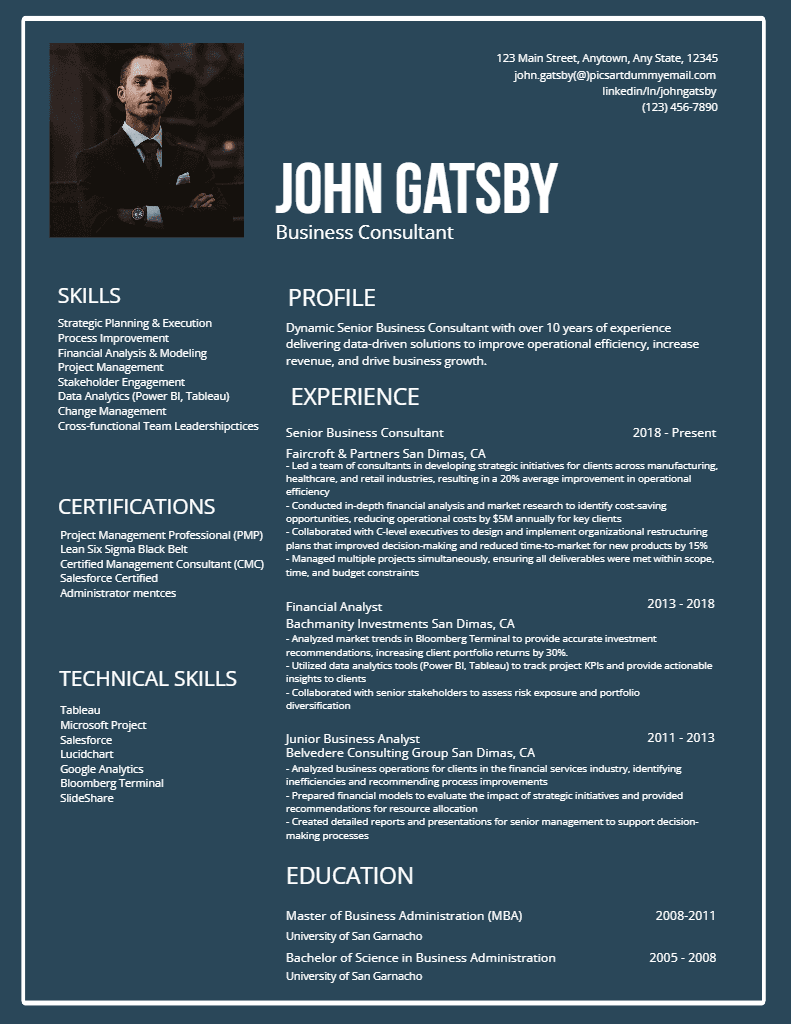
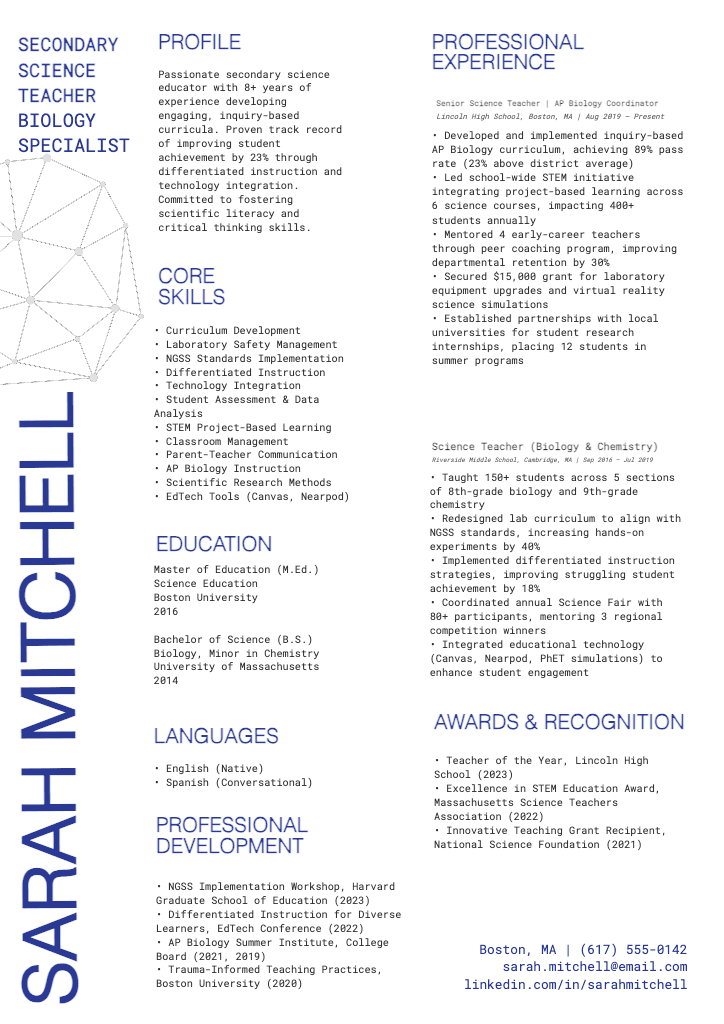
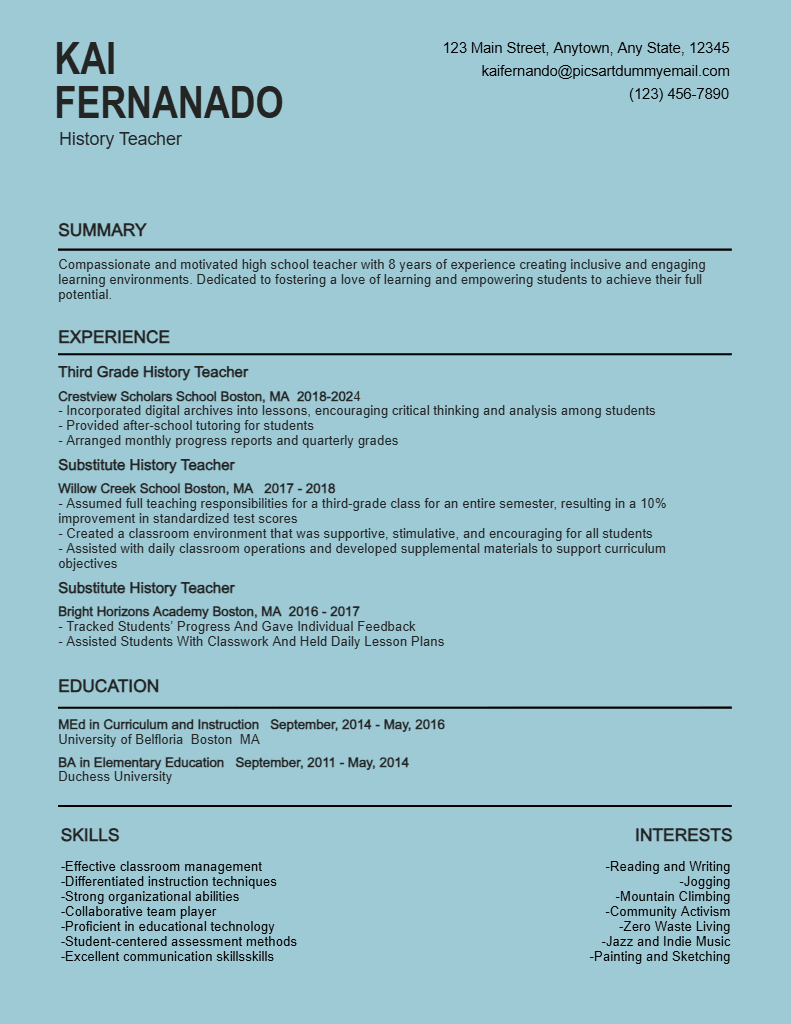
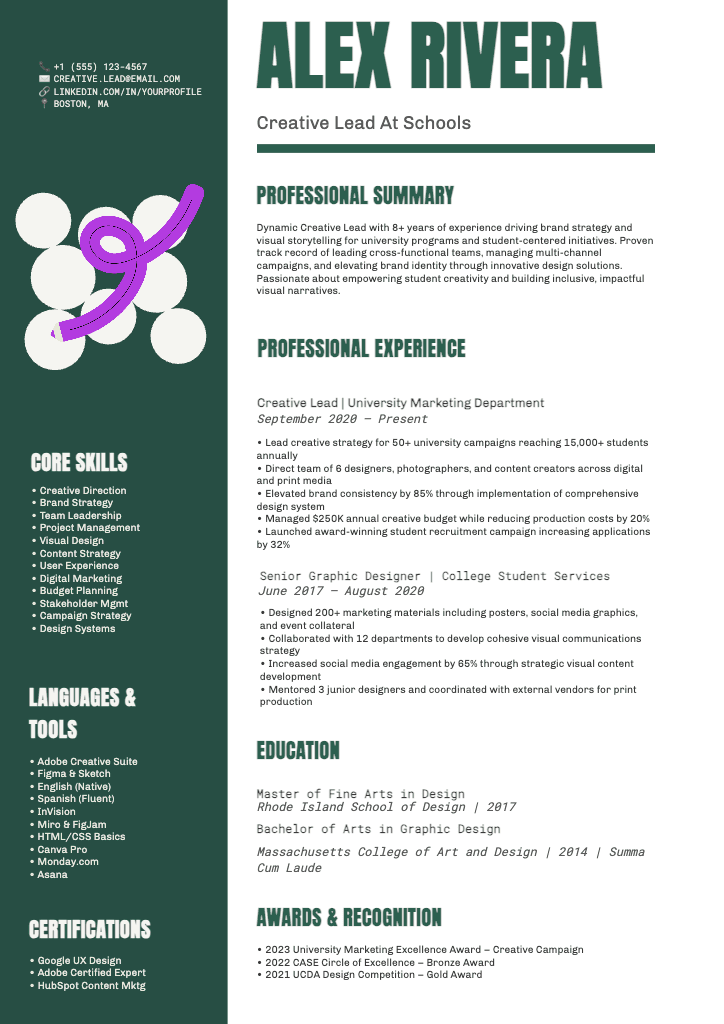
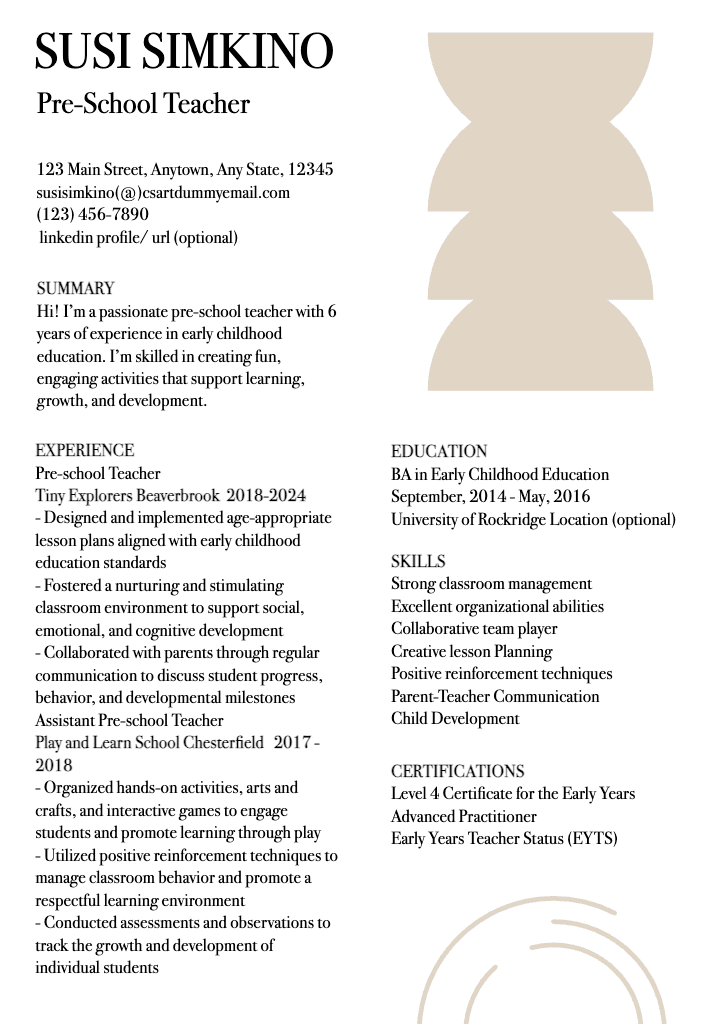
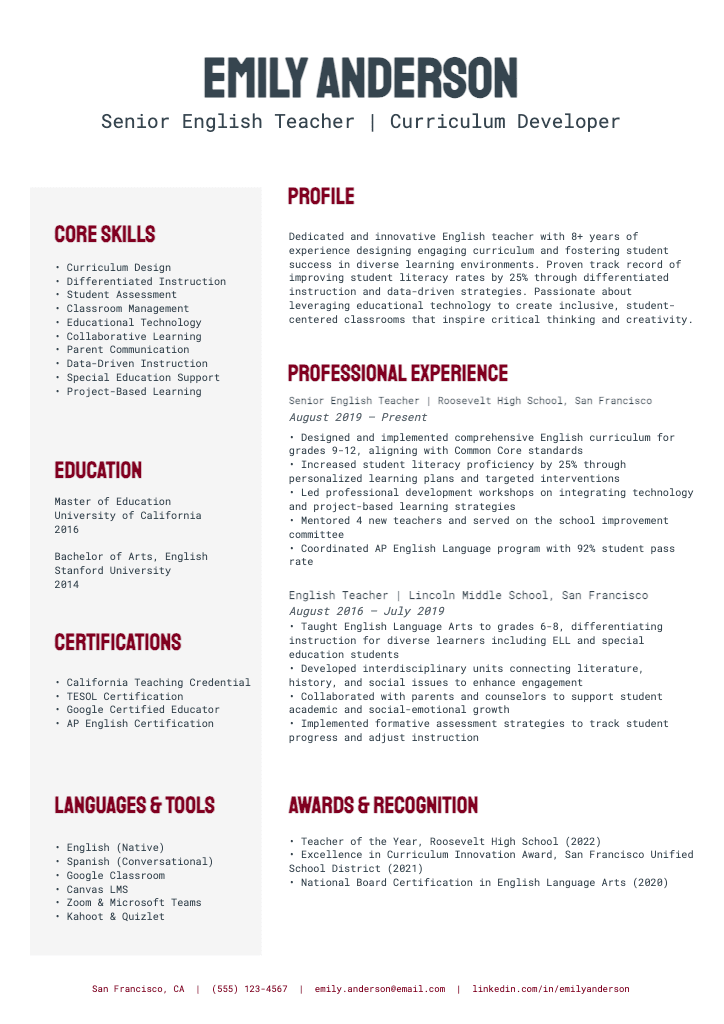
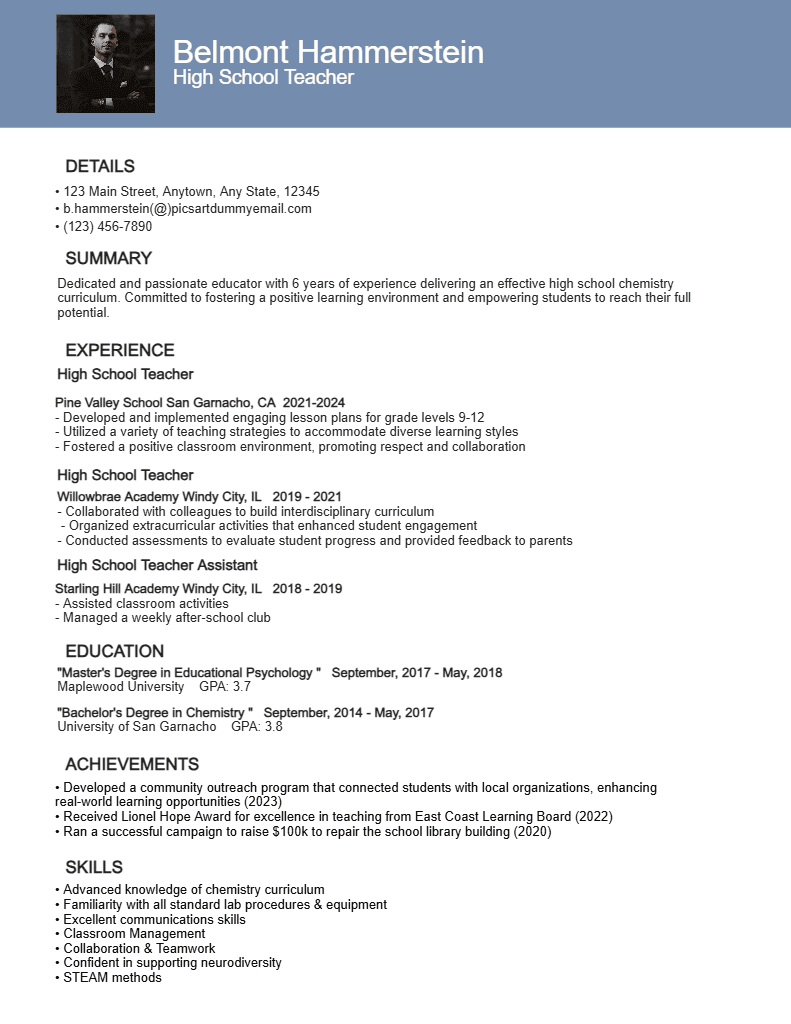
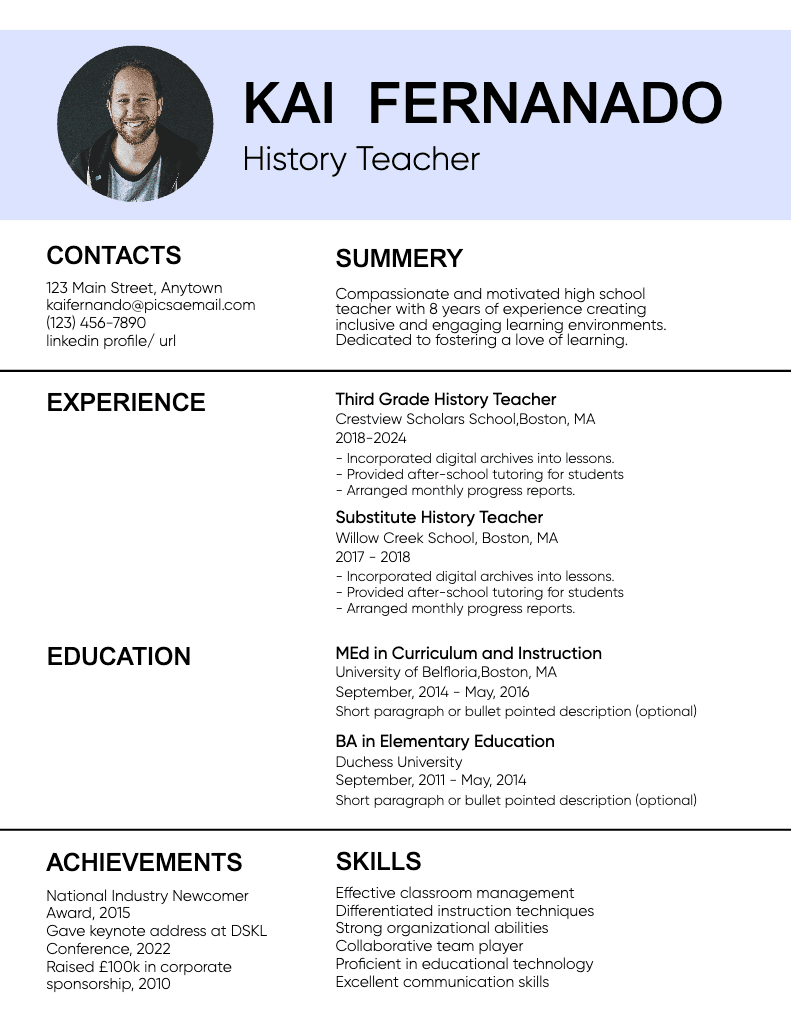
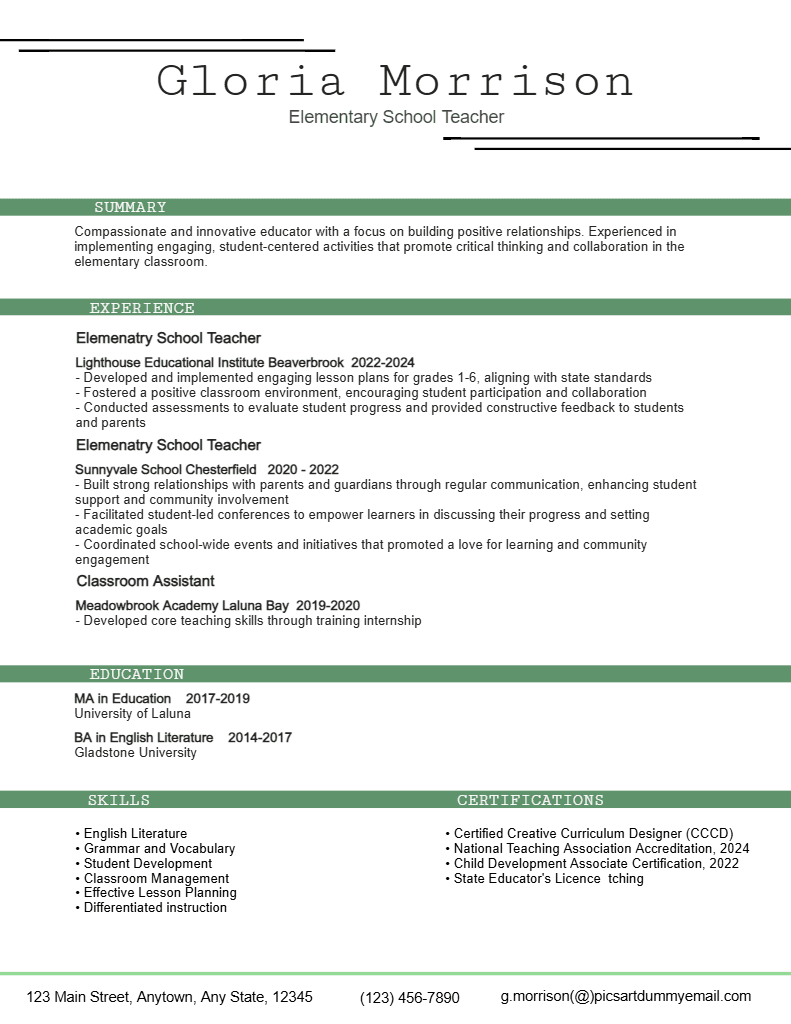
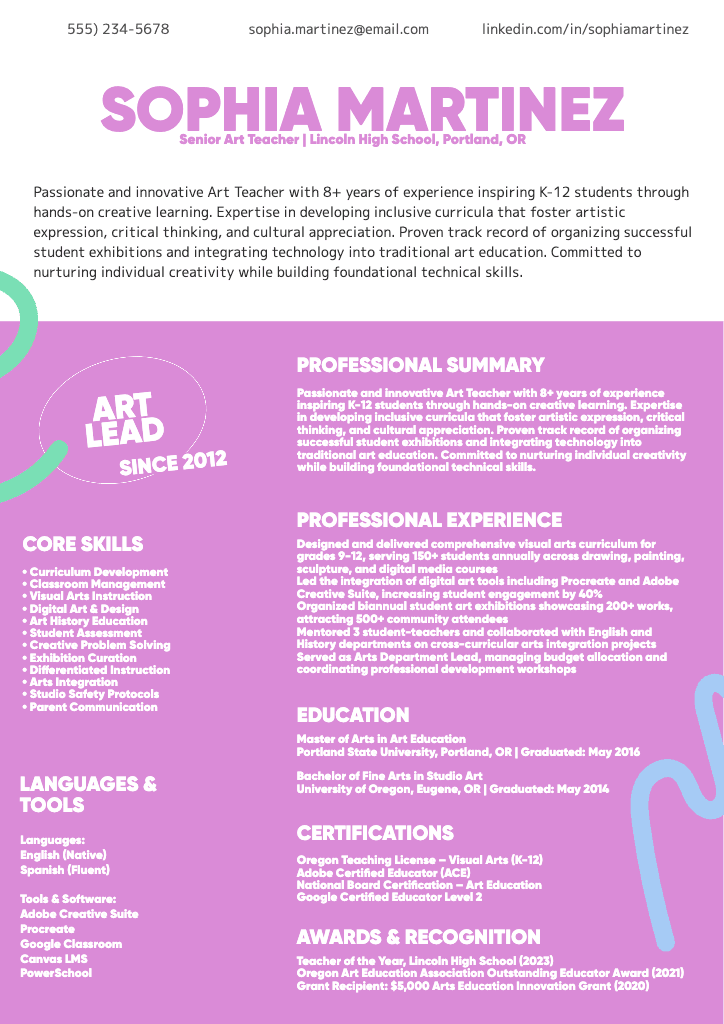
Start with Resume templates or CV templates to design resumes at standard A4 or US Letter sizes from the beginning.
Use the Photo Editor to set a custom canvas size, adjust margins, and fine-tune layout spacing before exporting.
If you need to convert an existing resume to a different size, the Image Resizer allows you to resize the document while maintaining proportions.
For digital submissions, exporting as PDF documents helps preserve formatting across devices. When printing, Picsart Print ensures your resume is formatted correctly for physical output.
Always export at the correct size and highest quality for best results.
FAQ
The standard resume size is A4 in most countries and US Letter in the United States and Canada.
Use A4 for international applications and US Letter for employers based in North America.
Screen-optimized A4 or US Letter sizes work best for digital submissions and ATS uploads.
Incorrect sizing can cause layout issues or parsing errors when resumes are scanned by ATS software.
Differences in screen resolution and software can affect how layouts render if sizes aren’t standardized.
Employers often follow regional standards and ATS compatibility requirements.
Choose the size most commonly used in the employer’s region.
Resize proportionally and adjust margins after resizing to maintain structure.
Export at the final size and use PDF format to preserve layout.
Use standard sizes, export as PDF, and avoid embedding unsupported fonts.

FAQ
Common brochure sizes include A4 and US Letter formats, used for both bi-fold and tri-fold layouts.
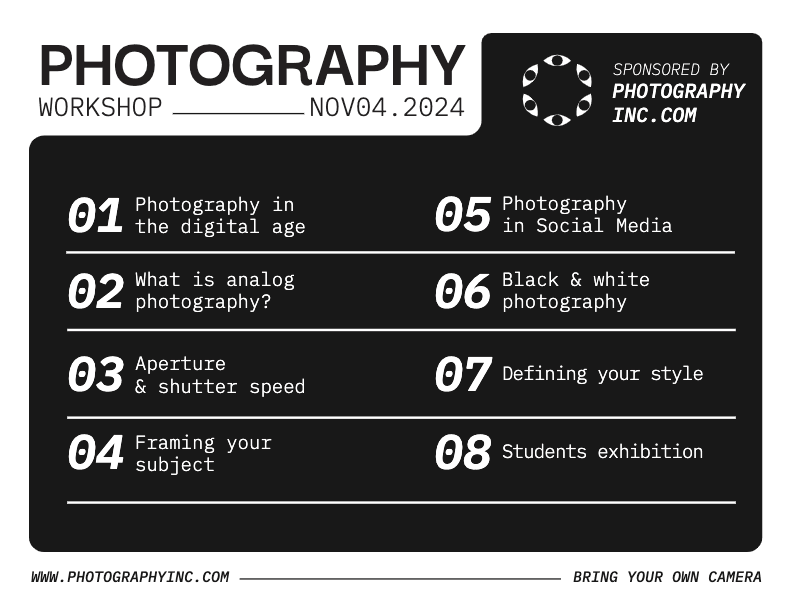
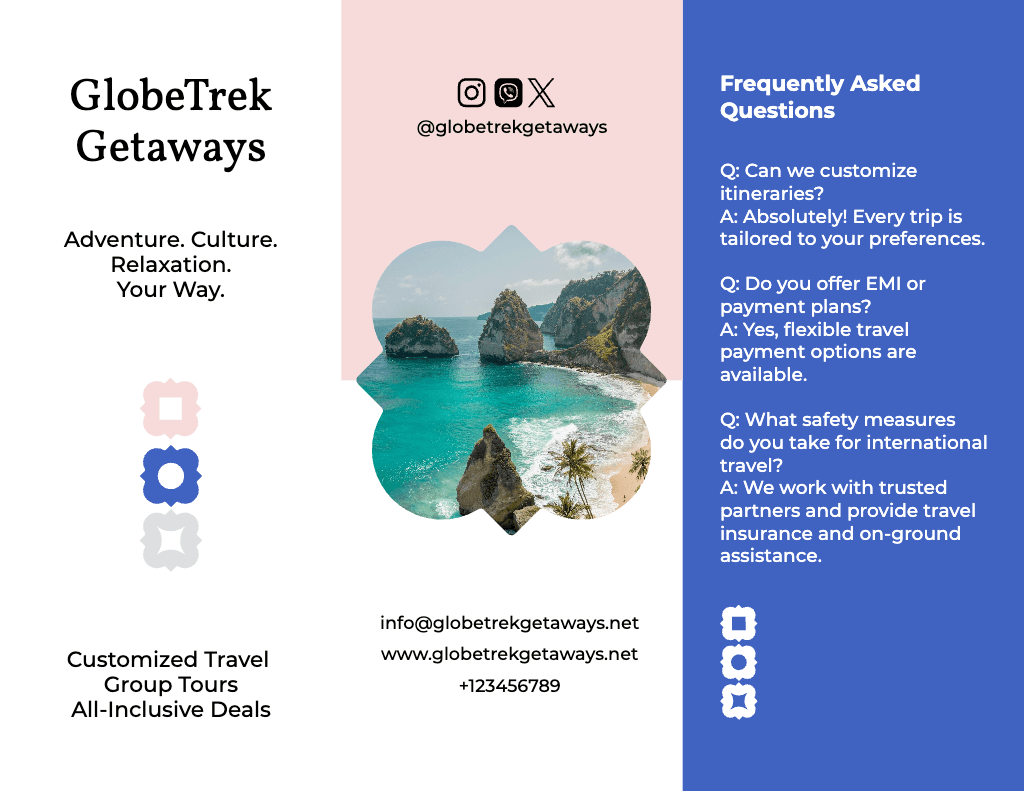
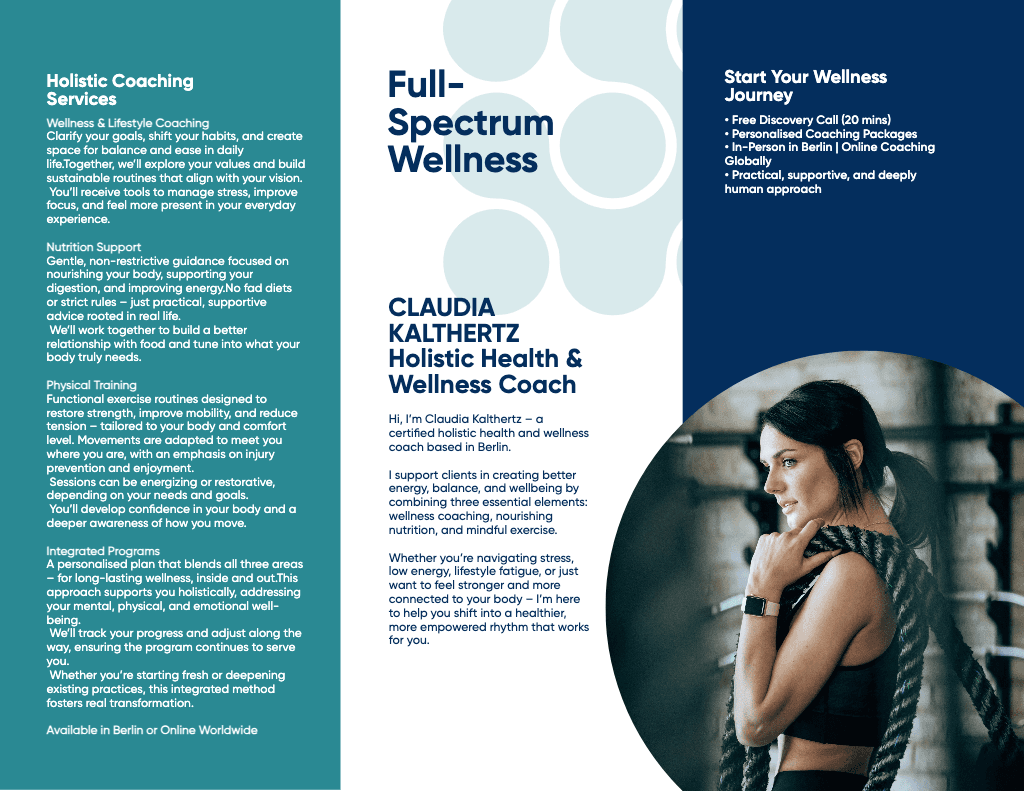
Tri-fold brochures typically use A4 or US Letter flat sizes, divided into three vertical panels.
A bi-fold brochure folds once into two panels, while a tri-fold brochure folds twice into three panels.
Incorrect sizes cause panels to misalign, overlap, or be cut off after folding.
Misalignment usually happens when panels aren’t sized correctly, or margins don’t account for folds.
Brochures are printed flat on standard sheets before being folded.
Choose based on how much content you need and how the brochure will be folded.
Plan panel widths carefully and keep content away from fold lines.
Resize to the flat brochure size and avoid stretching individual panels.
Export at the exact pixel dimensions and highest available quality.










Prepare resume designs for every format
Pro
Most popularAI tools for everyday creative work.
Ultra
Most powerfulHeavy AI usage for creators & teams.