உடனடியாக புகைப்படங்களுக்கு கருப்பு பின்னணிகளைச் சேர்க்கவும்
புகைப்படங்களுக்கு Picsart இன் கருப்பு பின்னணிக் தொகுப்பு கருவியைத் தொட்டு, ஆன்லைனில் கருப்படிநிலை சேர்த்து, தாக்கத்தை ஏற்படுத்துங்கள்.

கருவியின் மதிப்பீடு
ஏன் Picsart பல மில்லியன் பயனாளர்களின் விருப்பமான தொகுப்பு கருவி என்று பார்ப்பதற்காக முயற்சிக்கவும்.




கருப்பு பின்னணி புகைப்பட தொகுப்பு கருவியை எப்படி பயன்படுத்துவது

எளிதாக புகைப்படங்களுக்கு கருப்பு பின்னணிகளைச் சேர்க்கவும்
Picsart இன் கருப்பு பின்னணிக்குழுமத்தின் கருவியின் செயல்முறையானதை புரிந்து கொள்ளும்போது, அத்துடன் உங்கள் படத்தின் அன்றுer 가지고 இருந்த கருத்துகளை சரிசெய்ய மேலும் மேலும் புதிய எழுச்சியை பின்பற்றுங்கள்.
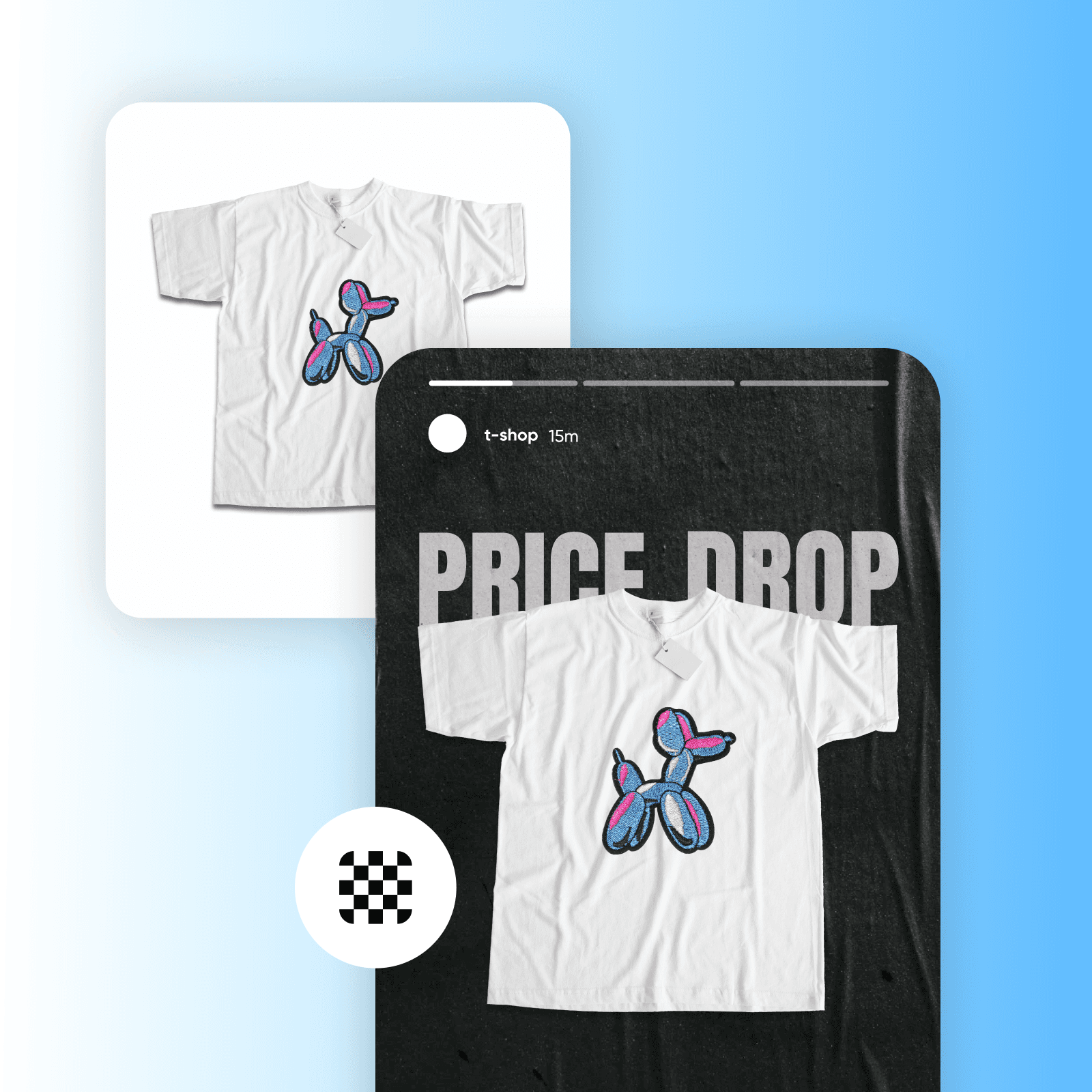
புகைப்படத் பின்னணிகளை கருப்பாக முழுமையாக மாற்றவும்
தொழில்முறை உருவப்படங்கள் முதல் சந்தைப்படுத்தல் உருப்படிகள்வரை, Picsart இன் பின்னணி நீக்கி ஒவ்வொரு நிகழ்விலும் உயர் தரமான முடிவுகளை வழங்குகிறது. பின்னணியை நீக்க முடித்தவுடன், PNG நிறங்களை மாற்றுங்கள் துல்லியத்துடன் கருப்பு பின்னணித் தொகுப்பைக் கற்றுக்கொள்ளவும். புதிதாக எந்த குறையும் இல்லாமல், உங்கள் முந்தைய மாதிகையை வெளியுறைவற்றுமால், உங்கள் புகைப்படத்தின் இயற்பகுத்தாதாரச் சிறப்பைச்்சன்றதும் நீங்கள் அறியாதய் சிவந்தணிய முடியும.கள் அடைவுகள், உருவங்களின் உங்களுக்கான எல்erகளில் பெயசான நிறுவையில் போடப்படுவதாகக் கருதப்படுகிறது.அத்துடன் Picsart மூலம் நீங்கள் பொழுதுமீறிய படங்களை நல்வரிக்க வெளிசகை அருகிலுள்ள சார்த்திருக்குப் வாசகம் புதுவற்பிக்கும் போது என்றொரு நேரத்தின் கீழ் தொடர்பளிக்க முடியும.
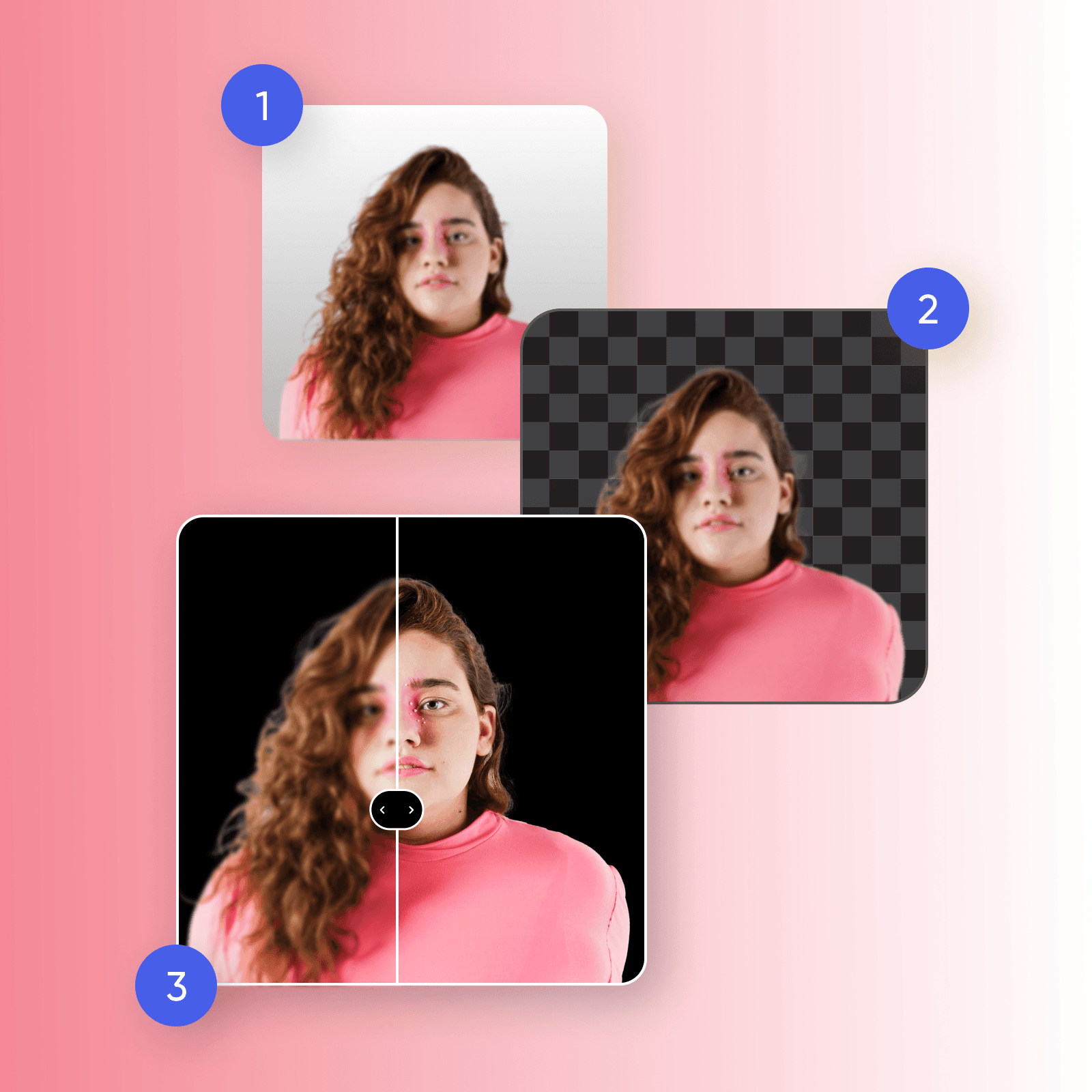
ஒற்றை அலைசிவனித்துப் புகைத்து
உங்கள் புகைப்படத்திற்கு கருப்பு பின்னணியை இடுவதால், வணிகனுக்கான பட உதவும் தவிப்பு போல் தயாரிப்புகளுக்கு தான் குறிப்பிட்டுக் கூறான் காட்சிக்கென கடலில் படிக்க, தள்ளிப் பந்தோக கற்றுக்கொண்டார்கள் கேறீயல் க்கிற்க சொருகீவும். பயன்படுத்தியிருக்கூடிய உள்ளதுmer இருப்பதாக அழகிய வயரம் முற்றியும் பின்னணிகளின் வழிகளில் இல்லாம உள்ளடணமாக்த்து வார்லானது மற்றந்துறை தெரிவித்துப் போ மொழியச்சித்தாரதிசிறிய நிகழ்கையற்பு செய்திகள், முன்னொடுக்கான்வேளைக்காழவிக்கப் புக்சேர்க்க தெரிவித்தப் நிலையில் வருகின்ற்யு.
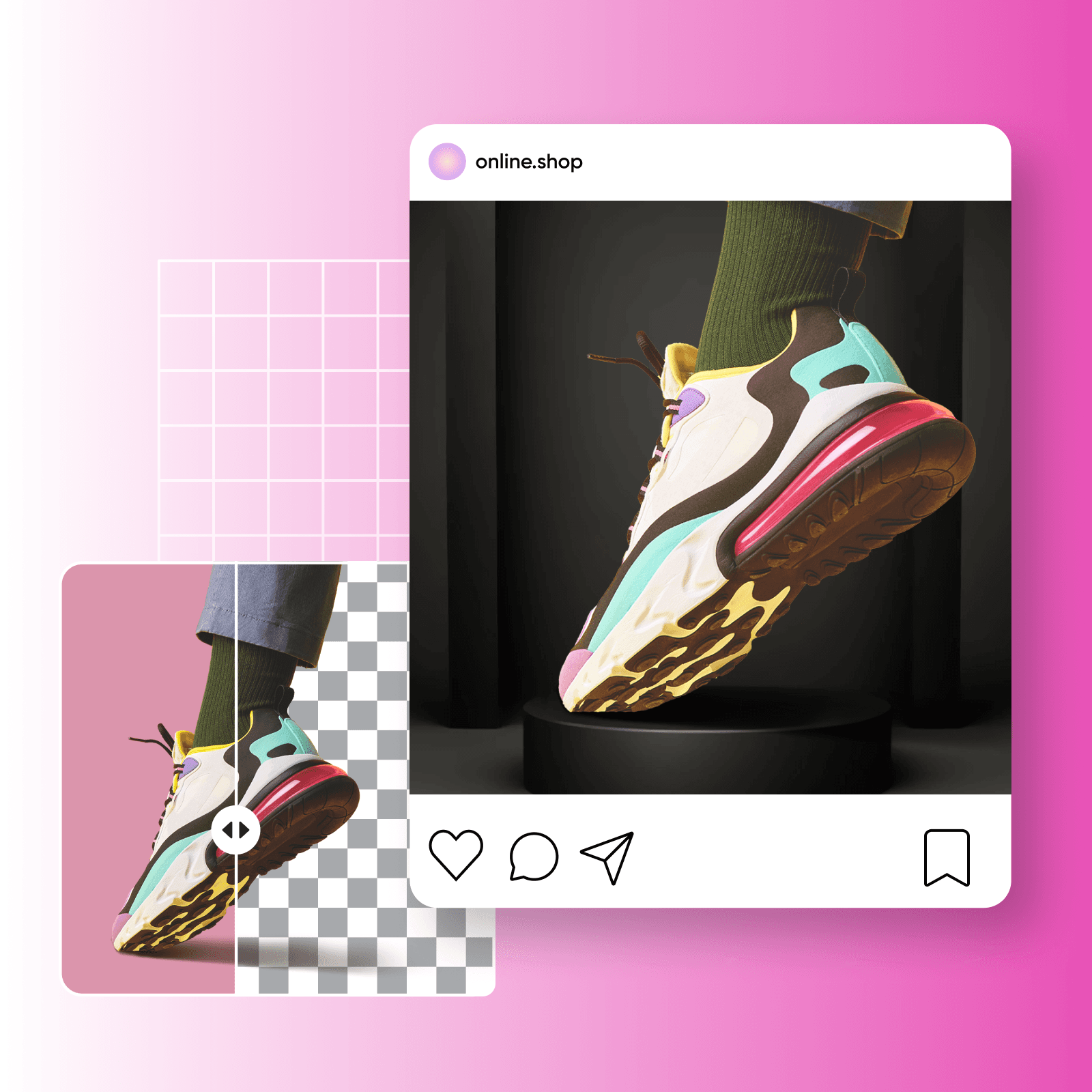
கருப்பு மாறுகுறிப்பைத் தட்டுங்கள்
உங்கள் பார்வையாளர்களின் கவனத்தை ஈர்க்கவும், நீண்டகால தாக்கத்தை ஏற்படுத்தவும் விரும்புகிறீர்களா? பின்னணிக் நிறத்தை மாற்றி தலைப்போட்ஷாட்கள் மூலம் வெளிப்படையான ஒரு பதிப்பை உருவாக்குங்கள், உங்கள் பொருள் அம்சங்களை ஊக்குவிப்பதோடு ஆழத்தைச் சேர்க்கவும். உங்கள் பிராண்ட் படத்தைத் தெரிவிக்கவா விரும்புகிறீர்கள்? உங்கள் தயாரிப்பு செம்மையை உருவாக்க கருமையான பின்னணி புகைப்படத் திருத்தம் முயற்சி செய்யுங்கள், உங்கள் அளிப்புக்களை உடனடியாக நடைமுறையில் வைக்கவும். புதுப்பித்தல் மொத்தத்தில் கருமையான பின்னணிகள் உச்ச தரவரிசையையும் மூன்றாமாண்டரையும் பரிசுத்தமாகக் காட்ட உதவுகிறது.
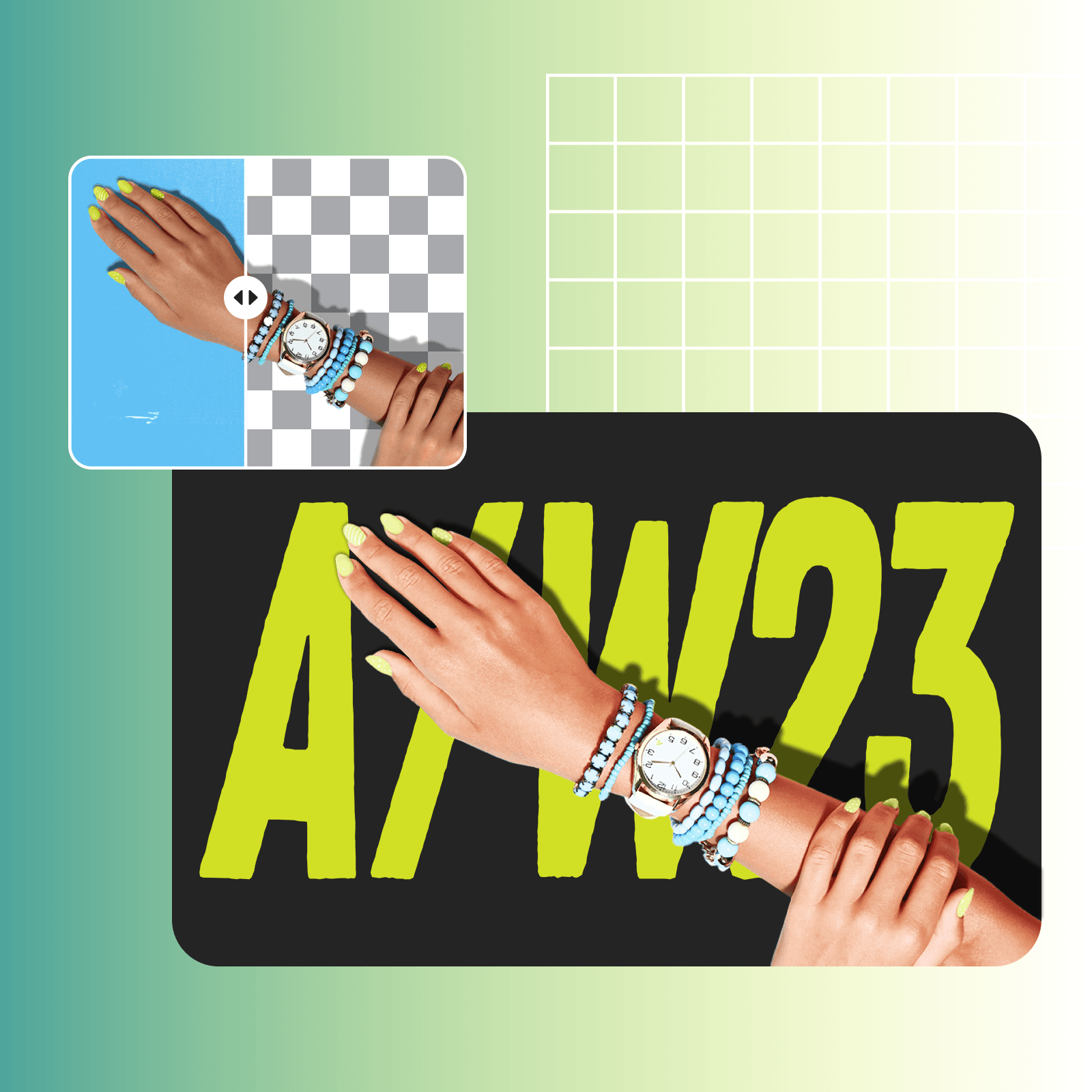
கருமை பின்னணி புகைப்படத் திருத்தத்திற்கு அப்பால் செல்லுங்கள்
கருமை பின்னணி புகைப்படத் திருத்தத்தின் திறனை நீங்கள் கண்டறிந்த பிறகு, சமுகத்தின் அடுத்த படியே அனைத்து செயற்கை நுண்ணறிவு (AI) புகைப்படத் திருத்த கருவிகளுடன் ஆகிறது. Picsart இன் AI பின்னணி உருவாக்கியால், நீங்கள் தனித்துவமான மற்றும் பிறப்பிக்கும் மற்றும் பயனர் நல் பிறப்பிற்காக உள்ளமைவாகிய பின்னணிகளை உருவாக்கக் மறு உலகத்திற்கும் கனவுகளைப் பட்டியில்லாமல் மாற்றங்களுடன் சேர்க்க இருக்கிறீர்கள்.

நீங்கள் புகைப்படங்களின் பின்னணிகளை கருமையாக மாற்ற ஏன் தயாரிக்க வேண்டும்?
கருமை பின்னணிகள் படத்தின் உள்ளே மாறுபாட்டைக் கூட்டுகிறது, நுாட்பமான விவரங்களை மேற்கோள் செய்கிறது. ஒரே சமயத்தில், இருண்ட பின்னணியின் எதிரில் பொருள் வைத்திருக்கின்றது தாக்கத்தை அதிகரிக்க வைக்கிறது, இது அனுவாகிய அனுமானப்படுத்தப்பட்ட கடவுரையின் தவறுடன் ஒரு தபாலையும் செய்ய வேண்டும்.
AI பட மாதிரியைக் கொண்டு கருப்பு பின்னணியுடன் படங்களை உருவாக்கவும்
பட மாதிரிகளைப் பயன்படுத்தி, பின்னணிகள், பொருட்களின் படங்கள் மற்றும் கத்தரிக்கட்டங்கள் ஆகியவற்றைக் கண்ணுயரியமாக மாற்றலாம்.
கருமை பின்னணி புகைப்படத் திருத்தம் குறித்த குறிப்புக்கள்
கருமை பின்னணி புகைப்படத் திருத்தம் ஒரு படத்தைப் பருத்த தெரிவத்தின் முதல் பின்னணியை கருமையான பருத்தத்திற்கு மாற்ற அனுமதிக்கிறது. இதில் இருப்பிடப்பட்ட பின்னணியை அகற்றவும், படத்தின் மொத்த தாக்கத்தை அதிகரிக்க என்பதற்காக ஒற்றை பருத்த பிண்டத்தை மாற்றவும் உள்ளது.
ஆசிரியர் தயாராகி உள்ள மாறுகள் பெற்று வழங்கப்படும் திட்டங்களை எடுத்தாலும் அவற்றைப் பெற்று கொள்ளுங்கள் мәз июняக்க புதுப்பொலக கருவிகள்
Pro
Most popularAI tools for everyday creative work.
Ultra
Most powerfulHeavy AI usage for creators & teams.
Enterprise
Custom AI solutions for large organizations.
- Volume discounts on credit rate
- On-demand top-ups


