สร้างภาพถ่ายเคลื่อนไหวด้วยเครื่องมือสร้างแอนิเมชัน AI

เปลี่ยนภาพนิ่งให้เป็นแอนิเมชันด้วย Picsart อัปโหลดรูปภาพ อธิบายการเคลื่อนไหวที่ต้องการ แล้วใช้ AI Playground สร้างวิดีโอแอนิเมชันสั้นๆ สำหรับโพสต์ถัดไปหรือโปรเจกต์สร้างสรรค์ของคุณ

  • ทำภาพนิ่งให้ดูเคลื่อนไหว
  • เลือกการเคลื่อนไหวที่ต้องการ
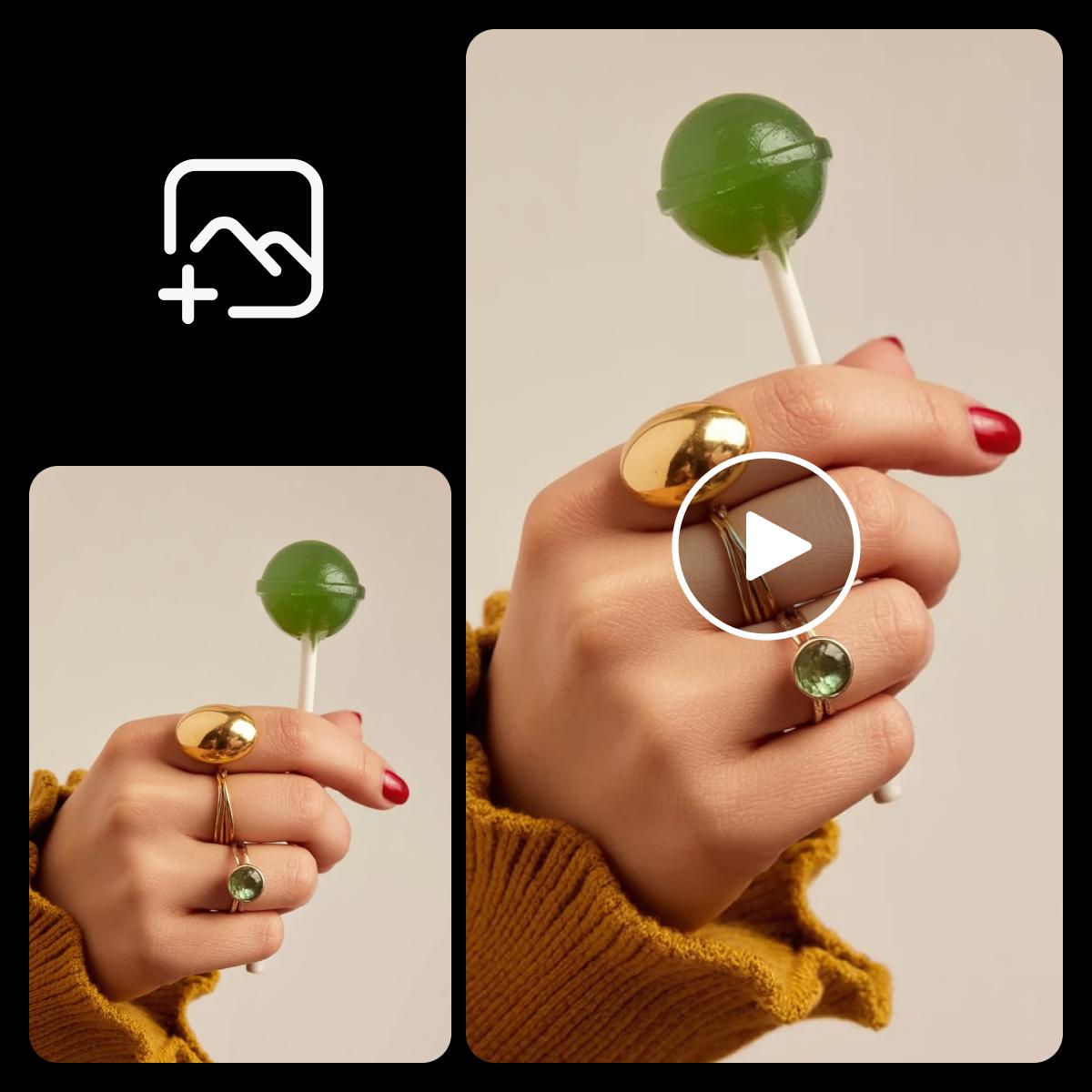
ตัวอย่างแอนิเมชันภาพถ่ายที่แสดงมือกำลังถืออมยิ้มสีเขียว
Start
End
Ref
Video
Audio
อธิบายว่าต้องการให้ภาพถ่ายเคลื่อนไหวอย่างไร...

เติมการเคลื่อนไหวเล็กๆ ให้ภาพนิ่ง

  • ใช้ภาพที่คุณชื่นชอบ

    เริ่มจากภาพถ่าย ภาพวาด หรือภาพสินค้า ที่คุณได้รับอนุญาตให้ใช้

  • อธิบายการเคลื่อนไหว

    บอก AI ว่าส่วนไหนควรเคลื่อนไหว เคลื่อนไปทางไหน และส่วนไหนควรอยู่นิ่ง

  • เลือกเฟรมของคุณ

    เลือกอัตราส่วนภาพ แล้วตรวจสอบการตั้งค่าที่มีให้สำหรับโมเดลที่เลือก

เปลี่ยนภาพถ่ายของคุณให้เป็นแอนิเมชัน

แอนิเมชันภาพถ่ายช่วยเติมการเคลื่อนไหวให้ภาพนิ่ง เริ่มจากวัตถุหลักที่เห็นได้ชัด แล้วอธิบายการเคลื่อนไหวเล็กๆ เช่น ใบไม้ไหวหรือกล้องค่อยๆ เคลื่อนเข้าใกล้ Picsart ใช้รูปภาพและพรอมต์ของคุณสร้างการเคลื่อนไหว ตรวจดูผลลัพธ์และปรับคำสั่งหากรายละเอียดเปลี่ยนไป
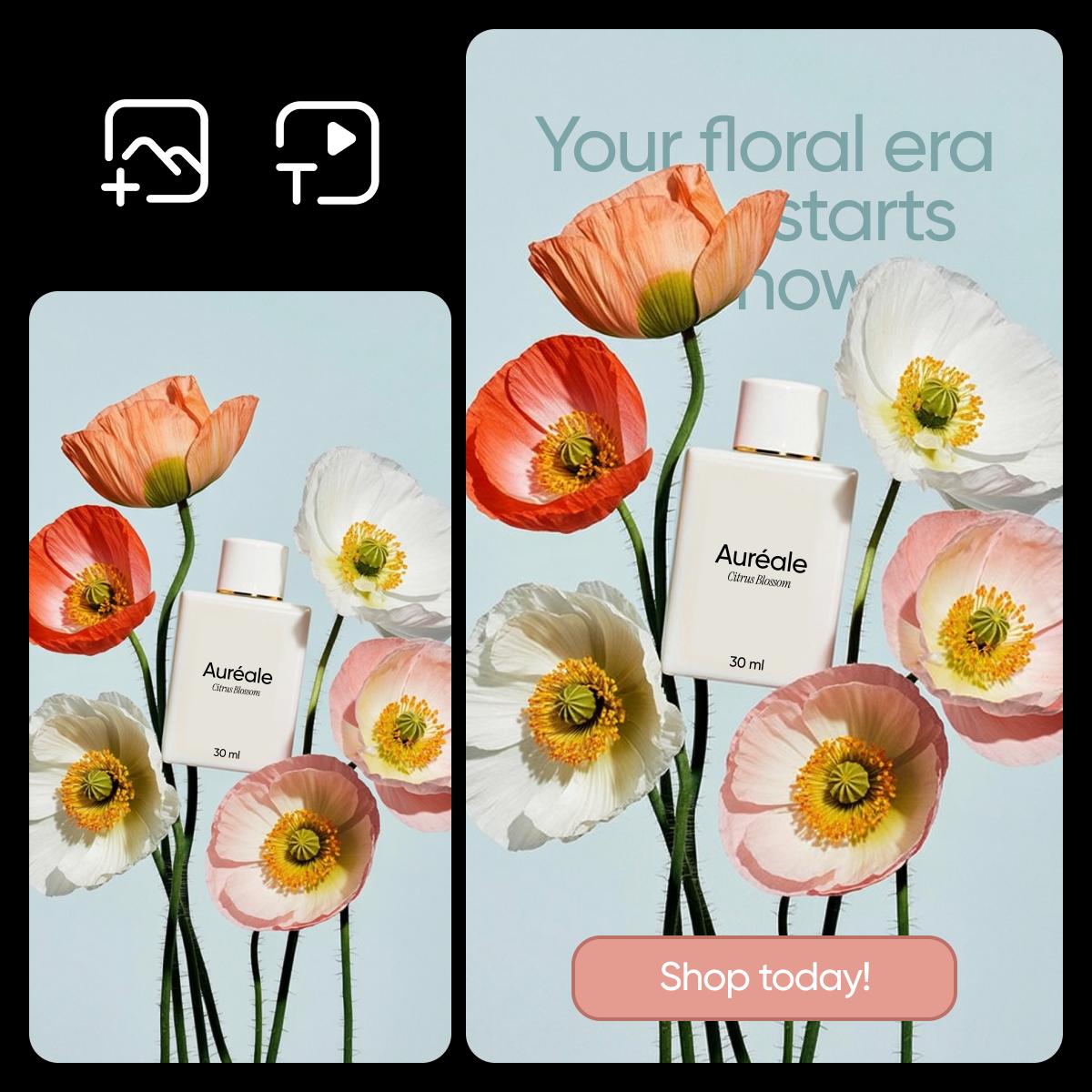
ตัวอย่างภาพถ่ายสร้างสรรค์ที่ทำเป็นแอนิเมชัน

วิธีทำให้ภาพถ่ายเคลื่อนไหวออนไลน์

เริ่มจากรูปภาพของคุณ แล้วบอก AI ให้ชัดเจนว่าต้องการให้เคลื่อนไหวอย่างไร
How to

เพิ่มรูปภาพเริ่มต้น

เปิด AI Playground ในโหมดวิดีโอ แล้วเพิ่มภาพถ่ายเป็นเฟรมแรก ใช้ภาพที่ชัดและวัตถุหลักอยู่ในโฟกัส

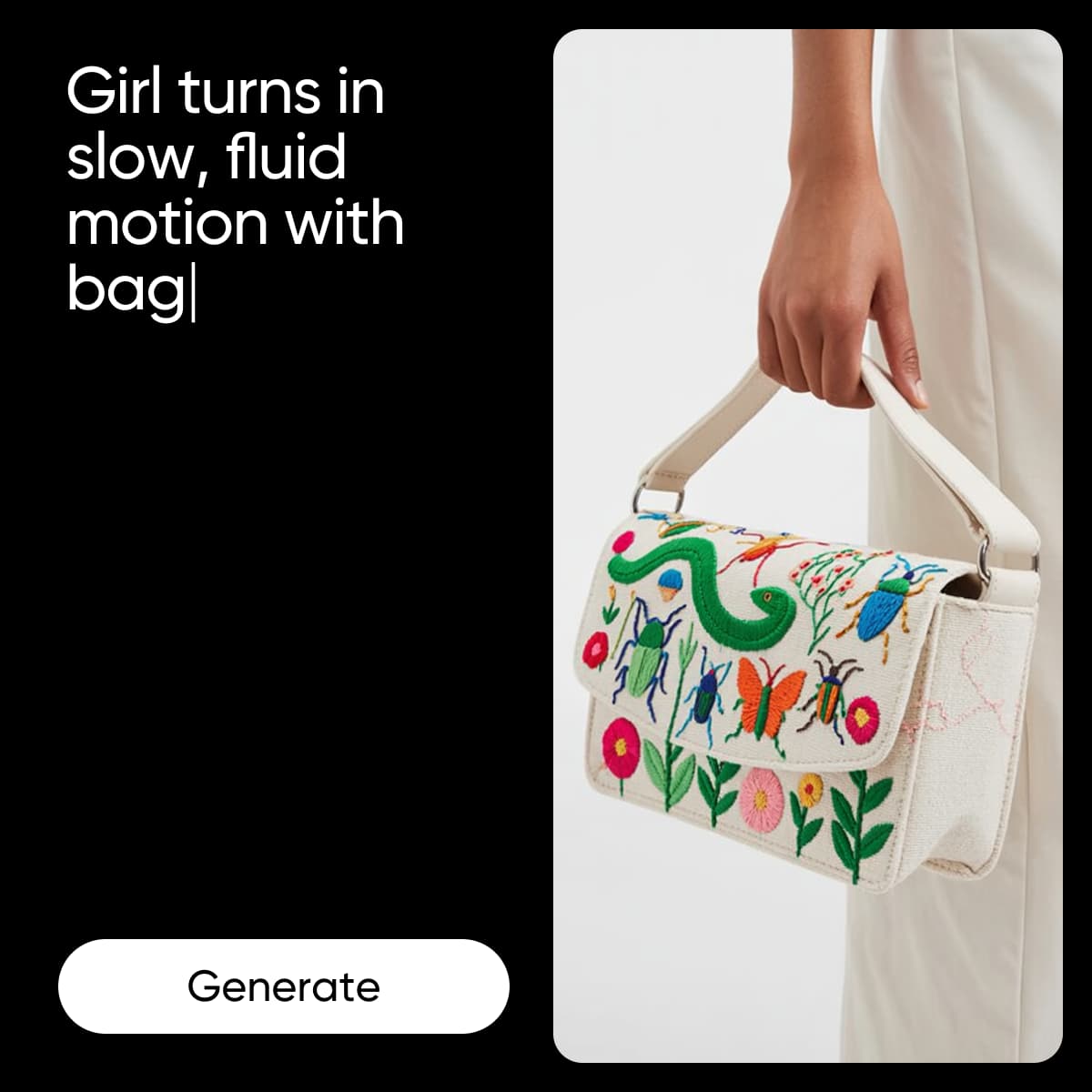
ตัวอย่างขั้นตอนการทำแอนิเมชันภาพถ่าย

สร้างแอนิเมชันภาพถ่ายสำหรับโพสต์ถัดไป

การเคลื่อนไหวเล็กน้อยช่วยเปลี่ยนอารมณ์ของภาพสินค้า ภาพบุคคล หรือภาพวาดได้ ก่อนสร้างภาพ ให้วางแผนว่าจะนำไปแชร์ที่ไหน: ใช้องค์ประกอบแนวตั้งสำหรับสตอรี หรือมุมมองที่กว้างขึ้นสำหรับวิดีโอ ให้การเคลื่อนไหวเน้นอยู่ที่จุดสำคัญ เพื่อให้ยังจดจำวัตถุหลักได้ง่าย

  • เปลี่ยนภาพเป็นเนื้อหาสำหรับโพสต์
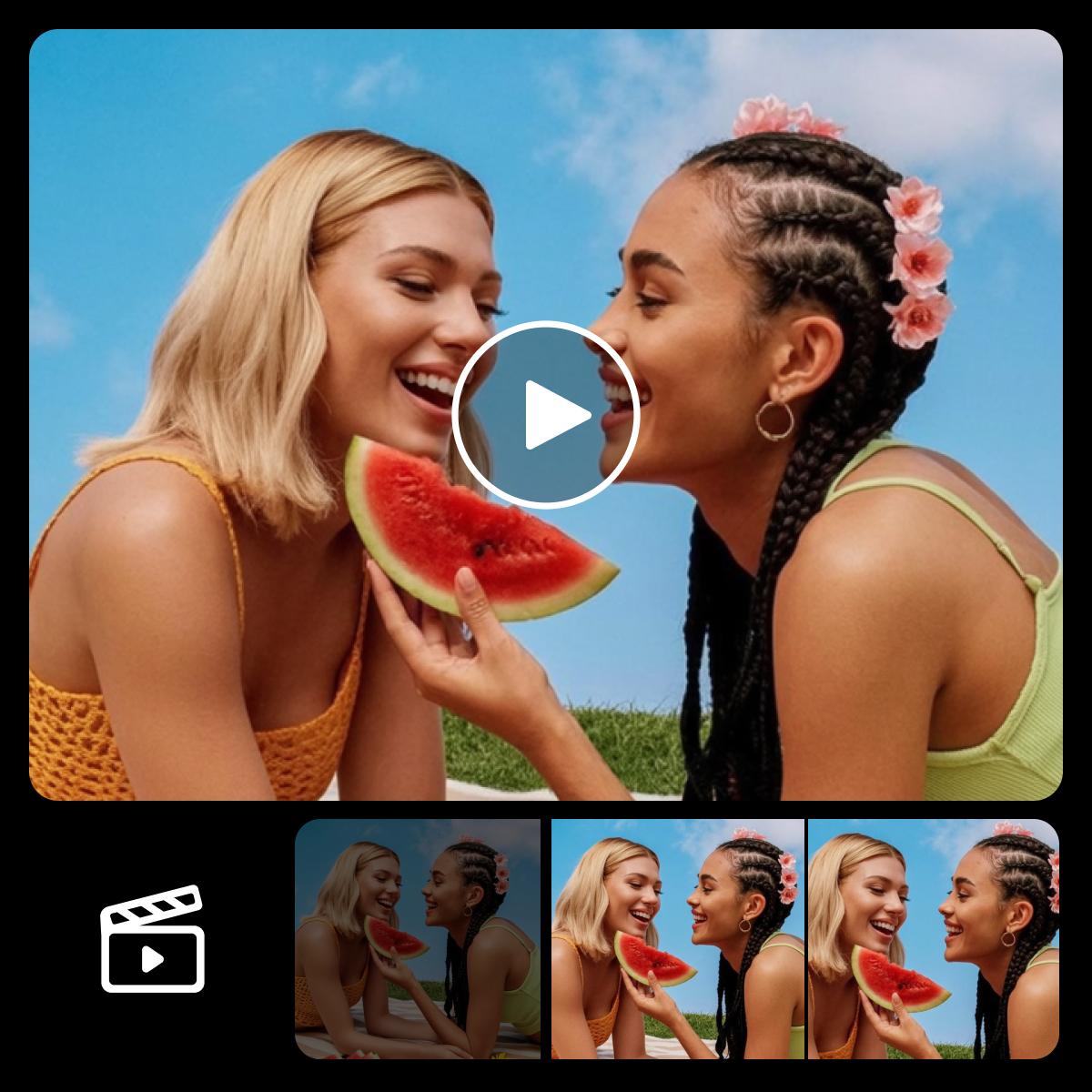
ตัวอย่างภาพเคลื่อนไหวสำหรับโพสต์บนโซเชียล

กำหนดการเคลื่อนไหวด้วยพรอมต์ที่เจาะจง

อธิบายการกระทำ การเคลื่อนกล้อง และอารมณ์ที่ต้องการด้วยภาษาธรรมดา การซูมเข้าอย่างนุ่มนวลให้ผลลัพธ์ต่างจากการหมุนกล้องอย่างรวดเร็ว ปรับพรอมต์เพื่อทดลองแนวทางอื่น แล้วดูตัวอย่างแอนิเมชันแต่ละรายการ ผลลัพธ์จาก AI อาจแตกต่างกัน จึงควรตรวจสอบใบหน้า ตัวอักษร และรายละเอียดสินค้า ก่อนแชร์

  • บรรยายการเคลื่อนไหวอย่างชัดเจน
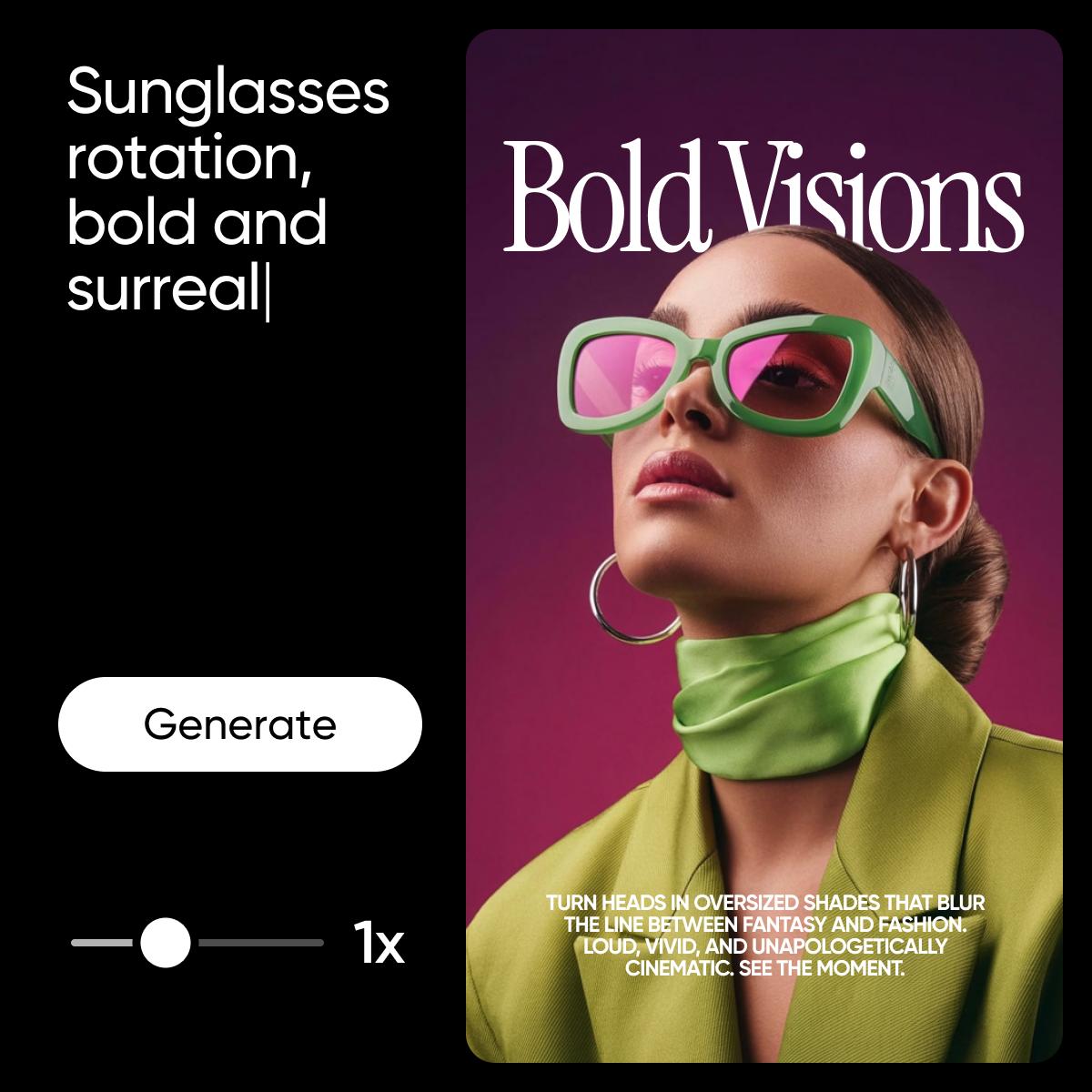
ตัวอย่างการแก้ไขแอนิเมชันและกำหนดการเคลื่อนไหว

คำถามที่พบบ่อยเกี่ยวกับเครื่องมือสร้างแอนิเมชัน

  • อัปโหลดภาพถ่ายใน AI Playground เลือกโหมดวิดีโอ แล้วอธิบายการเคลื่อนไหวที่ต้องการ เลือกโมเดล ตรวจสอบการตั้งค่า แล้วลงชื่อเข้าใช้เพื่อสร้างแอนิเมชันจากภาพถ่าย

เลือกแพ็กเกจสำหรับโปรเจกต์สร้างสรรค์ของคุณ

Pro

Most popular

AI tools for everyday creative work.

$15 $10.5/mo
Billed yearly
You save $54 with yearly
  • Access to all photo & video editing features
  • Advanced background & object removal
  • Parallel video generations with the world's most powerful AI video models
  • Unlimited image generations with Flex.2 Klein
  • 1-tap image enhancer
  • Millions of stock photos & Getty video clips
  • Selection of trendy fonts, text styles & stickers
  • Thousands of premium templates
  • Support for 3+ brand kits
  • Bulk edit up to 50 images at once
  • 100 GB of cloud storage
New features:
  • Auto-generate content from your terminal or agent with the Picsart CLI
  • Use Picsart inside Claude Code, Cursor, and ChatGPT via MCP — coming soon
  • AI agents for multi-step workflows and batch generation — coming soon

Ultra

Most powerful

Heavy AI usage for creators & teams.

$45 $24.5/mo
Billed yearly, per seat
You save $246 with yearly
  • Everything in Pro
  • Early access to advanced AI features
  • Leading AI models to design & automate workflows (Nano Banana, Veo 3, Seedance 2.0 & more)
  • Parallel video generations with the world's most powerful AI video models
  • Unlimited image generations with Flex.2 Klein
  • Support for 10+ brand kits
  • Add team seats
  • Create ad variations and localize
  • Track ads performance
  • 2000 credits for API services
  • Bulk edit up to 100 images at once
  • 300 GB of cloud storage per seat
New features:
  • Auto-generate content from your terminal or agent with the Picsart CLI
  • Use Picsart inside Claude Code, Cursor, and ChatGPT via MCP — coming soon
  • AI agents for multi-step workflows and batch generation — coming soon

Enterprise

Custom AI solutions for large organizations.

Custom credit volume
  • Volume discounts on credit rate
  • On-demand top-ups
Custom
Contact for pricing
  • Access to photo & video editor SDKs
  • Mobile web SDK support
  • Prepaid or pay-as-you-go creative APIs
  • Embed professional-grade editing into your product or workflow
  • Fully configurable editing experience
  • White-label to match your brand
  • Support for built-in marketing, e-commerce & printing use cases
  • Bring your own assets: images, templates & fonts
  • Enterprise-grade security, SLAs & support
  • Dedicated account manager