ทำให้ภาพสว่างขึ้น: เพิ่มความสว่างในภาพมืดทันที
ทำให้ภาพสว่างขึ้นและเน้นรายละเอียดเล็ก ๆ ด้วยเครื่องมือเพิ่มความสว่างของภาพจาก Picsart. ปรับแสงในภาพมืดออนไลน์โดยอัตโนมัติและฟรีเพื่อแก้ไขการถ่ายภาพต่ำแสง
ทำไมต้องใช้การเพิ่มความสว่างของภาพ?
วิธีทำให้ภาพสว่างขึ้น
How to
อัปโหลดภาพ
ใช้ปุ่มอัปโหลดเพื่อเลือกภาพถ่าย
ทำให้ภาพสว่างขึ้นเพื่อให้สีและความชัดเจนที่ดียิ่งขึ้น
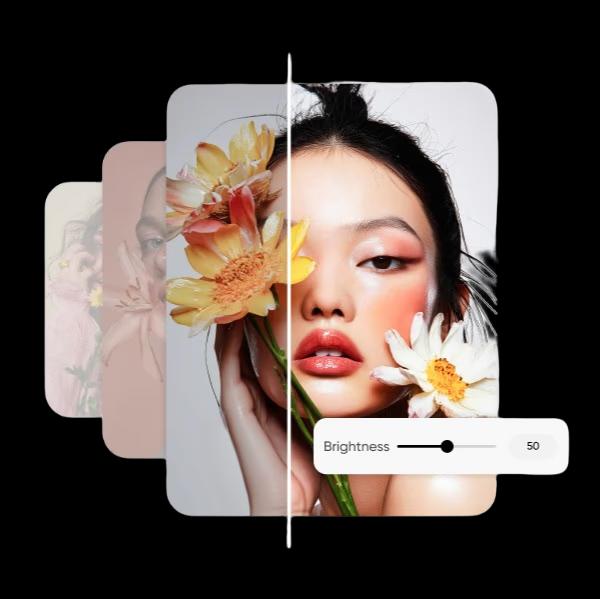
ภาพที่ยอดเยี่ยมไม่ควรถูกซ่อนไว้ในความมืด เครื่องมือเพิ่มความสว่างของภาพจาก Picsart ช่วยเพิ่มการรับแสงให้กับรูปถ่ายของคุณและปรับปรุงความชัดเจน ฟื้นฟูรายละเอียดที่มองเห็นได้ยากในภาพมืด เพียงอัปโหลดรูปถ่าย ไปที่การตั้งค่าการปรับ แล้วเลื่อนแถบความสว่างเพื่อทำให้ภาพสว่างขึ้นได้ทันทีออนไลน์ มีภาพเบลอหรือไม่? ใช้ AI photo editor เพื่อ แก้ไขภาพเบลอ ก่อนที่คุณจะทำให้ภาพสว่างขึ้น เพื่อให้ภาพถ่ายดูดีที่สุดตลอดเวลา
- โชว์ภาพให้มากขึ้น
ปรับระดับความสว่างและอื่น ๆ เพื่อการถ่ายภาพที่สมบูรณ์แบบ
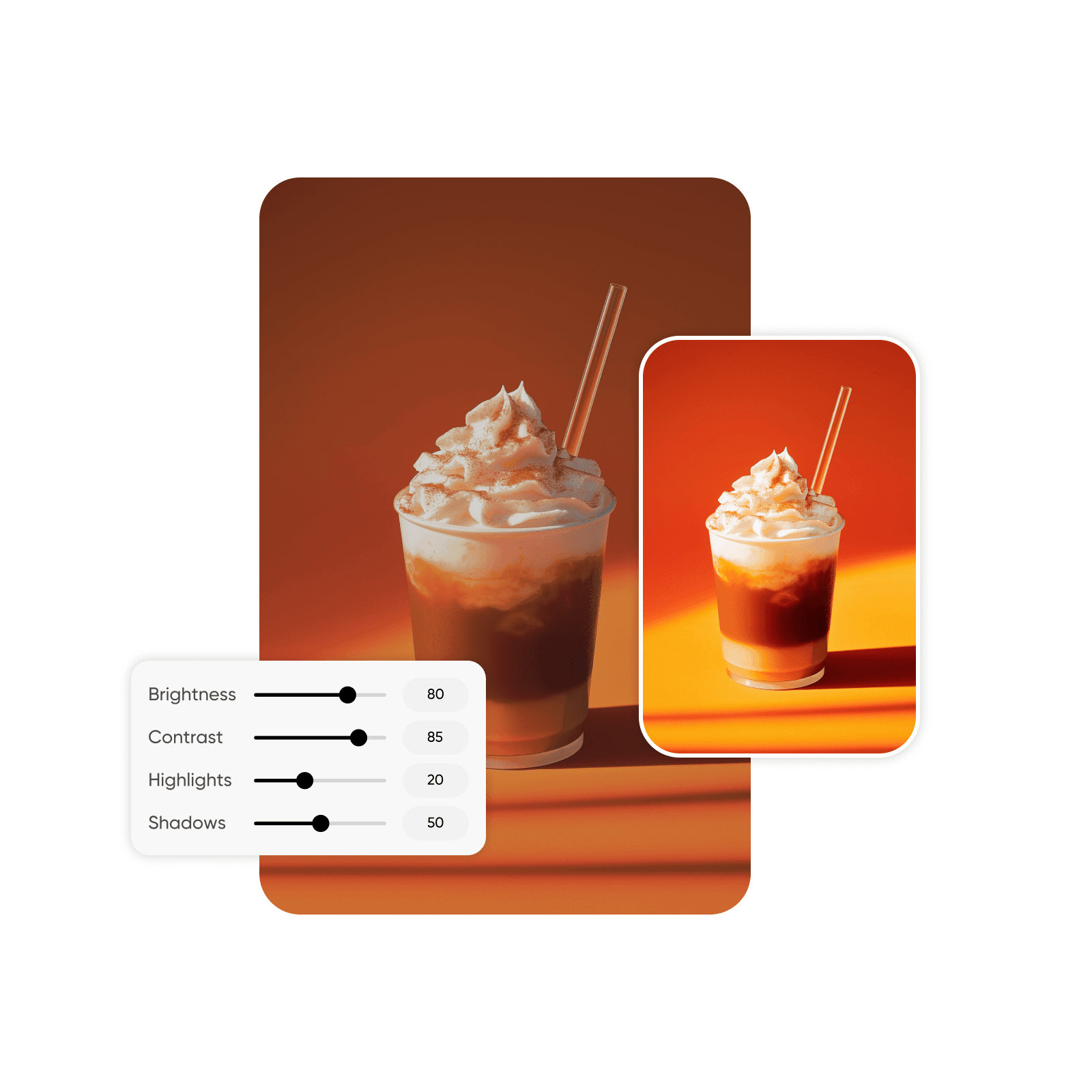
ควบคุมผลลัพธ์สุดท้ายของภาพได้อย่างเต็มที่ เครื่องมือเพิ่มความสว่างของภาพจาก Picsart ให้คุณมีความยืดหยุ่นไม่เพียงแค่ทำให้ภาพสว่างขึ้น แต่ยังปรับคุณสมบัติภาพอื่นๆ ได้อีกด้วย ปรับค่าความต่าง เงา และไฮไลต์เพื่อให้ภาพดูสมดุลและมีชีวิตชีวาหลังทำให้สว่างขึ้น ก้าวพ้นจากการปรับเล็กๆ น้อยๆ และปรับแต่งสี ความชัดเจน การอิ่มตัว สีสัน และความสว่างเพื่อให้ได้ภาพที่สมบูรณ์แบบ
- เลือกระดับความสว่างที่เหมาะ
ทำให้ภาพสว่างขึ้นและดาวน์โหลดในรูปแบบความละเอียดสูง
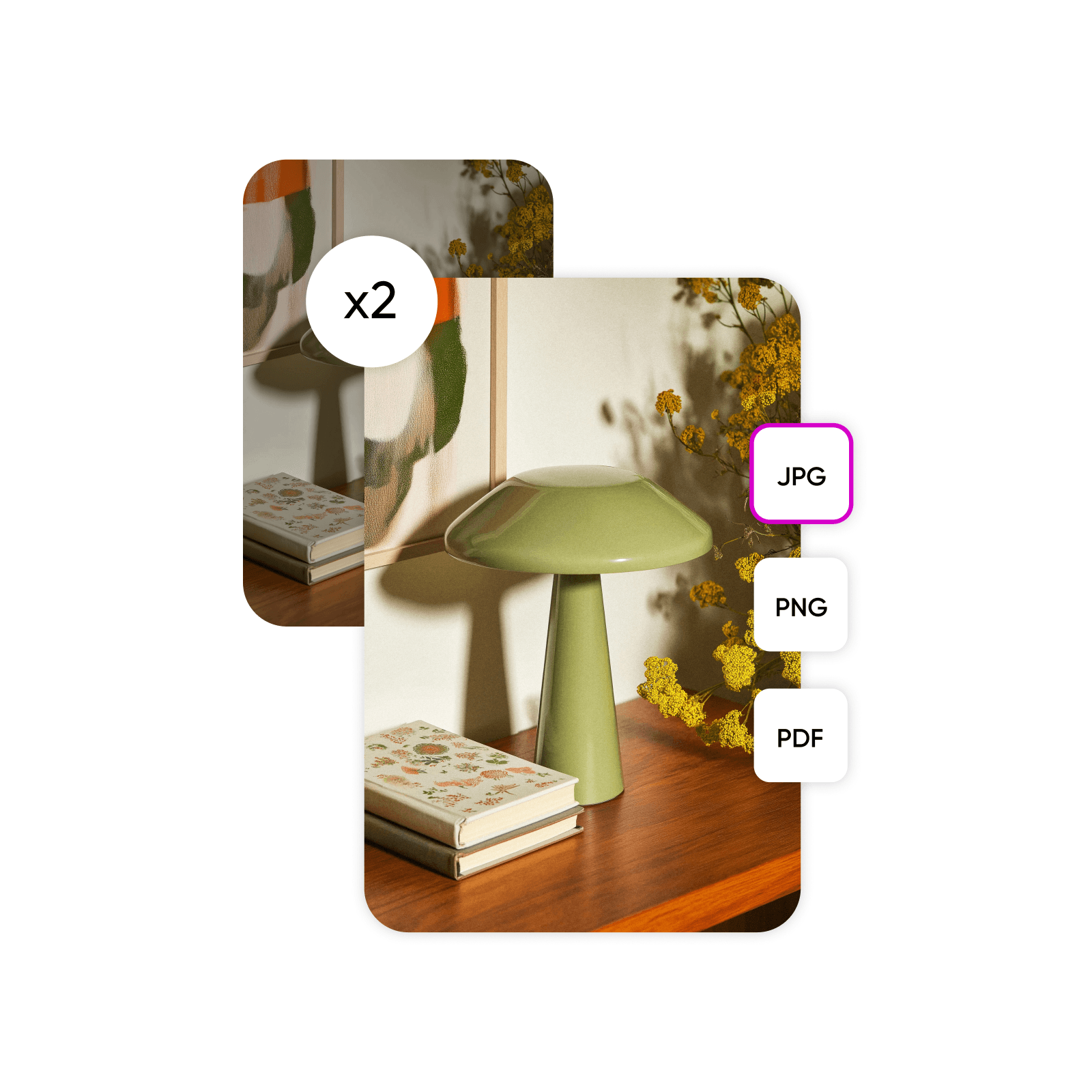
คิดให้ดีก่อนจะทิ้งภาพที่มีสีสันที่หมองมัว เงา หรือความข นาดของภาพลดลง แทนที่นั้นให้ทำให้ภาพที่มืดลงสว่างและสดใสขึ้นเพื่อให้รายละเอียดทางภาพมองเห็นและแก้ไขได้ง่ายขึ้น เมื่อลายภาพถ่ายทำให้สว่างขึ้นแล้ว Picsart ให้คุณดาวน์โหลดภาพในรูปแบบความละเอียดสูงรวมถึง PNG, JPG, และ PDF. ที่ โปรแกรมแก้ไขภาพ ยังรองรับการอัปโหลด ไฟล์ SVG ทำให้คุณสามารถทำให้ภาพเวกเตอร์สว่างขึ้นและใช้ในโลโก้และการออกแบบกราฟิกอื่นๆ ได้
เพิ่มการมองเห็นด้วยภาพที่สว่างสดใสที่ทำให้โดดเด่น
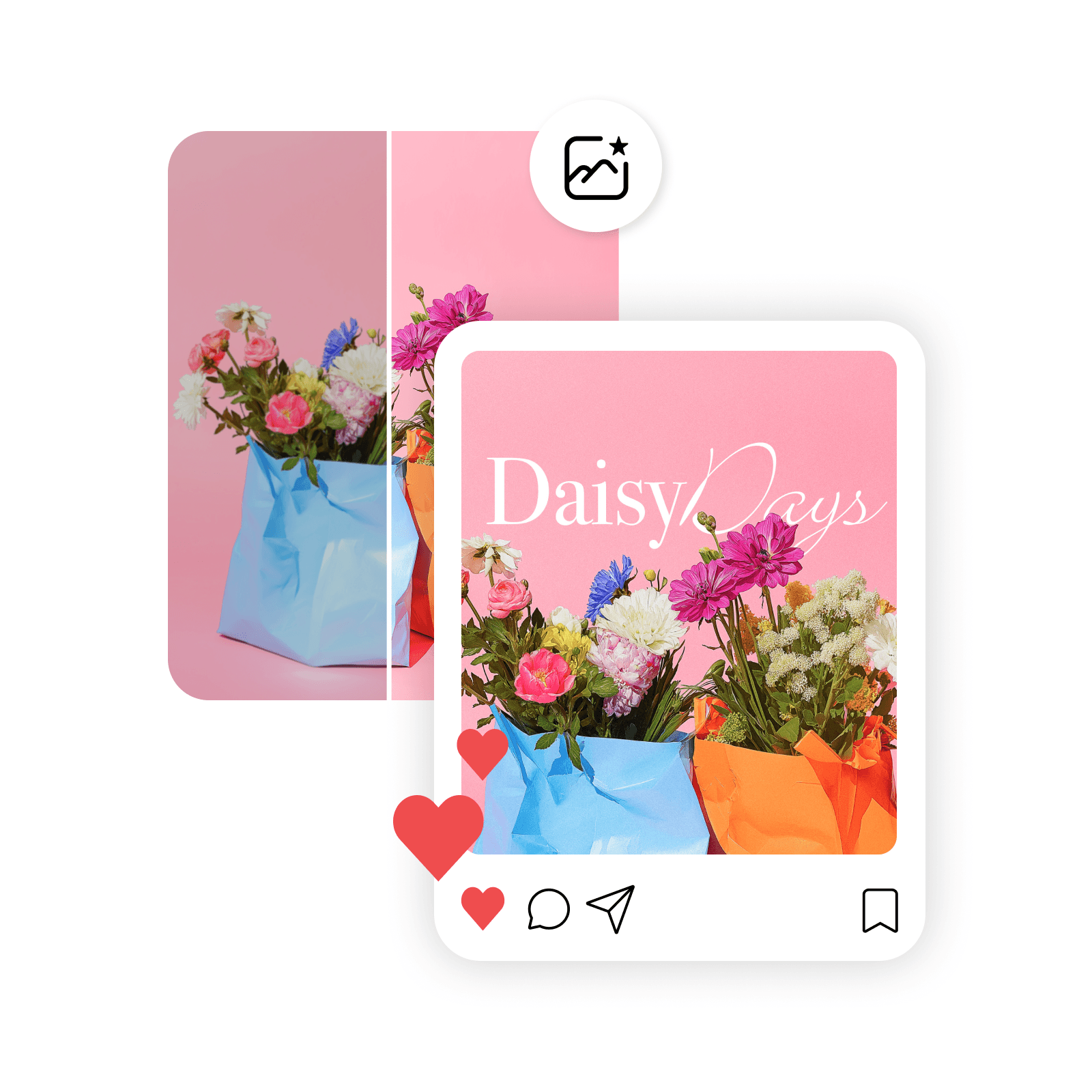
ต้องการดึงดูดสิ่งสำคัญใช่มั้ย? ทำให้ภาพสว่างขึ้นเพื่อแสดงคุณลักษณะที่ดีที่สุดของพวกเขาและดึงดูดความสนใจจากสมาคมของคุณ ไม่ว่าคุณจะนำเสนอภาพถ่ายอย่างไรและที่ไหน ใช้เครื่องมือทำให้ภาพสว่างขึ้นเพื่อปรับปรุงและเสริมภาพถ่ายให้เหมาะกับทุกโอกาส เช่น:
โซเชียลมีเดีย: ทำให้ภาพถ่ายสว่างขึ้นเพื่อลงทะเบียนและนำความสนใจบนแพลตฟอร์มที่เน้นความสวยงามอย่างเช่น Instagram และ Facebook.
การถ่ายภาพมืออาชีพ: ปรับปรุงคุณภาพภาพของภาพถ่ายบุคคล ภูมิประเทศ การถ่ายภาพสินค้า และผลงานสร้างสรรค์รวมถึงทรัพย์สินของแบรนด์ให้เป็นไปตามมาตรฐานมืออาชีพ
การใช้งานในชีวิตประจำวัน: แสดงภาพถ่ายส่วนตัวในแสงที่ดีที่สุด ทำให้ดูสดใสและเรียบร้อย
- ทำให้วัตถุดูเด่นขึ้น

สำรวจความสามารถทั้งหมดของการแก้ไขภาพจาก Picsart
ไม่จำเป็นต้องยอมแพ้ให้กับภาพถ่ายมืด ภาพถ่ายต่ำแสงหรือภาพถ่ายเบาการรับแสง Picsart มีเครื่องมือที่ใช้งานง่ายให้คุณเรียนรู้วิธีทำให้ภาพสว่างขึ้นได้ในทันที จากนั้นใช้โปรแกรมแก้ไขที่มีคอลเลกชันของ เครื่องมือแก้ไขภาพ เพื่อตกแต่งภาพได้ตามใจคุณ จากเอฟเฟกต์สีไปจนถึงฟิลเตอร์การ์ตูน ค้นพบวิธีเพิ่มเติมในการสร้างภาพถ่ายที่สะดุดตาที่จะยกระดับโครงการสร้างสรรค์ของคุณ
คำถามที่พบบ่อยเกี่ยวกับการทำให้ภาพสว่างขึ้น
เพื่อทำให้ภาพสว่างขึ้น ให้โหลดไฟล์และเลือกฟีเจอร์ปรับ ภายใต้หมวดหมู่นี้ คุณจะพบแถบเลื่อนสำหรับความสว่างที่ช่วยให้คุณทำให้ภาพสว่างขึ้นหรือมืดลงตามต้องการและเห็นการเปลี่ยนแปลงได้ทันที
แก้ไขภาพที่สดใสขึ้นสำหรับทุกเรื่องราวที่มองเห็นได้
Pro
Most popularAI tools for everyday creative work.
Ultra
Most powerfulHeavy AI usage for creators & teams.
Enterprise
Custom AI solutions for large organizations.
- Volume discounts on credit rate
- On-demand top-ups
เครื่องมือเพิ่มเติมที่คุณจะหลงรักจาก Picsart


