ตัวแปลงวิดีโอเป็น GIF ฟรี
ตัดคลิป, ปรับ FPS, ควบคุมความเร็วการเล่น, และบีบอัดขนาดไฟล์ในเพียงไม่กี่คลิก ตัวแปลงวิดีโอเป็น GIF นี้ทำงานทั้งหมดในเบราว์เซอร์ของคุณ ดังนั้นไฟล์ของคุณจะอยู่เป็นส่วนตัวและปลอดภัยในขณะที่คุณแปลงวิดีโอเป็น GIF หรือแปลง MP4 เป็น GIF โดยไม่มีลายน้ำหรือจำเป็นต้องสมัครสมาชิก
แปลง, ตัด, บีบอัด - ทั้งหมดในเบราว์เซอร์ของคุณ
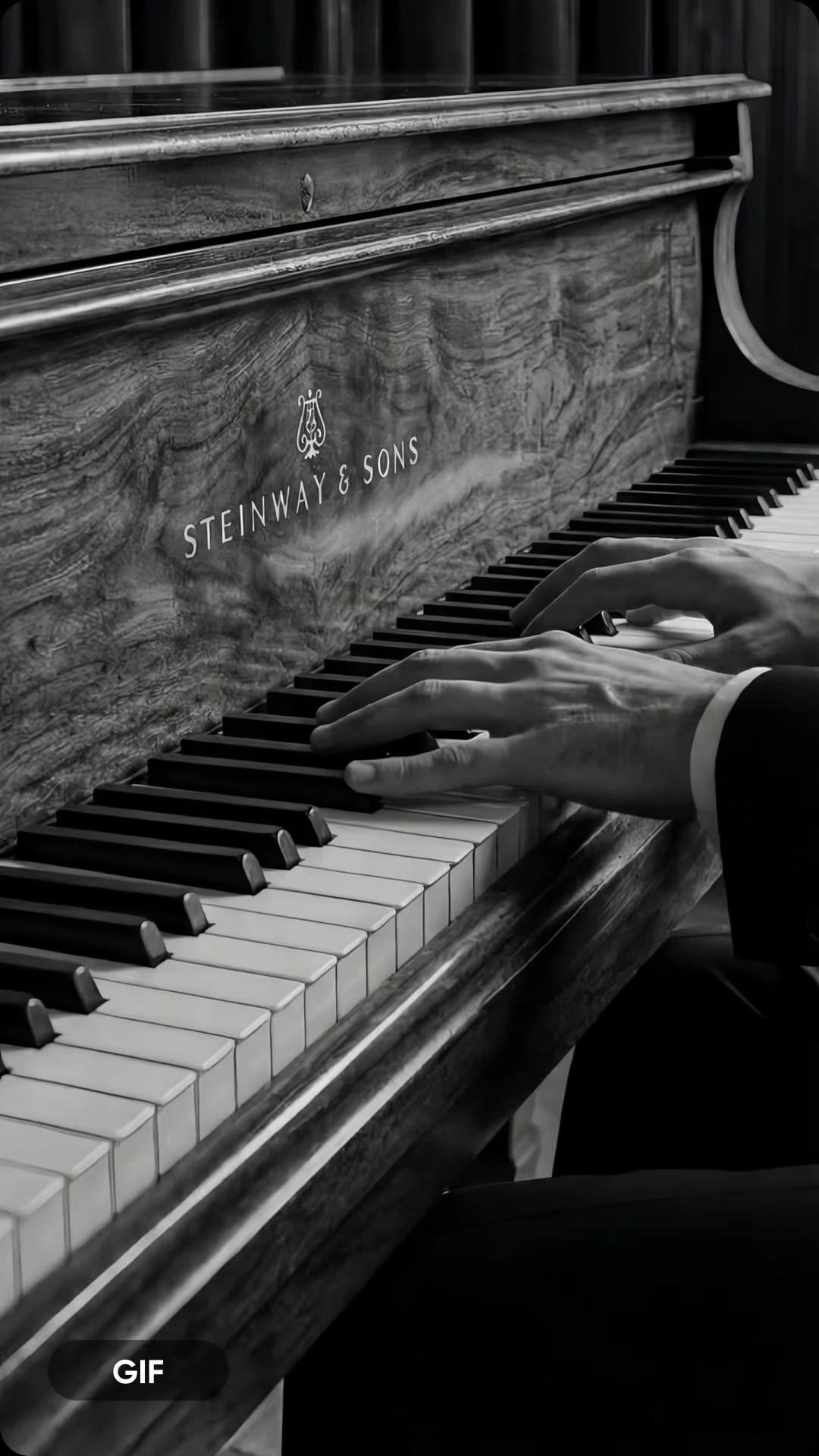
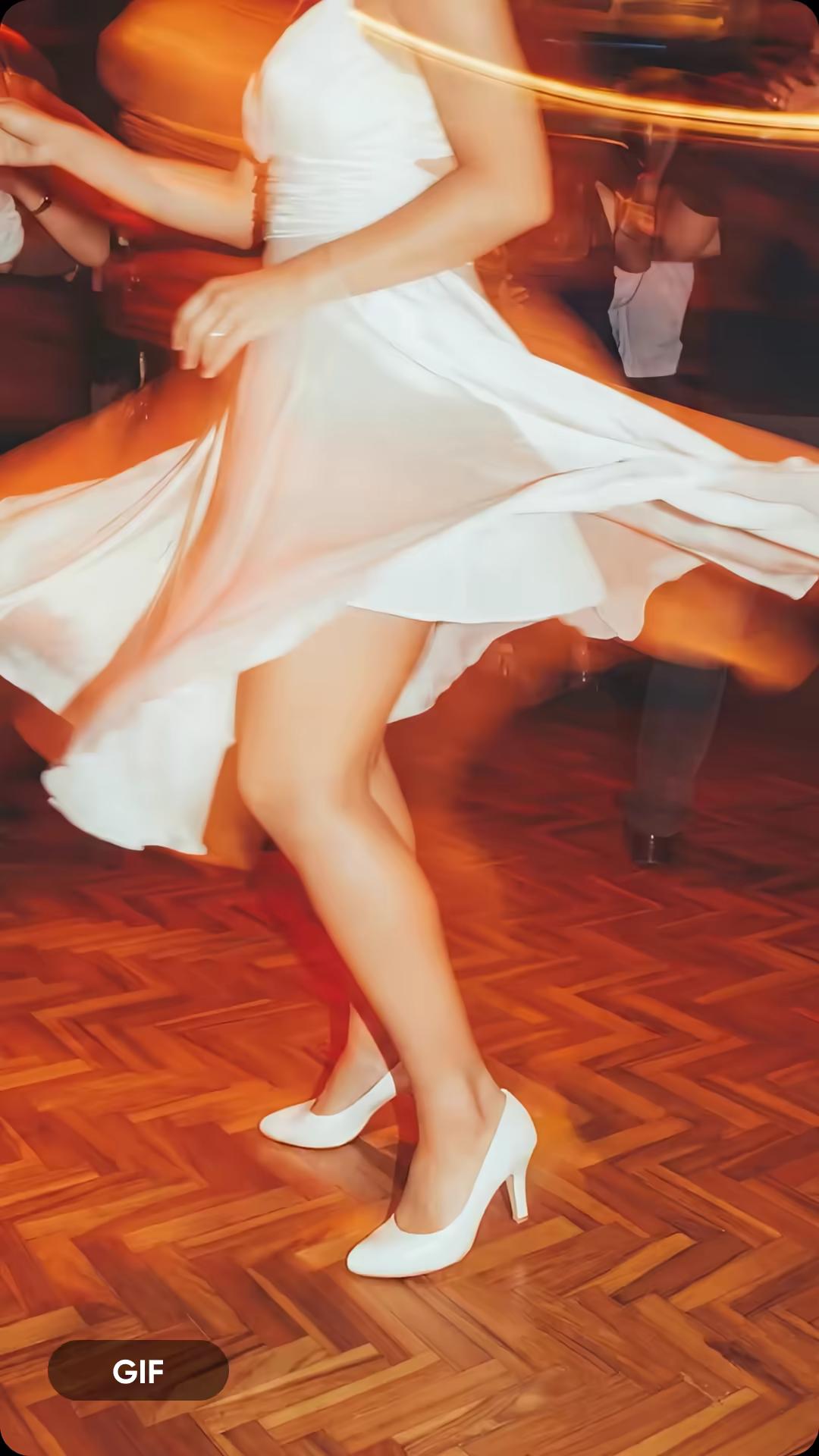
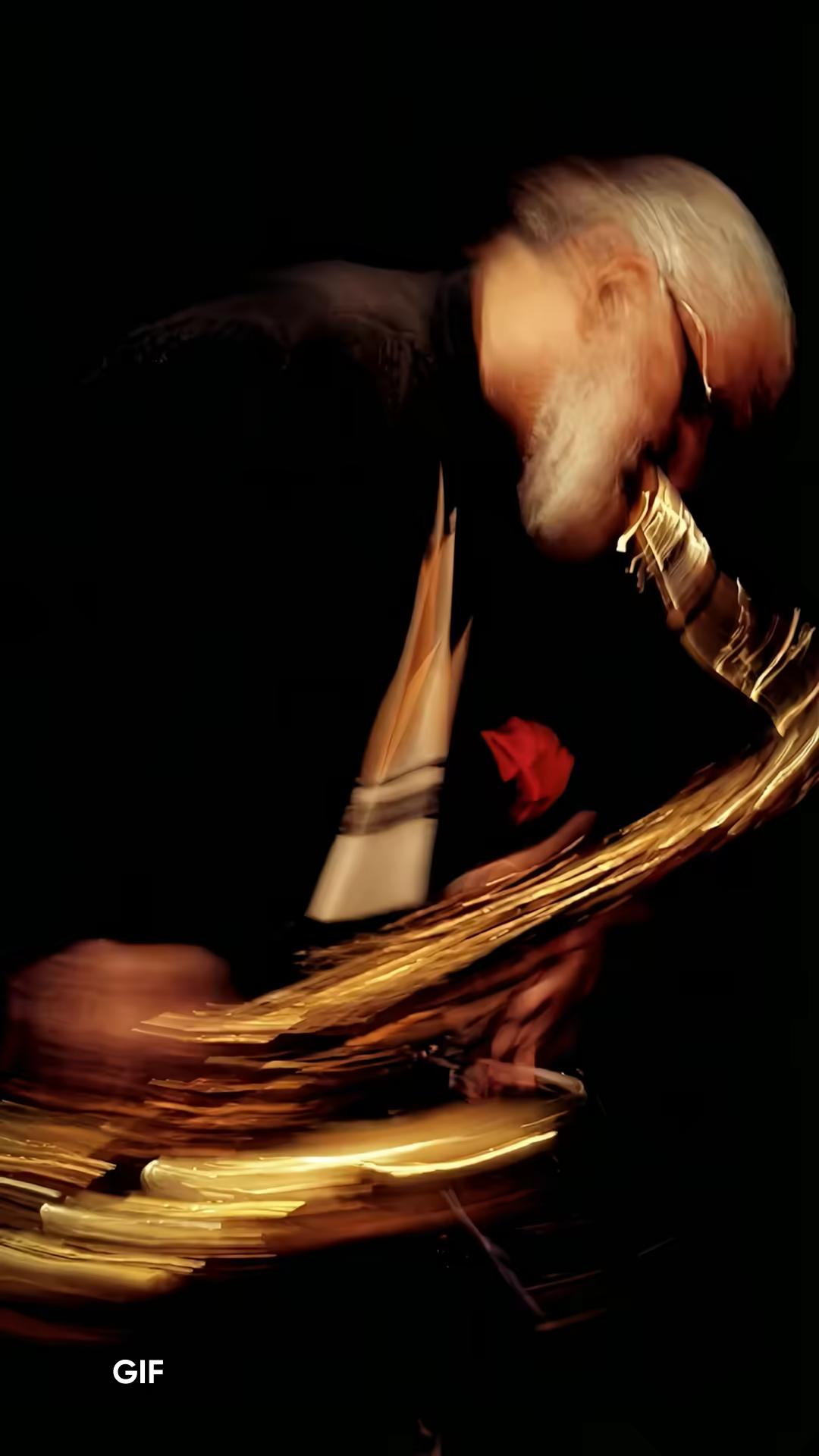
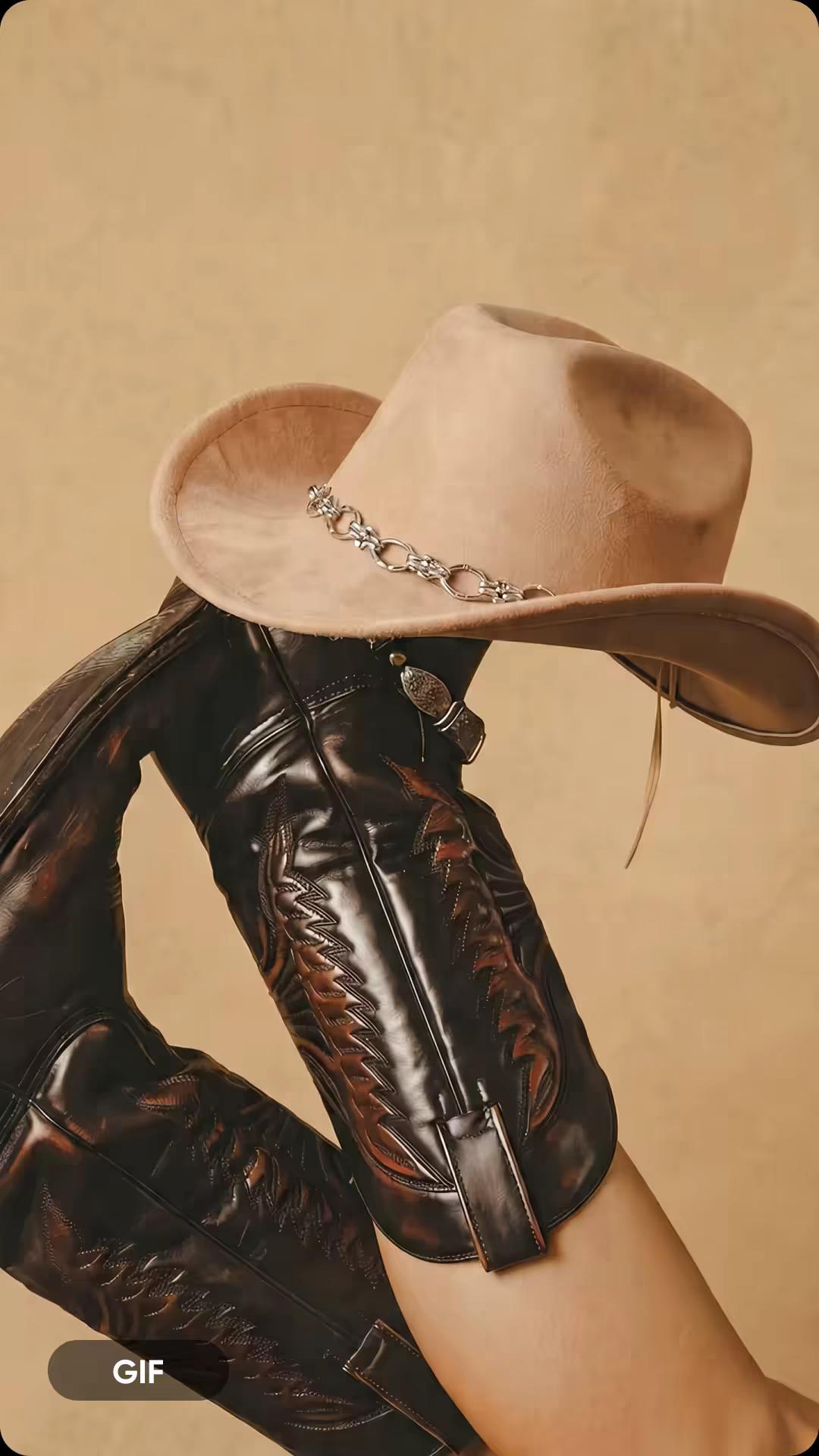
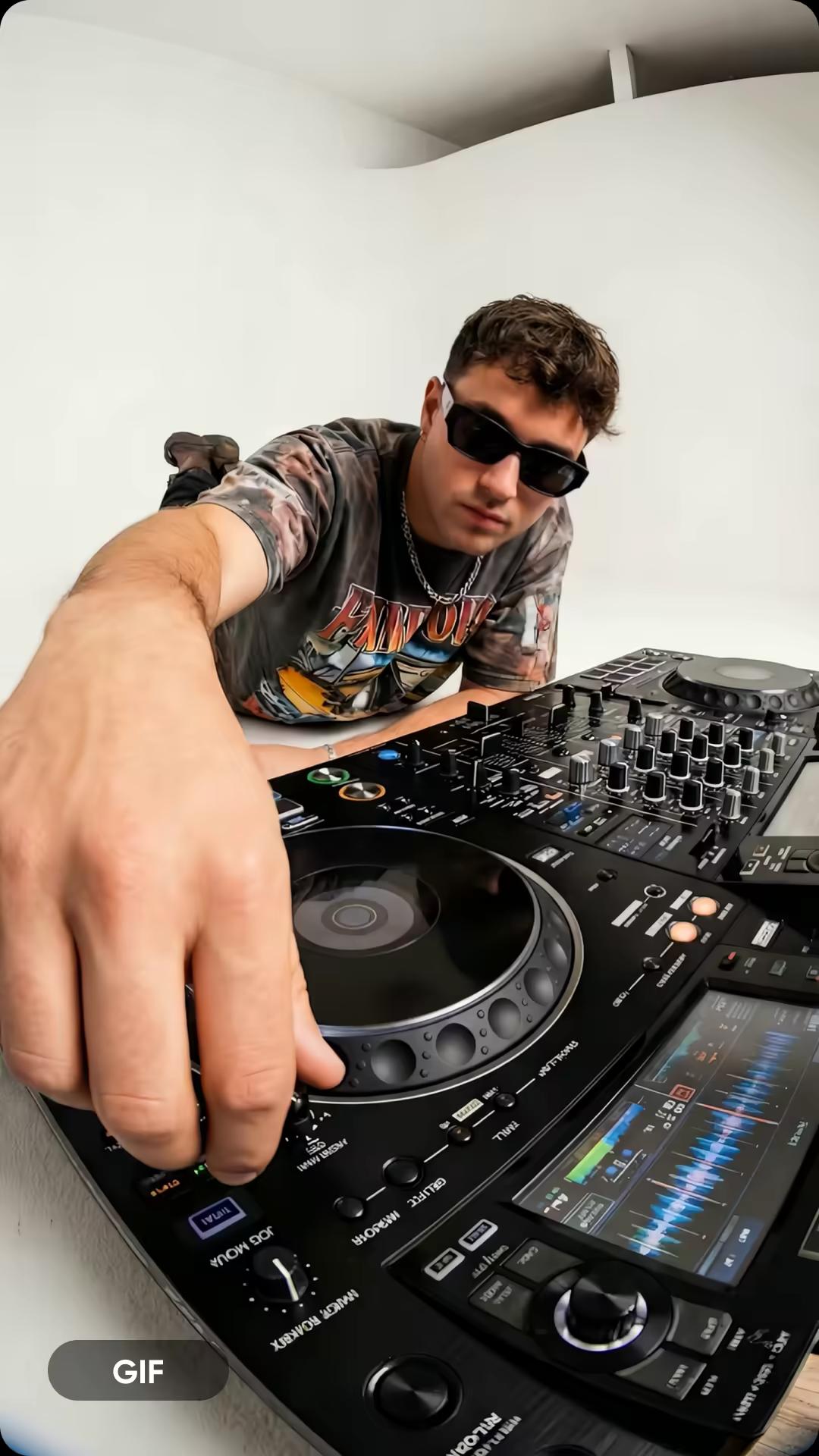
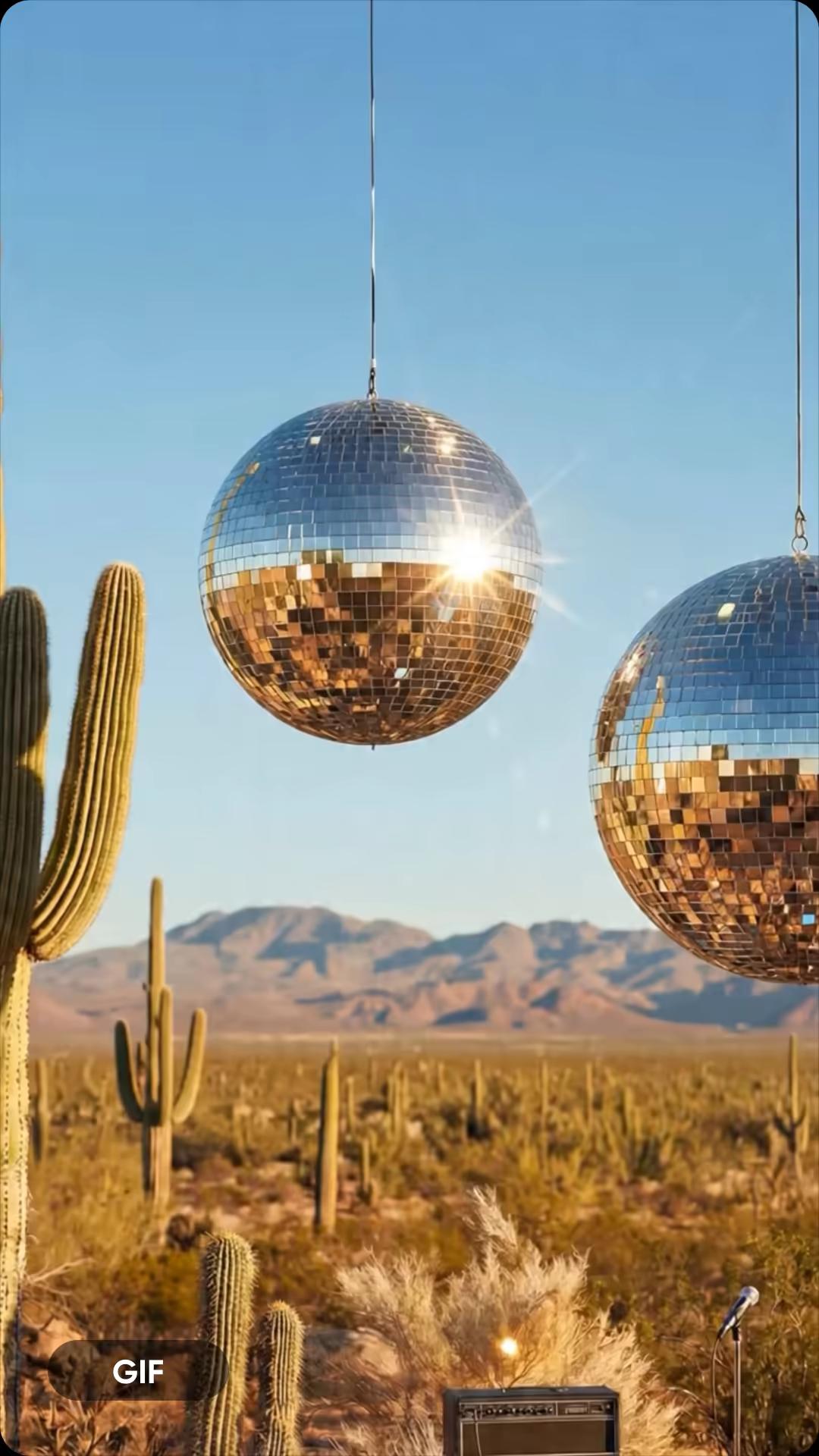
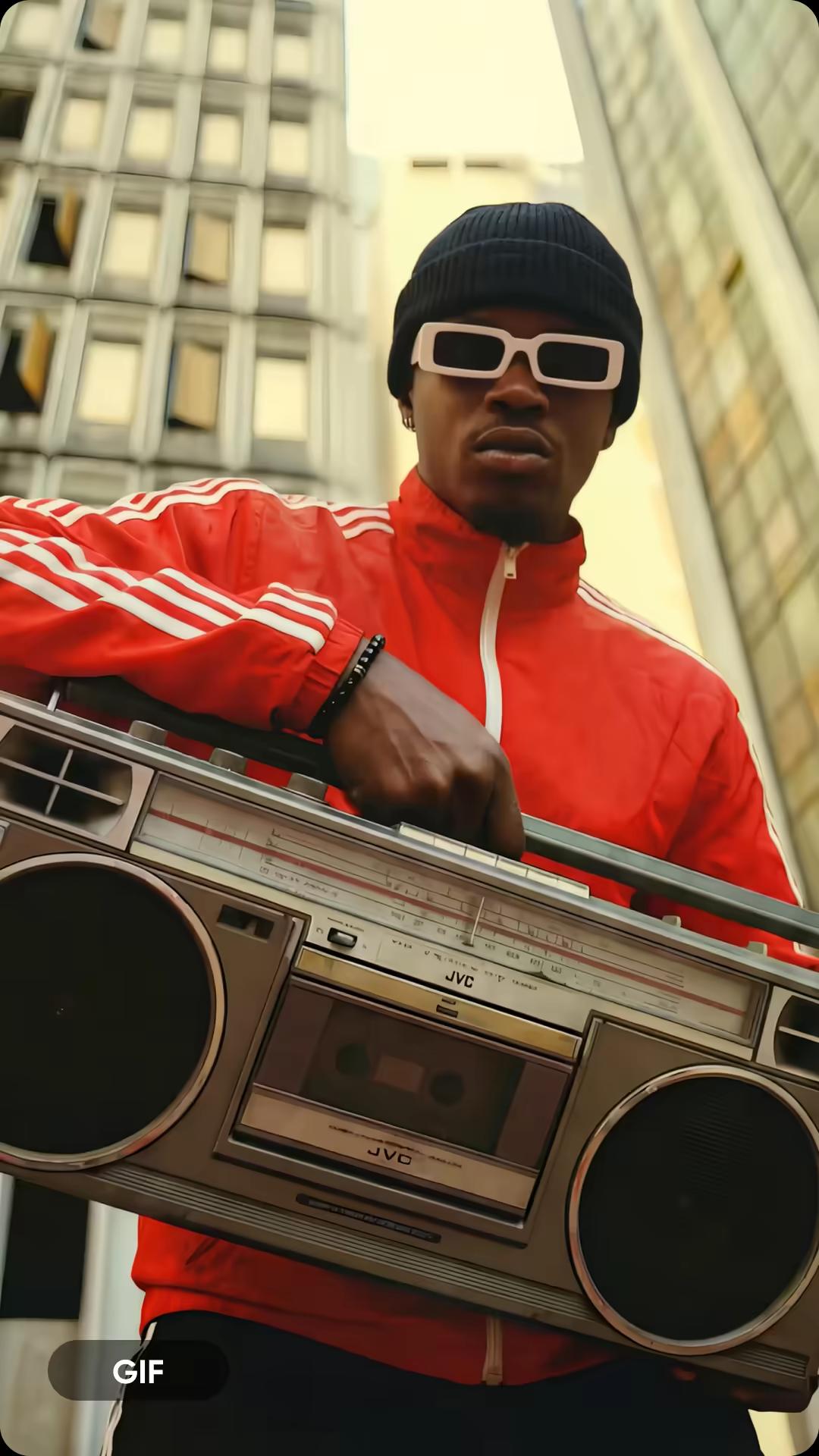
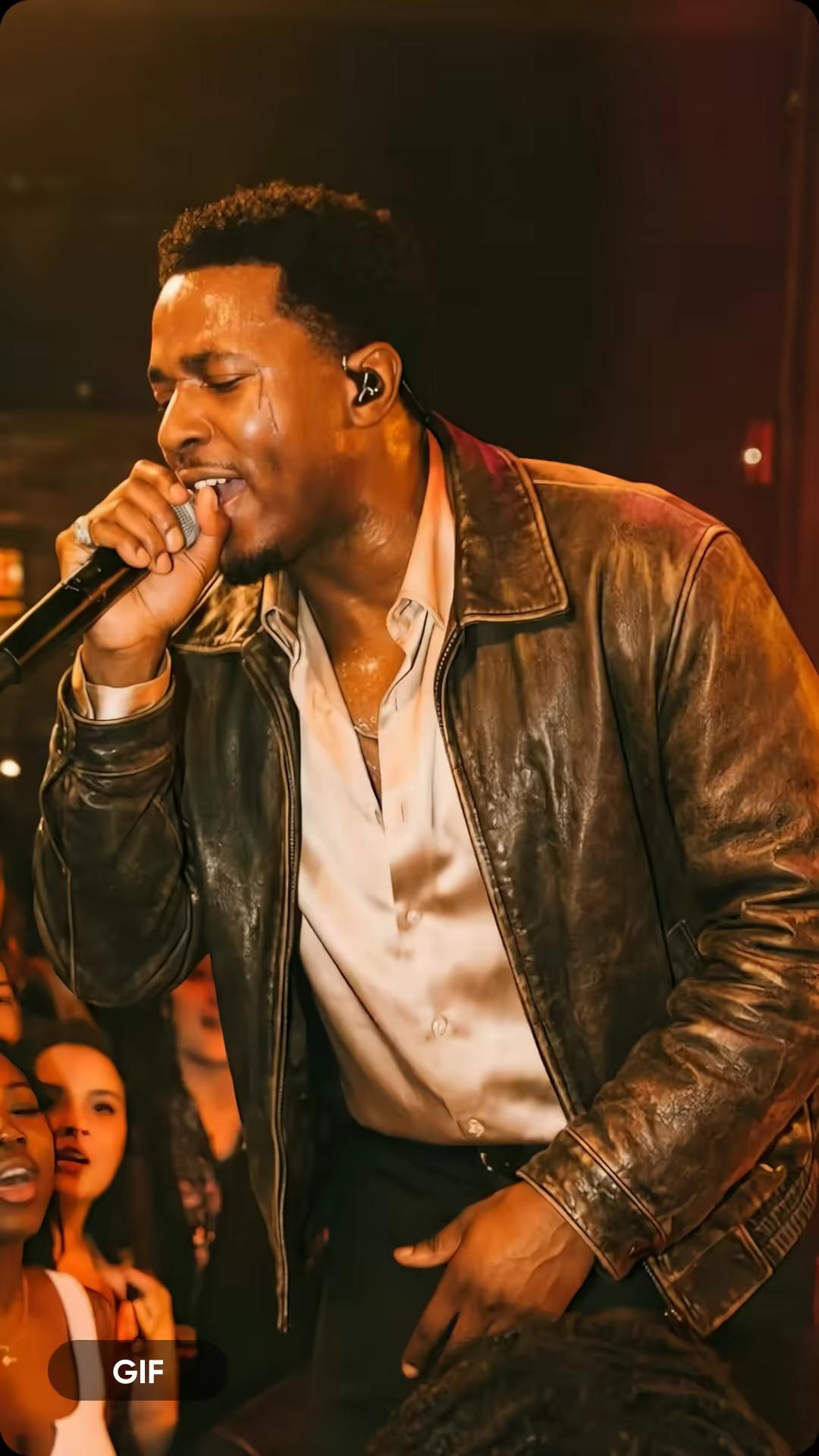
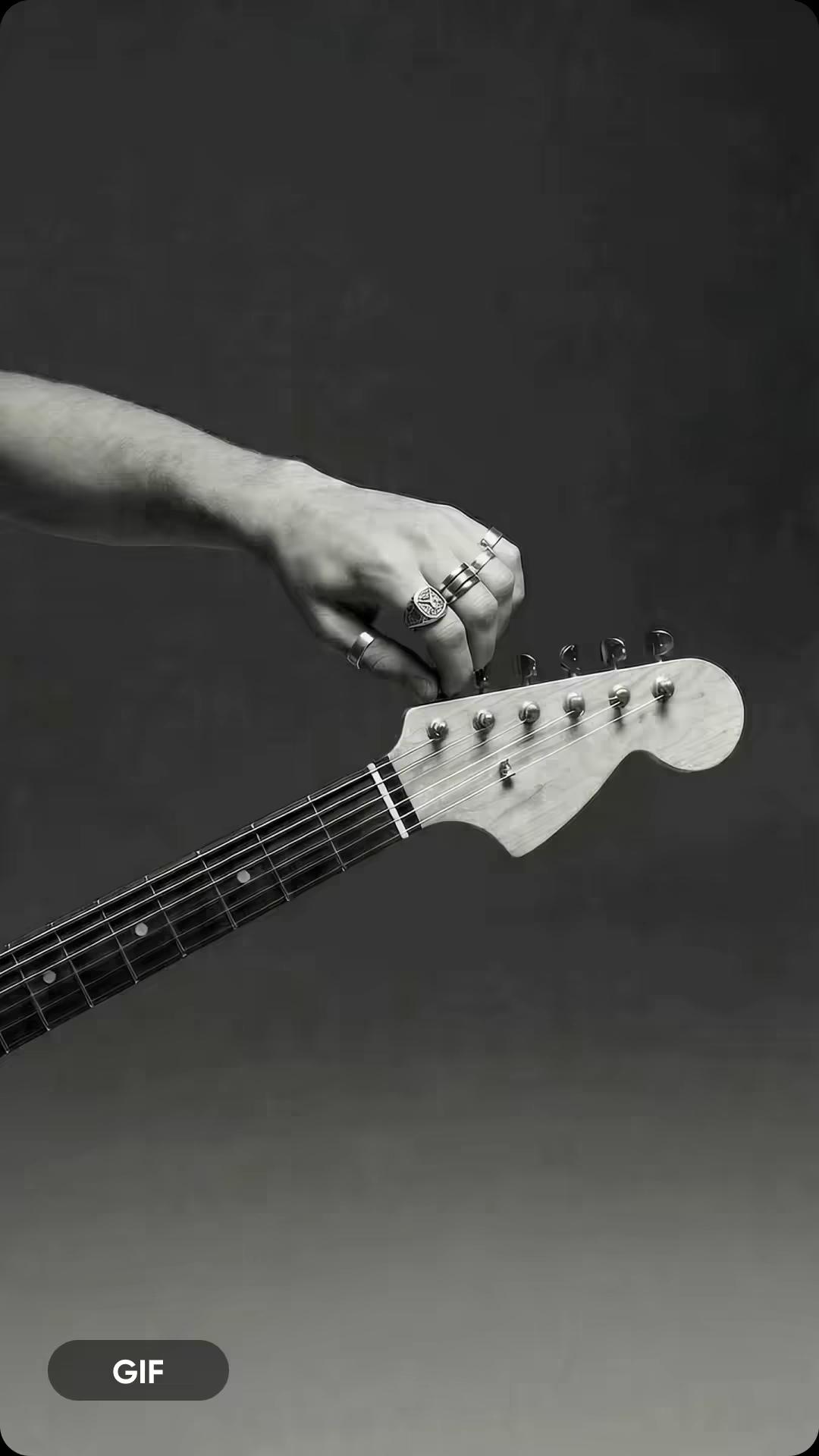
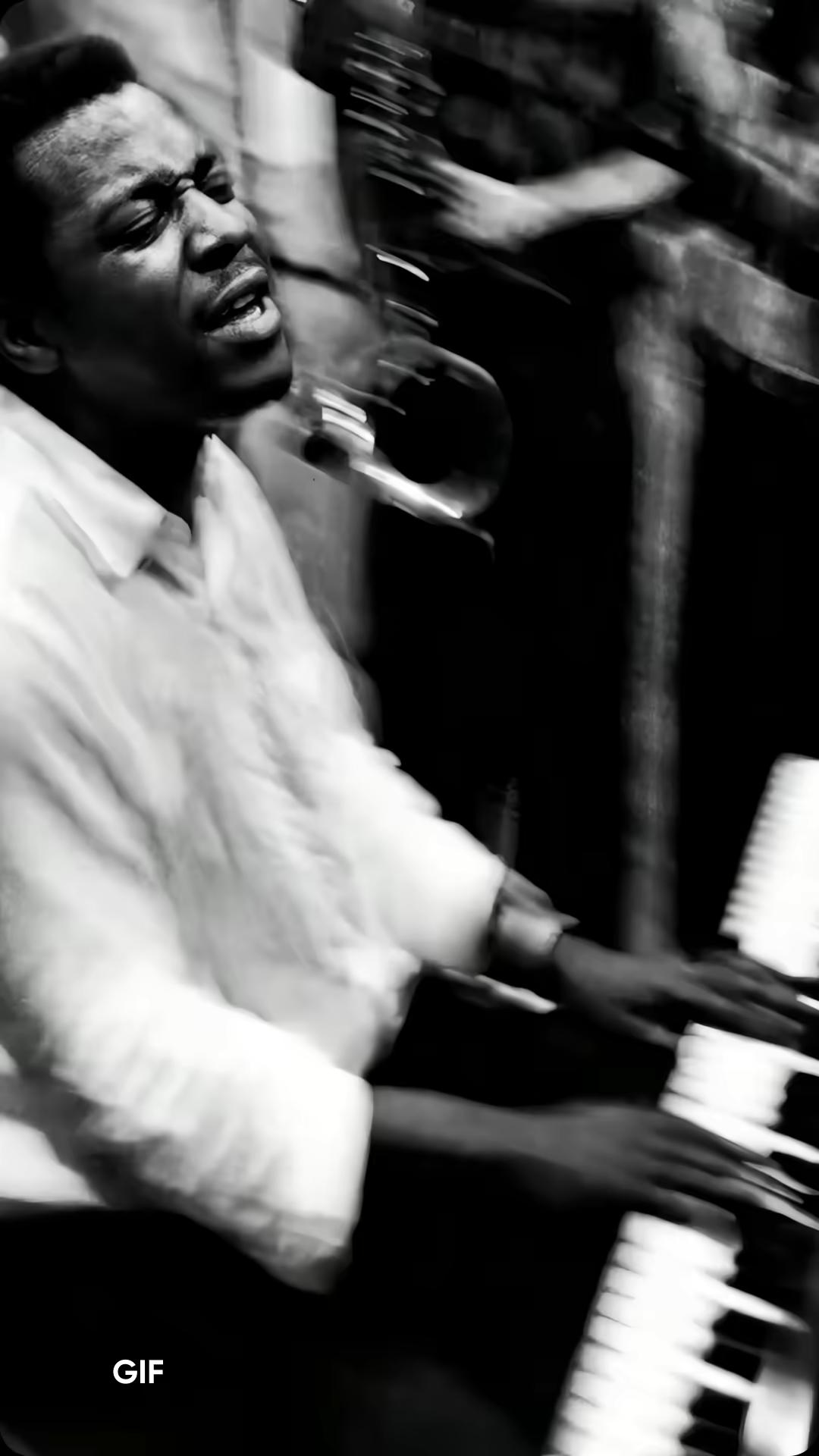
วิธีการแปลงวิดีโอเป็น GIF
How to
วางวิดีโอของคุณ
ลากและวางไฟล์วิดีโอของคุณ วาง หรือเรียกดูเพื่ออัปโหลด รองรับ MP4, MOV, AVI, MKV, และ WebM สูงสุด 200MB
แปลง MP4 เป็น GIF โดยไม่ต้องอัปโหลดไปยังเซิร์ฟเวอร์
วางไฟล์ MP4 ของคุณลงในตัวแปลงวิดีโอเป็น GIF บนเบราว์เซอร์นี้และเริ่มต้นทันที กระบวนการทั้งหมดทำงานท้องถิ่นบนอุปกรณ์ของคุณ ดังนั้นวิดีโอของคุณจะอยู่เป็นส่วนตัวตั้งแต่เริ่มจนจบ แปลงวิดีโอเป็น GIF ในไม่กี่วินาทีโดยไม่มีการอัปโหลดหรือการล่าช้า แล้วปรับแต่งคลิปของคุณโดยใช้เครื่องมือ ตัดวิดีโอ เพื่อให้ได้เฟรมที่สมบูรณ์ก่อนส่งออก
แปลงวิดีโอเป็น GIF และเลือกช่วงเวลาที่สมบูรณ์แบบ
ไม่ใช่ทุกวินาทีจะเหมาะสมใน GIF ของคุณ เลือกจุดเริ่มต้นและจุดสิ้นสุดที่แน่นอน จากนั้นปรับความเร็วให้เข้ากับช่วงเวลา ตัวแปลงวิดีโอเป็น GIF นี้ช่วยให้คุณสร้าง GIF ที่ราบรื่นและวนอัตโนมัติโดยไม่มีการตัดทอนที่อึดอัด และคุณสามารถปรับปรุงคลิปของคุณล่วงหน้าโดยใช้ Video Enhancer เพื่อให้ได้ผลลัพธ์คมชัดและสะอาดขึ้น
ควบคุมคุณภาพ GIF และขนาดไฟล์
GIF สามารถโตได้เร็ว ตัวสร้าง GIF นี้ให้คุณควบคุมอัตราเฟรม ความละเอียด และการบีบอัดอย่างแม่นยำ เพื่อให้คุณสามารถสมดุลระหว่างคุณภาพและขนาดได้อย่างง่ายดาย ดูตัวอย่างก่อนส่งออกและปรับให้เหมาะสมสำหรับแพลตฟอร์มใด ๆ หรือสำรวจตัวเลือกที่สร้างสรรค์มากขึ้นด้วย AI GIF Generator เพื่อสร้างภาพใหม่ได้ทันที
บีบอัด GIF เพื่อให้ขนาดไฟล์ลดลงฟรี
มี GIF ที่ใหญ่เกินไปใช่ไหม วางมันลงและลดขนาดไฟล์ในไม่กี่วินาทีกับ GIF compressor ของ Picsart ปรับสี, ความละเอียด, และการบีบอัดเพื่อให้เข้ากับขีดจำกัดของแพลตฟอร์มเช่น Slack หรืออีเมล โดยไม่สูญเสียคุณภาพ ใช้การควบคุมแบบเดียวกันเพื่อแปลงวิดีโอเป็น GIF หรือปรับแต่งไฟล์ที่มีอยู่เดิมด้วยผลลัพธ์ที่สม่ำเสมอทุกครั้ง
ใช้วิดีโอเป็น GIF บนอุปกรณ์ใดก็ได้โดยไม่ต้องติดตั้ง
แปลงวิดีโอเป็น GIF บนเดสก์ท็อปหรือมือถือได้จากเบราว์เซอร์ของคุณ ไม่ต้องดาวน์โหลด, ปลั๊กอิน, หรือบัญชี ตัวแปลงวิดีโอเป็น GIF นี้ทำงานได้อย่างราบรื่นในทุกอุปกรณ์ คุณสามารถสร้าง, ตัด, และบีบอัด GIF ได้ตลอดเวลา ไม่ว่าคุณจะอยู่ที่โต๊ะทำงานหรือกำลังเดินทาง
สิ่งที่คุณสามารถสร้างด้วยตัวแปลงวิดีโอเป็น GIF
เนื้อหาสื่อสังคมออนไลน์
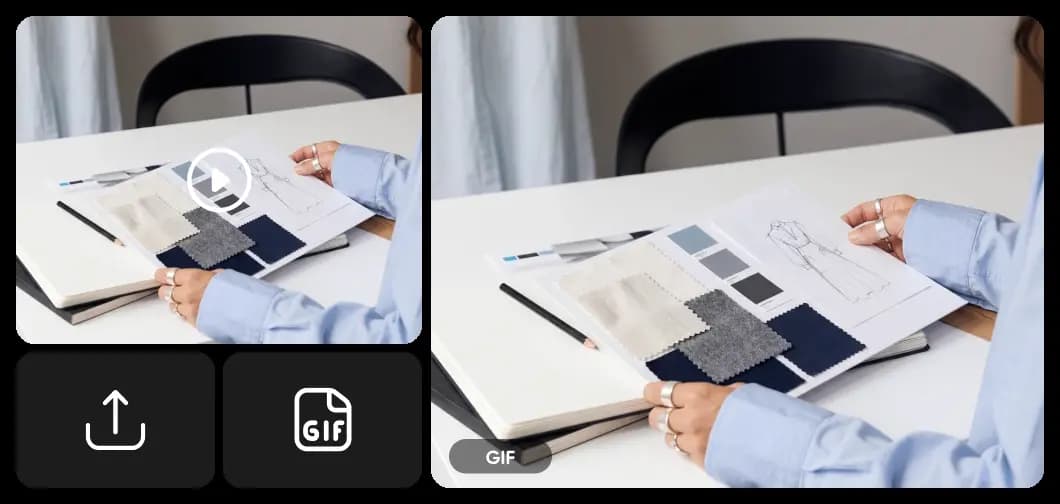
ทุกสิ่งในตัวแปลงวิดีโอเป็น GIF ของ Picsart
ทุกสิ่งที่คุณต้องการเพื่อเปิด, แก้ไข, และส่งออกไฟล์ PSD เป็นภาพ JPG คุณภาพสูงแบบออนไลน์ เร็ว และไม่ต้องใช้ Photoshop
คำถามที่พบบ่อยเกี่ยวกับตัวแปลงวิดีโอเป็น GIF
เปิดตัวแปลงวิดีโอเป็น GIF ฟรีของ Picsart ลากและวางไฟล์วิดีโอของคุณ ปรับแต่งการตัด, FPS, ความละเอียด, และการบีบอัด จากนั้นกดแปลง GIF จะถูกประมวลผลโดยตรงในเบราว์เซอร์ของคุณและดาวน์โหลดไปยังอุปกรณ์ของคุณ - ไม่ต้องสมัครสมาชิก
แปลงวิดีโอเป็น GIF และสร้างเนื้อหาที่แบ่งปันได้มากขึ้น
Pro
Most popularAI tools for everyday creative work.
Ultra
Most powerfulHeavy AI usage for creators & teams.
Enterprise
Custom AI solutions for large organizations.
- Volume discounts on credit rate
- On-demand top-ups
ค้นพบเครื่องมือ AI เพิ่มเติม
เปลี่ยนไอเดียให้เป็นโปรเจคที่เสร็จสมบูรณ์ได้ด้วยความเร็วของแสงด้วยประสิทธิภาพของ AI


