Fotoğraflardan insanları kolayca çıkarın
Fotoğraflarınız üzerinde kontrol sahibi olun ve Picsart'ın AI insan çıkarma aracı ile arka plandan insanları çıkarın. Fotoğrafınızdan bir kişiyi yalnızca birkaç saniyede çevrimiçi olarak çıkarın.
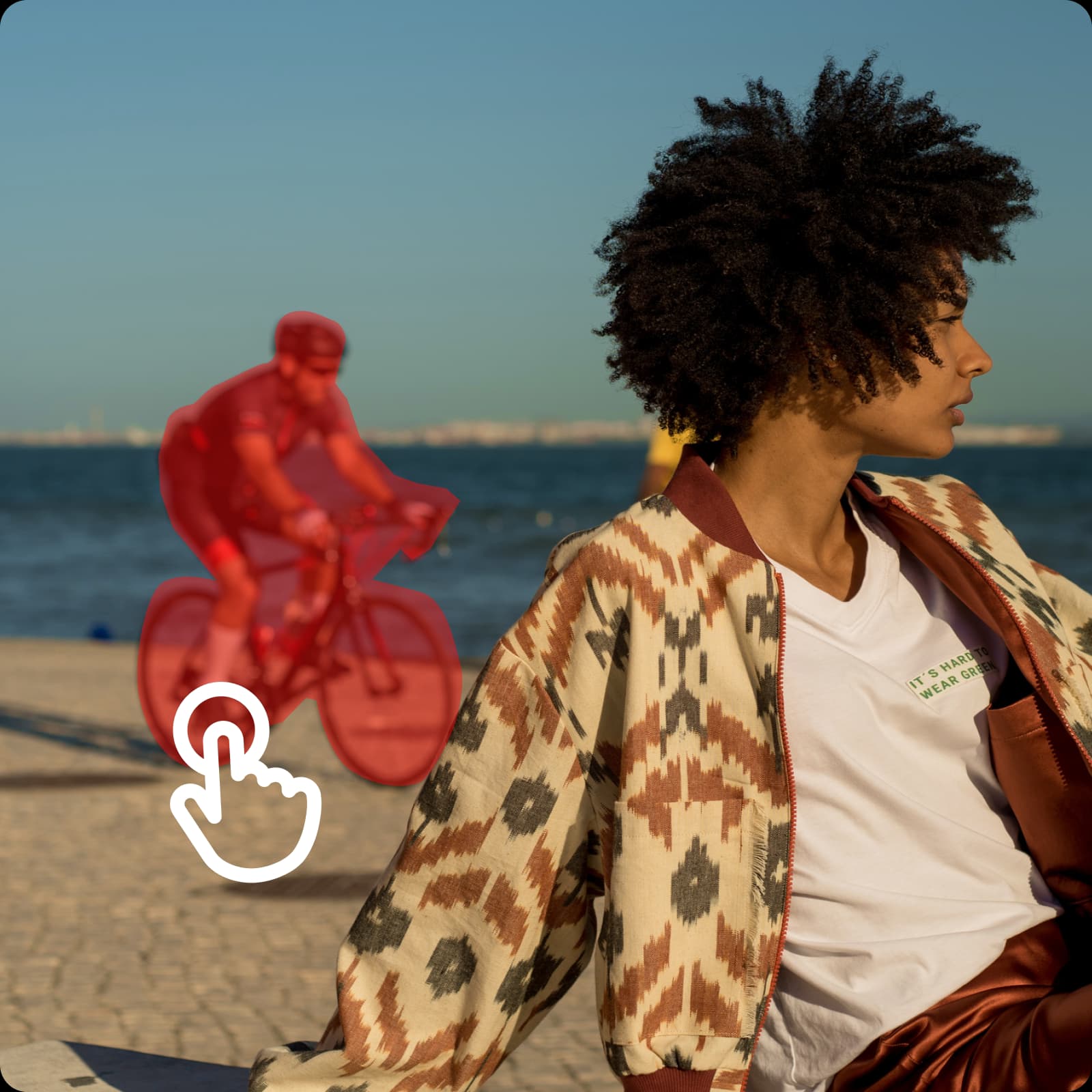
İnsan kaldırma neden kullanılır?




Fotoğraflardan insan nasıl çıkarılır
How to
Fotoğrafınızı yükleyin
Düzenlemek istediğiniz fotoğrafı yükleyerek başlayın. Görüntünüz AI destekli temizlik için hazır Picsart editöründe anında açılır.
Saniyeler içinde fotoğraftan insan çıkarma
Fotoğraflardan insan çıkarmayı öğrenmek teknik beceri gerektirir ve doğal bir sonuç elde etmek saatler sürebilir. Picsart'ın Nesne Çıkar aracı ile saniyeler içinde fotoğraflardan otomatik olarak insan çıkarabilirsiniz. Ürün fotoğraflarınızdan kendinizi çıkarmak veya tatil fotoğraflarınızdan tüm bir grubu kaldırmak istiyorsanız, Picsart işi doğru şekilde halletmenize yardımcı olabilir. Kaldırmak istediğiniz insanlar üzerine fırça vurun ve AI'nin sihri yapmasına izin verin, her seferinde kusursuz sonuçlar elde edin.

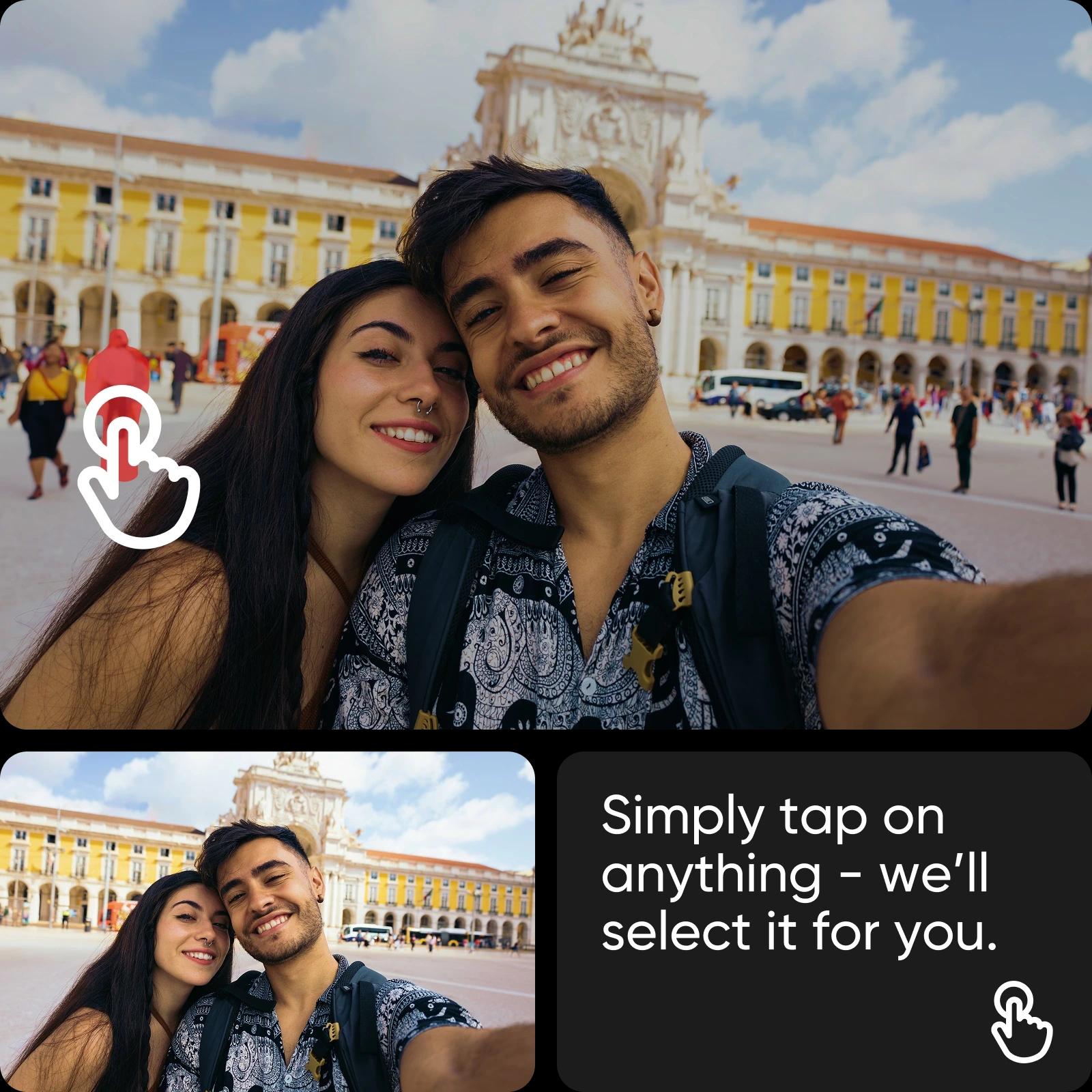
Arka plandan otomatik olarak insan çıkarın
Hepimiz bunu yaşadık: Mükemmel bir fotoğraf çekmeye çalışıyorsunuz, ancak turistler, geçenler veya diğer istenmeyen insanlar arka plandan görüntünüzü bozuyor. Picsart'ın AI insan çıkarıcısı gelişmiş AI teknolojisini kullanır, bu sayede arka plandan insan çıkarabileceğiniz ve herhangi bir sorun olmadan fotoğraf temizleyebileceğiniz. Bir fotoğraftan insan çıkardıktan sonra Picsart, piksel mükemmel ve ultra-temiz görseller için çevreleyen arka plan detaylarını yeniden oluşturacaktır.
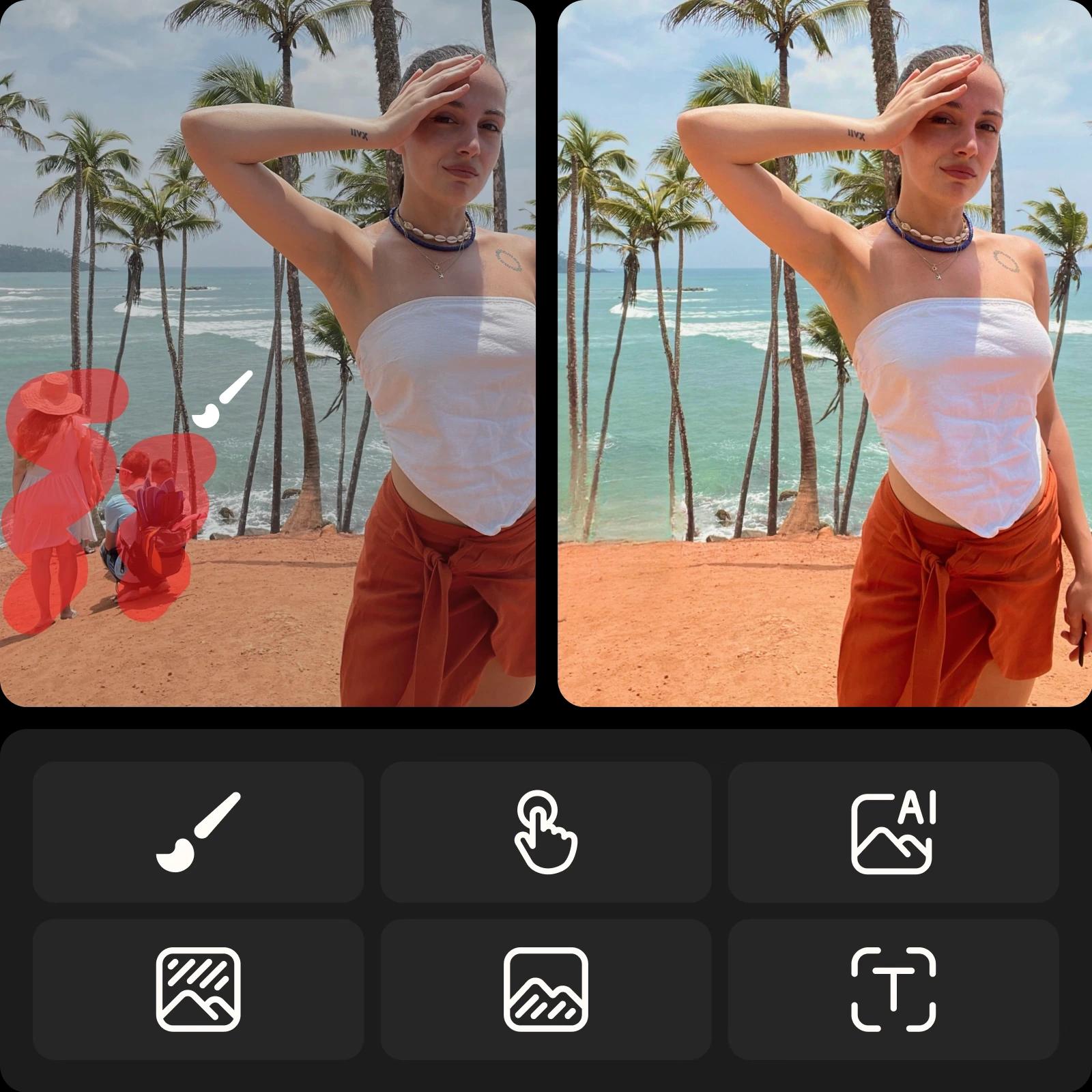
Kalite kaybetmeden fotoğraflardan insan çıkarın
İstenmeyen eski ilişkilerden mükemmel olmayan ürün fotoğraflarına kadar, Picsart'ın insan çıkarıcı aracı fotoğrafınızın kalitesini düşürmeden her şeyi yapabilir. Kaldırmak istediğiniz insanlar üzerine fırça vurarak ve fırça boyutunu gerektiği kadar ayarlayarak kolayca çıkarın. Oradan, AI destekli insan çıkarıcımız fotoğrafınızdan yüksek kaliteli, doğal bir sonuç için insan çıkaracaktır. E-ticaret işletmenizi cilalı ürün fotoğrafları ile büyütün veya profesyonelliğinizi vurgulamak için dikkat dağıtmayan portreler ile kişisel markanızı yükseltin.
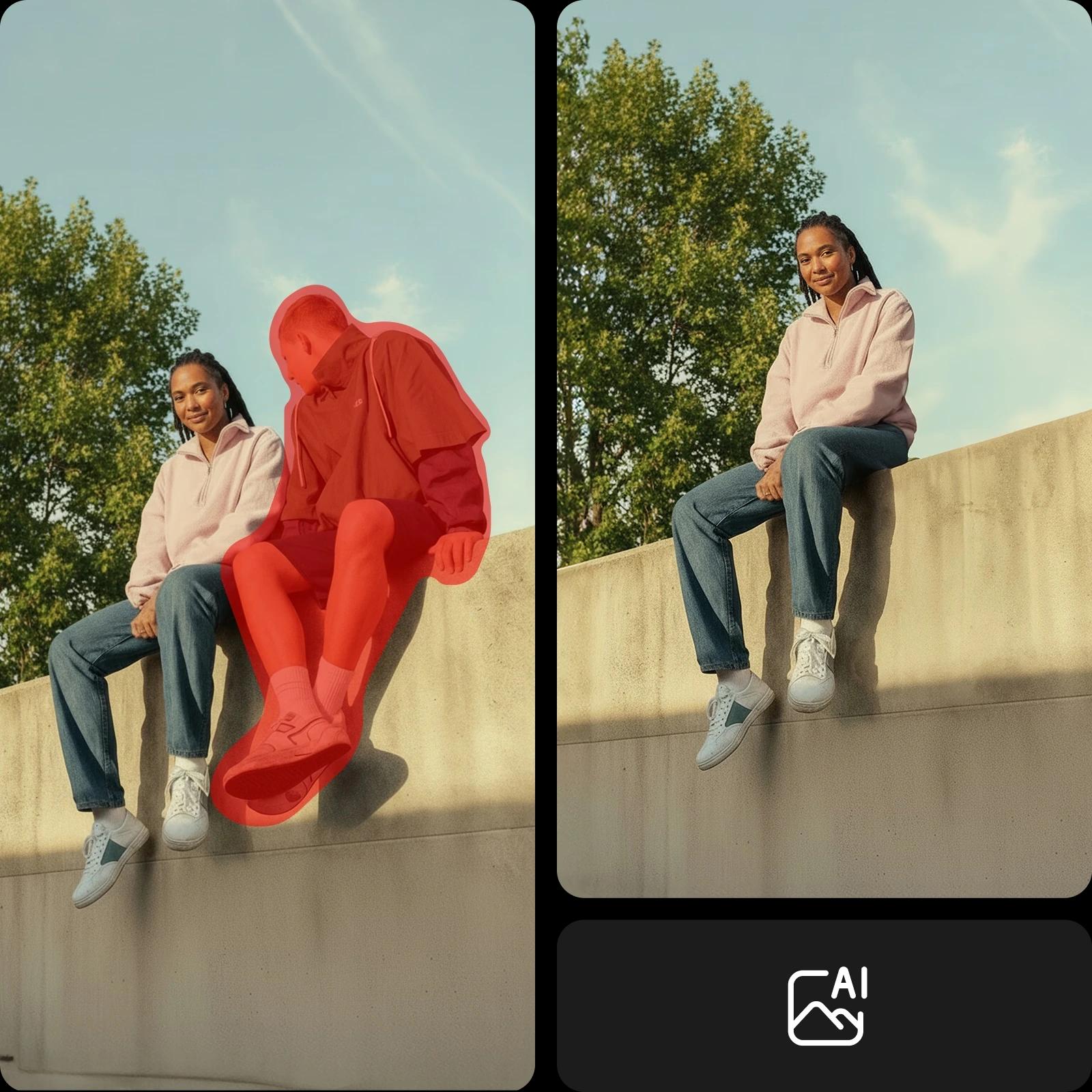
Fotoğraflarınızı herhangi bir amaç için mükemmelleştirin
Ağırlağı odağı koruyun
Turistleri ve geçenleri görüntülerinizden çıkarın, böylece anıtlar şutter düğmesine bastığınız zaman hayal ettiğiniz gibi temiz şekilde öne çıksın.

Fotoğraftan insan çıkarmak için akıllı AI kullan
Yapmak istediğiniz değişikliği açıklayın ve AI'nin düzenlemeyi yapmasına izin verin. Kaldırmak istediğiniz şeyi yazın; örneğin "arka plandaki kişiyi sil" ve AI'nin geri kalanını yapmasına izin verin. Araç bağlamı anlar, doğru alanları otomatik olarak seçer ve temiz, doğal görünümlü bir sonuç için arka planı yeniden oluşturur – kesin fırça kullanımı veya manuel düzenlemeler gerekmez.
Yalnızca insan çıkarmanın ötesine geçin
Picsart'ın nesne çıkarıcı aracı fotoğraflardan insan çıkarmaktan daha fazlasını yapar. Metni, logoları ve görsel dağınıklığı gibi istenmeyen nesneleri hızlıca çıkarabileceğiniz veya fotoğrafları temizleyerek anında izleyicinizin dikkatini çekerek cilalı, profesyonel bir görünüm elde edebilirsiniz. Fotoğraflarınızı temizledikten sonra, Picsart'ın sezgisel AI fotoğraf düzenleme araçları ile son dokunuşları ekleyerek etkileyici, mükemmel fotoğraf elde edin.
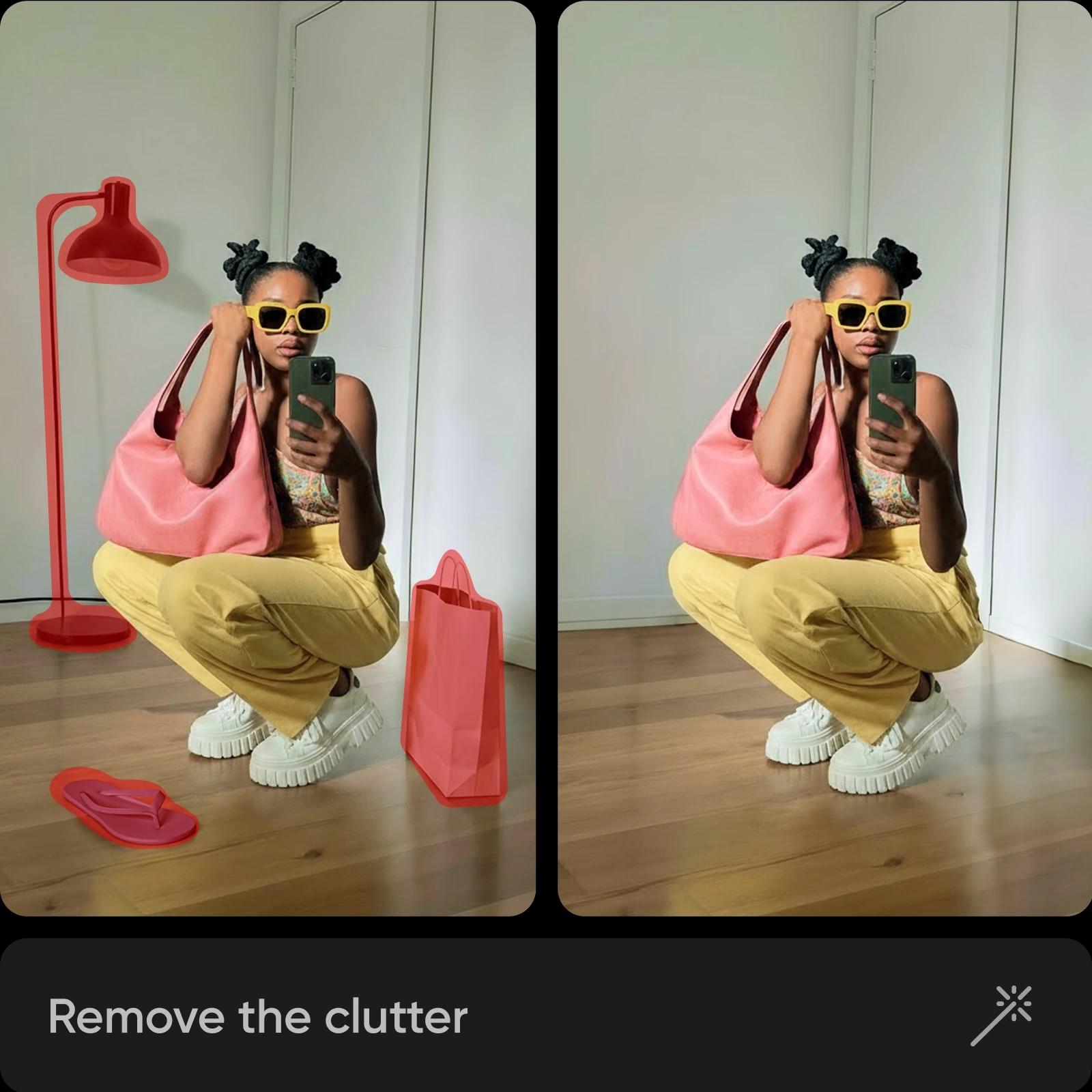
İnsansız fotoğraflar oluşturmak için AI görüntü modellerini kullan
İnsansız fotoğrafları parlak görsellere, tasarım fikirlerine ve düzenlemeye hazır varlıklara dönüştürmek için görüntü modellerini kullan.
Fotoğraflardan İnsan Çıkarma SSS
Fotoğraftan kişi çıkarmak için görüntüyü editöre yükleyin ve Çıkar aracını açın. Fırça, akıllı seçim veya AI destekli seçenekleri kullanarak kişiyi seçin ya da kaldırmak istediğiniz şeyi açıklayın. Arka planı doğal şekilde yeniden oluşturmak için Çıkar'ı tıklayın, değişiklikleri uygulayın ve düzenlenmiş görüntünüzü indirin.
Cilalı yaratıcı içerik için fotoğrafları temizleyin
Pro
Most popularAI tools for everyday creative work.
Ultra
Most powerfulHeavy AI usage for creators & teams.
Enterprise
Custom AI solutions for large organizations.
- Volume discounts on credit rate
- On-demand top-ups
Daha fazla düzenleme aracını keşfedin


