مفت میں تصویر میں سایہ شامل کریں: فوری سایہ ایڈیٹنگ
پروڈکٹ کی تصاویر سے لے کر انسٹاگرام پوسٹس تک، اپنے فوٹوز کو حیرت انگیز فن پاروں میں تبدیل کریں سایہ فوٹو ایڈیٹنگ کے ساتھ۔
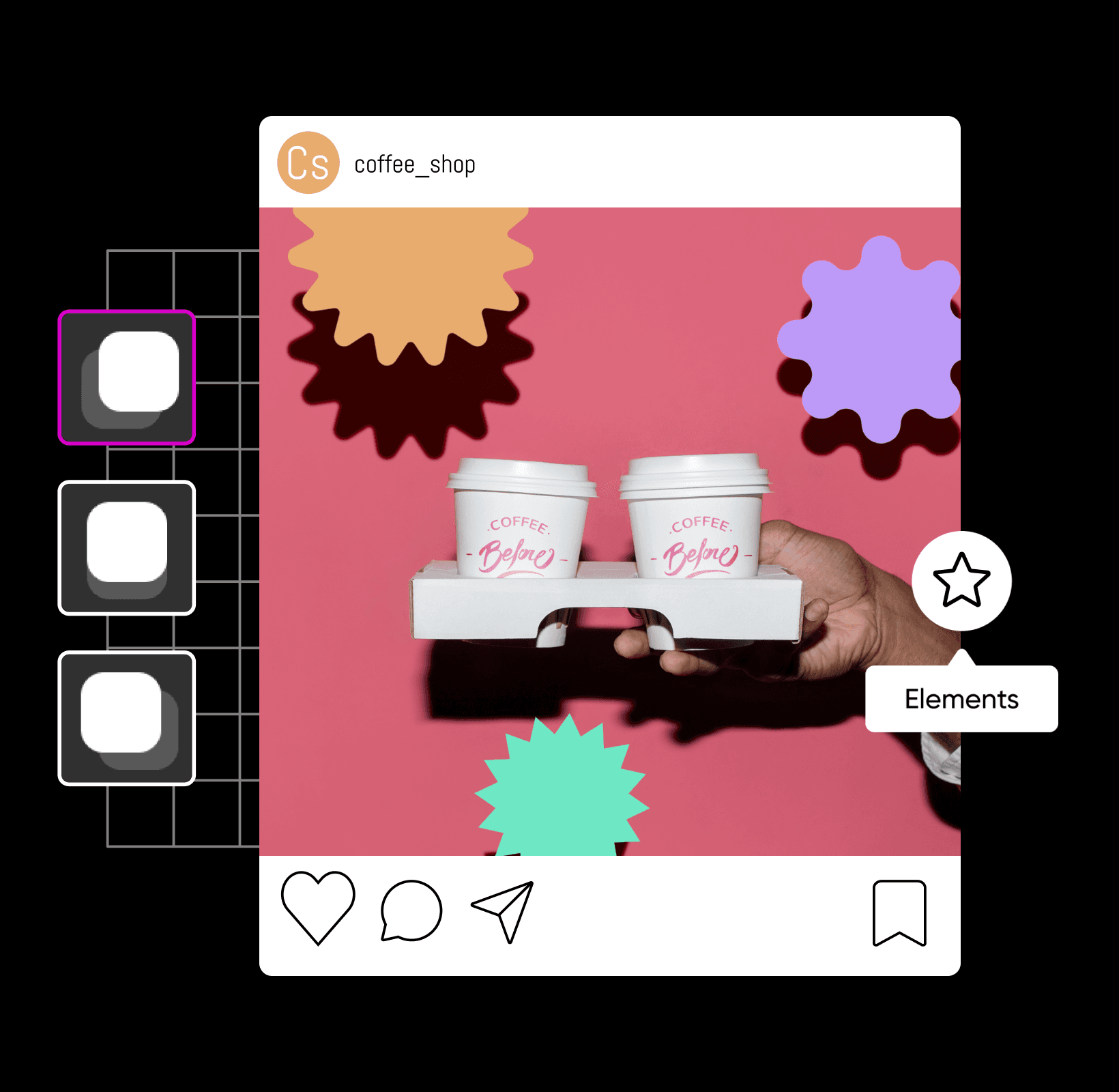
پیشہ ورانہ سایہ ایڈیٹنگ کے ساتھ اپنے ڈیزائن کو بلند کریں
تصویر میں سایہ کیسے شامل کریں
اپنی تصویروں کو سایہ ایڈیٹنگ کے ساتھ بہتر بنائیں
سائے کی تصویر ایڈیٹ کرنا شامل ہوتا ہے تصویر کو سائے تخلیق، ایڈٹ یا شامل کرنے میں۔ چاہے آپ اپنی آنے والی پروڈکٹ لانچ کررہے ہیں یا اپنی حالیہ فوٹو شوٹ کو ایڈیٹ کررہے ہیں، سائے کے اثرات کسی بھی قسم کی تصویر کو فوری طور پر بہتر بنا سکتے ہیں - فوٹو ایڈیٹنگ سے لے کر گرافک ڈیزائن تک۔ جب آپ اپنے تصویروں کو ایڈیٹ کرتے ہیں تصویر کے سایہ بنانے والے سے، آپ اپنے تصویروں کو محض چند کلکس میں انتہائی حقیقت پسندانہ سائے کے ساتھ اپ گریڈ کریں گے۔ اس طرح، آپ اسے ایسا نظر بنانے کے لئے بنا سکتے ہیں جیسے کوئی شے اپنی پس منظر پر سایہ ڈال رہا ہو جس سے ایک خوبصورت کمپوزیشن حاصل ہوتی ہے۔
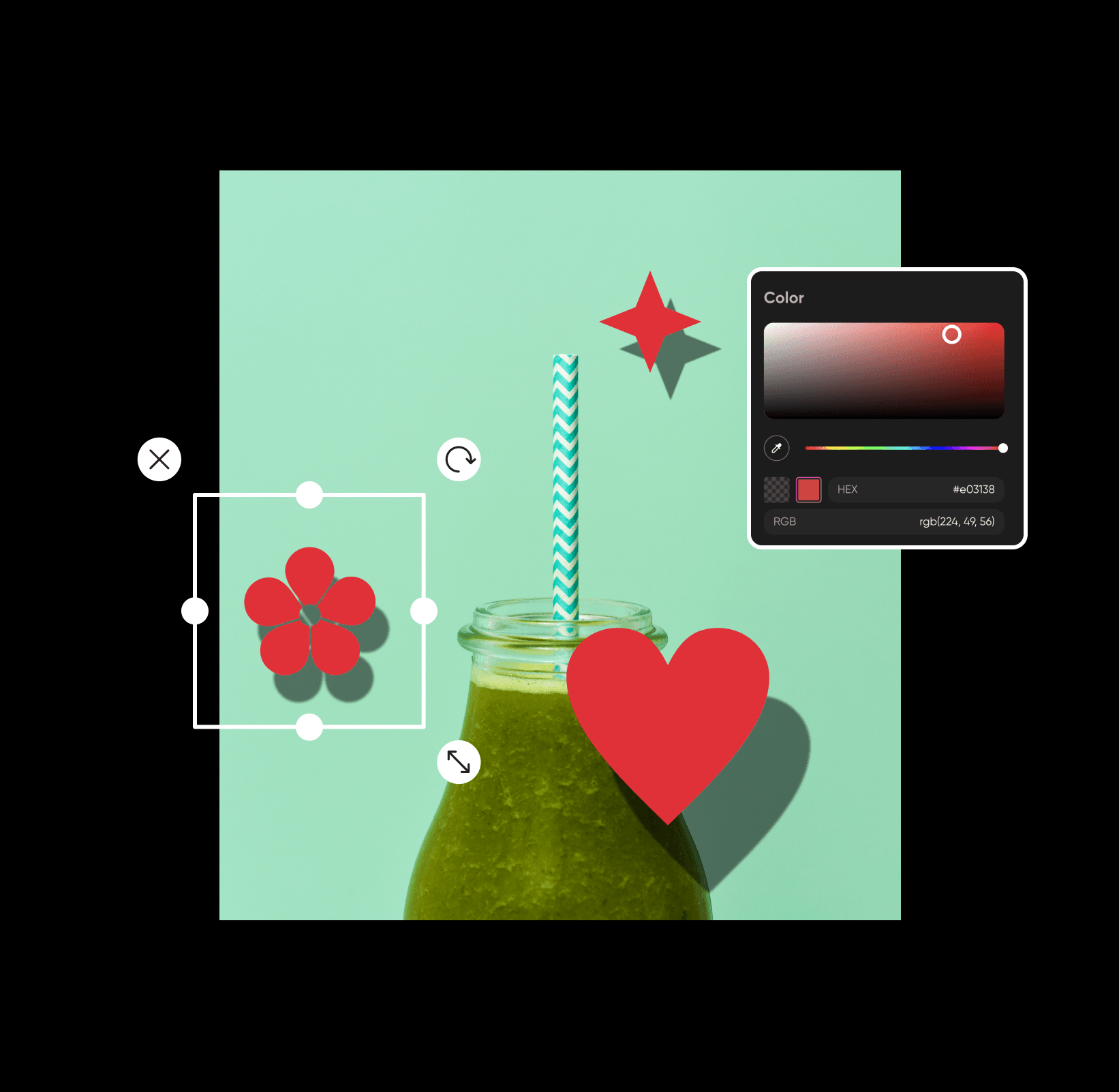
تصویروں میں آن لائن سایہ شامل کریں مفت میں
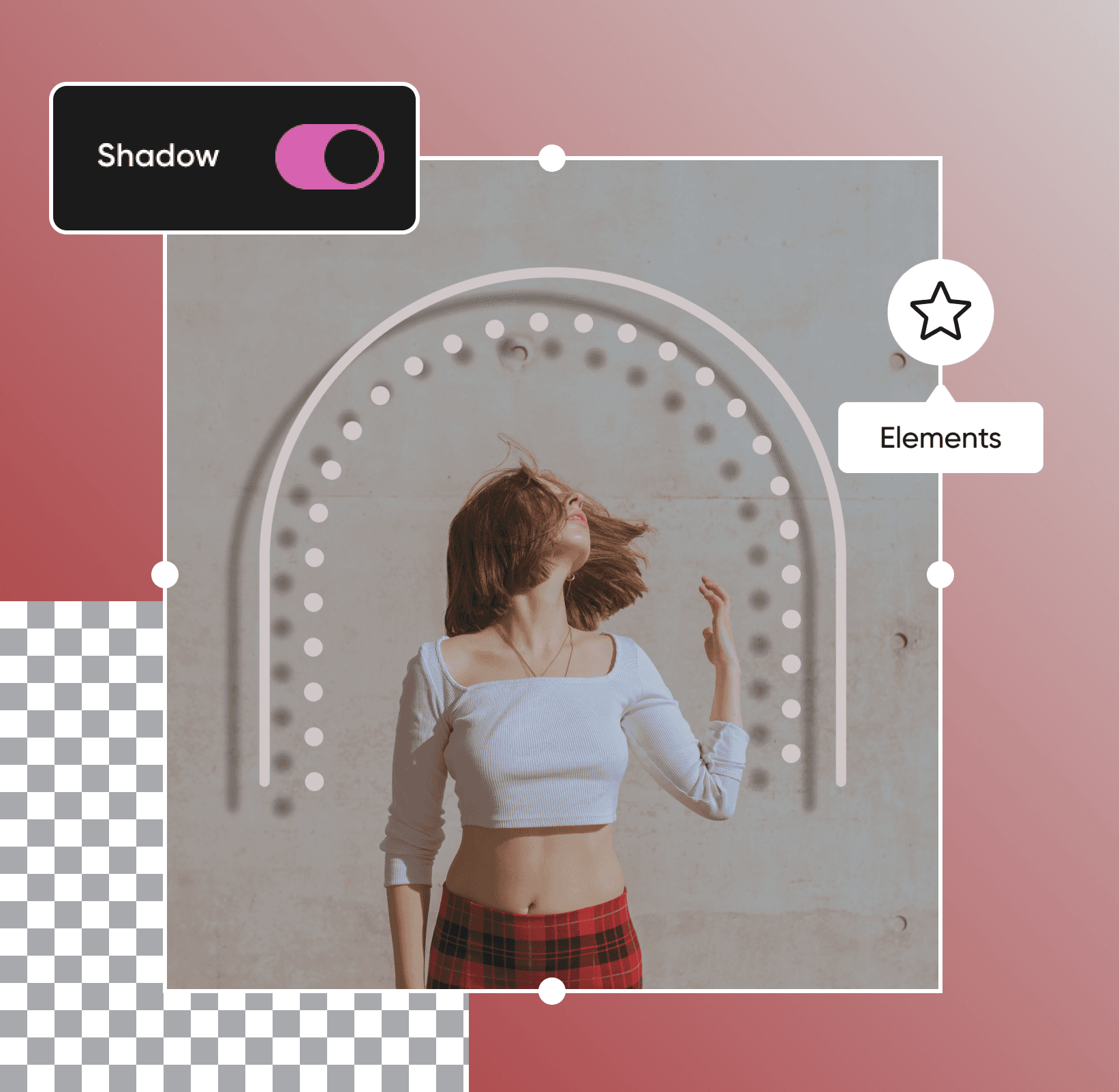
چھپے ہوئے اشیاء سے لے کر ہوورنگ ٹیکسٹ تک، سائے آپ کی پسندیدہ تصویروں میں محض چند سیکنڈ میں ڈراما اور فنکارانہ طرز و رنگ بھر سکتے ہیں۔ خوش خبری؟ چاہے آپ پرو ایڈیٹر نہ بھی ہوں، آپ ہمارے ابتدائی دوست فوٹو ایڈیٹر کی مدد سے آن لائن مفت میں تصویروں میں سائے شامل کر سکتے ہیں۔ اپنے تصویروں کو اگلی سطح تک لے جانے کے لیے، آپ کو صرف مختلف سائے اور ڈیزائن عناصر کے ساتھ کھیلنا پڑے گا تاکہ مکمل توازن حاصل ہو۔ یہ اتنا ہی آسان ہے!
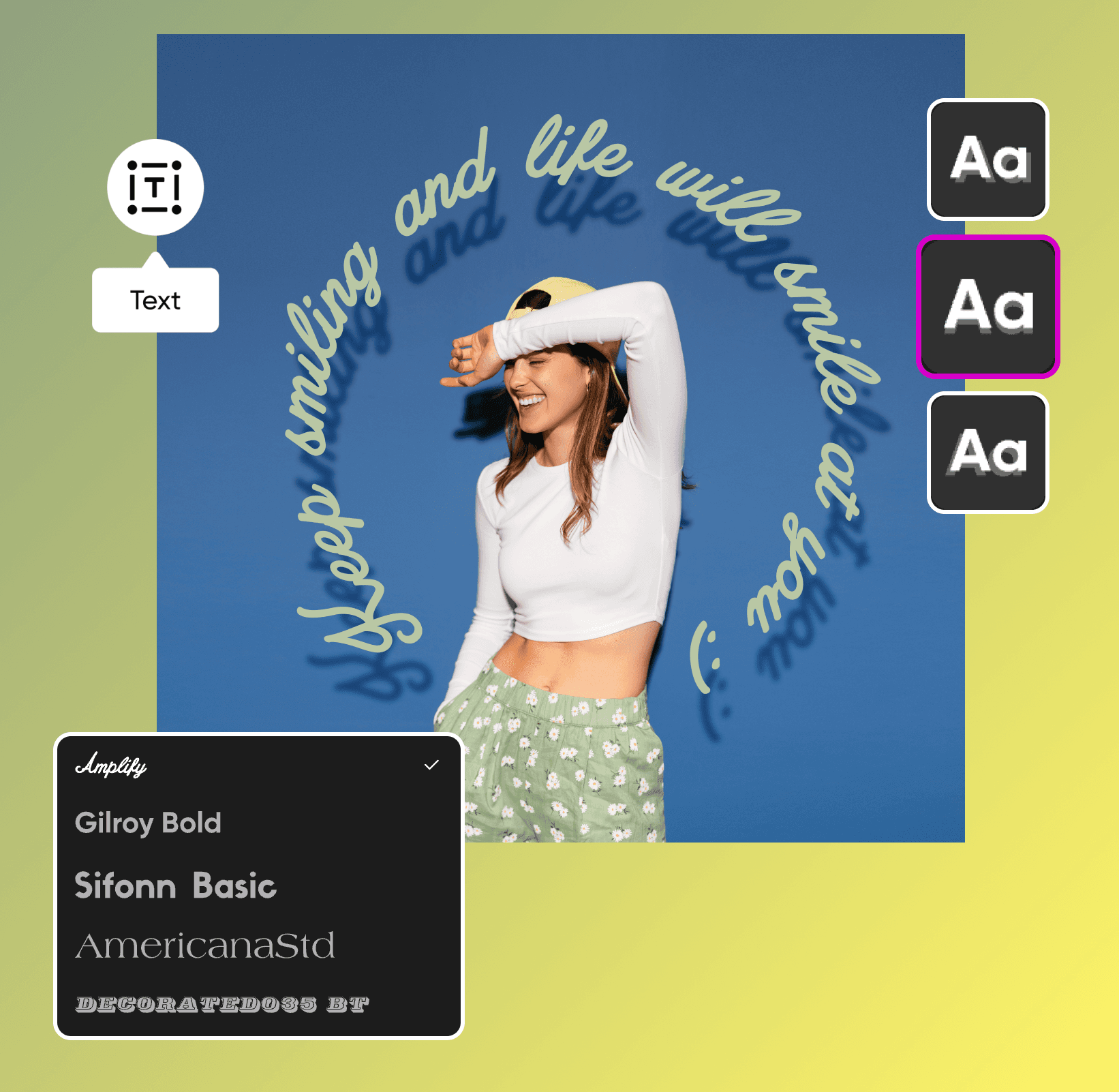
اپنا پیغام بھیجنے کے لئے ٹیکسٹ سایہ ایڈیٹنگ کا استعمال کریں
کیا آپ اپنے سامعین کے لئے صحیح پیغام بھیجنا چاہتے ہیں؟ چاہے آپ اپنے مارکیٹنگ مواد کے لئے آخری مراحل کا اضافہ کر رہے ہوں یا توجہ حاصل کرنے والے ایونٹ پوسٹرز پر کام کر رہے ہوں، سایہ ایڈیٹنگ آپ کے ڈیزائن میں بڑا فرق ڈال سکتی ہے۔ صرف چند کلکس کے ساتھ، آپ متن میں ڈراپ سائے شامل کر سکتے ہیں تاکہ آپکا پیغام پس منظر سے الگ ہو کر نظر آئے ہمارے آسانی سے استعمال ہونے والے سایہ فوٹو ایڈیٹر کے ساتھ۔ سائے آپ کے متن اور آپ کے ڈیزائن کا باقی حصہ کے درمیان اضافی تضاد پیدا کرتے ہیں، تاکہ آپ کو آسانی سے پڑھنے کسی بھی قسم کی رفتار کے لئے، ایک صاف ٹیمپلیٹ، اور مربوط نظر کے لئے پوری ڈیزائن میں پیشہ وارانہ نظر حاصل ہو۔
تصویری سایہ اثرات کے ساتھ اپنے پروڈکٹ تصویریں بہتر بنائیں
Etsy کے دکانوں سے لے کر چھوٹے کاروباری ویب سائٹس تک، ہمارا آنے والا ڈراپ سایہ خصوصیت کسی بھی وقت تصویری کمپوزیشن کو ڈراپ کی ساتھ حاصل کرنے کا فن مہارت بناتا ہے۔ اگر آپ کسی موجودہ تصویر میں نئے عناصر کا اضافہ کرتے ہیں، تو تصاویر کو ڈراپ شادوز کے ساتھ شامل کریں تاکہ آپ کی ترکیب زیادہ قدرتی اور متوازن نظر آئے۔ چاہے آپ پروڈکٹ تصویریں ایڈٹ کر رہے ہیں یا مارکیٹنگ پروموز، ہمارے ابتدائی دوستانہ ایڈیٹنگ ٹولز کا استعمال کریں اس سے پہلے کہ آپ اپنے ڈیزائن کو دنیا کے ساتھ شئیر کریں۔
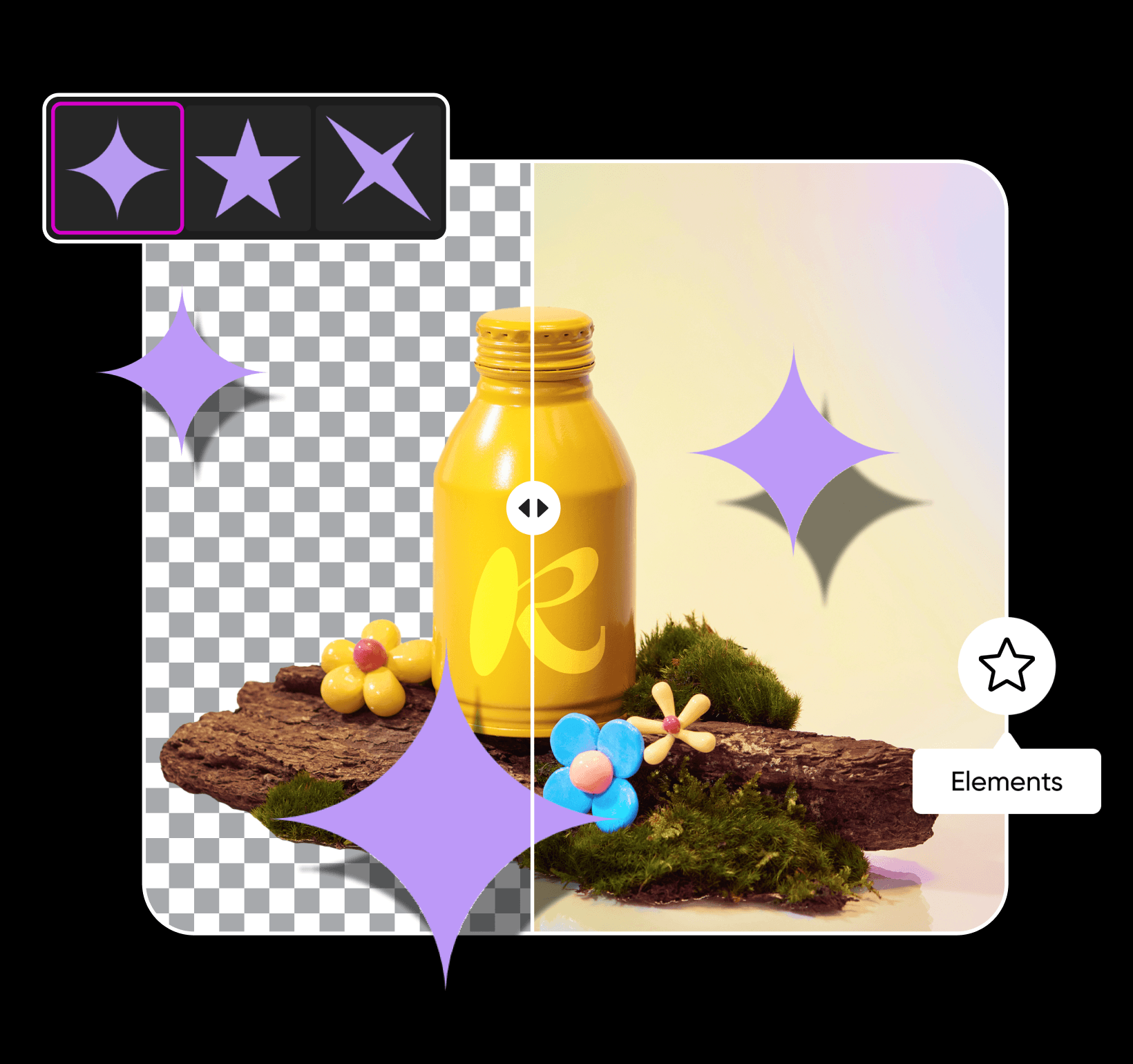
اپنے سائے کو حسب ضرورت اپنی مرضی کے مطابق بنائیں
کیا آپ کو اپنے سایے میں کچھ تبدیلیوں کی ضرورت ہے؟ تصویر میں سایہ شامل کرنے کے بعد، آپ اس کے رنگ، شفافیت، دھندلاپن، اور پوزیشن کے اوصلے بدل سکتے ہیں تاکہ ایک انتہائی حقیقت پسندانہ نظر کے لئے۔ جب آپ اپنا سایہ بہتر کر لیجیے تو، ہمارے پروگریڈ ایڈیٹنگ ٹولز کے ساتھ اپنی تصویروں کو اگلی سطح تک لے جائیں۔ اپنے اندر کے فنکار کو چینل کریں جدید فوٹو اثرات, جرات مندانہ حروف ، حسب ضرورت اسٹیکرز، اور دیگر ڈیزائن عناصر کے ساتھ تاکہ آپ کی تخلیقی صلاحیتیں چمکیں۔ چاہے آپ کا وژن کچھ بھی ہو، اس میں صرف چند منٹ لگیں گے Picsart کے ساتھ اپنی ایڈیٹس کو ذاتی بنانے میں۔
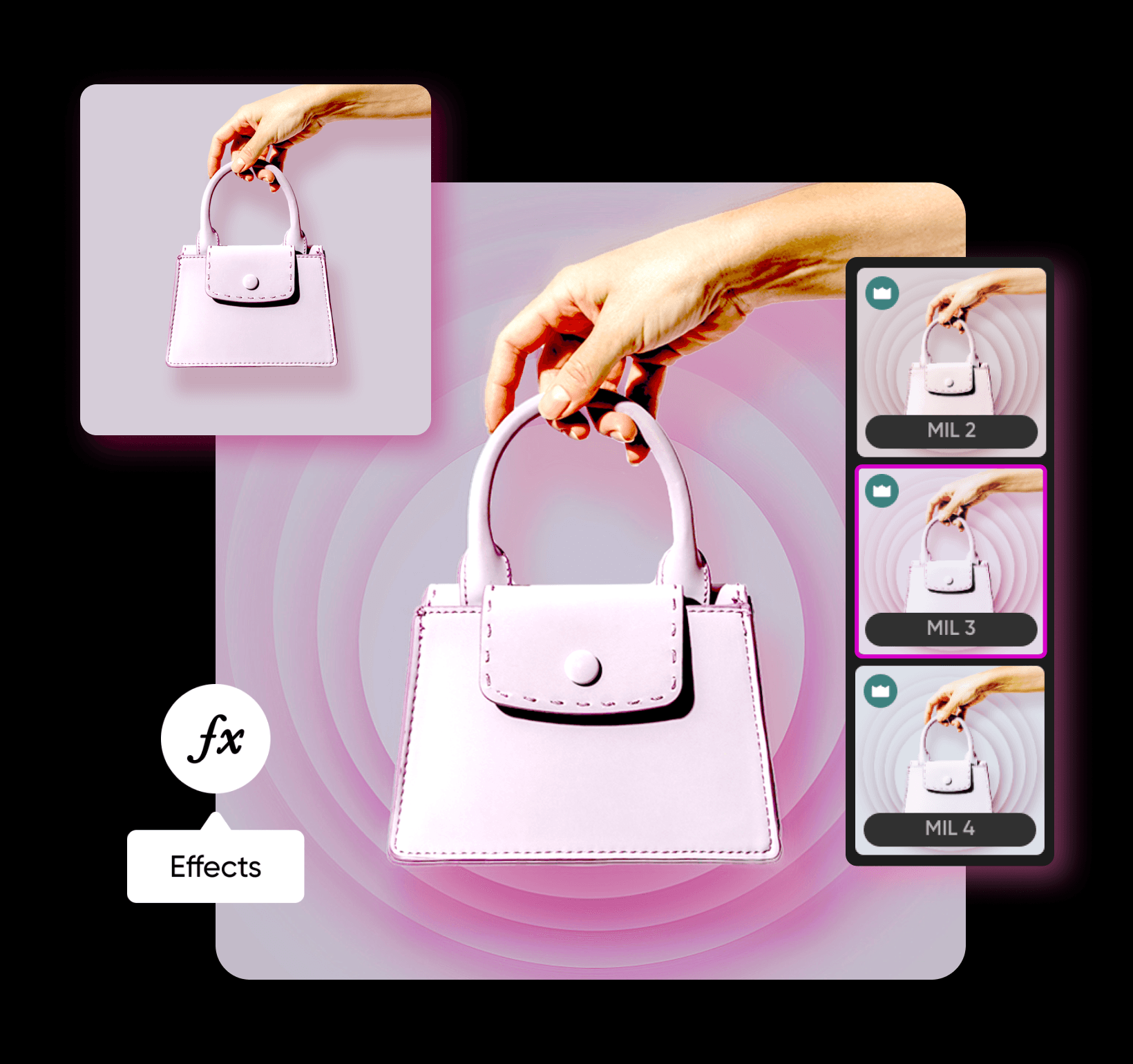
AI تصویری ماڈلز کے ساتھ تصویر میں سایہ شامل کریں
تصویری ماڈلز کا استعمال کریں تاکہ تصویر میں سایہ شامل کریں کو پالش کیے گئے بصریات، ڈیزائن آئیڈیاز، اور ایڈیٹ کے لائق مواد میں تبدیل کریں۔
تصویر میں سایہ شامل کریں سوالات کے جوابات
بائیں پینل کے ٹول بار پر عناصر کو کلک کریں اور ڈیزائن عنصر کا انتخاب کریں۔ وہاں سے، آپ عنصر میں سایہ شامل کر سکتے ہیں اور اس کے دھندلاپن، شفافیت، زاویہ، اور بہت کچھ کو ایڈجسٹ کر سکتے ہیں۔
پالش شدہ تخلیقی مواد کے لئے فوٹوز ایڈٹ کریں
Pro
Most popularAI tools for everyday creative work.
Ultra
Most powerfulHeavy AI usage for creators & teams.
Enterprise
Custom AI solutions for large organizations.
- Volume discounts on credit rate
- On-demand top-ups


